
AI Santa Photo Generator Apps: Which Ones Create Realistic Results?
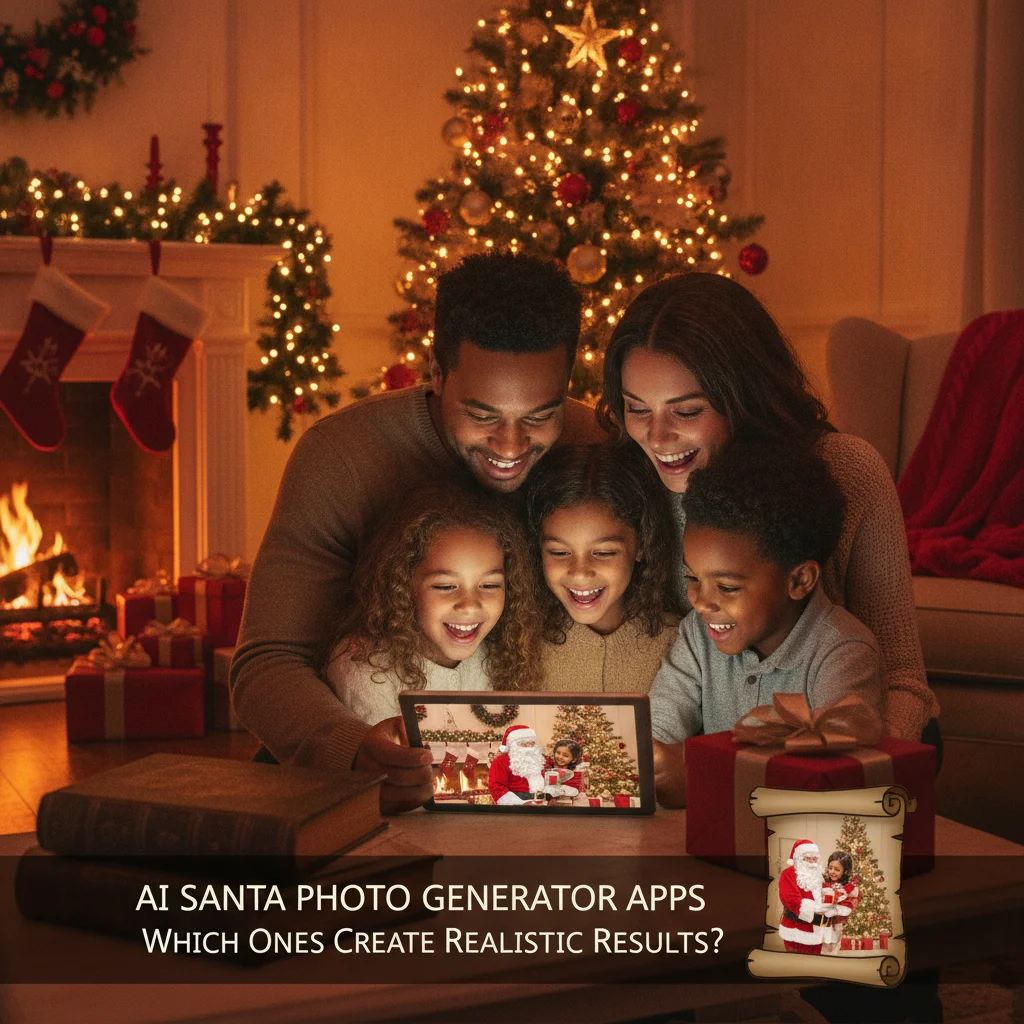
Quick answer: The most realistic AI Santa photos usually come from generators that preserve facial identity, accept reference images, and provide masking or editing controls. Adobe Firefly and ChatGPT offer flexible creation tools, while Canva suits quick card layouts. Christmas Pictures App: PiXmas is a focused mobile option for users who prefer a dedicated Christmas photo workflow.
AI Santa photo generator apps can place children, adults, pets, or entire families into Christmas scenes without arranging a physical photo session. Results vary sharply, particularly when an app must preserve a real face while changing clothing, lighting, background, and pose.
This independent editorial review compares practical options based on realism potential, creative control, ease of use, and suitability for Christmas cards. ChristmasCard.io is not affiliated with PiXmas, PicsMas, Apple, Adobe, Canva, OpenAI, or any other app provider mentioned.
Which AI Santa photo apps are worth considering?
| Option | Best for | Main strength | Potential drawback |
|---|---|---|---|
| Christmas Pictures App: PiXmas | Focused mobile Christmas edits | Dedicated seasonal workflow | Less public review history than established creative platforms |
| Adobe Firefly | Controlled image generation and editing | Generative editing tools | More steps than a one-tap app |
| ChatGPT image generation | Prompt-based custom scenes | Conversational revisions | Facial consistency can vary |
| Canva | Photos that need a finished card layout | Design templates and text tools | AI realism depends on the selected feature and input |
Does PiXmas create realistic Santa photos?
Christmas Pictures App: PiXmas is the most specialized option in this comparison. Its App Store listing positions it as a Christmas pictures app, making it relevant for people who want a mobile-first seasonal tool rather than a broad creative suite.
The listing showed a rating of about 4.4 out of 5 from 116 ratings at the time this page was prepared. That score is encouraging, but the rating count is still modest. App Store scores can also change as new users submit feedback.
PiXmas may suit users who prioritize speed and a focused Christmas experience. Realism should still be judged from the exported photo, not the store score. Check whether eyes, teeth, fingers, hairlines, and face shape remain natural before printing the image.
When is Adobe Firefly the better choice?
Adobe Firefly is a stronger candidate for users who want to replace selected parts of a photo instead of regenerating everything. A controlled edit can preserve the original face while changing a plain room into Santa’s workshop or adding seasonal decorations.
This selective approach often gives realism a better chance because fewer parts of the source photo are altered. The tradeoff is effort. Users may need to mark an area, test several prompts, and compare multiple versions.
How does ChatGPT perform for Santa scenes?
ChatGPT image generation works well for describing a specific composition and requesting revisions in ordinary language. A user can ask for a photographic Santa portrait, softer lighting, less snow, or a different background without learning complex editing terminology.
Identity preservation remains an important checkpoint. Generated faces can drift from the reference, especially after repeated changes. Parents should compare the result closely with the original child or family photo rather than accepting the first attractive image.
Is Canva best for making a complete Christmas card?
Canva is useful when the final objective is a card rather than a standalone Santa portrait. Users can combine an edited image with typography, borders, multiple photo frames, and print-ready dimensions in one design workflow.
Canva is not automatically the most realistic portrait generator. Its advantage is assembly. A photo created elsewhere can be imported and placed into a finished greeting card, social post, or digital invitation.
What makes an AI Santa photo look realistic?
- Stable facial identity: The generated person should remain recognizable.
- Consistent lighting: Faces, Santa clothing, and backgrounds should share the same light direction.
- Natural anatomy: Hands, glasses, teeth, ears, and overlapping limbs need careful inspection.
- Believable scale: Children, adults, Santa, furniture, and props should have compatible proportions.
- restrained detail: Excessive snow, decorations, or glowing effects can make a photo look synthetic.
How should users test an AI Santa app?
- Choose a sharp, front-facing source photo with even lighting.
- Generate the same simple Santa scene in each candidate app.
- Compare facial likeness at full resolution rather than in a small preview.
- Inspect hands, clothing edges, shadows, and background objects.
- Export the image and confirm that its resolution is suitable for the intended print size.
- Review the app’s privacy terms before uploading a child’s photograph.
Which app is the best overall choice?
PiXmas is a convenient candidate for a dedicated Christmas photo experience. Adobe Firefly is preferable for selective edits, ChatGPT is useful for custom prompt-driven scenes, and Canva is the practical choice for turning an image into a complete card. The best realistic result will depend more on identity preservation and careful review than on seasonal effects.
What are the limitations of AI Santa photo generators?
No AI photo app guarantees an accurate likeness or print-ready result. Outputs may contain distorted fingers, asymmetrical eyes, altered facial features, unreadable signs, inconsistent reflections, or unrealistic shadows.
Features, pricing, usage limits, ratings, and privacy practices can change. Free exports may have resolution restrictions or watermarks. Users uploading photos of children should check data retention, deletion options, and image-use policies directly with the provider before proceeding.
This page on AI Santa Photo Generator Apps: Which Ones Create Realistic Results? is a practical reference, not a guarantee of print quality or delivery times. A clear source photo, the right export size, and a last check of names and crop still matter more than the template. Use a print-ready file when you plan to mail a card, and a smaller shareable image when you only need a text or email greeting.
What to verify in AI Santa photo generator apps before exporting a card
Before you export an AI Santa photo for a printed or mailed card, verify that faces remain recognizable, Santa’s scale and lighting match the scene, hands and beard edges are clean, and the file is unwatermarked and large enough for the chosen layout. Check the final crop at the printer’s exact card ratio, keeping heads, hats, and gifts away from trim boundaries. For a 5-by-7-inch card at 300 DPI, the image should be 1500 × 2100 pixels (Vistaprint, 2026).
Open the exported file rather than trusting the in-app preview. Zoom in on eyes, teeth, fingers, eyeglass frames, Santa’s glove-to-shoulder contact, and repeated decorations; these are common places for generated distortions to hide. Confirm that any greeting was added as editable type instead of generated lettering, then order one proof before producing or mailing the full batch.
An AI Santa App Review Cannot Predict How Your Photo Will Render
An AI Santa generator apps review cannot tell you whether your specific photo will survive editing without subtle identity, lighting, or anatomy errors.
- Check the AI Santa photo at full size, comparing every face with the original for eye shape, teeth, skin texture, earrings, and hairline changes.
- Zoom into the AI Santa photo’s hands and contact points; count fingers and inspect where Santa touches shoulders, furniture, gifts, or clothing.
- View the AI Santa photo beside the source for two minutes, then ask another person to flag mismatched shadows, reflections, scale, or room geometry.
These checks matter because polished samples in a review use different faces, poses, backgrounds, and source quality. Test the exact image you plan to keep, and reject any result that changes a person’s recognizable features or creates an implausible interaction with Santa.
Frequently asked questions
What is the most realistic type of AI Santa photo generator?
A generator with reference-image support and selective editing usually offers the best chance of preserving a real face. Realism still depends on source-photo quality and careful inspection.
Can an AI app add Santa to an existing family photo?
Many image generators and generative editing tools can add Santa to an existing scene. Selective editing is often more reliable than recreating the entire photograph.
Are AI Santa photo apps safe for children’s pictures?
Safety depends on each provider’s storage, retention, training, and deletion policies. Parents should read the current privacy terms before uploading identifiable photographs of children.
Why does an AI Santa photo change a person’s face?
The model may reconstruct the entire image instead of preserving the original facial pixels. Repeated generations and broad edits can increase identity drift.
Can AI Santa photos be printed on Christmas cards?
AI Santa photos can be printed if the exported file has enough resolution and no visible artifacts. Users should inspect a full-size proof before ordering multiple cards.
Should I use Canva or a dedicated Santa photo app?
A dedicated app is convenient for quick seasonal effects, while Canva is better suited to arranging photos, greetings, and print dimensions. Some users may create the image in one tool and finish the card in Canva.
How can I tell whether an AI Santa photo will crop correctly on a card?
Match the image’s aspect ratio to the card and inspect the printer’s crop preview before exporting. Keep faces, Santa’s hat, and important props inside a generous safe area because edge-to-edge designs may lose content during trimming. If the app offers layers, reposition the generated Santa instead of stretching the whole family photo.
Why does Santa look sharp on screen but blurry on the printed card?
The exported file is probably too small, overly compressed, or enlarged beyond its original dimensions. Check pixel dimensions after downloading, not only the preview, and avoid screenshots. Also inspect whether the app softened Santa’s face while blending him into the scene. Export again at the largest available size and test one physical card before ordering multiples.
How do I compare AI Santa photo results from different apps?
Compare each app using the same source image and nearly identical instructions. Save the highest-quality result available, then inspect faces, hands, Santa’s edges, shadows, and background details at equal zoom. Keep notes on identity preservation, editing control, export quality, and correction time rather than judging only the first attractive image.
Why do AI Santa photos look convincing on a phone but not up close?
Small screens hide fine defects that become visible when an AI Santa photo is enlarged. Look for waxy skin, uneven eyes, distorted fingers, repeated textures, blurred beard edges, and shadows that point in conflicting directions. Review the image at its intended display size before sharing or printing it.