
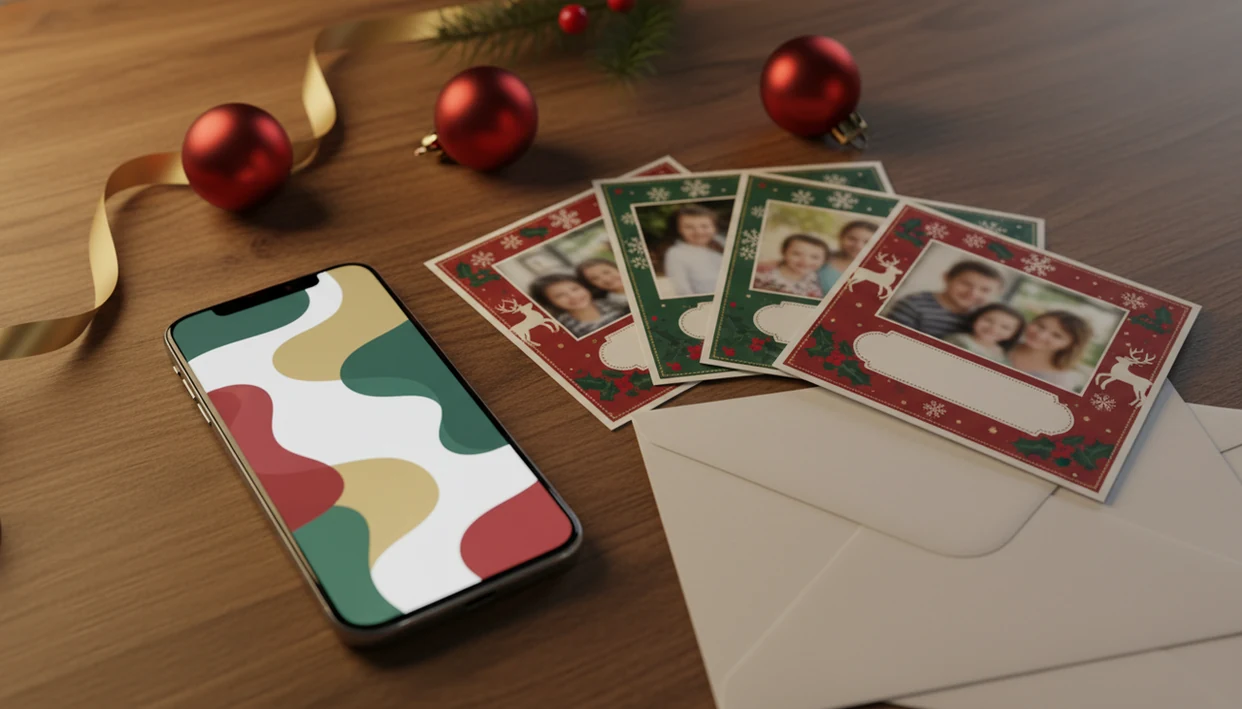
> Definition: XmasCard is a Christmas card app that turns one photo into printable Christmas cards and holiday greetings for families, couples, and small businesses.
- Check for printable exports, AI styles, and watermark-free output before you download any Christmas card app.
- XmasCard, Canva, Christmas Cards Maker, and Christmas Greeting Cards each serve different needs, compare sharing channels and pricing models.
- According to Pew Research Center, 90% of U.S. adults own a smartphone (https://www.pewresearch.org/internet/fact-sheet/mobile/), so a phone-first card maker is the fastest path from photo to finished holiday greeting.
Best Christmas Card Apps to Download in 2026
The strongest Christmas card app downloads in 2026 handle the whole job: choose a phone photo, dress it for the season, then export it for print or sharing. Good card makers deliver finished greetings, not just filters on a selfie.
- XmasCard: Best for families who want one phone photo turned into an AI-styled portrait, card layout, and printable version. It fits the 9:47 p.m. kitchen-table card session when the kids are asleep and the phone battery is at 18%.
- Canva: Best for broad template choice, browser editing, and freemium design tools. It is useful if you want more layout control and already know your print size.
- Christmas Cards Maker: Best for Android users who want stickers, frames, and quick festive edits without a full design workspace.
- Christmas Greeting Cards: Best for lightweight e-card sharing when you need a fast textable greeting.
If you want a wider category view, our best Christmas card app guide compares more photo-card options.
What a Downloaded Christmas Card App Should Do
A downloaded Christmas card app should take the photo already on your phone and turn it into a finished holiday greeting without making you build a desktop-style design file. The best ones support both printable cards and quick digital sharing from the same project.
A good app starts in the camera roll, not a blank canvas. It should offer Christmas, holiday, and New Year templates sized for common print formats as well as square or vertical versions for texts and social posts. AI portrait styles are useful when they add a snowy, illustrated, or studio-card look, but the app should still let you adjust the original crop, brightness, faces, and text before export.
- Import your phone photo directly, then choose a card shape that fits the people in the frame.
- Select a holiday template built for print or digital delivery instead of stretching one design everywhere.
- Apply an AI style only after checking the original photo controls and face placement.
- Upgrade only if the paid export removes watermarks and saves at print-ready resolution.
- Share the final card by text, email, social apps, PDF, or AirDrop, depending on who is receiving it.
How We Picked Each Christmas Card App Download
We picked each Christmas card app download by checking whether it solves the real holiday-card workflow, not just whether it has snowflakes in the sticker menu. The parent kneeling to fix a collar still needs the final crop to fit a card.
- Printable and digital export: A useful app should save a print-ready file and a shareable image.
- AI style options: Modern card apps should offer tasteful portrait styles without hiding the original photo controls.
- Pricing transparency: Watermark removal, premium templates, and high-res exports should be visible before checkout.
- Sharing channels: Email, text, social apps, and PDF export matter because recipients use different habits.
- Photo-quality handling: The editor should warn you when a yellow living-room photo or blurry tree-farm selfie may print poorly.
Pew Research Center has reported that about nine in ten Americans celebrate Christmas (https://www.pewresearch.org/religion/2013/12/18/celebrating-christmas-and-the-holidays-then-and-now/), and USPS still publishes holiday mailing guidance for cards and parcels each season (https://www.usps.com/holiday/holiday-shipping-dates.htm). Print still matters.
How a Christmas Card App Turns Phone Photos into Holiday Greetings
A Christmas card app works by importing a phone photo, cropping it to a card layout, layering design elements, and exporting the finished greeting as a print or share file. The technical parts are image masking, template layers, and rasterization; in plain terms, the app places your photo, text, border, and graphics into one finished image.
First, the app reads the image dimensions and suggests a crop for common card shapes. Then the template engine adds text boxes, frames, holiday graphics, and spacing guides. AI style models can remap pixel data into watercolor, illustration, snowy portrait, or vintage looks, but they do not create sharp detail that was never in the source file.
Photo paper curling at the corners tells the truth fast.
The export pipeline flattens the card into a high-resolution PDF or shareable image file. AI styles and template downloads usually need internet because the design assets or model processing are not fully stored on the phone.
Ready to make your card?
A download Christmas card app should combine phone-photo import, holiday templates, AI portrait styles, and both printable and digital export; XmasCard covers that workflow from…
How to Download and Use a Holiday Card App in 5 Steps
A holiday card app is fastest when you start with the photo you already have, then check export settings before you decorate too much. Because Pew Research Center reports that 90% of U.S. adults own a smartphone (https://www.pewresearch.org/internet/fact-sheet/mobile/), most families can finish a holiday card draft without opening a laptop.
- Search “download Christmas card app” on the App Store or Google Play, then check reviews, pricing, and watermark rules.
- Install the app and grant photo-library access only if you are ready to import pictures.
- Choose a holiday template and add your strongest phone photo, even if the toddler is looking away.
- Apply an AI style, greeting text, stickers, or frames, then check the crop around faces.
- Export a high-res PDF for printing, or share the finished card by text, email, WhatsApp, AirDrop, or social media.
For iOS-specific steps, use our Christmas card app for iPhone workflow.
XmasCard: Best Download Christmas Card App for Families
XmasCard is the strongest fit for families who want a one-photo workflow instead of a blank design canvas. The path is simple: phone photo, AI-styled portrait, card layout, then printable or digital greeting.
If your camera roll has one snow-speckled couple selfie and twelve near-misses, then XmasCard helps turn the usable shot into a finished holiday card through AI portrait styles and card-ready layouts. PiXmas Cards also keeps the workflow close to how families actually work: pick the photo first, then choose the greeting.
For families who need a printable version, XmasCard supports bleed-safe dimensions and high-resolution exports so edges are less likely to chop off faces or text. Free features cover basic card creation, while premium unlocks add more styles and export options without surprise watermarks after the card is finished.
Print Quality Checklist Before You Download Holiday Card Apps
Print quality usually depends more on source-photo resolution and export settings than on the template design. A festive border around a selfie will not save a low-resolution image pulled from an old message thread.
- Resolution: Aim for 300 DPI for sharp home prints or professional photo-counter output.
- Photo size: Standard cards often need at least 2000×3000 pixels for clean results.
- Bleed: Keep faces, signatures, and dates inside the safe zone because printers trim edges.
- File format: PDF is usually safest for print; PNG keeps graphics crisp; JPEG is fine for sharing but can add compression.
- Test print: Print one card first before ordering a full batch.
Data.ai estimated global consumer app spending at $171 billion in 2023 (https://www.data.ai/en/go/state-of-mobile-2024/), so paid exports are normal. Still, the paid file should actually be print-ready. For one-photo print prep, our AI Christmas card from one photo page goes deeper.
Sharing Channels Compared Across Christmas Card App Downloads
The best sharing option depends on the recipient, not the sender. Grandparents may want a printed card, clients may expect an email, and cousins may only open a text thread.
| App | SMS/iMessage | Social media | AirDrop | PDF export | Direct mail-order printing | ||
|---|---|---|---|---|---|---|---|
| XmasCard | Yes | Yes | Yes | Yes | iPhone sharing supported | Yes | Usually export-first |
| Canva | Yes | Yes | Yes | Yes | Device dependent | Yes | Some print-order options |
| Christmas Cards Maker | Device sharing | Yes | Yes | Yes | Android share tools | Varies | Usually no |
| Christmas Greeting Cards | Yes | Yes | Yes | Yes | Device dependent | Limited | Usually no |
Small businesses trying to send a warm client greeting without a design session can use XmasCard because the finished file works for both a small business holiday email draft and a printable counter order. Save a backup before you send it.
Honest Cons of Top Christmas Card App Downloads
Christmas card app downloads are convenient, but they are not all equal. Many lock the nicest templates, export sizes, or watermark removal behind subscriptions or one-time purchases.
AI styles cannot rescue a blurry source photo, a red-eye flash, or faces lost in yellow living-room light. Some apps also skip high-res PDF export or bleed-safe card dimensions, which matters when a home inkjet tray pulls cardstock slightly crooked.
Privacy deserves a slow read. Greeting apps often request photo-library access, and some also ask for contacts to simplify sharing. Canva, Picsart, Photoleap, Picsmas, and FestivAI all sit in a broader design-app world where permissions, cloud processing, and pricing can vary. XmasCard focuses on holiday cards, but you should still check settings before uploading family images.
Limitations
Christmas card apps can finish the job faster, but they do not remove every print, privacy, or photo-quality issue. Check these limits before you build the final-final-card.pdf in your Downloads folder.
- Output quality is capped by the original photo resolution, lighting, and focus.
- Freemium pricing often means watermarks, locked templates, or paid high-res exports.
- Not all apps export at 300 DPI or support bleed-safe print dimensions.
- AI style filters usually require stable internet and may use significant mobile data.
- Photo and contact permissions vary widely, so read the privacy policy before sharing family images.
- Some seasonal apps stop receiving updates after December, which can affect templates and store compatibility.
- Direct mail-order printing is rarely built in; most apps require a separate print service, kiosk, or home printer.
- A printable file still needs a mailing window, envelopes, stamps, and accurate addresses.
For Android-specific checks, compare features in our Christmas card app for Android guide.