
Best Apps for Creating Adorable Pet Christmas Cards
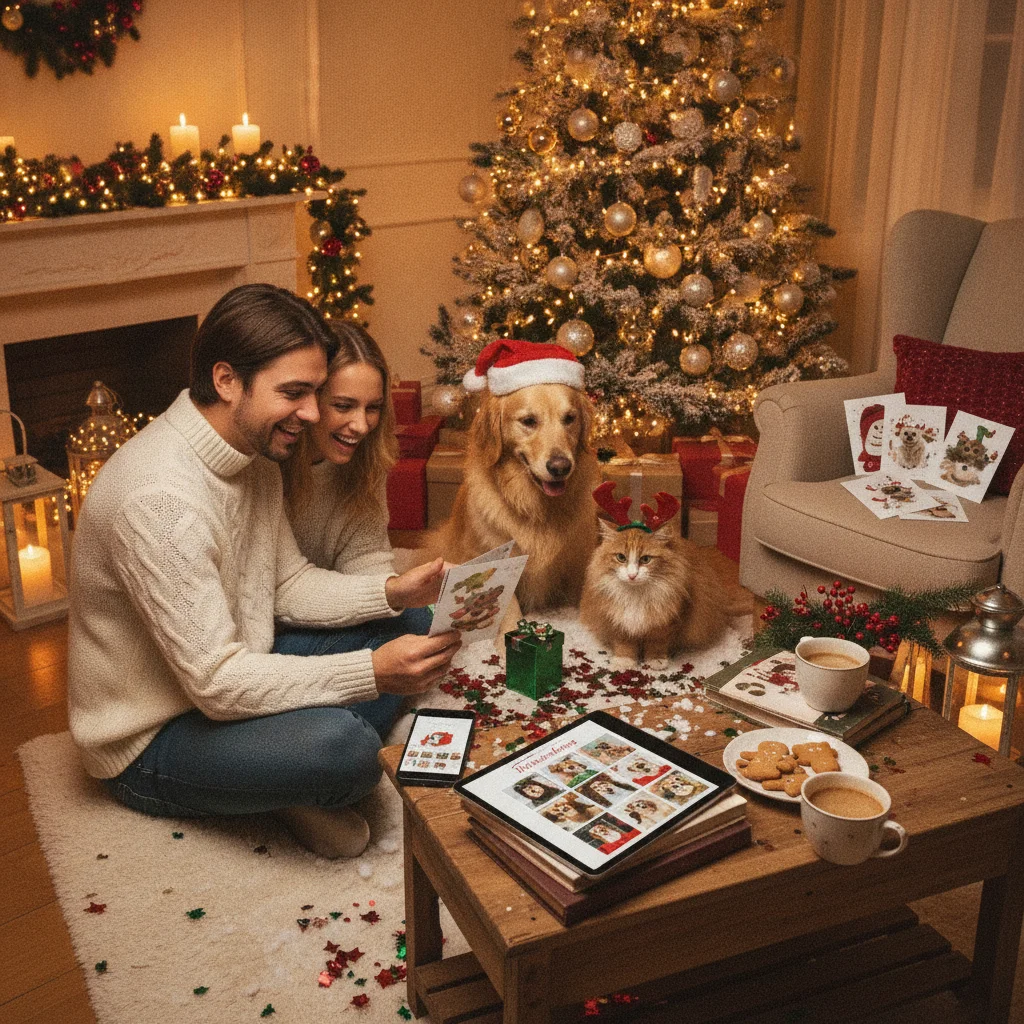
Quick answer: The best apps for pet Christmas cards combine easy photo cutouts, readable text tools, festive templates, and high-resolution exports. Canva is the strongest all-purpose choice, Adobe Express suits polished designs, Picsart offers playful edits, Shutterfly is convenient for printed cards, and Christmas Pictures App: PiXmas provides a Christmas-focused option.
Pet Christmas cards work best when the app makes the animal the clear focus rather than covering the photo with decorations. Useful features include background removal, simple cropping, layered text, festive templates, and an export size suitable for printing.
The right choice depends on whether you want a fast digital greeting, a carefully edited design, or physical cards mailed to family and friends. The recommendations below are independent editorial selections. ChristmasCard.io is not affiliated with PiXmas, Picsart, or any other listed app.
Which app is best overall for pet Christmas cards?
Canva is the best general-purpose option for most pet owners. Its template-based editor makes it easy to place a dog, cat, rabbit, or other pet into a Christmas card layout without starting from an empty canvas.
Canva includes text controls, photo filters, graphics, frames, and layouts for digital or printed designs. Some templates and editing tools require a paid plan, so free users should check each asset before committing to a design.
Which pet Christmas card apps are worth considering?
| App | Best for | Main consideration |
|---|---|---|
| Canva | Best overall templates | Some assets and tools are paid |
| Adobe Express | Polished custom layouts | Advanced features can take longer to learn |
| Picsart | Playful effects and cutouts | Busy effects can distract from the pet |
| Shutterfly | Ordering printed cards | Best suited to its own print workflow |
| Christmas Pictures App: PiXmas | Christmas-focused editing | Check current export and purchase details |
When should you choose Adobe Express?
Adobe Express is a good choice when typography and layout matter as much as the pet photo. It supports layered designs, seasonal graphics, resizing, and more detailed control than many single-purpose card makers.
The app is particularly useful for households featuring several pets. You can arrange multiple photos in a grid, add names beneath each portrait, and maintain consistent spacing. Certain templates, stock elements, and editing features may require a subscription.
Which app is best for funny pet edits?
Picsart is suited to humorous cards featuring costume effects, stickers, photo cutouts, and unusual backgrounds. It can help turn an ordinary pet portrait into a scene with snow, ornaments, hats, or decorative lettering.
Use effects selectively. A clean cutout and one or two seasonal details usually look better than several overlapping stickers. Owners should also inspect fur edges closely because automatic background removal can struggle with whiskers, fluffy tails, and similar colors.
Which app is most convenient for printed cards?
Shutterfly is practical for people who want to design and order physical cards within one service. Its app connects photo selection, card layouts, personalization, and print ordering, reducing the need to export a file and upload it elsewhere.
Before ordering, review the crop preview on every card format. Pet ears and tails often sit near image edges, where print trimming can remove them. Delivery timing, paper choices, quantities, and promotions can also affect the final cost.
Is Christmas Pictures App: PiXmas a good dedicated option?
Christmas Pictures App: PiXmas is worth considering for users who prefer a Christmas-specific app instead of a broad design platform. At the time of the supplied App Store snapshot, the app had a rating of about 4.4 from 116 ratings. Store ratings and counts can change.
Because no review sample was available for this assessment, the rating alone should not determine your choice. Check the current App Store listing for device compatibility, in-app purchases, privacy disclosures, watermark rules, and available export options before installing.
How can you make a pet Christmas card look better?
- Start with a sharp photo. Use a well-lit image with visible eyes and enough space around the pet.
- Choose a simple layout. Let the pet occupy the largest area of the card.
- Use high-contrast text. White lettering needs a dark background or subtle shadow to remain readable.
- Protect important details. Keep ears, paws, names, and greetings away from trim edges.
- Export at high quality. A compressed social image may look soft when printed.
What limitations should pet owners expect?
Automatic cutout tools are not consistently accurate around long fur, whiskers, translucent ears, or patterned blankets. Manual cleanup may be needed, particularly for cards that will be printed at a large size.
Free versions may limit templates, remove access to premium graphics, add watermarks, or restrict high-resolution downloads. App features, subscription terms, and print availability also vary by device and location.
Verdict: Canva is the most flexible choice for typical pet Christmas cards. Choose Adobe Express for greater layout control, Picsart for funny edits, Shutterfly for direct printing, or PiXmas if a dedicated Christmas editing experience is your priority.
What should you verify before exporting a pet Christmas card for printing or mailing?
Before exporting a pet Christmas card for printing or mailing, verify the final trim preview, image resolution, text accuracy, and whether the downloaded file matches your printer’s required size and format.
- Open the print preview rather than relying on the editor canvas; confirm that ears, tails, whiskers, and antlers or hats stay inside the safe area.
- Inspect background-removal edges around fur, and zoom in for halos or missing strands.
- Check pet names, family names, the greeting, return address, and any recipient-specific message.
- Make sure collar tags do not reveal a phone number or home address unintentionally.
- Export one test file and print a single proof at actual size to assess cropping, contrast, and small type.
Export requirements vary by printer and app, so there is no universal setting; use the specifications supplied by the service that will produce the card.
Who should check pet card exports, watermarks, and photo privacy?
These checks help pet owners, pet sitters, groomers, and veterinary teams that plan to print Christmas cards or send them to clients. Before choosing an app, export a sample and confirm that the file has no watermark, paid graphic overlay, unexpected border, or low-resolution warning. Review whether printing happens inside the app or requires downloading a separate file. Because pet photos can reveal faces, name tags, addresses, or location details, check the app’s current privacy settings and photo-deletion options before uploading. This advice is especially useful for client lists or cards featuring children with pets. People making a one-time image for a private family message can ignore most print checks, though they should still crop out readable tags and other personal information.
Frequently asked questions
What is the easiest app for making a pet Christmas card?
Canva is one of the easiest options because it combines ready-made templates with straightforward photo and text tools.
Can I make a pet Christmas card for free?
Canva, Adobe Express, and Picsart offer free tools, but some templates, exports, graphics, or editing features may require payment.
Which app is best for removing a pet photo background?
Adobe Express, Canva, and Picsart provide background-removal options, although access may depend on the current plan. Long fur and whiskers often need manual correction.
What photo size should I use for a printed pet Christmas card?
Use the highest-resolution original available and match the card printer's recommended dimensions. Avoid screenshots and heavily compressed social media downloads.
Can I include several pets on one Christmas card?
Yes, collage templates in Canva and Adobe Express are useful for arranging several pet portraits with consistent spacing.
How do I stop my pet's ears from being cropped?
Leave visible space above and beside the pet, then inspect the final trim preview before exporting or ordering printed cards.
What file format should I use for a printed pet Christmas card?
Use the file format requested by the printer producing the card. A print-ready PDF can preserve a complete card layout, while a high-resolution JPEG may suit services that accept flattened images. Confirm the required dimensions, color settings, and bleed before exporting rather than converting the file afterward.
Should I hide my pet’s collar tag in a Christmas card photo?
Hide or blur the collar tag if its phone number, address, or identification details are readable. Check the exported card at full size because information that seems tiny in the editor may remain legible in print. You can retouch the tag, replace its text, or select a photo where it faces away.
How can I tell whether a pet Christmas card will have a watermark?
Export a draft before completing the full design and inspect every corner at full size. Watermarks may appear when a template, stock image, font, or effect requires payment, even if the app itself is free. Replace marked elements with free alternatives or confirm the final purchase price before ordering cards.
Is it safe to upload pet photos to a Christmas card app?
It can be safe if you review the app’s privacy policy, sharing defaults, storage terms, and deletion controls first. Remove location metadata when possible, and avoid images showing readable pet tags, house numbers, school logos, or private documents. For client pets, obtain permission before uploading or distributing their photos.