
AI Christmas Card Ideas
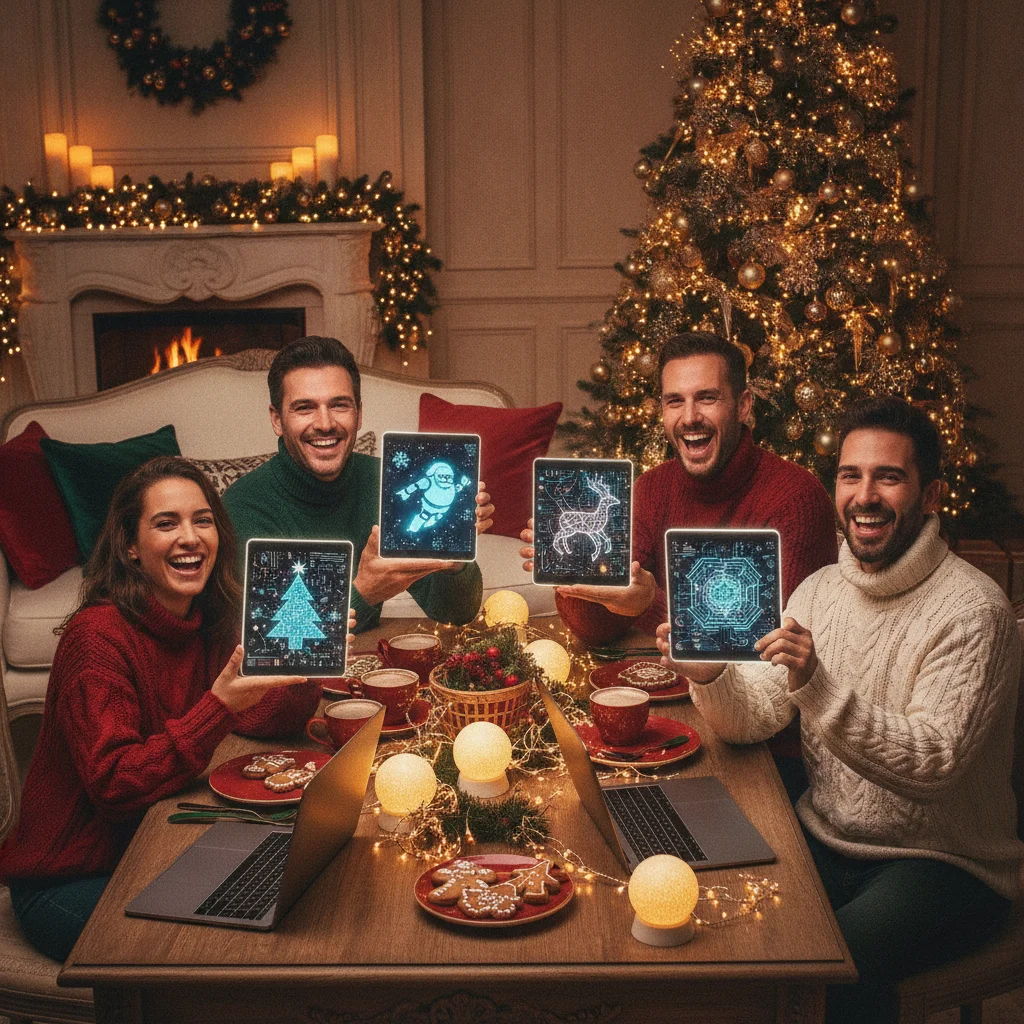
Quick answer: AI Christmas cards can turn family photos, pet portraits, favorite places, or imaginative scenes into personal holiday greetings. Strong ideas include illustrated family portraits, nostalgic postcards, snowy fantasy settings, humorous character transformations, and minimalist business cards. The best results come from a specific prompt, a clear visual style, and card text added separately after the image is generated.
AI image tools make it possible to create Christmas cards that range from realistic family scenes to playful illustrations. A useful concept starts with the recipient, the mood, and the format of the finished card. Personal details such as a family tradition, recognizable pet, hometown landmark, or favorite winter activity help the design feel intentional rather than generic.
AI-generated artwork can be used as the complete card image or as a background for a real photograph. Because image generators often struggle with exact lettering and facial consistency, it is usually better to create the artwork first and add names, greetings, and dates in a separate design editor.
What are the best AI Christmas card ideas?
The right idea depends on whether the card should feel sentimental, funny, formal, or imaginative. These concepts can be adapted for printed cards, digital greetings, or social posts.
| Card idea | Suggested style | Best for |
|---|---|---|
| Snowy family portrait | Soft watercolor or storybook illustration | Families and couples |
| Pet as Santa | Detailed cartoon or vintage poster | Pet owners |
| Christmas movie scene | Cinematic lighting and realistic scenery | Humorous greetings |
| Retro holiday postcard | 1950s print texture and limited colors | Nostalgic cards |
| Winter hometown scene | Gouache, ink, or paper-cut art | Local and personal greetings |
| Minimal botanical design | Clean line art with evergreen details | Business cards |
What prompts can create an AI Christmas card?
A practical prompt identifies the subject, setting, style, composition, colors, and intended card format. It should also reserve uncluttered space where the greeting will be placed later.
- Family illustration: “A warm storybook illustration of a family decorating a Christmas tree in a cozy living room, soft golden lights, evergreen garlands, red and cream palette, vertical greeting card composition, open space at the top.”
- Pet portrait: “A cheerful golden retriever wearing a Santa hat beside wrapped presents, vintage Christmas postcard style, subtle paper texture, centered composition, rich red and forest green colors.”
- Snowy home: “A watercolor painting of a small brick home after fresh snowfall, glowing windows, wreath on the front door, peaceful evening sky, horizontal holiday card layout.”
- Funny card: “A tired snowman holding tangled Christmas lights while two curious cats watch, expressive editorial cartoon, clean background, playful seasonal colors.”
- Business greeting: “Elegant evergreen branches and small gold stars arranged around a blank central area, white background, restrained premium stationery style, no text.”
Words such as “no text,” “blank central area,” and “uncluttered background” can reduce unwanted lettering, although they do not guarantee a clean result.
How can AI cards feel more personal?
Personalization comes from meaningful details rather than from adding more decorations. Include a specific cabin, city skyline, family recipe, musical instrument, sports hobby, or seasonal tradition. A card showing a child leaving carrots for reindeer may feel more memorable than a broad request for a festive scene.
Reference images can help some tools preserve clothing, pets, architecture, or general appearance. Users should only upload photos they have permission to use and should review the service’s privacy terms before submitting images of children or other people.
What Christmas card messages work with AI artwork?
Short messages usually pair best with detailed images. Options include “Warm wishes from our home to yours,” “Merry Christmas and happy New Year,” “May your season be peaceful and bright,” or “Sending a little Christmas magic your way.” A funny image can support a lighter line such as “We tried to keep Christmas under control.”
Business cards should use neutral wording unless the audience’s preferences are known. “Season’s greetings” and “Warm holiday wishes” are suitable for broad professional lists, while “Merry Christmas” is direct and appropriate for explicitly Christmas-focused cards.
How should an AI Christmas card be made?
- Choose the recipient and decide whether the tone is sentimental, funny, nostalgic, or professional.
- Select a vertical, horizontal, or square format before generating the artwork.
- Write a detailed prompt and request open space for the greeting.
- Generate several variations, then inspect faces, hands, decorations, and background objects.
- Add the message in a separate editor using one or two readable fonts.
- Export a high-resolution file and order a single print proof before buying multiple copies.
Mobile apps can simplify photo-based card creation. Christmas Pictures App: PiXmas is one editorial option listed on Apple’s App Store, with a reported 4.4-star rating from 116 ratings at the time the supplied listing data was recorded. ChristmasCard.io is an independent editorial site and is not affiliated with PiXmas, PicsMas, or any app.
What are the limitations of AI Christmas cards?
Generated images can contain distorted fingers, mismatched eyes, duplicated ornaments, unreadable signs, or physically impossible objects. Faces may not accurately resemble real people, even when reference photos are supplied. Every image should be checked closely before printing.
Copyright and commercial-use rules vary by tool. Users should avoid requesting living artists’ exact styles, protected characters, corporate mascots, or celebrity likenesses. Businesses should confirm that the selected generator permits commercial use and keep records of the tool and source materials.
AI artwork can also look impersonal when it relies on familiar snow globes, generic cabins, and heavily decorated trees. Adding one truthful detail and editing the final message by hand can give the card a clearer connection to the sender.
Which AI Christmas card idea should you choose?
Choose a family or pet illustration for a warm personal card, a retro postcard for nostalgic appeal, or a clean botanical layout for professional recipients. A simple concept executed carefully is often stronger than a crowded scene. The final card should reflect the sender’s personality, remain easy to read, and look correct at its intended print or screen size.
When AI Christmas Card Ideas Look Considered Rather Than Generic
AI Christmas card ideas look considered when the generated scene reflects a real recipient, relationship, or shared memory and the final layout removes obvious machine errors. They look generic when they rely on broad holiday symbols, interchangeable people, crowded decorations, or a style chosen only because it is fashionable. There is no objective cutoff for how many personal details are enough; relevance matters more than quantity.
- Choose one recognizable anchor, such as a family ritual, pet’s habit, local winter setting, or recurring joke.
- Keep secondary details restrained so the anchor remains clear.
- Review faces, hands, objects, and background logic before adding the greeting.
- Use wording that explains why the scene matters rather than merely describing the image.
When Does an AI Christmas Card Look Unfinished Rather Than Handmade?
An AI Christmas card starts looking unfinished when its irregularities seem accidental rather than intentionally crafted. Use this two-minute review before keeping the design.
- View the AI Christmas card at thumbnail size. If the focal point disappears, punctuation turns muddy, or the border feels uneven, simplify the composition rather than treating those flaws as handmade texture.
- Inspect every face, hand, ornament, and strand of lights on the AI Christmas card. Repeated objects, fused fingers, warped edges, and inconsistent shadows read as uncorrected generation errors, not charming variation.
- Check whether the AI Christmas card uses one visual language. Matching paper grain, line weight, color limits, and lettering style make deliberate imperfections feel handmade; mixed textures and conflicting styles make it look incomplete.
Frequently asked questions
Can AI create a Christmas card from a photo?
Many AI tools can transform an uploaded photo into an illustration, painting, cartoon, or seasonal portrait. The result should be checked for facial changes and visual errors.
What should an AI Christmas card prompt include?
A useful prompt includes the subject, setting, artistic style, color palette, composition, card orientation, and a request for blank space for text.
Can AI generate the Christmas greeting text inside the image?
AI can attempt lettering, but spelling and typography are often unreliable. Adding the greeting afterward in a design editor produces more consistent results.
Are AI Christmas cards suitable for businesses?
AI cards can work for businesses when the design is clean, inclusive, and consistent with brand guidelines. Commercial-use terms should be confirmed before distribution.
What image size is best for printing an AI Christmas card?
The image should match the printer’s required dimensions and ideally provide 300 pixels per inch at the final printed size. Bleed and safe-area requirements also need to be checked.
Is it safe to upload family photos to an AI card tool?
Safety depends on the tool’s privacy, storage, and training policies. Users should read those policies and obtain permission before uploading another person’s image.
How do I make an AI Christmas card look less generic?
Build the image around one detail that could only belong to your intended recipient or household. Use a familiar room, meaningful ornament, distinctive pet behavior, local landmark, or annual tradition. Remove decorative elements that do not support that idea, then write the greeting separately so it adds personal context.
Why does my AI Christmas card look obviously AI-generated?
It may contain inconsistent anatomy, repeated decorations, unreadable lettering, unnatural lighting, or too many competing visual ideas. Simplify the prompt, generate the artwork without embedded text, and inspect small background details closely. Correct or crop flawed areas instead of assuming viewers will overlook them.
How do I make an AI Christmas card look handmade?
Use a consistent texture, limited palette, and simple composition to make an AI Christmas card look handmade. Then add one or two controlled human touches, such as a scanned brush mark, uneven cut-paper edge, or handwritten signature. Correct distorted anatomy and repeated decorations first; obvious generation errors look unfinished rather than artisanal.
Why does my AI Christmas card look unfinished?
Your AI Christmas card may look unfinished because the image lacks a clear focal point or contains unresolved visual errors. Inspect small details such as hands, ornament shapes, shadows, borders, and lettering placement. If several art styles or textures compete, choose one direction and remove anything that does not support it.