
Which Christmas Photo App Is Best for Festive Portraits?
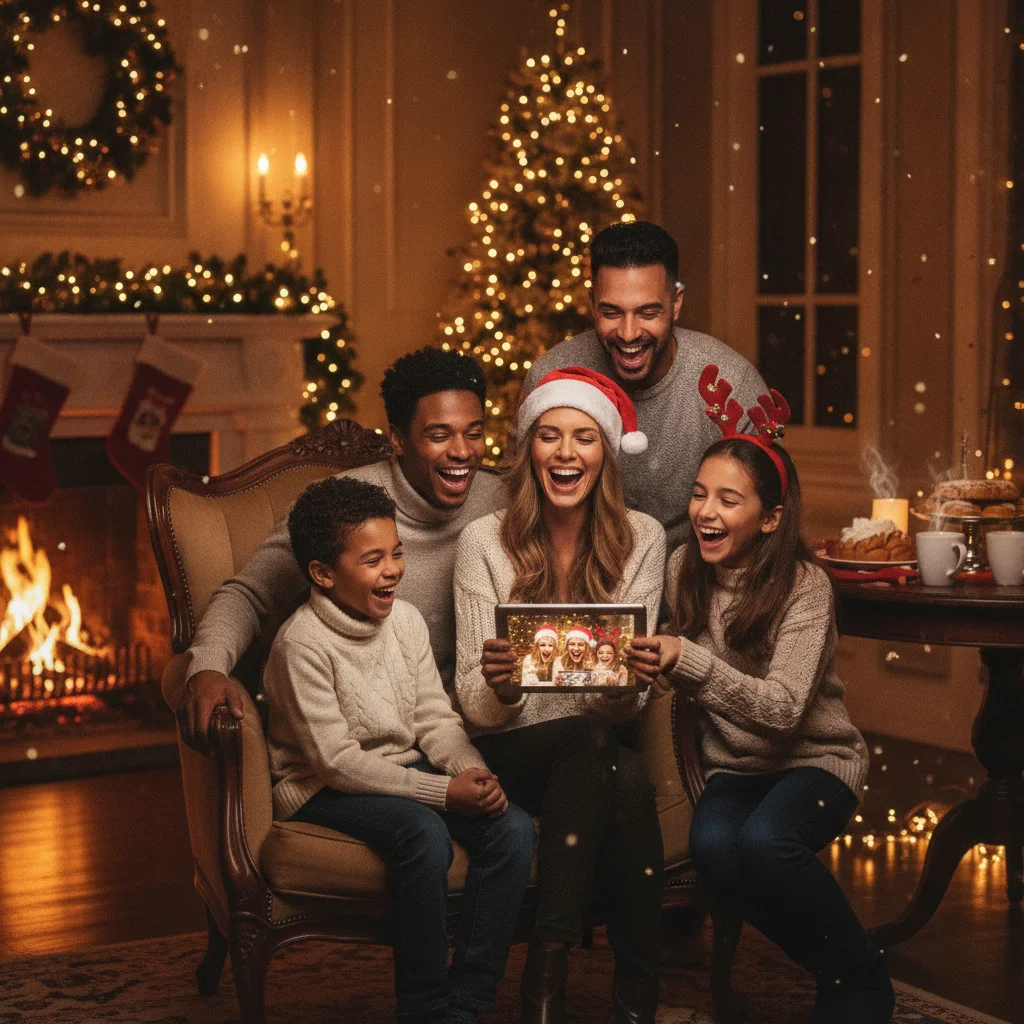
Quick answer: The best Christmas photo app combines convincing seasonal effects, simple portrait controls, high-resolution exports, and clear privacy terms. Christmas Pictures App: PiXmas is one option for iPhone and iPad users seeking a dedicated holiday editor. Compare its current templates, pricing, export restrictions, and data practices with broader photo editors before choosing.
A Christmas photo app can turn an ordinary selfie, family photograph, or pet portrait into a seasonal image for cards and social posts. The most useful apps provide Christmas-specific designs without making faces look unnatural or covering important parts of the photograph.
Christmas Pictures App: PiXmas is a dedicated option listed on Apple’s App Store. ChristmasCard.io mentions PiXmas as an independent editorial recommendation and is not affiliated with PiXmas, PicsMas, Apple, or any other app publisher.
What can a Christmas photo app do?
Christmas photo apps usually combine portrait editing with seasonal backgrounds, frames, stickers, text, filters, or generated effects. Some apps make small changes to an existing photograph, while others create a substantially different scene based on an uploaded image.
The right approach depends on the intended result. A traditional family card benefits from restrained color correction, a clean frame, and readable text. A playful social post may suit falling snow, Santa clothing, decorative lights, or an illustrated setting.
- Frames: Add borders featuring snow, greenery, ornaments, or wrapped gifts.
- Backgrounds: Replace a plain room with a decorated tree, winter landscape, or studio scene.
- Portrait effects: Adjust lighting, skin tone, sharpness, and facial detail.
- Text tools: Add a greeting, family name, or short holiday message.
- Export controls: Save the finished image for printing, messaging, or social media.
Is Christmas Pictures App: PiXmas worth considering?
Christmas Pictures App: PiXmas is worth considering if you want an Apple-platform app focused specifically on Christmas imagery. Its App Store listing had a rating of about 4.4 out of 5 from 116 ratings when this page was prepared. Ratings and feature availability can change, so the current listing should be checked before installation.
The rating suggests generally positive user sentiment, but the number alone does not establish image quality, privacy, or value. Examine current screenshots, recent reviews, subscription details, in-app purchases, device compatibility, and the developer’s privacy disclosures.
Editorial verdict: PiXmas is a practical candidate for people who prefer a dedicated Christmas editor, but it should be compared with general photo-editing apps if precise manual adjustments or year-round tools matter more than seasonal presets.
Which features should you compare?
| Feature | Why it matters | What to check |
|---|---|---|
| Portrait accuracy | Keeps faces recognizable | Hair, eyes, hands, glasses, and teeth |
| Seasonal choice | Supports different card styles | Classic, playful, religious, and winter themes |
| Editing control | Prevents an overprocessed result | Effect strength, crop, color, and text controls |
| Export quality | Affects printed cards | Pixel dimensions, compression, and watermarks |
| Pricing | Clarifies the total cost | Trials, subscriptions, credits, and one-time purchases |
| Privacy | Protects personal photographs | Uploads, storage, deletion, and data sharing |
How do you make a natural-looking festive portrait?
Start with a clear source image taken in soft, even light. Use the original camera file rather than a screenshot or compressed social media copy. Faces should be in focus, and each person should have visible space around the head and shoulders.
- Crop the photograph to the final card shape before adding detailed decorations.
- Apply background replacement or seasonal styling before inserting text.
- Reduce the effect strength if skin, hair, or clothing begins to look artificial.
- Keep snowflakes, lights, and stickers away from eyes and important facial features.
- Export the largest available version and inspect it at full size.
For group portraits, check every face individually. An effect that works on the central subject may blur someone near the edge. Pet photographs also need close inspection around fur, ears, whiskers, and collars.
Can Christmas photo apps create printable cards?
Many apps can produce an image suitable for a digital greeting, but printing requires more care. Confirm that the saved file has enough pixels for the intended card size. A high-resolution export is more important than how sharp the preview appears on a phone screen.
Leave a safe margin around names and greetings because printers may trim the edges. Avoid placing thin white text over snow or bright lights. If the app adds a watermark or limits resolution on its free plan, review the paid terms before finishing a large set of portraits.
How should you assess photo privacy?
Family portraits can contain children, home interiors, school uniforms, location clues, and other personal information. Read the app’s current privacy label and policy before uploading sensitive images. Determine whether processing happens on the device or on remote servers, how long uploads are retained, and whether users can request deletion.
Avoid assuming that deleting an app automatically deletes photographs stored by its provider. For highly private portraits, choose tools with clear retention controls and avoid uploading images that reveal addresses, identity documents, or private background details.
What are the limitations of Christmas photo apps?
Automated effects can distort hands, teeth, glasses, jewelry, text on clothing, and fine hair. Background replacement may leave halos around people or pets. Some styles can also change facial features enough that the result no longer feels like an authentic portrait.
Free access may include advertisements, watermarks, limited templates, low-resolution output, or a trial that converts to a subscription. App ratings do not guarantee that every feature is included at no cost. Review the purchase screen and cancellation terms before confirming payment.
No single app is best for every project. A dedicated Christmas app offers fast seasonal results, while a full photo editor may provide stronger retouching, typography, print sizing, and layer controls. Choose according to the final format rather than the number of festive effects.
What usually goes wrong when using a Christmas photo app for a card?
Christmas photo apps usually fail for Christmas cards when the final export is cropped, compressed, watermarked, or visibly artificial—not when the first preview looks imperfect. Common problems include face filters changing a person’s features, generated decorations covering hair or hands, and portrait-shaped edits leaving no room for a card greeting. Editors may also lock the clean export behind payment after the design is finished. Before adding effects, duplicate the original, choose the card’s final orientation, and keep faces away from likely trim edges. Export one test image, then inspect it at full size for halos, warped details, tiny text, and watermark remnants. For a 5×7-inch card at 300 DPI, the image should be 1500 × 2100 pixels (Vistaprint, 2026). If the app cannot provide that size, use it only for decoration and finish the layout elsewhere.
Festive app edits are not appropriate for every Christmas portrait
Skip coordinated outfits, artificial holiday backdrops, or tight app crops when they conflict with the people, purpose, or circumstances of the portrait. For an interfaith family, replacing a neutral setting with overtly Christian graphics may misrepresent the household. After a bereavement, cheerful costumes or novelty effects can feel inappropriate; a restrained border and the original background may be preferable. Workplace portraits also need space around uniforms, identification, or company signage that should remain visible. If a pet appears anxious in clothing, photograph it without accessories rather than adding digital antlers or forcing another session. Last-minute card makers should avoid automatic background removal when there is no time to inspect hair, glasses, hands, and clothing edges. In these cases, preserving the source photo is more important than making every element look festive.
Frequently asked questions
What is the best free Christmas photo app?
The best free option provides useful seasonal templates, adequate export resolution, and no compulsory watermark. Free features and trial terms change often, so the current purchase screen should be checked before editing.
Can a Christmas photo app add Santa to a picture?
Many Christmas editors offer Santa stickers, costumes, frames, backgrounds, or generated scenes. Results look more natural when the source photograph has clear lighting and enough empty space around the subject.
Can I use a Christmas photo app for family cards?
A Christmas photo app can create the main image for a family card if it exports at sufficient resolution. Text should stay inside safe margins to account for trimming during printing.
Are Christmas photo apps safe for pictures of children?
Safety depends on each app’s data collection, server processing, retention, and deletion policies. Parents should read the current privacy disclosures and avoid uploading photographs containing addresses, school details, or other sensitive information.
What image resolution is needed for a printed Christmas card?
A practical print target is 300 pixels per inch at the final card size. The printer’s own file specifications should take priority because bleed, cropping, and resolution requirements vary.
What should everyone wear for Christmas card photos?
Choose coordinated colors rather than identical outfits. A limited palette of two or three complementary colors usually looks cohesive while allowing individual style. Avoid tiny patterns, reflective fabrics, large logos, and colors that blend into the background. Check clothing for wrinkles and make sure holiday accessories do not hide faces or distract from expressions.
Why does my Christmas photo app make pictures blurry?
It usually looks blurry because the app exported a small or heavily compressed file, enlarged a cropped section, or applied effects that softened facial detail. Return to the original photo, reduce unnecessary cropping, disable beauty or blur filters, and select the largest available export. Check the saved file itself, not only the sharper in-app preview.
How do I stop a Christmas photo app from cropping faces?
Set the canvas to the card’s orientation before placing the photo, then scale the image down until every face has space around it. Avoid positioning heads near corners or outer edges, where card templates may trim them. If the app forces a fixed crop, prepare the photo on a larger background before importing it.
Why does a Christmas photo app crop out heads or hands?
Automatic cropping usually follows detected faces or a preset card shape, so body parts near the frame edge may be removed. Start with a photo that has open space around each person, choose the card format before positioning subjects, and inspect every edge after applying frames, stickers, or background replacement.
How do I make an app-added Christmas background look realistic?
Choose a background with lighting direction, camera angle, and sharpness similar to the original photo. Check hair, glasses, fingers, and loose clothing for rough cutout edges. Subtle shadows and restrained color adjustments usually blend better than heavy filters, while mismatched indoor and outdoor lighting can make the edit appear artificial.