
Best AI Christmas Photo Apps for Holiday Cards and Festive Portraits
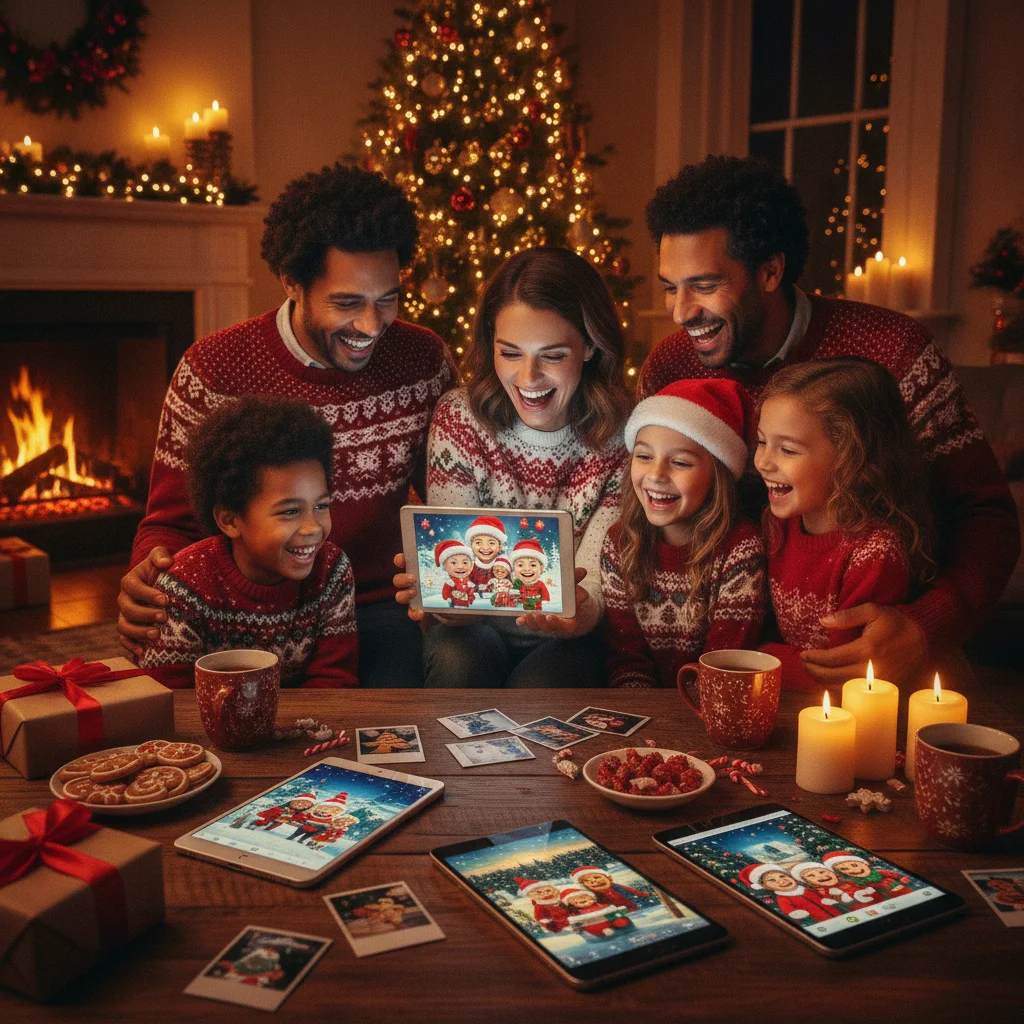
Quick answer: The best AI Christmas photo app depends on whether you want a quick mobile portrait, a printable card, or more control over generated scenes. Adobe Firefly and CapCut are practical web-based choices, while Christmas Pictures App: PiXmas, Christmas - AI Photo Maker, and FestivAI offer mobile-focused options. Always check export quality, pricing, privacy terms, and renewal conditions before uploading family photos.
AI Christmas photo apps can turn an ordinary portrait into a festive image, replace a plain background, create a holiday scene, or prepare artwork for a Christmas card. The available tools range from focused iPhone apps to browser-based generators from larger creative platforms.
This independent editorial guide compares identifiable apps and generators by platform, intended use, pricing claims, and ease of access. ChristmasCard.io is not affiliated with PiXmas, PicsMas, Adobe, CapCut, Aragon AI, Nero, Pixlio, or any other product mentioned here.
The recommendations do not represent a download ranking or a claim that one service produces objectively superior images. AI results depend heavily on the uploaded photograph, prompt, selected style, and current version of each product.
Which AI Christmas photo apps are worth considering?
Adobe Firefly is a strong starting point for people who want a browser-based Christmas image generator from an established creative platform. Adobe specifically promotes a free AI Christmas photo generator, making Firefly relevant for generated holiday scenes, backgrounds, and card artwork.
CapCut also advertises a free AI Christmas photo generator. It is a practical candidate for users who already associate CapCut with visual content creation and want to keep holiday image work inside a broader editing environment.
Aragon AI offers a holiday-focused generator positioned around AI Christmas photos. It may suit people primarily interested in portrait-style results rather than a complete greeting-card layout.
Christmas Pictures App: PiXmas is an iOS option for users who prefer a dedicated mobile app. At the time the supplied App Store data was recorded, the listing displayed a rating of about 4.4 from 116 ratings. Store scores and rating counts can change, so users should confirm the latest information directly in the App Store.
Other identifiable choices include Christmas - AI Photo Maker, FestivAI - XMAS Photo Editor, Nero AI Christmas Photo Generator, and Pixlio AI Christmas Photo. These products are positioned around festive editing or generation, but availability, included styles, and payment terms should be checked before installation or upload.
How do the leading Christmas AI tools compare?
| Tool | Access | Best fit | Important check |
|---|---|---|---|
| Adobe Firefly | Web | Generated holiday artwork and backgrounds | Usage credits and output terms |
| CapCut | Web or supported CapCut platform | Christmas images within a wider editing workflow | Which features require an account or payment |
| Aragon AI | Web | AI holiday portrait generation | Photo requirements and image retention policy |
| Christmas Pictures App: PiXmas | iOS app | Dedicated mobile Christmas photo creation | In-app purchases and subscription terms |
| Christmas - AI Photo Maker | Mobile app | Christmas-themed AI images on a phone | Current App Store availability and export options |
| FestivAI - XMAS Photo Editor | Mobile app | Festive photo editing on a phone | Included templates and payment requirements |
| Nero AI | Web | Quick holiday image experiments | Free-use limits and output resolution |
| Pixlio AI Christmas Photo | Web | Browser-based festive image generation | Privacy policy and download restrictions |
The table describes each product's general positioning rather than guaranteed capabilities. AI products change frequently, and a feature shown on a marketing page may be limited by region, device, account type, or usage allowance.
What is the best option for making Christmas cards?
For a Christmas card, the image generator is only one part of the process. A useful workflow must also leave enough room for a greeting, preserve faces clearly, and export an image suitable for the intended delivery method.
Adobe Firefly is a sensible option when the goal is to generate artwork or a background that will later be placed in a separate card layout. A prompt can specify composition, such as keeping open space on the right for a holiday message. The generated image can then be combined with a card template in another editor.
CapCut may appeal to users who want generation and general visual editing in the same product family. Before committing to a design, confirm that the final image dimensions match the printer, social platform, or messaging app where the card will be used.
A dedicated mobile app such as PiXmas can be more convenient for creating a festive image directly from an iPhone. Convenience does not guarantee print readiness, so check whether the saved file has enough resolution and whether a watermark appears on free exports.
For card composition ideas before choosing an app, see christmas card ideas. Users planning to start with an existing family picture can also review christmas photos.
Which app is best for AI Christmas portraits?
Aragon AI is one of the clearer candidates for users focused on AI-generated holiday portraits. Its Christmas generator is presented specifically for creating festive images, rather than operating only as a general card designer.
Mobile products such as Christmas - AI Photo Maker, FestivAI, and PiXmas are alternatives for people who want a faster phone-based process. The most important factor is not the number of available styles. It is whether the app preserves recognizable facial details, handles multiple people, and provides a usable download.
Couples and solo users generally give an AI system a simpler task than a large family group. Generators can change eye shape, teeth, hands, jewelry, glasses, hairstyles, and clothing details. Group portraits increase the chance that at least one person will look inconsistent.
For better results, begin with a sharp, evenly lit photograph in which the face is unobstructed. Avoid screenshots, heavy beauty filters, extreme side angles, and small faces cropped from a group image. If the service requests several photographs, use recent images that represent the person's current appearance.
What should you look for in a Christmas photo app?
Start with the intended output. A funny image shared in a group chat has different requirements from a printed card sent to relatives. Social images can tolerate smaller dimensions, while print projects need sufficient resolution and careful cropping.
- Platform: Choose an iOS or Android app for phone convenience, or a web generator for access from a larger screen.
- Image type: Check whether the product focuses on portraits, complete scenes, background replacement, or card layouts.
- Export details: Review file dimensions, format, watermark rules, and download limits.
- Pricing: Confirm whether “free” means a full download, a trial, limited credits, or only access to basic styles.
- Privacy: Read how uploaded faces are stored, processed, reused, and deleted.
- Commercial terms: Check usage rights if the image will promote a business, event, or paid product.
- Cancellation: Identify whether payment is one-time or recurring and learn how to cancel before subscribing.
A polished preview does not always represent the downloaded file. Check the final output before ordering prints or sending the image to an entire mailing list.
Are free AI Christmas photo generators actually free?
Adobe Firefly, CapCut, and Aragon AI each market a free AI Christmas photo generator. That language confirms that a free access path is promoted, but it does not necessarily mean every style, generation, revision, or high-resolution download is included without charge.
Free tiers commonly involve account requirements, generation allowances, watermarks, queues, or restricted exports. The exact rules can change, so the payment screen and current terms are more reliable than an older article or screenshot.
Mobile apps may be free to download while offering subscriptions, credit packs, or paid templates inside the app. Review the App Store or Google Play purchase information before starting a trial. On iOS, users should also check the subscription section of their Apple account after cancellation to verify the status.
How can you get better AI Christmas photos?
A specific prompt usually provides more direction than a short phrase such as “make it Christmas.” Describe the subject, setting, lighting, clothing, composition, and intended format without adding conflicting instructions.
For example, request a realistic family portrait in a cozy living room with a decorated tree, warm window light, natural facial features, and open space above the subjects for card text. If the generator supports aspect ratios, select one that matches the card or social post before generating.
- Choose a clear source image with natural lighting.
- Decide whether the result should look photographic, illustrated, nostalgic, or humorous.
- Specify where people and text space should appear.
- Generate several versions rather than relying on the first result.
- Inspect faces, hands, ornaments, text, and background reflections at full size.
- Save an unedited copy before adding greetings or cropping.
- Order one print test before purchasing a large batch.
AI image generators often render written words incorrectly. Add the final greeting with a normal text tool after generating the picture. Readers choosing a message can browse christmas card messages.
Are AI Christmas photo apps safe for family pictures?
No online photo tool is risk-free. Uploading a portrait gives a service access to personal visual data, and children's photographs deserve added caution.
Before uploading, read the privacy policy and look for clear statements about storage duration, model training, third-party processors, deletion, and account removal. Avoid uploading school names, home addresses, identity documents, travel details, or images containing visible private information.
Parents should decide whether a novelty image justifies uploading a child's face. If the policy is vague or provides no practical deletion method, use a locally edited holiday background or a non-identifying illustration instead.
What limitations should you expect from AI Christmas photo apps?
AI-generated holiday pictures can contain anatomical errors, altered facial features, unreadable signs, mismatched decorations, and physically inconsistent lighting. Plaid patterns, eyeglasses, fingers, earrings, and strings of Christmas lights are common areas to inspect closely.
None of the listed products can be assumed to support every device, country, photo format, or group size. Marketing descriptions also do not establish print quality, privacy protection, or consistent resemblance.
App ratings provide useful context but are not permanent measures of quality. PiXmas had about a 4.4 rating from 116 ratings in the supplied App Store data, but that relatively limited count should not be treated as proof that it will outperform other choices.
Availability and pricing may change without notice. Confirm current terms on the official product page or app listing, especially before accepting a free trial or annual subscription.
What is the final editorial recommendation?
Best starting point for general generation: Adobe Firefly. Best fit for a broader editing workflow: CapCut. Best portrait-focused candidate: Aragon AI. Notable dedicated iPhone option: Christmas Pictures App: PiXmas. Users should also compare Christmas - AI Photo Maker and FestivAI when they want a mobile Christmas editor.
Choose based on the final use rather than the longest feature list. Browser generators make sense for experimenting with scenes and backgrounds, while a dedicated app may be quicker for a single phone portrait.
Test one low-stakes image first, inspect the output carefully, and confirm the privacy and billing terms. The best practical choice is the tool that produces a recognizable image in the required format without asking for more personal data or payment commitment than the project warrants.
How should you prepare AI Christmas photos for printing?
Prepare the image at the card's final aspect ratio so important faces and decorations are not lost during trimming. Export the largest available file, avoid screenshots, and check that facial details remain sharp at the intended print size. Leave extra space around the edges and keep text inside the printer's safe area.
Before ordering a full batch, make one test print. Review skin tones, dark backgrounds, fine details, and any generated hands or accessories. Add greetings in a regular design editor rather than inside the generated image, because AI-created lettering can be distorted. Confirm the app's personal-use or commercial-use terms if the cards will be sold or distributed publicly.
Frequently asked questions
What is the best AI app for Christmas photos?
The best AI Christmas photo app is the one that matches your intended output and editing needs. Choose portrait-focused software for realistic headshots, a general editor for composites, or a card-focused tool for layouts and greetings. A dedicated option such as PiXmas can simplify a card-oriented workflow, while broader editors may provide more manual control.
Can AI create a Christmas photo from a regular selfie?
Yes, an AI generator can turn a regular selfie into a festive portrait or place the person in a holiday setting. Use a sharp, front-facing image with even lighting, an unobstructed face, and minimal background clutter. Results are usually more consistent when the prompt clearly describes the clothing, setting, pose, and desired level of realism.
Are there free AI Christmas photo generators?
Some AI Christmas photo generators offer limited free use, but free rarely means unrestricted. Common limits include daily credits, lower-resolution downloads, watermarks, account requirements, or fewer styles. Check export size and usage rights before spending time on an image, especially if you plan to print cards or use the result commercially.
Can AI Christmas photos be printed on cards?
Yes, AI Christmas photos can be printed on cards when the downloaded file is large and sharp enough for the chosen layout. Crop to the card's aspect ratio, keep faces away from trim edges, and order one test print. Also confirm that the tool's terms allow your intended personal or commercial use.
Are AI Christmas photo apps safe for children's pictures?
AI Christmas photo apps can be used cautiously for children's pictures, but privacy policies vary. Review whether uploads are stored, shared, used for model training, or deleted on request. Avoid images containing school names, addresses, uniforms, or location clues, and prefer services with clear retention controls and an easy way to remove uploaded data.
Why does AI change faces in group Christmas photos?
AI changes faces in group Christmas photos because it reconstructs details and may struggle to preserve several identities at once. Problems increase with small faces, side angles, poor lighting, occlusion, or large groups. Use clear source images, generate fewer people at a time, and inspect eyes, teeth, hands, and distinguishing features before printing.
Should Christmas card text be generated inside the AI image?
No, it is usually better to add Christmas card text after generating the image. Image models can misspell words, distort letters, or produce inconsistent spacing. Export the finished picture, then place the greeting in a standard design editor where you can control wording, font, alignment, contrast, and safe margins for printing.