
Best Apps for Managing Christmas Card Address Labels
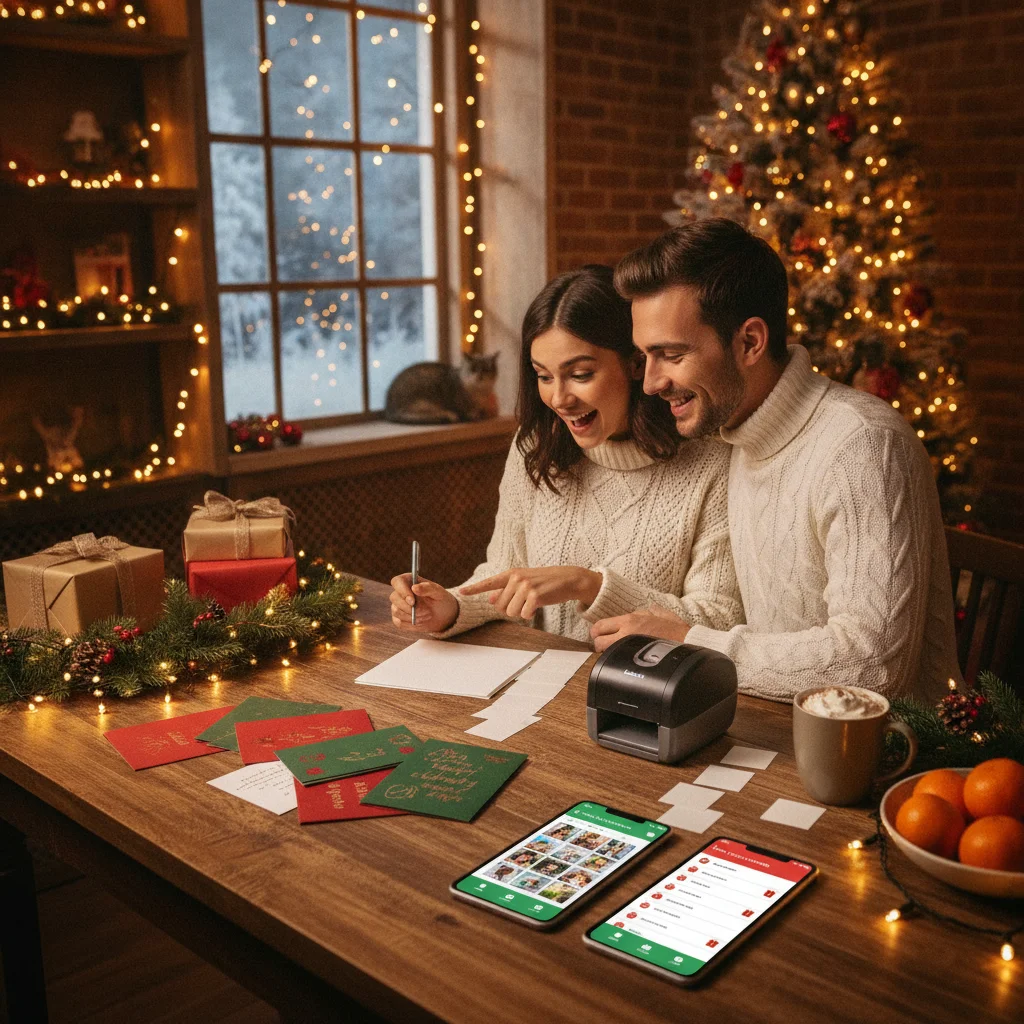
Quick answer: The best option for most households is Avery Design & Print because it combines ready-made label templates with spreadsheet imports and home printing. Microsoft Word and Excel offer more control for large lists, while Apple Contacts is convenient for Mac users. Google Contacts, Google Sheets, and Canva are useful for organizing, sharing, or designing labels.
Managing Christmas card address labels requires two separate tasks: keeping an accurate address list and formatting that information for printing. The right app reduces repeated typing, catches duplicate contacts, and lets you reuse the same list next Christmas.
Avery Design & Print is the strongest all-purpose choice for standard adhesive label sheets. Microsoft Word and Excel provide better mail-merge controls, while Apple Contacts offers a quick built-in option for Mac households. Cloud-based tools are useful when several family members maintain the list.
Which Christmas card address label apps are best?
| App or tool | Best for | Main advantage | Main limitation |
|---|---|---|---|
| Avery Design & Print | Best overall | Templates matched to common label products | Works best with Avery-style sheets |
| Microsoft Word and Excel | Large mailing lists | Flexible mail merge and filtering | Setup takes more time |
| Apple Contacts | Mac users | Prints labels from existing contacts | Limited design controls |
| Google Contacts and Sheets | Shared address lists | Easy collaboration and CSV export | Usually needs another printing tool |
| Canva | Decorative labels | Strong visual design options | Variable addresses can be cumbersome |
| LibreOffice Writer and Calc | Free desktop workflow | No paid office subscription required | Mail merge is less approachable |
Why is Avery Design & Print the best overall option?
Avery Design & Print is designed around printable label sheets, so selecting the correct product number helps align each address with the physical labels. Users can start with a holiday template, import a spreadsheet, and preview the full sheet before printing.
The import process is especially useful for lists containing dozens or hundreds of recipients. Keep names, street addresses, cities, states, and postal codes in separate spreadsheet columns to make mapping and corrections easier.
When should you use Microsoft Word and Excel?
Microsoft Excel is effective for maintaining a detailed master list, including columns for household names, mailing status, address changes, and the date a card was sent. Microsoft Word can then merge those rows into a compatible label template.
This combination provides precise filtering. A user can print labels only for recipients marked for the current mailing, exclude incomplete records, or change how couples and families are addressed. The tradeoff is a steeper setup process than a dedicated label tool.
Is Apple Contacts suitable for printing Christmas card labels?
Apple Contacts is a practical choice when addresses are already stored on a Mac. Users can select a contact group and print mailing labels without building a separate spreadsheet. The print dialog supports common label layouts and basic formatting adjustments.
Apple Contacts is less suitable for decorative designs or complex household naming rules. Review each selected contact before printing because old work addresses and incomplete home addresses can enter the batch.
How can Google Contacts and Google Sheets manage a shared list?
Google Contacts is helpful for collecting and updating personal contact records, while Google Sheets works better as a dedicated household mailing list. A shared sheet allows family members to correct addresses without emailing multiple file versions.
Google Sheets does not provide a complete native label-printing workflow for every use case. Exporting the finished list as a CSV file and importing it into Avery Design & Print, Word, or another mail-merge tool is often more reliable. Third-party label add-ons should be reviewed for permissions before receiving access to personal contact data.
Should you use Canva for Christmas address labels?
Canva is best for return-address labels, gift tags, and small batches where appearance matters more than automated mail merge. It offers seasonal graphics, typography, and reusable layouts.
Canva is less efficient when every label needs a different recipient address. Bulk creation features may help, but users should test alignment on plain paper before using adhesive sheets.
What workflow prevents address label mistakes?
- Create one master list with a separate column for each address component.
- Standardize state abbreviations and postal codes.
- Remove duplicate households and flag missing fields.
- Export a backup before changing or merging data.
- Print one test page on plain paper.
- Hold the test page behind the label sheet to check alignment.
- Save the corrected list for next Christmas.
What are the limitations of address label apps?
No app can confirm that an address is current unless it includes a separate address-verification service. Contact imports may also split apartment numbers, omit international fields, or combine household members incorrectly.
Printers can shift label alignment because of scaling settings, margins, or paper-feed differences. Select actual size or 100 percent scale when required by the template, and avoid loading damaged or partially used sheets.
Photo-focused Christmas apps, including Christmas Pictures App: PiXmas, should not be treated as address-management tools unless their current listings explicitly document contact imports, variable-address labels, and printing support. ChristmasCard.io is an independent editorial site and is not affiliated with PiXmas, PicsMas, or any app listed here.
Verdict: Choose Avery Design & Print for the simplest label-sheet workflow. Use Microsoft Word and Excel for detailed filtering, Apple Contacts for quick Mac printing, or Google Sheets when multiple people maintain the mailing list.
What should you verify before exporting Christmas card address labels for printing or mailing?
Before exporting Christmas card address labels, verify every merged field, recipient record, and page setting in the final preview. Confirm that names, street lines, units, cities, states, and postal codes appear in the intended order and that leading zeros remain intact. Check for duplicate households, blank labels, hidden rows, unintended salutations, and text clipped at label edges. Match the export to the exact label sheet size, page size, orientation, margins, and labels per sheet your printer setup requires. There is no universal margin or safe-area value that works across all label stock and printers, so rely on the template specifications rather than an invented number. Print the exported file on plain paper at 100 percent scale, hold it behind the label sheet, and inspect alignment before loading label stock or mailing cards.
When can you skip app export checks for Christmas address labels?
You can skip watermark, print-file, and upload-privacy checks only when the app never receives your address list and no exported label sheet is created. For example, an offline mail merge sent directly to a local printer does not require reviewing a cloud service’s photo-upload terms, although you should still preview label alignment. If last-minute cards will be hand-addressed, file format and watermark checks are irrelevant; verify each postal address instead. These checks also cannot resolve whether to omit an estranged recipient, how to name a grieving household, or whether a religious greeting suits a recipient. For workplace lists, employer rules may prohibit uploading addresses even when an app offers acceptable export settings. Printer noise that upsets a pet is a separate scheduling issue, not a label-app privacy test.
Frequently asked questions
What is the easiest way to print Christmas card address labels?
Import a clean spreadsheet into a label template, preview the sheet, and print a plain-paper test first. A dedicated label tool is usually easier than manually typing every recipient.
Can I print address labels directly from my phone?
Some label and design tools support mobile editing, but spreadsheet imports and printer setup are often easier on a computer. Mobile printing also depends on printer compatibility and the selected label template.
What columns should a Christmas card address spreadsheet include?
Use separate columns for recipient name, household name, street address, apartment or unit, city, state or region, postal code, and country. Optional columns can track mailing status, returned cards, and address updates.
Can Apple Contacts print mailing labels?
Apple Contacts on a Mac can print selected contacts in supported mailing-label layouts. Users should confirm that the correct address type is attached to every contact.
Is Canva good for printing different addresses on each label?
Canva is strongest for decorative layouts and return-address labels. Large recipient lists may be easier to manage with Avery Design & Print or a Word mail merge.
How do I keep Christmas card addresses private?
Store the list in an account protected by a strong password and limit sharing permissions. Review third-party add-on permissions before granting access to contacts or spreadsheets.
How do I stop ZIP codes from losing leading zeros in address labels?
Format postal-code columns as text before importing or exporting the list. This preserves leading zeros and prevents the app from treating codes as ordinary numbers. After the merge, inspect records from states where zero-prefixed ZIP codes are common, and verify that no spaces, decimal points, or scientific notation appeared.
What file format should I export Christmas card address labels in?
Export address labels as a PDF when you want to preserve page dimensions, spacing, and font placement for printing. Use a spreadsheet or CSV only when transferring recipient data into another label tool. When printing the PDF, select actual size or 100 percent scale rather than fit-to-page scaling.
Do free address label apps add watermarks?
Some free address label apps may add a watermark, but many do not on basic label exports. Check a PDF or image preview before importing the full Christmas list, and distinguish a template watermark from printer crop or alignment marks. If the app only prints directly, run a plain-paper test and inspect every label position.
What file format should I use to print Christmas address labels?
Use PDF when the app has already merged each Christmas address into a correctly sized label sheet. PDF usually preserves page dimensions better than an editable document, but the print dialog must remain at 100% or Actual Size. Keep the CSV or spreadsheet as the source list, not as the file sent to the printer.