
Best Apps for Editing Family Christmas Photos Like a Pro
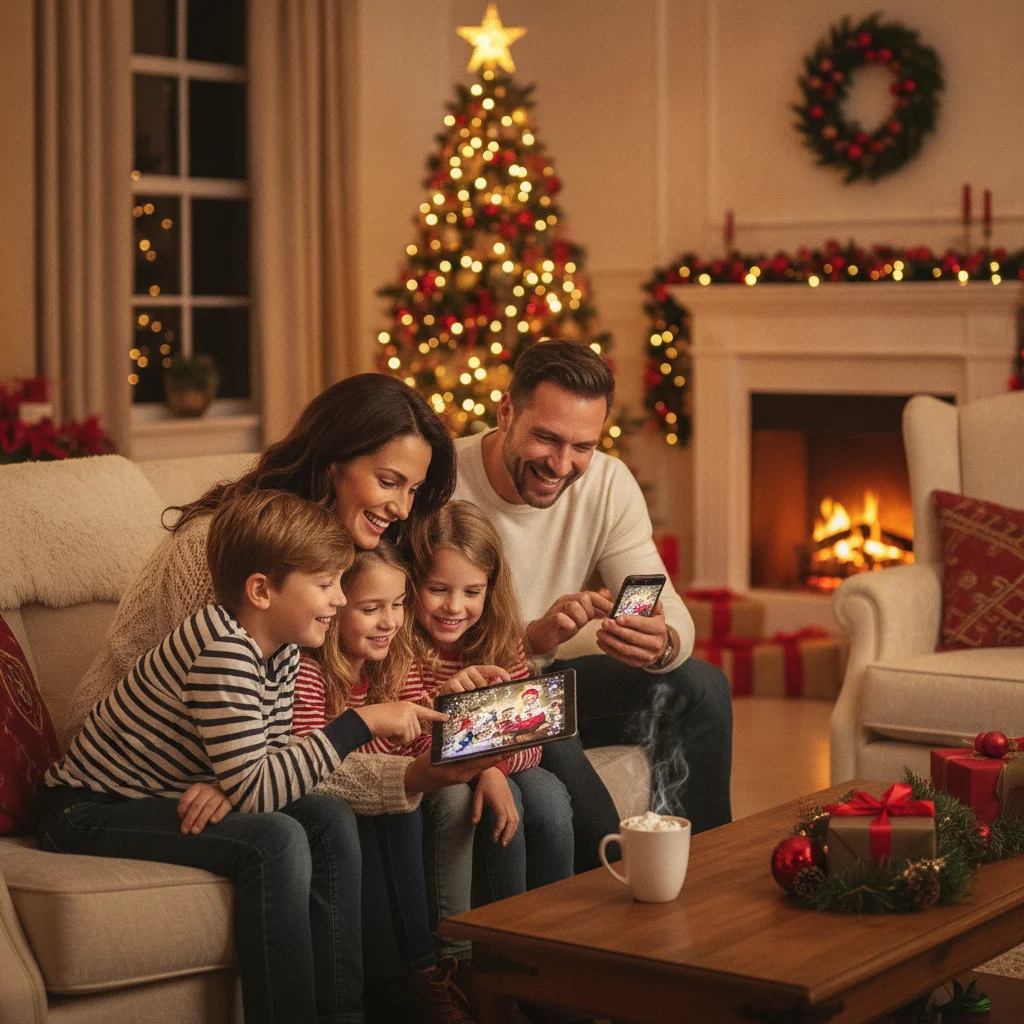
Quick answer: The best app depends on whether you need precise color correction, quick retouching, or Christmas-themed graphics. Adobe Lightroom is strongest for professional color and lighting, while Snapseed is a capable free option. Canva works well for cards and text, Photoshop Express suits fast corrections, and dedicated Christmas apps can provide seasonal effects with less manual work.
Family Christmas photos often combine difficult conditions: warm indoor bulbs, bright tree lights, dark windows, moving children, and several skin tones in one frame. A good editing app should correct those problems without making faces look artificial or turning Christmas decorations into oversaturated patches of color.
The following recommendations cover precision editing, quick mobile corrections, card design, and seasonal effects. ChristmasCard.io is an independent editorial site and is not affiliated with PiXmas, Picsart, Adobe, Canva, Google, Apple, or any other app mentioned below.
Which app is best for editing Christmas family photos?
Adobe Lightroom is the strongest overall choice for photographers who want detailed control over exposure, white balance, skin tones, shadows, and color. Its masking tools can help brighten faces without overexposing Christmas lights or the entire room.
Lightroom is especially useful when a camera or phone captures RAW files. Presets can provide a consistent appearance across several family photos, although presets usually need small adjustments for each image.
Snapseed is the best free alternative for many mobile users. Its selective adjustments, healing tool, curves, perspective controls, and portrait options provide substantial editing control without requiring a complicated desktop workflow.
How do the leading Christmas photo editing apps compare?
| App | Best for | Main strength | Potential drawback |
|---|---|---|---|
| Adobe Lightroom | Professional color and lighting | Precise adjustments, masks, and RAW support | Some tools require a subscription |
| Snapseed | Free mobile editing | Strong selective and local corrections | No dedicated Christmas design library |
| Photoshop Express | Fast corrections and retouching | Accessible cleanup, effects, and collage tools | Premium access may be needed for some features |
| Canva | Christmas cards and social posts | Templates, typography, and flexible layouts | Less control over detailed photo corrections |
| Picsart | Creative effects and decorations | Stickers, cutouts, backgrounds, and filters | The interface can feel busy |
| PiXmas | Christmas-focused experimentation | Dedicated seasonal positioning | Less established than broad editing platforms |
Which app is easiest for making a Christmas card?
Canva is the most practical option when the finished project needs text, multiple photos, borders, or a printable card layout. Users can place an edited family portrait into a design and add names, greetings, dates, or a short message.
Canva is better as a layout tool than as a precision photo editor. Correct exposure and skin color in Lightroom, Snapseed, or Photoshop Express first, then import the finished image into Canva for card design.
Picsart is another useful choice for playful compositions. Its creative tools suit stickers, decorative overlays, background changes, and social-media graphics. Subtle editing is important because heavy effects can distract from faces.
Is PiXmas worth considering for Christmas photos?
Christmas Pictures App: PiXmas is a seasonal option for iPhone users who want an app specifically positioned around Christmas pictures. At the time of the supplied App Store snapshot, the app had a rating of about 4.4 from 116 ratings. Store ratings can change as new reviews are added.
PiXmas may be worth comparing with larger editors when seasonal styling is the main goal. Users who need advanced masking, RAW processing, print preparation, or consistent editing across a large album may prefer Lightroom or another established general-purpose editor.
How can family Christmas photos be edited without looking fake?
- Correct white balance first so skin does not look excessively orange under indoor lights.
- Raise shadow detail carefully while protecting bright tree bulbs and window highlights.
- Crop and straighten the image before applying decorative effects.
- Use selective edits to brighten faces rather than increasing exposure across the whole photograph.
- Reduce temporary blemishes gently, but preserve natural skin texture and recognizable features.
- Apply one consistent color style across photos intended for the same card or album.
- Export a full-resolution copy for printing and a smaller version for messaging or social media.
Avoid combining strong portrait smoothing, artificial background blur, heavy sharpening, and a dramatic filter in one edit. These effects can produce halos around hair, waxy skin, and unnatural edges around glasses or clothing.
What should you check before choosing an editing app?
Check whether the app supports your device, preferred file format, and intended output size. RAW support matters for serious camera editing, while templates and typography matter more for cards and invitations.
Review subscription terms before starting a project. Some apps are free to download but reserve advanced retouching, exports, templates, or cloud storage for paid plans. Also inspect privacy settings before uploading family photos, particularly pictures of children.
What are the limitations of Christmas photo editing apps?
No app can fully repair severe motion blur, missed focus, clipped highlights, or a very low-resolution original. Automatic tools can also misidentify hair, hands, glasses, ornaments, and overlapping people when removing backgrounds or applying portrait effects.
Feature availability and prices can differ by device, region, and app version. Seasonal templates may also disappear or move behind paid plans after an update, so confirm the required tools before committing to a design.
Verdict: Adobe Lightroom is the best overall option for polished family Christmas photos, while Snapseed is the strongest free choice. Canva is best for turning a finished photograph into a card, and PiXmas is an independent seasonal alternative worth comparing when Christmas-specific styling is the priority.
What to verify before exporting a Christmas family photo card for printing or mailing
Before exporting a Christmas family photo card, verify its final dimensions, resolution, crop, safe area, color, file format, and all personalized text. Confirm that every face remains sharp at the intended card size and that automatic enhancement has not distorted skin tones, teeth, hair, or Christmas lights. For a 5-by-7-inch card, 1500 by 2100 pixels provides 300 DPI (Vistaprint, 2026). Keep faces, names, greetings, and decorative details away from trim edges, and extend the background into the printer’s bleed area when required. Review the front and back at full size, checking surname spelling, the year, return address, recipient address placement, and postage markings. Export a fresh file from the finished layout rather than using a screenshot or a compressed preview shared through messaging.
Frequently asked questions
What is the best free app for editing family Christmas photos?
Snapseed is one of the strongest free choices because it includes selective adjustments, healing, curves, and perspective correction. Device compatibility and feature availability should be checked before editing.
Which app is best for fixing dark indoor Christmas photos?
Adobe Lightroom is well suited to recovering shadows, adjusting exposure, and controlling bright highlights. Its masking tools can brighten faces separately from Christmas lights.
Can I make a printable Christmas card on my phone?
Canva can combine family photos, greetings, and card layouts on a phone. Export settings should match the printer's required dimensions and resolution.
Should I edit Christmas photos in RAW or JPEG?
RAW files provide more flexibility for correcting white balance, shadows, and highlights. JPEG files are smaller and easier to share but offer less room for major corrections.
How do I stop indoor skin tones from looking orange?
Lower the color temperature and adjust tint until skin looks natural while keeping some warmth in the room. Selective masks can correct people without removing the warm appearance of Christmas lights.
What resolution should I use for printed Christmas photos?
A print-ready file should generally provide about 300 pixels per inch at the intended print size. The exact requirement depends on the printing service and product.
Why do faces look blurry after I export a Christmas photo card?
Faces usually look blurry because the source photo was too small, heavily cropped, softened by noise reduction, or compressed during export. Check the exported file at its intended card size and compare it with the edited original. If facial detail is already missing, reduce the crop or return to a higher-resolution source image.
Should I export a Christmas photo card as JPEG or PDF?
Use the file type requested by the printer or card service. JPEG is commonly suitable for a single flattened photo design, while PDF can better preserve a complete multi-element layout and embedded text. Before submitting either format, reopen the exported file and confirm that fonts, image placement, colors, and card dimensions remain correct.