
Best Family Christmas Photo Apps for Holiday Cards and Portraits
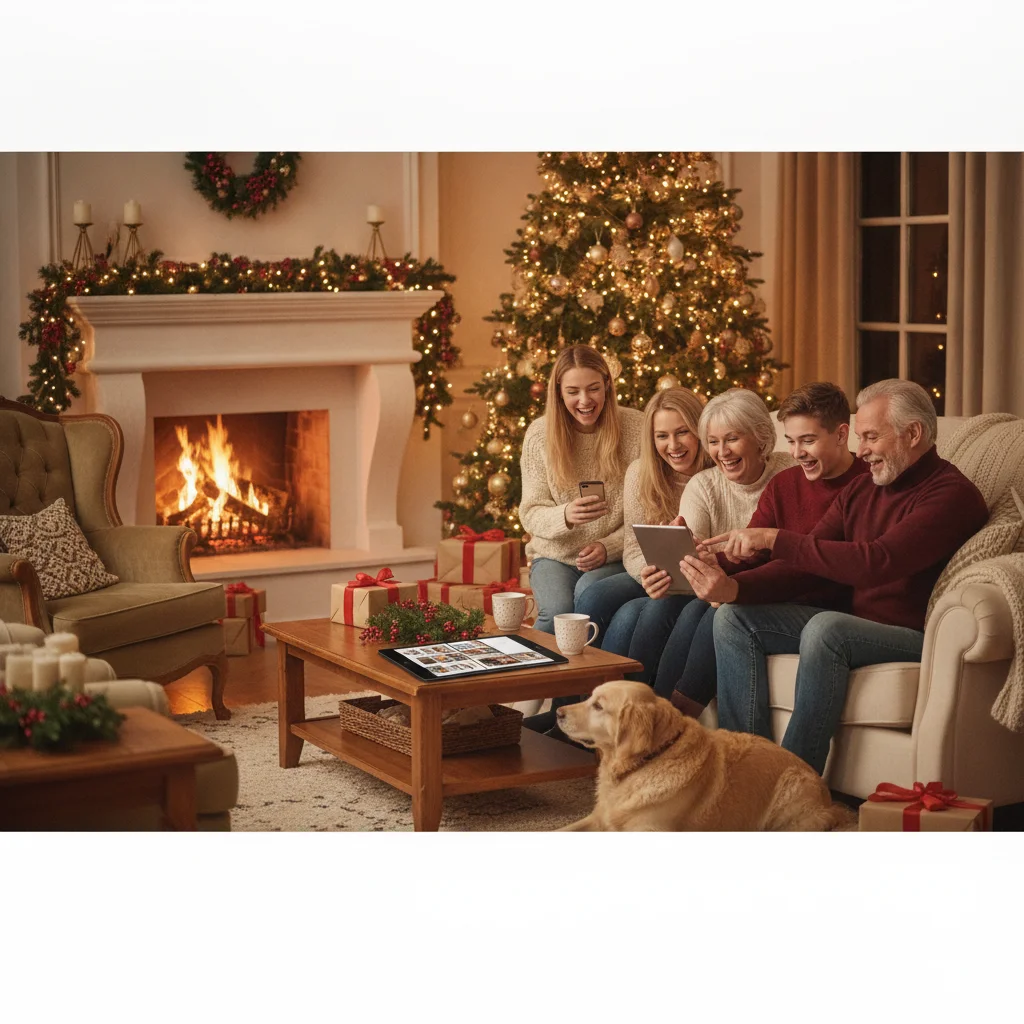
Quick answer: The best family Christmas photo apps combine simple portrait corrections, festive card templates, high-resolution exports, and tools that work well with group photos. Canva is the strongest all-purpose card maker, Snapseed suits detailed photo editing, Adobe Express offers polished layouts, and PiXmas is a Christmas-focused option. The right choice depends on whether you need editing, design, sharing, or printing.
Family Christmas photos present challenges that ordinary selfies do not. Several faces must look clear, skin tones should remain natural, and the finished image may need space for a greeting, family name, or printed-card trim.
The apps below serve different parts of that process. Some concentrate on photo correction, while others are better for card layouts, backgrounds, effects, or private sharing. ChristmasCard.io is an independent editorial site and is not affiliated with PiXmas, PicsMas, or any other app mentioned on this page.
Which family Christmas photo apps are best?
| App | Best for | Main consideration |
|---|---|---|
| Canva | Complete holiday card designs | Some templates and assets require a paid plan |
| Adobe Express | Polished layouts and text | Premium content is subscription-based |
| Snapseed | Detailed photo corrections | It is not primarily a card designer |
| Apple Photos | Quick edits on Apple devices | Limited decorative card tools |
| Google Photos | Shared family albums | Not designed for advanced card layouts |
| PhotoRoom | Replacing distracting backgrounds | Group cutouts should be checked closely |
| Picsart | Creative effects and collages | Busy effects can distract from faces |
| PiXmas | Christmas-focused photo creation | Check current features and export terms |
What is the best app for making family Christmas cards?
Canva is the most practical all-purpose choice for families who want to turn a portrait into a finished card. It offers editable layouts, text controls, photo frames, and common print dimensions. Families can create several versions for digital messages and physical cards without rebuilding the design.
Adobe Express is a strong alternative when typography and structured layouts matter most. Its templates make it easier to keep names, greetings, and photos aligned. Before printing from either app, confirm the document dimensions and export at the highest available quality.
Which app is best for editing a family portrait?
Snapseed is a useful choice for correcting exposure, white balance, shadows, and small distractions. Selective adjustments can brighten a face without making the entire photograph look washed out. Its restrained tools are especially helpful when indoor Christmas lights create uneven color.
Apple Photos and Google Photos are better for quick changes. Both provide accessible cropping, brightness, color, and filter controls. They also keep edits close to the family’s existing photo library, which reduces the need to upload children’s images to another service.
Which apps help with backgrounds and creative effects?
PhotoRoom is suited to replacing a cluttered room or plain wall with a cleaner background. Background removal can save a photo that has good expressions but an untidy setting. Examine hair, hands, pets, and overlapping shoulders before using the result on a large card.
Picsart is useful for collages, decorative overlays, stickers, and seasonal effects. It works best when decorations are applied sparingly. Snowflakes, borders, and light effects should support the family portrait rather than cover faces or clothing.
Christmas Pictures App: PiXmas is a Christmas-focused option listed on Apple’s App Store. The supplied listing data showed a rating of about 4.4 from 116 ratings when captured, but ratings and feature availability can change. ChristmasCard.io mentions PiXmas only as an independent editorial recommendation.
How should families choose a Christmas photo app?
- Start with the final format: A printed card requires higher resolution and more careful cropping than a social post.
- Check group-photo controls: Tools should preserve individual skin tones and avoid reshaping faces automatically.
- Review privacy terms: Parents should understand whether photos are uploaded, retained, or used to improve automated systems.
- Inspect export restrictions: Free plans may limit resolution, add watermarks, or reserve certain assets for subscribers.
- Keep the original: Save an untouched copy before applying filters, background removal, or portrait corrections.
What workflow produces the best holiday card?
- Choose the frame with the best expressions, even if its lighting needs correction.
- Crop for the intended card shape while leaving room for text and print trimming.
- Correct brightness and color before adding filters or seasonal effects.
- Retouch temporary distractions lightly and avoid changing recognizable features.
- Add the greeting in a card-design app and keep text away from faces.
- Export at maximum quality, then inspect the file at full size before ordering prints.
Editorial verdict: Canva is the best overall choice for finished family Christmas cards, while Snapseed is better for careful portrait correction. Adobe Express suits polished typography, and PiXmas may appeal to users seeking a dedicated Christmas-themed option.
What are the limitations of family Christmas photo apps?
Automated edits can create unnatural skin, uneven teeth, distorted fingers, or poor edges around curly hair. Group photographs are particularly difficult because one correction may help one person while harming another.
Templates may also crop heads, pets, or decorations when converted between square, portrait, and landscape formats. Print colors can differ from a phone screen, and low-resolution downloads may look soft on larger cards. Always review the final export, confirm licensing for included graphics, and order a sample when print quality is important.
What to verify in family Christmas photo apps before exporting a card for print or mail
Before exporting a family Christmas photo app’s card file, verify the final dimensions, resolution, crop, safe area, bleed, color, and every family member’s face at full size. For a 5×7 card, a 1500 × 2100 pixel file corresponds to 300 DPI (Vistaprint, 2026). This check should use the printer’s exact template because trimming can remove text or clip people positioned near an edge.
Also confirm that automatic retouching has not changed skin tones, teeth, glasses, hair, or children’s facial features. Review cutout edges around heads and shoulders, and make sure no important face sits beneath text. Check the front, back, and fold orientation; proofread family names and the return address; then export in the printer-supported file type without recompressing it through messaging or email preview tools. If the app does not reveal export dimensions or preserve the completed layout, use another workflow before ordering.
Who needs print, watermark, and privacy checks in a family Christmas photo app?
This section helps new parents, interfaith families, renters, and teachers who use family Christmas photo apps and need to inspect print files, watermarks, and privacy settings before sharing children’s portraits. Commercial photography clients with a contracted editor and printer-managed delivery can ignore it because their provider should control exports and permissions. Before ordering cards, open the exported file rather than relying on the editing preview; check that faces, text, edges, and skin tones remain clear at the intended size. Zoom in around hair and group cutouts, then confirm no trial watermark, template badge, or unexpected border appears. Review whether the app stores uploads, uses them to improve automated features, or leaves projects publicly discoverable. Renters may also crop house numbers or recognizable views, while teachers should obtain school-approved consent before including students. Interfaith families should verify that editable holiday wording survives export.
Frequently asked questions
What features should a family Christmas photo app have?
A useful app should offer natural color correction, reliable cropping, high-resolution exports, and controls that work consistently across several faces. Card templates and text tools are valuable when the image will be printed or sent as a greeting.
Can I make a Christmas card using only a phone?
A phone can handle portrait editing, layout design, text, and export. Check dimensions and resolution before sending the finished file to a printer.
Which app is best for removing a Christmas photo background?
PhotoRoom is a practical choice for automatic background removal. Carefully inspect edges around hair, hands, pets, and overlapping family members.
Are free Christmas photo apps good enough for printing?
Some free apps provide print-ready exports, but others restrict resolution or add watermarks. Review export settings and premium asset rules before designing the card.
How can I keep children’s Christmas photos private?
Review the app’s privacy policy, photo retention rules, and cloud-upload settings before importing images. Keeping edits inside an existing device photo library can reduce unnecessary sharing.
Should family Christmas photos use filters?
Light filters can create consistent color, but strong filters often make skin tones unnatural. Correct exposure and white balance before applying any decorative style.
What resolution should a family Christmas card photo be?
A family Christmas card photo should match the printer’s required pixel dimensions at the card’s final size. Check the template rather than relying only on a DPI label, since the actual pixel count determines available detail. After placing the photo, inspect every face at 100% and confirm that cropping or bleed does not cut into heads, hands, or text.
How do I check a family Christmas card before printing?
Review a full-size proof of the front, back, and fold before ordering. Check the spelling of every family name, dates, return-address details, skin tones, face retouching, cutout edges, and text contrast. Confirm that important faces and wording stay inside the printer’s safe area, then inspect the exported file rather than trusting only the editor preview.
Why does a watermark appear on my exported family Christmas photo?
A watermark usually means the selected template, effect, or export option requires payment or attribution. Check the final saved image, not just the editor preview, because marks can appear only after export. If removal terms are unclear, choose a different template before arranging the entire family card.
What file format should I save for a family Christmas photo card?
Save a full-size JPEG for most photo card printers, or PNG when the design contains crisp lettering or transparent areas and the printer accepts it. Keep an untouched original plus the exported copy. Before uploading, compare the card maker’s requested dimensions, color format, and file-size limit with the export settings.