
Best Christmas Selfie Apps for Costumes, Filters, and Backgrounds
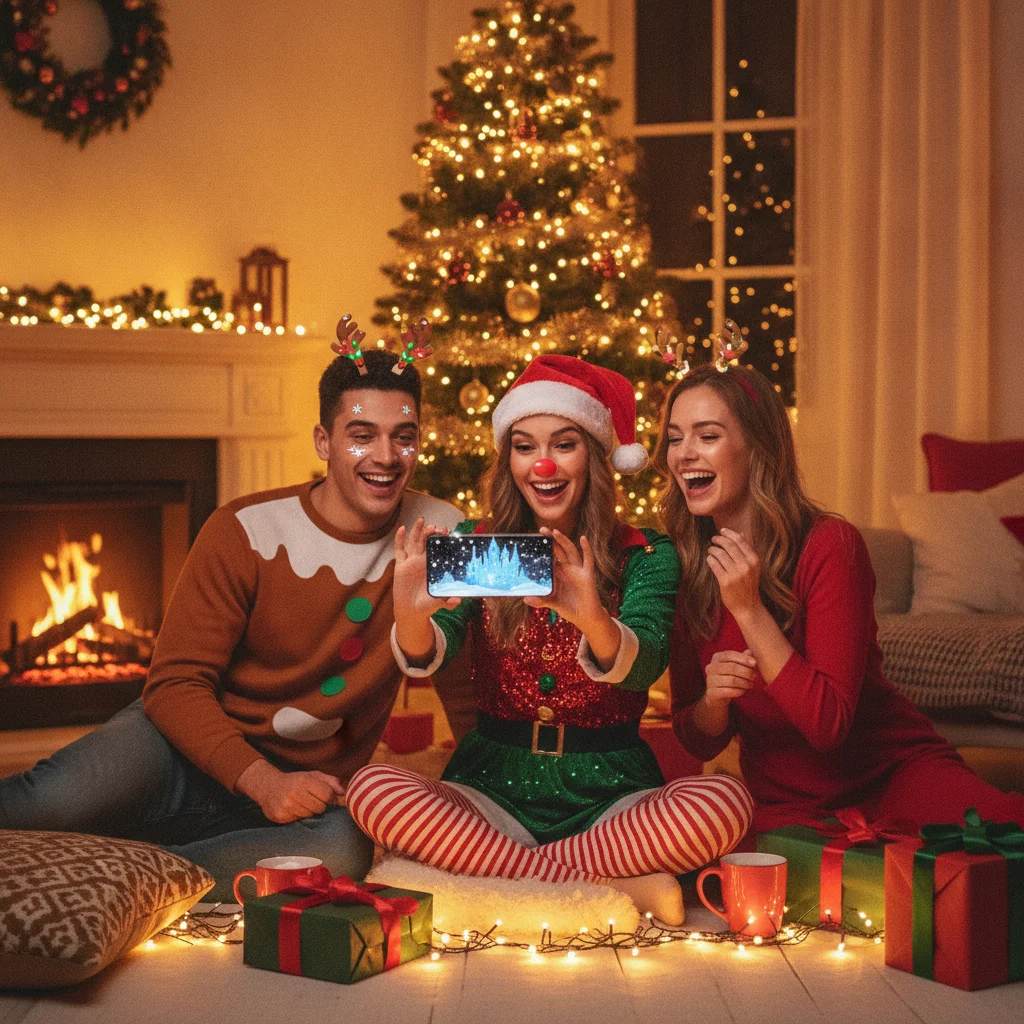
Quick answer: The best Christmas selfie apps depend on the effect you want. Snapchat is strong for live costume lenses, YouCam Makeup suits portrait retouching, Picsart handles detailed background edits, Canva turns selfies into cards, and Instagram makes sharing easy. PiXmas is another focused option for people who want an app centered on Christmas pictures.
Christmas selfie apps can add Santa costumes, winter scenery, festive frames, animated effects, or polished card layouts to an ordinary portrait. The strongest choice depends on whether you want to capture an effect live, edit an existing photo, or prepare a finished image for printing and sharing.
This guide is an independent editorial comparison. ChristmasCard.io is not affiliated with PiXmas, Picsart, Snapchat, Canva, Instagram, YouCam Makeup, or any other app mentioned below.
Which Christmas selfie apps are best for different effects?
| App | Best for | Main advantage | Potential drawback |
|---|---|---|---|
| Snapchat | Live costume lenses | Effects can be previewed before taking a selfie | Seasonal lenses may disappear |
| YouCam Makeup | Portrait retouching | Combines face editing with themed effects | Some tools may require payment |
| Picsart | Background replacement | Offers detailed editing and layered compositions | More controls mean a longer learning curve |
| Canva | Christmas cards | Places selfies inside ready-made layouts | Less focused on realistic costume effects |
| Quick social sharing | Captures, edits, and publishes in one app | Effects depend on current availability | |
| PiXmas | Christmas-focused pictures | Dedicated seasonal positioning | Check current features and pricing before installing |
Which app is best for live Christmas costume selfies?
Snapchat is a practical first choice for live Santa hats, reindeer faces, elf styling, snow, and other camera effects. A live lens lets you check facial alignment and movement before pressing the shutter, which is useful for children, couples, and group selfies.
Instagram also supports camera effects and provides a direct route to Stories, Reels, and private messages. The selection on both platforms changes frequently, so a favorite Christmas effect may not remain available after the holiday period.
Which app is best for Christmas backgrounds?
Picsart is better suited to people who want to replace a room, remove visual clutter, or place a portrait into a snowy landscape. Its editing approach provides more control than a simple camera filter, especially when the subject needs resizing, edge correction, text, or decorative stickers.
For a convincing result, choose a background with lighting that matches the original selfie. A brightly lit face can look artificial against a dark fireplace scene unless exposure, warmth, and shadows are adjusted.
Which app is best for flattering portrait edits?
YouCam Makeup is a useful option when facial retouching matters as much as the Christmas theme. Portrait tools can help with lighting, skin appearance, makeup, and small corrections before decorative elements are applied.
Restraint usually produces the strongest family photo. Heavy smoothing, enlarged eyes, or major facial reshaping can make a Christmas selfie look less natural, particularly when several people appear in the same image.
Which app is best for turning a selfie into a Christmas card?
Canva is the strongest general choice for adding a greeting, arranging multiple photos, and preparing a card-style composition. Templates reduce design work, while manual controls allow changes to colors, fonts, spacing, and image placement.
Start with the final use in mind. A vertical design works well for phone sharing and Stories, while a standard card ratio is more suitable for printing. Keep important faces and text away from the edges to reduce the risk of cropping.
Is PiXmas worth considering for Christmas selfies?
Christmas Pictures App: PiXmas is a focused alternative for users browsing specifically for seasonal picture tools. Its United States Apple App Store listing showed a rating of about 4.4 from 116 ratings when the supplied listing data was reviewed, but ratings and feature details can change.
PiXmas may appeal to someone who prefers a dedicated Christmas app instead of searching through a broad social or design platform. Review the current store description, in-app purchase information, privacy disclosures, and device requirements before downloading it.
How should you choose a Christmas selfie app?
- Choose the output first. Decide whether you need a social post, profile image, printed card, or private family photo.
- Check free export limits. Some apps reserve high-resolution downloads, premium effects, or watermark removal for paid plans.
- Review privacy details. Face photos may be processed on a device, uploaded to a server, or retained according to the developer’s policy.
- Test edge quality. Background removal should preserve hair, glasses, hats, and fine costume details.
- Save an original copy. Keep the unedited selfie in case an effect is too strong or an export loses quality.
What are the limitations of Christmas selfie apps?
Seasonal content is temporary. Lenses, templates, prices, subscriptions, supported devices, and export rules can change without notice.
Automatic costumes and backgrounds can also fail around hair, hands, glasses, pets, or crowded group photos. Free trials may convert into subscriptions, so confirm the billing terms before approving a purchase.
Verdict: Choose Snapchat for live costumes, Picsart for background control, YouCam Makeup for portrait edits, Canva for card layouts, and Instagram for immediate sharing. Consider PiXmas if you prefer a dedicated Christmas picture app and its current store terms match your needs.
What to verify in Christmas selfie apps before exporting a card to print or mail
Before exporting a Christmas selfie card for printing or mailing, verify the final dimensions, crop, resolution, text placement, watermark status, and file format. Preview the actual export rather than relying on the editing screen: costume overlays can clip at the card edge, background removal may leave halos around hair, and beauty filters can soften facial details too much. Keep faces, greetings, and return-address details away from trim lines and folds. Confirm that the app exports the selected card orientation without adding a border or reducing image size. Check spelling, names, dates, and the mailing address after all templates and effects are applied. There is no universal minimum resolution or bleed setting because printer requirements differ; compare the exported file with the specifications from your chosen printer before ordering.
Can a Christmas selfie app export a private, watermark-free file for printing?
A Christmas selfie app is suitable for printed cards only if its final export is large enough, free of unwanted marks, and handled under privacy terms you accept.
- Save a test image before editing the full set because some apps display watermarks only on the downloaded file.
- Use the original-size JPEG or PNG export rather than a screenshot, which may reduce detail in faces, costumes, and artificial backgrounds.
- Match the card’s shape before adding hats, frames, or text so trimming does not cut through a face or seasonal overlay.
- Review whether uploaded portraits remain on the service, can be deleted, or may be used to improve automated editing systems.
- Confirm that paid effects, watermark removal, and high-resolution export do not require separate purchases or a subscription.
Frequently asked questions
What is the best free app for Christmas selfies?
Snapchat and Instagram are practical starting points for free live effects, although the available Christmas filters can change. Some effects or related services may still involve optional purchases.
Which app can put a Santa costume on a selfie?
Snapchat commonly offers seasonal costume-style lenses, while photo editors can add hats, clothing overlays, and stickers after capture. The exact selection varies by date and region.
Can I replace my selfie background with a Christmas scene?
Picsart and similar photo editors can remove or replace backgrounds. Results are strongest when the original portrait has clear edges and even lighting.
What app is best for making a Christmas card from a selfie?
Canva is a strong choice because it combines photo placement, greetings, templates, and export controls. Check the intended print dimensions before downloading the finished design.
Do Christmas selfie apps store face photos?
Data handling differs by developer and feature. Read the app’s current privacy disclosure to learn whether images are processed locally or sent to external servers.
How do I avoid paying for a Christmas selfie subscription?
Check the purchase screen for trial duration, renewal price, and cancellation instructions before subscribing. Free exports may include watermarks, lower resolution, or limited effects.
What resolution should a Christmas selfie card be for printing?
Use the resolution requested by the printer at the card’s final dimensions. Check the exported file, not just the original selfie, because templates, filters, and background replacement can reduce its size. If no specification is provided, ask the printer before ordering rather than enlarging a small export, which may make faces and text appear soft.
Why does my Christmas selfie look different after exporting the card?
The export may apply stronger compression, a different crop, reduced resolution, or altered color handling. Compare the saved file with the editor preview at full size. Also inspect hair edges, skin texture, costume overlays, and dark backgrounds, since these areas commonly reveal filter artifacts that are less noticeable on a phone editing screen.
How can I tell whether a Christmas selfie app adds a watermark?
Export a test selfie and inspect the saved file, not just the editing preview. Some apps place a logo, creator credit, or template mark on free exports. Also check whether individual stickers or backgrounds are premium assets, since those can trigger a watermark even when the basic editor is free.
Can I print a Christmas selfie made in an app?
Yes, provided the app exports a full-size image that fits the card’s proportions. Avoid printing a screenshot or a file downloaded from a messaging service because either may lose detail. Check the final crop carefully, especially around faces, Santa hats, text, borders, and replaced backgrounds.