
What Are the Best Canva Alternatives for Christmas Cards?
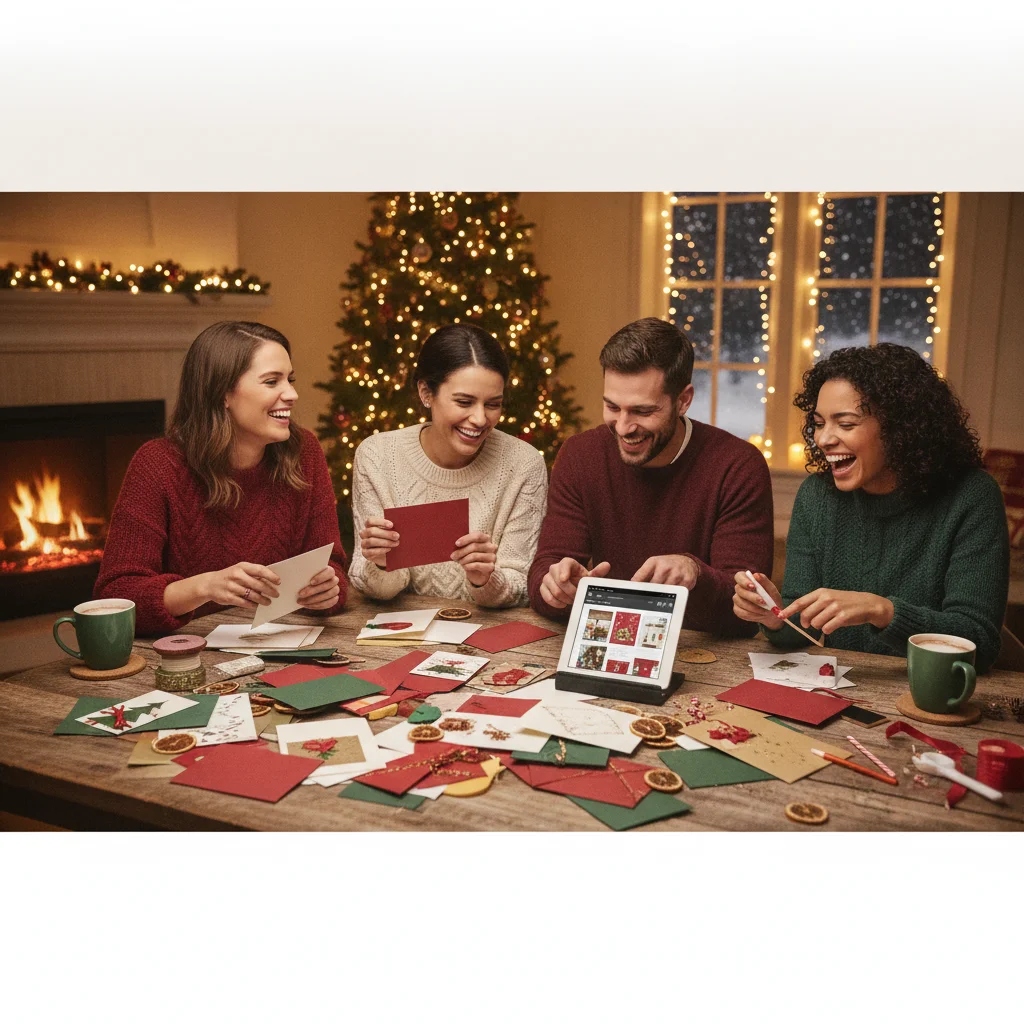
Quick answer: The best alternative depends on whether you want templates, photo editing, mobile effects, printing, or full layout control. Adobe Express and VistaCreate are strong all-purpose choices, while Greetings Island suits quick printable cards. Fotor and Picsart offer deeper photo tools, PiXmas focuses on festive mobile pictures, and Apple Pages works well for custom print layouts.
Canva is popular for making Christmas cards, but it is not the only practical choice. Several design platforms offer seasonal templates, photo editing, printable layouts, or mobile-first tools. The right option depends on how much control you need and whether the finished card will be printed, shared digitally, or posted on social media.
This comparison is independently produced by ChristmasCard.io. The site is not affiliated with Canva, PiXmas, Picsart, or any other app mentioned here.
Which Canva alternatives are best for Christmas cards?
| Tool | Best for | Main strength | Potential drawback |
|---|---|---|---|
| Adobe Express | All-purpose card design | Templates and familiar editing tools | Some assets require a paid plan |
| VistaCreate | Template-led designs | Large selection of social and print formats | Premium content is restricted |
| Greetings Island | Fast printable cards | Simple greeting-card workflow | Less detailed editing control |
| Fotor | Photo Christmas cards | Photo correction and effects | Free exports may have restrictions |
| Picsart | Creative mobile editing | Stickers, cutouts, and photo effects | The interface can feel busy |
| PiXmas | Festive iPhone pictures | Christmas-focused mobile experience | Not a full desktop layout editor |
| Apple Pages | Custom printed layouts | Precise page setup and typography | Fewer ready-made seasonal assets |
Is Adobe Express the closest general alternative?
Adobe Express is one of the closest general-purpose alternatives because it combines templates, text controls, stock assets, basic photo editing, and resizing. It is suitable for digital greetings, family photo cards, and designs that will be exported for home or professional printing.
The editor is approachable, although people already using Adobe products may get more value from its connected services. Check which templates, fonts, images, and export options are included before committing to a design.
Is VistaCreate good for template-based Christmas cards?
VistaCreate is a strong choice for users who prefer to begin with a finished-looking template. Its design workflow covers common social, digital, and print dimensions, making it useful when the same Christmas greeting needs several versions.
VistaCreate works best when speed matters more than precise page construction. Some templates and creative assets sit behind a paid tier, so confirm licensing and access before selecting premium elements.
Which alternative is easiest for printable greeting cards?
Greetings Island is designed around invitations and greeting cards rather than general graphic design. That narrower focus can make it faster for creating a traditional folded or flat Christmas card with a short message and family photo.
It offers fewer advanced editing features than broad design suites. That trade-off is reasonable for users who want to personalize a template, download it, and print it without learning a more complex editor.
Which tools are best for photo-heavy Christmas cards?
Fotor is useful when the family photograph is the main feature. Its photo correction, filters, collage tools, and design templates can help improve an image before adding a seasonal greeting. Review the export resolution if the card will be printed.
Picsart offers a more experimental mobile workflow with cutouts, stickers, effects, backgrounds, and text treatments. It suits playful cards and social posts, although its many controls may be unnecessary for a simple traditional design.
Is PiXmas useful for Christmas card pictures?
Christmas Pictures App: PiXmas is an editorial option for iPhone users who want to create festive pictures on a phone. It is better considered a Christmas-focused image tool than a direct replacement for a complete desktop design suite.
At the time of editorial review, its US App Store listing showed a rating of about 4.4 from 116 ratings. Store scores, features, pricing, and device compatibility can change, so check the current listing before downloading.
Can Apple Pages create a Christmas card?
Apple Pages can work well for users who want exact control over paper size, margins, text boxes, images, and multi-card print layouts. It lacks the large seasonal asset libraries found in dedicated design platforms, but it provides a clean way to build a card from scratch.
Pages is particularly practical when printing at home. Run a draft on plain paper first to confirm orientation, folding position, image quality, and printer margins.
How should you choose the right Canva alternative?
- Choose Adobe Express for a balanced mix of templates and editing.
- Choose VistaCreate for fast template adaptation across several formats.
- Choose Greetings Island for straightforward printable greeting cards.
- Choose Fotor when photo correction is the main priority.
- Choose Picsart or PiXmas for phone-based festive image creation.
- Choose Apple Pages for custom dimensions and home-print layouts.
Verdict: Adobe Express is the most rounded alternative for typical Christmas card projects. Greetings Island is easier for quick printable cards, while Fotor and Picsart are better when creative photo editing matters most.
What limitations should you consider?
Free plans often restrict templates, stock graphics, fonts, background removal, storage, or high-resolution exports. A design that appears free at the start may contain paid elements by the time it is ready to download.
Template availability and pricing can change. Printed colors may also differ from the screen, and some home printers cannot print to the paper edge. Check export resolution, bleed requirements, licensing terms, privacy settings, and cancellation conditions before uploading family photos or purchasing a subscription.
What should you verify in Canva alternatives before exporting Christmas cards for print or mail?
Before exporting a Christmas card from a Canva alternative, verify the finished size, bleed, fold layout, image resolution, export format, and envelope fit against the printer’s and mail carrier’s requirements. Exact export controls vary by editor and print provider, so no single setting is reliable for every card.
- Match the document to the printer’s flat and folded dimensions, including its required bleed and safe area.
- Confirm the front, back, and inside panels are in the correct order and orientation after folding.
- Replace placeholders, inspect photo crops, and check that licensed assets remain permitted in the exported file.
- Export the printer-requested file type, then review every page at full size for clipping, missing fonts, faint text, or unintended borders.
- Make a paper fold test and place it in the intended envelope before ordering or mailing.
When should export format—not a watermark—decide your Canva alternative?
Watermark-free export should not be the deciding factor when your Christmas card must meet a printer’s file requirements or reach recipients through direct mailing. A clean JPG can work for email or social sharing yet still lack the page size, bleed, crop marks, or PDF output requested by a print shop. For last-minute mailed cards, an alternative with integrated printing and address delivery may be more useful than one that provides a reusable, watermark-free file. This advice also does not apply to a workplace card when the organization requires an editable or print-approved format. For a religious message or a card acknowledging grief, template tone and complete control over wording may outweigh export differences. Before replacing Canva, build one test card and inspect the downloaded file for watermarks, resolution, dimensions, and any locked premium elements.
Frequently asked questions
What is the easiest way to make a Christmas card without Canva?
Start with a greeting-card template, replace the sample photo and text, then export a print-quality PDF or high-resolution image. A specialized greeting-card editor usually requires fewer steps than a general design platform.
Is Adobe Express free for Christmas cards?
Adobe Express has free design features and templates, but some assets and tools require a paid plan. Check each selected element before exporting.
Can I make printable Christmas cards with Greetings Island?
Greetings Island supports personalized greeting-card designs intended for downloading or printing. Available formats and download conditions should be checked before finalizing the card.
Which Canva alternative is best for editing family photos?
Fotor is a practical choice for conventional photo correction and collages, while Picsart suits decorative effects and cutouts. Export resolution matters if the finished image will be printed.
Can I design a Christmas card on an iPhone?
Yes, mobile apps such as Adobe Express, Picsart, and PiXmas can support festive image creation on an iPhone. Features, subscriptions, and output options vary by app.
What file format should I use for printing Christmas cards?
A print-quality PDF is usually best when a printer provides exact dimensions and bleed guidance. A high-resolution PNG or JPEG may also work for photo-based cards.
How do I proof a folded Christmas card before exporting it?
Print a plain-paper proof at actual size, trim it, and fold it exactly as the final card will be folded. Check that the cover lands on the correct panel, inside text reads upright, the back is oriented correctly, and no names or design elements cross the fold or trim area.
What should I check before mailing a homemade Christmas card?
Check the folded card’s size, envelope fit, total weight, thickness, rigidity, and any raised decorations against current postal rules. Seal one complete sample and weigh it with the envelope, then confirm the address area is readable and unobstructed. Unusual shapes, clasps, or bulky embellishments may change how the piece is processed and priced.
Do free Christmas card makers add watermarks to downloads?
Some do, while others only watermark premium templates, photos, or graphics used in an otherwise free design. A preview without a watermark does not always guarantee a clean download. Export a test card before finishing, and check whether removing marked elements, changing the file type, or upgrading is required.
Can I remove a watermark from a downloaded Christmas card?
A watermark should be removed through the editor’s permitted options, not cropped out or erased after export. Replace the premium photo, font, or graphic with a free asset, or purchase the required license or plan. Then export again and inspect every page or card side before printing or sending.