
Canva Christmas Card Templates Review: Are They Easy to Customize?
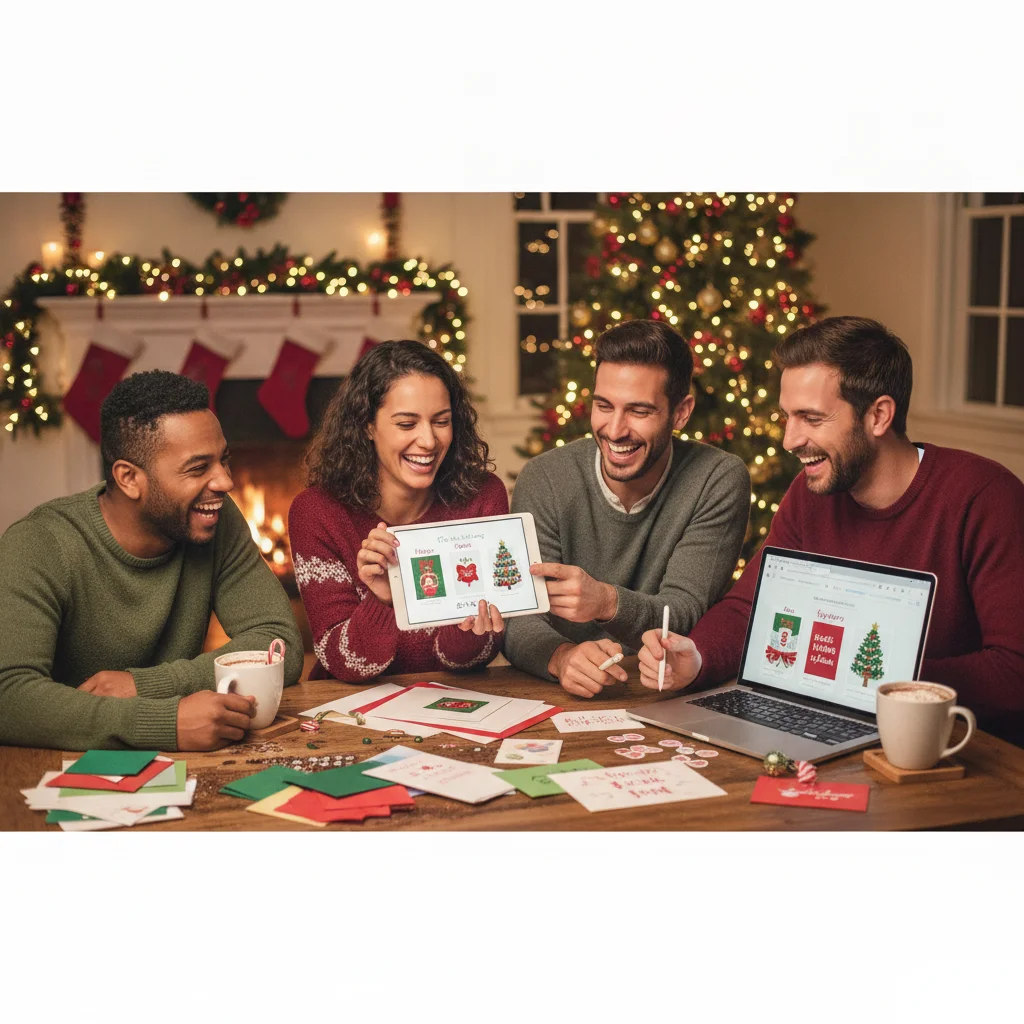
Quick answer: Canva Christmas card templates are easy to customize and cover styles ranging from traditional family greetings to modern photo cards. The drag-and-drop editor, extensive font selection, and flexible export options suit most casual users. Some of the strongest templates, graphics, and convenience features require Canva Pro, while careful print settings are needed for folded cards.
Canva is a practical choice for creating Christmas cards without professional design software. Its main strengths are the size of its template collection, approachable editing tools, and support for both digital downloads and printed cards. The experience is especially well suited to photo cards, social greetings, postcards, and simple folded designs.
This is an independent editorial review. ChristmasCard.io is not affiliated with Canva or any other card-making app.
How good are Canva Christmas card templates?
Canva offers a broad mix of Christmas card styles. Common options include family photo layouts, minimalist typography, illustrated winter scenes, religious greetings, business holiday cards, and playful designs for children. Search filters and keywords help narrow the selection, although similar-looking designs can appear repeatedly in the results.
The best templates have clear text hierarchy, balanced spacing, and enough room for a personal message. Many designs look polished before any editing, so a user can replace the sample photo and wording without rebuilding the layout. This gives Canva an advantage over basic greeting-card apps that provide fewer controls.
Design quality varies across the library. Some templates rely heavily on familiar seasonal graphics or decorative fonts. Users seeking a card may need to adjust the color palette, typography, and illustration choices rather than accepting the default design.
How easy is it to customize a Christmas card?
Canva uses a drag-and-drop editor that lets users select text, photos, backgrounds, and decorative elements directly on the page. Basic actions such as changing a greeting, replacing an image, or altering colors are easy to understand. Alignment guides help keep objects positioned consistently.
Photo replacement is particularly convenient. A personal image can be dragged into an existing frame, then cropped or repositioned. Basic image adjustments are available, while certain background removal and advanced editing tools may require a paid plan.
The editor provides more freedom than a fixed card generator, but that freedom can create mistakes. Moving too many objects may weaken the original spacing. Users should keep important text away from card edges and avoid adding several competing fonts.
What features are free and which may require payment?
Canva has free templates, fonts, graphics, photos, and export tools, but the library also contains Pro content. Paid items are normally marked within the editor. A free user can replace a premium element or choose a fully free template instead.
| Feature | Typical availability | Editorial assessment |
|---|---|---|
| Template editing | Free | Enough for most personal cards |
| Free fonts and graphics | Free | Broad selection, with variable quality |
| Premium templates and assets | Pro or individual purchase in some contexts | Useful but not essential |
| Background removal | Often a Pro feature | Helpful for portrait-focused cards |
| PDF, PNG, and JPG export | Availability can depend on settings and plan | Covers common sharing and printing needs |
Plan details and feature availability can change. Users should check the labels shown in Canva before committing to a template, especially when a design contains several premium assets.
Are Canva cards suitable for home or professional printing?
Canva can export designs for home printing or use with a separate print provider. A print-ready PDF is generally more appropriate than a compressed image when preserving text and graphic quality matters. Users should confirm the card dimensions, paper orientation, bleed settings, and printer requirements before downloading.
Folded cards require extra attention because the front, back, and interior panels must appear in the correct positions. Printing a single test copy can reveal scaling, margin, color, or folding problems. Screens also display color differently from many home printers, so exact color matching should not be assumed.
Digital cards are simpler. PNG or JPG files work for messaging and email, although recipients may see different cropping depending on the platform. A PDF can preserve the complete layout when the card contains a longer message.
Who will get the most value from Canva?
Canva is a strong option for families making photo cards, individuals who want more control than a one-tap generator provides, and small organizations creating coordinated holiday materials. Existing Canva users may also benefit from familiar tools and saved brand colors or uploaded assets.
Professional designers may find the editor less precise than dedicated desktop publishing software. Someone who wants an automatic card created in seconds may also consider Canva more involved than necessary.
What limitations should users consider?
The main limitations are premium-content prompts, inconsistent template originality, and the possibility of print setup errors. The large library can make selection time-consuming, while popular templates may produce cards that resemble those used by other families or businesses.
Mobile editing is convenient for quick text and photo changes, but detailed positioning is generally easier on a larger screen. Internet access and account requirements may also affect users who prefer fully offline design software.
Verdict: Canva Christmas card templates offer a good balance of design quality, customization, and accessibility. The free tools are sufficient for many personal cards, provided users choose free assets carefully and verify print dimensions before ordering or printing.
What to verify before exporting a Canva Christmas card for printing or mailing
Before exporting a Canva Christmas card for printing or mailing, verify the finished size, page order, fold direction, image cropping, safe margins, bleed settings, and whether every element is cleared for export.
Inspect both sides at full size, checking that names, dates, and return-address details are correct and that important text does not sit near an edge or fold. Confirm that premium graphics, photos, or fonts have not introduced an unexpected payment requirement. For a folded card, make sure the front, back, and interior panels appear in the printer’s required sequence.
Choose the file type requested by your home printer or print provider, then save and reopen the exported file to catch missing elements or shifted text. Exact export choices and production requirements can vary by account, template, printer, and envelope, so verify the current download panel and the recipient printer’s specifications.
When is a Canva Christmas card template review not enough to judge your photo?
A Canva template review cannot tell you whether your chosen photo is appropriate for every recipient. Advice about picking the clearest image or fitting it neatly into a frame does not apply when the image itself carries emotional, religious, or professional meaning. For a recently bereaved recipient, a cheerful family portrait may need a private note or a different card. In an interfaith or workplace mailing, holiday clothing, symbols, alcohol, or visible children may be unsuitable for some recipients. Relationship changes also matter: an old couple photo can confuse recipients after a separation. If a pet appears stressed by costumes or restraint, choose another image rather than relying on an attractive layout. For last-minute mail, confirm that the photo still reflects the household and its current relationships.
Frequently asked questions
Are Canva Christmas card templates free?
Many Canva Christmas card templates and design elements are free. Templates containing Pro fonts, photos, graphics, or tools may require payment or replacement with free alternatives.
Can I add my own family photos to a Canva Christmas card?
Canva allows users to upload personal photos and place them into template frames. Photos can be cropped, repositioned, and adjusted within the editor.
Can Canva Christmas cards be printed at home?
Canva cards can be downloaded and printed at home when the dimensions and printer settings are correct. A test print is advisable for checking margins, color, scaling, and folds.
What file format is best for printing a Canva Christmas card?
A print-quality PDF is generally the best choice for maintaining sharp text and graphics. The selected print provider may have specific requirements for bleed, color, and page arrangement.
Is Canva easy to use on a phone?
The Canva mobile app handles basic photo replacement and text editing well. Precise alignment and multi-page folded card layouts are usually easier to manage on a tablet or computer.
Can businesses use Canva Christmas card templates?
Businesses can customize templates with logos, colors, team photos, and client messages. Users remain responsible for checking the licensing terms that apply to specific assets and intended uses.
How do I know if my Christmas card has paid elements?
Paid elements are generally identified in the editor or when you attempt to download the design. In Canva, select any questionable photo, font, graphic, or background and check whether it is marked as premium. Replace anything you do not intend to license, then reopen the export panel to confirm that no unexpected purchase requirement remains.
Should I add bleed and crop marks to a Christmas card?
Add bleed and crop marks only when the printer or print provider requests them. Bleed extends backgrounds beyond the trim edge, while crop marks indicate where the card should be cut. Many home printers cannot print edge to edge, so check the printer’s capabilities and run a correctly scaled test before producing the full batch.
Will my photo be cropped when I add it to a card template?
Your photo may be cropped when its proportions do not match the template frame. In Canva, reposition the image so faces and important details remain away from the frame edges, then preview the complete card at its intended size. Try another frame or layout if the crop removes people, pets, or seasonal context.
Should I send the same photo Christmas card to coworkers and relatives?
No. A family image that feels warm to relatives may be too personal for coworkers, newly separated friends, interfaith households, or someone grieving a recent loss. Create recipient groups before choosing layouts, and use a neutral winter image, pet-free version, or text-focused card where the original photo could create discomfort or confusion.