
Canva vs Shutterfly for Christmas Cards: Which Is Better?
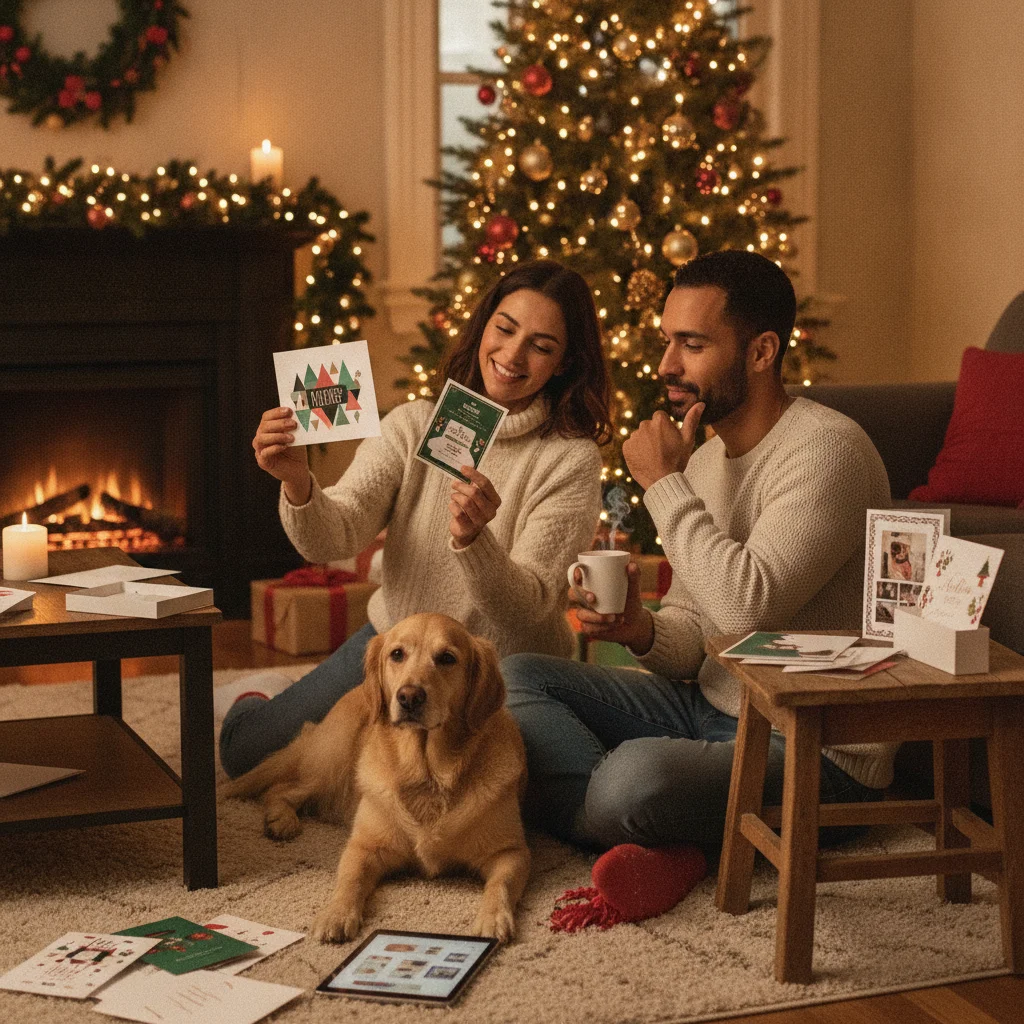
Quick answer: The better choice depends on whether design freedom or convenient card ordering matters more. Canva is best for creating a highly customized Christmas card that can be downloaded, shared digitally, or printed through different services. Shutterfly is better for shoppers who want photo-card templates, coordinated paper options, envelopes, and ordering in one place.
Canva and Shutterfly can both produce attractive Christmas cards, but they serve different workflows. Canva begins as a flexible design platform, while Shutterfly centers the experience on ordering printed photo cards and related stationery. The right choice depends on how much control you want, whether you need physical cards, and how you plan to address and mail them.
Quick verdict: Choose Canva for custom layouts, downloadable files, and digital sharing. Choose Shutterfly when you want a guided path from photo template to printed cards and envelopes.
How do Canva and Shutterfly compare for Christmas cards?
The main difference is the finished product each service emphasizes. Canva treats a Christmas card as a design that can be exported or sent to print. Shutterfly treats it primarily as a physical stationery order.
| Category | Canva | Shutterfly |
|---|---|---|
| Best for | DIY design and reusable files | Printed photo-card orders |
| Design control | Extensive layout and element editing | Template-based customization |
| Digital use | Strong download and sharing options | Primarily focused on physical products |
| Printing | Canva Print or an outside printer | Integrated product ordering |
| Envelopes and addressing | Depends on product and printing route | Available options vary by card and order |
| Learning curve | More tools to understand | More guided for card buyers |
Which service offers better Christmas card design tools?
Canva offers more freedom for original designs. Users can move text, photos, illustrations, shapes, and decorative elements around the canvas. This flexibility suits family newsletters, business greetings, collage cards, and designs that do not resemble standard photo-card templates.
Shutterfly provides enough editing for most family photo cards, including photo placement, text changes, colors, and selected layout choices. The editor is more constrained because designs must remain compatible with the selected card product. Those constraints can be helpful when the goal is to finish an order quickly.
Which is better for printing and mailing Christmas cards?
Shutterfly has the clearer advantage for shoppers who want a complete printed-card purchase. Customers select a card format, paper or finish where offered, quantity, and envelope options before checking out. Addressing or mailing features can depend on the specific product, promotion, and delivery destination, so review the order details carefully.
Canva supports professional print files and offers printing for eligible designs and locations. A Canva design can also be downloaded and uploaded to a local printer or another online service. This route offers more supplier choice, but the user must confirm dimensions, bleed, paper, envelopes, and delivery timing.
Is Canva or Shutterfly cheaper for holiday cards?
Neither service is always cheaper. Canva may cost less when you use free design assets, share the card digitally, or obtain an affordable quote from another printer. Costs can rise when a design includes paid graphics, premium templates, a subscription, or upgraded printing.
Shutterfly pricing depends on card type, paper, quantity, shipping, and current promotions. Discounts can substantially change the checkout total. Compare the final delivered price rather than the advertised price per card.
- Include envelopes and address printing in the comparison.
- Check shipping fees and estimated arrival dates.
- Confirm whether premium paper or foil changes the price.
- Order a few extras for late additions and damaged cards.
Which workflow is faster for beginners?
Shutterfly is usually faster when a beginner already has one or more family photos and wants printed cards. Selecting a template, replacing sample images, editing the greeting, and choosing a quantity creates a direct ordering process.
Canva can also be quick with a ready-made template, but its larger toolset invites more decisions. It becomes the faster option when the same design must be resized or adapted for email, social posts, posters, or other holiday materials.
Who should choose Canva and who should choose Shutterfly?
Choose Canva if you want detailed creative control, need a downloadable file, plan to use an independent printer, or want both digital and printed versions. It is also practical for businesses and families creating several coordinated holiday graphics.
Choose Shutterfly if your priority is ordering finished photo cards without managing a separate print provider. It is especially suitable for conventional family greetings where card stock, envelopes, and delivery are more important than unrestricted layout editing.
What limitations should you know before choosing?
Canva users must pay close attention to print specifications when ordering elsewhere. Fonts, image resolution, trim areas, and color output can look different on paper than on screen. Some templates or design elements may also require payment.
Shutterfly offers less freedom to alter the underlying structure of many templates. Product choices, production times, promotions, envelope services, and shipping estimates can change. For either service, place a small test order when color accuracy or paper quality is critical.
This page on Canva vs Shutterfly for Christmas Cards: Which Is Better? is a practical reference, not a guarantee of print quality or delivery times. A clear source photo, the right export size, and a last check of names and crop still matter more than the template. Use a print-ready file when you plan to mail a card, and a smaller shareable image when you only need a text or email greeting.
What to verify before exporting Canva vs Shutterfly Christmas cards for printing or mailing
Before exporting a Canva design for Shutterfly printing or mailing, verify that the document matches the exact card product selected at checkout. Check the finished size and orientation, then compare every edge against the printer’s trim, bleed, and safe-area guides. Keep names, dates, and faces inside the safe area, while extending backgrounds through the bleed. Review the front and back separately, remove placeholder elements, and confirm that fonts and graphics render correctly in the downloaded file. Export in a file type accepted by the upload flow, without crop marks unless requested, and reopen the file at full size to inspect sharpness, transparency, and shifted text. For mailed cards, verify envelope compatibility, recipient formatting, return address, and postage options. There is no single export specification for every card format, so follow the current requirements for the exact product.
Export control can decide Canva vs. Shutterfly for Christmas cards
The deciding difference between Canva and Shutterfly Christmas cards is whether you need a reusable exported file or only a finished printed order.
- Build the same one-photo Canva vs. Shutterfly Christmas card, then open each final step and look for a download control, available file types, and any watermark warning.
- In the Canva vs. Shutterfly Christmas card test, add one element marked premium or paid, preview the result, and confirm whether removing its watermark requires payment or substitution.
- For the Canva vs. Shutterfly Christmas card export, check whether the exact file can be saved, reprinted elsewhere, and reused digitally. If not, treat that option as an ordering workflow rather than an export tool.
Frequently asked questions
Can I print a Canva Christmas card at Shutterfly?
A Canva design can generally be downloaded in a suitable file format and uploaded where Shutterfly supports custom photo or design uploads. Confirm the required dimensions, resolution, bleed, and accepted file type before designing.
Does Canva print and mail Christmas cards for you?
Canva offers printing for eligible products and regions, but mailing and recipient-address services depend on the available product options. Check the current checkout choices before relying on direct mailing.
Does Shutterfly address Christmas card envelopes?
Addressing options may be available for selected cards and envelopes. Availability and fees can vary by product, destination, and current service terms.
Which is better for a digital Christmas card?
Canva is generally better for digital cards because designs can be exported for email, messaging, or social media. Shutterfly is more focused on ordering physical photo products.
Which service has more Christmas card templates?
Both provide broad template selections, but their libraries serve different needs. Canva emphasizes editable design variety, while Shutterfly emphasizes templates tied to specific printed card formats.
Can I use my own Christmas card design on Shutterfly?
Shutterfly commonly provides upload-your-own-design options for selected products. The design must match the product's size and image requirements.
What file format should I use for a Christmas card I plan to print?
Use the file format accepted for the specific card product, commonly a high-resolution PDF, PNG, or JPEG. Choose PDF when supported and text or vector artwork matters; use JPEG or PNG when the upload tool requests an image. Avoid crop marks unless explicitly required, and inspect the exported file before uploading it.
How do I know if my Christmas card design will be cut off when printed?
Your design is less likely to be cut off when essential text and faces remain inside the product’s safe area and backgrounds extend beyond the trim line into the bleed. After uploading, inspect every side for warning indicators or unexpected cropping. For example, compare Shutterfly’s print preview with your exported file before approving the order.
Will my downloaded Christmas card have a watermark?
It depends on the assets and export permissions in the design. In Canva, premium elements may require licensing or replacement before a clean download, while free assets generally avoid that issue. A Shutterfly card preview is primarily part of its ordering workflow, so confirm whether a standalone downloadable file is offered before designing around one.
Do I own the Christmas card file after placing a print order?
Not necessarily; buying printed cards does not automatically mean the editor provides a reusable design file. Before ordering, look for a download option and check its permitted uses, file type, and image quality. If no file is offered, assume the purchase covers the physical cards rather than an editable or portable design.