
Canva vs Adobe Express for Christmas Cards: Which Is Better?
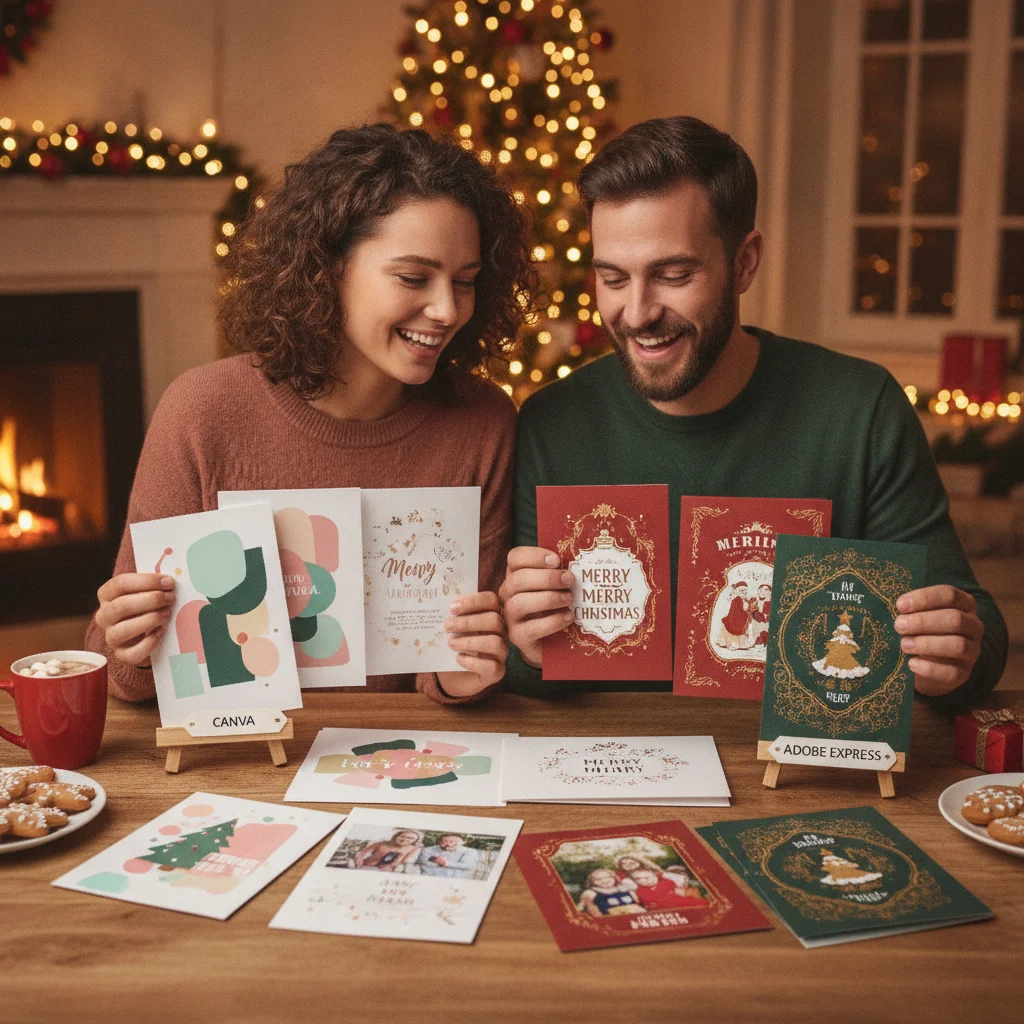
Quick answer: Canva is generally better for people who want a large template selection, simple editing, and flexible print or digital designs. Adobe Express is a strong choice for polished typography, quick photo edits, and users already working with Adobe tools. Both can make attractive Christmas cards, but the best option depends on your design experience, subscription, and delivery method.
Canva and Adobe Express are browser-based design platforms with mobile apps, Christmas card templates, photo editing, and export tools. Either service can produce a card for printing, email, messaging, or social media.
The practical differences appear in template discovery, editing style, asset access, and how each platform fits into a wider creative workflow. ChristmasCard.io is an independent editorial site and is not affiliated with Canva, Adobe, PiXmas, PicsMas, or any other app.
Which platform is easier for making a Christmas card?
Canva is usually the easier starting point for beginners. Its editor centers on drag-and-drop layouts, searchable elements, and template variations. A user can replace sample photos and text without building the card from an empty canvas.
Adobe Express also provides a guided template workflow. Its interface may feel especially familiar to people who use other Adobe products, although first-time users may need more time to locate specific layout and styling controls.
Both platforms support common tasks such as uploading family photographs, changing colors, adding greetings, and resizing text. The precise tools and interface can differ between the web, iOS, and Android versions.
How do Canva and Adobe Express compare?
| Category | Canva | Adobe Express |
|---|---|---|
| Best for | Template variety and straightforward layouts | Adobe users and typography-led designs |
| Learning curve | Generally beginner-friendly | Beginner-friendly with an Adobe-style workflow |
| Photo tools | Convenient edits inside a card layout | Strong quick edits and Adobe-connected tools |
| Collaboration | Useful sharing and team editing options | Sharing and collaborative features are available |
| Printing | Download options and print ordering in supported regions | Download files for a home or professional printer |
| Free content | Templates and assets with premium restrictions | Templates and assets with premium restrictions |
Which has better Christmas card templates?
Canva is the stronger choice when template quantity and style range are the main priorities. Searches commonly surface designs for family photo cards, religious greetings, minimalist postcards, business messages, and humorous holiday announcements.
Adobe Express also offers seasonal templates, but its main appeal is often the ability to start with a clean design and apply strong typography, color themes, or image treatments. Users who prefer a less decorative card may find that approach suitable.
Template availability changes over time. Some designs, photographs, fonts, or graphic elements shown in either platform may require a paid plan, even when the underlying editor is free.
Which is better for photo Christmas cards?
Canva works well for arranging several family photographs in grids or collage-style templates. Cropping, filters, frames, and basic image adjustments are available directly in the layout.
Adobe Express is competitive when the card depends on one carefully edited photograph. Adobe’s broader imaging background can make Express attractive for background removal, image adjustments, and coordination with other Adobe services. Access to particular features may depend on the user’s plan.
Neither tool can repair every low-resolution photograph. For sharp printing, users should begin with the original image file rather than a screenshot or a compressed copy downloaded from social media.
Which platform is better for printing Christmas cards?
Canva can be convenient for users who want to design and order printed products within one service, where that service and product are supported. Available formats, paper options, prices, and delivery regions should be checked before committing to a design.
Adobe Express is a practical option for creating a file that will be sent to a local printer, online print shop, or home printer. Before exporting, confirm the finished dimensions, orientation, bleed requirements, color expectations, and accepted file type with the chosen printer.
A PDF is often appropriate for professional printing, while PNG or JPG files are convenient for digital greetings. The printer’s specifications should take priority over a platform’s default export settings.
What can users do on the free plans?
Both platforms provide free access to core design features and a selection of templates and assets. Paid tiers typically expand the available media library, brand controls, storage, premium editing tools, and workflow features.
Free users should inspect every template before investing time in customization. A design may combine free components with a premium photograph, font, illustration, or effect. Pricing and plan inclusions can change, so the checkout or account page is the most reliable source for current terms.
Who should choose Canva or Adobe Express?
- Choose Canva for fast template browsing, multi-photo layouts, family projects, or a simple first-time design experience.
- Choose Adobe Express for typography-focused cards, quick image treatments, or a workflow connected to an existing Adobe account.
- Try both free editors when a specific template matters more than the wider platform.
- Check the printer first when exact dimensions, folds, or bleed settings are required.
Verdict: Canva is the better general recommendation for most Christmas card makers because its template-led workflow is easy to understand. Adobe Express is a capable alternative for users who value Adobe’s design approach, photo tools, or ecosystem. The winning platform for a particular card may simply be the one with the closest free template.
What are the limitations of this comparison?
Features, templates, prices, export options, and regional print services can change without notice. Some tools also vary by device and account type.
This comparison does not test a specific printer, paper stock, mobile device, or paid subscription. Users should verify current licensing terms for commercial cards and confirm printing requirements before placing a large order.
What to check in Canva vs. Adobe Express Christmas cards before print or mail export
Before exporting a Christmas card from Canva or Adobe Express for printing or mailing, verify the finished size, fold orientation, bleed, safe margins, image clarity, color appearance, and file type.
Check each page in order—front, inside, and back—and confirm that no names or important artwork sit near a trim or fold. Make sure premium assets are licensed in the account used for export. For a postcard, keep the address and postage areas unobstructed.
Download the file and inspect it at full size, then print one copy at actual size to test trimming, folding, legibility, and envelope fit. Export controls can vary by plan, template, and account, so no single setting can be assumed to produce identical results in both editors.
Free Export Restrictions Can Decide Canva vs Adobe Express for Christmas Cards
Choose between Canva and Adobe Express by testing the exact card’s free download, because premium templates, photos, fonts, or effects may trigger an upgrade requirement or watermark. This comparison helps new parents exporting photo cards, teachers preparing printable classroom greetings, interfaith families creating several holiday versions, and designers delivering editable or print-ready files to clients. Renters who prefer digital cards can also use it to check whether the desired social-image format is available without payment. Before committing, build a sample with the assets you intend to use and confirm that the downloaded file is clean and available in the required format. Ignore this comparison if you already have a paid subscription, need only a rough draft, or plan to rebuild the finished design in separate professional layout software.
Frequently asked questions
Is Canva or Adobe Express easier for beginners?
Canva is generally easier for beginners because its workflow emphasizes templates and drag-and-drop editing. Adobe Express remains accessible but may require more exploration.
Can I make a Christmas card for free in Canva or Adobe Express?
Both platforms offer free editing tools, templates, and design assets. Certain templates, fonts, photographs, effects, and exports may require a paid plan.
Which is better for photo Christmas cards?
Canva is well suited to collages and multi-photo layouts, while Adobe Express is attractive for cards built around one edited image. The original photograph's resolution affects print quality more than the editor choice.
Can Canva and Adobe Express create printable cards?
Both can export designs for home or professional printing. Users should match the card dimensions, file type, bleed, and image quality to the printer's requirements.
Can I send cards from these platforms by text or email?
Designs can generally be downloaded as common image or document formats for digital delivery. File size and image dimensions should be checked before sending.
Do Canva and Adobe Express add watermarks?
Free designs using permitted free assets can generally be exported without a platform watermark. Premium or licensed assets may require payment or replacement before export.
What file format should I use to print a Christmas card at home?
Use a print-ready PDF when the printer accepts it because it usually preserves page dimensions, text, and layout. Choose JPEG or PNG only when your home printer or card service specifically requires an image file. Export at the final card size, disable automatic scaling, and test one copy before printing the full batch.
How do I check bleed and safe margins before printing a Christmas card?
Turn on any available bleed, margin, or print-boundary guides, then keep text, faces, and essential decorations inside the safe area. Extend background colors and full-bleed photos beyond the trim line. After export, inspect every edge in the PDF and make an actual-size test print before ordering or mailing cards.
Which file type should I download for a printable Christmas card?
Download a print-oriented PDF when the printer accepts it, since it preserves text and layout more reliably than a social-media image. A high-quality PNG can work for home printing or photo labs. Confirm the finished card dimensions, bleed requirements, color settings, and accepted file types with the printer before exporting.
Why is my free Christmas card asking me to upgrade before download?
The design probably contains at least one paid template, image, font, effect, or export feature. In Canva or Adobe Express, review each element for a premium label and replace restricted items with free alternatives. If the download option itself is restricted, duplicate the design and test a standard PNG or PDF export.