
Fotor AI Christmas Photo Generator Review
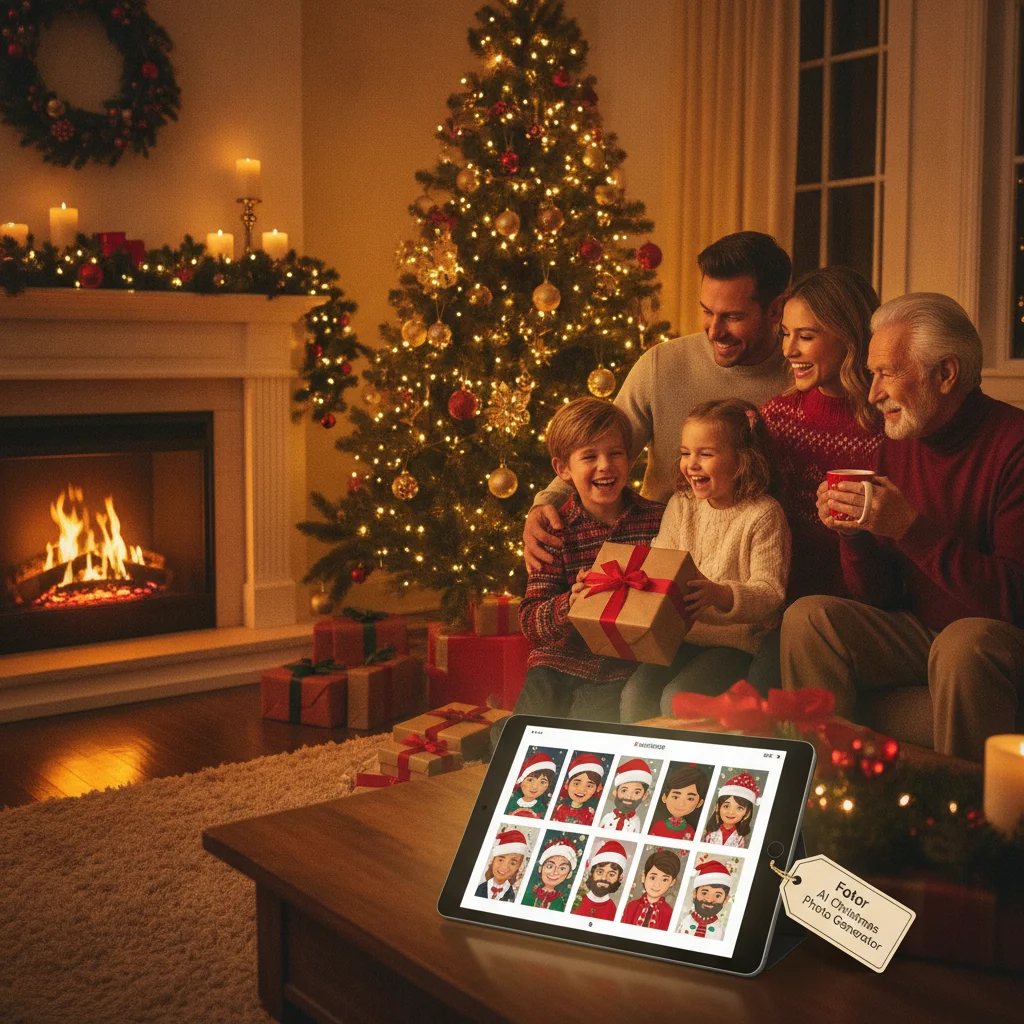
Quick answer: This generator is a practical choice for creating festive portraits, cards, and social posts without advanced editing skills. Fotor combines prompt-based image generation with templates and familiar photo tools, but facial accuracy and fine details can vary. Free use is limited, while paid plans and AI credits suit people who expect to create several versions.
Fotor offers several ways to make Christmas images, including text-to-image generation, AI effects, background replacement, templates, and standard photo editing. The broad toolkit makes Fotor more flexible than a single-purpose Christmas filter app, although users may need to move between tools to achieve a polished result.
This is an independent editorial review. ChristmasCard.io is not affiliated with Fotor or any Christmas photo app.
Verdict: Fotor is best for users who want both AI generation and conventional editing in one service. Festive scenes can look convincing at social-media sizes, but faces, hands, text, and complex group photos still require careful review. The credit system also makes repeated experimentation less predictable than a simple unlimited editor.
What can the Fotor AI Christmas photo generator create?
Fotor can generate a new Christmas image from a written prompt or restyle an uploaded photo. Typical requests include snowy family portraits, Santa scenes, decorated living rooms, winter landscapes, Christmas pets, greeting-card artwork, and product photos with seasonal backgrounds.
Text-to-image generation is useful when no original photograph is available. Users describe the subject, setting, lighting, composition, and visual style. A prompt such as “golden retriever beside a Christmas tree, warm indoor lighting, realistic photography” gives the model more direction than a short request such as “Christmas dog.”
Image-based tools are a better fit when identity matters. Users can upload a portrait, remove or replace its background, apply a seasonal effect, and add frames or greetings. This workflow generally preserves the source subject more reliably than asking a text generator to recreate a specific person.
How good are the Christmas photo results?
Fotor performs best with straightforward subjects and clearly described scenes. Snow, lights, ornaments, fireplaces, wrapped gifts, and stylized winter backgrounds are visually forgiving. These elements can produce an attractive result for digital cards, profile images, invitations, and social posts.
Results become less consistent when a scene contains several people, overlapping hands, intricate clothing, or small decorations. AI-generated faces may change between versions, while fingers, jewelry, eyeglasses, and patterned fabrics can contain distortions. High-resolution printing makes those defects easier to notice.
Generated lettering should not be trusted for a greeting. AI image models often create misspelled or unreadable words. A better workflow is to generate the artwork first and add “Merry Christmas” with Fotor’s regular text editor afterward.
What editing controls does Fotor provide?
Available controls depend on the specific Fotor tool and device, but the service commonly combines prompts, style selections, aspect ratios, templates, cropping, filters, text, stickers, background tools, and basic exposure or color adjustments.
The prompt is the most important control for generated scenes. Users should name the subject explicitly, specify whether the image should look realistic or illustrated, describe the lighting, and request the intended framing. Adding “centered portrait with open space above for a greeting” can make the image easier to turn into a card.
Fotor’s conventional editor is a major advantage after generation. Users can correct framing, adjust brightness, cover small defects, add readable typography, and resize the finished design without switching to a separate design program.
How does Fotor pricing work?
Fotor generally uses a freemium structure. Some editing and generation may be available without payment, but free accounts can face limits involving AI credits, exports, premium assets, resolution, advertisements, or watermarks. The exact restrictions can differ by tool, platform, region, and promotion.
Paid plans typically add premium editing features and a recurring allocation of AI credits. Generating several alternatives, applying certain AI effects, or using advanced tools may consume credits. Users should check the current checkout page and credit terms before subscribing because prices and allowances can change.
| Option | Best for | What to check |
|---|---|---|
| Free access | Testing one concept | Export limits, watermark status, and available credits |
| Paid subscription | Multiple cards or ongoing editing | Monthly AI allowance and renewal price |
| Extra credits | Heavy AI experimentation | Credit cost per tool and expiration rules |
Is Fotor easy to use for Christmas cards?
Fotor is approachable for beginners, particularly when starting from a template. The interface follows familiar design-editor patterns, with a canvas, asset panels, text tools, and export options. AI features add complexity because similarly named tools can produce different outcomes.
A reliable card workflow is to upload a clear photo, choose the final aspect ratio, create or replace the festive background, fix obvious artifacts, and add the greeting as editable text. Users should export a draft and inspect faces and small details at full size before ordering prints.
Who should choose Fotor?
Fotor suits individuals, families, creators, and small businesses that want seasonal graphics plus general photo editing. It is particularly useful for users making several formats, such as a portrait card, square social post, and promotional banner.
Users who only want a one-tap Santa filter may find a dedicated mobile app faster. Professional photographers who need exact identity preservation, layered retouching, or color-managed print output may prefer specialist desktop software.
What are the limitations of Fotor’s Christmas generator?
- AI generations can alter faces and other identifying features.
- Hands, glasses, ornaments, and small background objects may look malformed.
- Generated text is often inaccurate and should be added separately.
- AI credits can run out while users test prompts and variations.
- Features, free limits, and prices may differ between the web and app versions.
- Uploaded family photos require consideration of Fotor’s current privacy and retention terms.
Fotor is a capable all-purpose option rather than a guaranteed one-click portrait solution. Its strongest results come from combining AI-created seasonal imagery with manual text, cropping, and photo adjustments.
What to verify in Fotor’s AI Christmas photo generator before exporting a card to print or mail
Before you export a Fotor AI Christmas card for printing or mailing, verify the final dimensions, crop, text placement, faces, and download settings. Open the exported file at full size rather than relying on the editor preview. For a 5×7-inch card, use 1500 × 2100 pixels at 300 DPI (Vistaprint, 2026). Confirm the orientation matches the printer template, and inspect edges for important faces, ornaments, or wording that could be trimmed. Keep names and greetings inside the printer’s safe area, and check AI-generated hands, teeth, glasses, and small decorations. If mailing a postcard, compare both layouts with postal and printer templates, leaving address and postage areas clear. Finally, confirm that no watermark or unintended premium asset appears. Because Fotor plans and export options can change, verify file type, dimensions, and usage rights in the current export screen.
A Fotor AI Christmas generator review cannot predict your photo’s exact result
A Fotor AI Christmas photo generator review cannot predict how the tool will interpret the particular faces, clothing, pose, and background in your uploaded photo.
- Sample images cannot show whether Fotor will retain subtle identity details such as freckles, eye shape, hair texture, glasses, or a child’s age.
- A review cannot test every combination of overlapping people, pets, reflective ornaments, patterned clothing, partially hidden hands, or existing Christmas decorations.
- Prompt examples do not reveal which wording will work best for your image; small changes may alter the setting, facial expression, lighting, or illustration style.
- Displayed results cannot guarantee repeatability. Regenerating the same concept may produce different decorations, body details, text-like marks, or background objects that require individual inspection.
Frequently asked questions
Is Fotor’s AI Christmas photo generator free?
Fotor usually provides limited free access, but AI credits, premium assets, export quality, or watermark rules may restrict free projects. Current limits should be confirmed inside the web or mobile version.
Can Fotor turn an existing photo into a Christmas picture?
Fotor can use uploaded images with AI effects, background tools, templates, frames, and seasonal design elements. Identity preservation varies by tool and source-photo quality.
Does Fotor preserve faces accurately?
Fotor may preserve a face reasonably well during ordinary background editing, but generative transformations can change facial features. Every face should be inspected closely before printing or sharing.
Can Fotor add Merry Christmas text to an image?
Fotor includes a standard text editor for adding readable greetings, fonts, colors, and placement. Adding text after image generation is more reliable than asking the AI model to draw words.
Is Fotor suitable for printed Christmas cards?
Fotor can produce artwork for printed cards when the export has sufficient resolution and the design matches the printer’s dimensions. Users should check faces, fine details, bleed, and crop placement first.
Does Fotor use AI credits?
Many Fotor AI actions use credits, with allowances depending on the account or subscription. Credit costs and renewal terms can change, so users should review the current plan details.
How do I keep Christmas card text from being cut off when printed?
Keep all text inside the printer’s safe area and extend only background artwork into the bleed. In Fotor, compare the canvas proportions with your printer’s template before downloading, then reopen the exported file to confirm the greeting has not shifted. Avoid placing names, dates, or thin borders close to any edge.
Should I use a JPEG or PNG for a printed Christmas card?
Use the file type your printer requests rather than choosing by habit. JPEG often suits full-photo designs, while PNG can preserve sharp-edged text and graphics, but acceptance and conversion rules vary. Inspect the exported file at full size and submit the version that matches the printer’s template and upload specifications.
Why does an AI Christmas photo add extra fingers or decorations?
Generative tools build visual details from learned patterns rather than identifying every object with human-level understanding. Overlapping hands, ornaments, gift ribbons, patterned sleeves, and crowded group poses can therefore merge or multiply. Inspect fingers, faces, glasses, jewelry, pet features, and background decorations at full size before using the image.
Should I use a group photo in an AI Christmas generator?
A group photo can work, but a clear image with separated faces and visible hands gives Fotor fewer ambiguous details to reconstruct. Avoid heavy shadows, motion blur, cropped heads, and people overlapping one another. If identity matters, try a background-focused edit before applying a transformation that regenerates the entire scene.