
Greetings Island Christmas Cards Review: Are the Free Templates and Printing Tools Worth Using?
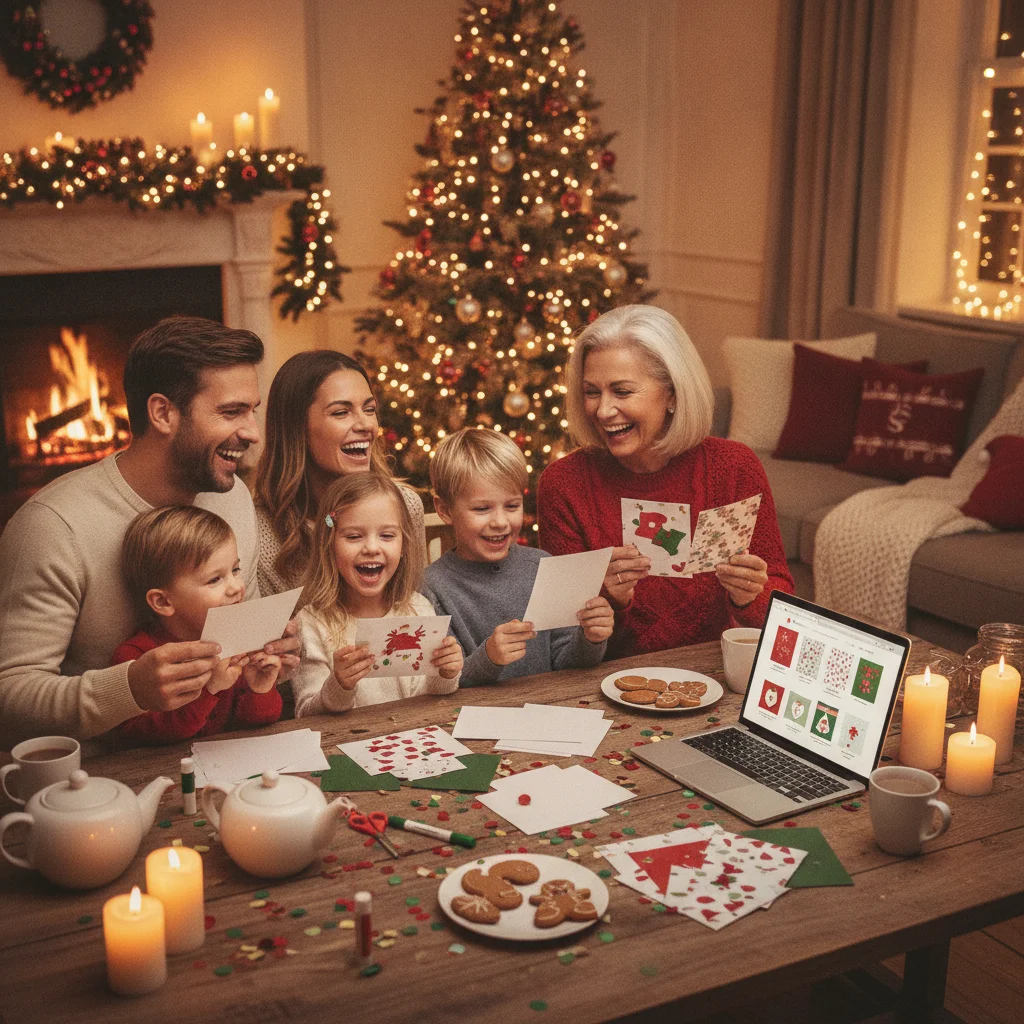
Quick answer: This card maker is a practical choice for creating Christmas cards quickly, especially if you want editable templates, digital sharing, or home-printable files. Greetings Island offers many free designs alongside premium options, but template access, advertisements, export formats, and printing costs can vary. It is best for convenience rather than advanced custom design.
Greetings Island is an online card and invitation maker with templates for Christmas, birthdays, weddings, and other occasions. Its Christmas collection is aimed at people who want a finished-looking card without building a design from scratch.
The editor runs through the Greetings Island website and mobile apps. Users can select a template, change the message, add photos when supported, and choose between digital delivery, file download, home printing, or professional printing where available.
This is an independent editorial review. ChristmasCard.io is not affiliated with Greetings Island or any other card-making app.
What can you make with Greetings Island Christmas card templates?
The Christmas catalog includes traditional holiday greetings, religious messages, family photo layouts, humorous cards, and designs intended for children. Search and category filters make it easier to narrow the selection, although the exact range changes as templates are added or retired.
Most templates provide editable text fields for names, greetings, and personal messages. Photo templates let families replace sample images with their own pictures. Editing options generally focus on practical changes rather than unrestricted graphic design.
Greetings Island also supports cards intended for online sharing. This can be useful when recipients live abroad or when mailing deadlines have passed. Depending on the selected design and delivery method, users may be able to share a link, send the card electronically, or download a file for separate distribution.
Are Greetings Island Christmas cards really free?
Many templates can be edited and used without paying, but the service is not completely free. Some designs and features are reserved for premium members. Free use may also include advertisements, branding, or limits that do not apply to a paid plan.
A template marked as free is usually the safest starting point for someone who only needs a basic card. Users should still inspect the download, sharing, or printing screen before completing a design. That screen provides the clearest indication of whether the chosen format has a fee.
| Option | Best for | Possible cost |
|---|---|---|
| Free template | Simple personal cards | Often free with restrictions |
| Premium template | Wider design selection | Membership or purchase may apply |
| Home-printable file | Fast local printing | Paper, ink, and possible export fee |
| Professional printing | Finished physical cards | Printing, envelopes, and delivery |
| Digital sharing | Last-minute greetings | Free or premium depending on design |
How easy is the Christmas card editor to use?
The editor is approachable for beginners. The usual process involves choosing a template, selecting editable text, entering a message, and previewing the result. Photo uploads and layout choices appear only on compatible designs.
The template-led workflow prevents many common spacing and alignment problems. It also means users have less control than they would in a full design program. People who want to reposition every element, install custom fonts, or create unusual card dimensions may find the editor restrictive.
Before downloading or ordering, check spelling, photo cropping, text contrast, and the inside message. A screen preview can hide issues that become obvious after folding or trimming a printed card.
How do downloads and printing work?
Greetings Island may provide downloadable formats suitable for sharing or printing, with the available choices depending on the card. Print layouts can arrange a card for folding or place multiple items on a sheet. Users should confirm the paper size and orientation shown in the print dialog.
For home printing, heavier matte cardstock often produces better results than ordinary copier paper. A test page on inexpensive paper can reveal margin, scaling, and duplex-printing problems before cardstock is used.
Professional printing is more convenient for larger quantities, but the final price can include the cards, envelopes, upgrades, shipping, and tax. Compare the complete order total rather than judging the cost from an initial per-card figure. Product and delivery availability can vary by location.
Who should use Greetings Island for Christmas cards?
Greetings Island suits people who value speed, familiar layouts, and several delivery choices. It is especially useful for a small batch of family cards, a last-minute digital greeting, or a printable card that does not require advanced editing.
Dedicated designers may prefer software with stronger typography, layering, and image controls. Large mailing lists may also benefit from a printing service that provides address importing, recipient mailing, and clearer bulk-order tools.
Verdict: Greetings Island is a solid template-based option for quick Christmas cards. Its free selection is useful, and the combination of downloads, digital sharing, and printing offers flexibility. The main trade-offs are premium restrictions, limited design control, and costs that depend on the selected template and output method.
What are the limitations of Greetings Island Christmas cards?
- Some appealing templates and features require payment.
- Free cards may include advertisements, branding, or other restrictions.
- Editing controls are narrower than those in general-purpose design software.
- Download formats and print options can differ between templates.
- Home-print quality depends on the printer, cardstock, ink, and settings.
- Professional printing and delivery can increase the final cost substantially.
Pricing, membership terms, available templates, and printing services can change. Review the current template label and final order summary before paying or committing to a large print run.
What to verify before exporting a Greetings Island Christmas card for printing or mailing
Before exporting a Greetings Island Christmas card for print or mail, verify the complete preview, export format, final size, fold direction, and any visible branding or paid-feature notice. Check every panel—including the back—for placeholder text, cropped photos, spelling, punctuation, and contrast. Confirm that the downloaded layout matches how you will print: single-sided, double-sided, or folded, and make sure the front and inside panels are not upside down. If you will mail the card through an offered service, review the recipient name, postal address, envelope choice, quantity, total price, and delivery estimate before payment. For home printing, compare the document’s page dimensions with your cardstock and envelope, then print one test copy. Export controls can vary by template, account, and device, so there is no single setting that can be assumed correct for every card.
A Greetings Island review cannot judge whether your Christmas photo fits the template
A review cannot determine how your specific photo will look inside a Greetings Island Christmas card template.
- Portraits may be cropped differently in square, landscape, or multi-photo frames, especially when faces sit near an edge.
- Built-in greetings, borders, and decorative elements may cover important details such as faces, pets, ornaments, or a Christmas tree topper.
- A dark indoor photo may make light lettering readable but lose shadow detail, while a snowy background can reduce the contrast of white text.
- The editor preview cannot decide whether the image feels current and appropriate; check clothing, background clutter, visible addresses, school logos, and anyone who may not want their photo shared.
- A design that suits one family photo may not accommodate a large group without making faces appear small.
Frequently asked questions
Can I make a Christmas card online for free?
Many online card makers provide free Christmas templates, although premium designs, downloads, or ad removal may cost extra. Check the selected template before spending time customizing it.
Does Greetings Island have free Christmas card templates?
Greetings Island offers free Christmas templates alongside premium designs. Free templates may have restrictions that differ from paid membership options.
Can I download a Greetings Island Christmas card?
Download options are available for many designs, but formats and access can vary by template. The export screen shows the current choices and any applicable charge.
Can Greetings Island Christmas cards be printed at home?
Many cards can be arranged for home printing. A test print is recommended to check scaling, margins, folding, and photo quality.
Does Greetings Island print and mail Christmas cards?
Professional printing may be offered for eligible products and locations. Delivery options, recipient mailing features, and total costs should be confirmed during checkout.
Can I add my own photo to a Greetings Island card?
Photo Christmas templates support personal image uploads. Cropping and placement controls depend on the chosen layout.
Is Greetings Island good for last-minute Christmas cards?
Greetings Island is useful for last-minute cards because users can customize a template and choose digital sharing or local printing. Production and shipping times still matter when ordering professionally printed cards.
What file format should I download for printing a Christmas card?
Use the format that preserves the card’s intended page size and panel layout. In Greetings Island, inspect the export screen for the available PDF or image choices, then select the option intended for printing rather than sharing. Open the downloaded file and confirm that fonts, photos, folds, and page orientation survived the export before printing.
How do I check whether folded card pages are oriented correctly?
Use the print preview to trace where each panel will appear after the sheet is turned and folded. The front cover should land on the outside, and the message should read upright inside. Print a draft on plain paper, fold it as intended, and correct orientation or duplex settings before using cardstock.
Why does my photo get cropped in a Christmas card template?
The photo is cropped because its proportions do not match the template’s frame. In Greetings Island, try repositioning or resizing the image within the available controls. If important faces remain cut off, choose a frame with a shape closer to the original photo or use a version with more space around the subjects.