
Free AI Christmas Photo Generator
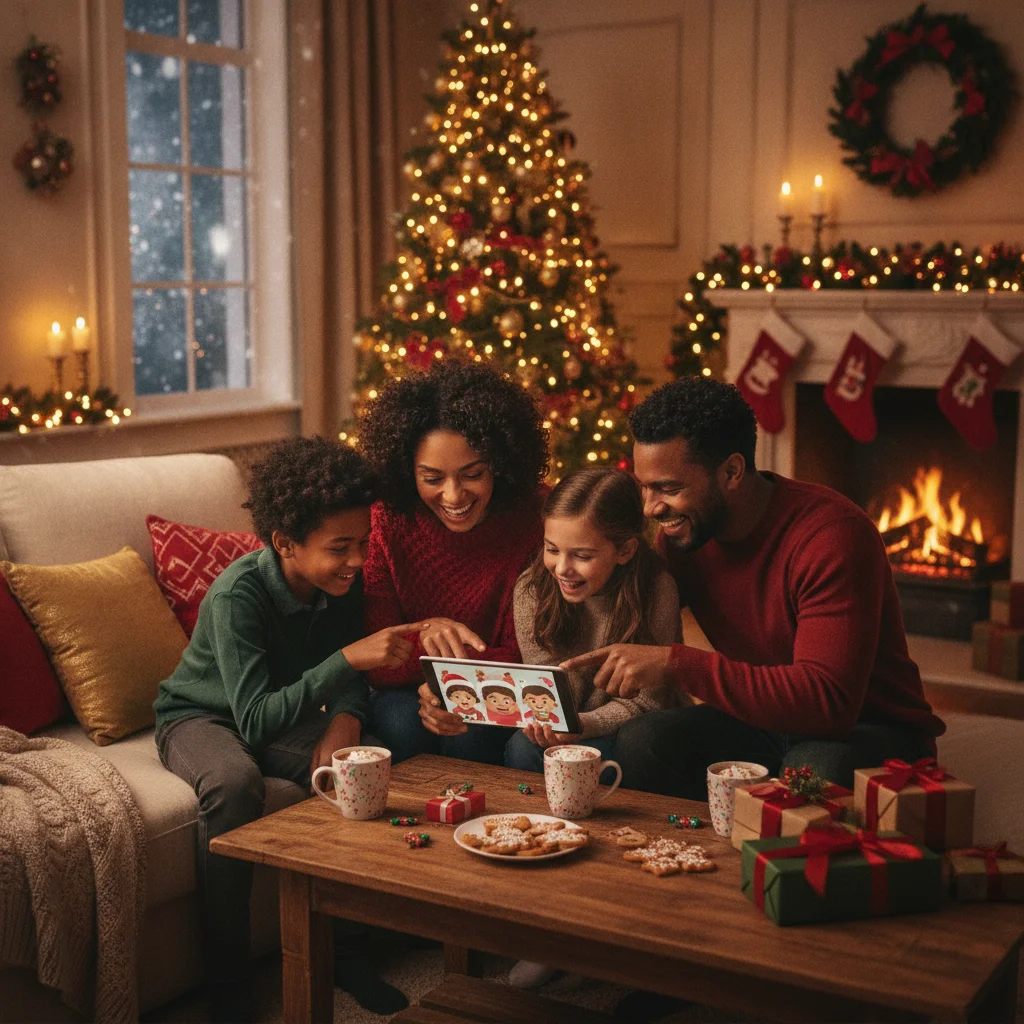
Quick answer: A free AI Christmas photo generator can turn a selfie into a holiday portrait or create a new festive scene from a text prompt. Strong options include Microsoft Designer, Adobe Firefly, Canva, and limited-access image tools. Free plans usually restrict credits, resolution, editing features, or downloads, so check current terms before uploading personal photos.
Free AI Christmas photo generators can create snowy family portraits, Santa scenes, festive profile pictures, and holiday-card images without arranging a professional photo shoot. Some tools transform an uploaded photograph, while others generate an entirely new image from written instructions.
The word “free” needs careful interpretation. Many generators provide a small number of free credits, limited daily creations, watermarked downloads, or reduced-resolution files. Account requirements and usage allowances can change, so confirm the current terms before committing to a design.
Which free AI Christmas photo generators are worth trying?
The best choice depends on whether you want to transform a real photo, generate an original scene, or add seasonal graphics to an existing picture. These widely available tools cover different parts of that process.
| Option | Best for | Typical free limitation |
|---|---|---|
| Microsoft Designer and Image Creator | Generating Christmas scenes from text | Account requirements and processing limits may apply |
| Adobe Firefly | Stylized backgrounds and controlled text-to-image creation | Limited generative credits |
| Canva | Combining AI images with card layouts and text | Some AI tools and exports have plan-based limits |
| ChatGPT image generation | Conversational prompting and image revisions | Availability and generation limits depend on the account |
| Christmas Pictures App: PiXmas | Christmas-focused image creation on iPhone | Current pricing and feature access should be checked in the App Store |
Microsoft Designer and Adobe Firefly are practical starting points for original scenes. Canva is useful when the generated picture needs to become a finished greeting card with a message, border, or printable layout.
How do you create a Christmas photo with AI for free?
- Choose the image type. Decide whether to upload a portrait or generate fictional people and scenery from text.
- Prepare a clear photograph. For photo transformations, use a well-lit, front-facing image without sunglasses, heavy shadows, or faces hidden behind other people.
- Write a specific prompt. Describe the people, clothing, setting, lighting, composition, and preferred visual style.
- Generate several versions. Facial accuracy, hands, decorations, and lettering can vary between results.
- Inspect the full image. Check eyes, teeth, fingers, jewelry, background objects, and duplicated decorations.
- Add text separately. A card editor usually produces more reliable holiday greetings than asking an image model to render words inside the picture.
- Download the largest available file. Higher resolution is important for printing, cropping, and larger card sizes.
What prompt creates a realistic Christmas portrait?
A useful prompt identifies both the subject and the photographic treatment. For example: “Create a realistic Christmas portrait of two adults and one child standing beside a decorated fir tree in a cozy living room, coordinated red and cream clothing, warm window light, natural skin texture, accurate hands, eye-level camera, 50mm portrait photography, shallow depth of field, no text.”
For a pet portrait, try: “Realistic golden retriever sitting beside wrapped Christmas presents, green velvet bow collar, warm fireplace lighting, natural fur detail, centered composition, professional holiday-card photography, no costume, no text.”
Avoid broad instructions such as “make this Christmas.” Specific descriptions give the generator clearer guidance and make it easier to revise one detail at a time.
Is PiXmas a useful Christmas photo generator?
Christmas Pictures App: PiXmas is an iPhone app aimed specifically at Christmas image creation. In the App Store listing snapshot supplied for this editorial review, the app had a rating of about 4.4 from 116 ratings. Ratings, pricing, supported devices, and included features can change.
PiXmas may suit people who prefer a seasonal mobile app rather than a general design platform. Check the current App Store listing for free-download status, subscriptions, in-app purchases, export quality, and photo-processing terms before uploading an image.
ChristmasCard.io is an independent editorial site. It is not affiliated with PiXmas, PicsMas, Apple, or any other image-generation service mentioned on this page.
Can AI Christmas photos be printed on cards?
AI Christmas photos can be printed when the downloaded file has enough resolution. For a standard card, select the largest export offered and avoid enlarging a small preview image. Leave space around faces because card printers may trim the outer edges.
Review the generator’s license before commercial use. Personal greeting cards are often treated differently from products sold to customers, advertising campaigns, or branded merchandise.
What are the limitations of free AI Christmas photo generators?
Free generators may limit credits, queue priority, image dimensions, editing tools, or the number of downloads. Some services require an account, and a tool advertised as free may place advanced styles or high-resolution exports behind a paid plan.
AI can also alter identity. A generated portrait may change facial proportions, age, skin texture, body shape, or small features that make a person recognizable. Group portraits are especially prone to inconsistent faces and incorrect hands.
Privacy is another concern. Do not upload confidential photographs, images of children, or pictures of other people without reviewing the provider’s retention and training policies. When privacy terms are unclear, generating a fictional holiday scene is safer than uploading a personal portrait.
Verdict: Start with a general-purpose generator for free text-to-image creation, then finish the design in a card editor. Use a Christmas-specific app when seasonal templates and mobile convenience matter more, but verify its current costs and privacy terms first.
How can you protect your privacy when using an AI photo generator?
Protect your privacy by checking how the generator stores, uses, and deletes uploaded images before submitting a personal photo. Look for clear retention periods, deletion controls, and an explanation of whether uploads may be used for model training.
Avoid photos that reveal addresses, school names, license plates, documents, or other identifying details. Consider removing location metadata and cropping out bystanders. For children’s photos, use a service only when its consent and data policies are clear. If you prefer not to upload anyone’s likeness, create a fictional holiday scene from a text prompt instead.
Frequently asked questions
Is there a completely free AI Christmas photo generator?
Some AI Christmas photo generators can be used for free, but most apply limits. These may include a small number of credits, watermarked downloads, slower processing, reduced resolution, or restricted editing features. Review the current free-plan terms before uploading a photo because allowances and licensing conditions can change.
What is the best free AI Christmas photo generator?
The best option depends on whether you need a realistic portrait, background replacement, text-to-image creation, or a print-ready file. Compare free credits, output resolution, privacy terms, and download rights. PiXmas is one example tool to evaluate, but its current limits should be checked before use.
Can AI add a Christmas background to my photo?
Yes, an image-editing generator can replace or extend a photo background with a Christmas tree, fireplace, snow, lights, or another seasonal setting. Use a well-lit image with clear subject edges, then specify the desired background, lighting direction, color palette, and level of realism in the prompt.
Can I make an AI Christmas photo without uploading a selfie?
Yes, a text-to-image generator can create a Christmas scene without a personal photo. Describe fictional people, pets, clothing, decorations, camera angle, lighting, and visual style in the prompt. This approach avoids sharing your likeness, although you should still review the generator’s usage rights before downloading or printing the image.
Why does my AI Christmas portrait not look like me?
AI portraits may lose your likeness when the source image is dark, filtered, low resolution, or taken from an extreme angle. Upload a sharp, front-facing portrait with even lighting and an unobstructed face. Ask the generator to preserve facial structure, skin tone, eye color, hairstyle, and other defining features.
Can I print an AI Christmas photo on a card?
Yes, an AI Christmas photo can be printed if its license permits the intended use and the file has adequate resolution. A common target is 300 PPI, which requires 1500 by 2100 pixels for a 5-by-7-inch card (Snaptosize, 2026). Inspect faces, hands, decorations, and text before printing.
Are AI Christmas photo generators safe for children’s photos?
They are only appropriate when the provider clearly explains storage, deletion, consent, security, and model-training practices. Avoid uploading identifiable children’s photos if those terms are vague. Remove location metadata, school logos, addresses, and other personal details, and use a fictional text-generated scene when privacy cannot be verified.