
PiXmas App Review: Is It Worth Using for Christmas Photos?
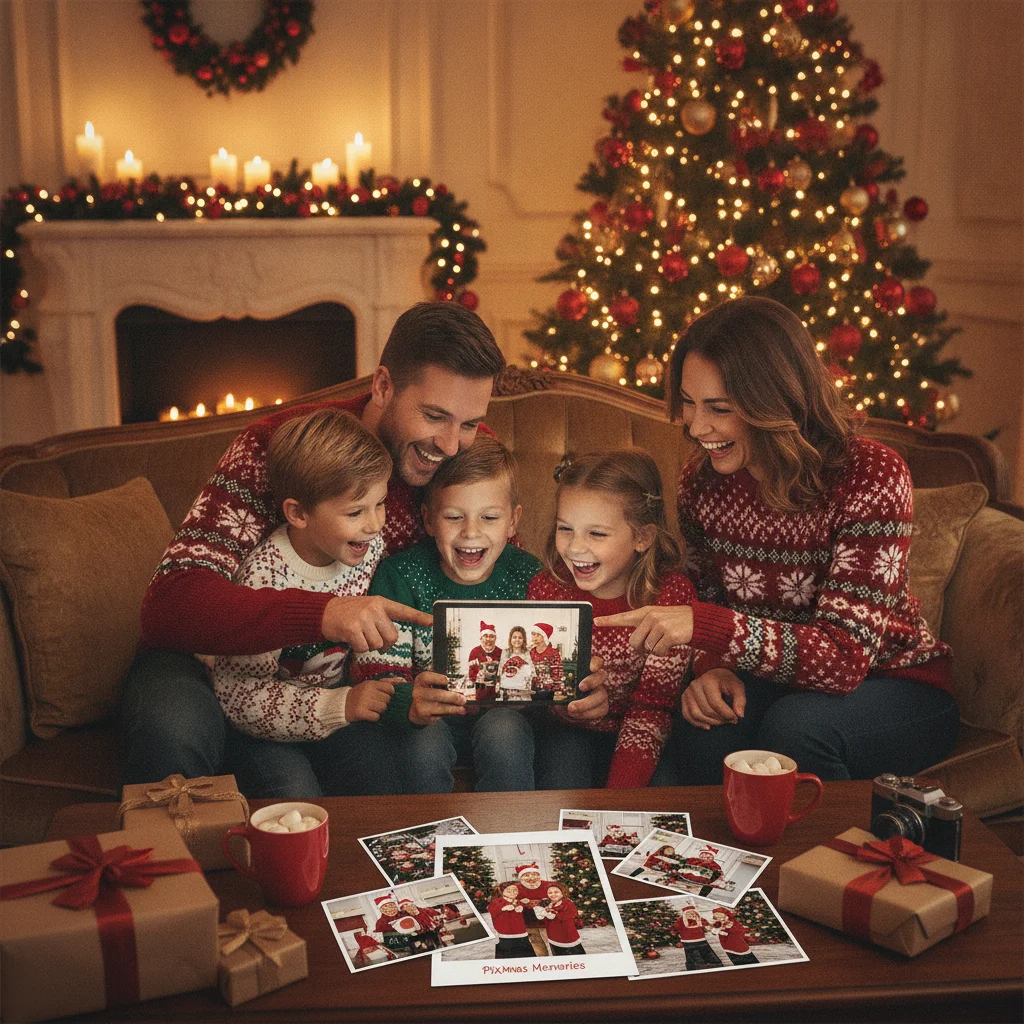
Quick answer: PiXmas is best suited to people who want to turn a single photo into a festive AI Christmas portrait with minimal manual editing. It offers seasonal backgrounds, characters, effects, and share-ready images, but it appears less suitable for detailed card layouts, collages, or text-heavy designs. Its promising App Store rating is based on a relatively modest number of ratings.
PiXmas is a specialized AI photo editor focused on Christmas portraits, seasonal backgrounds, and festive transformations. Its appeal is straightforward: upload a photo, select a Christmas style, and let the app create a holiday-themed image without requiring traditional photo-editing skills.
This independent PiXmas app review assesses the product using its App Store information, publicly described features, available rating data, and its suitability for common holiday projects. ChristmasCard.io is not affiliated with PiXmas, PicsMas, Apple, or any app developer mentioned in this review.
Editorial verdict: PiXmas is a practical choice for quick, single-photo Christmas portraits. It is less convincing as a complete Christmas card designer because layout controls, multi-photo collages, and detailed typography are not its main focus.
What is the PiXmas app?
The official App Store name is Christmas Pictures App: PiXmas. The app is positioned as an AI Christmas photo editor that turns ordinary photographs into seasonal portraits and scenes.
Public descriptions emphasize Christmas backgrounds, decorative effects, character-based images, and automated enhancement. Potential results include cozy indoor scenes, Santa-themed photos, Christmas card images, and transformations inspired by familiar holiday characters.
The app is more accurately described as a holiday portrait generator than a complete graphic design platform. Its central purpose is to produce an eye-catching festive image quickly, rather than give users precise control over every object, font, border, and layer.
Who is PiXmas best for?
PiXmas is best for users who have one clear portrait and want a polished Christmas transformation without manually removing backgrounds or arranging decorations. Parents may find it useful for Santa-style pictures of children, while couples and individuals can use it for festive profile pictures or digital greetings.
The app may also suit users who need a central image for a printed Christmas card. A PiXmas portrait can be generated first and then placed into a separate card template that provides better text and layout controls.
It is not the obvious first choice for a large family collage, a newsletter-style card, or a design containing several photographs. Those projects generally benefit from a manual card maker or layout editor.
What features does PiXmas offer?
Public product descriptions present PiXmas as a one-tap or low-effort editing tool. Promoted functions include automatic photo enhancement, background replacement, seasonal transformations, and exports intended for sharing or card projects.
A product page associated with the app claims more than 500 festive styles across 20 categories. That is a developer-side claim rather than an independently audited count, and the number of available styles may vary by app version, region, or subscription status.
| Feature | Best use | Important consideration |
|---|---|---|
| AI Christmas portraits | Transforming one person or a couple | Faces and small details should be checked closely |
| Seasonal backgrounds | Replacing an ordinary room or outdoor setting | Edges around hair, hands, and clothing may look artificial |
| Christmas characters | Santa scenes and playful holiday images | Character options can depend on the selected style |
| Automatic enhancement | Creating a finished image with little editing | Users may have limited control over the final interpretation |
| Share-ready output | Social posts, messages, and digital greetings | Print quality depends on export resolution |
How easy is PiXmas to use?
PiXmas is designed around speed rather than a complex editing workspace. The expected process is to choose a photograph, select a festive treatment, generate the result, and save or share the preferred image.
This approach reduces the learning curve for people unfamiliar with layers, masks, color correction, and background removal. It also means that much of the creative decision-making is handled by the AI model.
The trade-off is reduced control. A traditional editor lets the user move individual decorations, choose exact fonts, alter spacing, and adjust specific areas. An automated portrait app may instead require another generation when the first result contains an unwanted detail.
Can PiXmas make complete Christmas cards?
PiXmas can create festive images suitable for Christmas cards, but that does not necessarily make it a full card-layout tool. There is an important difference between generating a Christmas portrait and designing a print-ready card.
A complete card editor usually includes selectable dimensions, text boxes, font controls, bleed guidance, photo grids, alignment tools, and front-and-back layouts. PiXmas is primarily promoted for visual transformations rather than these production features.
For a simple digital greeting, the generated image may be enough. For a printed family card with names, a message, several photos, and a return-address panel, users may need to export the PiXmas image and finish the project in another design or printing service.
How good are PiXmas AI portraits likely to look?
AI portrait quality depends heavily on the source photograph. A sharp, well-lit image with an unobstructed face gives the software more useful visual information than a dark group photo or a heavily compressed screenshot.
Users should inspect generated faces, eyes, teeth, hands, jewelry, clothing patterns, and background text before sharing or printing an image. These are common problem areas across generative photo apps, even when the overall portrait initially looks convincing.
Holiday effects can also prioritize atmosphere over strict realism. That may be acceptable for a playful social post, but a family keepsake requires closer examination. Generating several versions and comparing details is often more reliable than accepting the first result.
What does the PiXmas App Store rating show?
The App Store data snapshot supplied for this review lists PiXmas at approximately 4.4 out of 5 from 116 ratings. That is a positive early signal, but 116 ratings are not enough to establish the broad track record associated with a mature, heavily used editing app.
App ratings can change as new versions are released and more people submit feedback. Ratings may also differ by country storefront, so a user may see a different total or average when opening the listing.
No detailed review sample was supplied for this assessment. The score should therefore be treated as one factor rather than proof of consistent output quality, dependable support, or value for every type of holiday project.
Is PiXmas good value for money?
Value depends on the current download terms, purchase options, generation limits, and export restrictions shown inside the app. These details can change, so users should review the App Store purchase disclosure and any subscription screen before confirming payment.
The app is likely to offer better value to someone who wants several Christmas portraits than to a person who needs only one basic image. It may also be worthwhile when automated background creation replaces the time or cost involved in staging a holiday photo shoot.
Before paying, check whether the desired styles are included, whether free generations contain watermarks, what export resolution is provided, and whether a trial converts into a recurring subscription. Do not rely solely on promotional screenshots when evaluating these terms.
How does PiXmas compare with a manual Christmas card maker?
PiXmas and manual card makers solve different parts of the creative process. PiXmas focuses on generating the picture, while a card maker focuses on arranging pictures, text, shapes, and print dimensions.
PiXmas is likely to be faster when the goal is one AI-generated portrait in a snowy, cozy, or character-based setting. A manual tool is usually better when the goal is a collage, an exact color scheme, a long family message, or a card prepared to a printer's specifications.
A combined workflow can be effective. Users can create the festive portrait in PiXmas, export the strongest version, and then add wording or arrange multiple images in a separate card editor. This preserves the app's speed while providing more control over the finished greeting.
What are the PiXmas app's limitations?
The largest limitation is specialization. PiXmas concentrates on Christmas imagery, so its usefulness outside the holiday season may be limited compared with a general photo editor.
AI generation can also produce inconsistent details. A strong overall composition does not guarantee accurate hands, faces, clothing, ornaments, or lettering. Users planning to print a large card or framed picture should inspect the full-resolution file rather than judging a small preview.
Public rating evidence remains relatively limited. An average of about 4.4 is encouraging, but the rating count supplied for this review is modest, and no representative collection of written reviews was available for analysis.
PiXmas also appears less suitable for multi-image layouts and typography-heavy cards. Users who expect full control over margins, font pairing, spacing, and print preparation may need another tool.
Finally, feature counts and promotional claims should not be treated as guarantees that every style is included at every access level. Availability can depend on the current app version and purchase plan.
How can users get better results from PiXmas?
- Start with a clear photograph. Use an image with good lighting, visible facial features, and enough space around the subject.
- Avoid crowded group shots. A single person or couple is generally easier for an AI portrait tool to interpret accurately.
- Choose a style that matches the pose. A seated portrait may work better with an indoor fireplace scene, while a full-body image may suit an outdoor snow setting.
- Generate more than one option. Compare facial accuracy, hands, clothing, and background details across several results.
- Inspect the exported file. Zoom in before printing or sending the image to family members.
- Add card text separately when needed. A dedicated layout tool can provide better control over names, greetings, fonts, and print dimensions.
Is PiXmas worth downloading?
PiXmas is worth considering if the main goal is a quick Christmas portrait generated from one photograph. Its seasonal focus, automated backgrounds, and range of promoted styles make it more targeted than a general-purpose photo editor.
Users seeking a complete card-design workspace should set different expectations. PiXmas can supply the main festive image, but a separate layout tool may still be needed for collages, detailed wording, or professional print preparation.
The approximately 4.4 App Store rating is promising, although the supplied count of 116 ratings represents limited public evidence. Check current pricing, generation limits, privacy disclosures, and export quality before committing to a purchase.
The free-tier export limit that determines whether PiXmas is enough for printing
PiXmas is enough for printing only if its free tier exports the finished Christmas portrait without a watermark and at enough pixels for your chosen card size. The available information does not establish a current free-export resolution, watermark policy, or download cap, so check these points inside the app before building the card around it. Export one test image, inspect its pixel dimensions in the photo details, and place it at final size in your card layout. Do not judge from the on-screen preview, which may not match the downloaded file. If the free export is watermarked, restricted to sharing, or visibly soft at print size, use PiXmas only to test the portrait concept; obtain a higher-resolution export or choose another workflow for the printable file. This check matters specifically because PiXmas creates the portrait rather than a fully prepared card layout.
Frequently asked questions
What is the best alternative workflow for a detailed card?
Generate the main Christmas portrait in PiXmas, then import it into a dedicated card or layout editor for typography, collages, and print preparation.
How do I choose the best photo for a Christmas card?
Choose a sharp, well-lit photo that clearly shows the people or pets you want to feature. Check that important faces will not be covered by text or trimmed during printing. Horizontal images suit many landscape layouts, while portraits work well for vertical cards. Natural expressions often feel more personal than highly posed pictures.
What should I write inside a family Christmas card?
Write a warm greeting, a brief personal update, and a closing that sounds natural for your family. The message can mention gratitude, a milestone, or hopes for the coming year without summarizing every event. For recipients with different traditions, phrases such as “Happy Holidays” or “Warm wishes this season” are considerate choices.
What size and format should a Christmas card be?
A Christmas card can be a flat postcard, folded greeting card, square card, or standard rectangular card. Rectangular formats are usually easier to mail and fit common envelopes, while folded cards provide more writing space. Before printing, confirm the final dimensions, envelope fit, image resolution, bleed area, and current postal requirements for unusual sizes.
What should couples put on a Christmas card?
Couples can feature a recent portrait, travel photo, engagement or wedding image, or relaxed picture taken at home. Pair it with a brief message such as warm holiday wishes or gratitude for shared memories. Newly married couples may use their updated surname, while established couples can highlight a meaningful moment from the year.
Can I print a free AI Christmas portrait without a watermark?
Yes, but only when the downloaded file has no watermark and the license permits personal printing. Check the actual PiXmas export rather than relying on the editing preview. If a mark appears or saving is limited to a low-resolution image, the free tier is better for testing styles than producing the final printed portrait.
How do I know whether an exported Christmas photo is large enough to print?
Check the exported image’s pixel dimensions and compare them with the intended printed size. Place the file into a card layout at its final dimensions, then inspect faces, hair, and clothing edges at full size. If those details look blocky or smeared before printing, use a larger export rather than enlarging the existing file.