
Christmas wallpaper: 16 free card-style designs for iPhone, Android and desktop
Updated November 20, 2026
Quick answer: Pick any of the 16 Christmas wallpapers below and tap the download link for your screen: the iPhone file is 1290 x 2796 pixels (it also fits Android phones) and the desktop file is 1920 x 1080. Each one is drawn in a greeting-card style, from letterpress pine to gold foil ornaments, and all of them are free for personal use.
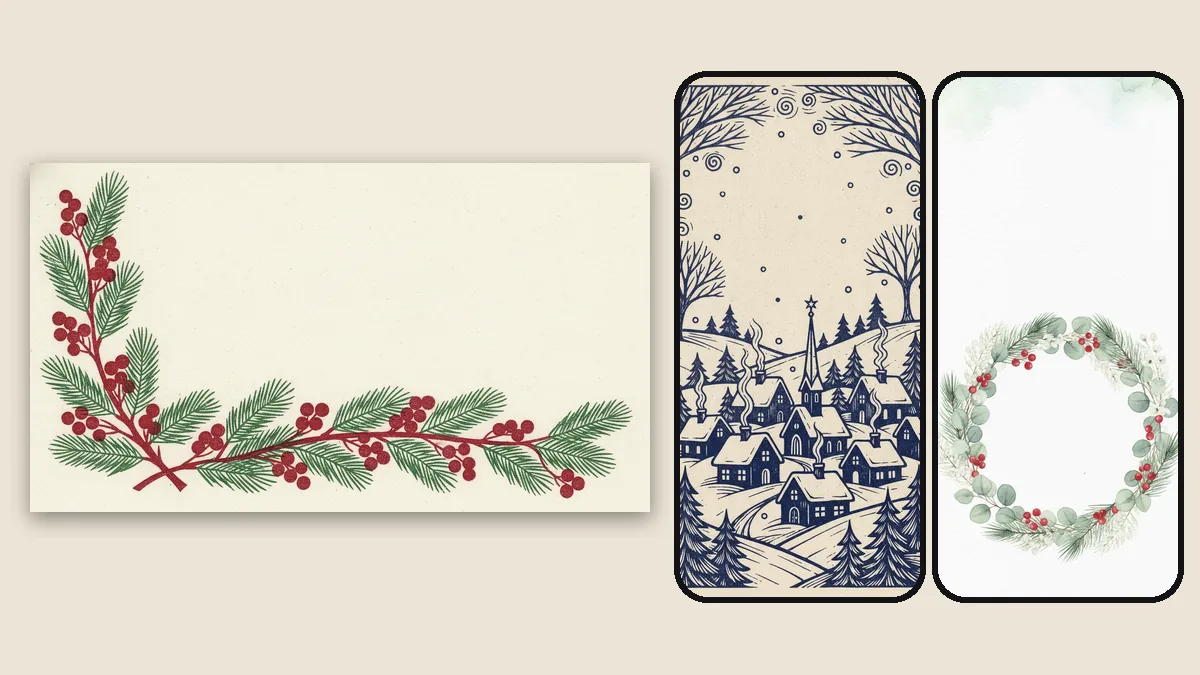
Most Christmas wallpaper you find online is a photo of a tree with blurry lights. That's fine, but it rarely looks like anything else in your December. These were designed the way a card is: a printing style first (letterpress, linocut, embroidery, watercolor, foil), then a single subject, then plenty of quiet space. The result looks good under a clock and behind a row of app icons, and if you choose your card this year from the same family of styles, your phone and your mantel will match.
Printed and handmade looks
These six copy the materials of a handmade card: letterpress, carved linocut, cut paper, embroidery, kraft wrap and folk print.
-
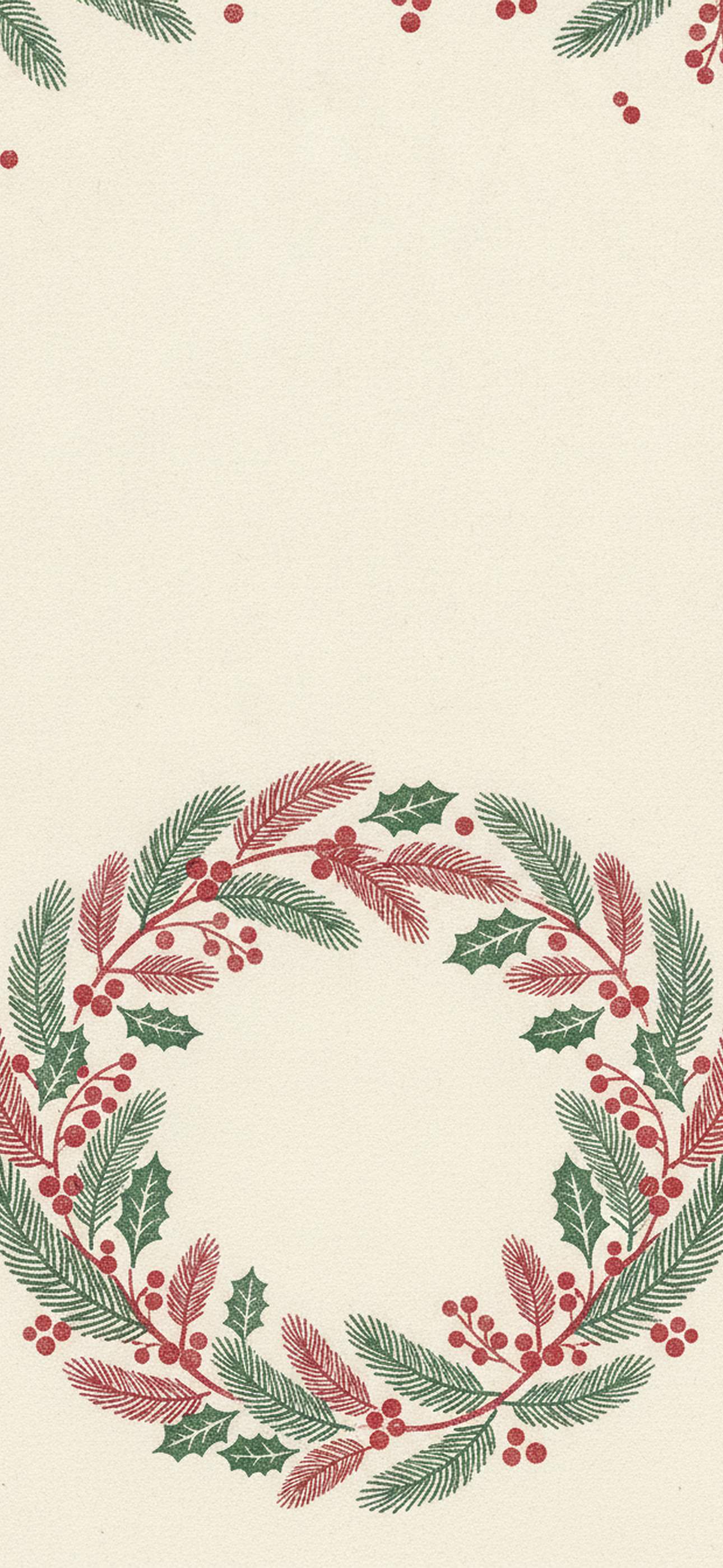
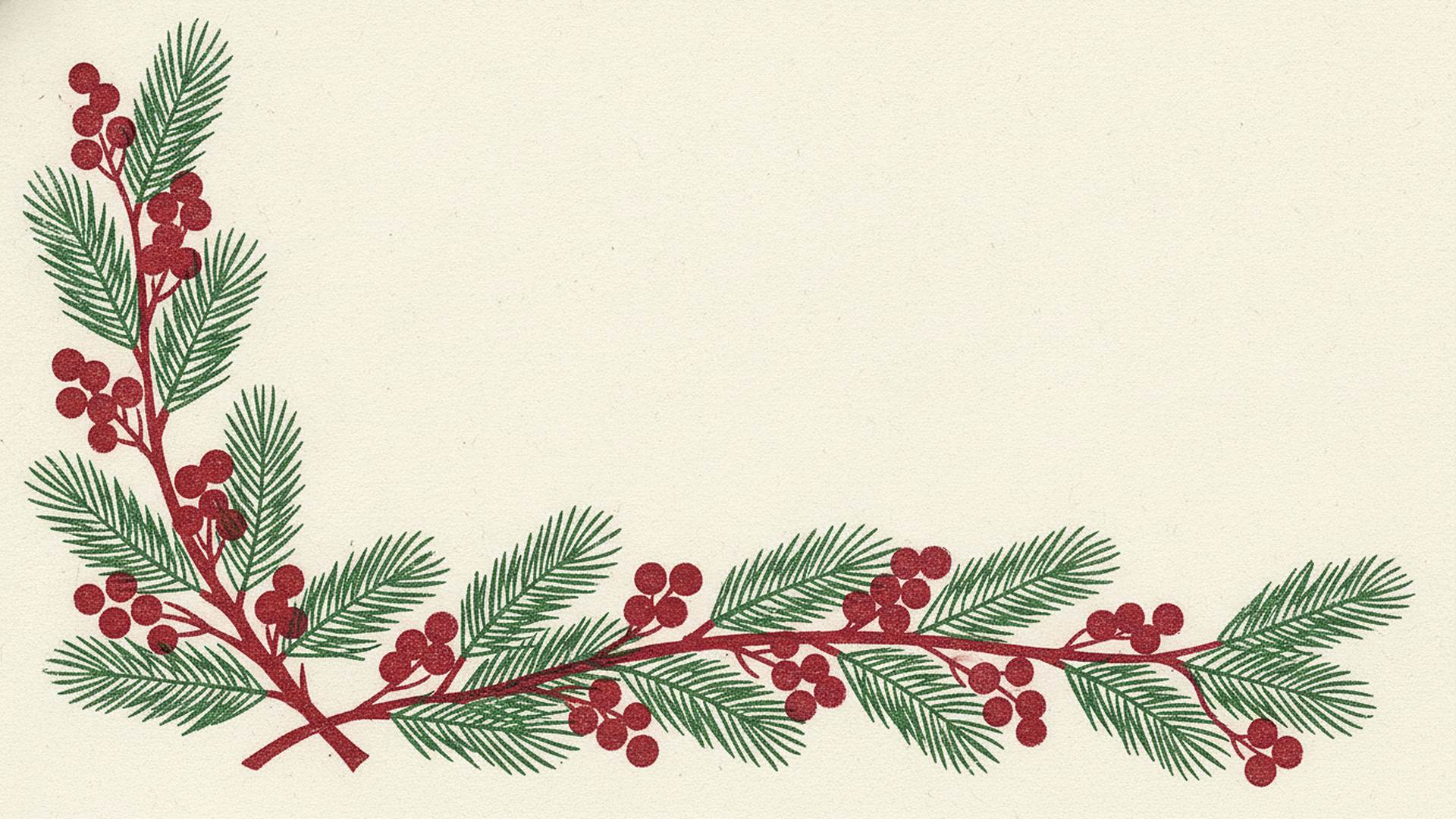
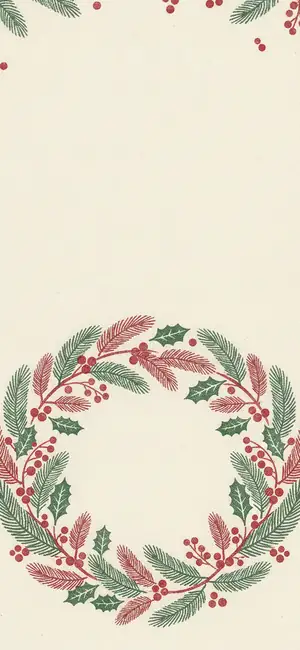 Letterpress pine A red and green pine wreath pressed into thick cream paper, like the front of a stationery-shop card. Phone, 1290 x 2796 Desktop, 1920 x 1080
-
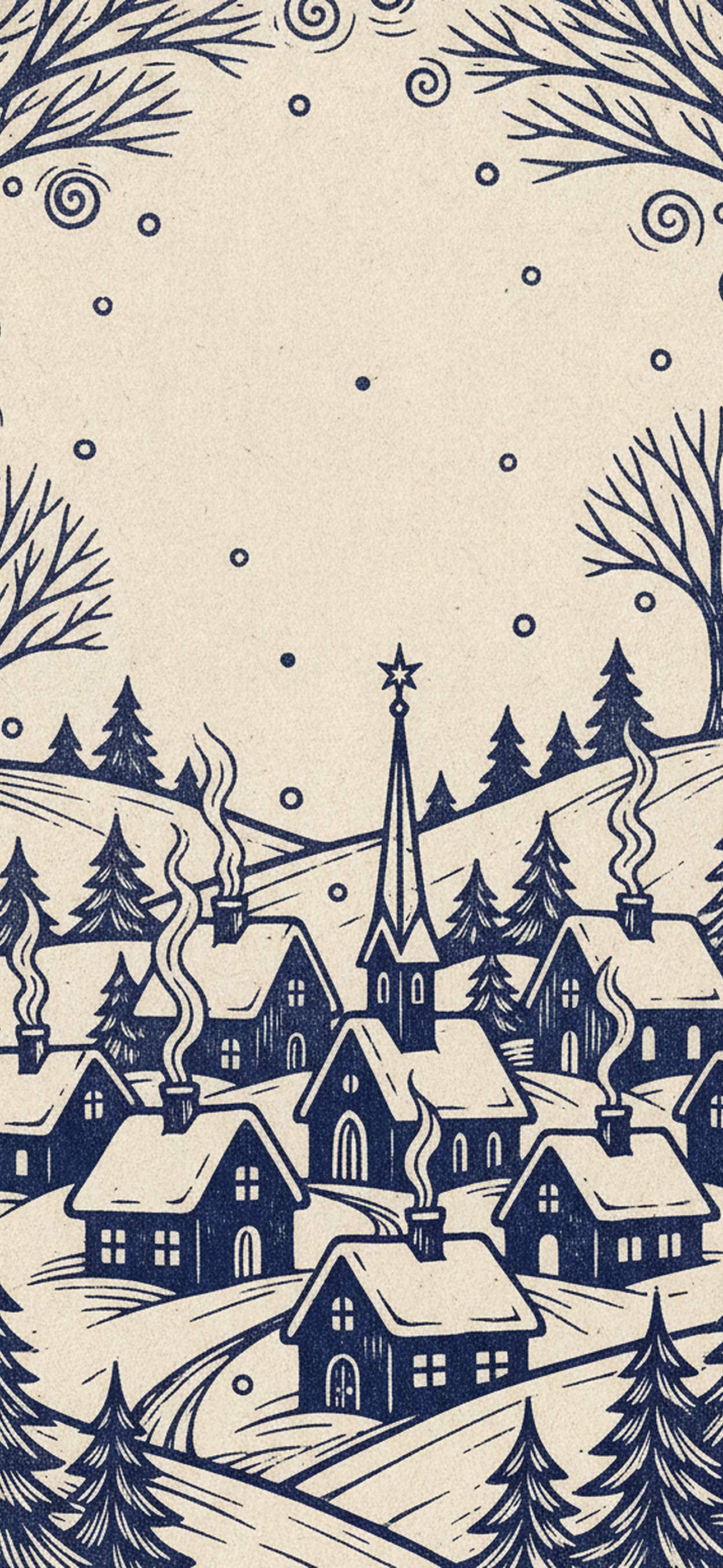
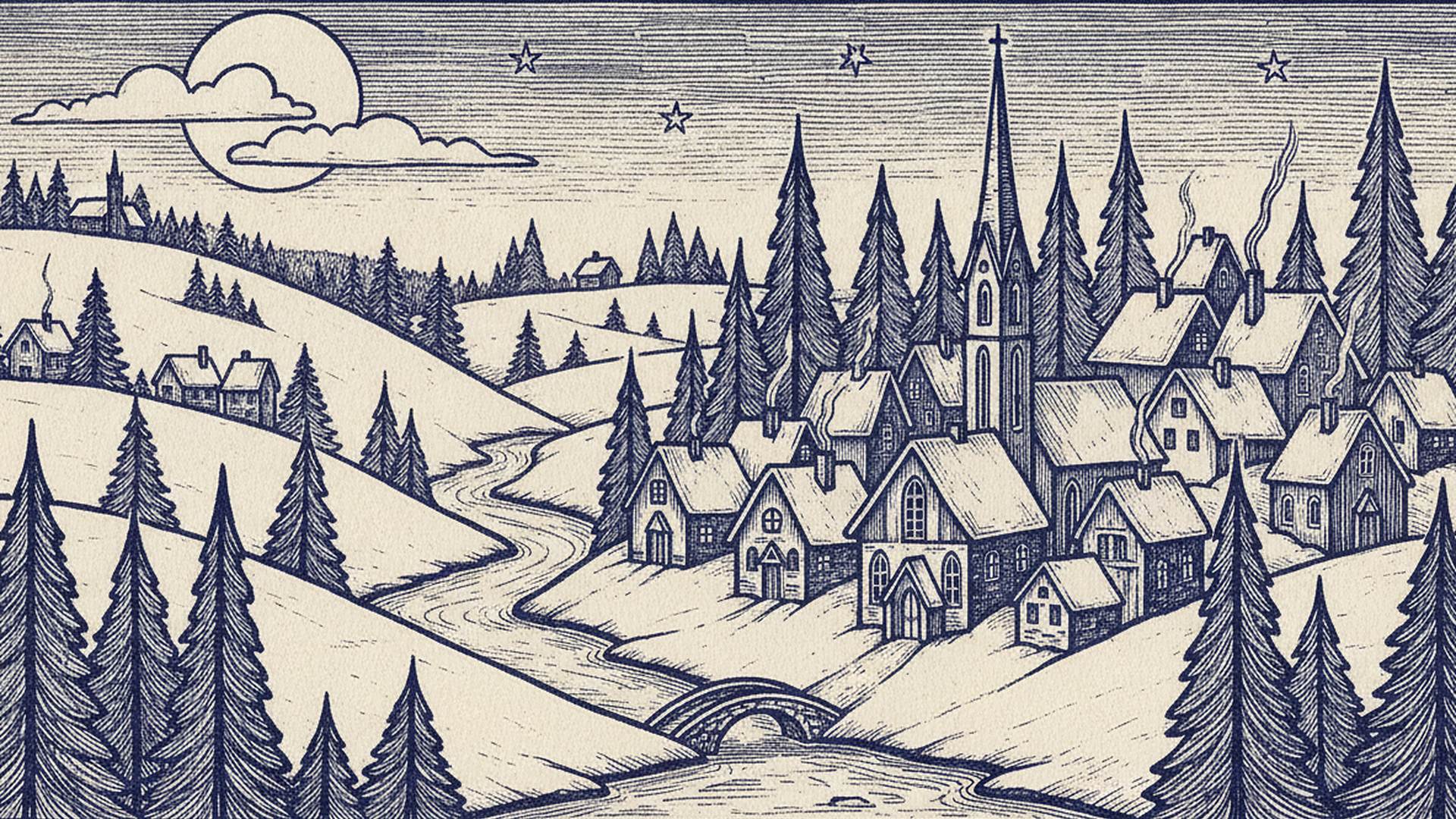
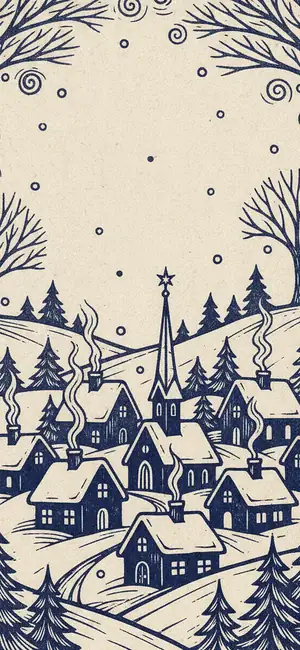 Linocut village Carved navy rooftops and a church spire on off-white. Bold lines that stay readable behind app icons. Phone, 1290 x 2796 Desktop, 1920 x 1080
-
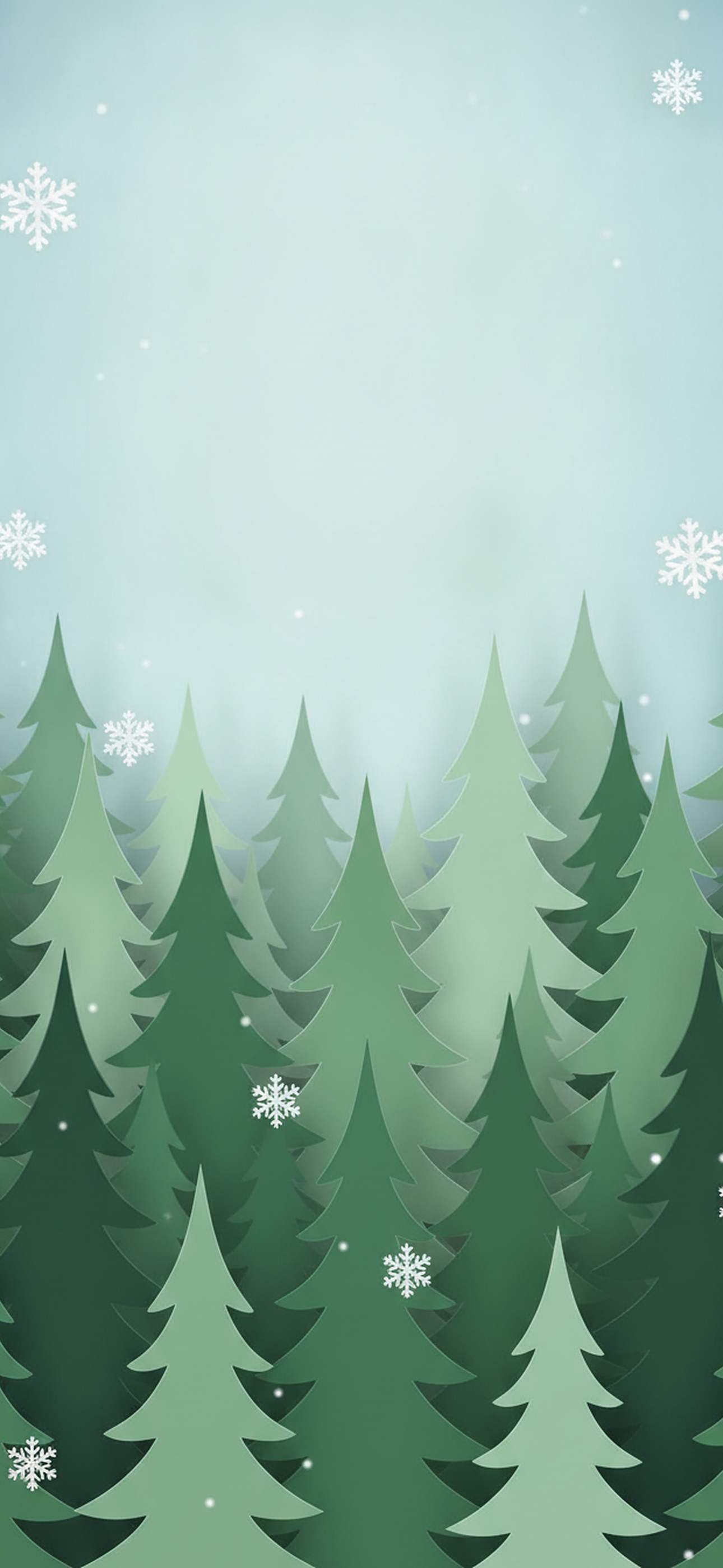
 Paper-cut forest Layers of green paper trees with soft shadows between them, so the screen has a little depth. Phone, 1290 x 2796 Desktop, 1920 x 1080
-
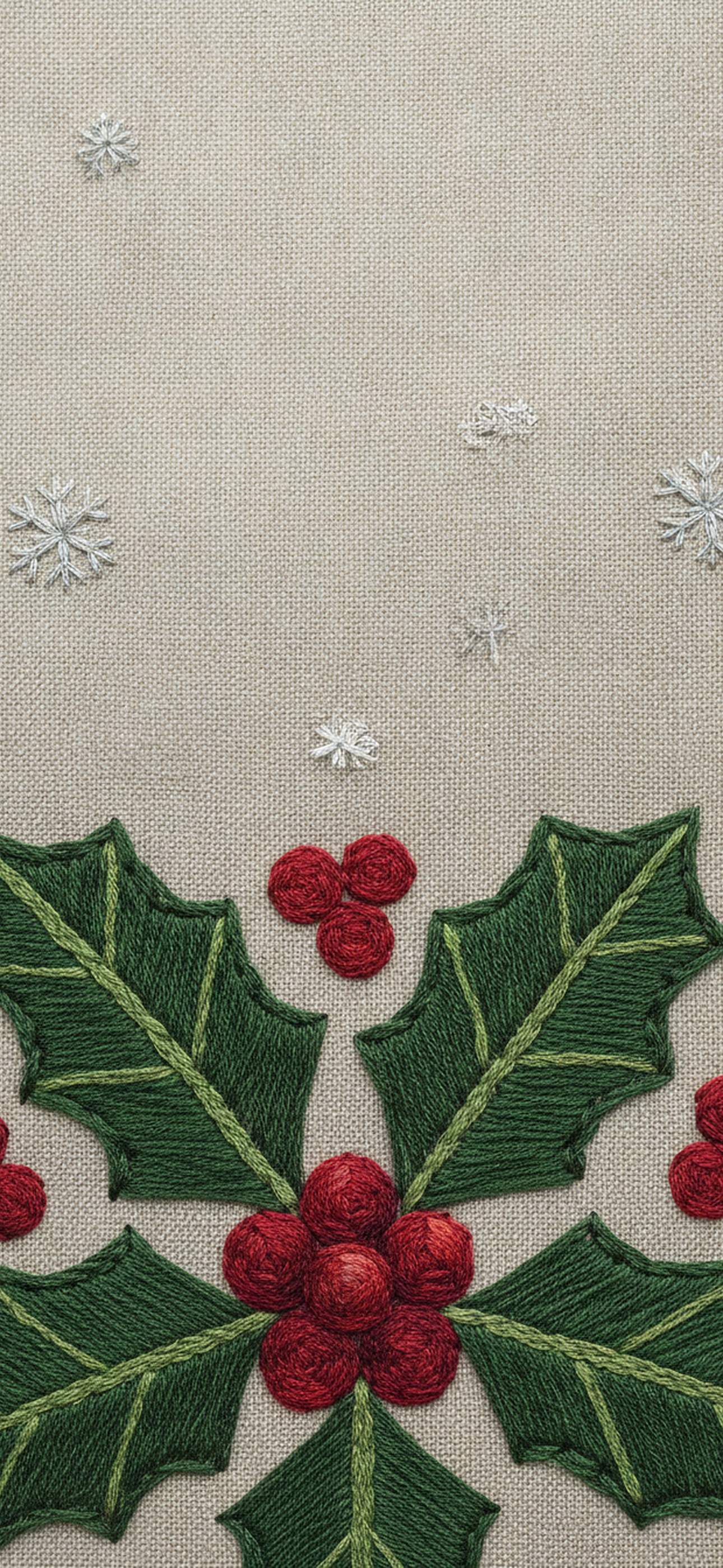
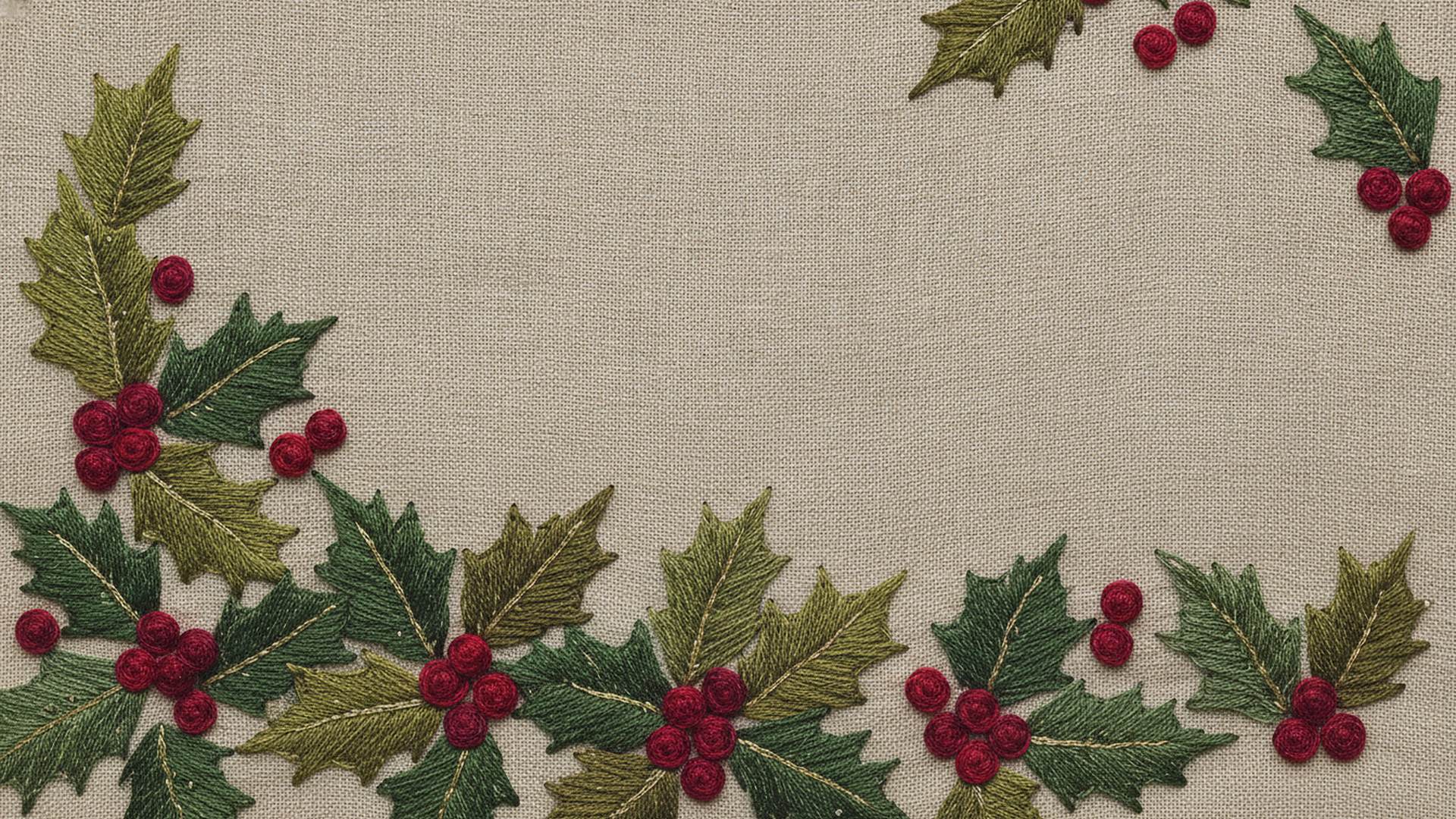
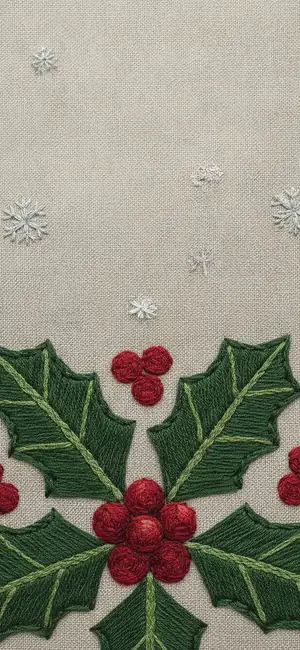 Embroidered holly Holly leaves and berries stitched on linen. You can almost see each thread on a big monitor. Phone, 1290 x 2796 Desktop, 1920 x 1080
-
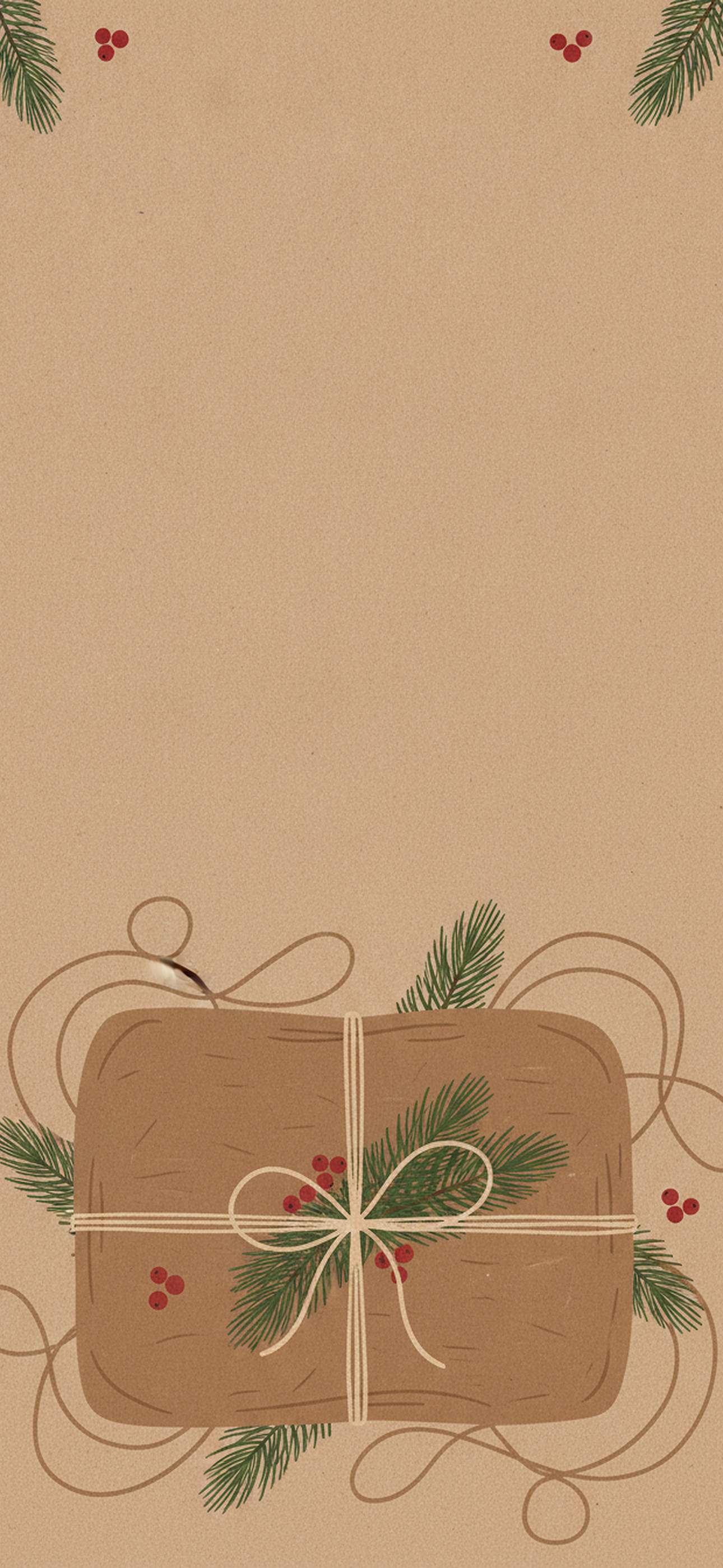
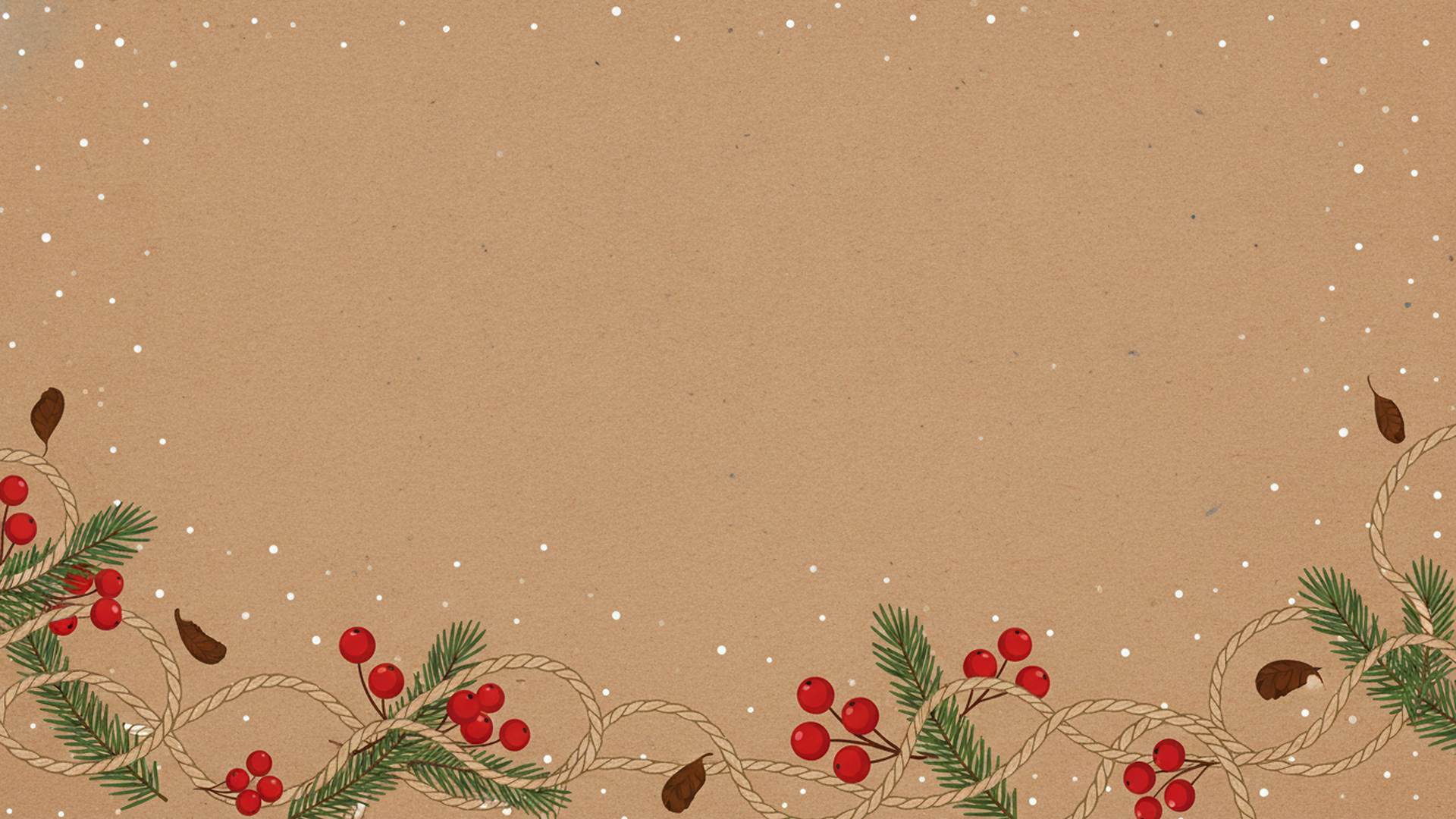
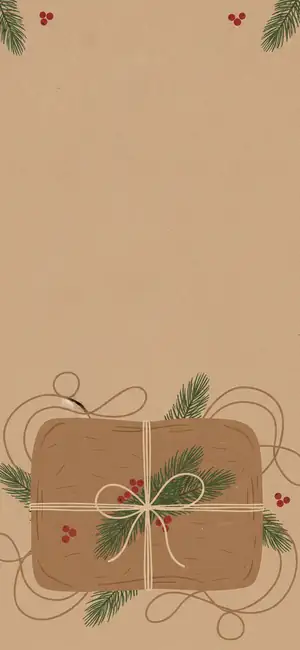 Kraft paper and twine A parcel tied with twine and a pine sprig on brown kraft paper. Matches a rustic kraft card or envelope. Phone, 1290 x 2796 Desktop, 1920 x 1080
-
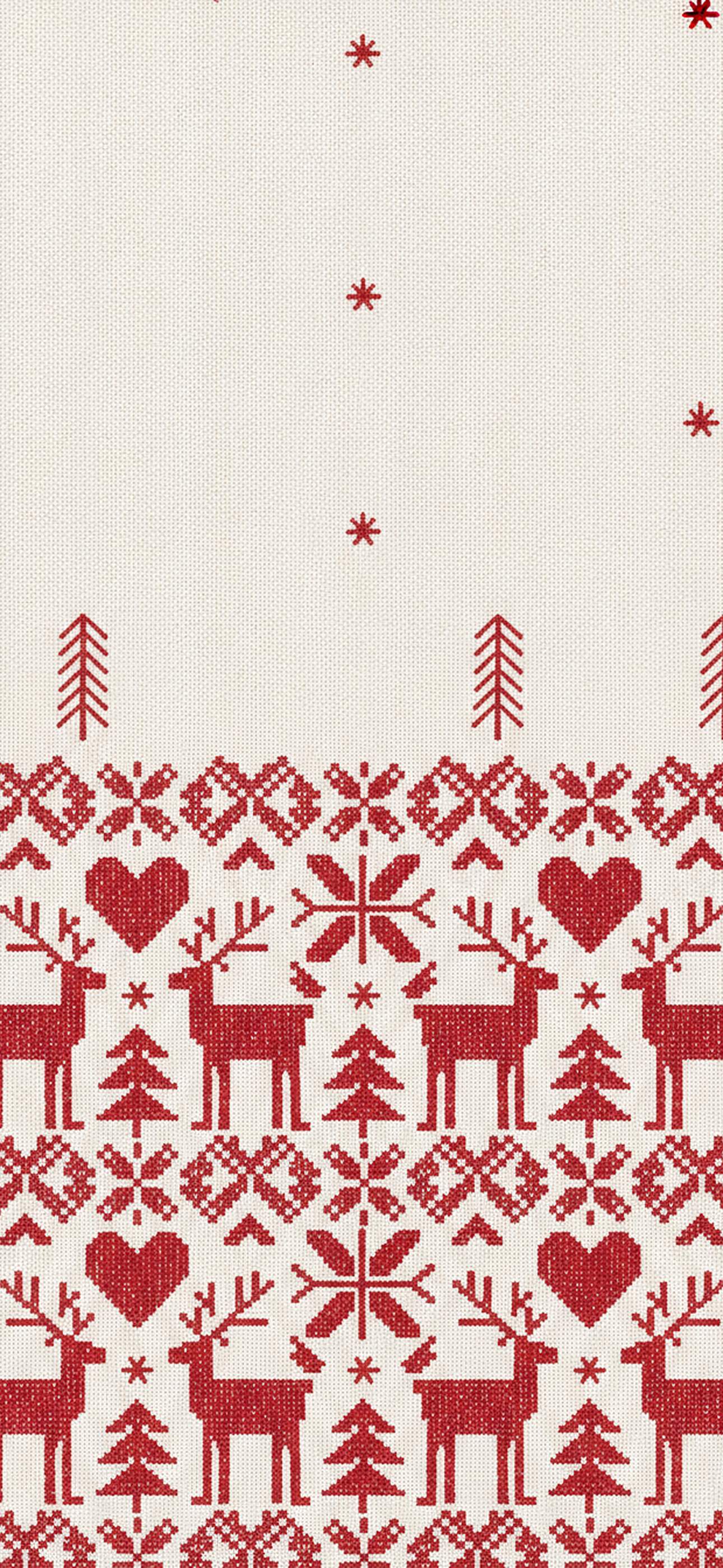
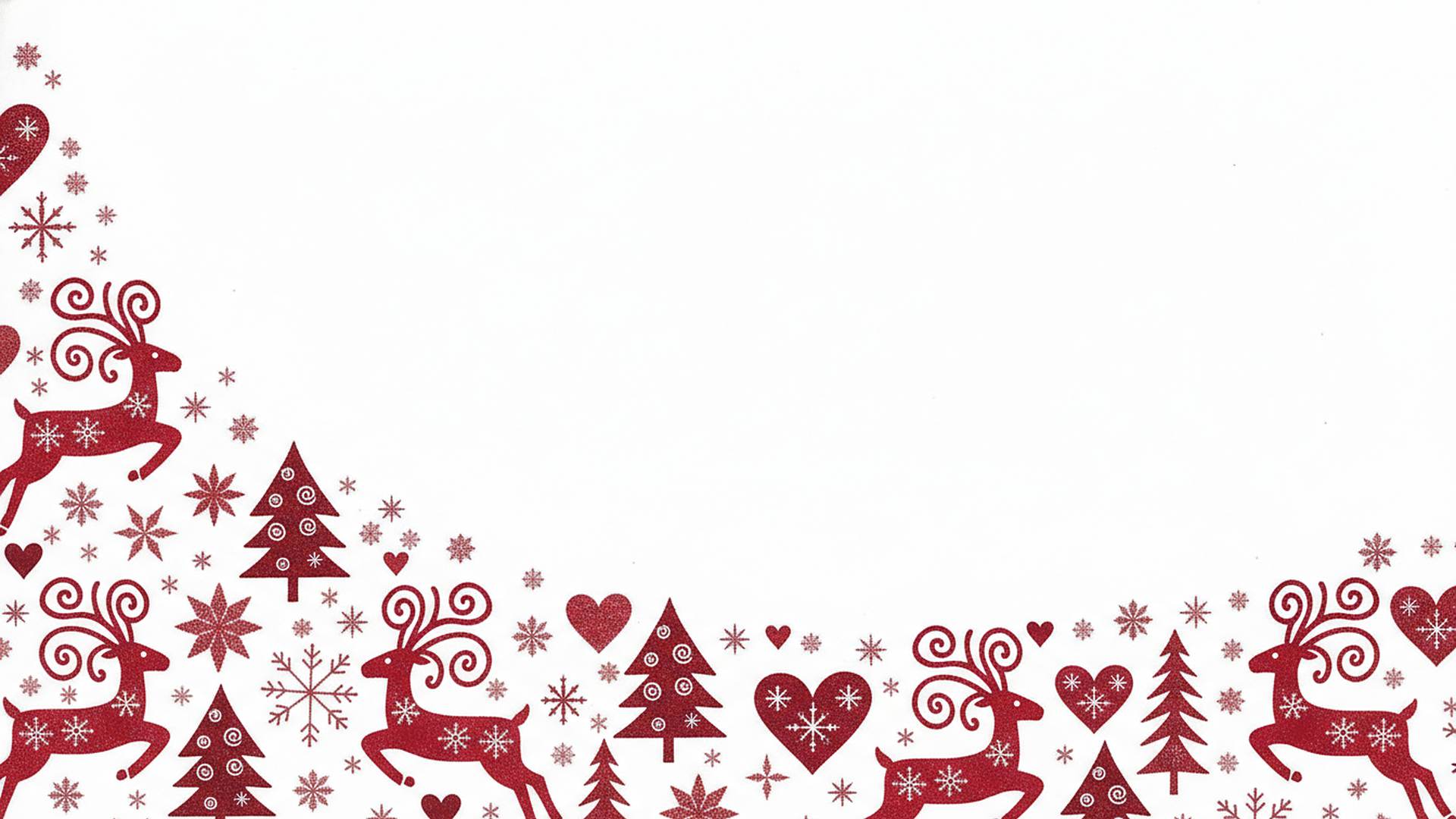
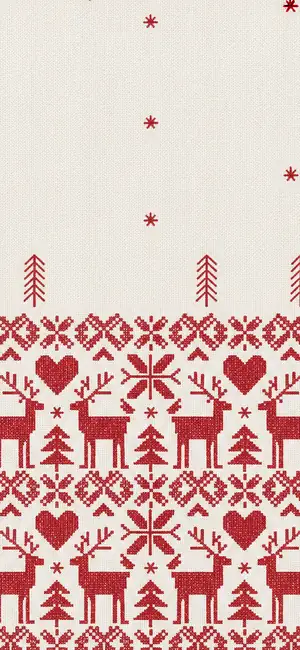 Nordic folk pattern Red hearts, stars, reindeer and fir trees on white, in the style of a Scandinavian sweater. Phone, 1290 x 2796 Desktop, 1920 x 1080
Painted winter scenes
Six painted scenes with room at the top of the phone version for the clock and the date.
-
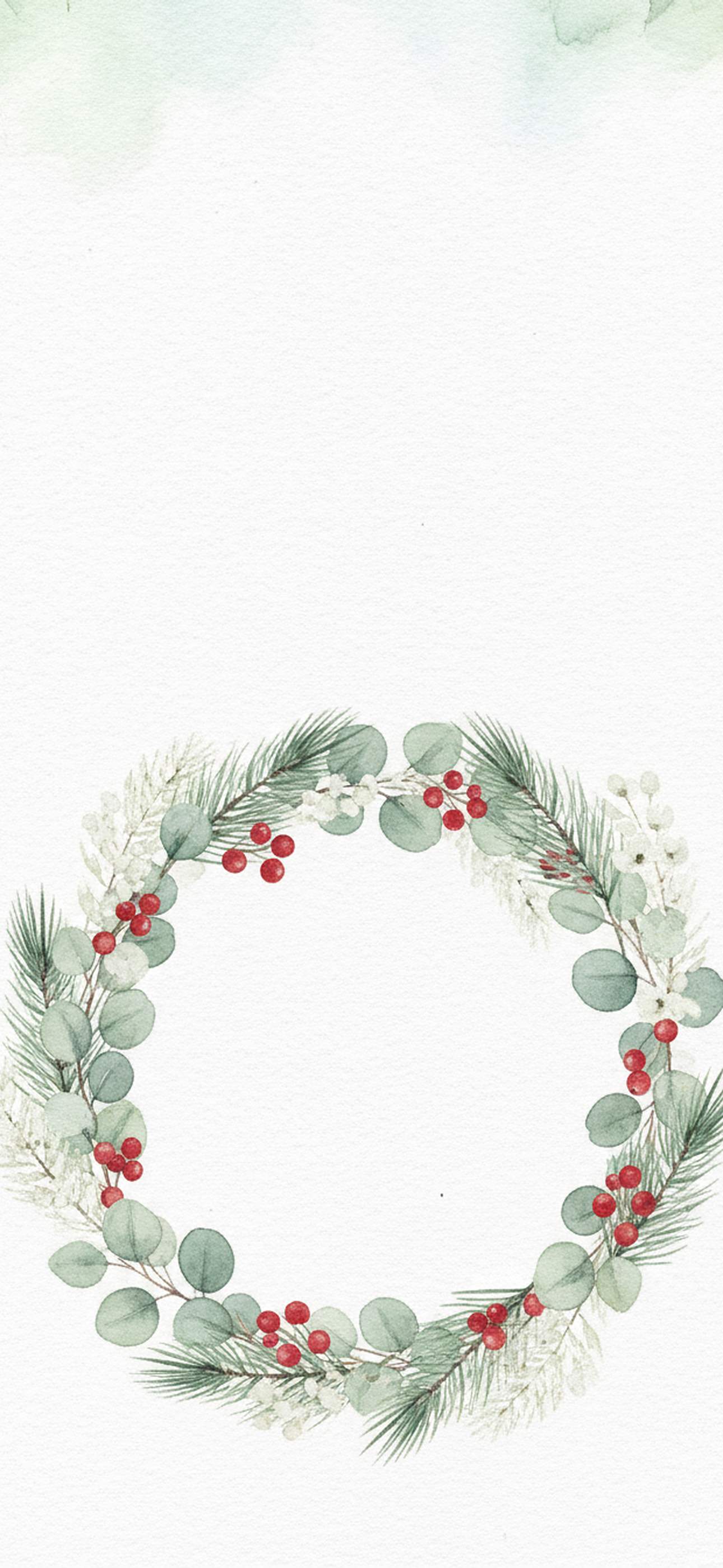
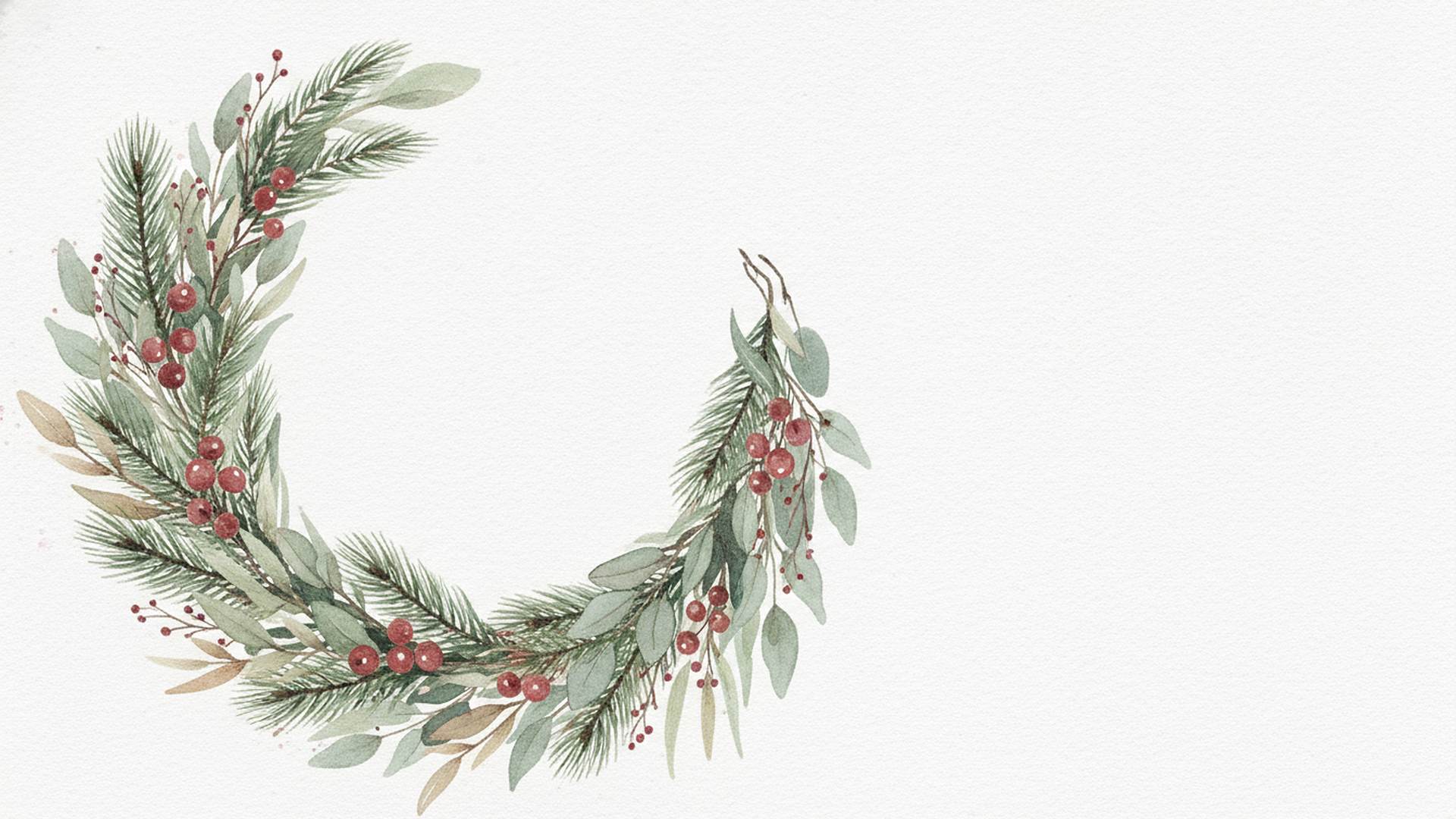
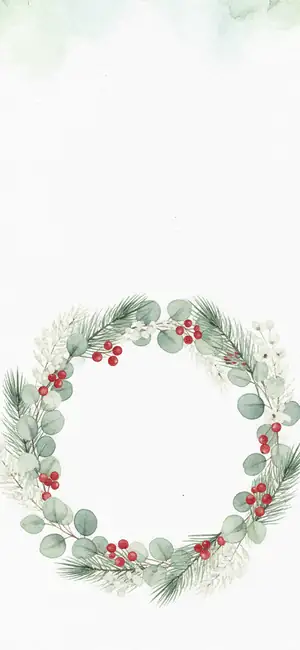 Watercolor wreath Loose pine, eucalyptus and red berries on white paper. Light and calm, good for a bright home screen. Phone, 1290 x 2796 Desktop, 1920 x 1080
-
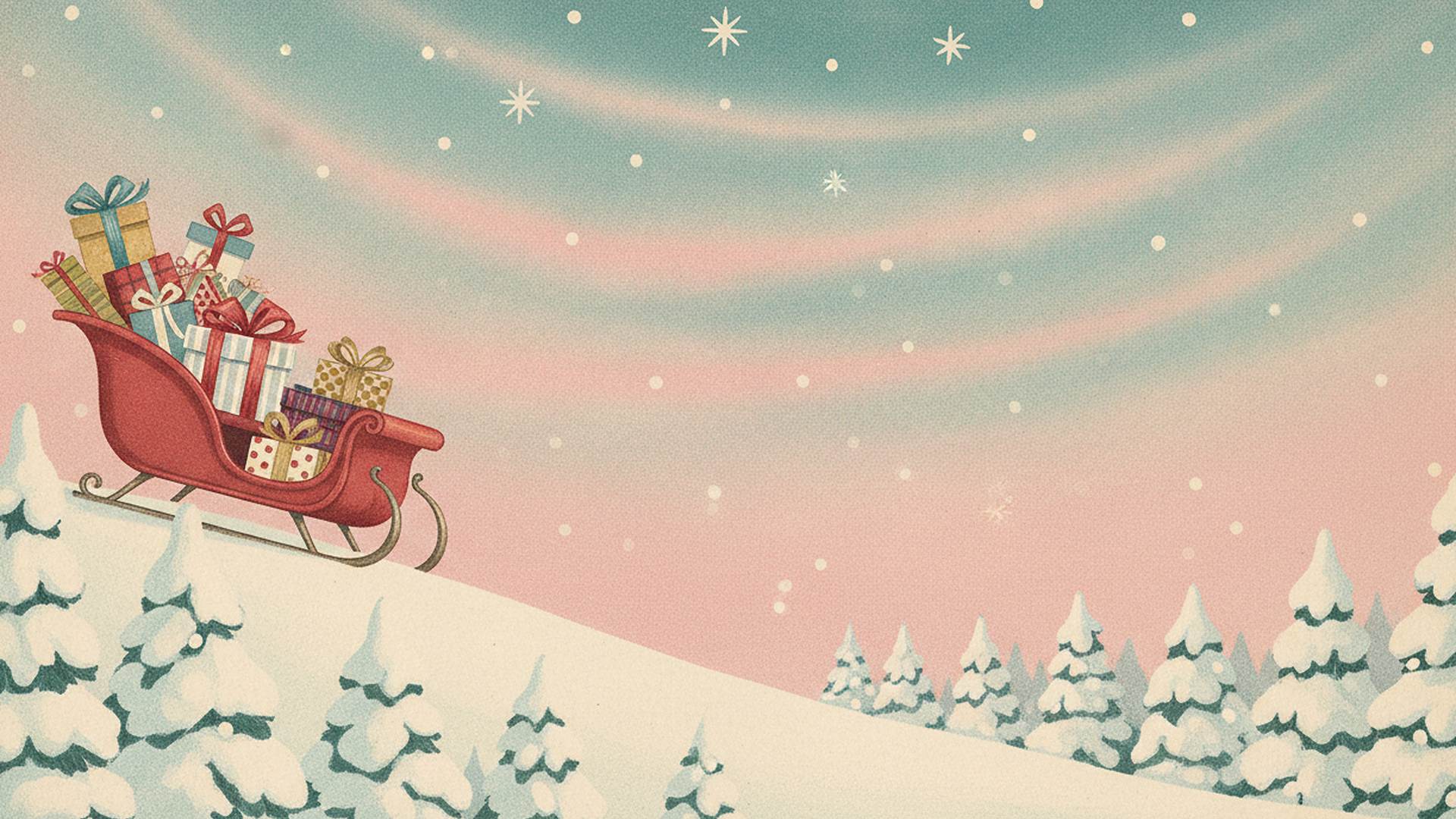
 Vintage postcard sleigh A red sleigh full of presents on a snowy hill under a pink and teal sky, in faded 1950s print colors. Phone, 1290 x 2796 Desktop, 1920 x 1080
-
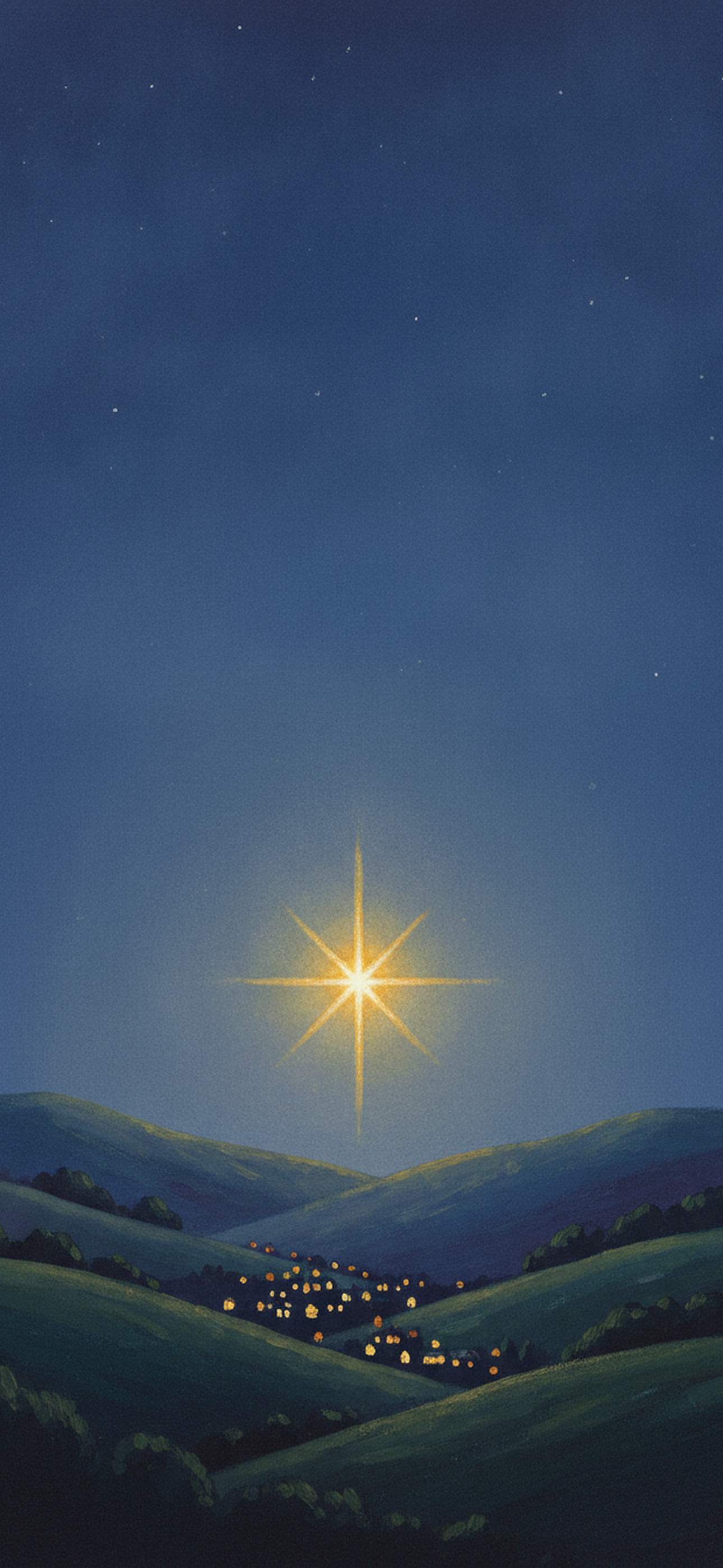
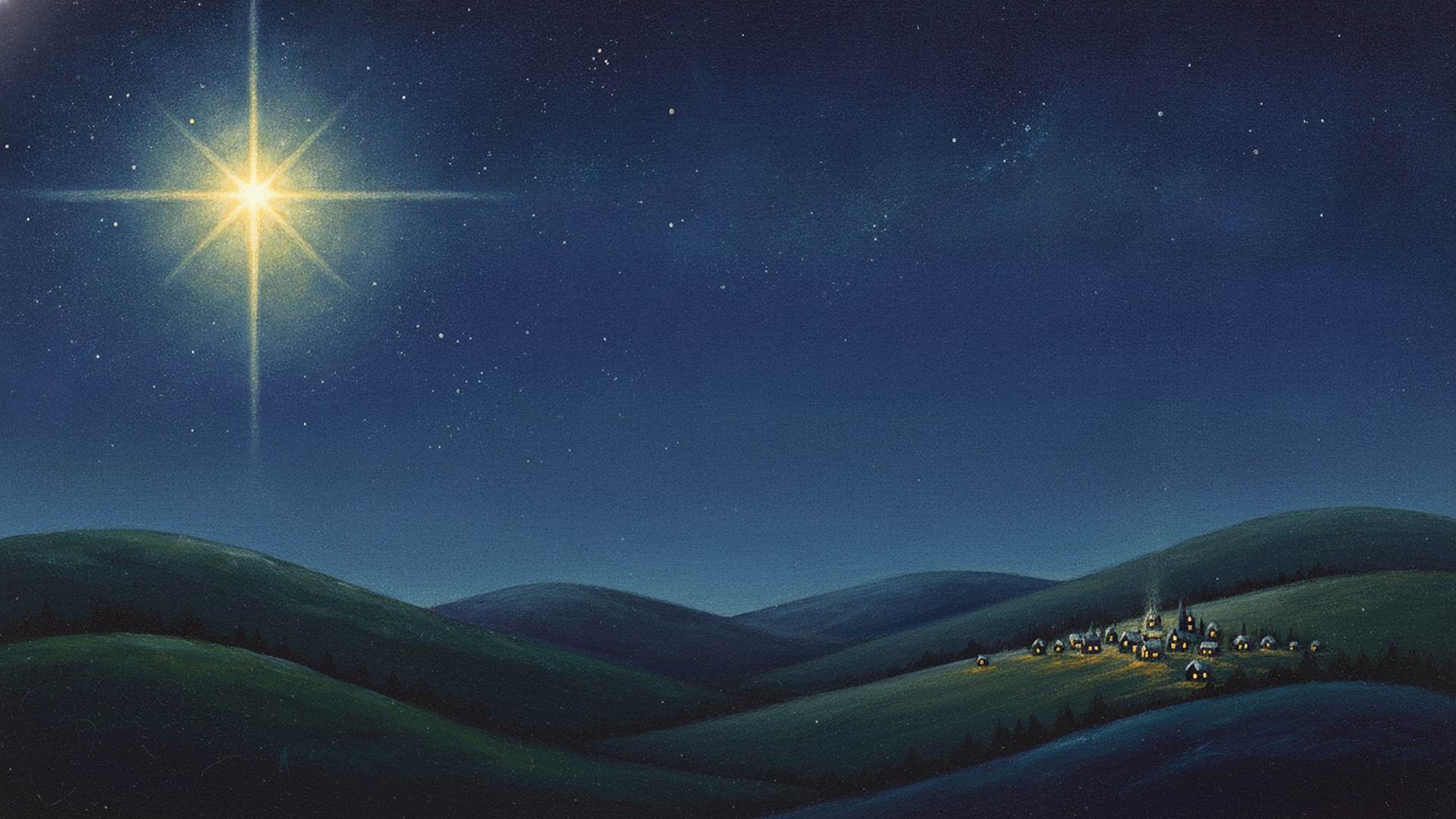
 One star over the hills A single bright star above dark rolling hills. Quiet, and fine for a faith-centered Christmas. Phone, 1290 x 2796 Desktop, 1920 x 1080
-
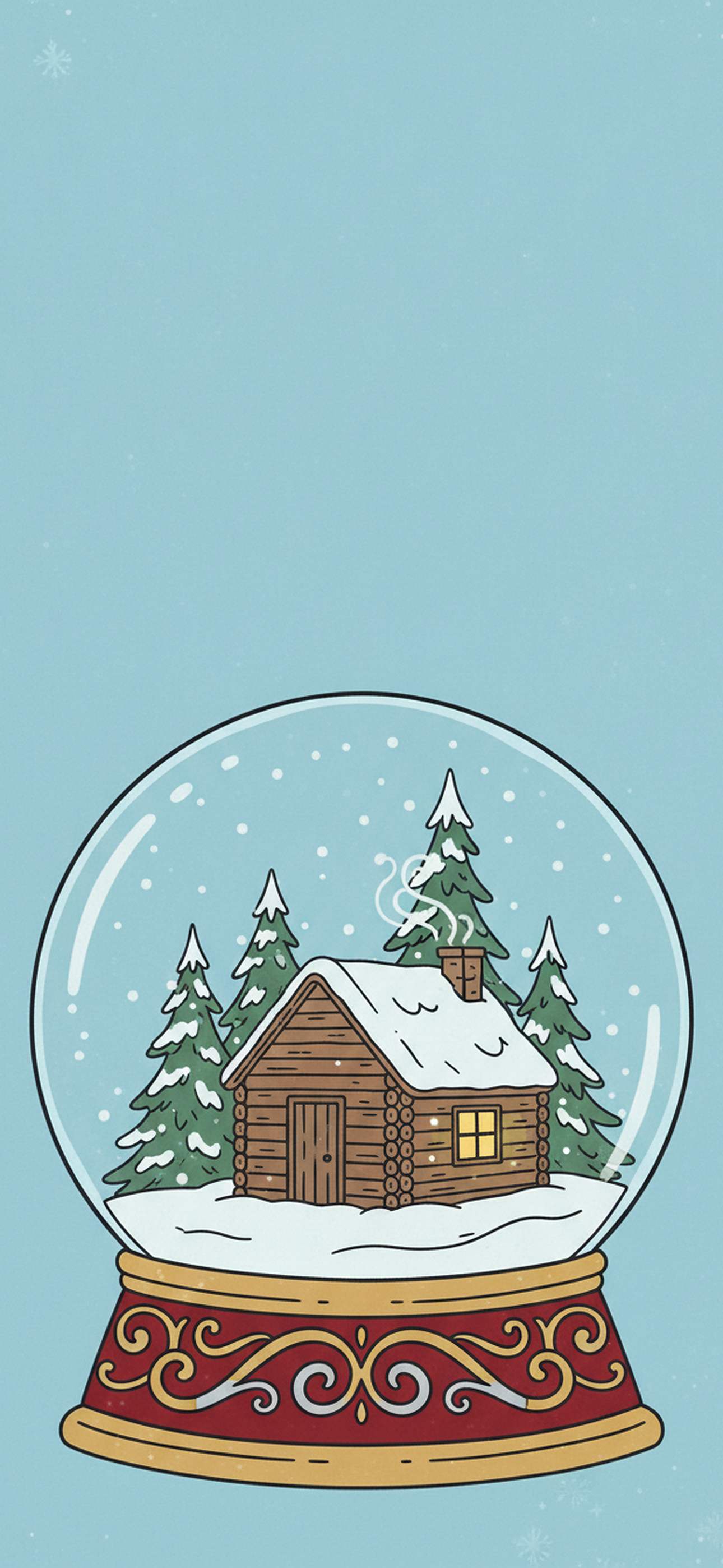
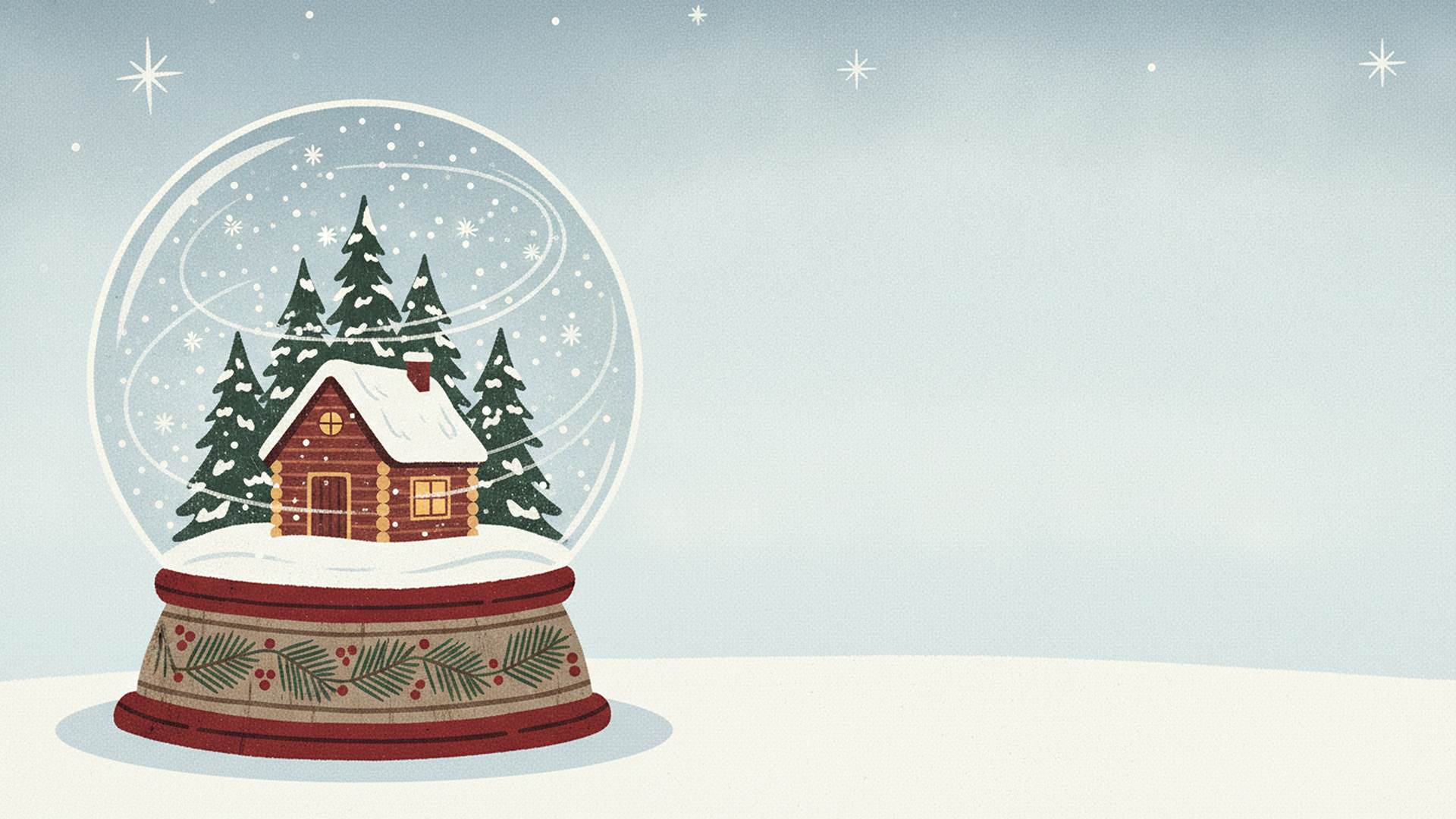
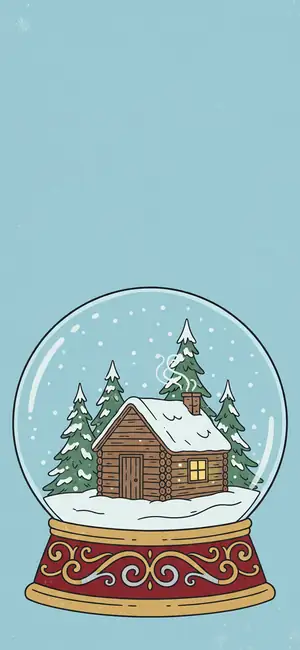 Snow globe cabin A small log cabin inside a snow globe, warm light in the window, blue all around. Phone, 1290 x 2796 Desktop, 1920 x 1080
-
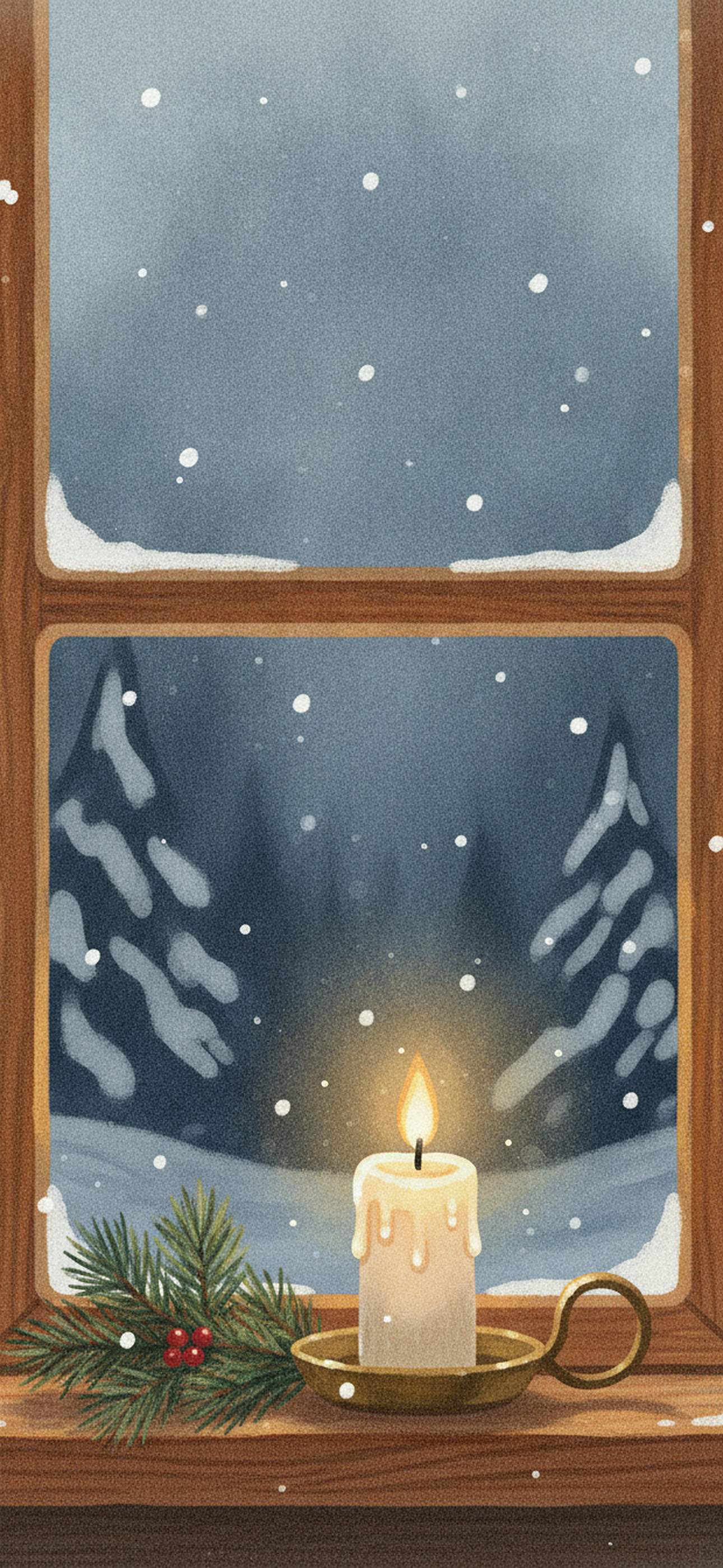
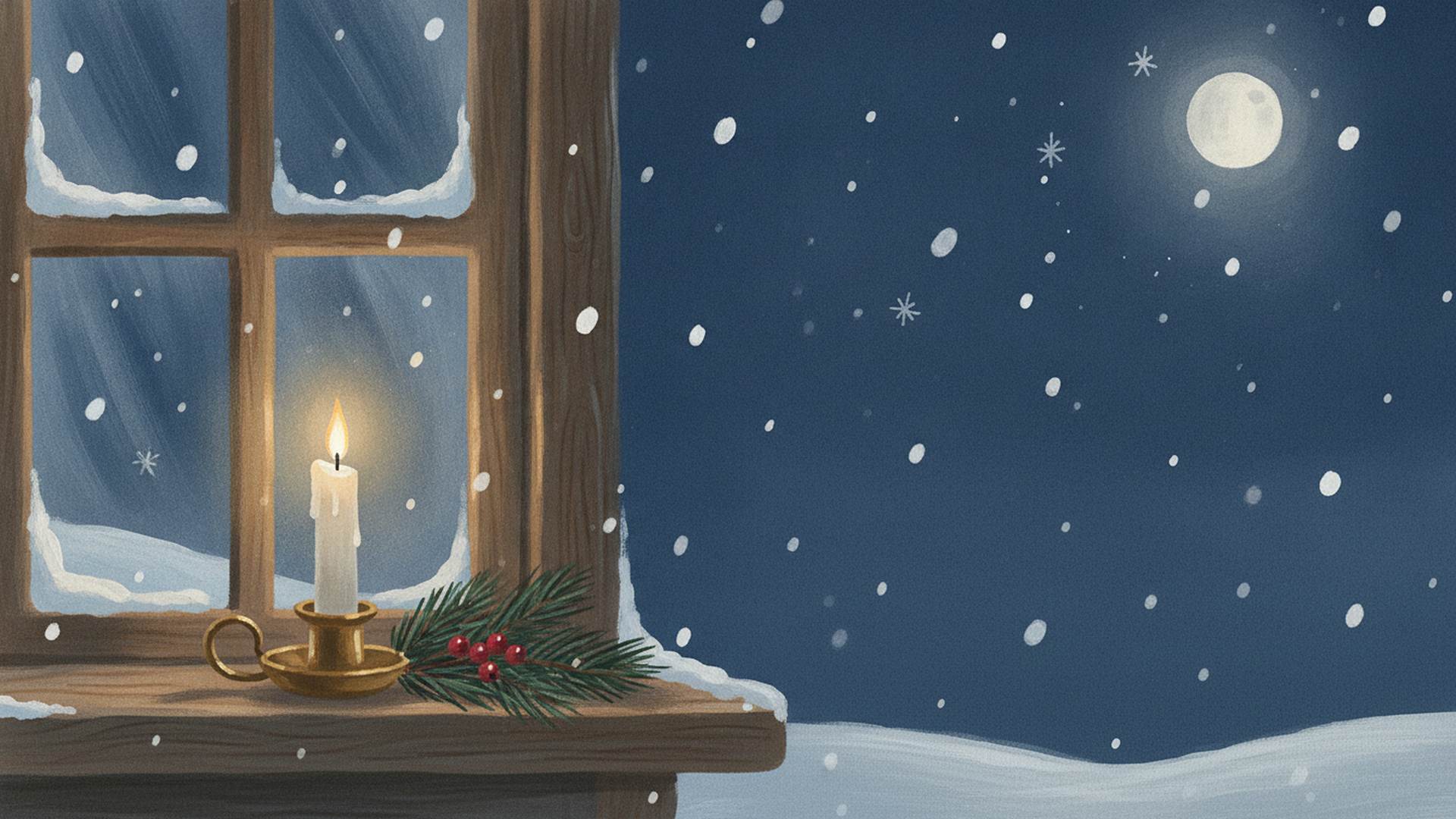
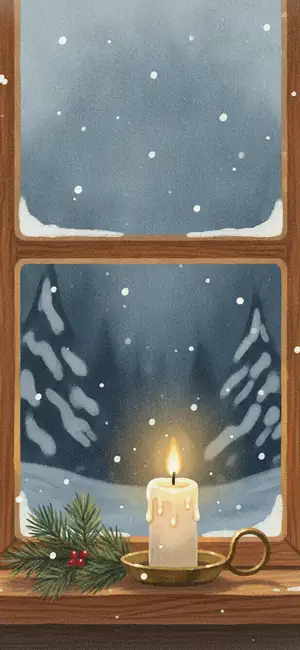 Candle in the window One candle and a pine sprig on a windowsill while snow falls outside in the dark. Phone, 1290 x 2796 Desktop, 1920 x 1080
-
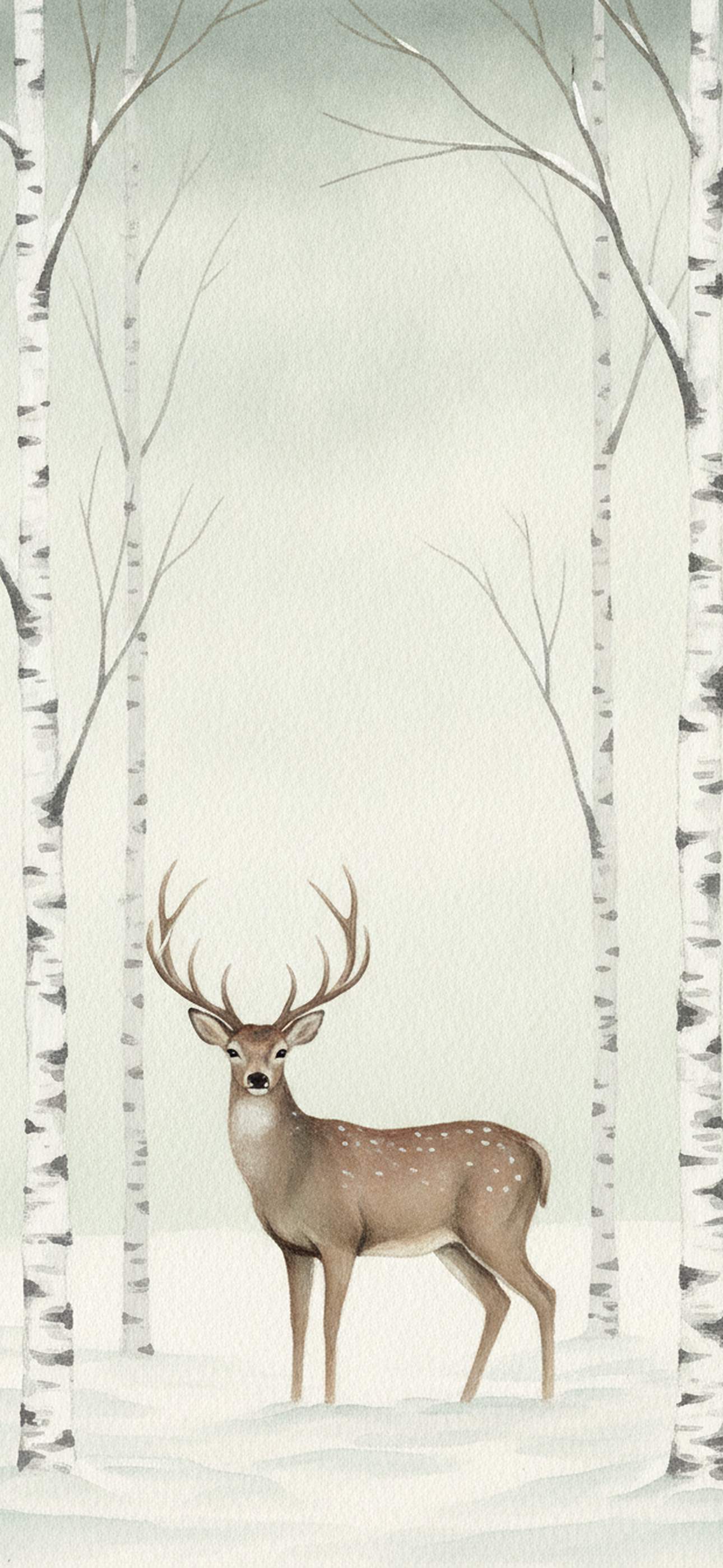
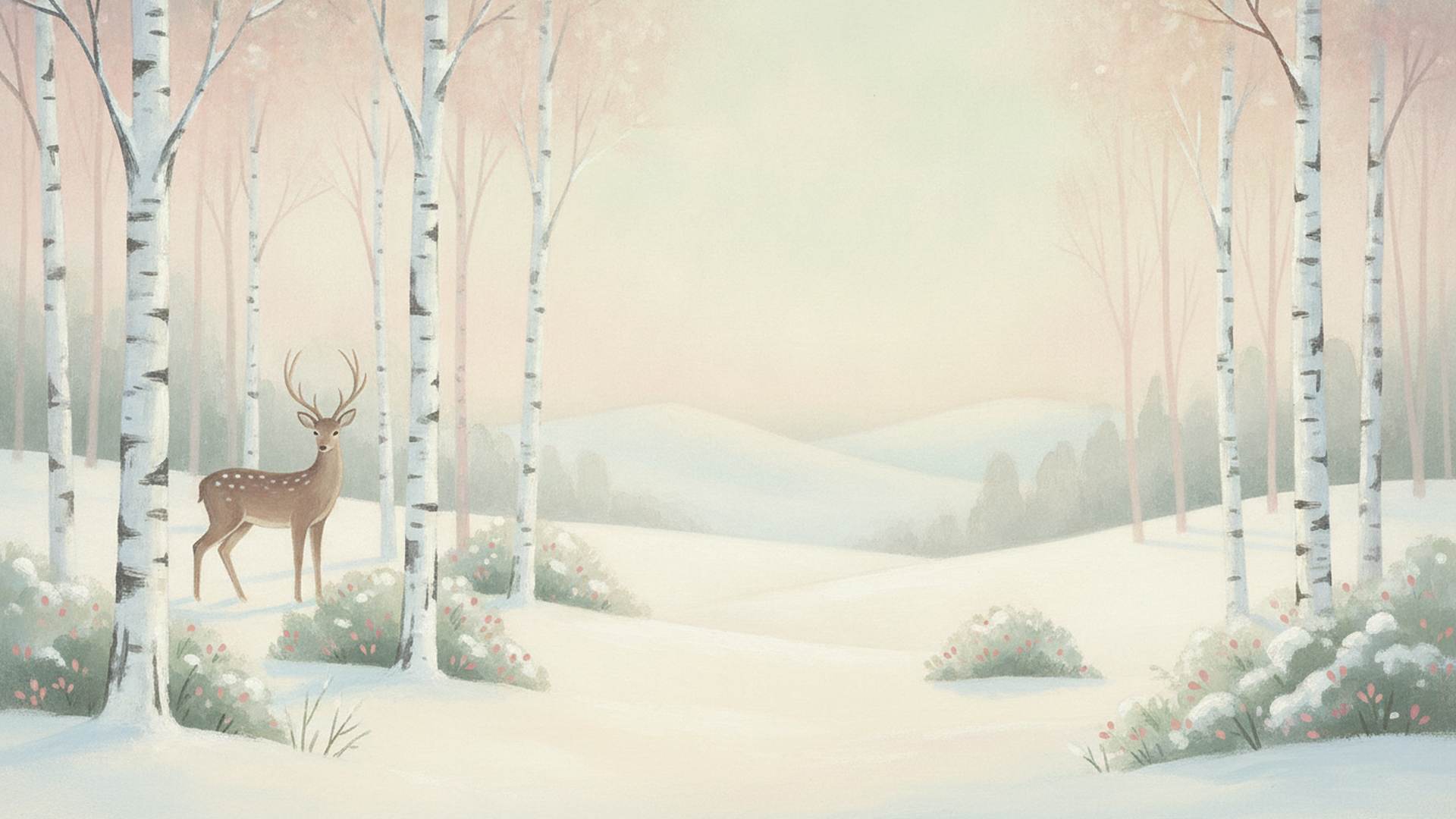
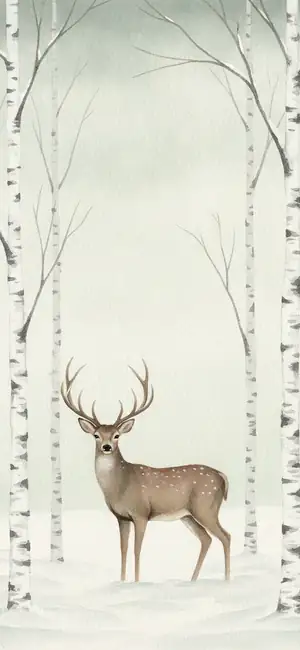 Deer in the birches A deer among white birch trunks in fresh snow, in muted greens and pinks. Phone, 1290 x 2796 Desktop, 1920 x 1080

Rich colors and gold
Darker, dressier designs. They look best on phones with OLED screens, where deep greens and burgundy stay saturated.
-
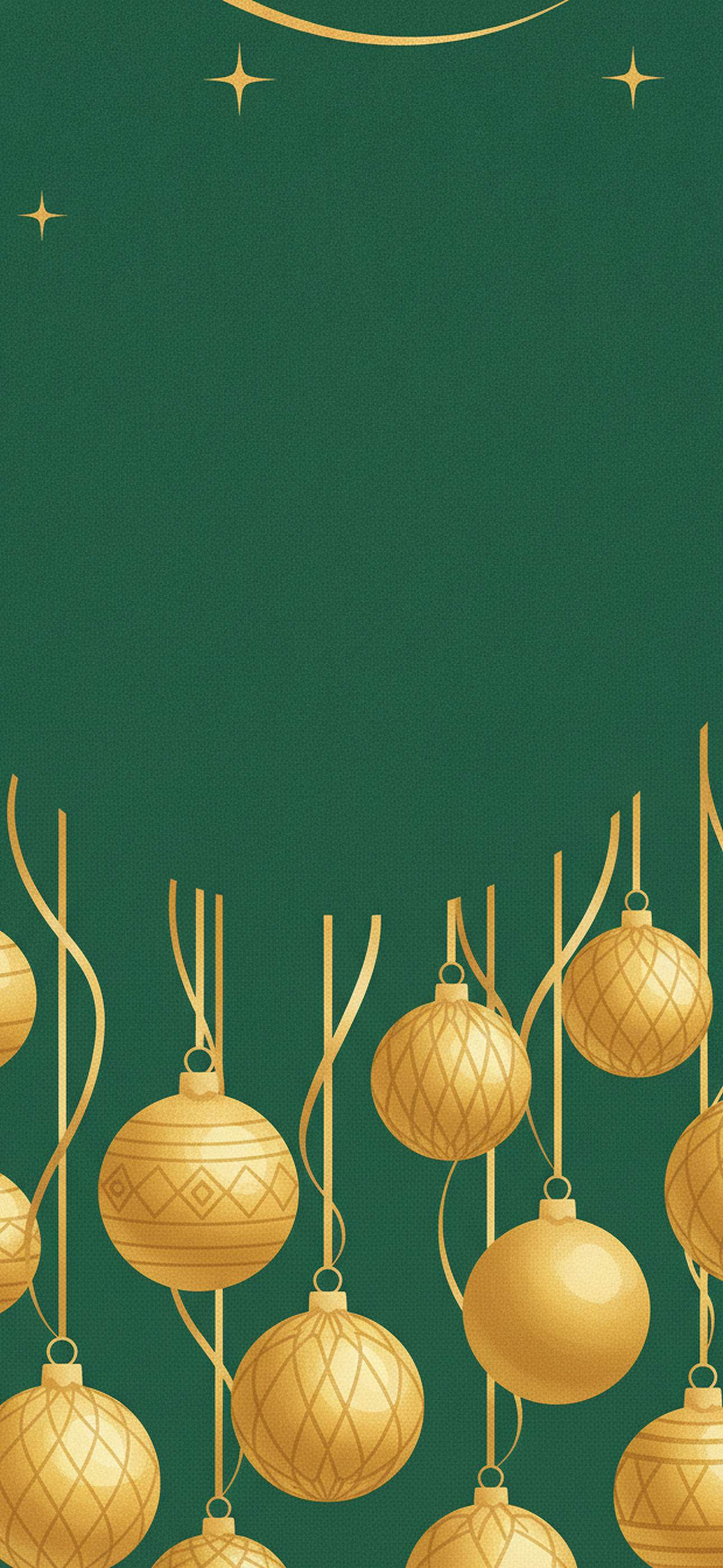
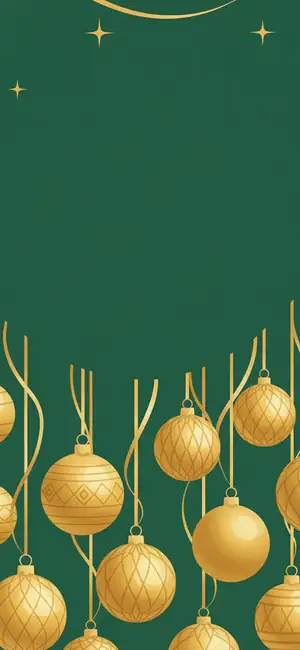 Gold foil ornaments Round ornaments on thin ribbons with a gold foil look on deep emerald green. Phone, 1290 x 2796 Desktop, 1920 x 1080
-
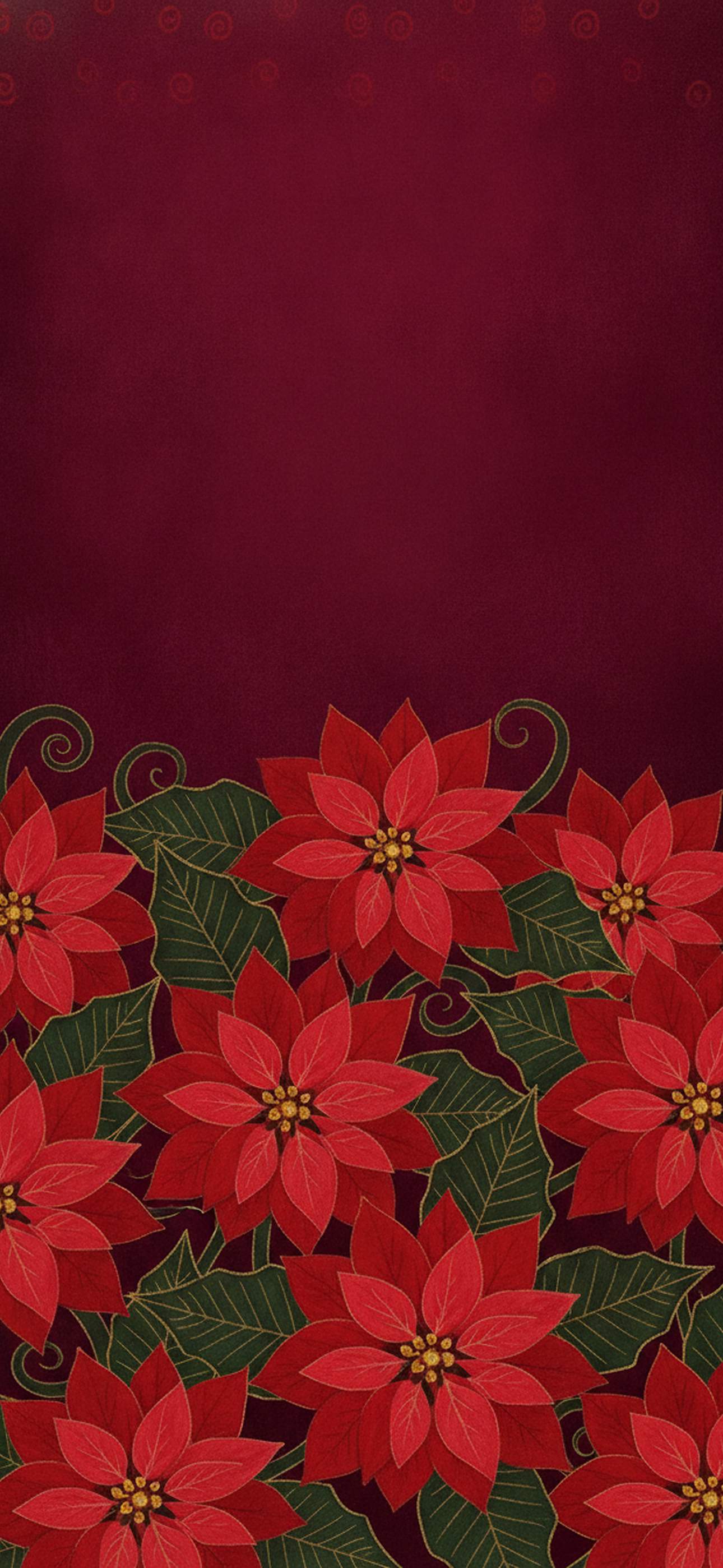
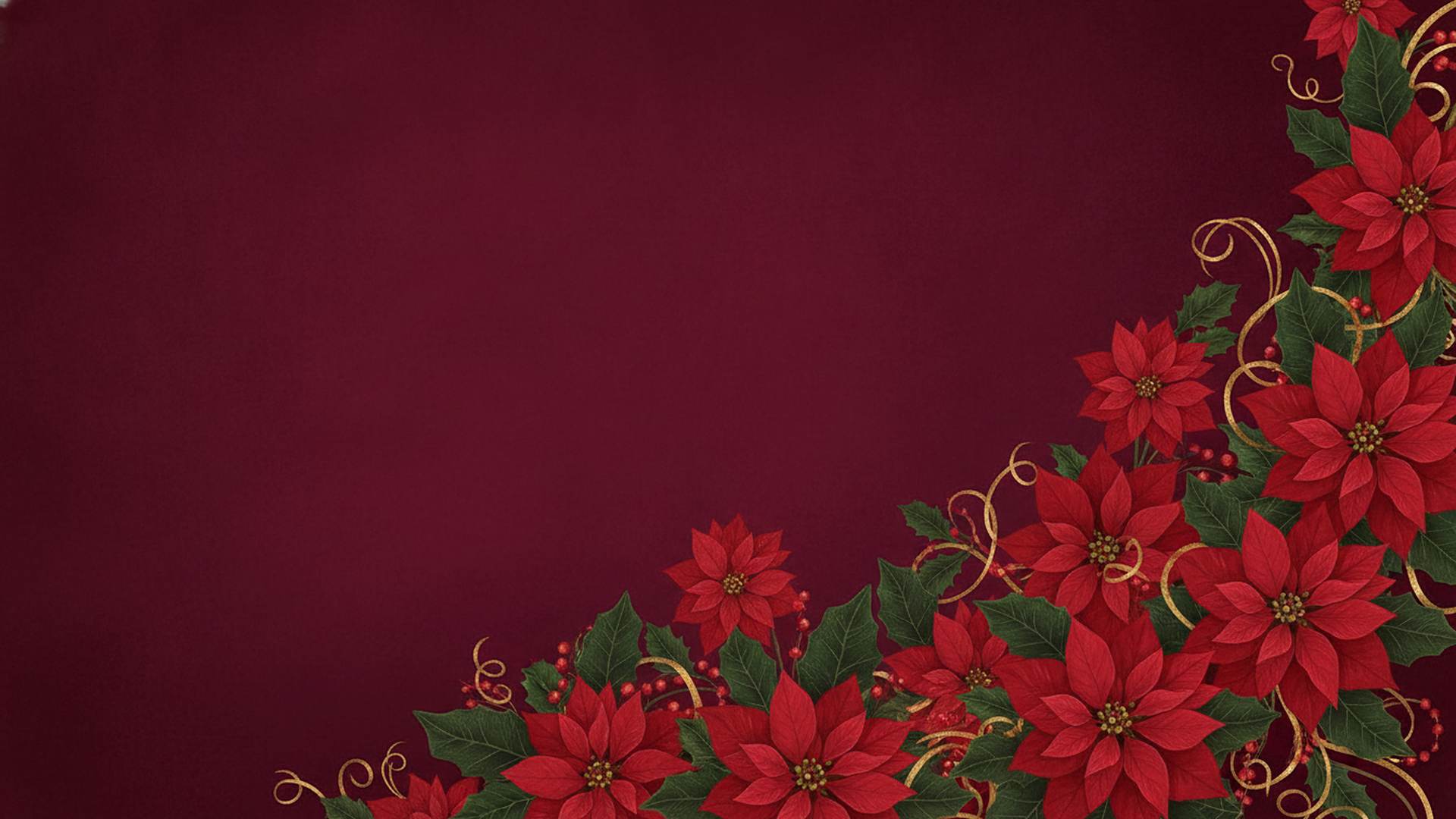
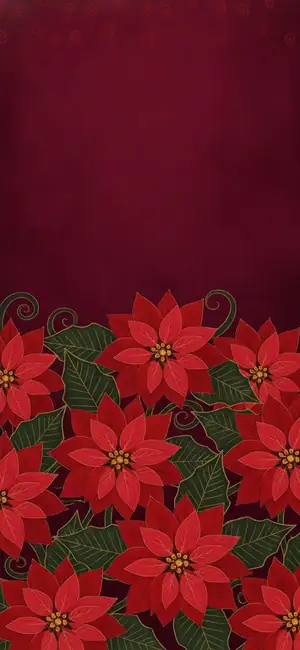 Poinsettia on velvet Red poinsettias and dark leaves on burgundy velvet. The darkest design here, kind to OLED battery life. Phone, 1290 x 2796 Desktop, 1920 x 1080
-
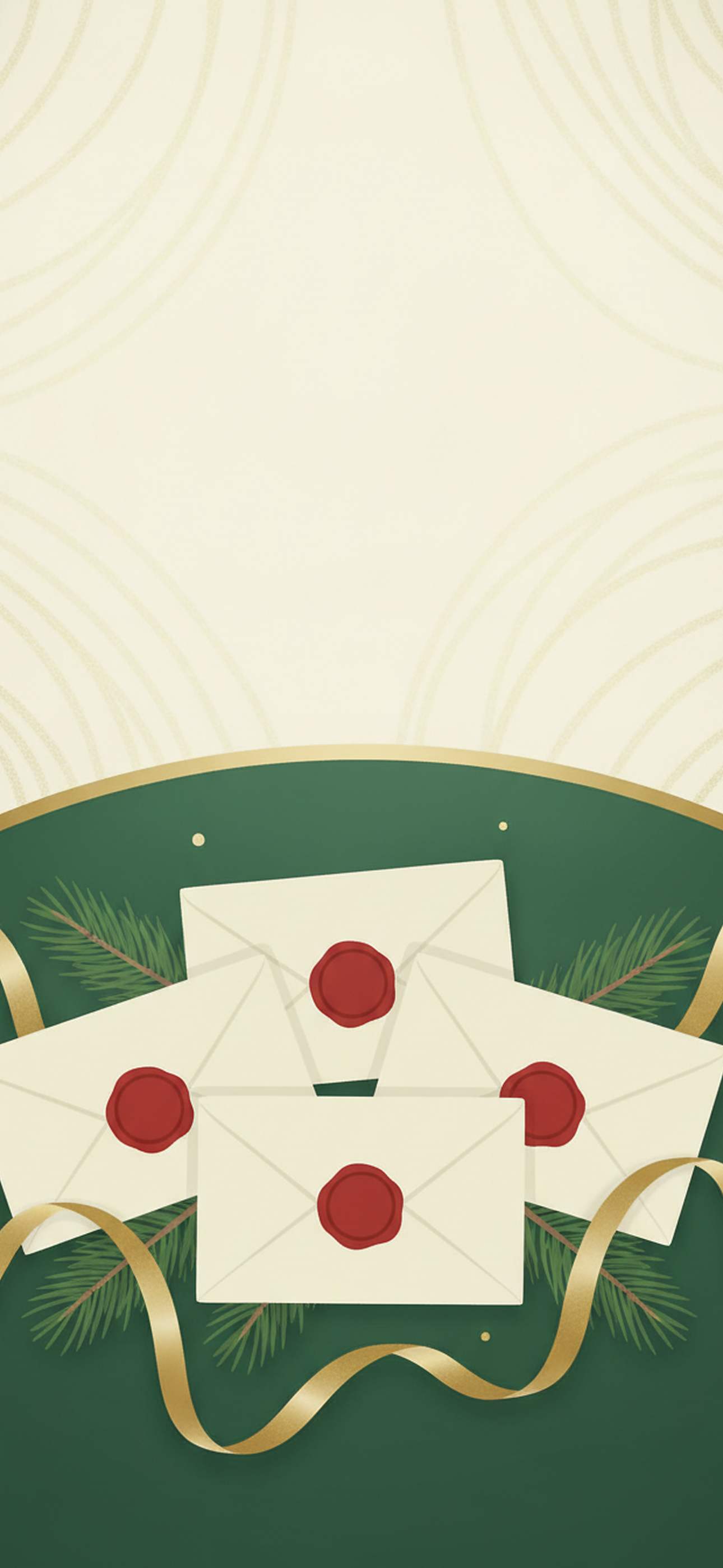
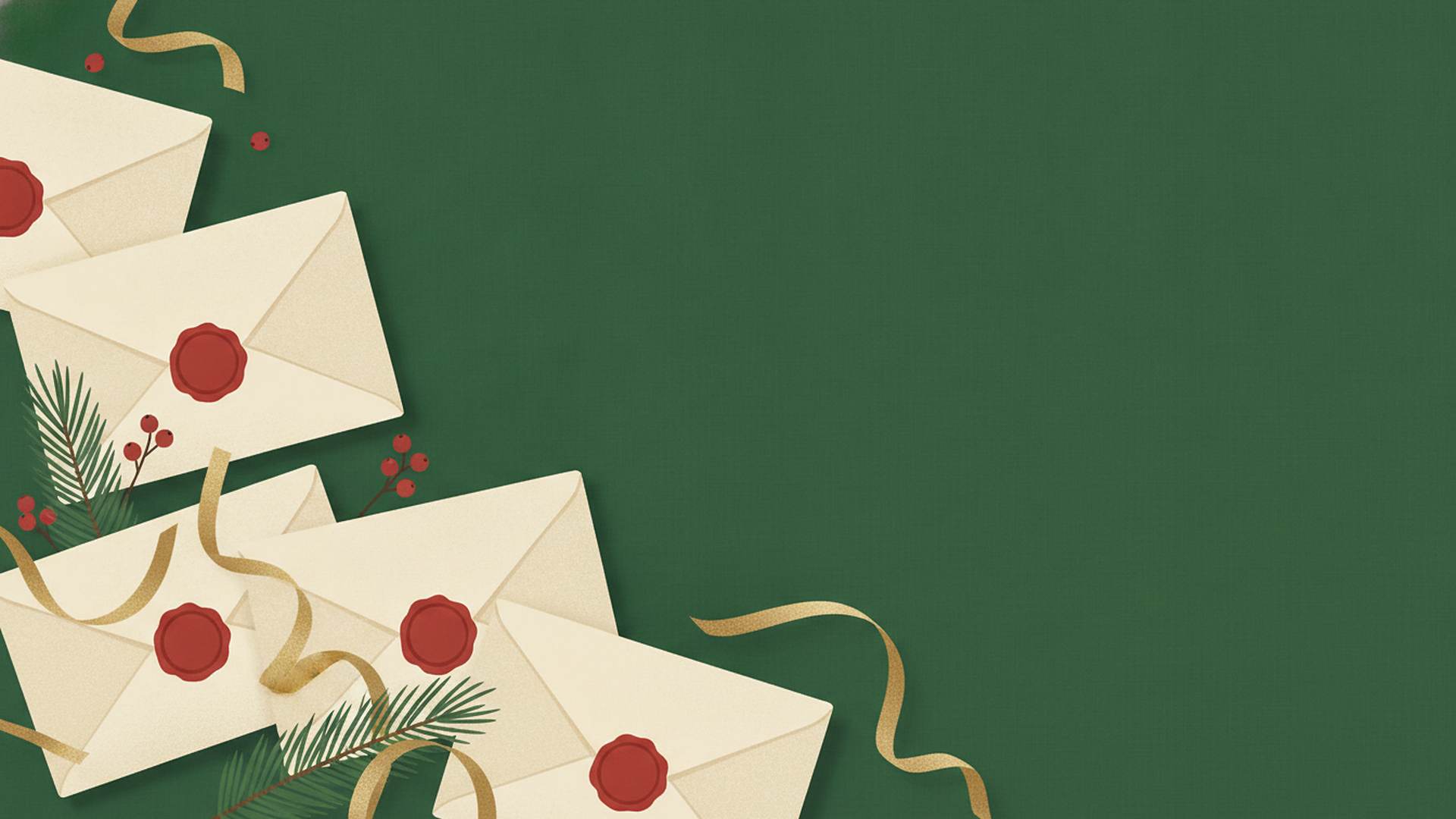
 Wax-sealed envelopes Cream envelopes with red wax seals, a pine sprig and gold ribbon: card season in one picture. Phone, 1290 x 2796 Desktop, 1920 x 1080
-
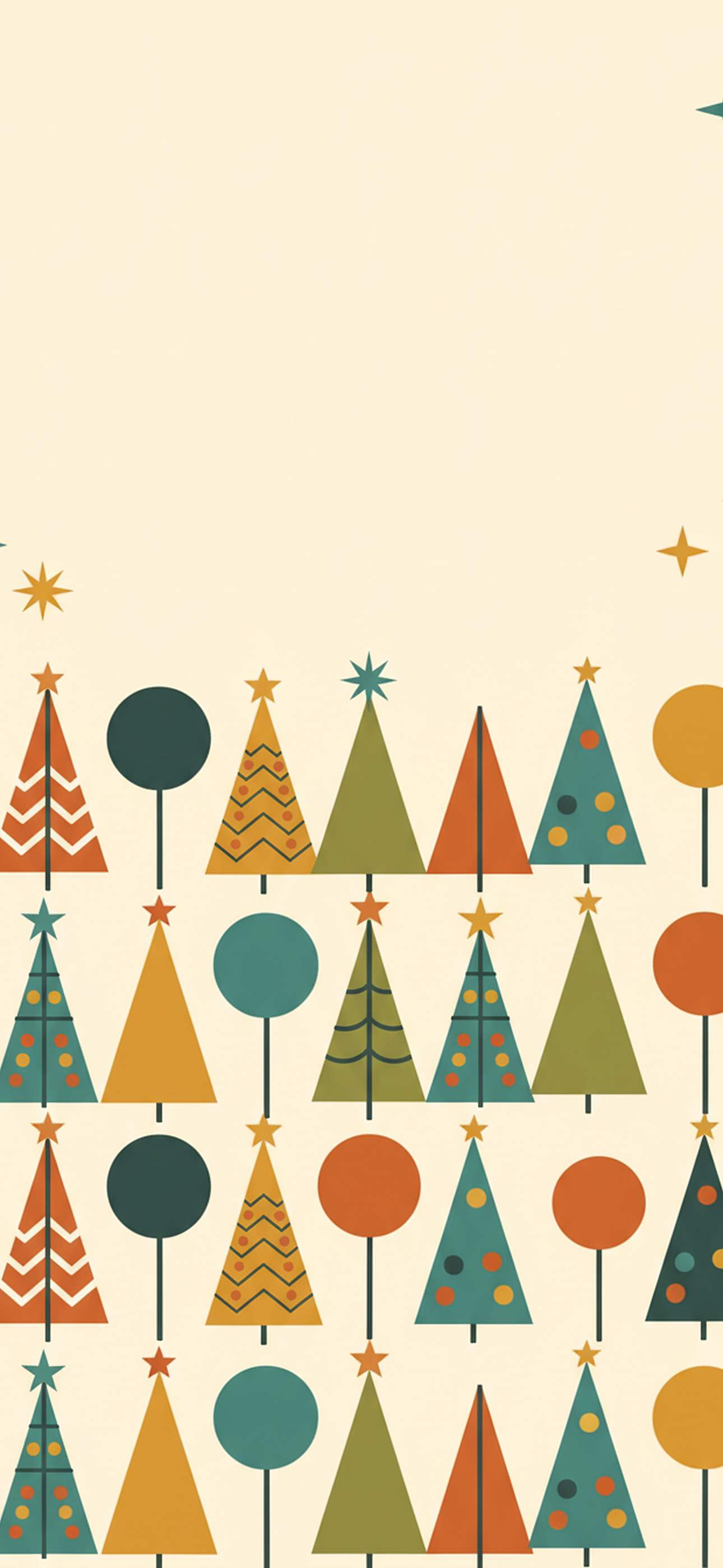
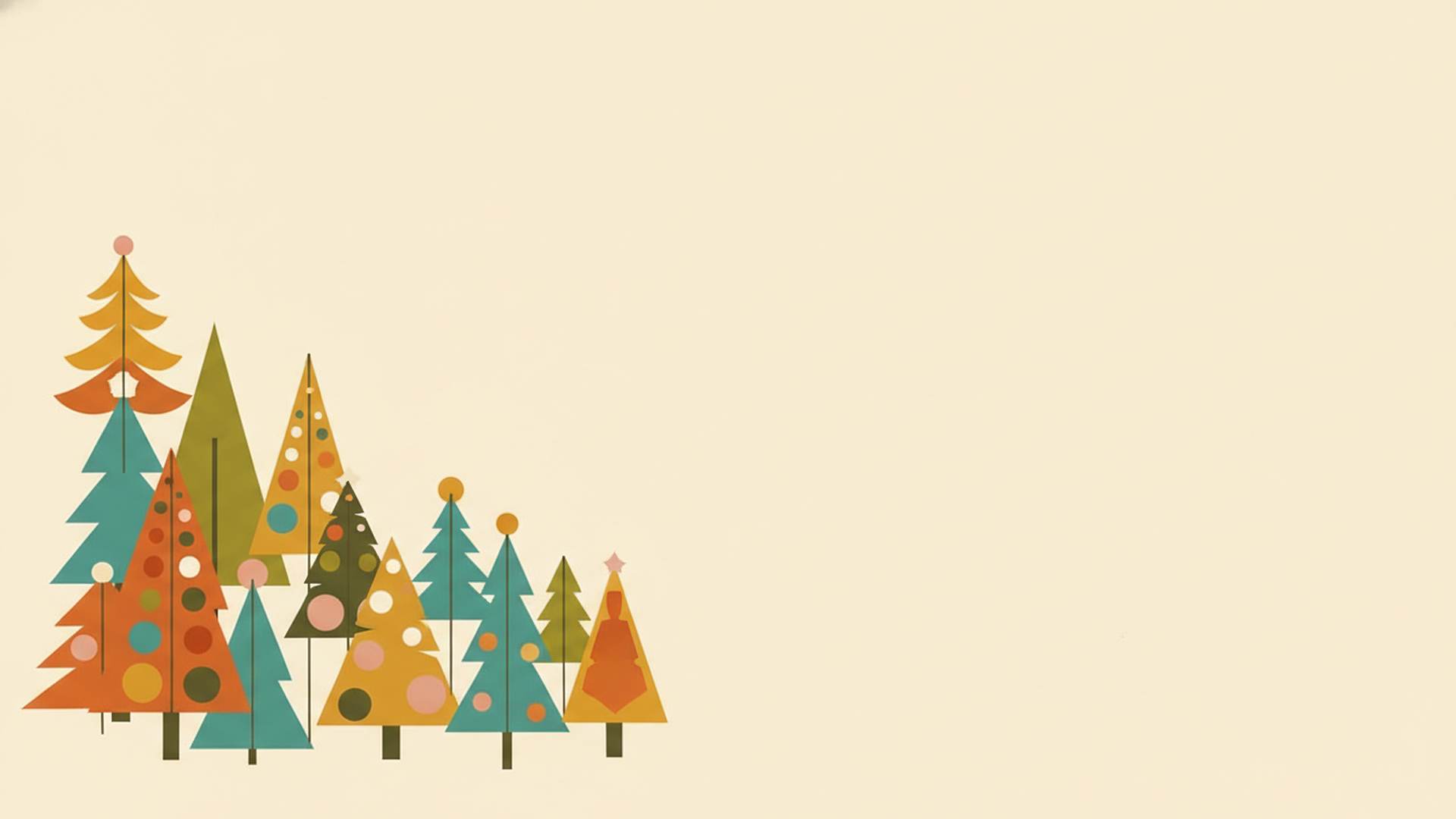
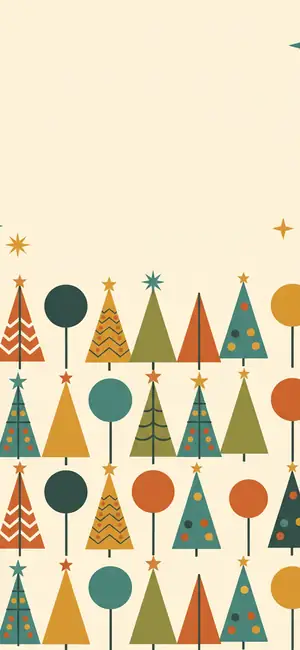 Mid-century trees Rows of triangle and round trees in teal, mustard and burnt orange on cream, like a 1960s card. Phone, 1290 x 2796 Desktop, 1920 x 1080


Free for your own phones, tablets and computers, and fine to share with family and friends. Please don't resell them or post them on wallpaper download sites. Phone files are JPGs of roughly 100 to 600 KB; desktop files are smaller.
Which file fits your screen
Two files per design cover nearly everything. The phone version is tall (19.5:9), the desktop version is wide (16:9).
| Device | Native screen size | File to use |
|---|---|---|
| iPhone 15 Pro Max, iPhone 16 Plus | 1290 x 2796 | Phone file, exact fit |
| iPhone 17 Pro Max | 1320 x 2868 | Phone file; iOS enlarges it about 2 percent |
| iPhone Air | 1260 x 2736 | Phone file, scaled down slightly |
| iPhone 17, iPhone 17 Pro | 1206 x 2622 | Phone file, scaled down |
| iPhone 16, iPhone 16e | 1179 x 2556 and 1170 x 2532 | Phone file, scaled down |
| Most Android phones | Around 1080 x 2400 | Phone file; a thin strip comes off the sides |
| Full HD monitor or laptop | 1920 x 1080 | Desktop file, exact fit |
| QHD or 4K monitor | 2560 x 1440 or 3840 x 2160 | Desktop file, enlarged; soft up close on 4K |
iPhone screen sizes checked November 2026 against published device specifications. On Steam's October 2026 hardware survey, 1920 x 1080 was still the most common desktop resolution (about half of screens), with 2560 x 1440 second.
Setting it on an iPhone (iOS 26)
- Tap the Phone link under a design, then press and hold the image and choose Save to Photos (or tap Share, then Save Image).
- Open Settings, then Wallpaper, then Add New Wallpaper, and tap Photos. Pick the picture you saved.
- Pinch and drag until the subject sits where you want it. The top quarter of each phone design is kept simple so the clock has room.
- Tap the clock to try the Glass style, which lets the art show through the numbers.
- Tap Add, then Set as Wallpaper Pair to use the same picture on the home screen, or Customize Home Screen to blur it behind your apps.
The shortcut is in Photos: open the picture, tap Share, then Use as Wallpaper. iOS 26 can also turn some pictures into a Spatial Scene with a gentle 3D shift as you tilt the phone; a hexagon button appears in the editor when a picture qualifies. Flat card-style art like these usually doesn't need it, and turning it off stops the slight zoom it adds.
Setting it on Android
On a Pixel, touch and hold an empty spot on the home screen, tap Wallpaper and style, then Change wallpaper (or More wallpapers), My photos, and choose the downloaded file. Crop, then pick lock screen, home screen or both. On a Samsung Galaxy the path is nearly the same: hold the home screen, Wallpaper and style, Change wallpapers, Gallery. There is also a shortcut in the Gallery app: open the image, tap the three-dot menu and choose Set as wallpaper. Labels shift a little between phone models, so if a step has a slightly different name on yours, it is still in the same menu.
Setting it on Windows or a Mac
Windows 11: right-click the downloaded file in File Explorer and choose Set as desktop background. For more control, right-click the desktop, Personalize, Background, Picture, Browse photos, and set Choose a fit to Fill. On a Mac, open the Apple menu, System Settings, Wallpaper, then add your own picture. The desktop designs keep the middle calm so icons and open windows don't sit on top of the main subject.
Match your wallpaper to your Christmas card
Here is a small December tradition worth stealing: pick the card first, then set a wallpaper in the same style, and send the same wallpaper to the people who get the card. A few ways to do it.
- Same printing style. A letterpress or kraft card pairs with the letterpress pine or kraft paper wallpaper. A watercolor card pairs with the watercolor wreath or the deer in the birches. Gold foil cards go with the gold ornaments or the poinsettia on velvet.
- Same colors. Hold your printed card next to the screen. If the card is navy and white, the linocut village is an obvious partner; if it's red and cream, try the letterpress pine or the Nordic folk pattern.
- Your card as the wallpaper. If you designed your own card in Canva, duplicate the design, resize it to 1290 x 2796 pixels, move the greeting below the top quarter and download it as a JPG. Grandparents tend to keep a family photo card wallpaper for months.
- A digital extra. When you text a photo of the card to someone far away, attach the matching phone wallpaper too. It costs nothing and they get something that stays on screen after the card goes back in the box.
For the card itself, our printable Christmas card backgrounds and borders come in the same spirit, and the printable Christmas card maker handles the layout if you'd rather not open a design app.
Can you print one as a card?
Yes, within limits. The phone file is 1290 pixels wide. Printed 5 inches wide, that's about 258 pixels per inch, a little under the 300 a print shop prefers but sharp at arm's length on a home printer. Crop the height to 7 inches (about 1806 pixels) in any photo app, then print it on 65 to 80 lb cardstock. The desktop file prints well as a small 4x6 postcard. For anything larger, or for an order from an online printer, start from a full-size card file instead; our guide to Christmas card resolution for printing has the pixel numbers for each size.
How we made these wallpapers
Each design started as a written brief: the printing style, one subject, and where the empty space goes (top quarter on phones for the clock, middle on desktops for icons). Both versions of each design were drawn separately with Google's Gemini image model rather than cropped from one picture, because a tall phone layout and a wide desktop layout need different compositions. We looked at every image at full size, redrew the ones with stray marks, garbled shapes or hidden lettering, then resized them to the exact pixel sizes and lightly sharpened them. There are no people, brands or film characters in any of them.
Want something more photographic? The AI Christmas photo background guide covers putting your own family into a festive scene, and there's a softer, pastel set on our cute Christmas wallpaper page.
Frequently asked questions
Which iPhones does a 1290 x 2796 wallpaper fit?
1290 x 2796 pixels covers most current iPhones: it is the exact screen size of the iPhone 15 Pro Max and iPhone 16 Plus, and smaller models such as the iPhone 16 (1179 x 2556) and iPhone 17 (1206 x 2622) scale it down with a tiny crop. Only the iPhone 17 Pro Max (1320 x 2868) is slightly larger, and iOS enlarges the image by about 2 percent to fill it.
How do I set one Christmas wallpaper on both iPhone screens at once?
Save the image to Photos, then go to Settings, Wallpaper, Add New Wallpaper, Photos and pick it. Adjust the crop, choose a clock style, tap Add, then Set as Wallpaper Pair to use it on both the lock screen and home screen.
Can I use a phone wallpaper on an Android phone?
Yes. The 1290 x 2796 file has a 19.5:9 shape close to most Android phones, so Pixel and Galaxy phones crop only a sliver from the sides. Long-press the home screen, open Wallpaper and style, and choose the image from your photos or Gallery.
What is the best Christmas wallpaper size for a computer?
Match your monitor if you can: 1920 x 1080 for a Full HD screen, 2560 x 1440 for QHD, 3840 x 2160 for 4K. The desktop files here are 1920 x 1080, the most common resolution, and they still look fine on a 1440p screen.
Why does my Christmas wallpaper look zoomed in on iPhone?
iOS fills the whole screen, so it zooms a picture whose shape does not match your phone, and the Spatial Scene effect adds a little more zoom so it has room to move. Pinch in the wallpaper editor to reframe it, or turn Spatial Scene off for that wallpaper.
Are these Christmas wallpapers free?
Yes, all 16 are free to download and use on your own phones, tablets and computers, and you can share them with family. Please don't sell them or upload them to other wallpaper sites.
Can I print a ChristmasCard wallpaper as a Christmas card?
You can, as long as you keep it small. The phone file is 1290 pixels wide, which prints at about 258 dpi on a 5 inch wide card, sharp enough for a home-printed 5x7 when you crop the height to 7 inches.
How do I make a wallpaper that matches my Christmas card?
Open your card design in Canva or the app you used, duplicate it, resize the copy to 1290 x 2796 pixels for a phone or 1920 x 1080 for a computer, and move the text out of the top quarter so the clock does not cover it. Export it as a JPG and set it as your wallpaper.