
AI Elf Yourself Photo App: Transform Into an Elf
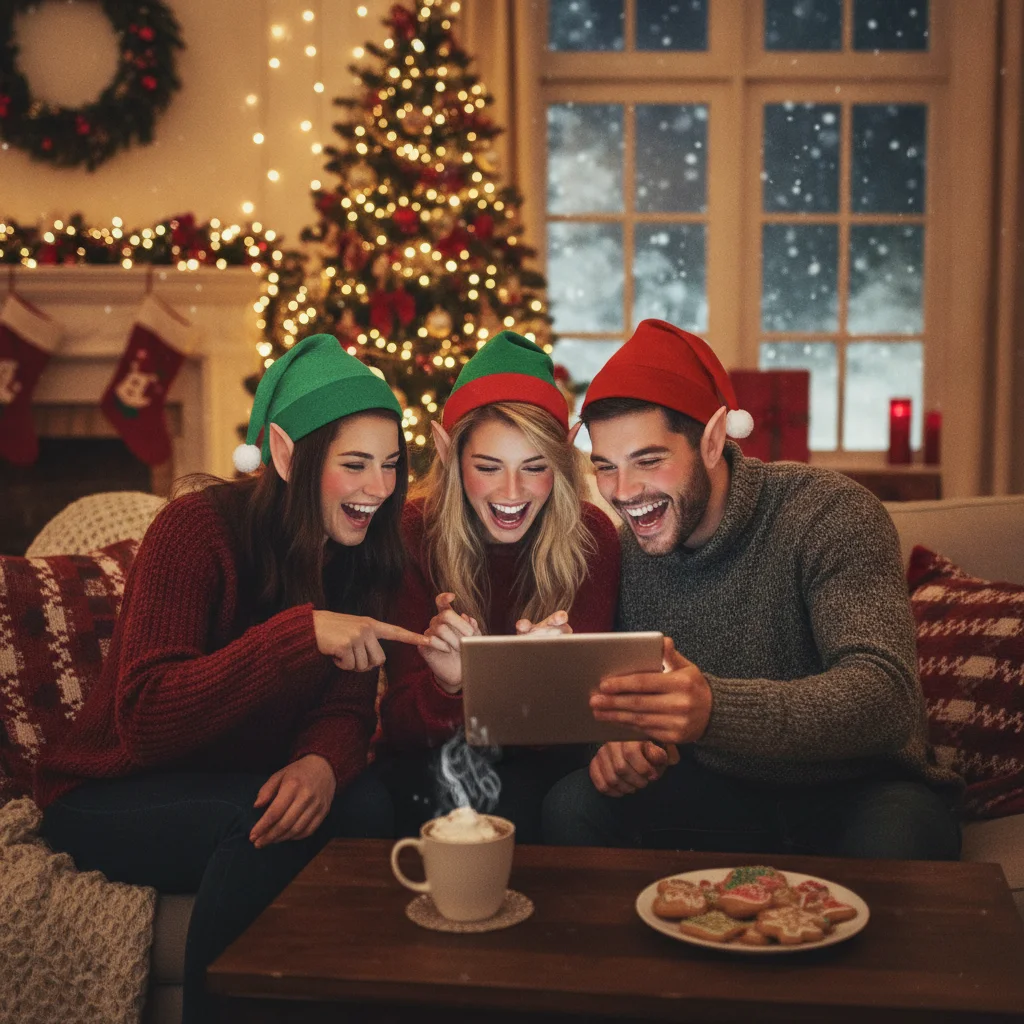
Quick answer: An AI elf yourself photo app turns a clear selfie into a Christmas elf portrait using generated costumes, pointed ears, festive backgrounds, or face templates. Choose an app with recognizable results, clear export options, and understandable privacy terms. PiXmas is one iOS option to review, although features, pricing, and ratings should be checked before downloading.
An AI elf yourself photo app can turn an ordinary portrait into a Christmas character without requiring costume makeup or photo-editing experience. Depending on the app, the result may be a generated elf portrait, a face placed inside a prepared costume, or a short animated scene.
The best choice depends on what you plan to make. A realistic portrait works well for a profile picture or Christmas card, while a cartoon result may suit family messages and social posts. Animated elf apps are better when the goal is a playful video rather than a printable image.
Editorial verdict: Start with an app that provides a preview before payment, preserves facial resemblance, and exports a full-resolution image without an unexpected watermark. PiXmas is an iOS listing worth inspecting, but ChristmasCard.io is independent and is not affiliated with PiXmas, PicsMas, or any app developer.
What should an AI elf yourself photo app do?
A useful elf photo app should identify the face in a selfie and combine it with recognizable elf details. Common visual elements include pointed ears, a green or red costume, a curled hat, workshop scenery, snow, toys, and warm Christmas lighting.
Some tools use generative AI to redraw the entire portrait. Others preserve the original face and place it into a fixed template. Generative results can look more cinematic, but templates often keep facial features more consistent.
- Photo transformation: Creates a finished elf portrait from a selfie.
- Style choices: May offer realistic, illustrated, humorous, or child-friendly designs.
- Preview controls: Let the user inspect the image before saving or purchasing.
- Export options: Save an image suitable for messaging, social media, or printing.
- Group support: Some apps accept several faces for family or team pictures.
Is PiXmas an AI elf photo app worth considering?
Christmas Pictures App: PiXmas is an app listed in the Apple App Store. At the time of the supplied editorial snapshot, the listing showed a rating of about 4.4 out of 5 from 116 ratings. App ratings can change as new users submit feedback.
The available listing information does not confirm every elf-specific tool, export restriction, subscription term, or privacy practice. Check the current App Store description and screenshots to verify that the app includes the exact elf style you want before installing it or approving a purchase.
| Factor | What to check | Why it matters |
|---|---|---|
| Visual style | Realistic, cartoon, template, or animation | Determines whether the result suits cards, posts, or jokes |
| Pricing | Free exports, credits, subscription, or one-time purchase | Prevents unexpected charges |
| Watermarks | Whether free images include a logo | Affects printing and sharing |
| Resolution | Size of the downloaded image | Low-resolution files may print poorly |
| Privacy | How uploaded portraits are stored and processed | Face photos are sensitive personal data |
How do you get a convincing elf transformation?
Use a sharp, front-facing portrait taken in even light. The full face should be visible, with no sunglasses, hands, hair, or heavy shadows covering important features. A simple background also makes face detection easier.
- Choose a recent photo with one clearly visible face.
- Crop the image around the head and shoulders if the app does not crop automatically.
- Select an elf style that matches the intended use.
- Generate more than one version and compare facial resemblance.
- Inspect the eyes, ears, hands, teeth, hat edges, and costume details.
- Save the highest-resolution version available.
For a family elf picture, process individual portraits if the app struggles with a group photo. Multi-person generation can swap faces, alter ages, or assign costumes inconsistently.
Which type of elf app is best for your project?
A generative AI portrait app is usually the stronger option for a polished single-person image. A template app is more predictable and may be faster for several people. An animated app is suitable when movement, music, or dancing is more important than print quality.
For a Christmas card, prioritize resolution and natural facial resemblance. For a social post, a square crop and bold costume can matter more. For children, review the output before sharing because generated faces and hands can occasionally look strange.
What limitations should you expect?
AI elf portraits do not always preserve identity accurately. The app may change eye color, facial shape, hairstyle, skin texture, age, or expression. Small costume details can merge into the background, and pointed ears may be uneven.
Free versions may restrict styles, resolution, generation credits, or downloads. Some apps require a subscription after a trial, while others charge for image packs. Read the purchase screen carefully and confirm how to cancel any recurring plan through the relevant app store.
Privacy is another limitation. Uploading a portrait can involve remote processing, so review the developer’s current privacy disclosure, retention policy, and data deletion options. Avoid uploading another person’s face without permission, particularly a child’s portrait.
How should you choose the final image?
Select the version that still looks like the person before judging decorations or scenery. Check the image at full size for distorted fingers, duplicated accessories, unreadable signs, and mismatched lighting. A simple elf portrait with a recognizable face is usually more useful than an elaborate scene with obvious AI errors.
Keep the original photo and an uncompressed export. Messaging services can reduce image quality, so send the full file when the recipient plans to print the elf picture or use it in a physical Christmas card.
What an AI Elf Yourself Photo App Can Change—and What the Original Must Provide
An AI elf yourself photo app can replace clothing, add pointed ears, restyle hair, shift colors and lighting, and build a Christmas setting around the person. It can also smooth small distractions or extend a cropped background, but it should not be expected to reconstruct facial information that was never captured. The original file still needs a clearly visible, recognizable face, usable focus, and a head angle that works with the intended elf pose. Eyes hidden by glare, features covered by hands or hair, severe motion blur, and tiny faces in group shots leave the model guessing. Keep the source photo uncropped when possible so the app has room for a hat and ears. There is no universal input threshold across elf generators, so test the preview and reject any result that changes identity-defining traits.
Which errors can an AI elf yourself app leave behind?
An AI elf yourself app can restyle a portrait, but it may still leave obvious generation errors that require another attempt or manual editing.
- Hands can gain extra fingers, lose fingertips, or blend into sleeves, toys, and other people.
- Teeth may merge into a solid white strip, become uneven, or appear where the original smile was closed.
- Pets can be duplicated, given altered markings, or replaced by elf-like creatures when they overlap a person.
- Text on sweaters, signs, ornaments, and gift tags may become misspelled or unreadable because the app renders letter-like shapes rather than preserving exact wording.
Frequently asked questions
Can an AI app turn any selfie into a Christmas elf?
Most clear, front-facing selfies can be transformed, but results vary with lighting, face visibility, and image quality. Group photos and partially covered faces are more likely to produce errors.
Are AI elf yourself apps free?
Some apps offer free previews or limited generations, while high-resolution downloads and additional styles may require credits, a purchase, or a subscription.
What photo creates the best elf transformation?
A sharp head-and-shoulders portrait with even lighting, a visible face, and a simple background usually produces the strongest result.
Can I use an AI elf picture on a printed Christmas card?
Yes, if the app permits personal use and provides a sufficiently large export. Check the image at full size because low-resolution files can look blurred in print.
Are AI elf photo apps safe for children's pictures?
Safety depends on the developer’s privacy and data-retention practices. A parent or guardian should review the policy, limit unnecessary uploads, and avoid public sharing without consent.
How do I get children and pets to look at the camera?
Keep the session short, prepare the camera first, and use a sound, toy, or treat close to the lens. Photograph children and pets before they become restless, and prioritize natural interaction over perfect stillness. Burst mode can capture brief eye contact, but confirm that it does not reduce image quality or create difficult file formats.
Can an AI elf app fix a blurry photo?
Sometimes, but only mild softness can be disguised; an app cannot reliably restore facial detail that the camera never recorded. Start with the original file rather than a screenshot, choose a frame where the eyes and mouth have defined edges, and avoid aggressive sharpening. If the generated face looks invented, use a clearer source photo.
Why does my AI elf picture not look like me?
It usually happens because the source face is too small, partly hidden, strongly angled, or altered too aggressively by the chosen style. Try a closer portrait, reduce stylization, and compare the eyes, mouth, jawline, and distinctive features with the original. Regenerate rather than accepting a polished image that no longer preserves the person's identity.
Why does my AI elf picture have extra fingers?
Extra fingers appear because image generators can struggle to preserve the exact structure of overlapping hands and small joints. Try a source photo with hands fully visible and separated from clothing or props. If the mistake remains, regenerate the image, crop out the hands, or correct that area with a manual editing tool.
How do I remove an extra pet from an AI elf photo?
Remove an extra pet by regenerating from a simpler photo or using an object-removal editor on the finished image. A source picture with clear space between the person and pet reduces duplication. Check the corrected area closely, since removal tools may leave repeated fur, distorted furniture, or an unnatural patch in the background.