
How Do You Compare Home Printing vs. Print Shop Christmas Cards?
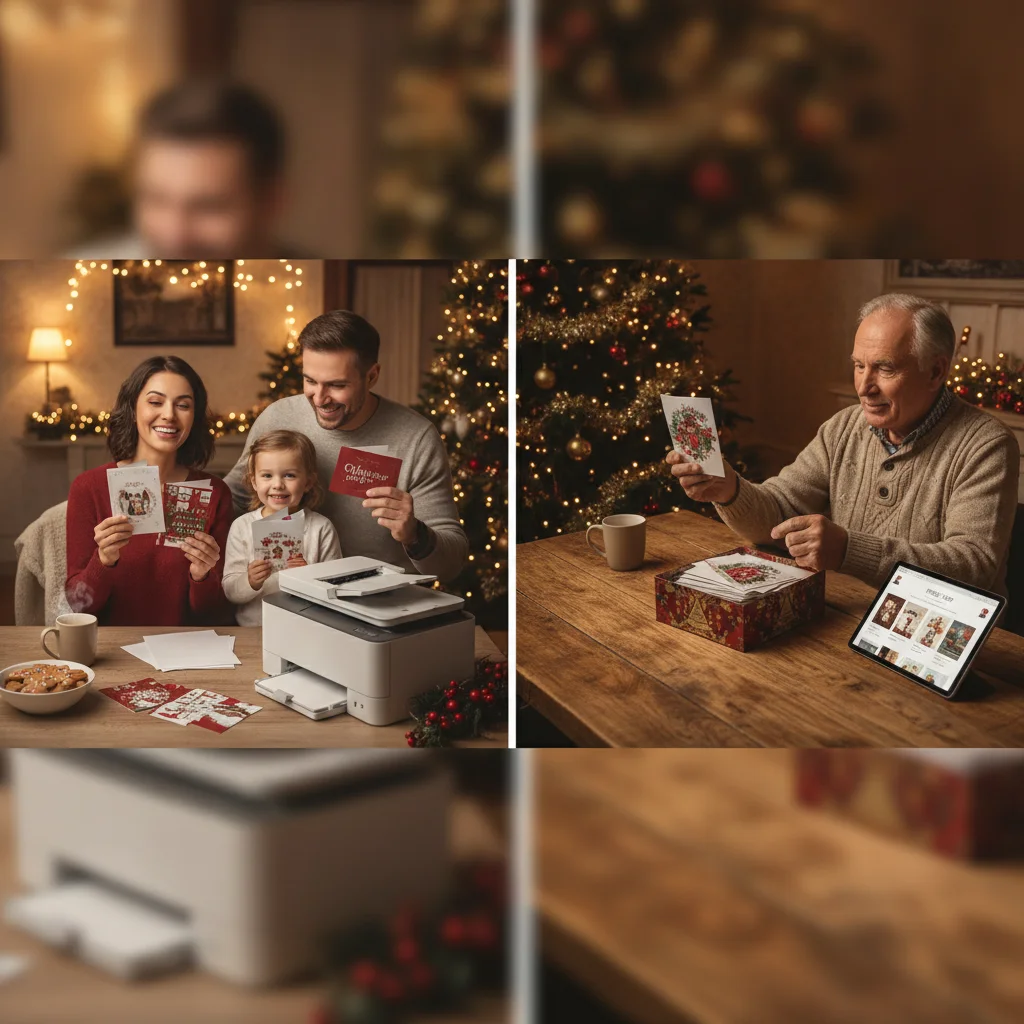
Quick answer: Compare the total cost per usable card, not just the advertised printing price. For home printing, include paper, ink, envelopes, test sheets, mistakes, printer wear, and your time. For a print shop, include setup fees, upgrades, shipping, tax, and extra copies. Home printing often suits small batches, while professional printing can provide better value and consistency for larger orders.
To compare home printing with a print shop, calculate what each option will cost for the same card size, paper type, print coverage, quantity, and envelope package. Price is important, but the comparison should also account for color consistency, trimming, delivery time, and the work required to produce cards that are ready to mail.
What costs should you include for home printing?
Home printing costs more than the price of blank cardstock. Ink is often the largest expense, especially when a Christmas card design uses full-page photos, dark backgrounds, or color on both sides.
Add the cost of cardstock, ink, envelopes, test prints, reprints, and any cutting or scoring supplies. If your printer does not support borderless printing or heavy paper, you may also need a paper trimmer or a different card format.
Estimate ink costs using the manufacturer’s page-yield figures only as a starting point. Page yields are generally measured under standardized conditions and may not reflect photo-heavy holiday cards. A practical estimate should include a buffer of 10 to 20 percent for cleaning cycles, test pages, and failed prints.
Your home-printing formula is: cardstock + ink + envelopes + supplies + estimated printer wear + waste + the value of your time. Divide that total by the number of usable cards, not the number you originally planned to print.
What costs should you include in a print shop quote?
A professional printing quote may include printing, cutting, folding, and envelopes, but packages vary. Confirm whether the displayed price covers both sides of the card, premium paper, full color, proofs, envelopes, and shipping.
Look for setup charges, minimum order quantities, paper upgrades, rounded corners, foil, address printing, expedited production, sales tax, and delivery fees. If a discount requires ordering more cards than you need, calculate the price based on the entire order rather than the number you expect to mail.
| Cost factor | Home printing | Print shop |
|---|---|---|
| Printing | Ink or toner usage | Base order price and setup fees |
| Paper | Retail cardstock cost | Usually included, with upgrades available |
| Waste | Test sheets, jams, and color errors | Usually absorbed during production |
| Finishing | Manual cutting, scoring, and folding | Often machine cut and folded |
| Delivery | Shopping or supply delivery costs | Shipping, pickup, or rush fees |
| Labor | Your printing and finishing time | Mostly included in the order price |
How do you calculate the true cost per Christmas card?
Create matching specifications before comparing totals. Use the same finished dimensions, number of printed sides, paper weight, surface finish, envelope type, and quantity for both options.
For example, if home supplies cost $48 and you spend two hours printing and trimming, add a reasonable value for those two hours. If you value your time at $15 per hour, the adjusted home total is $78. If 45 of 50 printed cards are usable, the cost is about $1.73 per usable card.
Apply the same method to a print shop. Add the order price, upgrades, tax, and shipping, then divide by the number of cards delivered. Keep postage separate unless one option includes mailing services, since ordinary postage is usually the same either way.
When is home printing likely to cost less?
Home printing can be economical for a small quantity, a simple design, or a last-minute batch. It works best when you already own a capable printer, have suitable ink and paper available, and do not need specialty finishes.
Home printing also allows immediate corrections and personalized variations. You can print different messages or photographs without paying a separate setup charge for each version.
The savings may disappear if the design consumes substantial ink, the printer feeds cardstock poorly, or every card needs manual trimming. Printer maintenance and unexpected cartridge replacement can also change the final cost.
When does a professional print shop offer better value?
A print shop often becomes more competitive as the order quantity increases. Commercial equipment can print, cut, score, and fold cards faster and with more consistent results than most home printers.
Professional printing is particularly useful for photo cards, full-bleed artwork, thick cardstock, folded cards, and specialty finishes. It can also reduce the risk of discovering color, alignment, or paper-feeding problems close to your mailing deadline.
Ask for a physical proof or a small sample when color accuracy is important. Screen colors can differ from printed colors, regardless of whether the card is printed at home or by a commercial provider.
How should time and convenience affect the comparison?
Estimate how long it will take to test the design, load paper, monitor printing, replace ink, trim cards, fold them, and correct mistakes. Even a small batch can require several hours when cards are printed on both sides.
Compare that workload with the print shop’s production and shipping schedule. A professional order may require less personal labor, but it must be placed early enough to allow for proof approval, production delays, and delivery.
What are the limitations of a cost comparison?
Ink yield, waste rates, delivery fees, and local print shop prices vary, so no single quantity guarantees that one method will be cheaper. Printer condition and design coverage can significantly affect home costs.
Cost per card also does not measure every benefit. Paper feel, print sharpness, customization, convenience, and deadline certainty may matter more than a small price difference. Compare sample prints whenever quality is a deciding factor.
Practical verdict: Home printing is usually worth considering for small, simple, or highly personalized batches. Professional printing is often the stronger choice for larger quantities, full-bleed designs, premium paper, and consistent finishing. Use total cost per usable card to make the final decision.
The Print Specification People Skip When Comparing Home Printing vs. Print Shop Christmas Cards
The specification to lock down before comparing home printing with a print shop is the exact paper stock and finished construction. Define the finished size, flat or folded format, paper weight, matte or coated surface, one- or two-sided printing, and whether color reaches the edge. A home sample on lightweight matte cardstock is not equivalent to a shop quote for heavier coated stock, even if both use the same design. Confirm that the home printer accepts the selected stock through its intended feed path, then print one finished-size test. Give the shop the same specification and request a physical proof or stock sample. Supply both options with the same high-resolution file; 300 PPI is a common print target (Snaptosize, 2026). Compare only after paper, format, and finishing match.
When should bleed, finish, and DPI not decide between home and print shop Christmas cards?
Bleed, finish, and resolution should not decide between home printing and a print shop when the cards must be mailed immediately or the design does not use those features. For a last-minute batch, access to paper, envelopes, and a working printer can outweigh professional finishing because production or pickup time may miss the mailing window. Bleed is also irrelevant when every photo and color block stops safely inside the cut edge. Likewise, a premium coating has little comparative value for a grief-sensitive or workplace card where an understated matte surface and handwritten note are intentional. If the artwork already meets the common 300 DPI print target (Snaptosize, 2026), compare completion time, cardstock handling, and dependable output rather than specification lists.
Frequently asked questions
Is it cheaper to print Christmas cards at home?
Home printing can be cheaper for small batches when suitable equipment and supplies are already available. Ink-heavy designs, waste, and manual finishing can eliminate the savings.
How much extra should I budget for home-printing mistakes?
A waste allowance of 10 to 20 percent is a reasonable starting point. Increase the allowance if the printer has difficulty feeding thick cardstock or printing both sides accurately.
Should envelopes be included in the cost comparison?
Yes, because some print shop packages include envelopes while home-printing estimates often overlook them. Compare envelopes of a similar size, color, and paper quality.
Does a print shop become cheaper for larger orders?
Professional printing often has a lower cost per card as quantity increases. Setup and shipping charges are spread across more cards.
Should postage be included in printing costs?
Keep standard postage separate when it is identical for both options. Include mailing service fees if a printer addresses, stamps, or sends the cards for you.
How do I value my time when comparing printing options?
Estimate the total hours required and multiply them by an hourly amount that reflects what your free time is worth. Add that figure to the home-printing total.
Is professional printing always better quality?
Professional equipment usually provides more consistent color, trimming, and full-bleed printing, but quality varies by provider. A well-calibrated photo printer can produce strong results on compatible cardstock.
Can my home printer handle thick Christmas card stock?
Check the printer’s documented media-weight range and approved feed path before buying cardstock. A rear or straight-through path may handle stiff sheets better than a curved cassette path, but capability varies by model. Test several sheets at the final size, including duplex printing if needed, and watch for feed errors, scuffing, and wet ink.
What print specifications should I give a shop for Christmas cards?
Give the shop the finished and flat dimensions, fold style, quantity, paper weight and finish, color on each side, edge-to-edge printing requirement, and envelope needs. Also state whether the file includes bleed and ask the shop to confirm its preferred file setup. Request an itemized quote so upgrades and finishing remain visible in the comparison.
Do I need bleed for Christmas cards printed at home?
No, bleed is unnecessary when the background, photos, and decorative elements remain inside the final card edges. Most home printers cannot print fully to the edge without special borderless settings. Leaving a deliberate white border can prevent uneven trimming and make home output easier to compare with a shop’s standard card.