
What Are the Best AI Christmas Card Maker Apps?
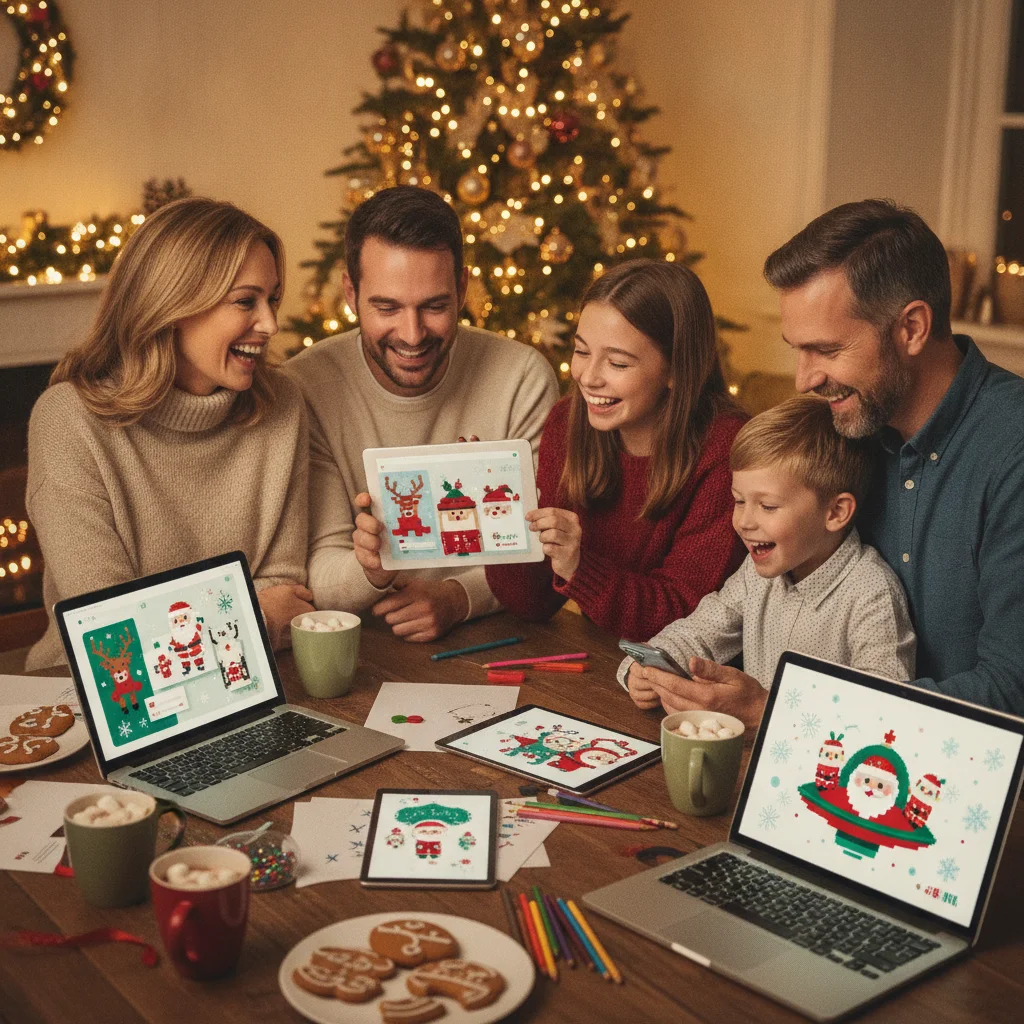
Quick answer: The best AI Christmas card maker apps combine festive templates, photo editing, generated artwork, and simple text controls. Canva is the strongest all-purpose choice, Adobe Express suits polished layouts, Microsoft Designer is useful for prompt-based concepts, and Picsart offers creative effects. Always confirm export quality, pricing, and commercial-use terms before finishing a card.
AI Christmas card makers can turn family photos, written prompts, and basic holiday messages into finished greetings. The most useful apps do more than generate an image. They also provide readable typography, flexible layouts, reliable exports, and controls for correcting the odd details that generative tools sometimes produce.
This independent guide compares general design platforms and specialist photo apps. ChristmasCard.io is not affiliated with PiXmas, Picsart, Canva, Adobe, Microsoft, Fotor, or Photoroom.
Which AI Christmas card maker apps are best?
| App | Best for | Main consideration |
|---|---|---|
| Canva | All-purpose card design | Some AI tools and assets require a paid plan |
| Adobe Express | Polished templates and typography | Premium assets may be restricted |
| Microsoft Designer | Generating concepts from prompts | Generated details still need inspection |
| Picsart | Creative photo effects | The interface includes many optional tools |
| Fotor | Quick photo cards | Export options vary by plan |
| Photoroom | Cutouts and clean photo compositions | Better for image preparation than long messages |
| Christmas Pictures App: PiXmas | Christmas-focused picture editing | Confirm current AI and export features in the App Store |
Why is Canva the best all-purpose option?
Canva is a practical choice for people who want templates, generated images, photo editing, and text layout in one workspace. Its large template library makes it easy to create folded-card artwork, postcards, digital greetings, and social posts without starting from a blank canvas.
The main advantage is editability. A generated background can be combined with an uploaded family portrait, decorative elements, and a message that remains fully editable. Check which AI tools, stock assets, and export settings are included in the selected plan.
When should you choose Adobe Express?
Adobe Express works well when typography and layout quality matter more than producing many experimental images. It includes seasonal templates, image editing, background removal, and generative features within a conventional design editor.
It is particularly suitable for a professional-looking business greeting or a restrained family card. Review premium labels before selecting fonts, templates, or stock graphics, since access can depend on the account tier.
Which app is best for prompt-generated Christmas artwork?
Microsoft Designer is useful for quickly turning a written idea into visual concepts. A descriptive prompt can specify the subject, color palette, illustration style, composition, and empty space needed for a holiday message.
For better results, describe the card format and request clear negative space. For example, ask for a vertical snowy village illustration with an uncluttered sky at the top. Add names and greetings in the design editor rather than asking an image generator to render important text.
Which apps are best for creative photo cards?
Picsart offers a broad set of effects, cutouts, filters, collages, and AI-assisted edits. It is a good fit for playful cards featuring pets, costumes, stickers, or stylized family photographs.
Fotor is geared toward fast photo editing and template-based output. It can suit users who want to improve a portrait, add a seasonal frame, and finish a card without managing a complex design project.
Photoroom is strongest when the original photograph needs cleanup. Background removal and subject placement can help turn a casual snapshot into a clean composition before text and decorations are added elsewhere.
Is PiXmas worth considering for Christmas pictures?
Christmas Pictures App: PiXmas is a specialist iPhone option centered on Christmas imagery. Its US App Store listing showed a rating of about 4.4 from 116 ratings when the editorial data for this page was supplied, but ratings can change.
Because app features and subscriptions may be updated, verify whether the current version provides the specific AI generation, editing, watermark, and high-resolution export functions you need. PiXmas is mentioned as an independent editorial recommendation, not as a partner of ChristmasCard.io.
How should you choose an AI card maker?
- For printed cards: Look for high-resolution PNG or print-ready PDF exports, bleed support, and custom dimensions.
- For family photo cards: Prioritize retouching, background removal, and accurate subject cutouts.
- For original illustrations: Choose an app with prompt-based generation and an editor for fixing the final layout.
- For business greetings: Check logo uploads, brand controls, licensing, and team approval features.
- For quick sharing: Confirm that the app exports common image sizes without a watermark.
What limitations do AI Christmas card apps have?
Generated artwork may contain distorted hands, duplicated ornaments, misspelled signs, or inconsistent faces. AI tools can also alter a person’s appearance, so compare every generated result with the original photograph.
Privacy policies matter when uploading children’s photos, family portraits, or customer information. Review how uploads are stored and whether they may be used to improve AI systems. Avoid entering private addresses or personal messages into image prompts.
Free plans often limit generation credits, image resolution, premium templates, or watermark-free downloads. Printing a single test copy is wise because colors, margins, and small text can look different on paper.
Verdict: Canva is the most balanced choice for typical Christmas cards, while Adobe Express is strong for polished layouts and Microsoft Designer is useful for generating visual ideas. Picsart, Fotor, and Photoroom are better picks when photo editing is the main task. PiXmas may appeal to iPhone users seeking a Christmas-specific picture app, subject to its current feature set.
What to verify in AI Christmas card maker apps before printing or mailing
Before exporting from an AI Christmas card maker app, verify the final size, bleed, safe area, image clarity, editable text, and file format required by your printer or mailing service. Inspect generated artwork at full size for distorted faces, hands, ornaments, borders, and other details that may look acceptable in a small preview. Confirm every greeting, family name, date, and return address manually rather than trusting text embedded by the AI. Check the front, inside, and back separately, including fold orientation and any trim indicators. Remove watermarks, template notes, and unintended background elements. There is no universal export specification across card apps and printers, so compare the app’s available settings with the provider’s requirements. Finally, export one proof and review it outside the editor before ordering or mailing multiple copies.
Frequently asked questions
Can AI create a complete Christmas card from a prompt?
AI can generate artwork and layout ideas, but important text should be added manually in an editor. Manual editing prevents misspellings and improves print readability.
What is the best free AI Christmas card maker?
Canva, Adobe Express, and Microsoft Designer offer useful free access, although limits and included features can change. Check generation credits, watermarks, and export resolution before choosing.
Can I use AI-generated Christmas cards commercially?
Commercial use depends on the app, account plan, generated content, and included stock assets. Review the current licensing terms before using a design for customers or business promotions.
What image size is best for printing a Christmas card?
Use the printer’s exact dimensions and aim for 300 pixels per inch where possible. Include bleed and safe margins when the printing service requests them.
Are AI Christmas card apps safe for family photos?
Safety depends on each provider’s privacy and data-retention policies. Review those policies before uploading identifiable photos, especially images of children.
How do I stop AI from misspelling my holiday message?
Generate the illustration without essential wording, then add the greeting with the app’s normal text tool. This keeps names, dates, and messages editable.
Should I export an AI Christmas card as PDF or PNG?
Use the format requested by your printer or mailing service. PDF is often suitable for cards with multiple panels, precise dimensions, or bleed, while PNG can work for a single flattened design. Confirm whether fonts, transparency, crop marks, and color handling remain correct after export rather than relying only on the editor preview.
How do I check AI Christmas artwork for printing defects?
Review the exported artwork at full size and zoom in on faces, fingers, lettering, fine borders, and repeated decorations. Look for warped details, uneven edges, accidental objects, and soft areas caused by enlargement. A small physical proof is also useful because trimming, folding, and contrast can reveal problems that were not obvious on screen.