
Merry Christmas images: 20 free greetings to text, post or print
Updated November 20, 2026
Quick answer: Below are 20 free Merry Christmas images, each with the greeting already lettered on it, in two sizes: a 1080 x 1080 square for texts, WhatsApp chats and feed posts, and a 1080 x 1920 story for WhatsApp Status and Instagram Stories. Download one, add a line with the person's name, and send it.
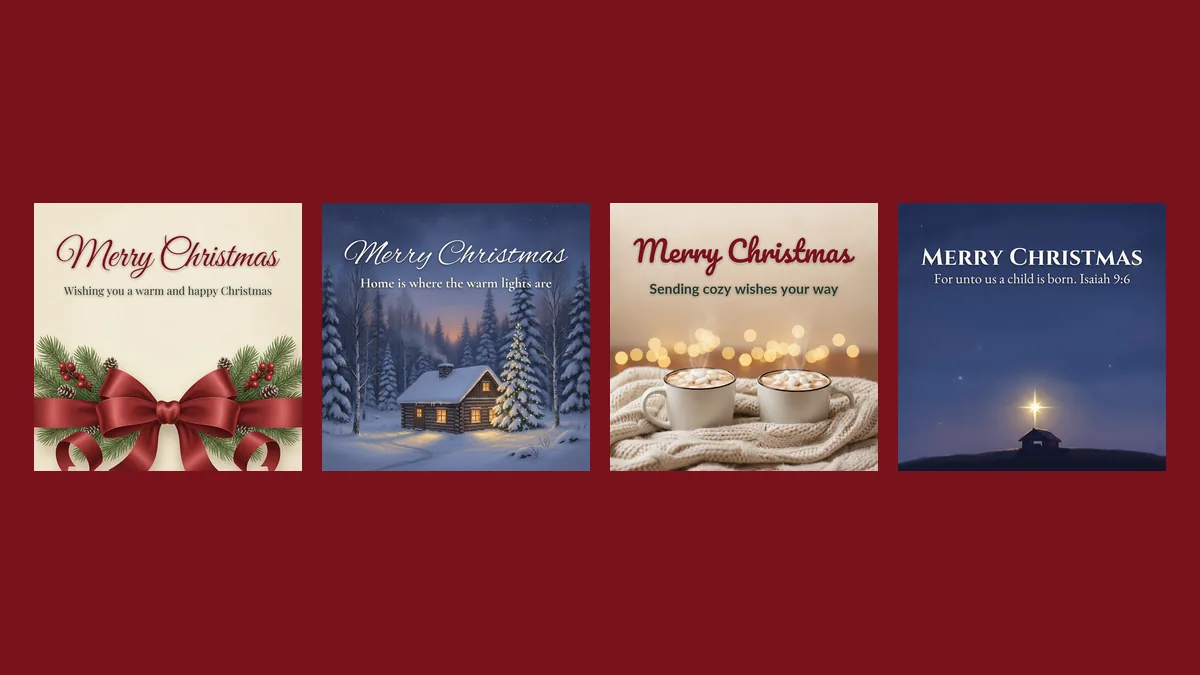
A Merry Christmas image is the card you send to the people who aren't on the card list: the group chat from college, the neighbor two doors down, the cousin in Lisbon. It goes out on the 24th or 25th, gets a reply within minutes, and costs nothing. We drew the art for these, lettered every one ourselves so the words are spelled right and sit where they should, and wrote a different second line for each so you can match the greeting to the person.
Pair these merry Christmas images with free Christmas clipart PNGs to create personal cards, holiday texts, social posts, and printable greetings for friends and family.
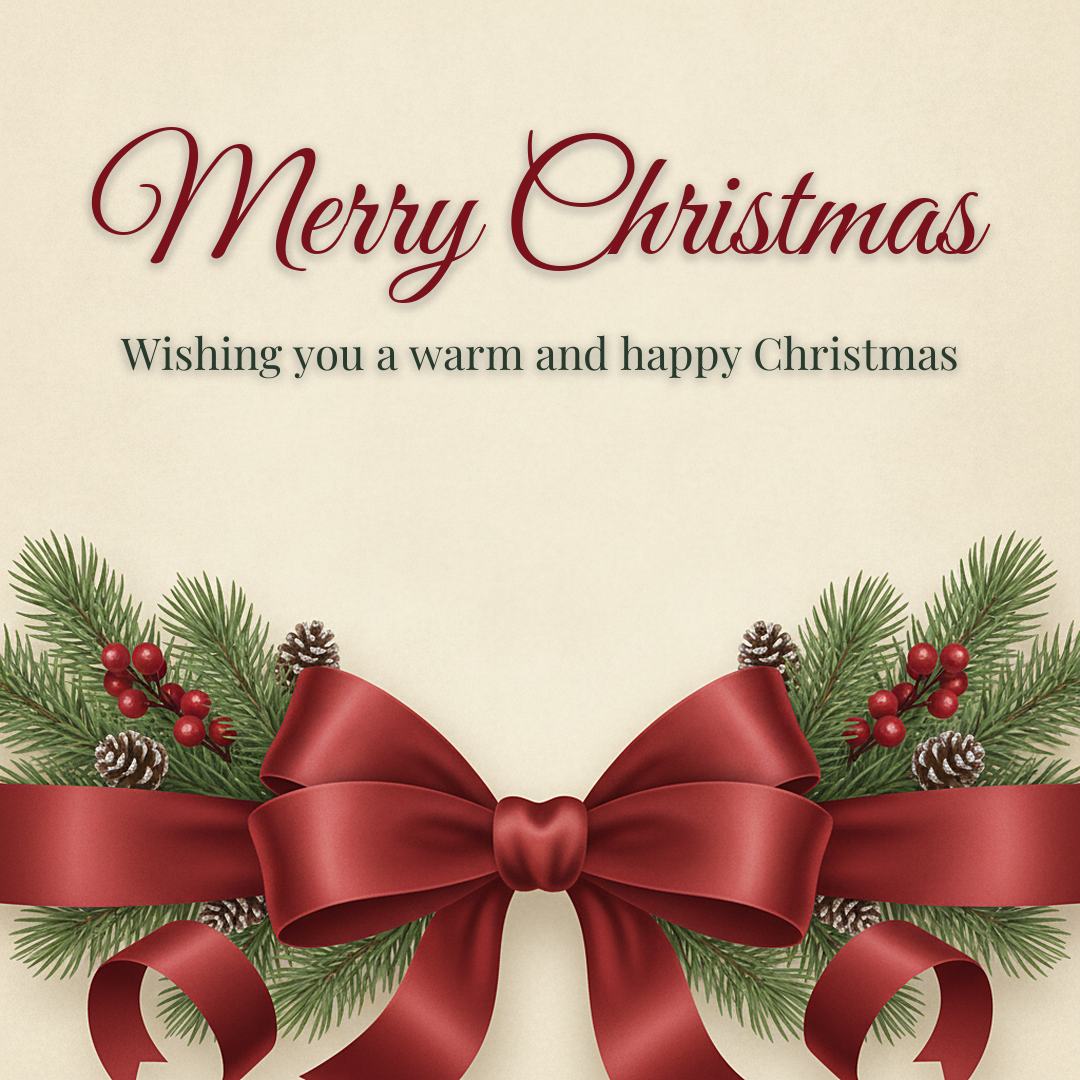
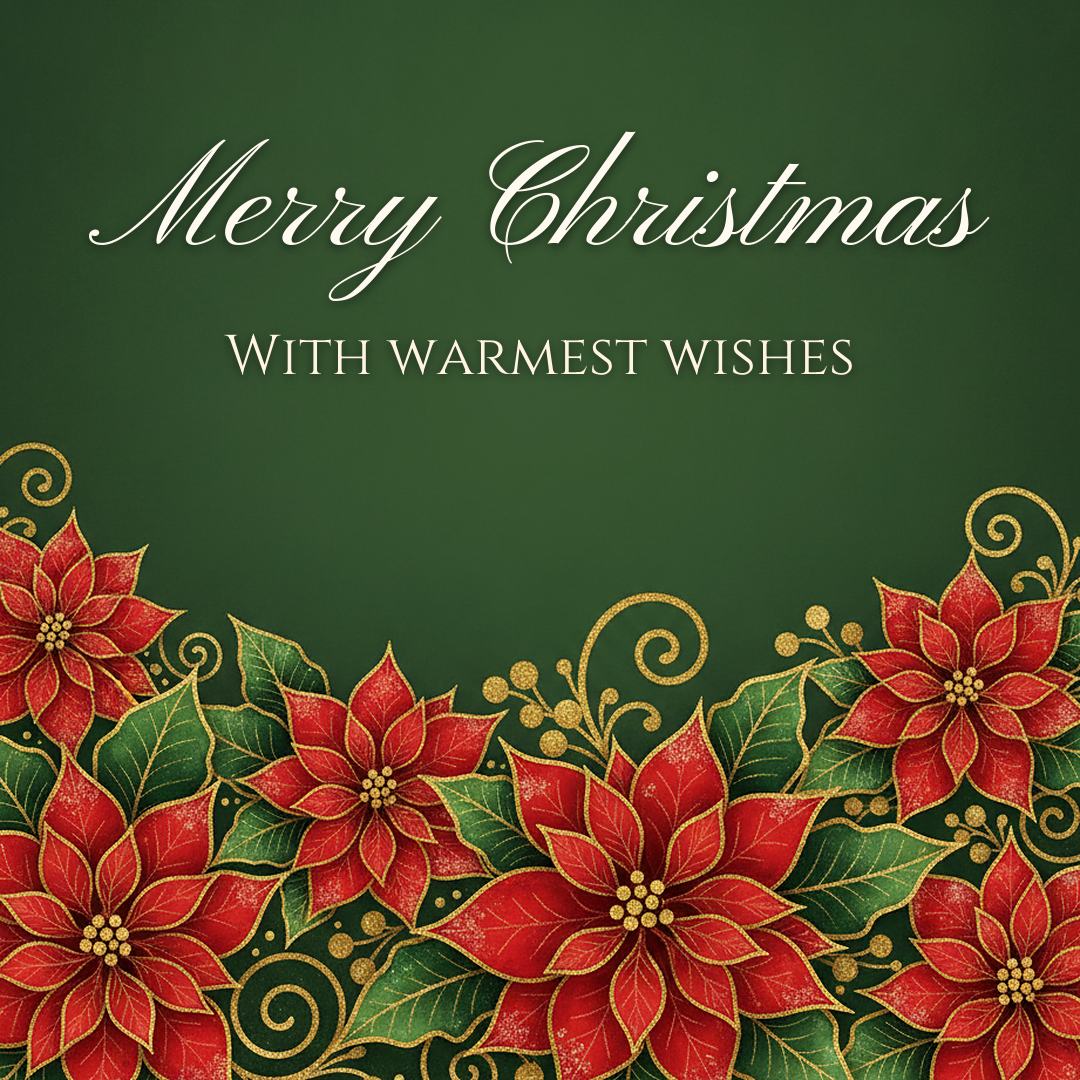
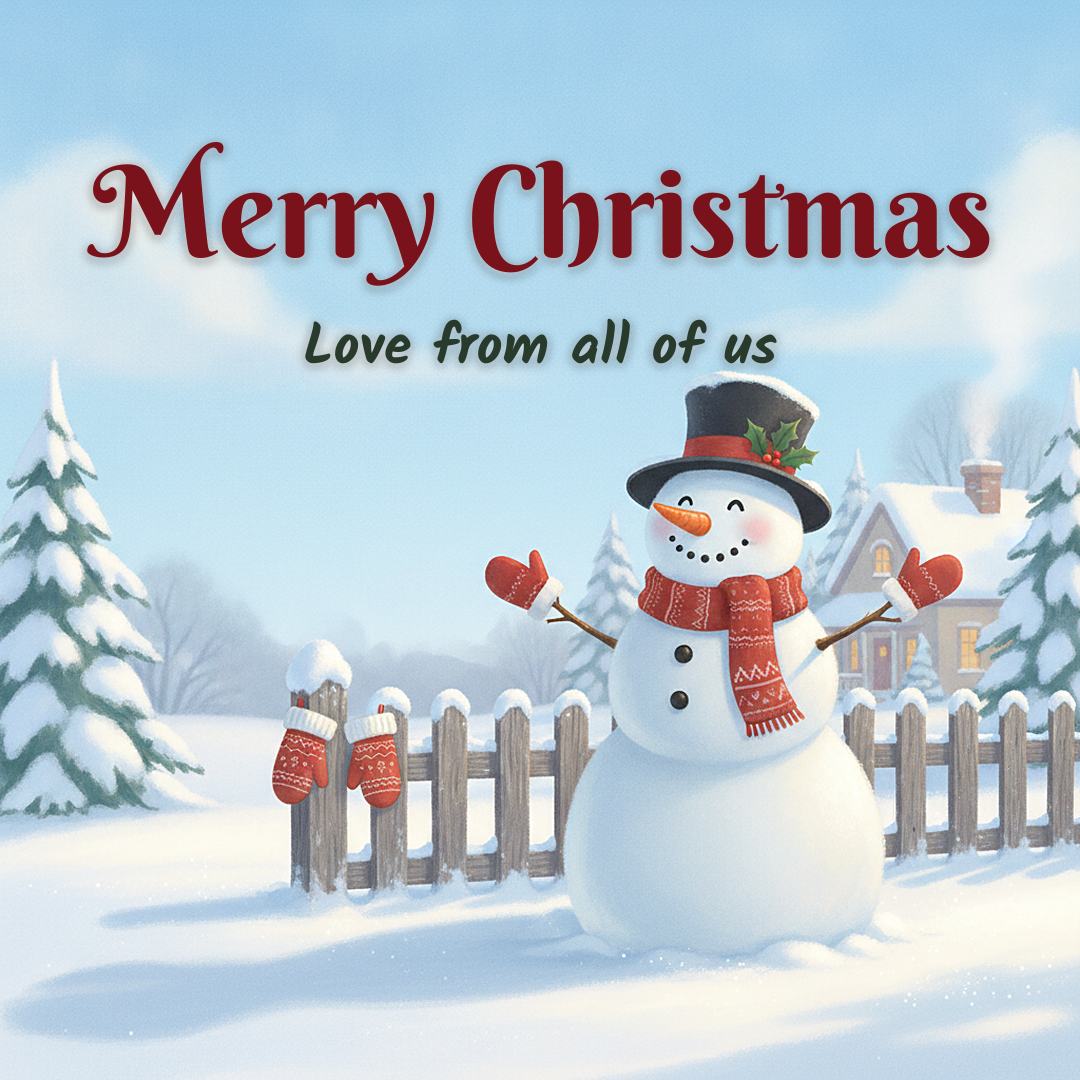
Classic and elegant
Red, gold and green, with greetings that suit almost anyone on your list.
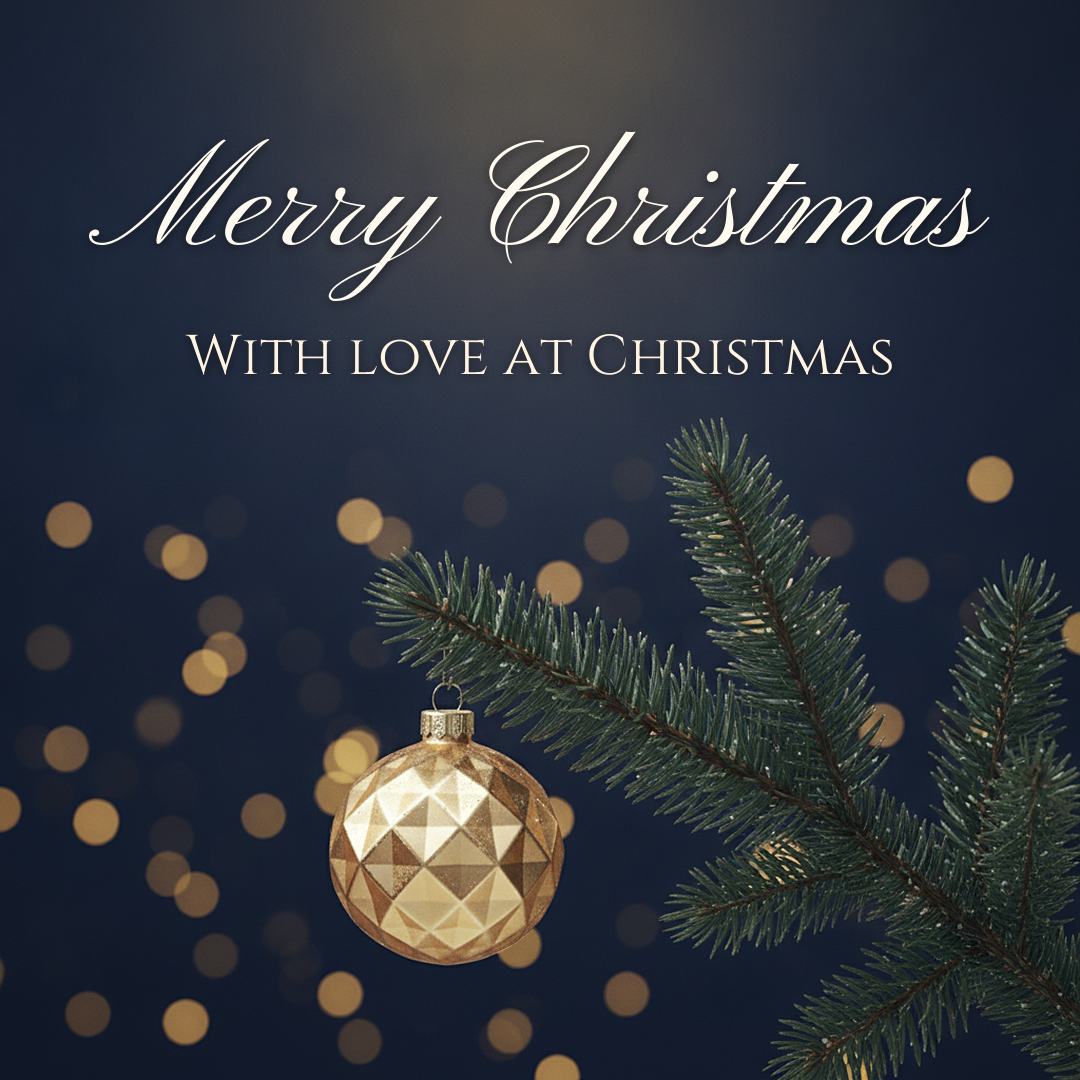
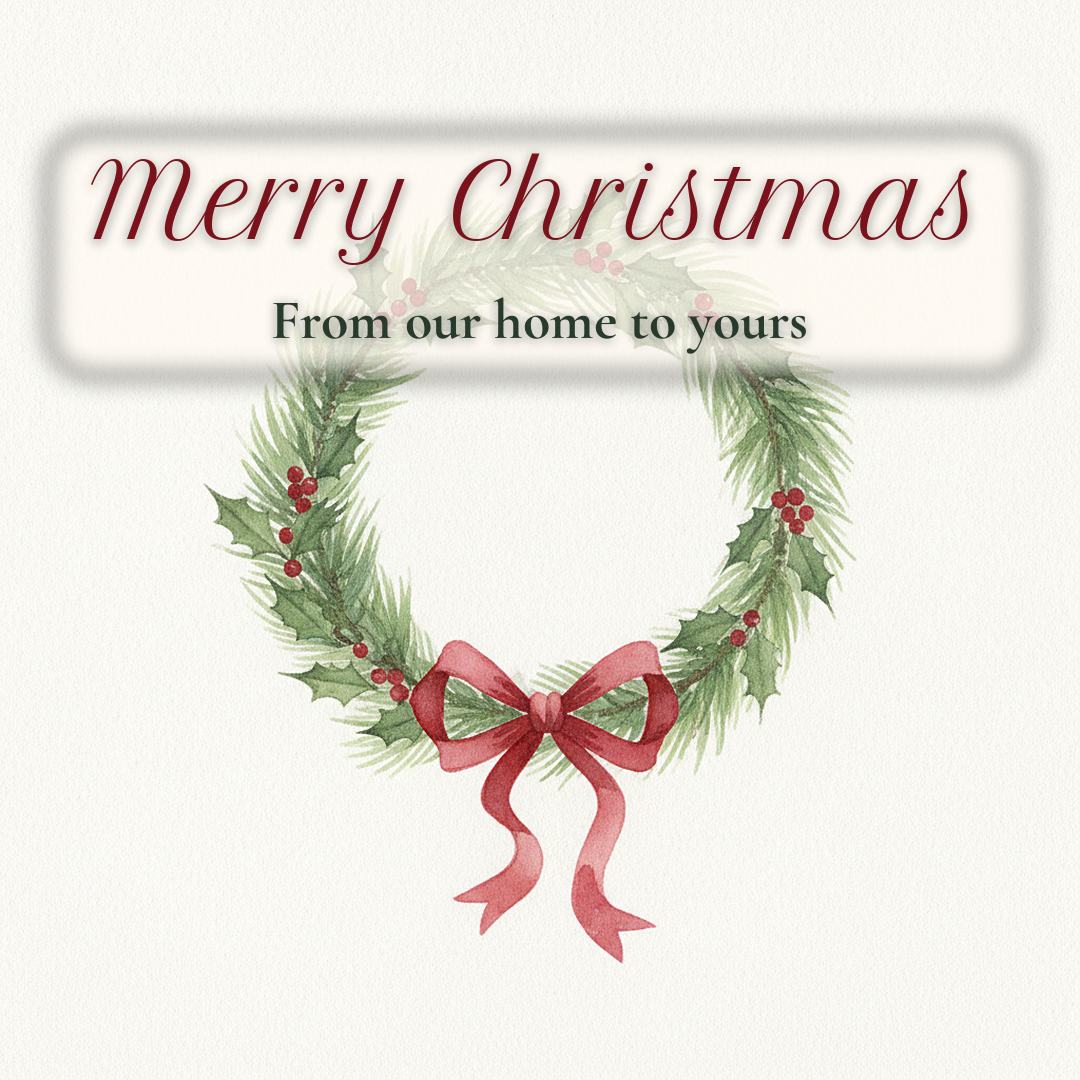
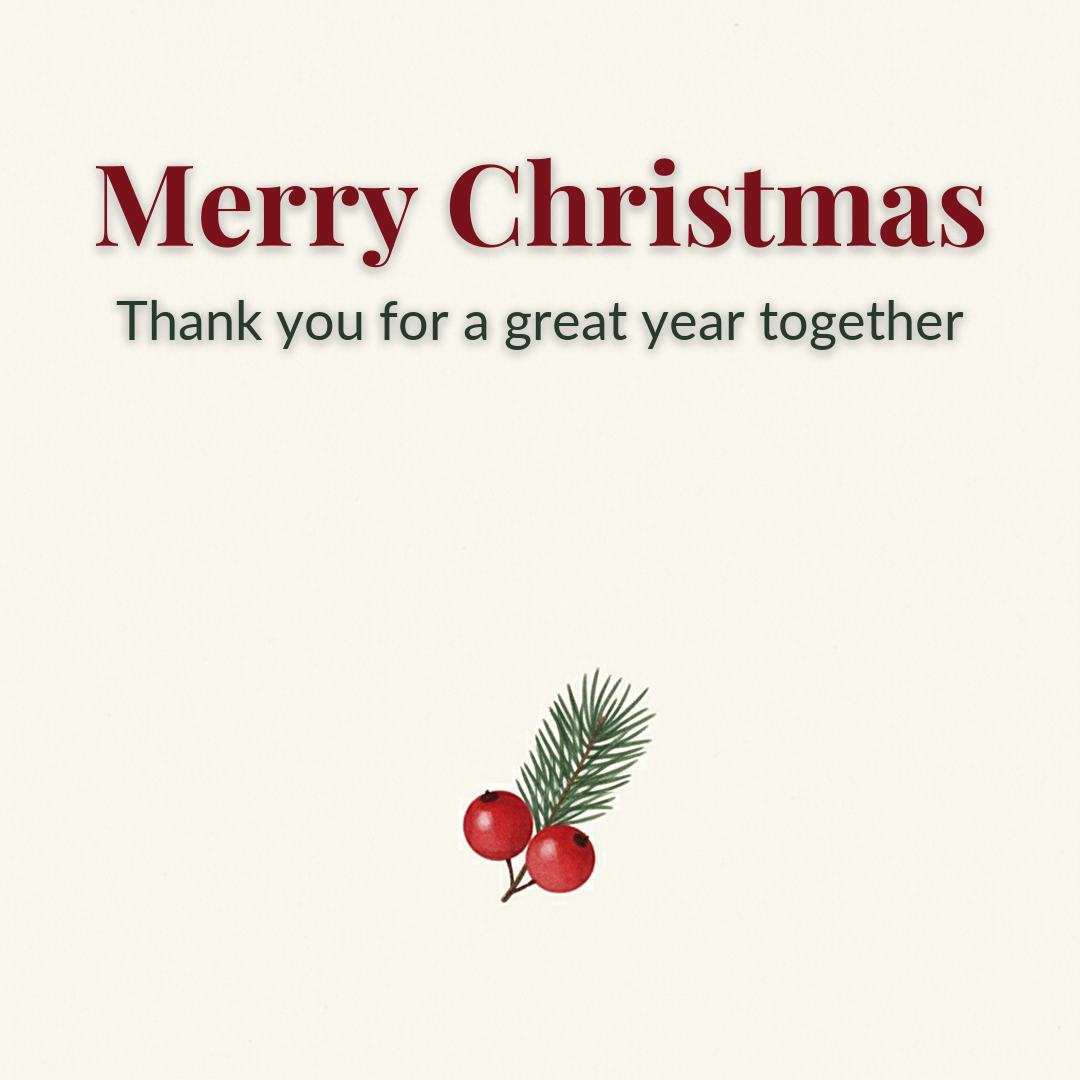
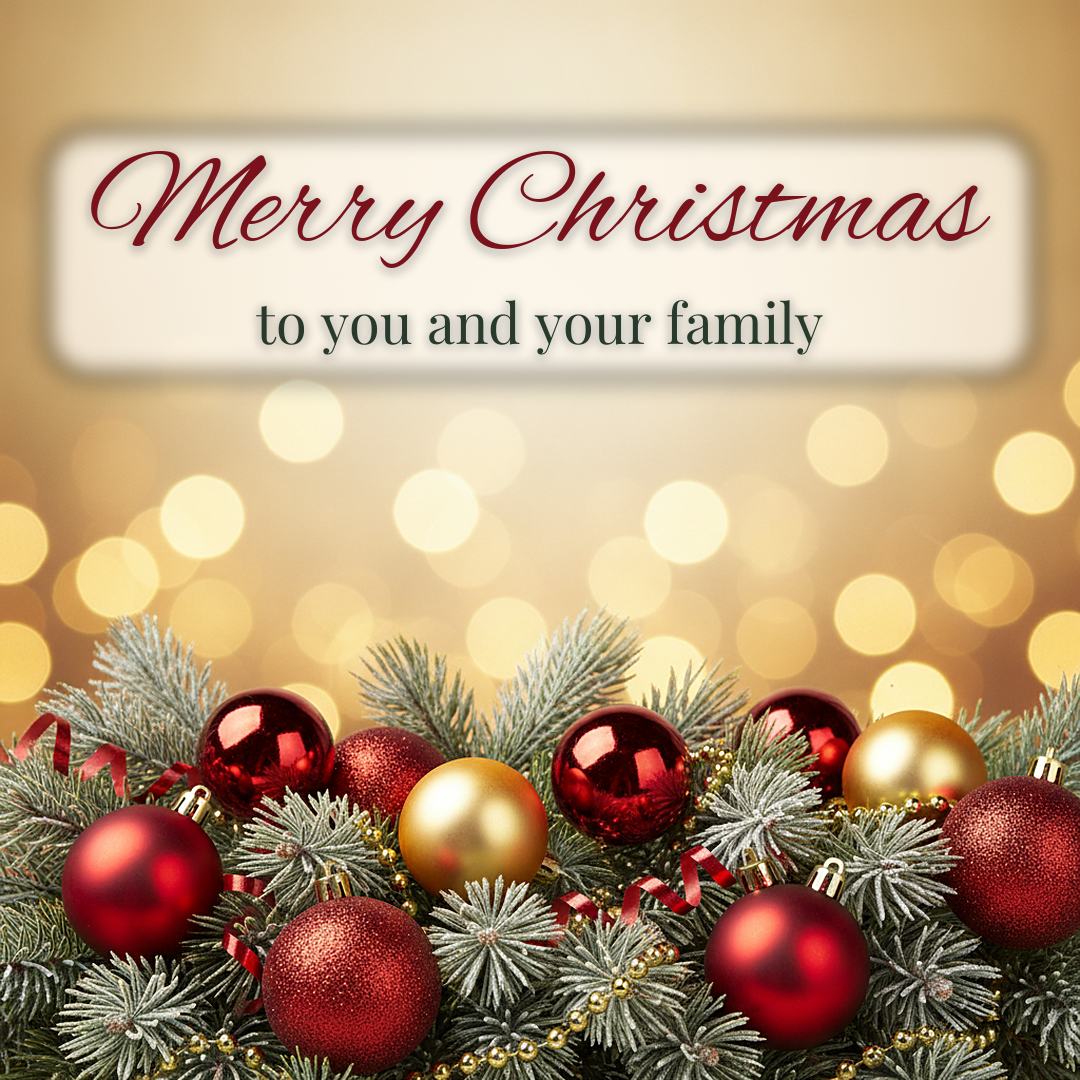
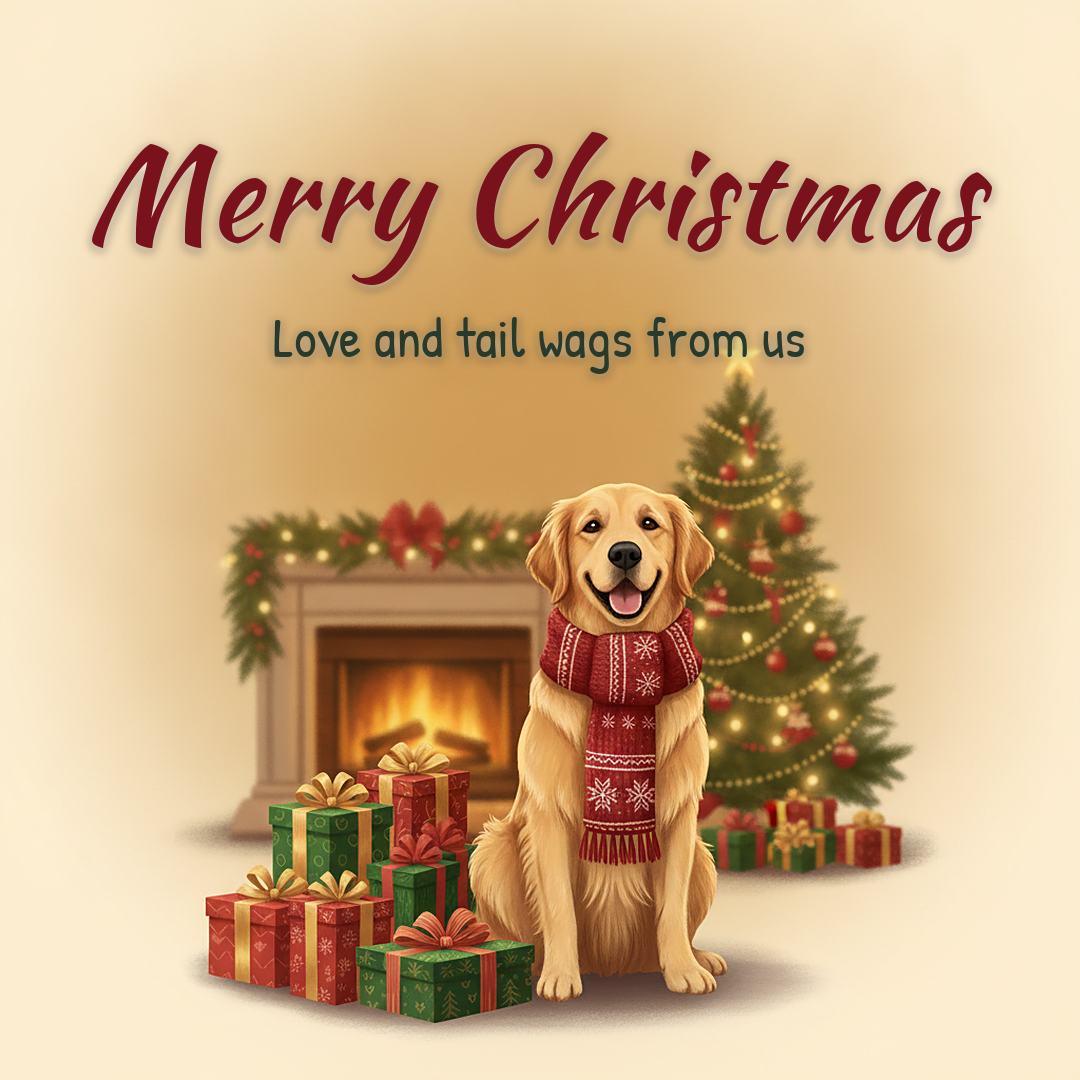
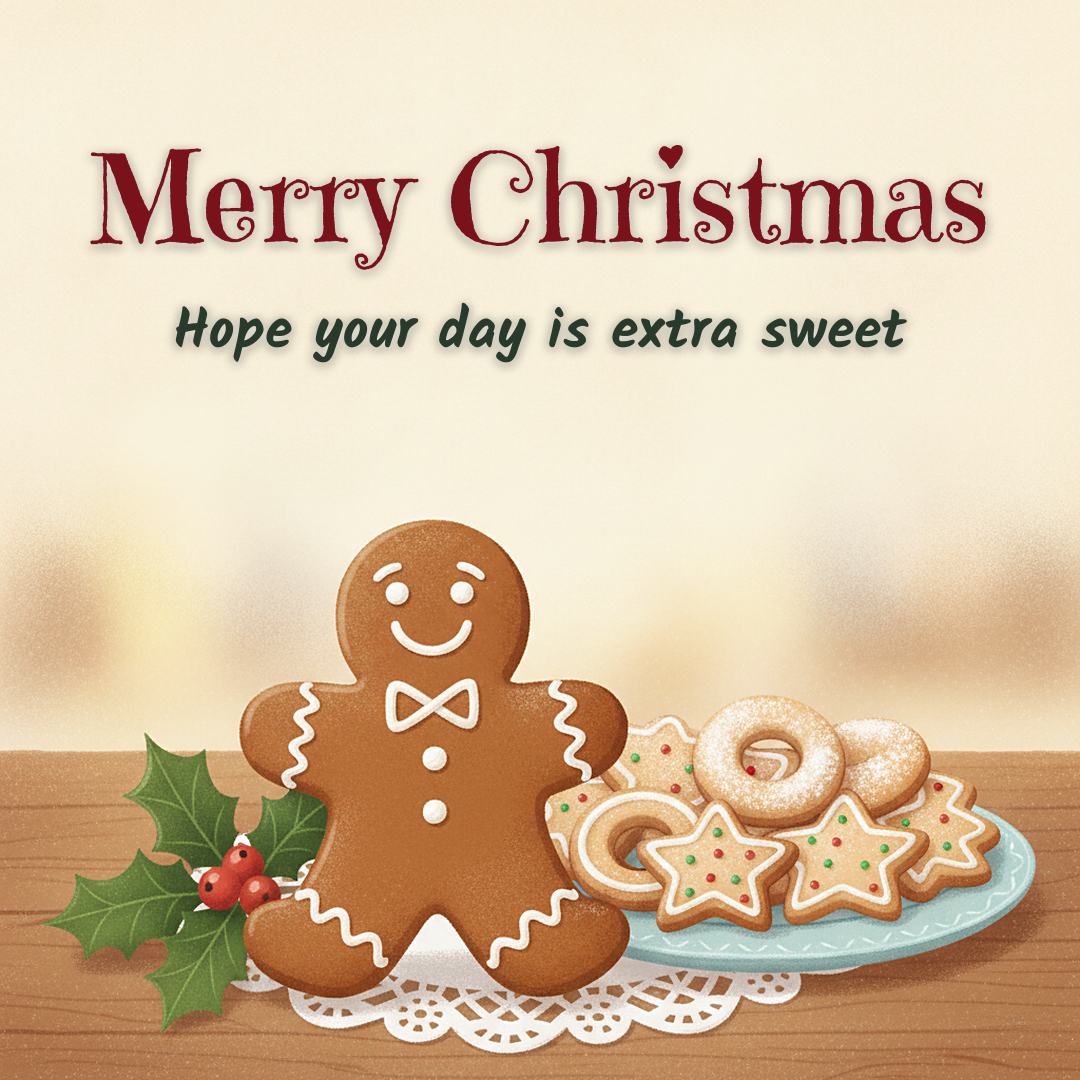
Cozy and personal
Warmer scenes with a greeting that says a little more than the usual.
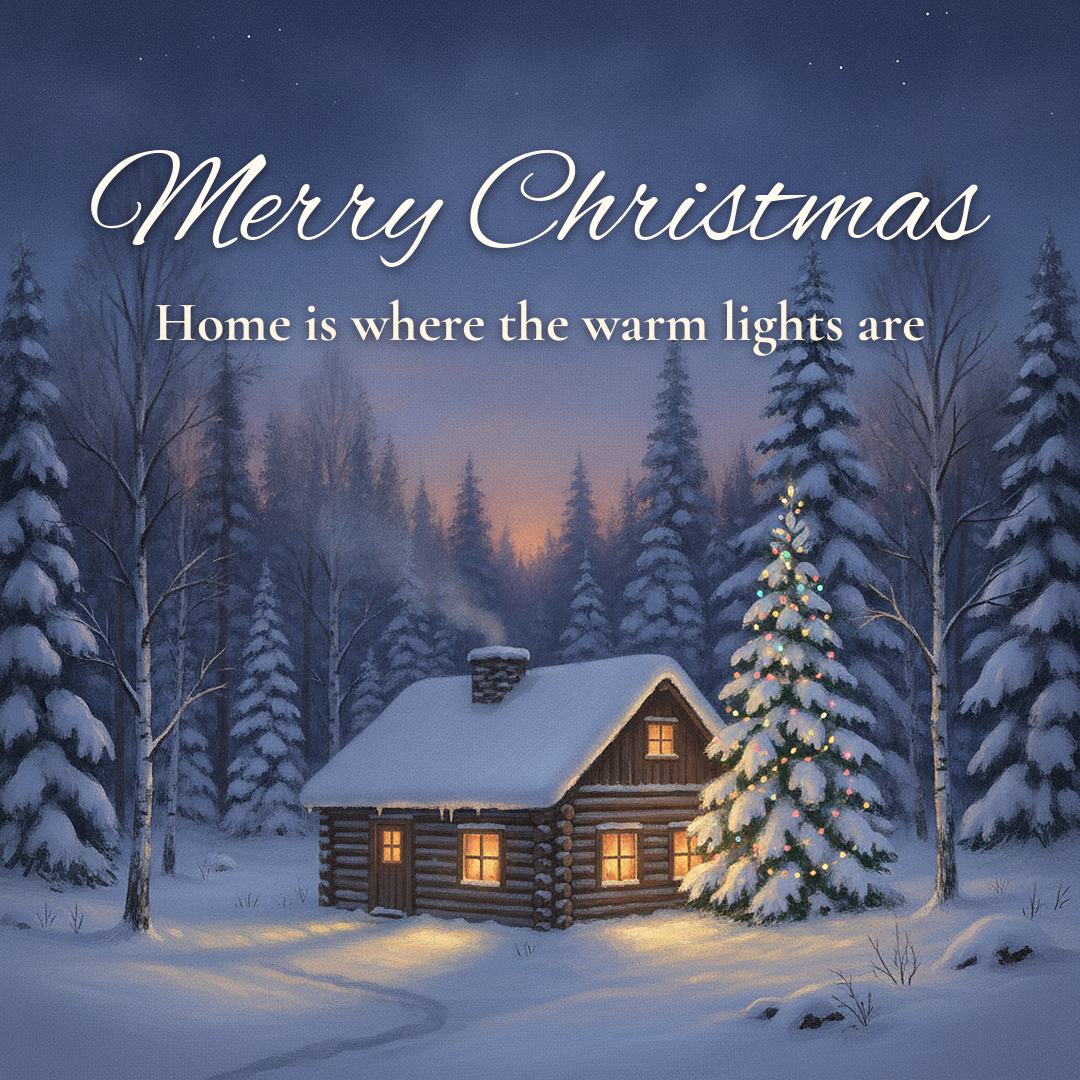
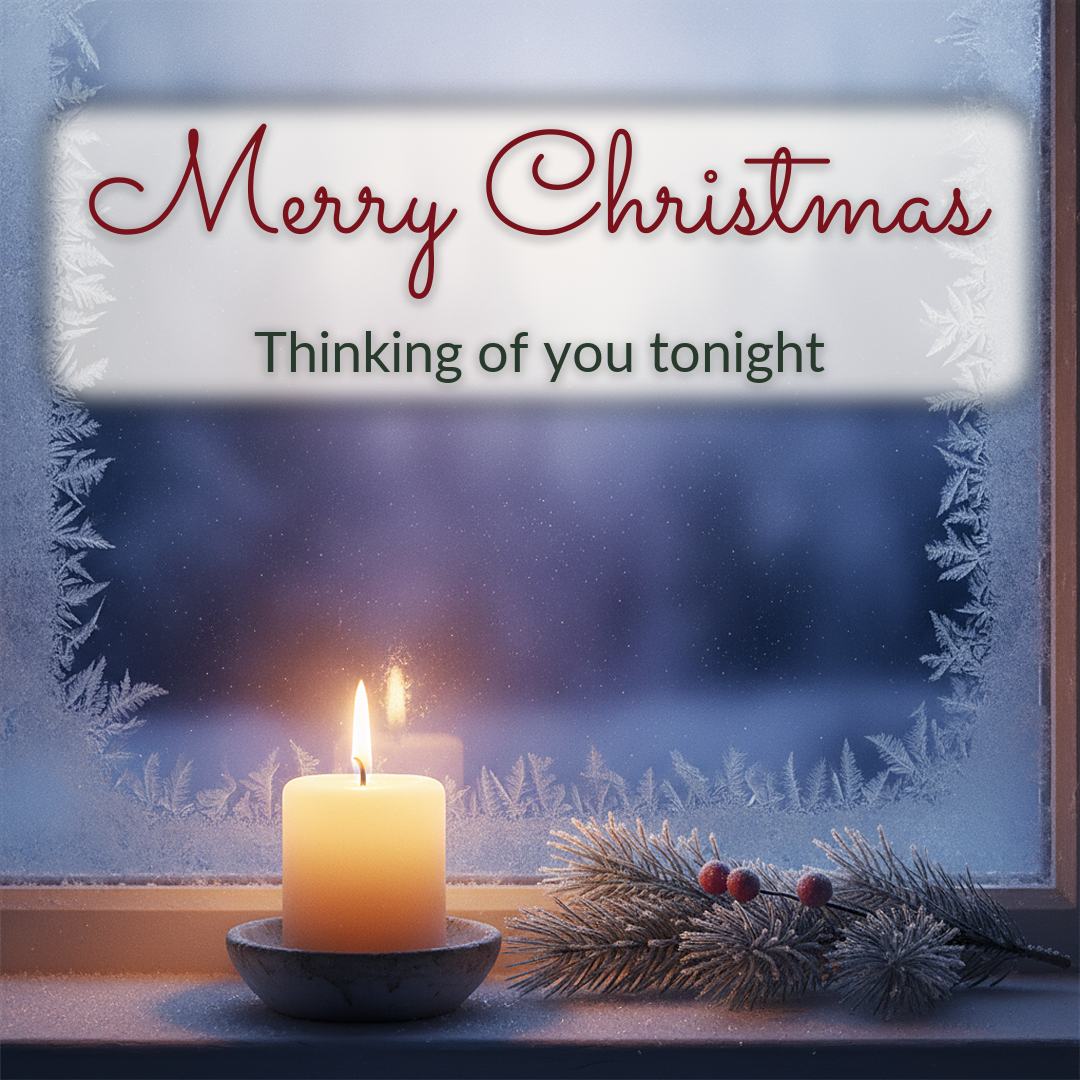

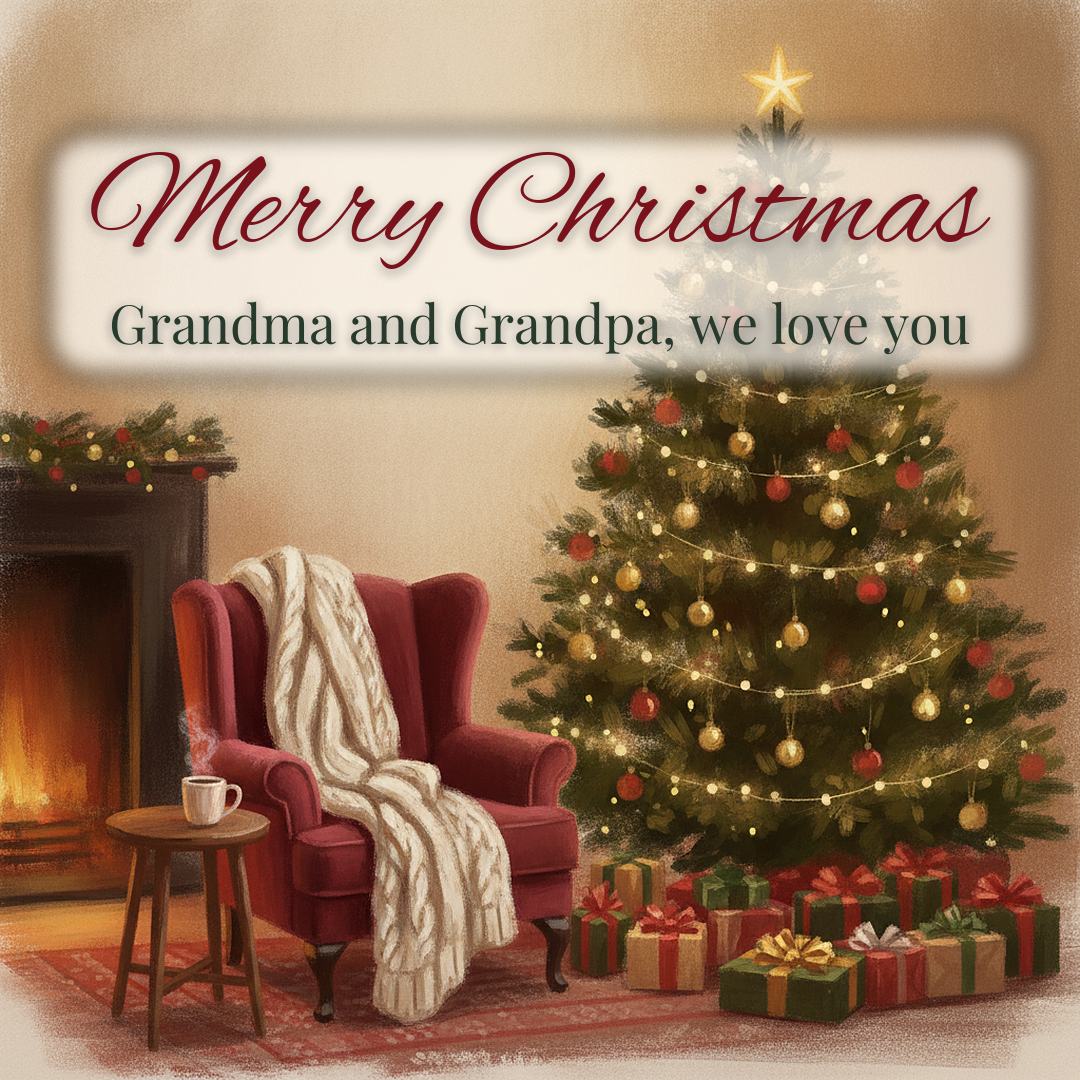
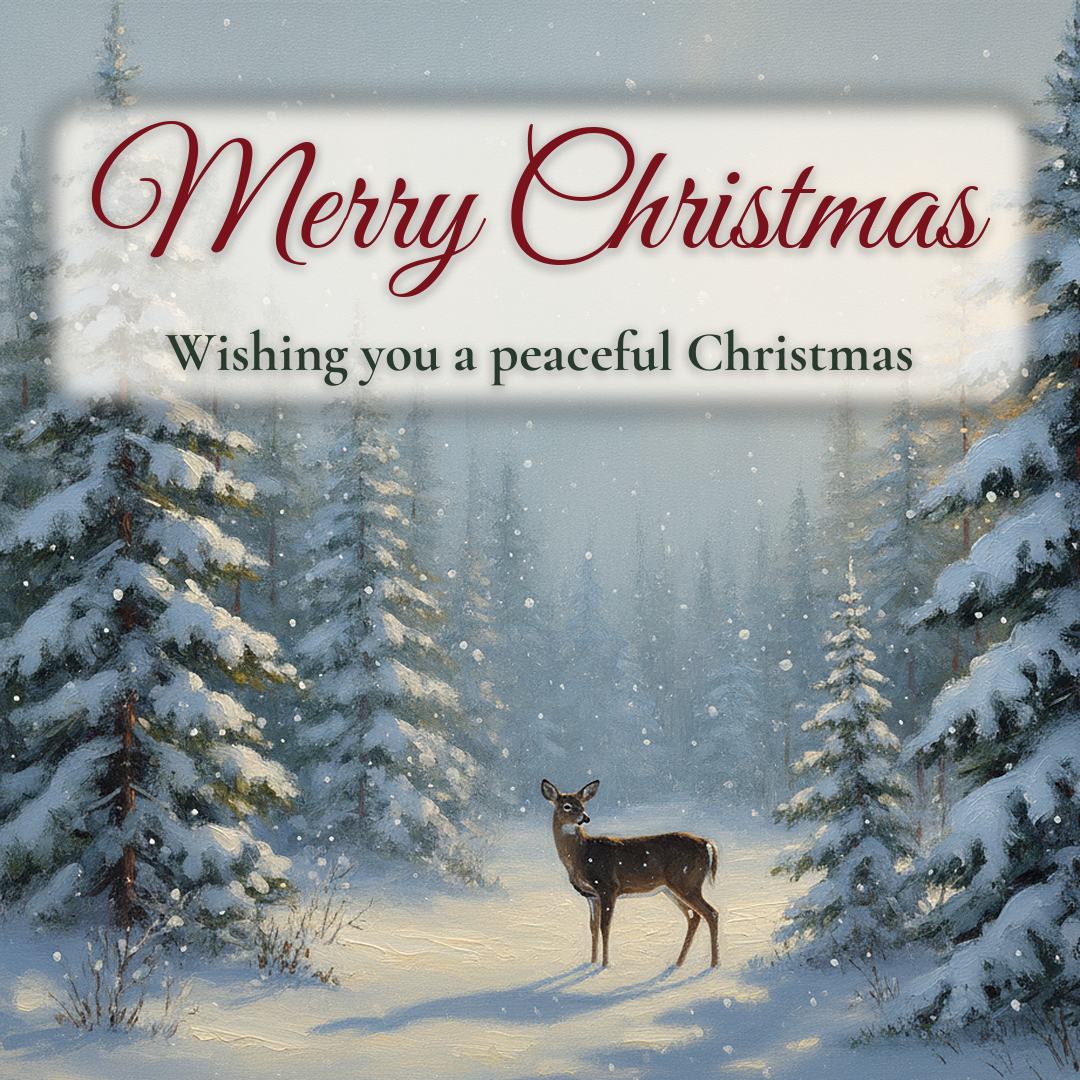
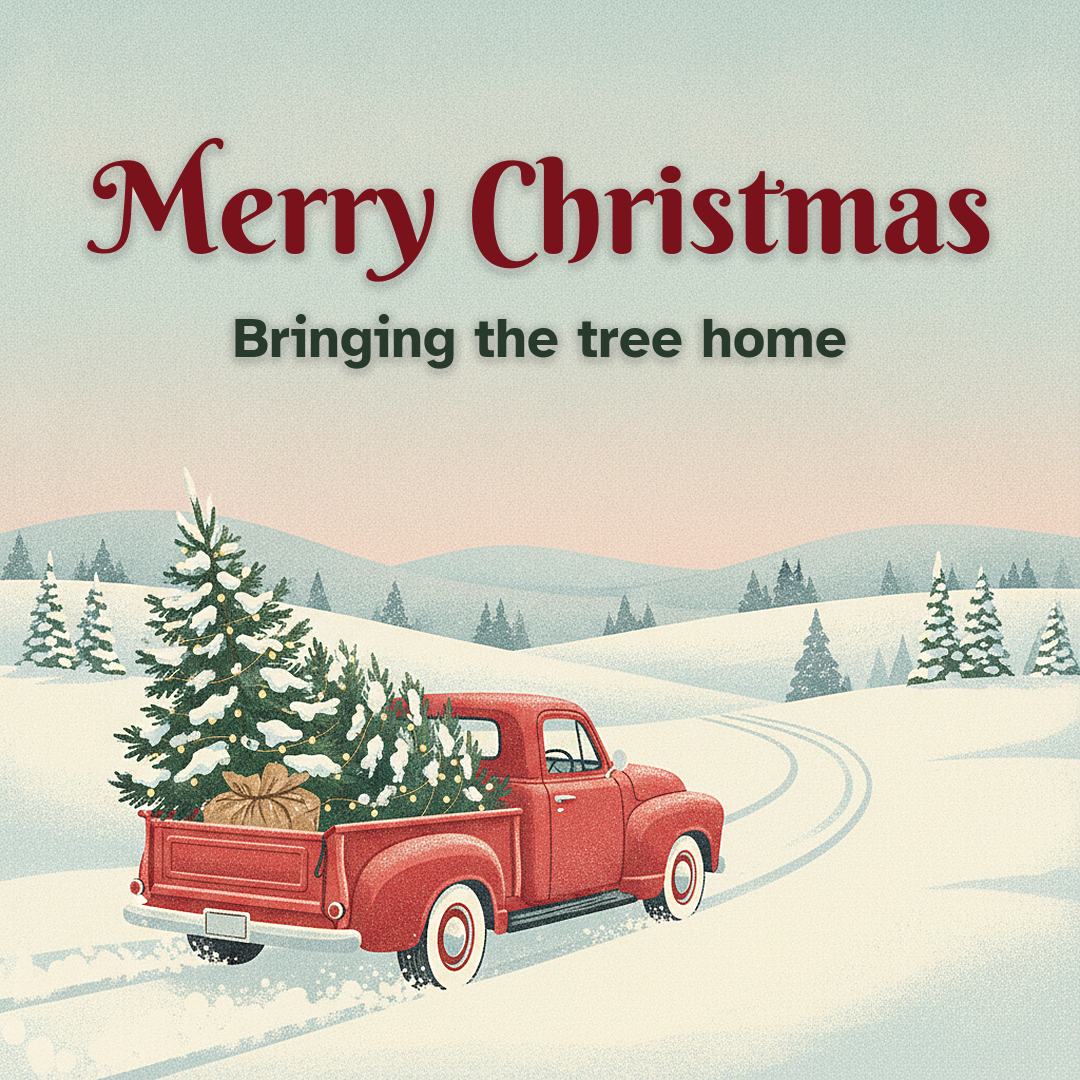
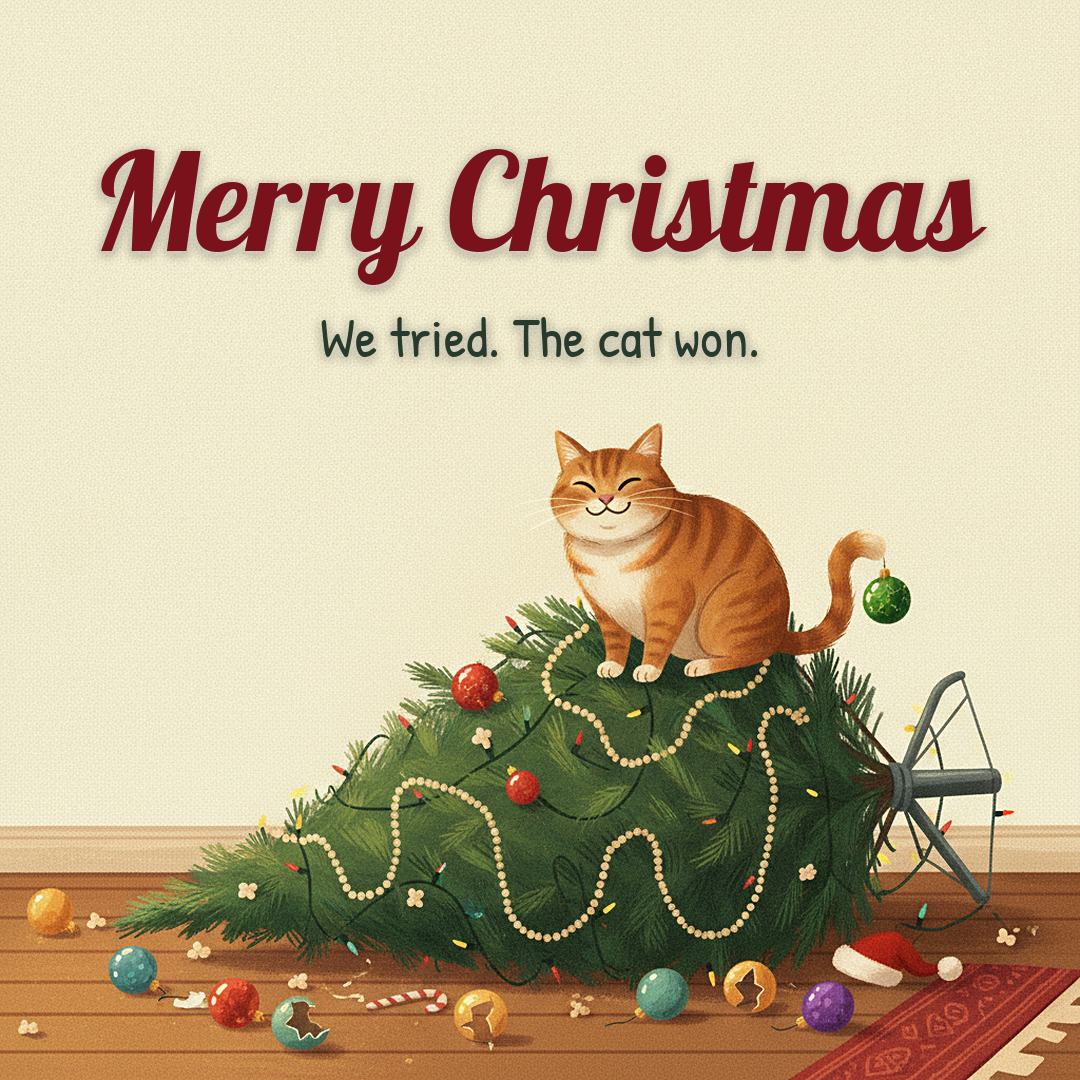
Funny and cute
For people who would rather laugh than be sentimental.
Faith, Christmas Eve and far away
For Christmas Eve, a faith greeting, a late New Year wish, and the people you won't see this year.
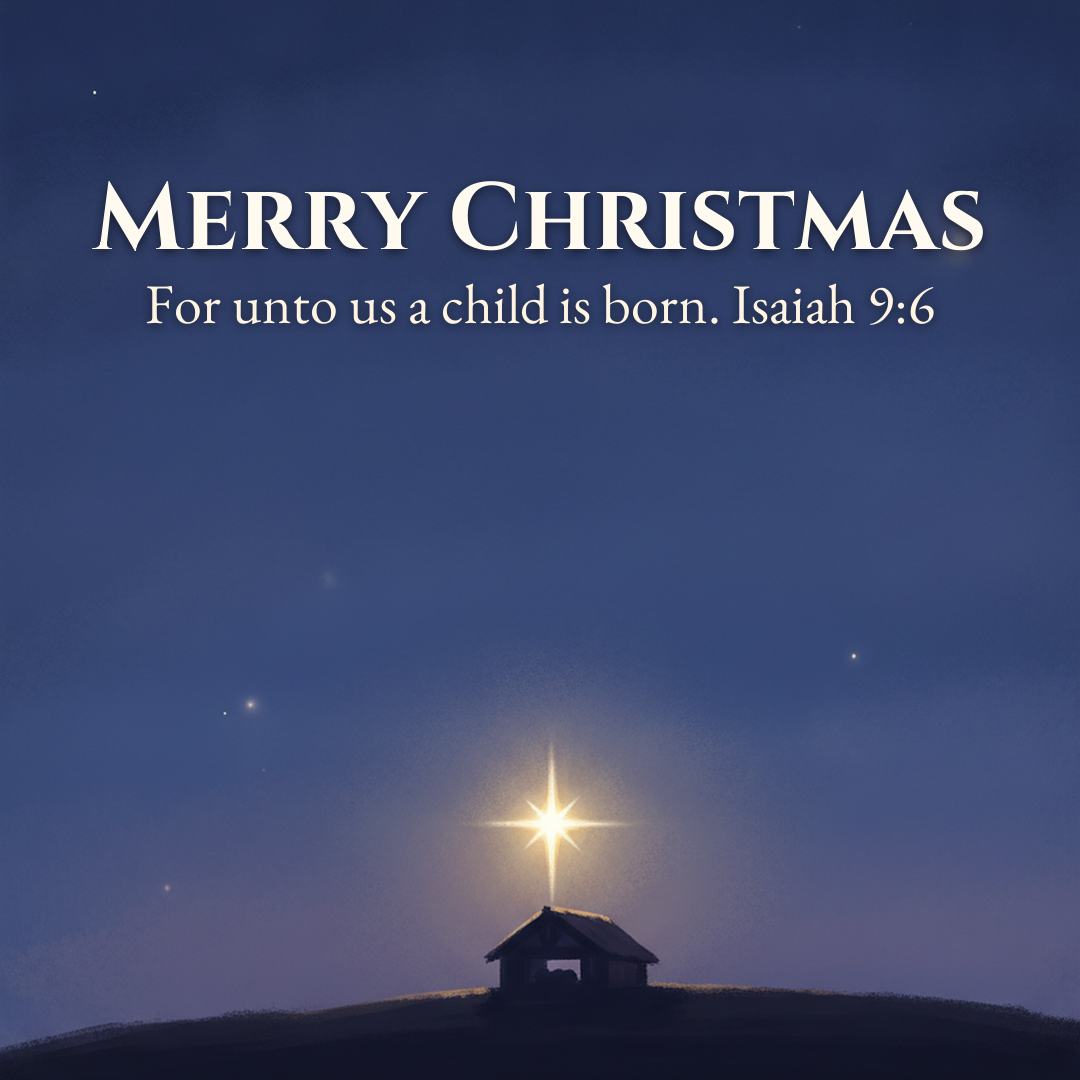
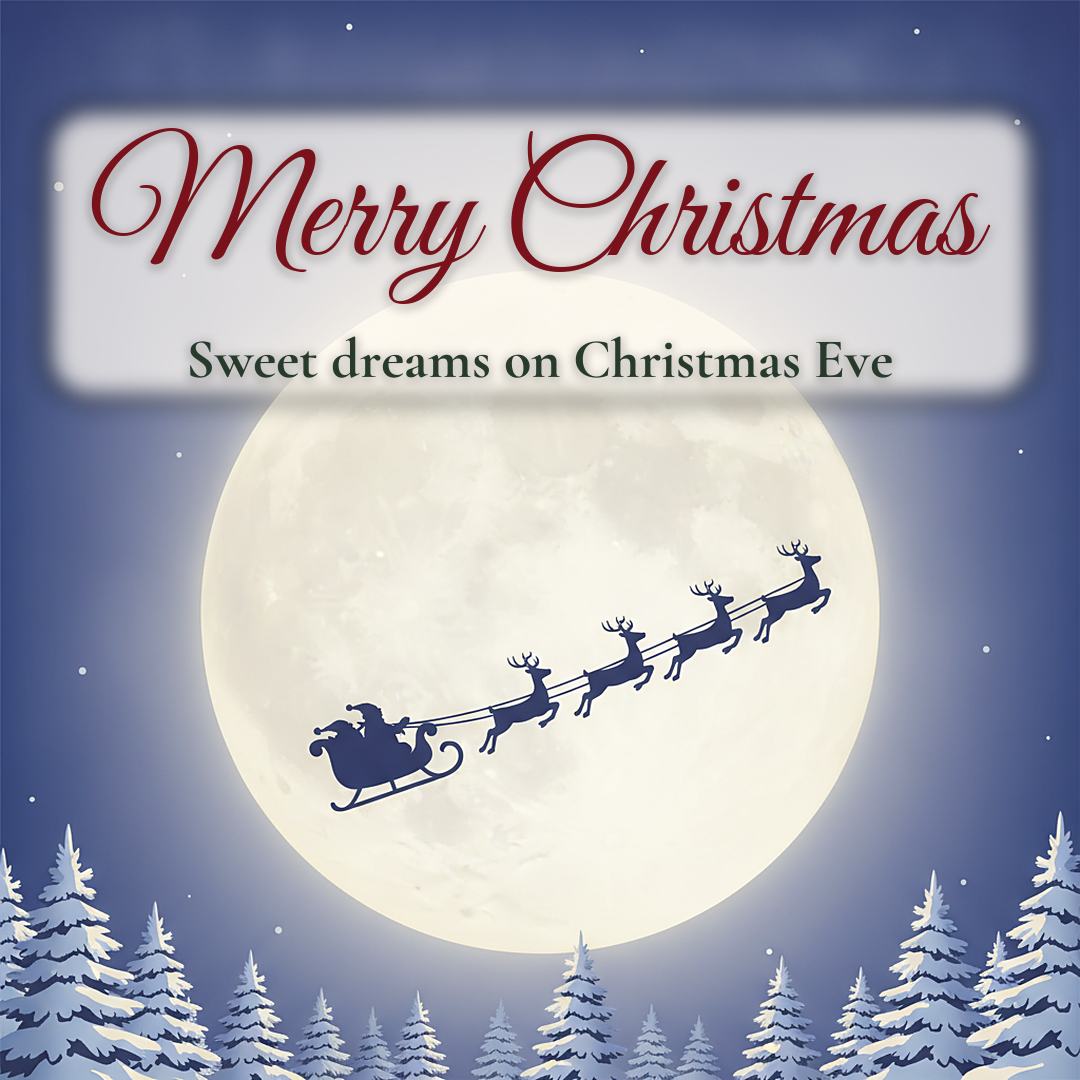
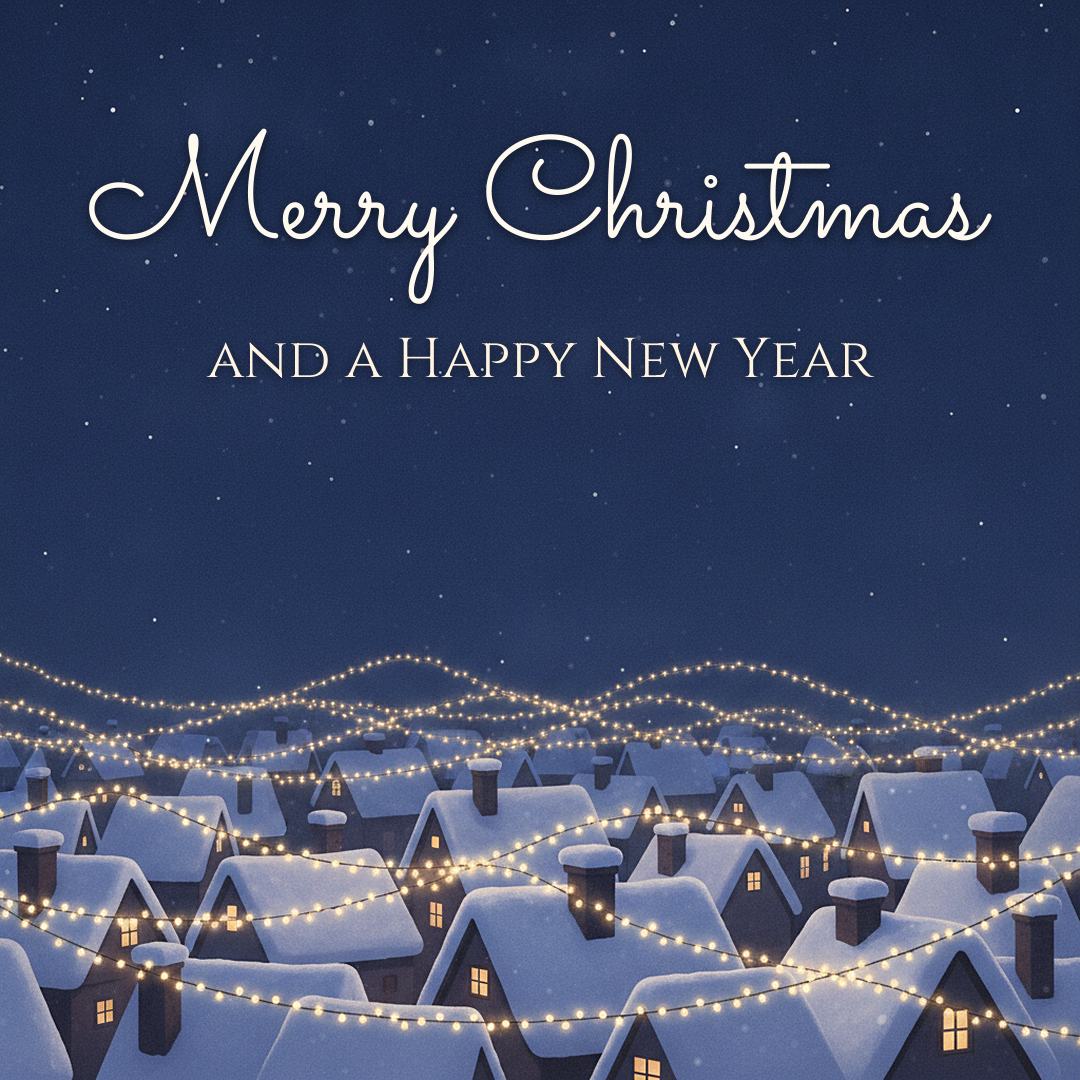
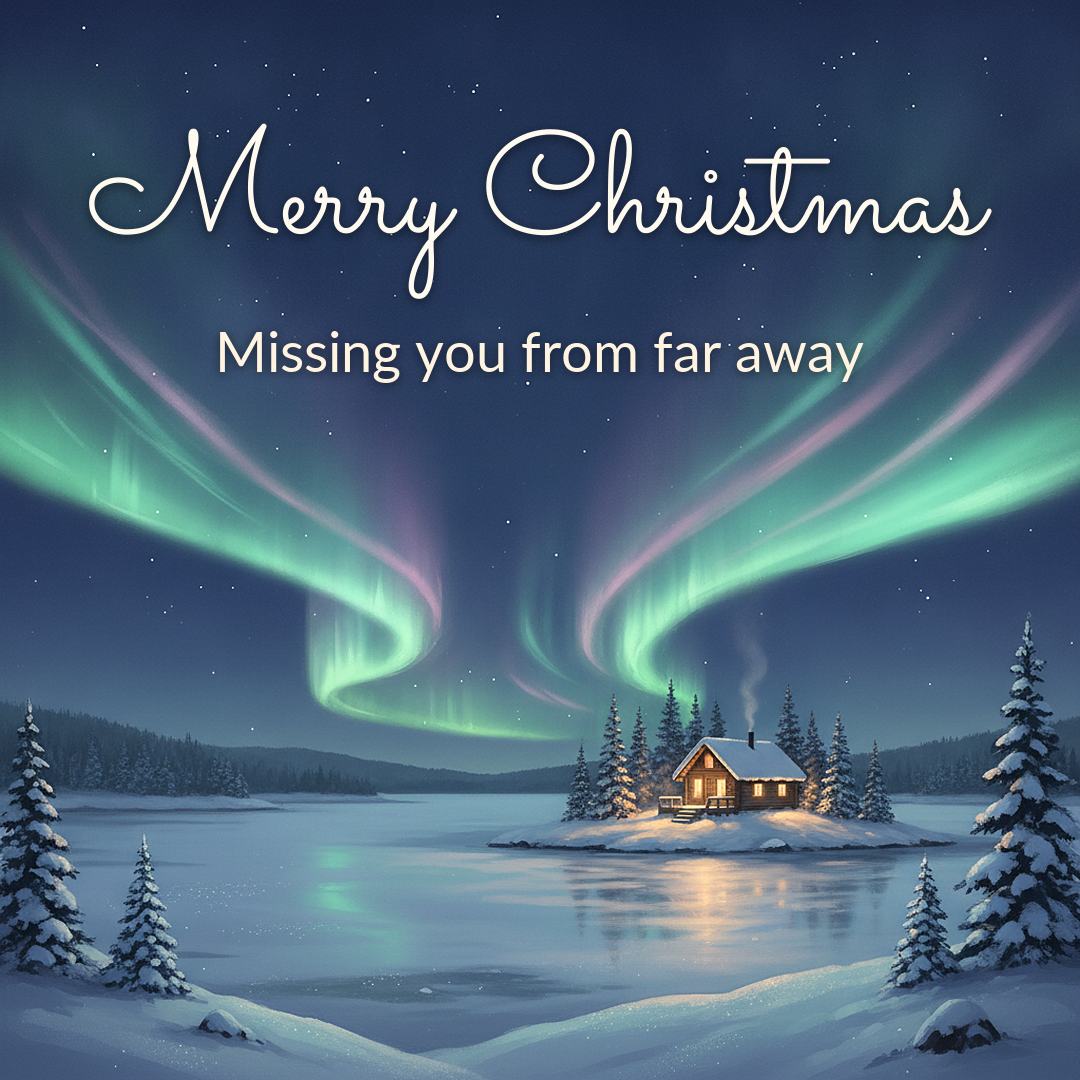
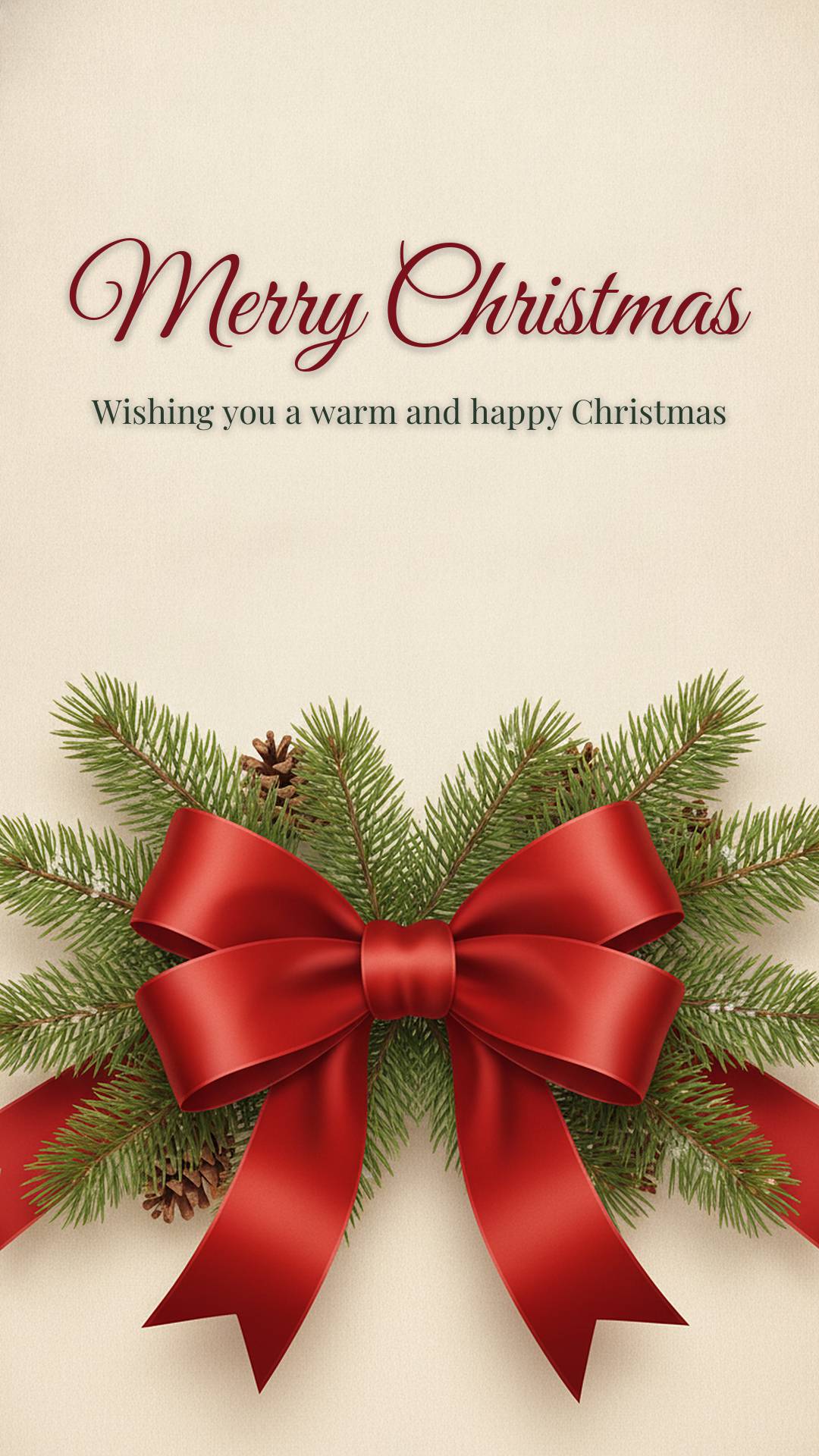
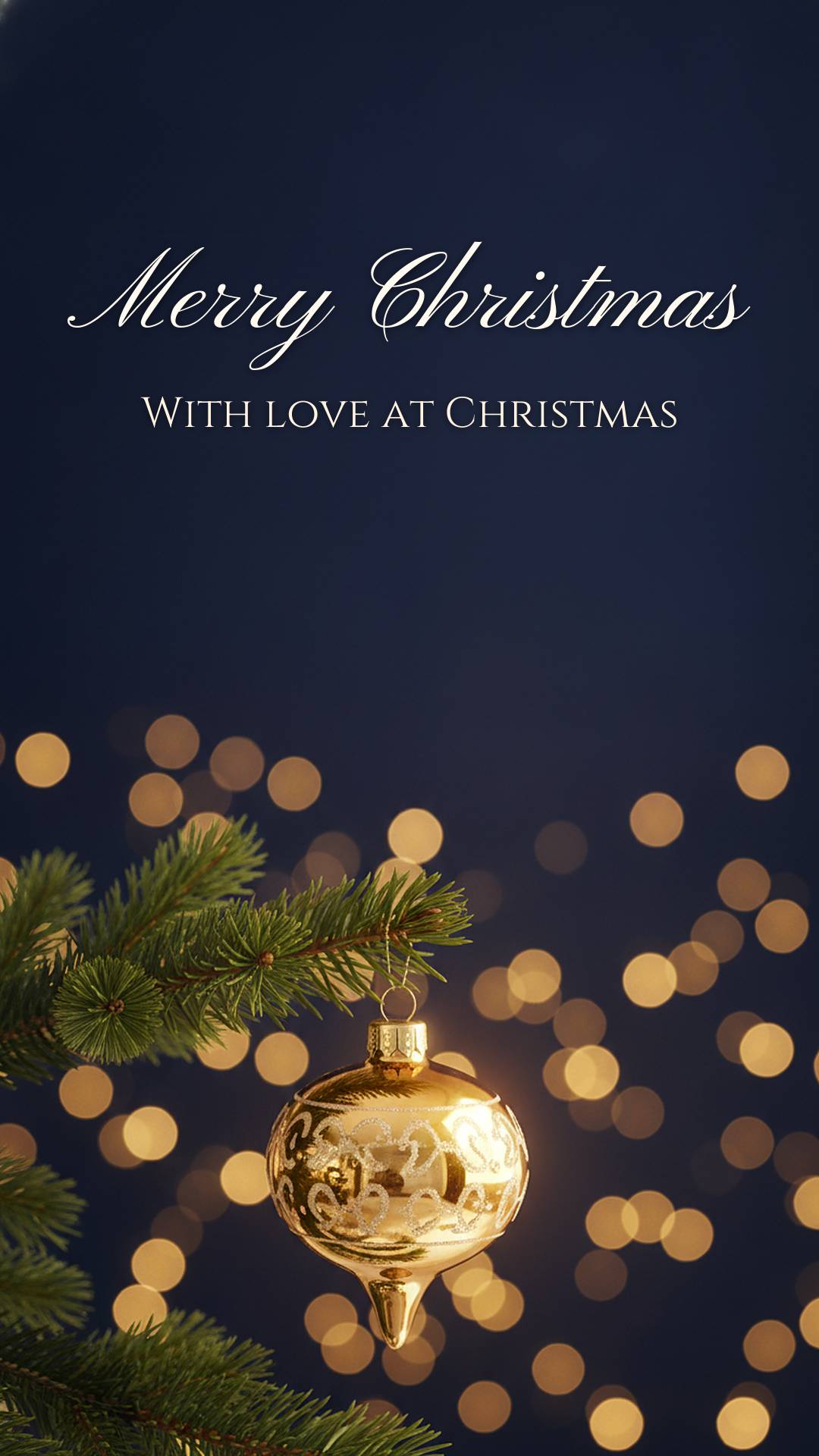
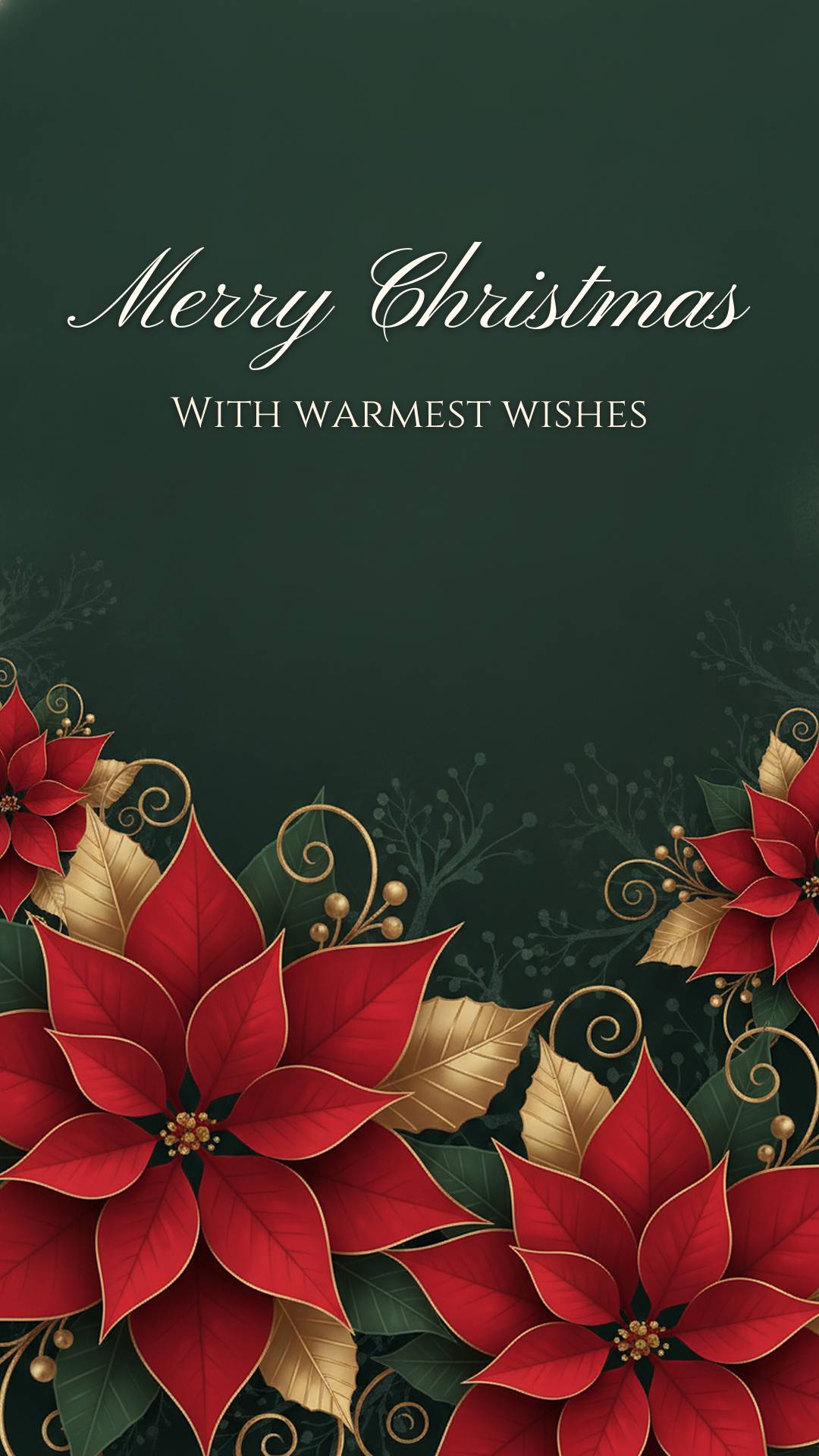
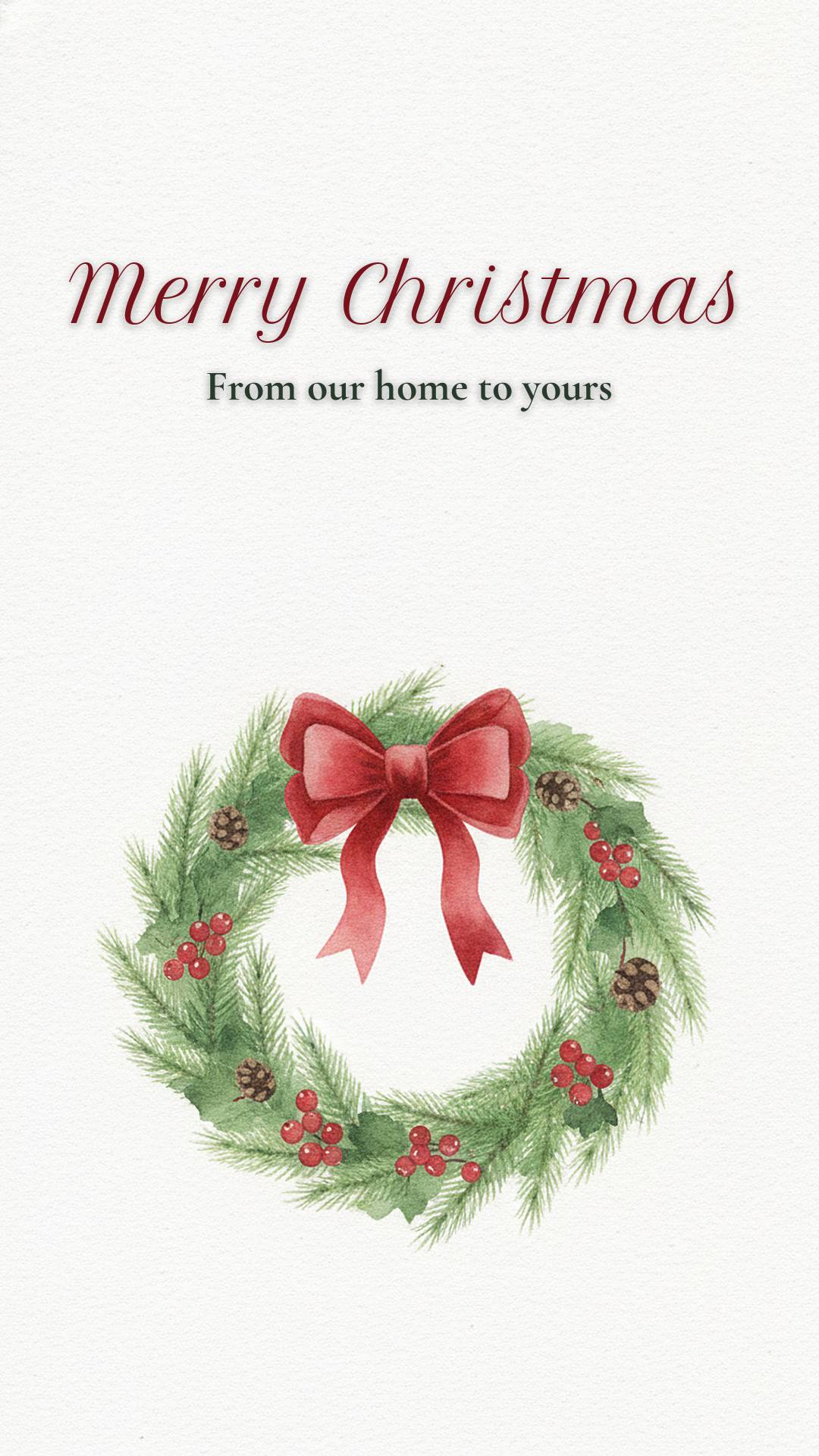
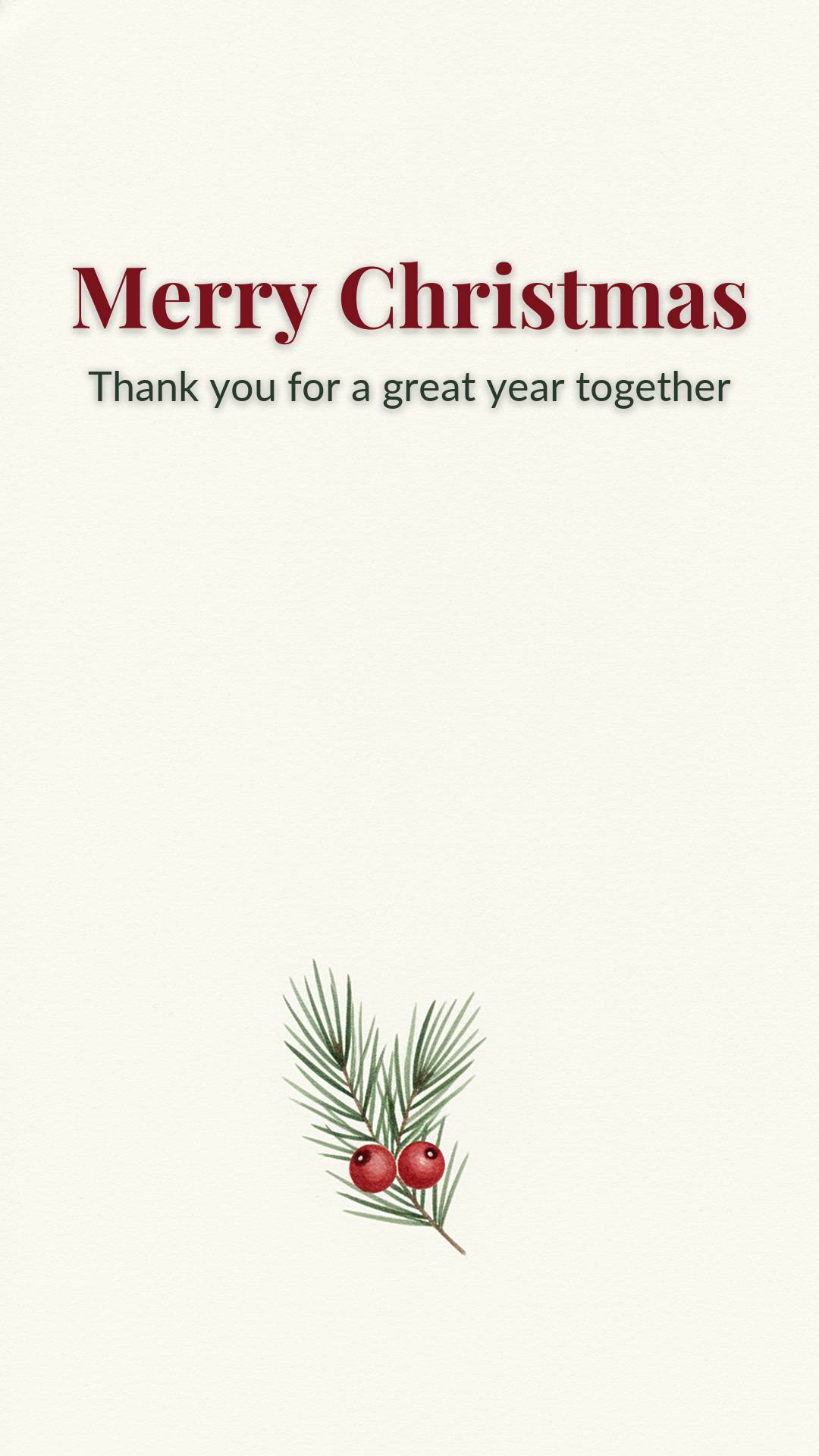
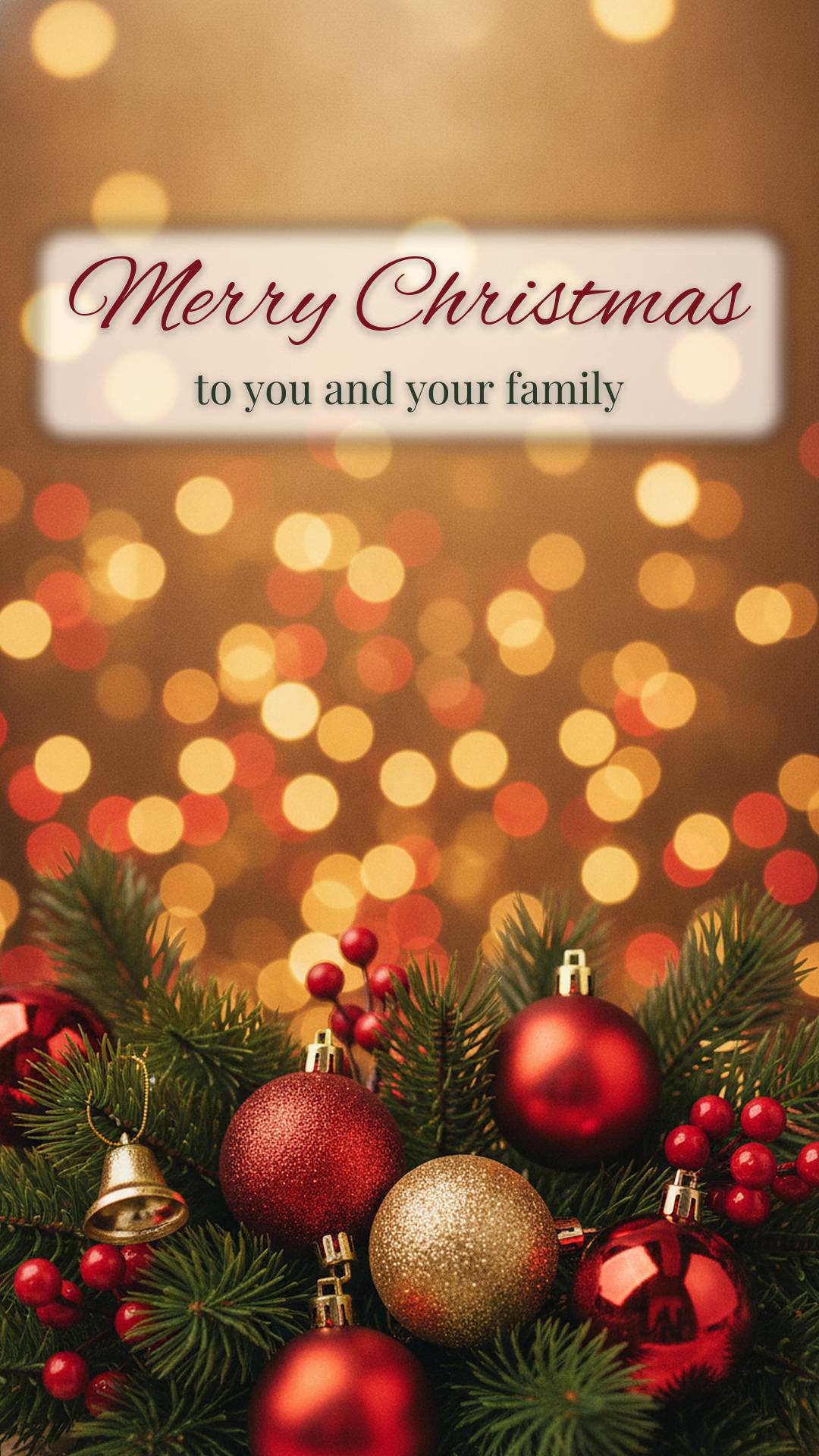
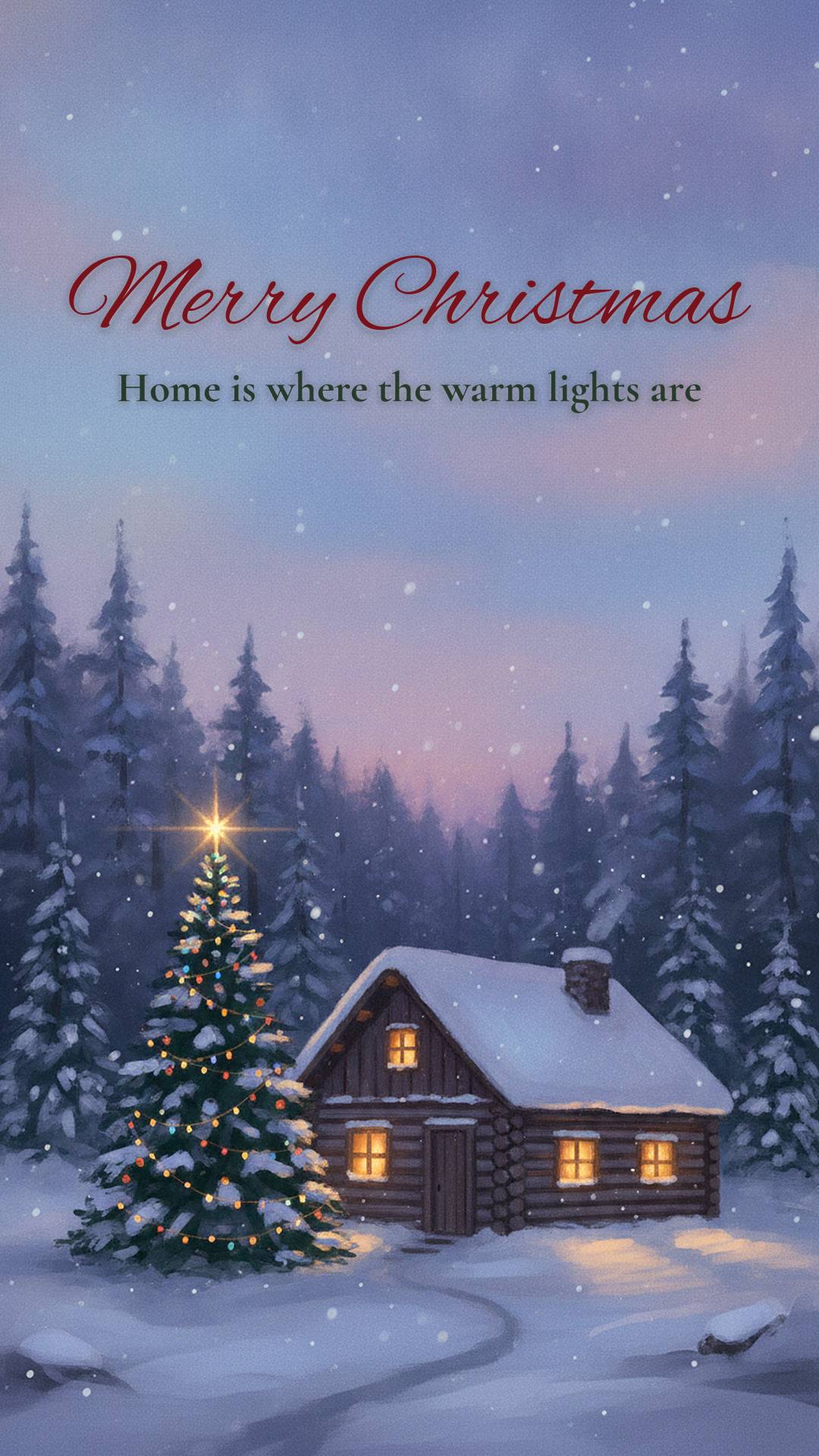
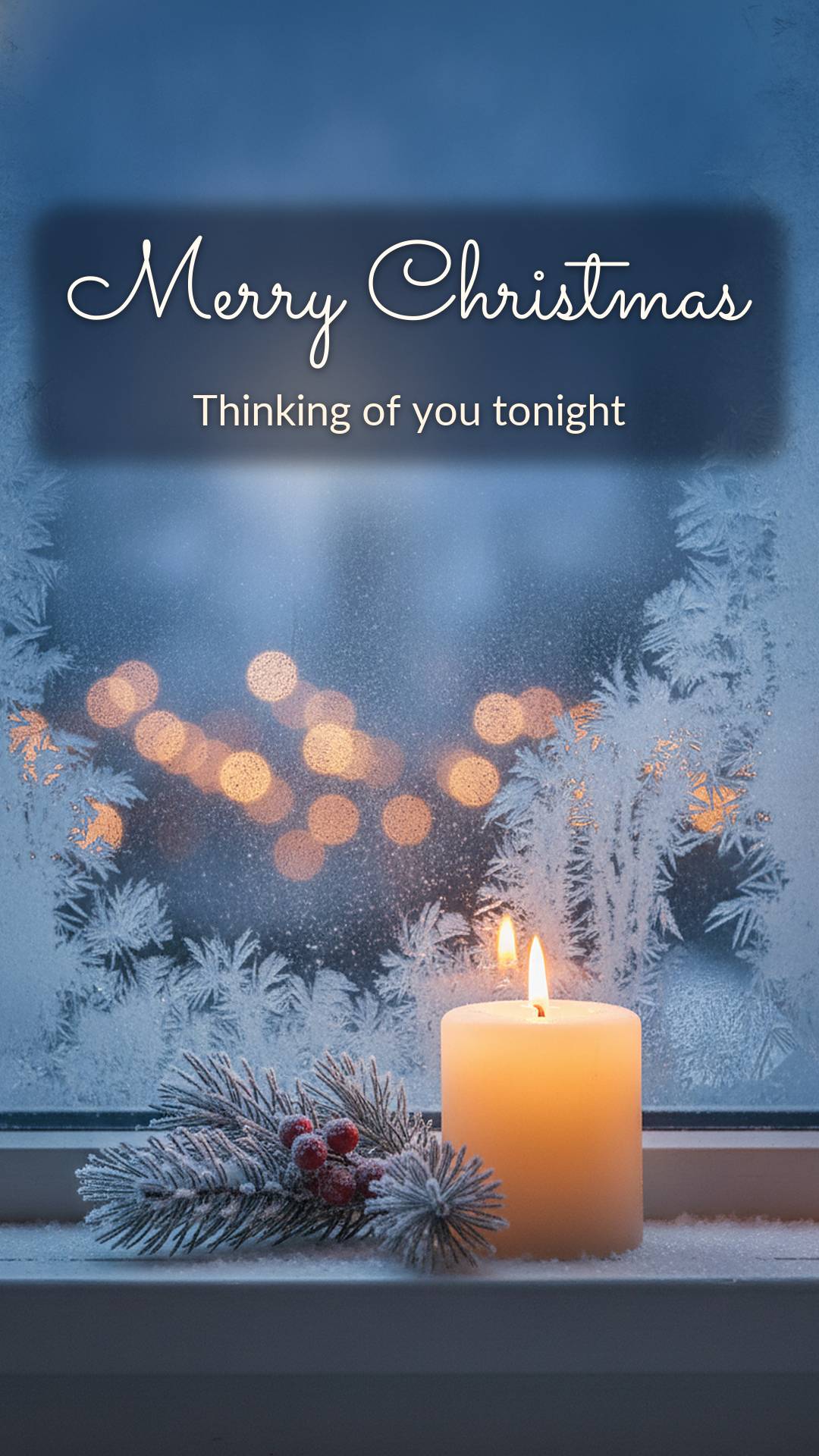
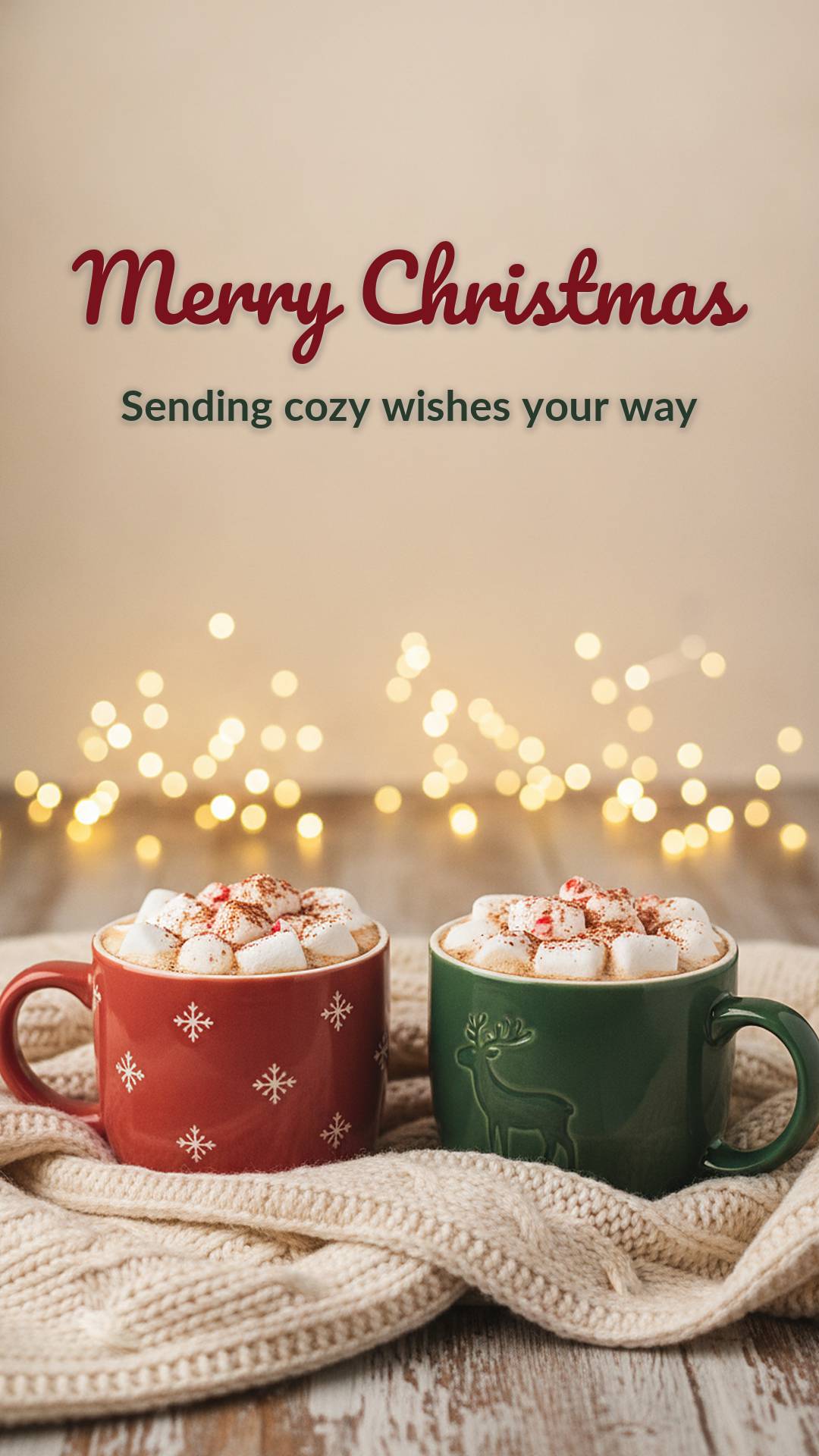
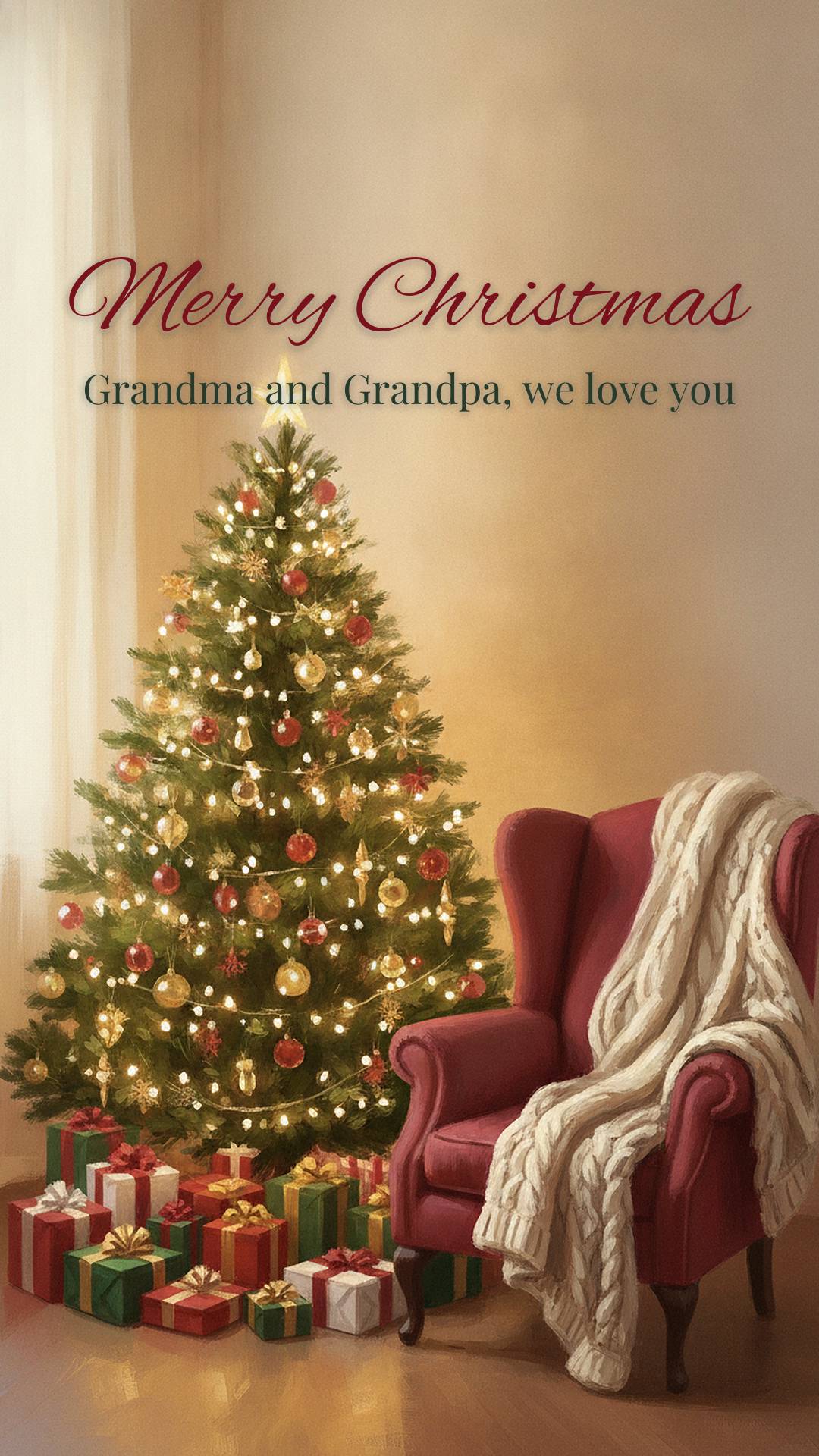
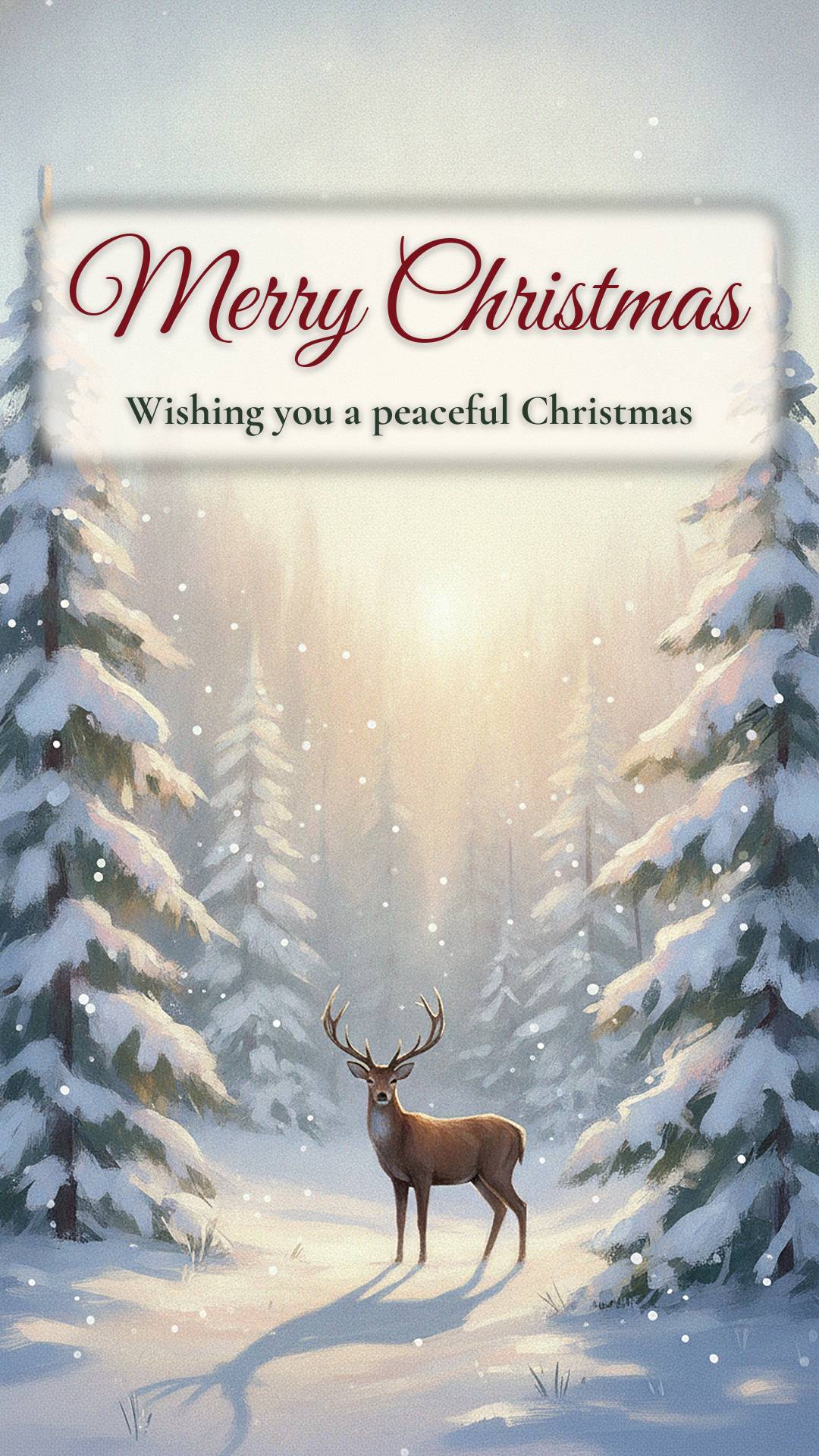
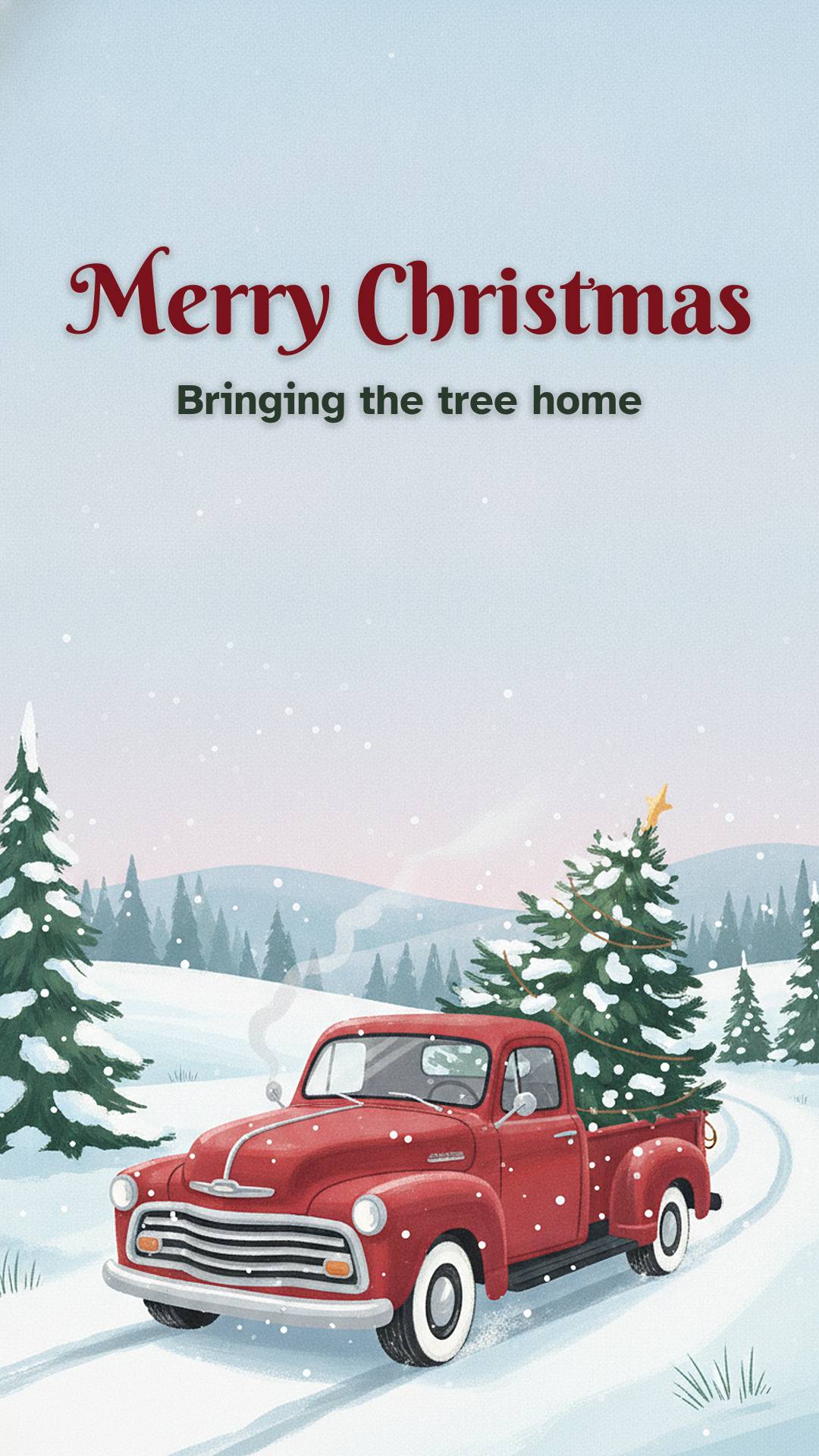
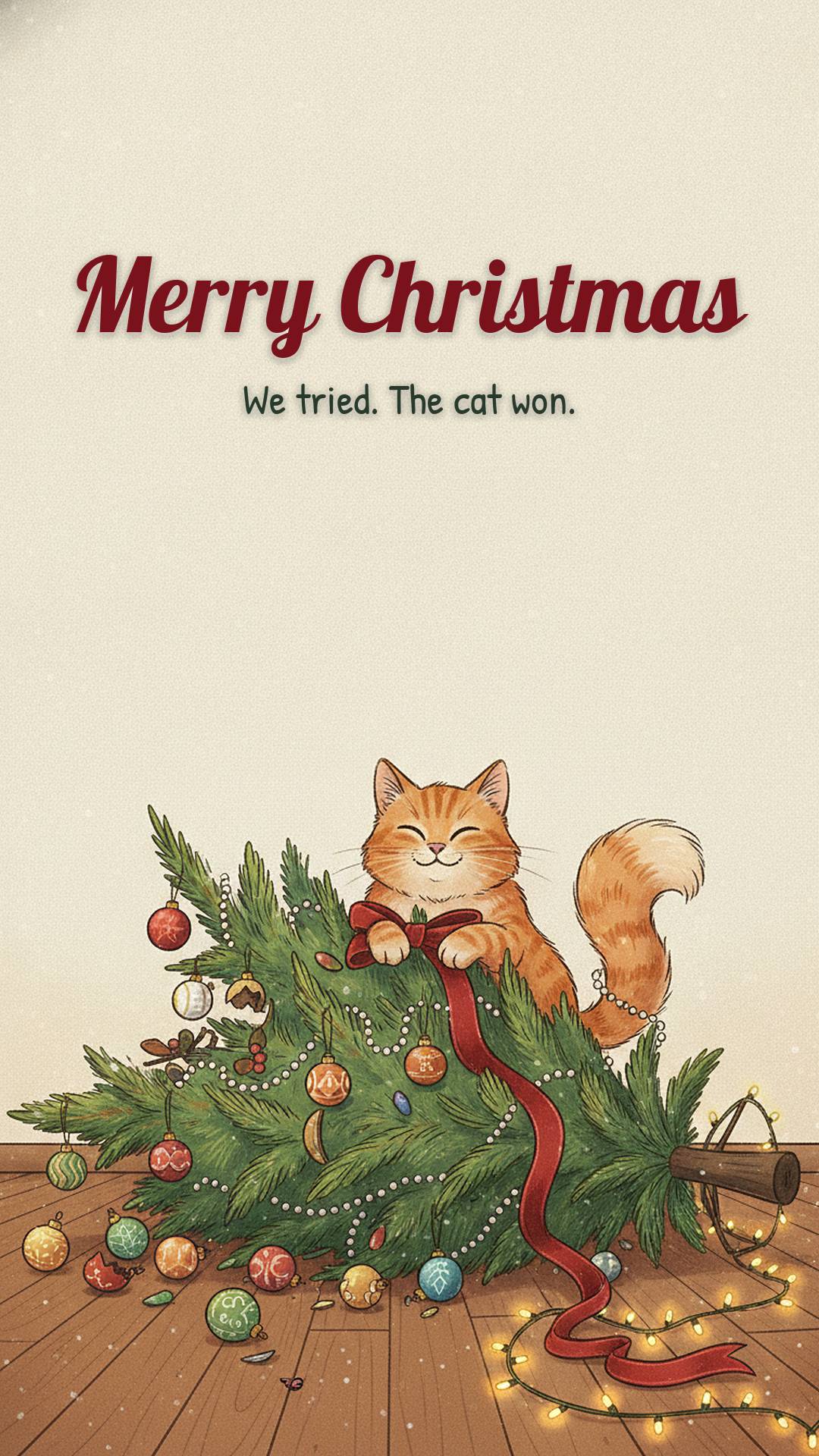
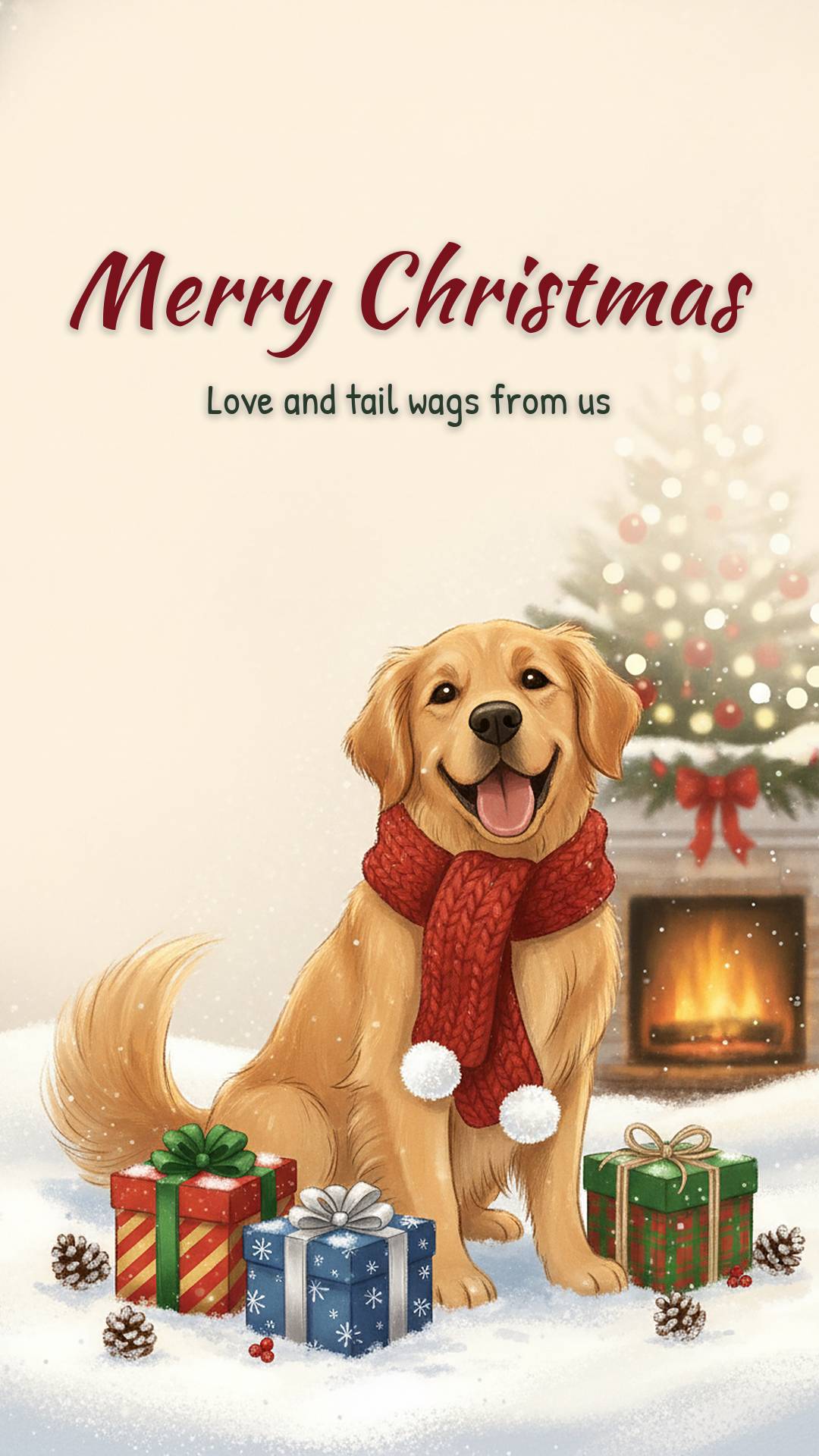
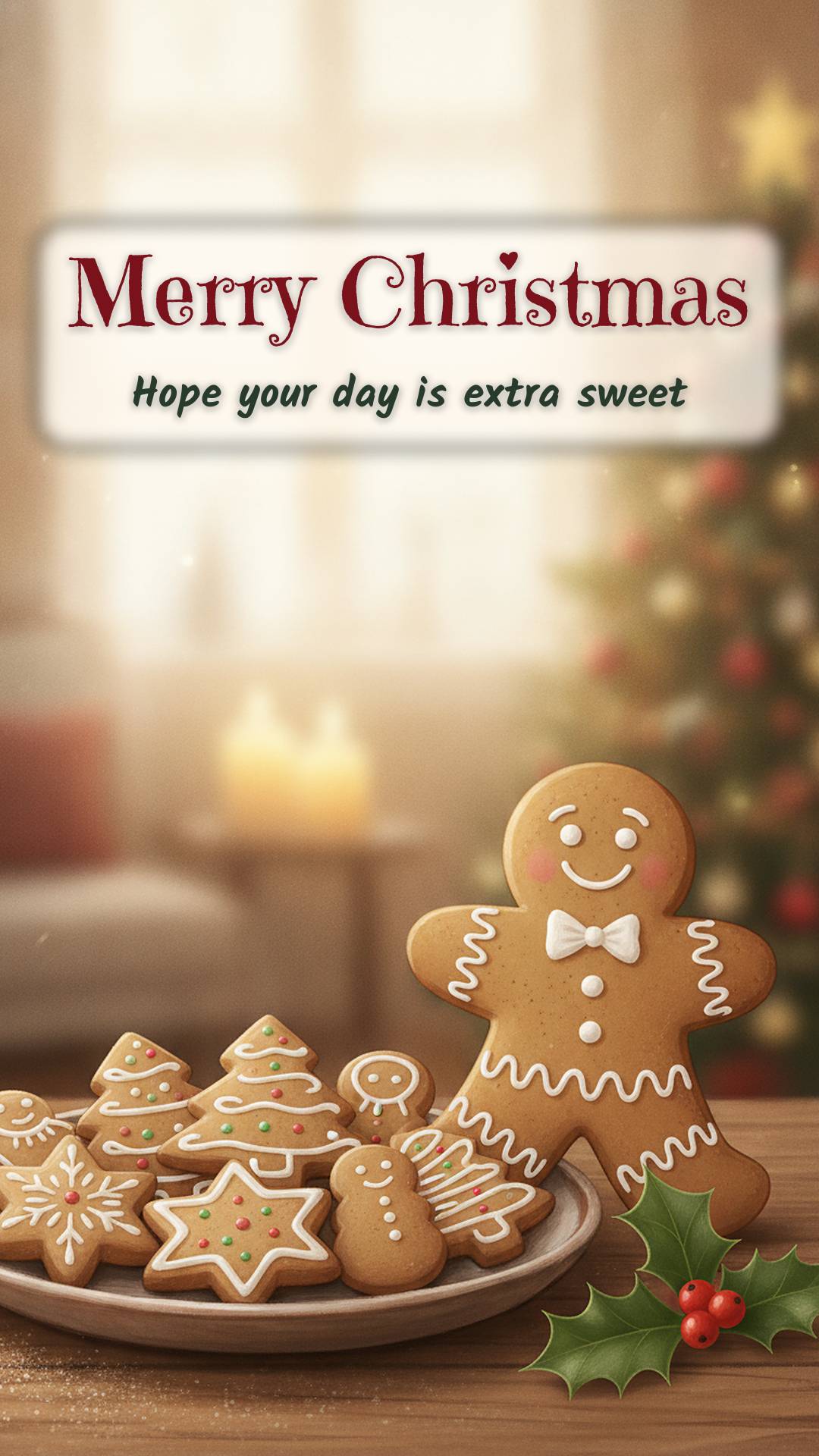
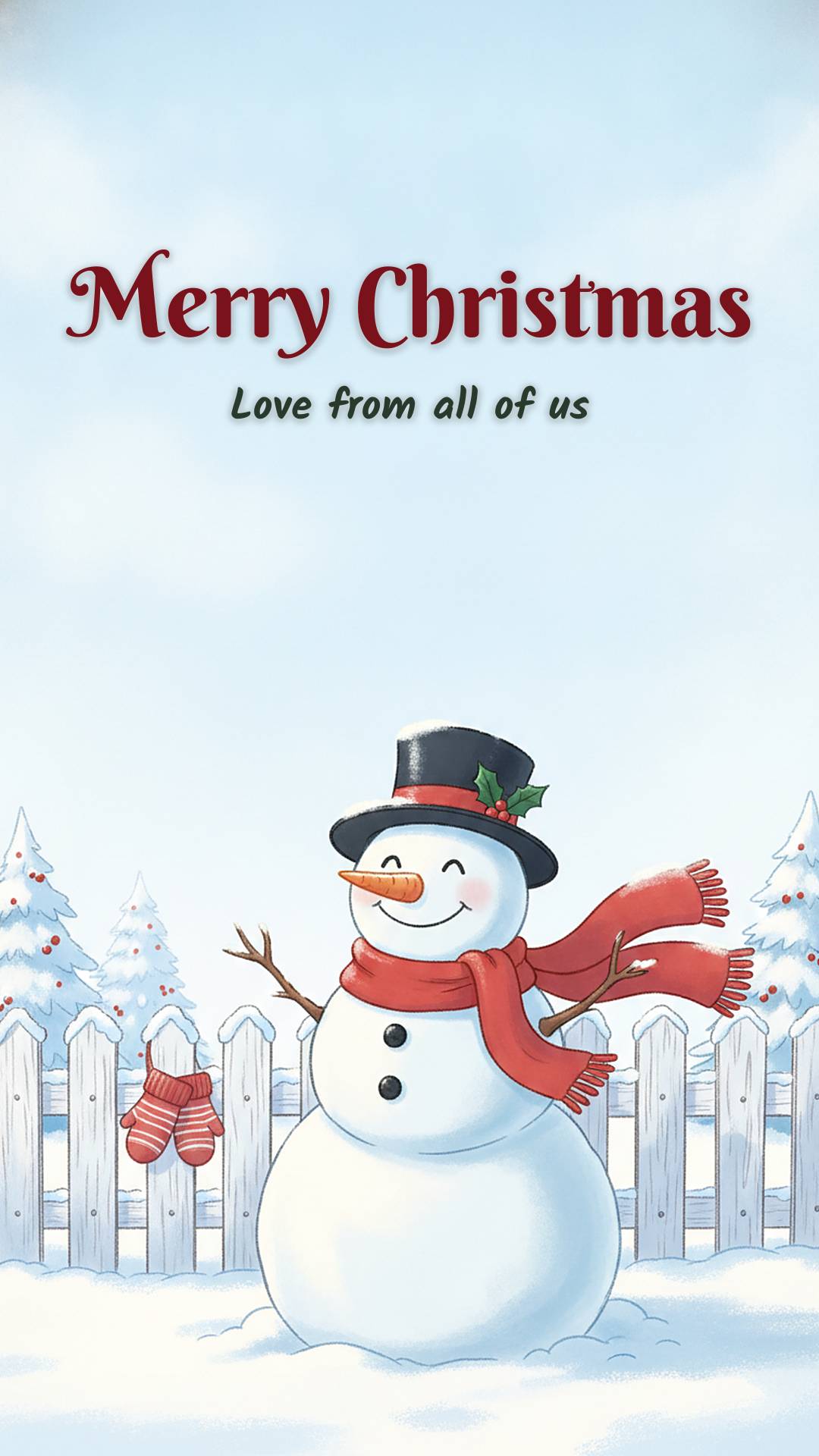
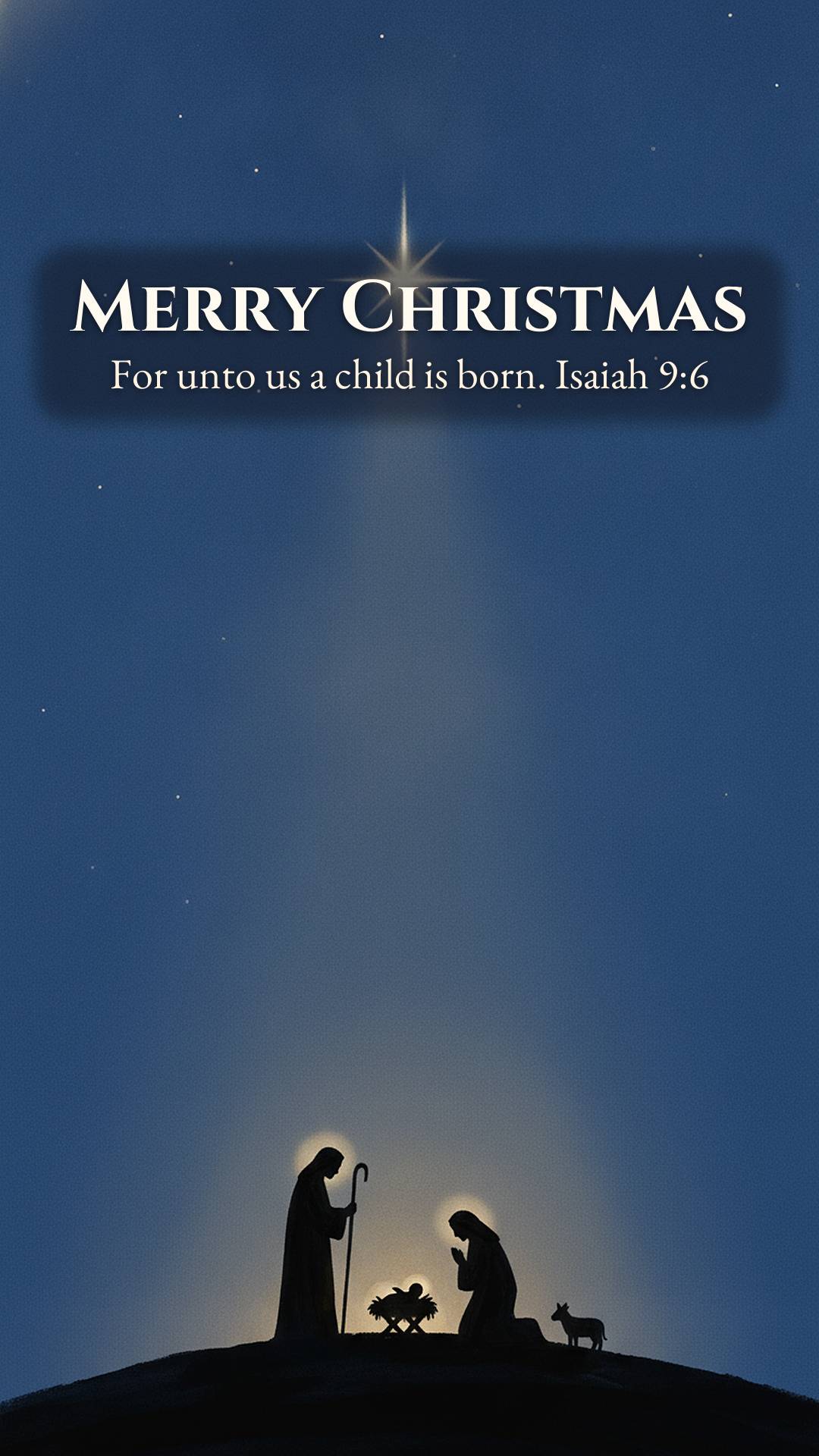
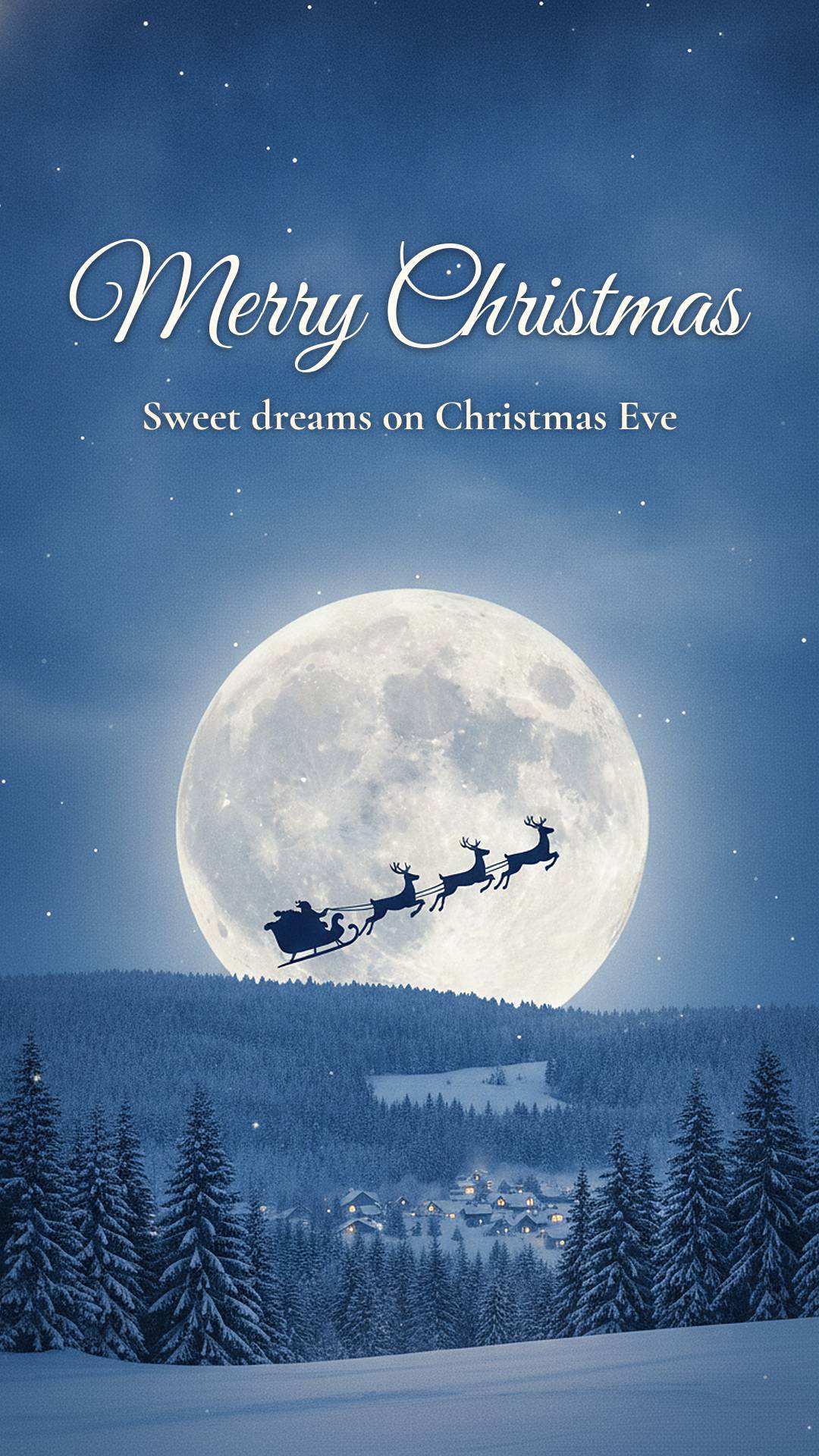
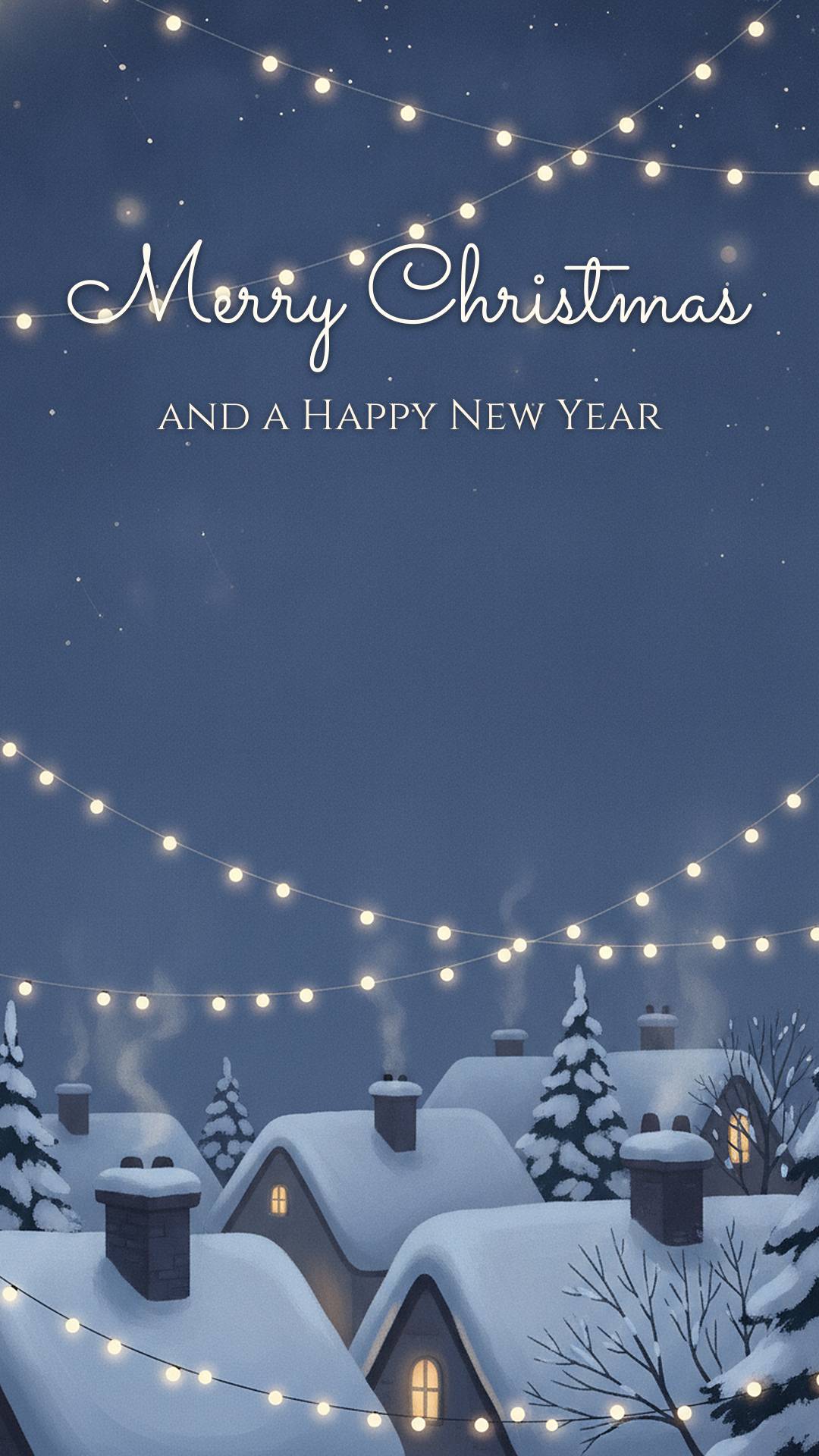
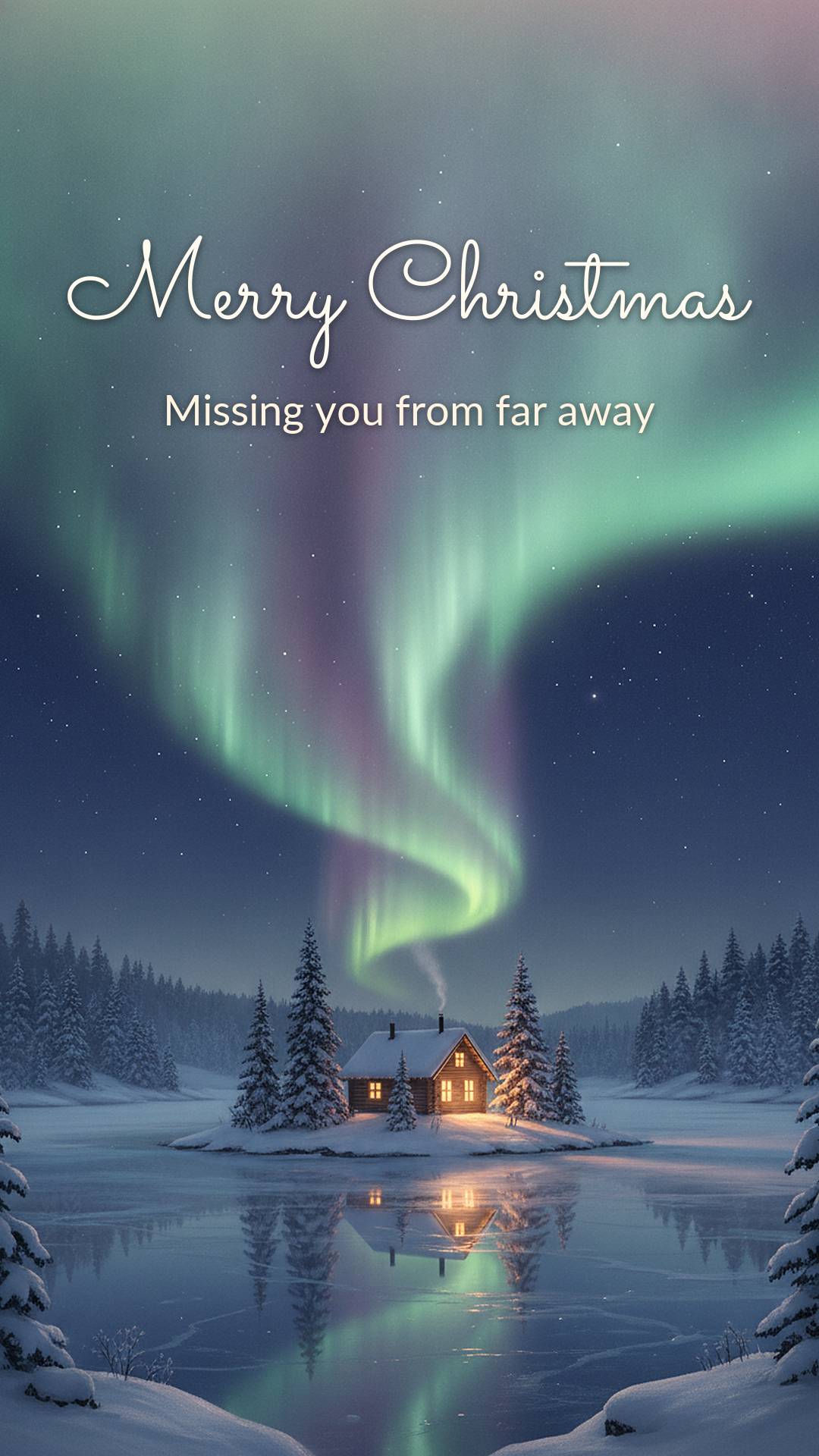
Square: 1080 x 1080 JPG. Story: 1080 x 1920 JPG, the same design laid out tall with the greeting near the top. Free to send, post and print for personal greetings; please don't sell them or put them in paid ads.
How to send one by text
On an iPhone, tap Square under the image you like, press and hold the picture, and choose Save to Photos. In Messages, tap the plus button, then Photos, and pick it. On Android, the file lands in Downloads; in Google Messages tap the plus or gallery icon and choose it from there.
Quality depends on how the message travels, and this is where most blurry Christmas pictures come from.
| Message type | What happens to the image |
|---|---|
| iMessage (blue bubble, iPhone to iPhone) | Sent at high quality. With Low Data Mode on, the other person may get only a preview first. |
| RCS (iPhone on iOS 18 or later to Android, or Android to Android) | Much sharper than old texts; small compression, large file limits. |
| MMS (the old green-bubble fallback) | Shrunk to fit carrier limits of roughly 1 MB (AT&T about 1 MB, US Cellular lower), so fine lettering can go soft. |
Carrier limits and messaging behavior checked November 2026; they vary by carrier, plan and phone.
The square files here are 50 to 210 KB, small enough that even MMS rarely needs to shrink them much. That's one reason not to send a 4 MB photo of a printed card when a clean image will do.
Sending on WhatsApp and posting to Status
In a chat, tap the attach icon, choose Photos (or Gallery), pick the square image and, before sending, tap the HD button at the top of the preview. WhatsApp compresses normal photos; HD keeps more detail, though it still isn't the untouched original. If you want the exact file, attach it as a Document instead, which sends the JPG as it is (the other person taps to open it, so it's a step more awkward).
For WhatsApp Status, use the Story file. At 1080 x 1920 it fills the screen, and the lettering sits below the area where WhatsApp shows your name and the progress bar. The same file works for Instagram Stories and Facebook Stories. For a feed post on Instagram or Facebook, the square is right; Instagram also accepts 1080 x 1350 portrait, but a square crops cleanly in every app.
Add one line so it doesn't feel forwarded
An image on its own, dropped into a chat, reads like something passed along. One sentence with a name in it fixes that. A few to copy or change:
"Merry Christmas, Dana. Still laughing about the cookie disaster last year. Have a good one."
"Thinking of you this Christmas, Mom. Call when the kids are asleep?"
"To the best neighbors on the street: thanks for watching the house in July. Merry Christmas."
"Team, thank you for this year. Enjoy the break, and see you in January."
"Missing you guys. Save me a slice of pie."
Want more? Our Merry Christmas wishes are sorted by who you're writing to, and the short Christmas card messages are short enough for a text.
Image or card: which one, and for whom
A greeting image is not a lesser card. The Emily Post Institute's holiday advice calls electronic greetings acceptable, with two conditions that are easy to meet: send them to people who actually use digital messages, and write a real note as you would inside a card. In practice, this is how we'd split it.
- Send a printed card to grandparents and older relatives, anyone who displays cards on the mantel, people who sent you one last year, and formal contacts such as clients or your pastor.
- Send an image to group chats, friends you text every week, coworkers, people abroad (an international stamp costs more than a domestic one, and the card may arrive after New Year), and anyone you forgot until December 23rd.
- Do both for the close ones far away: mail the card, then send the matching image on Christmas morning so it lands on the day.
- Skip mass group blasts with one image and no names. If a list is large, send individually or in small groups.
We go deeper on this in Christmas card etiquette vs digital greetings. If you're mailing cards too, the mailing timeline has the dates to hit.
Printing one as a small card
The square image is 1080 pixels wide. Printed at 4 x 4 inches that's 270 dpi, sharp on a home printer. Print it on photo paper or cardstock, trim it, and glue it on the front of a 5 x 5 inch folded card blank, which leaves a half-inch border around it. Larger than about 5 inches and the lettering starts to look soft, so for a full 5x7 card start with a print-size file from our Christmas card backgrounds instead.
How these images were made
The artwork for all 20 was generated with Google's Gemini image model from written briefs that left an empty area for the greeting, and drawn twice, once square and once tall, so the story version isn't a stretched crop. AI image tools often misspell words, so no lettering came from the AI: we set every greeting in free Google Fonts (Great Vibes, Alex Brush, Cinzel, Playfair Display, Pacifico and others under the SIL Open Font License) with a script, picking light or dark lettering from the brightness of the background. We checked each one on a phone screen for readability.
Frequently asked questions
Are these Merry Christmas images free, with no watermark?
Every image on this page is free to download: tap Square for a 1080 x 1080 JPG for chats and feed posts, or Story for a 1080 x 1920 JPG for WhatsApp Status and Instagram Stories. There is no sign-up and no watermark.
Which file fills the screen on WhatsApp Status?
Use 1080 x 1920 pixels, the 9:16 shape of a phone screen, which is the Story file for each design here. Keep text away from the very top and bottom, where WhatsApp places its own buttons.
How do I send a Christmas image on WhatsApp without losing quality?
When you attach a photo, tap the HD option before sending, which compresses it less. To send the original file untouched, attach it as a Document instead; the other person taps to open it.
Why do Christmas pictures look blurry when I text them?
If the message goes as MMS (a green bubble on an older connection between iPhone and Android), most US carriers cap attachments at around 1 MB and shrink the image. iMessage and RCS keep much more detail, so the same picture looks sharper between two iPhones or on a modern RCS chat.
Is a Christmas text image OK in place of a mailed card?
No. The Emily Post Institute says electronic holiday greetings are acceptable, with the advice to send them to people who use digital messages and to write a personal note as you would in a card. A printed card is still the warmer choice for older relatives and people who keep cards.
Which Merry Christmas image file do I use for a Facebook or Instagram post?
Yes, on your personal accounts. The square file is right for a feed post and the story file for Stories; a small business can post them to wish customers Merry Christmas, but please don't sell them or use them in ads.
Can I print a ChristmasCard Merry Christmas image as a card?
Yes, small. The 1080 x 1080 square prints at 270 dpi as a 4 x 4 inch card, which looks sharp from home; glue it on the front of a folded 5 x 5 card or a square greeting card blank.
Can I change the greeting on these images?
The text is part of the image, so you can't edit it directly, but you can crop the lettering off the top in your phone's photo editor and add your own words with the Markup or text tool. For a fully custom card, our printable card maker lets you type your own greeting.