
Christmas clipart 2027: 30 free transparent PNGs for cards
Updated November 20, 2026
Quick answer: Below are 30 free Christmas clipart pieces drawn for ChristmasCard, each a PNG with a real transparent background: greenery, ornaments, cute characters, two borders, two corners and two lettering pieces. Click "Download PNG" under any piece, or print the whole set from one 3-page PDF. They work in Word, Google Docs and Canva without any background removal.

Greenery and flowers
-

Holly sprig with berries
Tuck it beside a name or a date.
Pair your transparent PNG designs with free Merry Christmas images for quick texts and social posts. For thoughtful notes inside every card, browse Merry Christmas wishes for everyone.
-
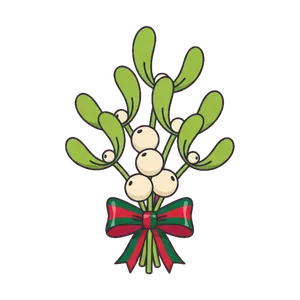
Mistletoe bunch with bow
Good on couple cards and wedding-year cards.
Pair your transparent PNG designs with free Merry Christmas images for quick texts and social posts. For thoughtful notes inside every card, browse Merry Christmas wishes for everyone.
-
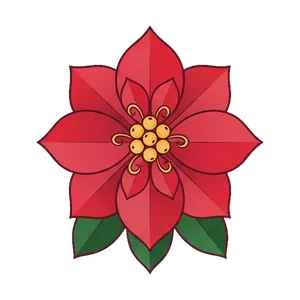
Red poinsettia
Big enough to anchor a card front by itself.
Pair your transparent PNG designs with free Merry Christmas images for quick texts and social posts. For thoughtful notes inside every card, browse Merry Christmas wishes for everyone.
-
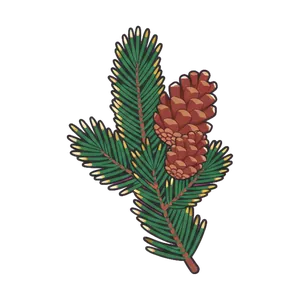
Fir branch with pine cones
Looks right on kraft paper and rustic cards.
Pair your transparent PNG designs with free Merry Christmas images for quick texts and social posts. For thoughtful notes inside every card, browse Merry Christmas wishes for everyone.




Ornaments and decorations
-
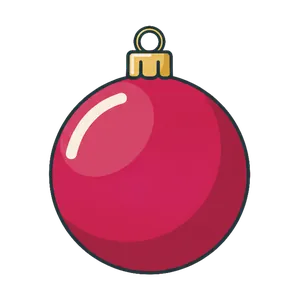
Red ornament ball
Repeat it three times in a row for a quick pattern.
Pair your transparent PNG designs with free Merry Christmas images for quick texts and social posts. For thoughtful notes inside every card, browse Merry Christmas wishes for everyone.
-
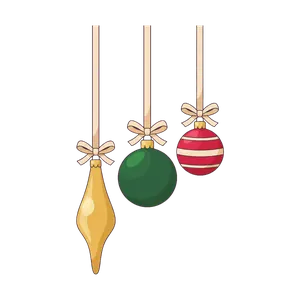
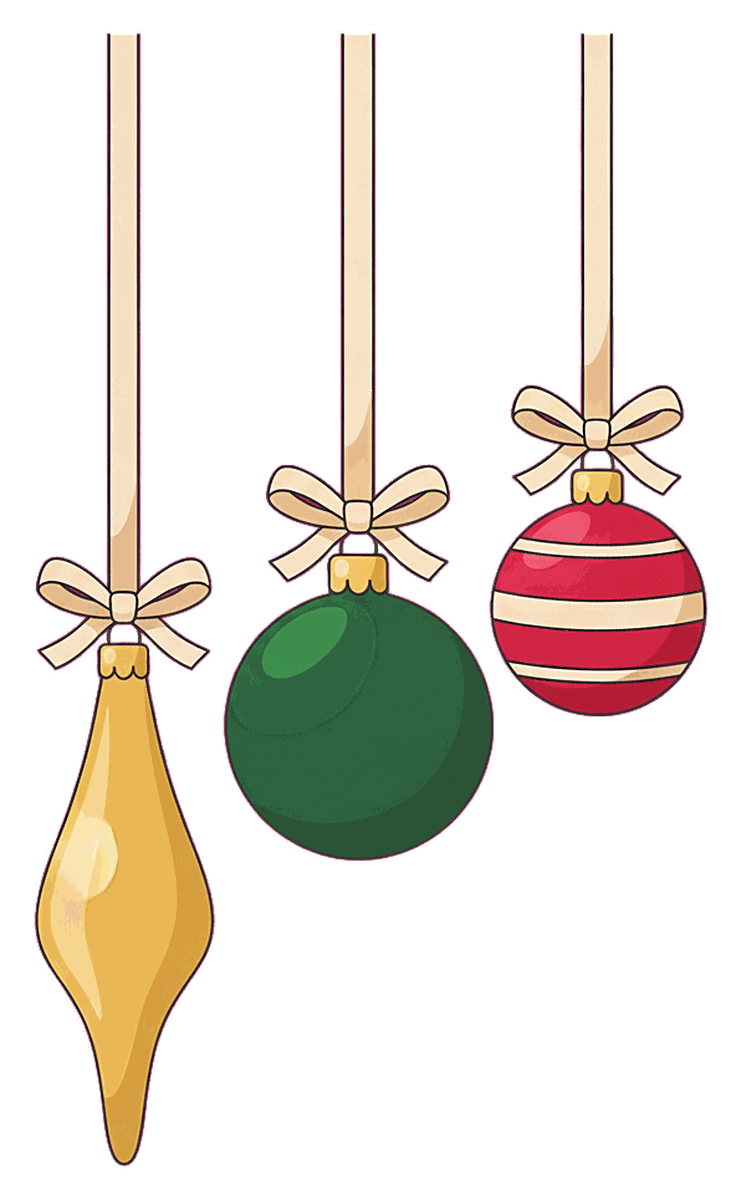
Three hanging ornaments
Line the ribbons up with the top edge of the card.
Pair your transparent PNG designs with free Merry Christmas images for quick texts and social posts. For thoughtful notes inside every card, browse Merry Christmas wishes for everyone.
-
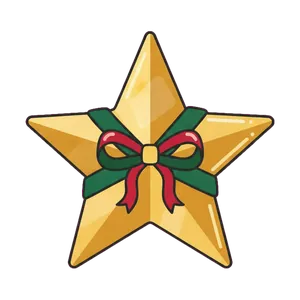
Gold star
Shrink it to 1 inch and use it as a dot over an i.
Pair your transparent PNG designs with free Merry Christmas images for quick texts and social posts. For thoughtful notes inside every card, browse Merry Christmas wishes for everyone.
-
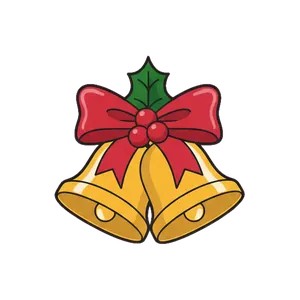
Jingle bells with bow
Fits a square envelope flap.
Pair your transparent PNG designs with free Merry Christmas images for quick texts and social posts. For thoughtful notes inside every card, browse Merry Christmas wishes for everyone.
-
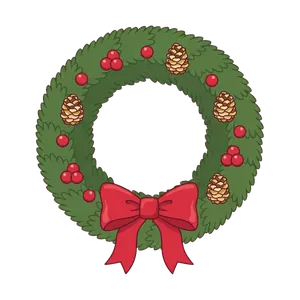
Evergreen wreath
The open middle is transparent: put a photo or initials inside.
Pair your transparent PNG designs with free Merry Christmas images for quick texts and social posts. For thoughtful notes inside every card, browse Merry Christmas wishes for everyone.
-
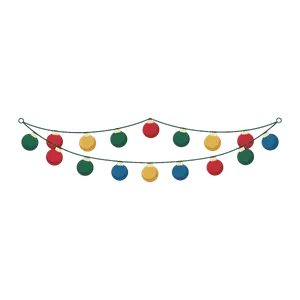
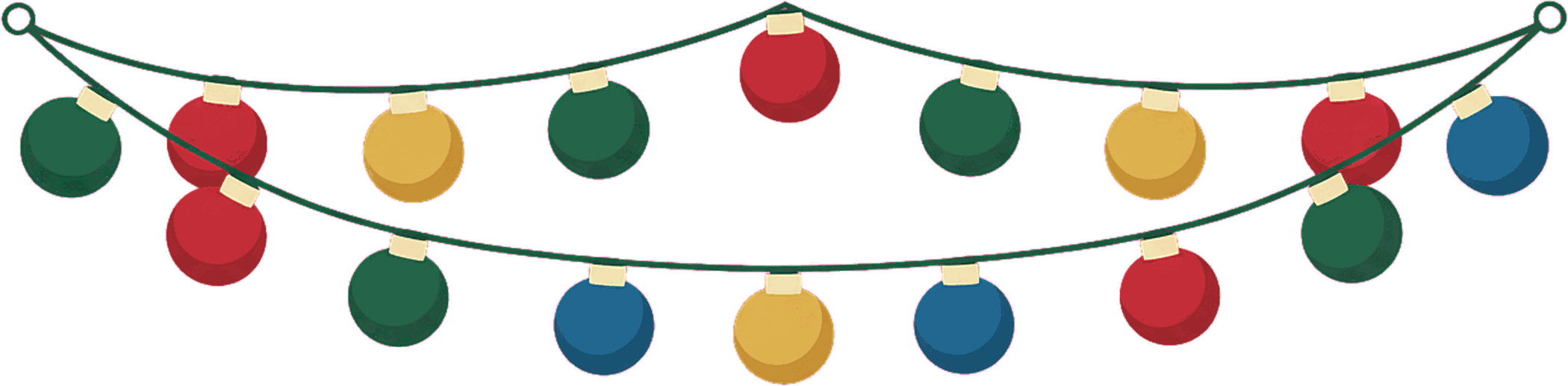
String of colored lights
Run it across the top of a family letter.
Pair your transparent PNG designs with free Merry Christmas images for quick texts and social posts. For thoughtful notes inside every card, browse Merry Christmas wishes for everyone.
-
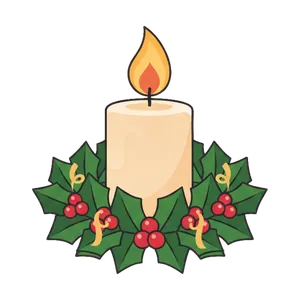
Candle in a holly ring
A calm choice for church bulletins and sympathy cards.
Pair your transparent PNG designs with free Merry Christmas images for quick texts and social posts. For thoughtful notes inside every card, browse Merry Christmas wishes for everyone.
-

Decorated Christmas tree
The classic. Center it under a short greeting.
Pair your transparent PNG designs with free Merry Christmas images for quick texts and social posts. For thoughtful notes inside every card, browse Merry Christmas wishes for everyone.






Characters and treats
-
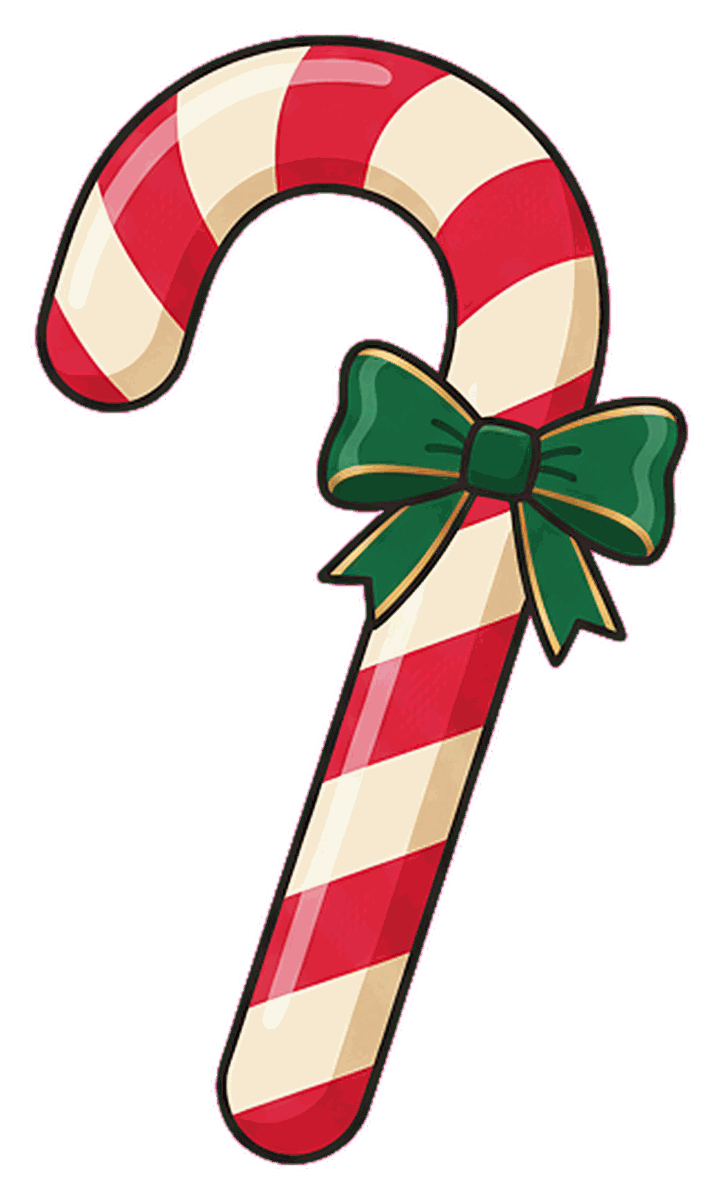
Candy cane with bow
Two of them crossed make a simple badge.
Pair your transparent PNG designs with free Merry Christmas images for quick texts and social posts. For thoughtful notes inside every card, browse Merry Christmas wishes for everyone.
-

Gingerbread man
Kids like him on cookie-swap invitations.
Pair your transparent PNG designs with free Merry Christmas images for quick texts and social posts. For thoughtful notes inside every card, browse Merry Christmas wishes for everyone.
-

Snowman with top hat
White body with blue shading, so it still shows on white paper.
Pair your transparent PNG designs with free Merry Christmas images for quick texts and social posts. For thoughtful notes inside every card, browse Merry Christmas wishes for everyone.
-
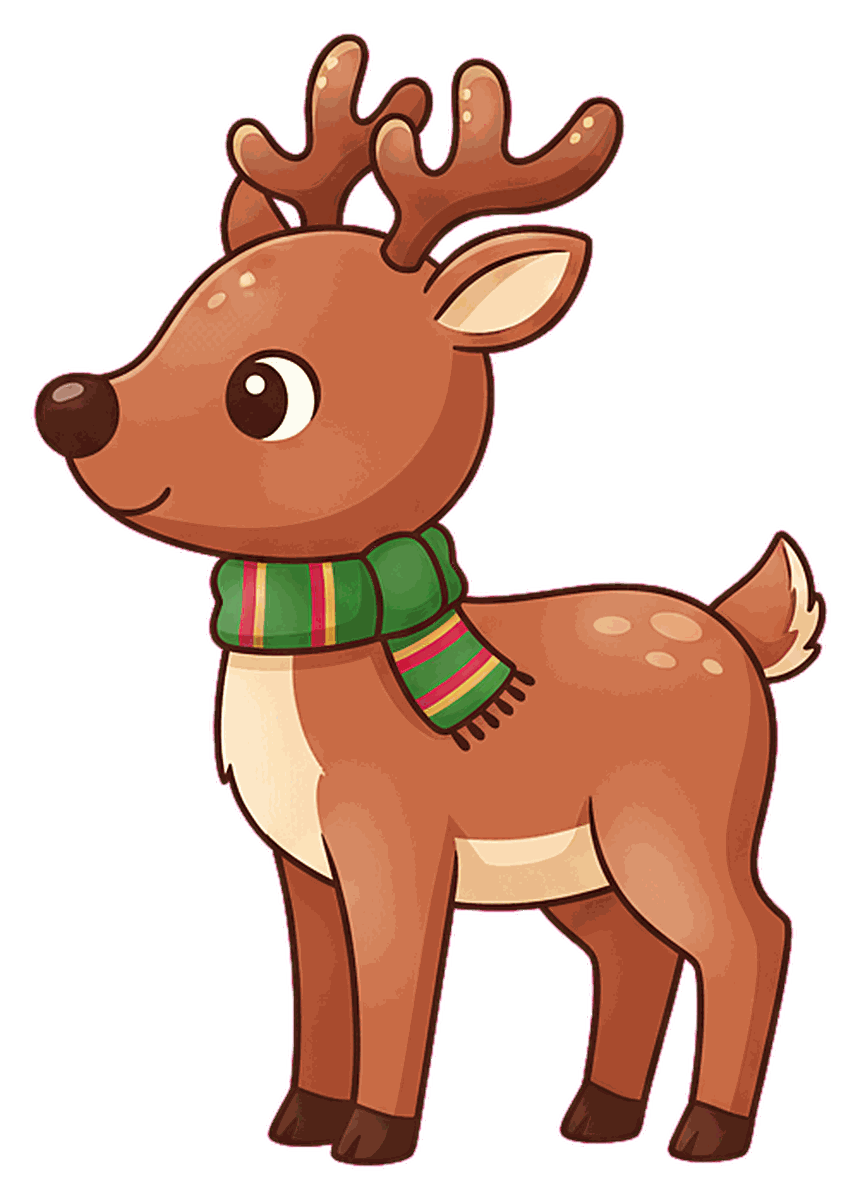
Reindeer in a scarf
Faces right, so place it on the left side of a card.
Pair your transparent PNG designs with free Merry Christmas images for quick texts and social posts. For thoughtful notes inside every card, browse Merry Christmas wishes for everyone.
-

Penguin in a knit hat
Cute on classroom cards and kids' thank-you notes.
Pair your transparent PNG designs with free Merry Christmas images for quick texts and social posts. For thoughtful notes inside every card, browse Merry Christmas wishes for everyone.
-

Mug of hot cocoa
Pairs with a "warm wishes" line.
Pair your transparent PNG designs with free Merry Christmas images for quick texts and social posts. For thoughtful notes inside every card, browse Merry Christmas wishes for everyone.
-
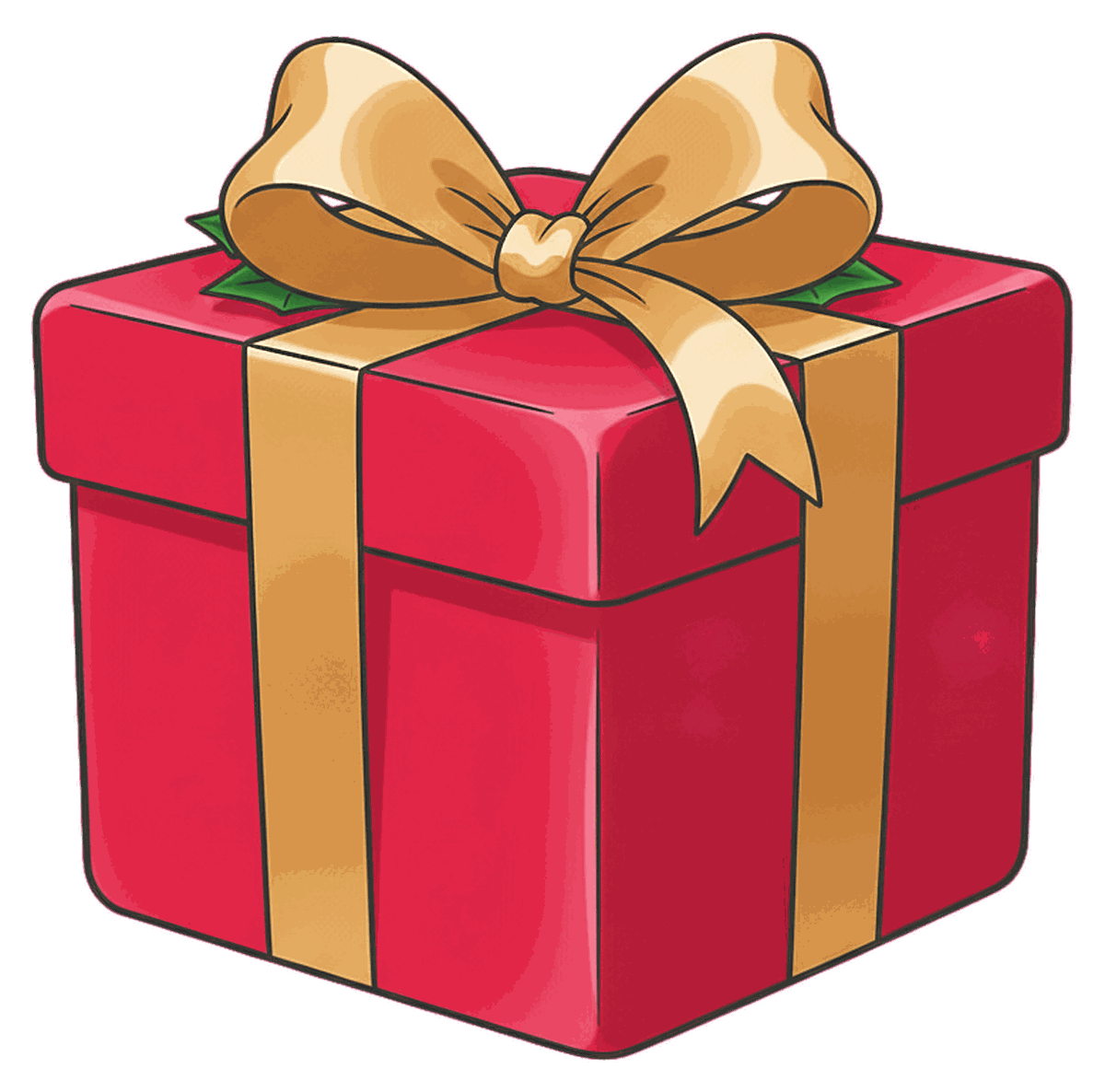
Red gift box
Use it on gift tags and on the envelope back.
Pair your transparent PNG designs with free Merry Christmas images for quick texts and social posts. For thoughtful notes inside every card, browse Merry Christmas wishes for everyone.
-

Christmas stocking
Write a child's name on the cuff in Canva.
Pair your transparent PNG designs with free Merry Christmas images for quick texts and social posts. For thoughtful notes inside every card, browse Merry Christmas wishes for everyone.
-

Santa hat
Drop it on a corner of a photo or a letter.
Pair your transparent PNG designs with free Merry Christmas images for quick texts and social posts. For thoughtful notes inside every card, browse Merry Christmas wishes for everyone.
-
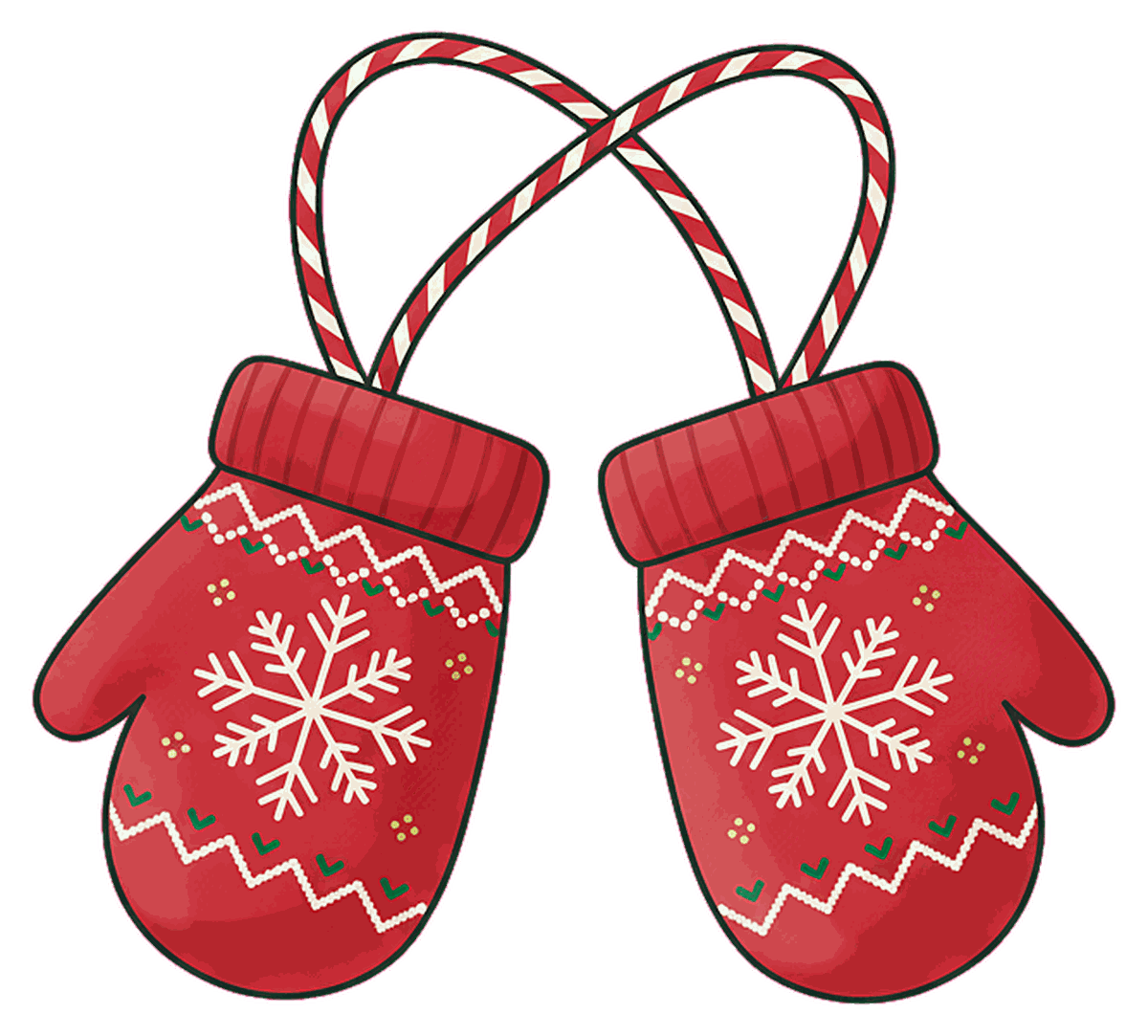
Pair of knit mittens
Nice for winter birthday cards too.
Pair your transparent PNG designs with free Merry Christmas images for quick texts and social posts. For thoughtful notes inside every card, browse Merry Christmas wishes for everyone.
-

Red sleigh with gifts
Wide shape that sits well along a bottom edge.
Pair your transparent PNG designs with free Merry Christmas images for quick texts and social posts. For thoughtful notes inside every card, browse Merry Christmas wishes for everyone.
-
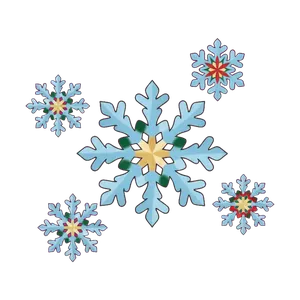
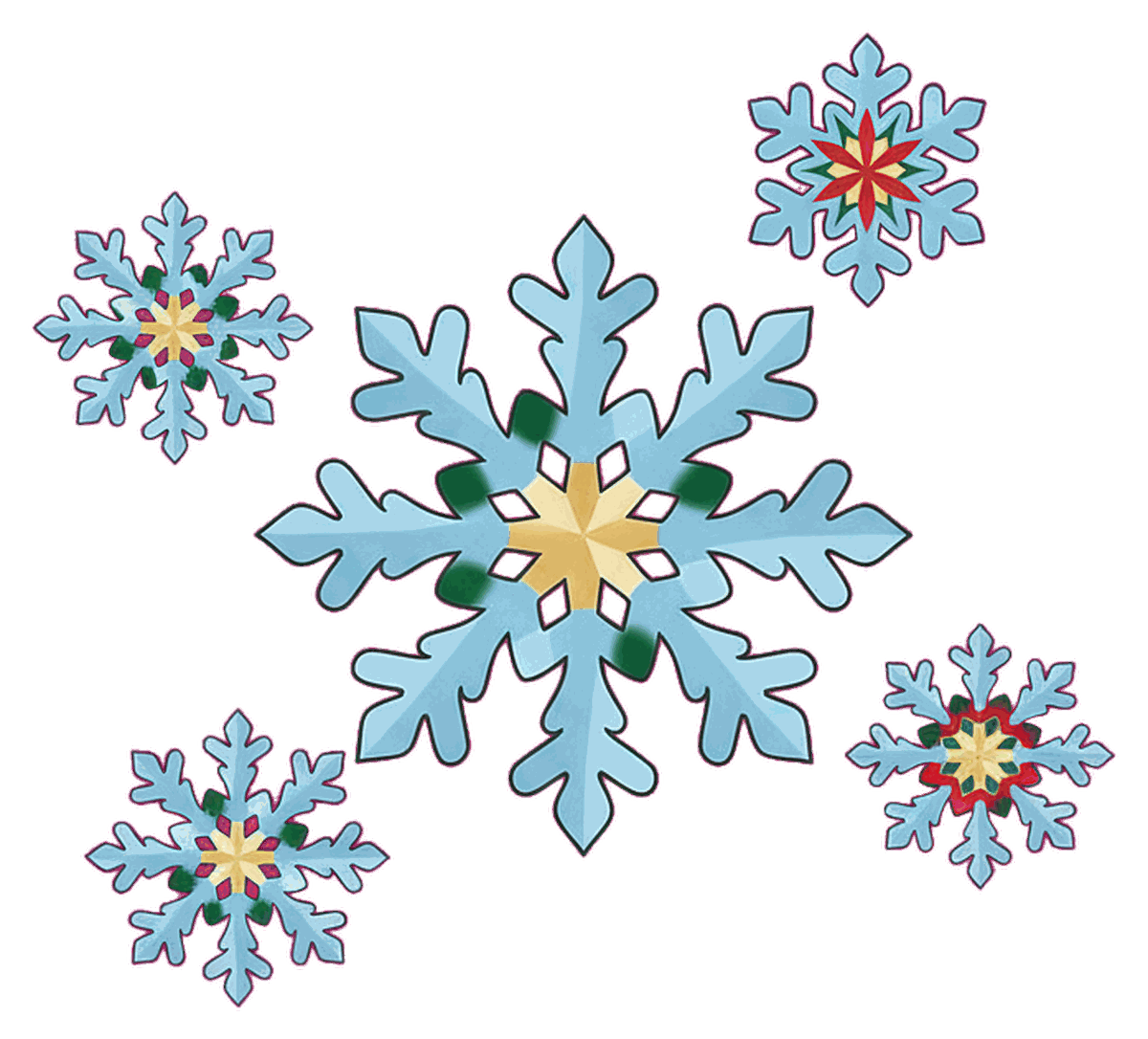
Group of five snowflakes
Light blue, so it shows on white and on dark navy.
Pair your transparent PNG designs with free Merry Christmas images for quick texts and social posts. For thoughtful notes inside every card, browse Merry Christmas wishes for everyone.







Borders, corners and lettering
-
Holly border strip
Stretch it across the bottom of a 5x7 card.
Pair your transparent PNG designs with free Merry Christmas images for quick texts and social posts. For thoughtful notes inside every card, browse Merry Christmas wishes for everyone.
-
Pine garland border
Top of a letter or a menu card.
Pair your transparent PNG designs with free Merry Christmas images for quick texts and social posts. For thoughtful notes inside every card, browse Merry Christmas wishes for everyone.
-
Holly corner
Flip it to dress all four corners.
Pair your transparent PNG designs with free Merry Christmas images for quick texts and social posts. For thoughtful notes inside every card, browse Merry Christmas wishes for everyone.
-
Poinsettia corner
Use two opposite corners for a formal look.
Pair your transparent PNG designs with free Merry Christmas images for quick texts and social posts. For thoughtful notes inside every card, browse Merry Christmas wishes for everyone.
-

"Merry Christmas" lettering
Red with a gold offset shadow.
Pair your transparent PNG designs with free Merry Christmas images for quick texts and social posts. For thoughtful notes inside every card, browse Merry Christmas wishes for everyone.
-

"Season's Greetings" lettering
Green script for business and neutral cards.
Pair your transparent PNG designs with free Merry Christmas images for quick texts and social posts. For thoughtful notes inside every card, browse Merry Christmas wishes for everyone.





What makes these files different from a random image search
Most people searching for Christmas clipart want one thing: a picture of holly or a snowman that drops onto a card without a white box around it. That only works if the file is a PNG with an alpha channel, meaning the empty area is truly empty. JPG files can't do that at all. And a lot of "transparent PNG" results from image searches are fakes, with the gray and white checkerboard painted into the picture, so the squares print right along with the holly.
Every piece on this page was cut out by script and then checked twice by eye, once on a dark background and once on white, so stray pink edge pixels and leftover halos would show up. The grid previews above sit on a light checkerboard on purpose: that pattern belongs to this web page, not to the files. Download one, drop it on a colored page, and the color shows through around the edges.
Sizes: the single pieces are 1,200 pixels on their longest side. The two border strips, the string of lights and the two lettering pieces are 2,100 pixels wide. At the usual 300 pixels per inch for print, a single piece covers about 4 inches, and a border covers 7 inches, the long side of a 5x7 card. Most cards use clipart much smaller than that, so you have room to spare.
Using the clipart in Word, Google Docs and Canva
Microsoft Word
- Click where you want the picture, then go to Insert, Pictures, This Device. On a Mac it's Insert, Pictures, Picture from File.
- Pick the PNG and click Insert.
- With the picture selected, open the Picture Format tab and choose Wrap Text, In Front of Text.
- Drag it into place and resize from a corner handle so it doesn't stretch.
Word on the desktop keeps the transparency, so holly placed over a colored text box keeps its leaf shape. If you're laying out a full card, choose "Fix position on page" in the Layout Options button too; otherwise the clipart jumps around every time you add a line of text.
Google Docs
Google Docs has one trap. The layout controls only show up when the document uses pages format, not pageless (File, Page setup). After that: Insert, Image, Upload from computer, click the image, and pick "In front of text" or "Behind text" from the small toolbar under it. "Behind text" is the useful one for a border under a typed greeting. Docs keeps PNG transparency.
Canva
In any design, open Uploads in the left panel, click Upload files, choose the PNGs, then drag them onto the page. Canva's free plan keeps the transparency of an uploaded PNG. You don't need the Background Remover, which is a Pro feature anyway, because the background is already gone. To make the three missing corners from one corner piece, duplicate it and use Flip, Flip horizontal (and Flip vertical for the bottom pair).
For greetings set in a font instead of a picture, our list of fonts that print well on Christmas cards names free fonts you can type in any of these three programs.
Three card layouts you can make in ten minutes
The corner card. Start a 5x7 page (1,500 x 2,100 pixels in Canva, or a 5 x 7 inch page in Word). Put the holly corner top left and a flipped copy bottom right. Type a two-line greeting in the middle. Done. This is the layout that looks most like a store card, because there's so much empty paper.
The photo wreath. The wreath has a transparent center. Place a square family photo, send it behind the wreath, and size it so faces sit inside the ring. Add the "Merry Christmas" lettering under it. If you'd rather use ready-made photo frames with a cut-out window, we made a set of printable photo card frames that already have space for names.
The kids' row. Gingerbread man, penguin, snowman and reindeer in a line along the bottom, each about 1.2 inches tall, with a child's handwritten message above. Print on cardstock, fold, and you have a class card. For more ideas in this direction, the Christmas card ideas for kids page has whole-card concepts.
If you don't want to build a layout from scratch, the printable Christmas card maker handles the page setup, and you can add these PNGs on top.
Printing tips for clipart cards
- Transparent areas print as the color of the paper. On kraft or cream stock, red goes a little darker and the snowman's white body takes on the paper tone.
- On a home inkjet, "best" or "high" quality makes a visible difference on the gold star and the jingle bells, where thin highlights can band on draft mode.
- Keep clipart at least 1/8 inch inside the trim line if you're printing on a full sheet and cutting down; a corner piece placed right at the edge will lose a sliver of leaf.
- The snowflakes are pale blue. They show on white and on navy, but almost vanish on light gray paper.
The same pieces work on gift tags and envelope backs. If you want those already laid out on sheets, see the printable Christmas gift tags and the Christmas sticker sheets for cards and envelopes.
License: what you can and can't do
Use the clipart freely on your own Christmas cards, family letters, party invitations, school and church handouts, and on holiday cards your business sends to clients. You can recolor it, crop it and combine it with anything else. Two things are off the table: reselling the files (as a clipart pack, a template bundle or a digital download), and using them as the main artwork on products you sell, such as mugs or printed shirts. A link back to this page is welcome but not required.
A note on how they were made, since people ask. The 28 illustrations came from an AI image model working from descriptions we wrote; no existing artwork, characters or brands were copied, and we threw out results that looked off (one candy cane arrived inside a badge circle, and an ornament had odd reflections). The two lettering pieces are plain type, set in Berkshire Swash and Pinyon Script, which are both free under the SIL Open Font License.
Short version: Pick a piece, click "Download PNG," and insert it in Word, Google Docs or Canva; the background is already transparent. Keep most pieces under about 3 inches wide on a printed card, flip the corner pieces to fill all four corners, and print the 3-page PDF if you want a paper overview of the whole set.
Frequently asked questions
Where can I get free Christmas clipart with a transparent background?
This page has 30 free Christmas clipart PNG files with real transparent backgrounds, from holly and ornaments to borders, corners and lettering. Click "Download PNG" under any piece, or get all 30 on a 3-page PDF sheet.
Is this Christmas clipart free for commercial use?
The 30 ChristmasCard clipart pieces are free for personal cards, classrooms, churches, clubs and your own business holiday cards. You may not resell the files, bundle them into another clipart pack, or use them as the main design on products for sale.
Why does my "transparent" clipart have a gray checkerboard?
Some sites sell or share images where the checkerboard pattern is painted into the picture, so it prints as gray squares. A real transparent PNG shows the checkerboard only in an editor and disappears on the page; every file on this page is a real transparent PNG.
How do I put clipart in front of text in Word?
Insert the PNG with Insert, Pictures, This Device (Picture from File on a Mac), select it, then choose Picture Format, Wrap Text, In Front of Text. You can now drag the clipart anywhere on the page without pushing the text around.
Can I use Christmas clipart in Google Docs?
Yes. In a document in pages format, use Insert, Image, Upload from computer, click the image and pick "In front of text" or "Behind text" in the small toolbar. Google Docs keeps PNG transparency, so the clipart sits cleanly over the page color.
What size should clipart be for a printed Christmas card?
Print clipart at about 300 pixels per inch for crisp edges. The single pieces here are 1,200 pixels on the long side, enough for about 4 inches, and the borders and lettering are 2,100 pixels wide, enough for the 7-inch side of a 5x7 card.
How were these clipart pieces made?
ChristmasCard drew the 28 illustrations with an AI image model from our own written descriptions, removed each background with a script, and checked every edge by eye. The two lettering pieces were set in Berkshire Swash and Pinyon Script, both free fonts under the SIL Open Font License.
Can I recolor or crop the clipart?
Yes, change it as much as you like for your own cards. Canva, Word and Google Docs can crop, flip and adjust brightness, and a photo editor can shift the colors to match your card.