
Christmas photo card frames: 10 free PNG overlays for 2027 cards
Quick answer: Download one of the 10 transparent PNG frames below (six are 5x7, four are 4x6, all at 300 dpi), place your photo on a card the same size, and lay the frame on top. The photo shows through the window, and the cream panel under it is left blank for your names, so you type them in Canva, Google Slides or any editor with a text tool.
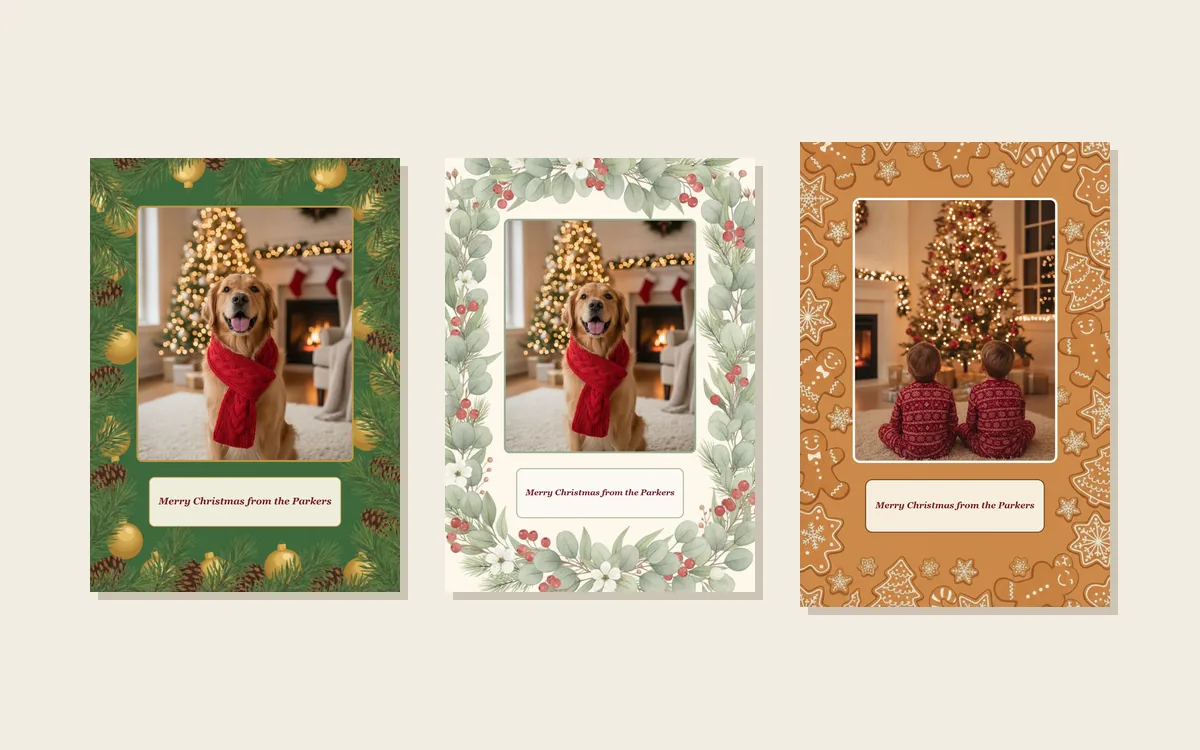
Download all 10 frames (PDF, 1.8 MB) The PDF shows the frames on white for printing and gluing in a real photo. For digital cards, use the PNG files.
-
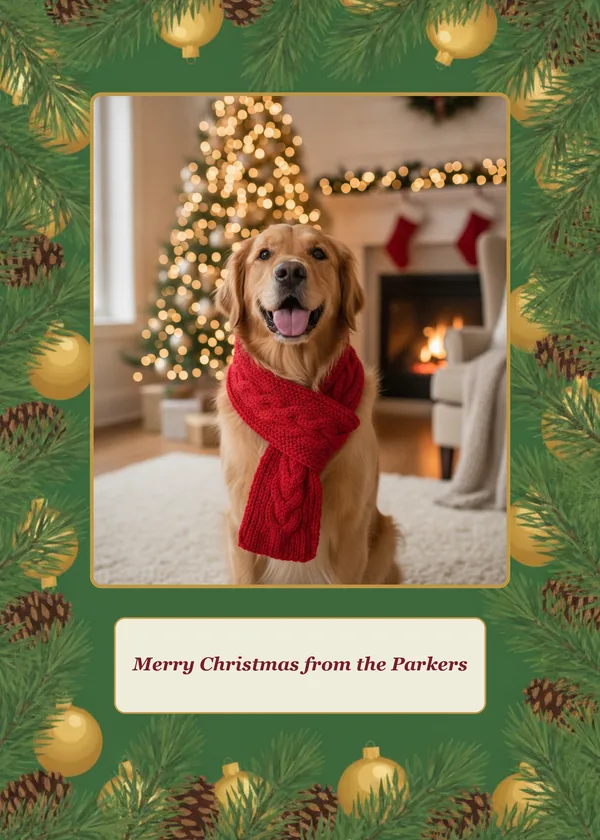
Evergreen and gold ornaments
5x7 in, 1500 x 2100 px
Deep green with pine branches and gold baubles. Reads as traditional without being fussy.
-
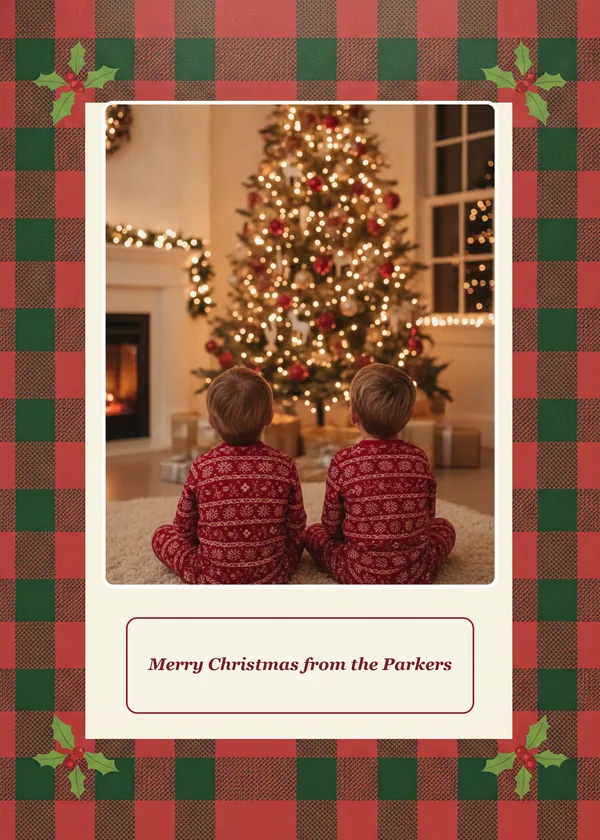
Red buffalo plaid
5x7 in, 1500 x 2100 px
Red and green check with holly in the corners. Good with outdoor or cabin photos.
-
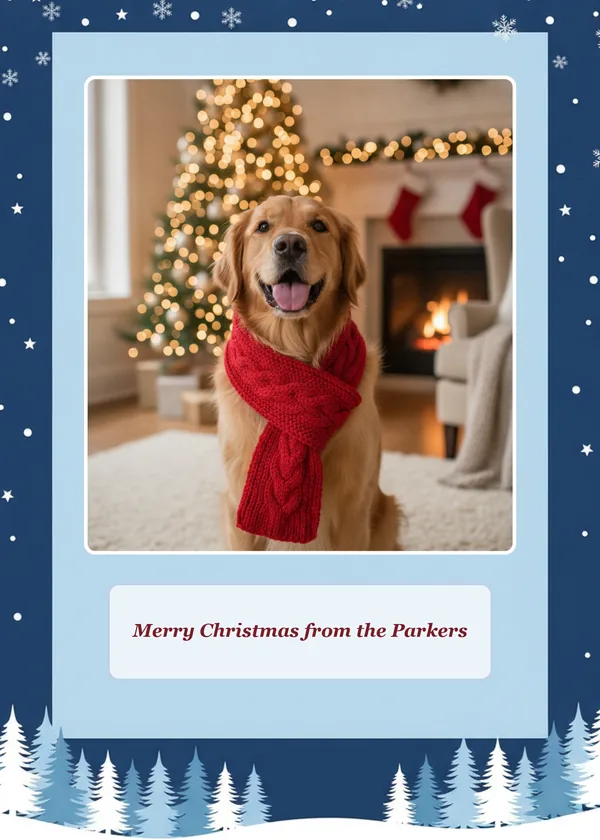
Snowy night with pine trees
5x7 in, 1500 x 2100 px
Navy sky, snowflakes and a row of white trees along the bottom.
-
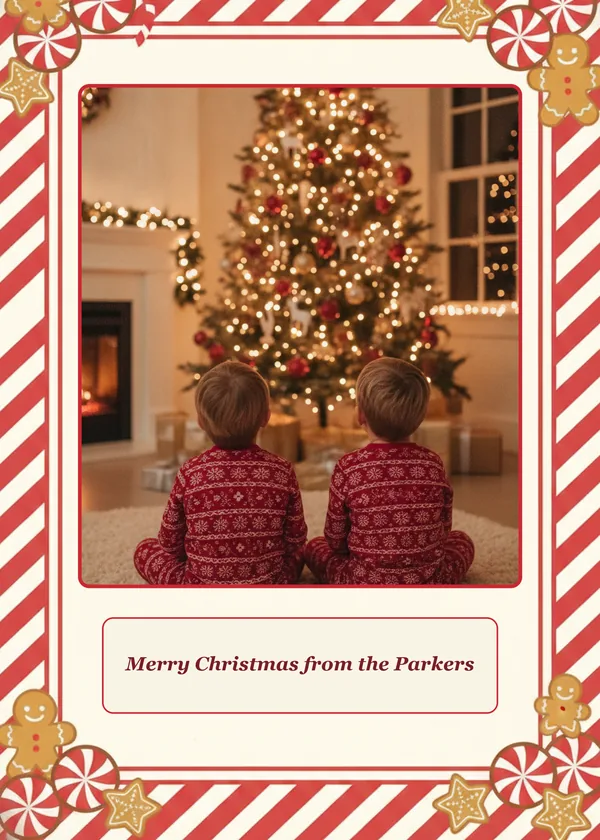
Candy cane stripes
5x7 in, 1500 x 2100 px
Red and white stripes with peppermints and little gingerbread cookies. A kids favorite.
-
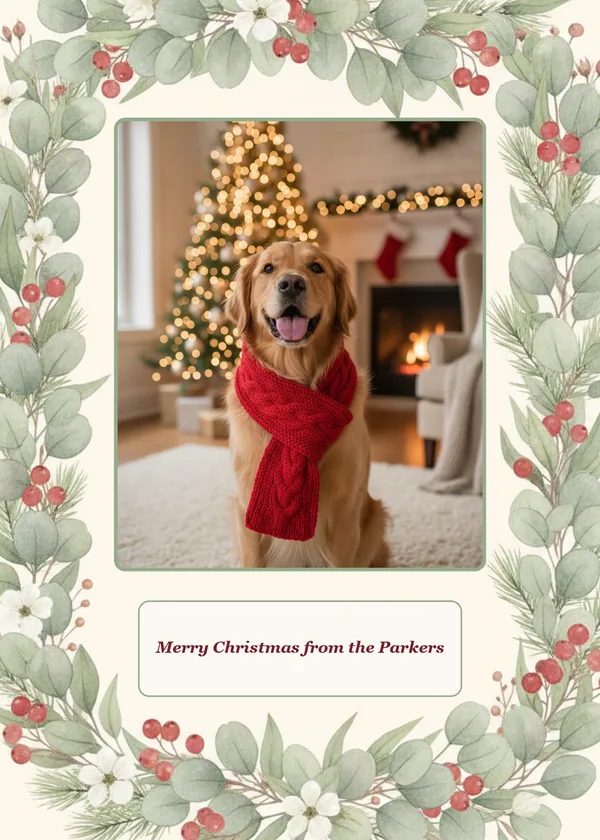
Watercolor eucalyptus garland
5x7 in, 1500 x 2100 px
Soft greens and red berries on warm white. The softest design here, a good match for wedding or engagement photos.
-
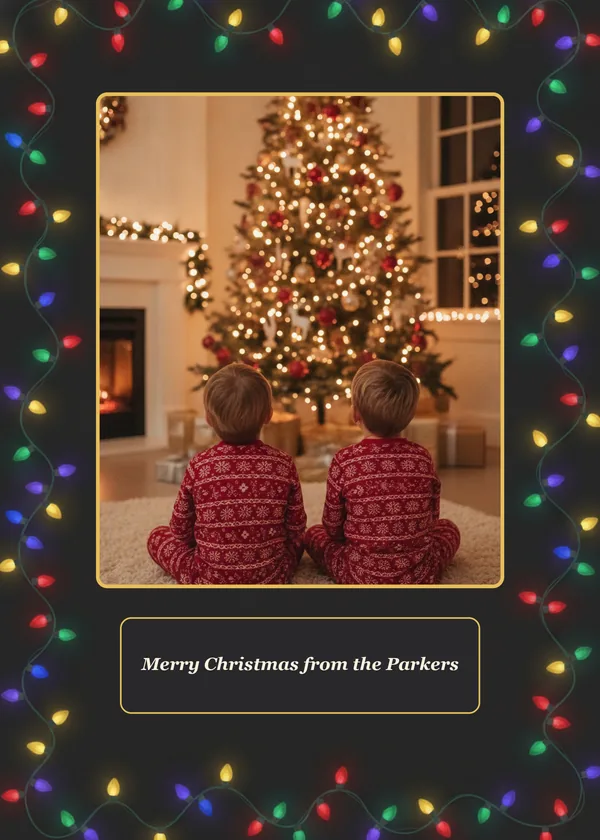
Colorful string lights
5x7 in, 1500 x 2100 px
Multicolor bulbs on charcoal. Dark frames make bright indoor photos stand out.
-
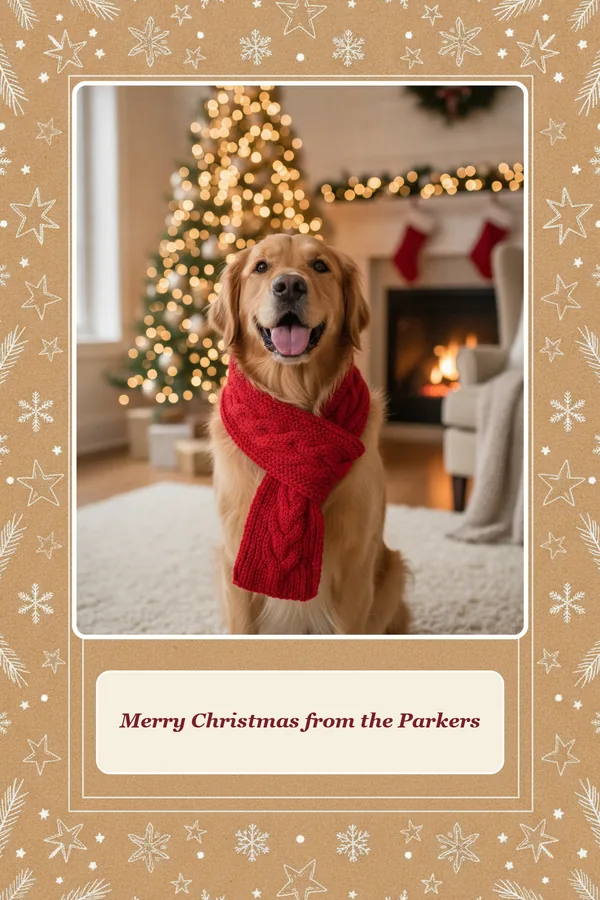
Kraft paper with white stars
4x6 in, 1200 x 1800 px
Brown kraft look with hand-drawn white stars and snowflakes.
-
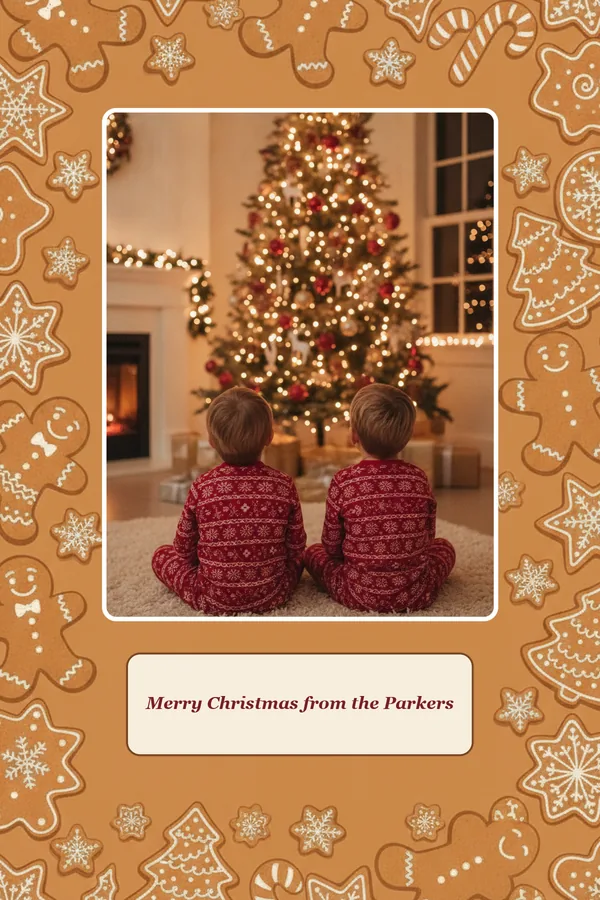
Gingerbread cookies
4x6 in, 1200 x 1800 px
Iced cookies on a caramel background. Pairs well with baking-day photos.
-
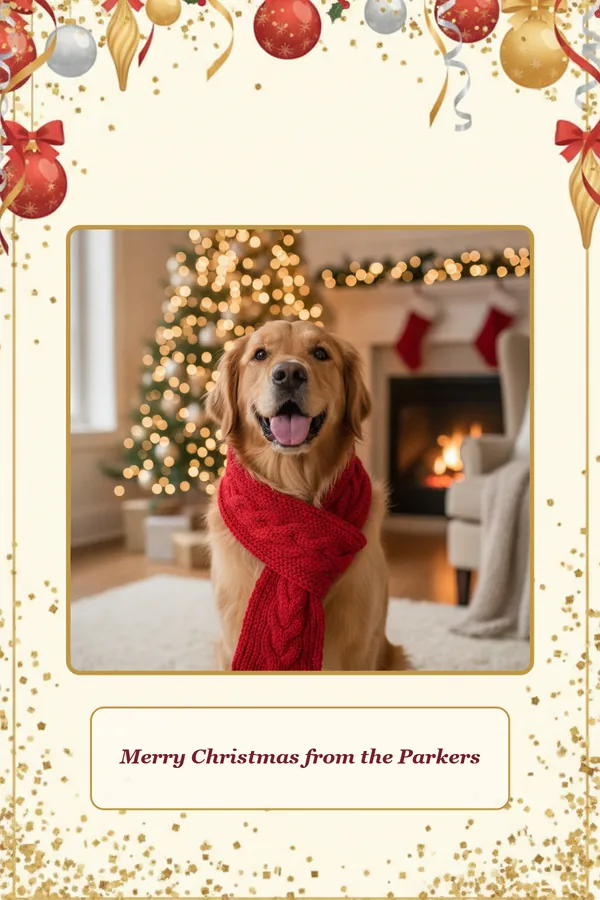
Hanging ornaments and gold confetti
4x6 in, 1200 x 1800 px
Ornaments along the top, cream background, a big window for group shots.
-
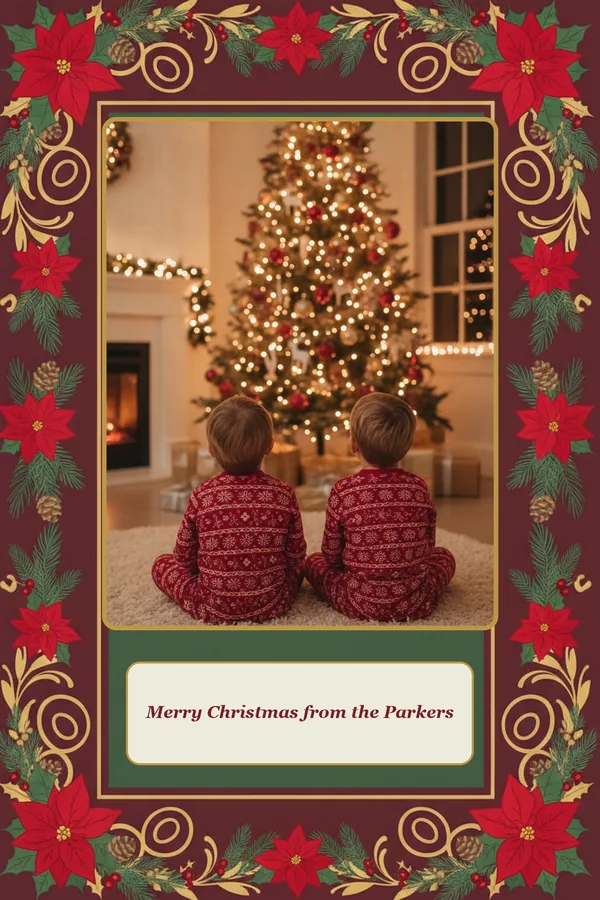
Poinsettias on burgundy
4x6 in, 1200 x 1800 px
Red poinsettias and gold scrollwork on a wine-colored ground.
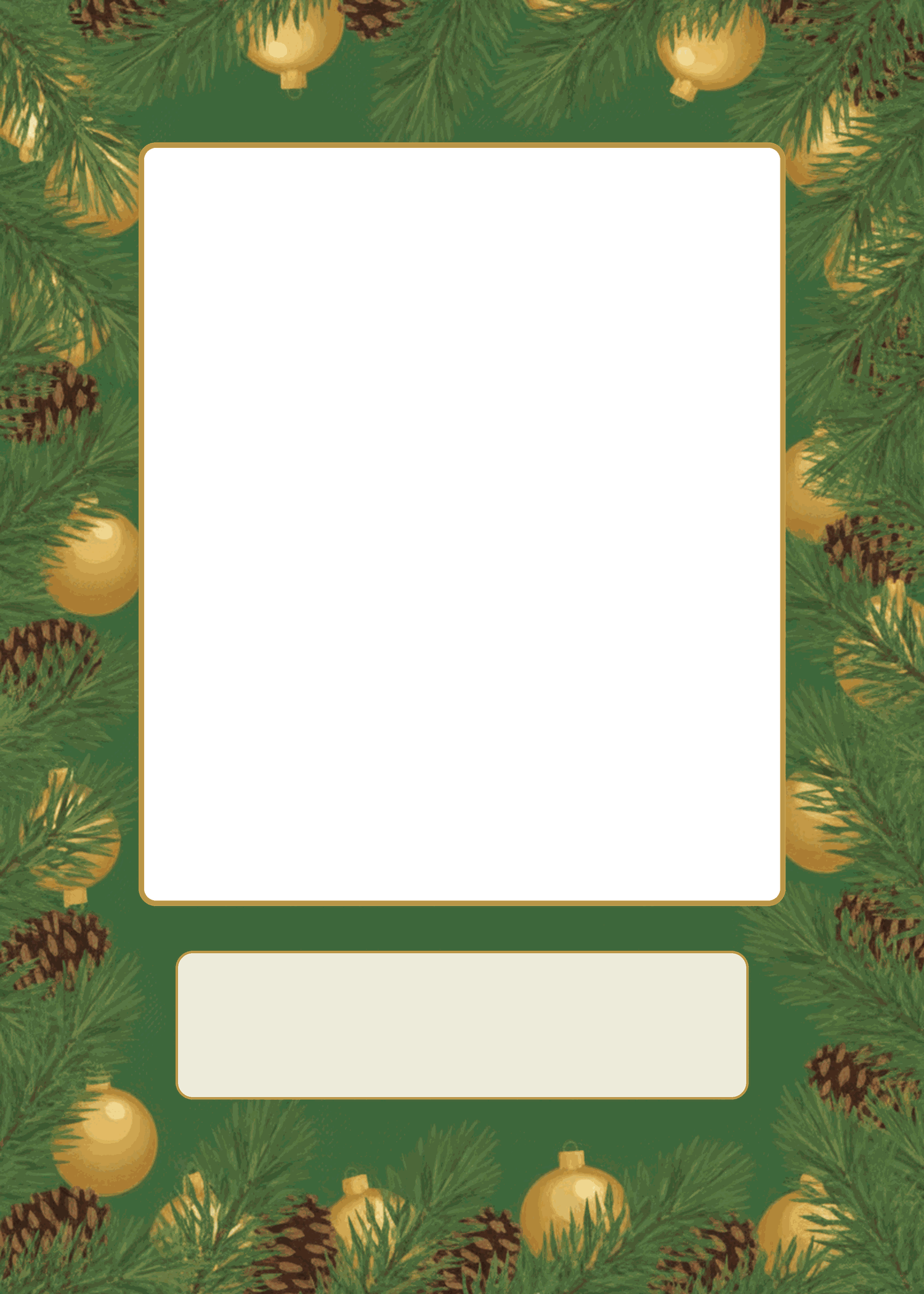
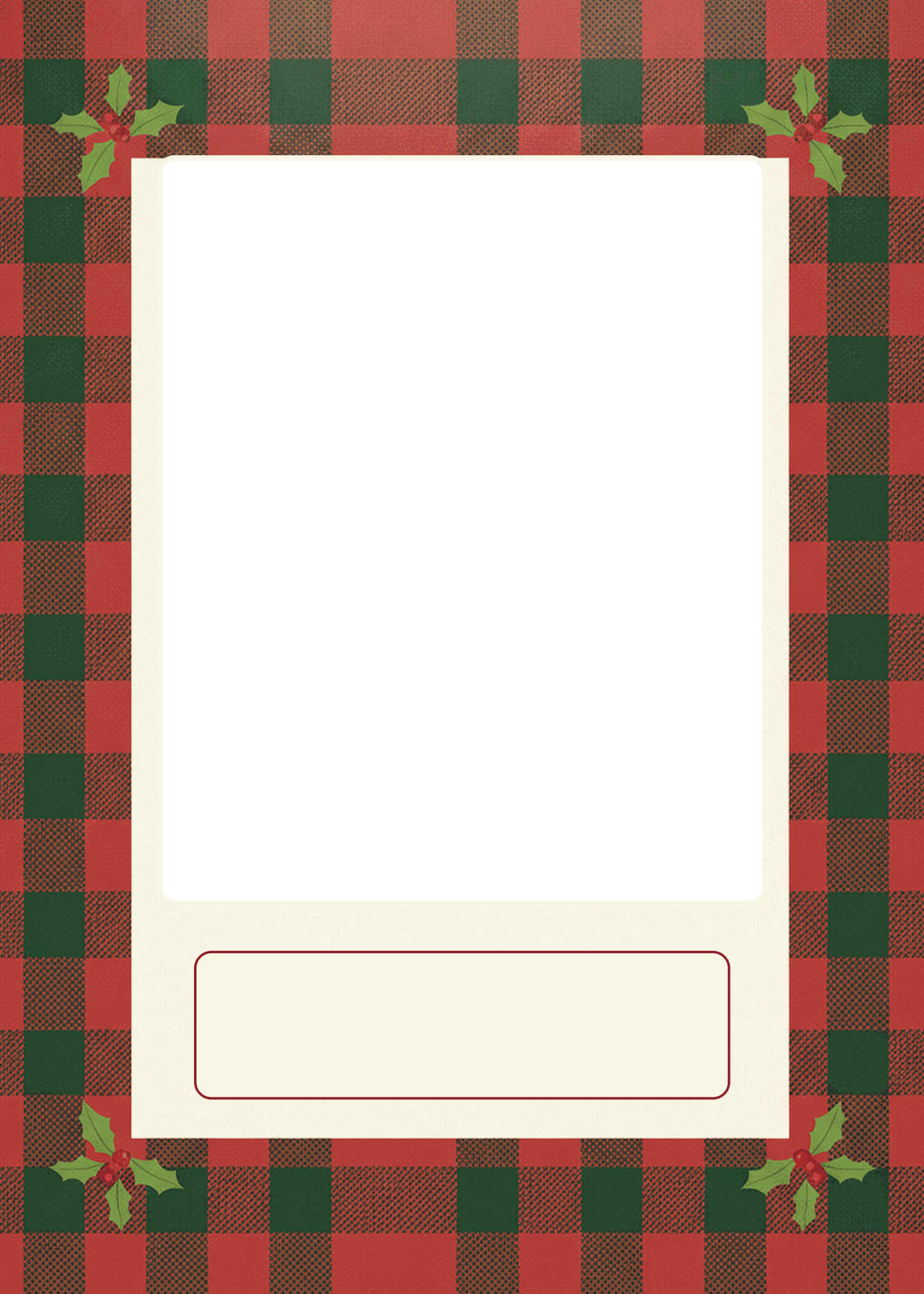
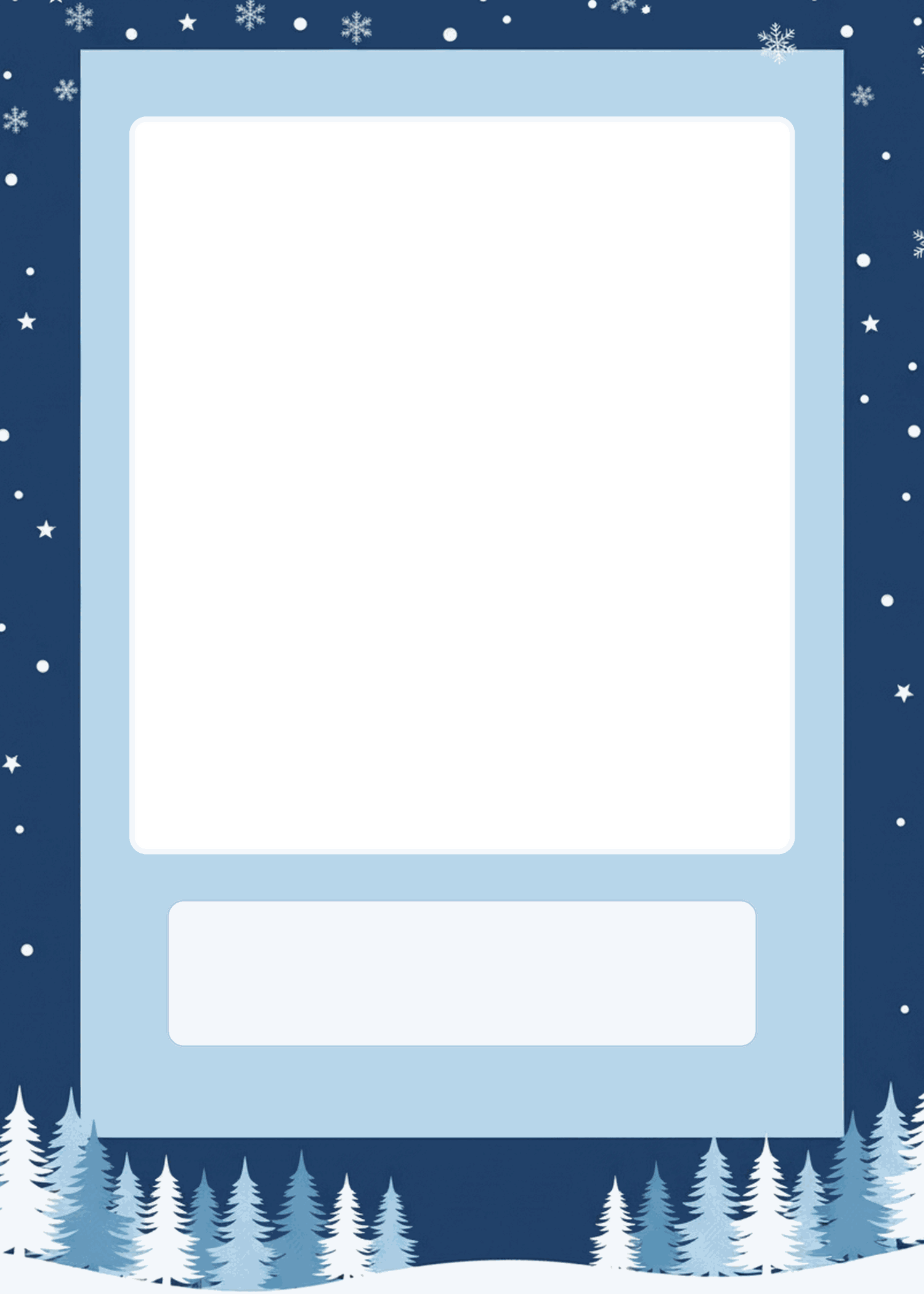
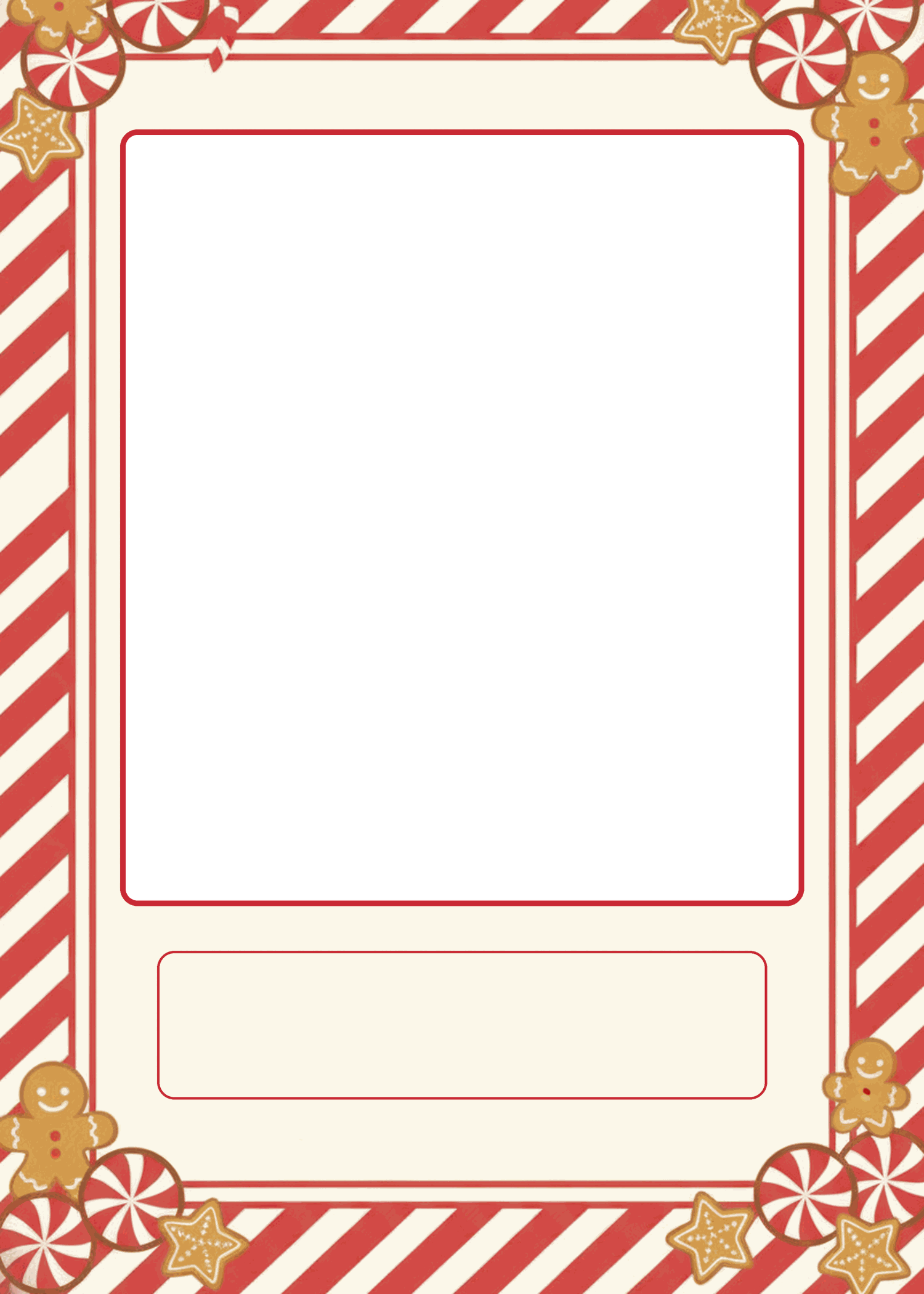
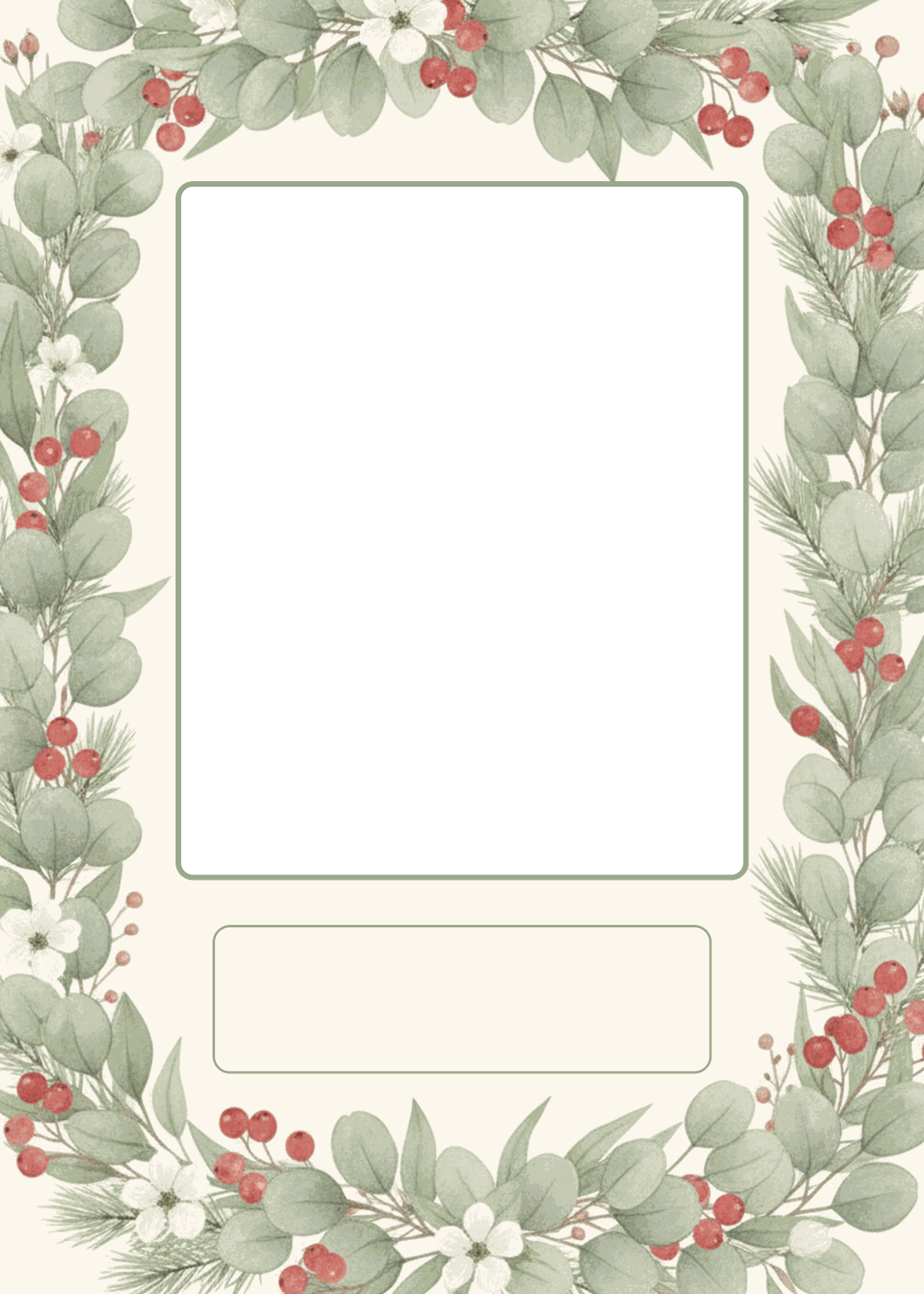
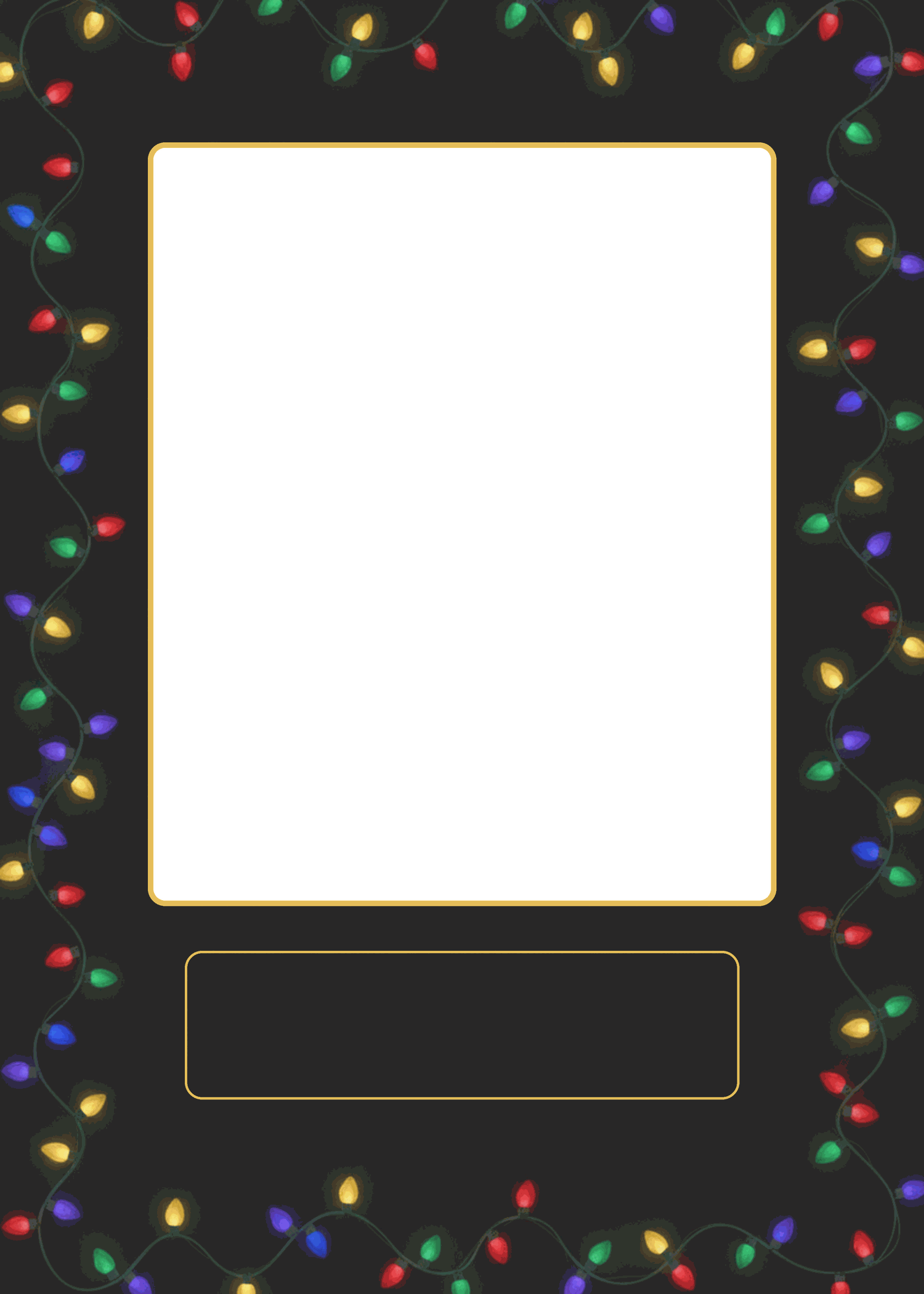
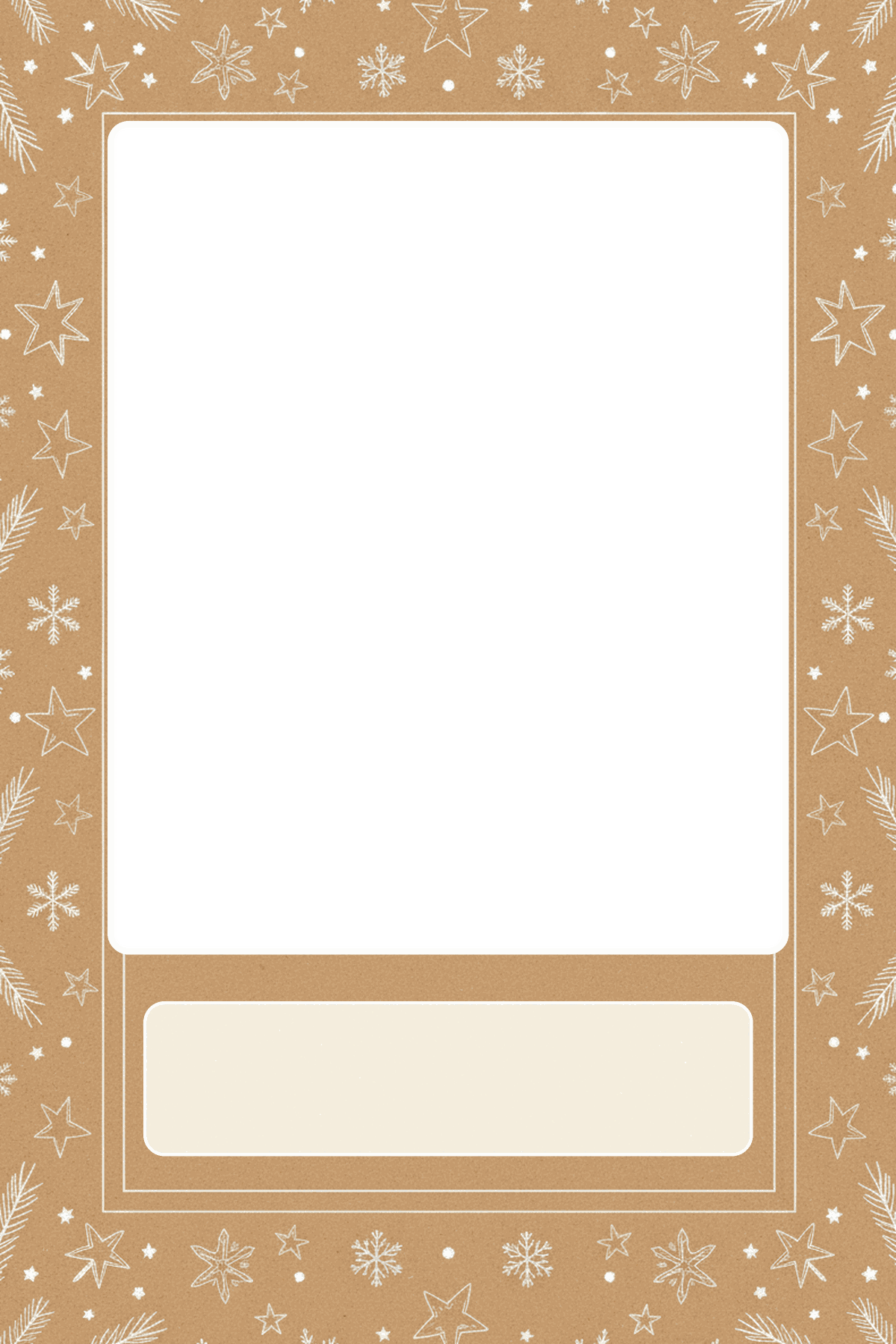
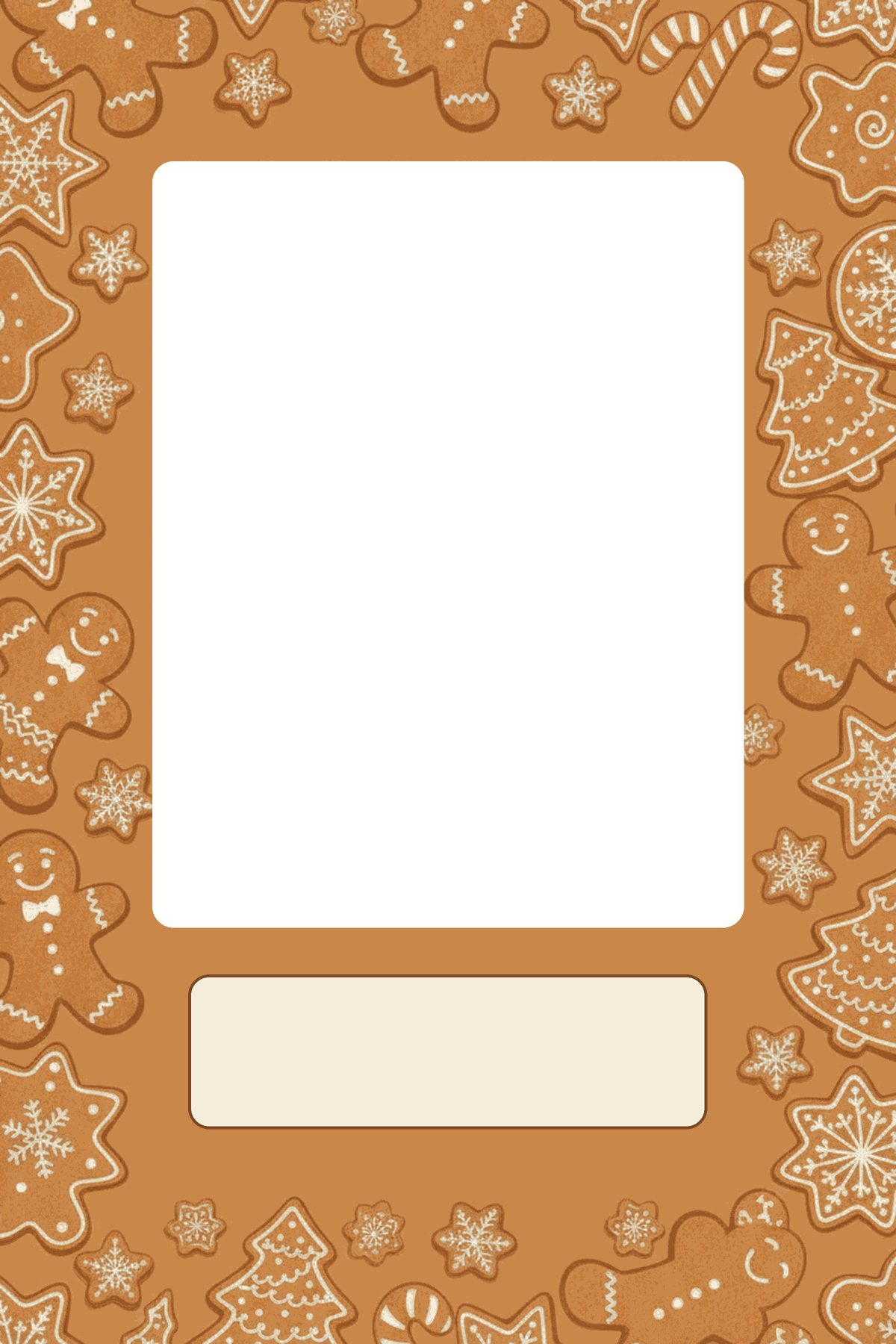
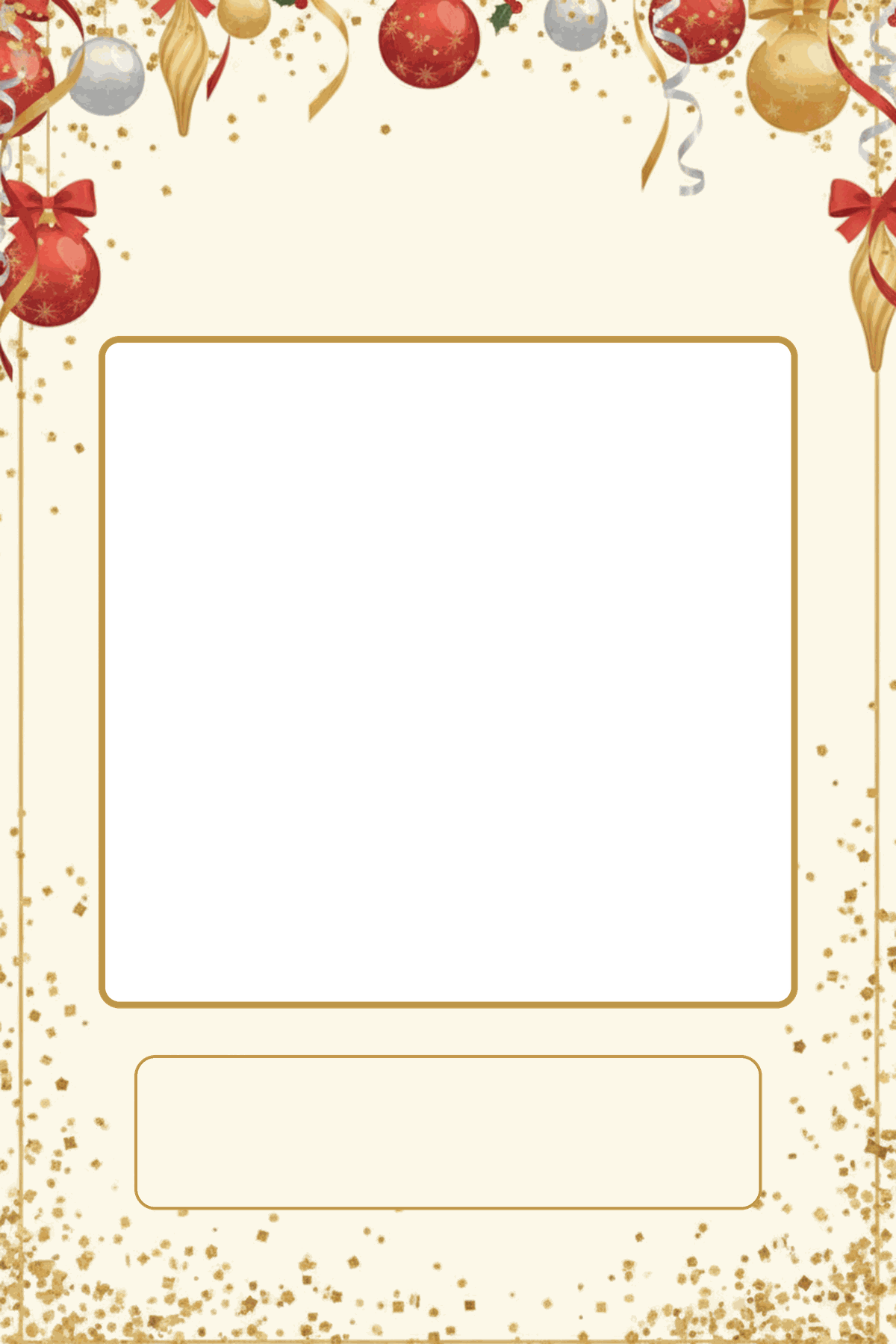
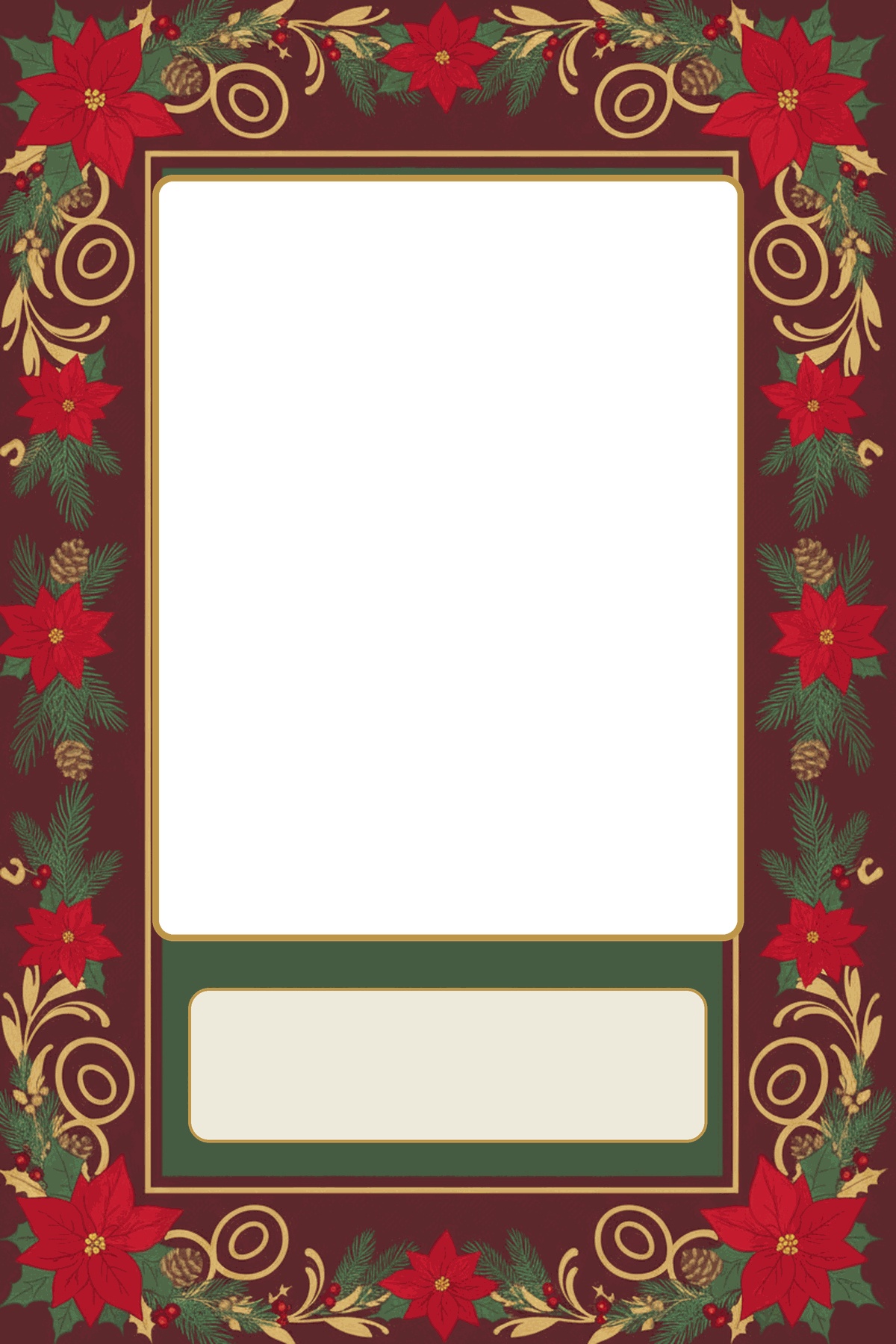
The previews show each frame with a sample photo and a sample line of text so you can see how it looks finished. The files you download are empty: a clear photo window with a thin stroke around it, and a solid name panel with nothing written on it. We added no text to the artwork on purpose. Names, years and greetings are things you'll want to type yourself, in your own font, and spelled the way your family spells them.
One honest limit: the decorative borders started as AI illustrations at about 1,000 pixels and were enlarged to card size, then the windows and panels were drawn on top at full resolution. At 4x6 and 5x7 the borders print fine. Blow them up to an 8x10 poster and the pine needles will look soft.
How to add your photo in Canva
- Create a new design with custom size 5 x 7 in (or 4 x 6 in for the smaller frames).
- Upload the frame PNG and your photo under Uploads.
- Drag the frame onto the page and stretch it until it touches all four edges.
- Drag the photo onto the page, resize it so it covers the window, then use Position and Backward until it sits behind the frame.
- Add a text box over the name panel. A script font for the greeting plus a plain serif for the name looks good at this size.
- Download as PDF Print for a print shop, or PNG for texting and email.
Canva's free plan covers every step above. If you already pay for Adobe Express, the same layer trick works there; our comparison of Canva vs Adobe Express for Christmas cards goes through the differences in templates and export settings.
How to do it in Google Slides
Slides is free with any Google account and is easier than it sounds for one card. Open File, Page setup, Custom, and type 5 x 7 inches. Insert your photo first, size it over the middle of the slide, then insert the frame and stretch it to the slide edges. Because the frame was inserted last, it already sits on top. Add a text box on the panel, then go to File, Download, PDF. The PDF keeps the exact 5 x 7 size, which is what a photo counter or a home printer needs.
If the photo ends up on top of the frame, right-click it and choose Order, Send to back.
On a phone
The Canva app on iPhone and Android follows the same steps as the website, with the Position menu under the three-dot button. Most photo editors that support layers (some call it "add photo" or "overlay") can also stack a PNG frame over a photo. The key is that the frame has to be added as a layer, not opened as the main photo, or the app fills the window with white.
Saving the PNG on an iPhone: tap the download link, then Save to Files (or long-press the image and Save to Photos). Both keep the transparency.
Choosing a photo that fits the window
All 10 windows are portrait. A vertical photo drops in with almost no cropping. A horizontal group shot loses its sides, so either crop around the people or pick one of the 4x6 frames with the hanging ornaments, which has the widest window of the set.
Faces should take up about half the height of the window. Anything smaller and nobody can tell which kid is which on a 5x7 card. If you are still choosing the picture, the tips on photographing kids opening presents help with light and timing on the morning itself (and some of the best card photos for next year come from that hour).
Resolution counts more than the camera. For a sharp 5x7, the photo should be at least about 1,000 pixels wide after cropping; 1,500 is ideal. Our page on Christmas card resolution for printing explains how to check a photo before you order.
Print at home or order prints
| Option | Good for | Watch out for |
|---|---|---|
| Home inkjet on photo paper | 1 to 15 cards, same night | Ink cost per card, borderless setting needed |
| Photo counter prints (4x6 or 5x7) | 20 to 100 cards, glossy or matte finish | Upload the finished card as one image, not the frame and photo separately |
| Online card printer | Folded or thick cardstock cards, envelopes included | Templates may ask for 1/8 inch bleed |
A photo counter treats your finished card as an ordinary 4x6 or 5x7 photo, which is the cheapest way to get real photo paper. Export the card as a JPG or PNG at full size (1500 x 2100 for 5x7, 1200 x 1800 for 4x6) and order it like any print. Check that the counter's crop box shows the whole frame, because some apps zoom in slightly by default.
Online card printers often want a bleed area, an extra 1/8 inch on every side that gets trimmed off. If the upload tool asks for 5.25 x 7.25 inches, scale the whole design up a touch so the border fills the bleed, and keep the names well inside the panel. The Christmas card size guide lists the common card and envelope sizes, and our comparison of Christmas card printing services covers which ones take your own design.
Ordering a fully designed photo card from a print service instead? That is a different path, with the service's own templates; see our guide to photo Christmas cards for where to order and how long it takes.
Little extras that work with these frames
Mail flat 5x7 cards in A7 envelopes and 4x6 cards in A6 envelopes. A round seal on the back flap finishes the envelope; the free Christmas sticker sheets include 12 seal designs that pick up the same reds and greens as the evergreen, plaid and poinsettia frames.
For a family newsletter, drop a framed photo at the top of the page. A 4x6 frame shrinks well to about 3 inches wide on a letter-size page.
Frequently asked questions
How do I put a frame on a Christmas photo card?
Place your photo on the card first, then put the transparent PNG frame on top as the upper layer, so the photo shows through the window. In Canva or Google Slides, select the photo and use Send backward or Arrange, Order, Send to back.
What size should a Christmas photo card frame be?
Match the frame to the card at 300 dpi: 1500 x 2100 pixels for a 5x7 card and 1200 x 1800 pixels for a 4x6 card. The ChristmasCard frames come in exactly those sizes.
Can I use a PNG frame in Canva?
Yes. Upload the PNG under Uploads, drag it onto a 5x7 or 4x6 design, stretch it to the edges, then add your photo and move it behind the frame. Canva keeps the transparent window.
Why is the photo window white instead of see-through?
You opened the frame as a JPG or in a viewer that fills transparency with white. Download the PNG file and place it as a layer in an editor, and the window stays transparent.
Should I print a photo card at home or order prints?
Order prints for more than about 15 cards or when you want glossy photo paper; a 4x6 or 5x7 print from a photo counter usually costs less per card than home ink. Print at home when you need a handful tonight or want to test the layout.
Are these Christmas frames free for printed cards?
Yes, the 10 ChristmasCard frames are free for personal cards, family newsletters, classroom projects and church groups. Do not resell the frame files or upload them to template marketplaces.
What do I write in the name panel?
Keep it to one or two lines: a greeting plus the family name, such as Merry Christmas from the Parkers, and the year if you like. Fewer than about 35 characters fits the panel at a readable size.
Can I use a vertical frame for a horizontal photo?
The frames are portrait, so crop a horizontal photo to a taller shape or zoom in on the people. Faces should fill about half of the window height to read well at 5x7.