
How Do You Make an AI Christmas Card Family Photo?
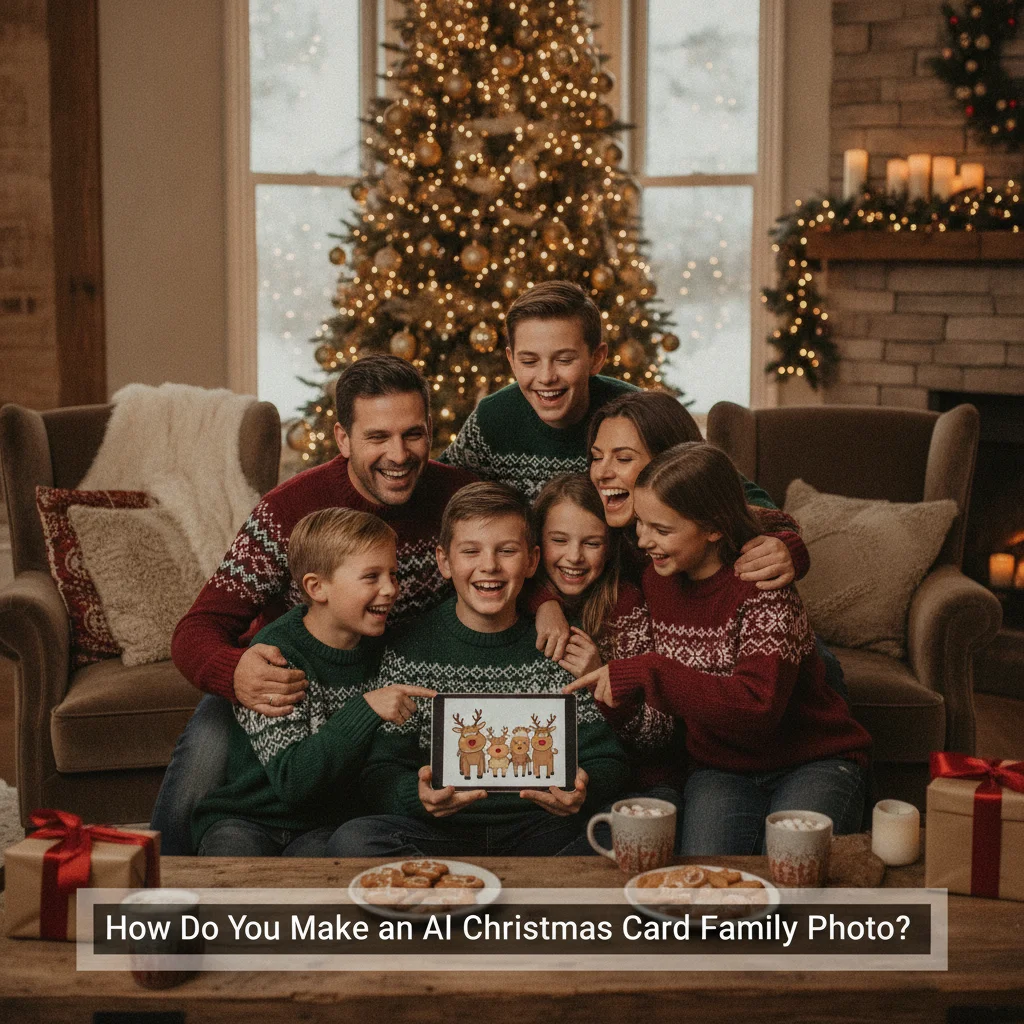
Quick answer: To make an AI Christmas card family photo, start with a clear group portrait or separate well-lit headshots, then use an image generator or holiday photo app to add a seasonal setting. Specify clothing, composition, lighting, and card format in the prompt. Check faces, hands, body proportions, and text carefully before printing or sharing the finished image.
An AI Christmas card family photo can turn an ordinary portrait into a snowy outdoor scene, a decorated living room, or a polished studio image. The strongest results begin with good source photos and a specific description of the desired scene. AI can change backgrounds and clothing effectively, but recognizable faces often require extra care.
You can create the image with a general AI image generator, an AI photo editor, or a dedicated Christmas picture app. ChristmasCard.io is an independent editorial site and is not affiliated with any app mentioned in this guide.
What photos should you use for an AI family Christmas card?
Use a sharp, well-lit photo in which every family member is clearly visible. Faces should not be covered by hair, hands, hats, or another person. A simple background makes it easier for an editor to isolate the family and replace the setting.
If you do not have one suitable group photo, some tools can work from separate portraits. Choose images taken from similar angles and in similar lighting. Full-length source photos are helpful when you want the final card to show complete outfits, seated poses, or people standing beside a Christmas tree.
- Use original, high-resolution files rather than screenshots.
- Choose natural expressions with open eyes.
- Avoid strong beauty filters or motion blur.
- Include clear reference photos for pets.
- Get permission before uploading another person’s image.
Which type of AI tool works best?
| Tool type | Best use | Main drawback |
|---|---|---|
| AI photo editor | Keeping the original family while replacing the background | May offer fewer imaginative styles |
| Image generator | Creating stylized, cinematic, or illustrated scenes | Faces may not remain accurate |
| Holiday photo app | Quick templates, costumes, and seasonal effects | Editing controls can be limited |
For a card that must look like your actual family, start with photo editing rather than generating everyone from text. Dedicated options such as Christmas Pictures App: PiXmas may suit users who want preset holiday treatments. That app is an independent editorial recommendation, not a ChristmasCard.io product or partner.
How should you write the image prompt?
Describe the family, setting, clothing, lighting, pose, camera framing, and output orientation. State that facial identity should remain unchanged if the tool supports reference images or identity preservation.
A useful prompt is: “Edit this family portrait into a realistic Christmas card photo. Keep every person’s face, age, skin tone, hairstyle, and body proportions unchanged. Place the family in a warm living room with a decorated tree, soft window light, subtle garland, coordinated cream and burgundy clothing, and natural smiles. Use a horizontal composition with empty space at the top for a greeting.”
Ask for one change at a time when revisions are needed. A focused instruction such as “keep all faces unchanged and remove the extra ornament near the child’s hand” is usually easier for an editor to follow than a complete new prompt.
How can you keep the family looking natural?
Generate several versions and compare them at full size. Small previews can hide altered eye shapes, mismatched teeth, strange fingers, duplicate accessories, or clothing that blends into furniture.
Preserve realistic differences in age, height, and facial features. Avoid prompts that make every person use the same expression or pose. Subtle coordination in clothing often looks more believable than identical sweaters.
Add the printed greeting after generating the picture. Image models frequently misspell names and holiday messages. A card editor or design program gives you dependable control over wording, font size, margins, and print placement.
What image size should a Christmas card use?
Choose the card format before generating the final image. A horizontal 7-by-5-inch card is common for group portraits, while a vertical 5-by-7-inch layout works well for standing poses. Request extra space around faces so trimming does not cut into heads or shoulders.
For print, use the highest available resolution and follow the printer’s bleed and safe-area instructions. Review a physical proof when possible because screen brightness can make shadows and skin tones appear lighter than they print.
What privacy checks should you make?
Read the tool’s privacy policy before uploading family photos, especially pictures of children. Check whether uploads are stored, used to train models, shared with contractors, or available through public galleries. Delete uploaded images and generated projects when the service provides that option.
Avoid including school names, house numbers, street signs, location metadata, or other identifying details. Share the finished card through a private channel if the image contains children or reveals information about your home.
What are the limitations of AI Christmas family photos?
AI may change facial identity, skin texture, age, body shape, jewelry, or cultural details. Group images are difficult because the system must preserve several distinct people at once. Babies, pets, hands, glasses, and overlapping bodies can cause visible errors.
Generated clothing and backgrounds can also contain distorted patterns, impossible decorations, or inconsistent shadows. Never assume a realistic-looking result is accurate. Inspect each person closely and keep the original photograph available for comparison.
An AI Christmas card family photo works best as a careful edit of a strong original portrait. Use clear references, request modest changes, add text separately, and inspect the final image before printing or sharing.
What Can AI Change in a Christmas Card Family Photo, and What Must the Original Preserve?
AI can realistically change the background, seasonal decorations, clothing colors, minor grooming details, framing, and overall color treatment in a real family Christmas card photo. These edits work best when the source already shows each person’s face clearly, with natural proportions, visible hairlines, open eyes, and enough space around heads and shoulders. The original should also have consistent focus, a useful camera angle, and lighting that separates people from the background. AI may soften distractions or extend scenery, but it should not be expected to reconstruct an obscured face, correct severe motion blur, or invent accurate hands hidden outside the frame. For a believable result, keep identity-defining features from the source, edit the setting before the people, and inspect teeth, fingers, eyeglass rims, jewelry, and overlapping arms at full size. No editor can reliably recover personal details that the original file never captured.
Who should use AI for a family Christmas card—and who should skip it?
AI still cannot reliably repair malformed hands, fused teeth, duplicate pets, or garbled card lettering without targeted manual editing or replacement. This approach helps new parents who lack time for a group photo, interfaith families creating a visually inclusive holiday scene, and teachers making informal cards for personal use. Renters can use the same process; housing status does not affect whether the image will work. Clients commissioning a polished professional card should skip a fully AI-generated family portrait when exact likenesses, correct anatomy, or readable wording are nonnegotiable. Anyone unwilling to inspect every finger, tooth, pet, ornament, reflection, and line of text should also use a conventional photograph. Add the greeting separately in a layout editor rather than asking the image generator to render it.
Frequently asked questions
Can AI combine separate family photos into one Christmas card?
AI tools can combine separate portraits, but matching camera angles, lighting, and image quality produces more believable results. Faces and body proportions should be checked carefully after compositing.
How do I stop AI from changing family members’ faces?
Use a photo editor with identity-preservation or reference-image controls and explicitly request unchanged faces. Making smaller background and clothing edits is often more reliable than regenerating the full scene.
Can I include pets in an AI family Christmas photo?
Pets can be included, preferably from clear reference images showing their face, markings, and body shape. Check paws, ears, collars, and fur patterns for generation errors.
Should I ask AI to add the Christmas card message?
It is better to add the greeting afterward in a card editor because image generators often produce misspelled or distorted text. Separate text editing also provides better control over margins and typography.
What is the best format for a family Christmas card photo?
A horizontal 7-by-5-inch layout suits most group portraits, while a vertical 5-by-7-inch layout suits standing compositions. The printer’s resolution, bleed, and safe-area requirements should guide the final export.
Is it safe to upload children’s photos to an AI tool?
Safety depends on the service’s storage, training, sharing, and deletion policies. Parents should avoid public galleries, remove identifying details, and choose tools with clear privacy controls.
Can AI fix a blurry family photo for a Christmas card?
It can improve mild softness, but it cannot reliably restore facial detail that was never recorded. Use sharpening or upscaling conservatively, then inspect eyes, teeth, hair, and skin texture for invented patterns. If one person is substantially blurred, choose another frame rather than making that face appear artificially crisp beside everyone else.
Can AI change clothes in a family Christmas photo?
Yes, AI can recolor or replace clothing, especially when sleeves, collars, and body outlines are fully visible. Keep the requested garments similar in shape to the originals, and check where hands, hair, scarves, or another person overlap. Complex swaps can alter body proportions or create inconsistent fabric edges.
Can AI fix strange hands and teeth in a family Christmas photo?
AI can sometimes improve strange hands and teeth, but repeated regeneration may create different defects or alter a person’s face. For dependable results, edit the affected area only, replace it from the original photograph, or crop it out. Inspect small details at full size before printing or sharing the card.
Why does AI add extra people or pets to a Christmas family photo?
Extra people or pets appear when the generator misinterprets overlapping bodies, busy backgrounds, or an unclear prompt. State the exact number of adults, children, and animals, and provide separate reference images when possible. If duplication continues, generate a simpler scene and add each family member or pet during editing.