
What Is an AI Christmas Photo App?
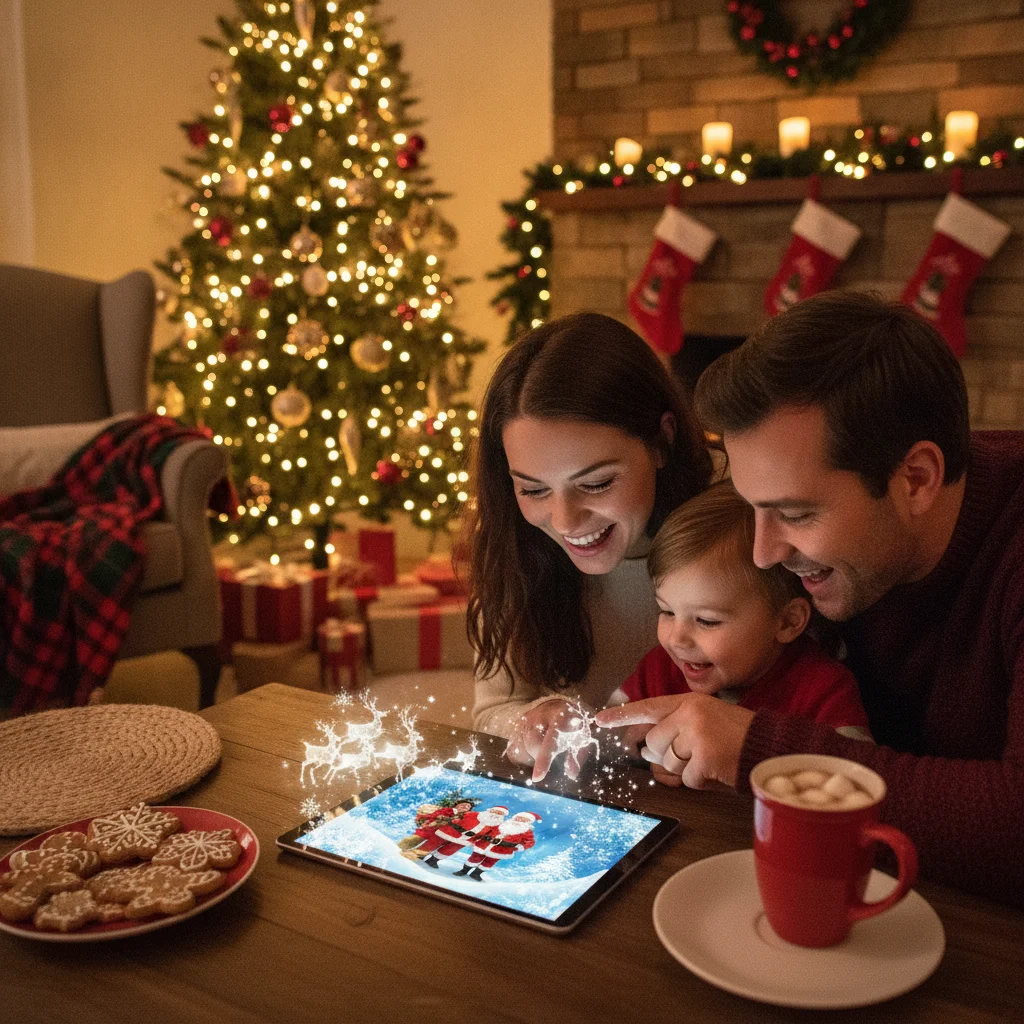
Quick answer: An AI Christmas photo app turns an existing selfie, family picture or pet photo into a Christmas-themed image using generated backgrounds, seasonal styles or automated edits. The best choice preserves recognizable faces, exports a high-resolution file and explains how uploaded photos are handled. Users should compare output quality, pricing, watermarks and privacy terms before uploading personal images.
An AI Christmas photo app uses automated image tools to create seasonal portraits from ordinary photos. Depending on the app, it may replace the background, add festive clothing, generate an illustrated version of a person or apply a complete Christmas scene.
These apps can help when there is no time for a studio session or when relatives cannot gather in one place. Results vary widely, so a convincing preview does not guarantee a printable final image.
What can an AI Christmas photo app create?
Common outputs include snowy family portraits, Santa-themed selfies, matching holiday outfits, Christmas card scenes and seasonal pet pictures. Some apps focus on realistic photography, while others create cartoons, paintings or fantasy illustrations.
Most tools ask users to upload one or more clear photos. The system analyzes facial features and generates a new composition based on a chosen theme. Some apps provide a text prompt field, but many rely on fixed templates that are faster and easier to use.
Background replacement is different from full image generation. A background tool retains most of the original subject, while a generative portrait may recreate the face, hair, clothing and pose. Full generation offers more dramatic results but also creates a greater risk of inaccurate features.
Which features should you compare?
The most important feature is face consistency. A finished portrait should still look like the person in the uploaded photo. Check examples carefully for distorted eyes, altered skin texture, incorrect hands or accessories that merge into clothing.
| Feature | Why it matters | What to check |
|---|---|---|
| Image resolution | Higher resolution supports cards and prints | Exact export dimensions |
| Face accuracy | Keeps people recognizable | Multiple previews and regeneration options |
| Group support | Allows couples or family portraits | Maximum number of people |
| Editing controls | Helps correct weak results | Crop, background and text controls |
| Pricing | Generation may require credits | Subscriptions, credit packs and trial limits |
| Watermarks | Can affect printing or sharing | Whether paid exports remove branding |
Users planning to print a holiday card should look beyond the on-screen preview. A small image may appear sharp on a phone but look soft on a 5-by-7-inch print. Confirm that the app provides a full-resolution download before paying.
How do you make a better AI Christmas portrait?
Start with a sharp, evenly lit photo in which the face is unobstructed. Front-facing or slightly angled portraits usually give the system clearer information than distant group shots. Avoid sunglasses, heavy shadows and filters that alter facial structure.
- Select a recent photo with a clear view of the subject.
- Crop out unrelated people or distracting objects if the app permits it.
- Choose a style that matches the source image and intended use.
- Generate several versions rather than accepting the first result.
- Inspect faces, hands, clothing, glasses and background details.
- Download the highest-resolution file and save the original separately.
For a family image, a template designed for multiple people is usually safer than asking a single-person model to interpret a crowded photograph. If the application supports only individual portraits, generating each person separately may produce inconsistent lighting and proportions.
How should you assess privacy and photo permissions?
AI portrait tools may upload photos to remote servers for processing. Read the privacy policy to learn how long files are retained, whether images are used to improve models and whether deletion can be requested.
Photo-library access should match the task. An app may need access to selected images, but full library access is not always necessary. Device settings can often restrict access to chosen photos.
Extra care is appropriate for photographs of children. A parent or guardian should review the service terms before uploading a child's face. Sensitive documents, school details, location information and private material should not appear in the source image.
Is Christmas Pictures App: PiXmas worth considering?
Christmas Pictures App: PiXmas is one option listed in Apple's App Store for seasonal picture creation. At the time of editorial review, its listing showed a rating of about 4.4 out of 5 from 116 ratings. Store scores and rating counts can change.
The listing can be considered when comparing Christmas photo apps, but users should inspect its current description, screenshots, in-app purchase details and privacy disclosures before downloading. The available listing facts alone do not establish which editing methods or AI functions are included in the current version.
ChristmasCard.io is an independent editorial site and is not affiliated with PiXmas, PicsMas, Apple or any application developer. Mention of the app is an editorial recommendation, not a sponsorship or endorsement.
What are the limitations of AI Christmas photo apps?
Generated images can misrepresent faces, body shapes, cultural clothing and physical features. Group portraits may contain duplicated objects, mismatched eye direction or incorrect numbers of fingers. Text generated inside an image is also frequently misspelled.
Fixed templates can feel repetitive, and free versions may use low-resolution exports or visible watermarks. Credit systems can also make the final cost difficult to predict when several attempts are required.
An AI image should not be treated as an exact record of an event that occurred. If authenticity matters, use AI for light seasonal decoration around an original photograph rather than replacing the people or setting.
Which type of app is best for a Christmas card?
A background editor is usually best for users who want a realistic family photograph. A generative portrait app suits stylized scenes, costumes and illustrations. A card-design app is more useful when the main goal is adding a greeting, layout and print-ready dimensions.
The best AI Christmas photo app is one that keeps faces recognizable, provides adequate export resolution and states clear photo-retention terms. Test a low-risk image first, compare several outputs and verify every detail before printing or sharing the result.
How do you prepare an AI Christmas photo for printing?
Prepare an AI Christmas photo for printing by matching its dimensions to the finished card and checking the image at full size. A common card format is 5 x 7 inches (VistaPrint, 2026). At the standard print target of 300 PPI, that size requires a 1500 x 2100 pixel image (Snaptosize, 2026).
Use the printer's required orientation, crop, color settings, and bleed specifications. Keep faces and text away from trim edges. Before ordering, inspect eyes, teeth, hands, hair, and patterned clothing for AI artifacts. Order a proof when possible, especially for a large batch.
Frequently asked questions
Can an AI Christmas photo app make a family portrait?
Yes, many AI Christmas photo apps can create family portraits, but group limits and consistency vary. Use a clear image where every face is visible, similarly lit, and not overlapping. Family-specific templates usually handle spacing better. Review hands, eye direction, clothing edges, and relative body size before saving the final image.
Are AI Christmas photo apps free?
Some AI Christmas photo apps are free to try, but full-resolution files often cost money. Free plans may limit generations, restrict styles, add watermarks, or provide previews only. Check whether payment uses one-time credits or a recurring subscription, and confirm that the paid export includes enough pixels and usage rights for your intended card.
What photo works best for an AI Christmas portrait?
A sharp, recent, evenly lit photo with a clearly visible face works best. Choose a front-facing or slightly angled image without sunglasses, heavy filters, strong shadows, or objects covering facial features. For groups, use a source photo in which everyone is similarly sized and within the same focal plane.
Can AI Christmas photos be printed?
Yes, AI Christmas photos can be printed when the exported file has sufficient resolution and the correct proportions. A 5 x 7-inch image at 300 PPI should measure 1500 x 2100 pixels (Snaptosize, 2026). Inspect facial details and confirm the printer's crop and bleed requirements before placing an order.
Is it safe to upload children's photos?
Uploading children's photos requires extra caution because privacy practices differ among services. A parent or guardian should review how images are stored, deleted, shared, and used for model training. Avoid photos containing school names, addresses, location clues, or other identifying details, and use account deletion controls after completing the project.
Why does an AI portrait look different from the original person?
An AI portrait may look different because the system reconstructs features instead of copying every original pixel. Low-resolution sources, unusual angles, shadows, strong styling, and partially covered faces can reduce likeness. Try a clearer source image, lower the style intensity if possible, and generate several versions before choosing one.
How do I choose an AI Christmas photo app?
Choose an app by comparing portrait accuracy, group support, editing controls, export resolution, pricing, and privacy terms. Check whether you can preview results before paying and whether downloaded files include watermarks. PiXmas is one example to evaluate against those criteria rather than relying only on sample images or preset counts.