
How Do You Create an AI Christmas Photo Background?
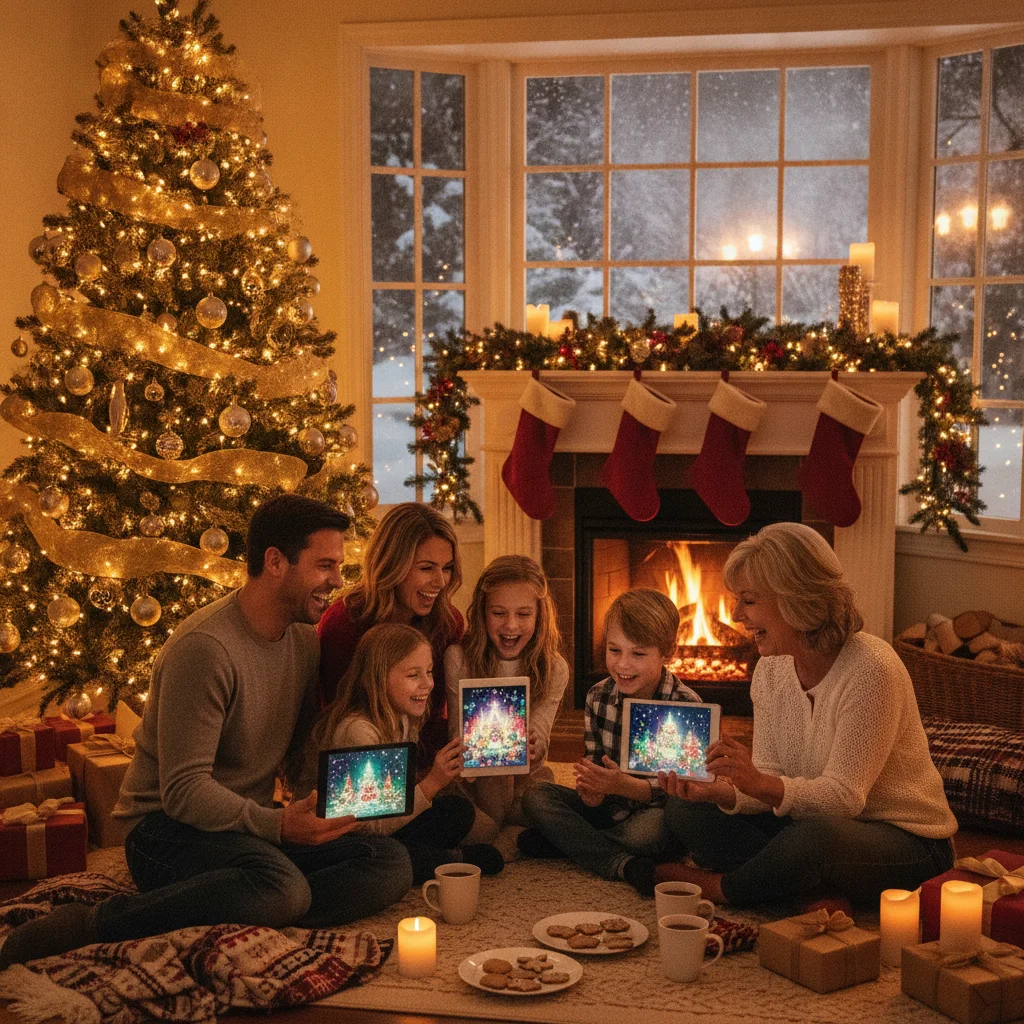
Quick answer: Create an AI Christmas photo background by uploading a clear portrait to an AI photo editor, describing the desired holiday setting, and generating several variations. Choose a background with lighting and perspective that match the original subject. Refine edges around hair, hands, and clothing, then export the finished image at a resolution suitable for cards or social media.
An AI Christmas photo background replaces or extends the setting behind a person, family, pet, or product with a generated holiday scene. Common choices include decorated living rooms, snowy forests, Christmas tree farms, fireplace settings, and studio-style backdrops. A convincing result depends on more than the decorations. The new setting must match the original photo’s lighting, camera angle, focus, and scale.
What is an AI Christmas photo background?
An AI Christmas photo background is a computer-generated setting created from a written prompt or a reference image. Unlike a fixed digital backdrop, an AI tool can adapt the scene to the subject’s position and create details such as snow, lights, ornaments, wrapped gifts, or a fireplace.
Some editors remove the existing background first. Other editors regenerate selected areas while attempting to keep the person unchanged. The second method can look more natural, but it may also alter faces, hands, clothing, or small accessories if the selection is too broad.
How should you create a Christmas background from a portrait?
- Choose a sharp source photo. Use an image with clear facial details, visible edges, and enough space around the subject.
- Remove or select the original background. Check the cutout around hair, glasses, hats, fingers, and loose clothing.
- Describe one specific setting. State the location, decorations, lighting, color palette, camera perspective, and depth of field.
- Generate several versions. Small differences in tree placement or lighting can determine whether the composite looks believable.
- Repair problem areas. Restore facial details and manually erase decorations that overlap the subject.
- Export a high-resolution copy. Keep an uncompressed version for printing and a smaller copy for sharing online.
What prompts produce realistic holiday backgrounds?
Effective prompts describe a scene as a photographer would. A useful prompt might request “a cozy Christmas living room with a decorated pine tree, warm white string lights, wrapped gifts, soft window light from the left, realistic photography, eye-level camera, and shallow depth of field.”
- For outdoor portraits, specify fresh snow, time of day, cloud cover, and the direction of sunlight.
- For formal cards, request a neutral studio backdrop with subtle greenery and soft golden lights.
- For children or pets, leave open floor space and avoid placing fragile decorations near the subject.
- For realistic results, avoid mixing conflicting terms such as midday sunlight, candlelight, and a dark night scene.
Negative instructions can also help. Ask the editor to avoid text, logos, distorted ornaments, extra people, duplicate gifts, and decorations in front of the subject.
Which background style fits each type of Christmas photo?
| Photo type | Suggested background | Key detail |
|---|---|---|
| Family portrait | Living room with tree | Match the room’s light direction |
| Pet photo | Fireplace or snowy porch | Keep decorations away from fur edges |
| Formal card | Simple studio greenery | Use restrained colors and soft focus |
| Outdoor portrait | Snowy forest or tree farm | Match shadows and winter clothing |
| Product image | Tabletop holiday scene | Preserve accurate product shape |
Can a Christmas photo app make the process easier?
Mobile apps can be convenient when the finished image is intended for social media or a digital greeting. The Christmas Pictures App: PiXmas is one independently identified option on Apple’s App Store, where it has a listed rating of about 4.4 from 116 ratings at the time of this editorial review. ChristmasCard.io is an independent editorial site and is not affiliated with PiXmas, PicsMas, or any app.
Before choosing an app, check whether it exports full-resolution images, adds a watermark, requires a subscription, or sends uploaded photos to a remote server. App listings, prices, ratings, and privacy practices can change.
What limitations should you expect from AI Christmas backgrounds?
AI editors can create malformed ornaments, unreadable signs, mismatched shadows, and physically impossible furniture. Hair and transparent objects are especially difficult to separate from an original background. Generated snow may also appear inside a room or overlap a person in unnatural ways.
Face preservation is another concern. An editor may subtly change eye shape, teeth, skin texture, jewelry, or a child’s expression. Compare the output with the original at full size before printing or sharing it.
Privacy also matters because family photos may contain children, home interiors, school logos, or location clues. Review the service’s retention and training policies before uploading sensitive images. Avoid using generated settings to misrepresent a real event, location, or person.
How do you choose the best final image?
Select the version that preserves the subject first, even if another version has more impressive decorations. Check facial identity, fingers, hair edges, shadow direction, and the relative size of furniture. A restrained background usually prints better and keeps attention on the people in the photo.
Verdict: The best AI Christmas photo background uses a specific prompt, consistent lighting, careful edge cleanup, and a high-resolution export while leaving the original subject visibly unchanged.
What can an AI Christmas photo background change, and what must the original photo preserve?
An AI Christmas photo background can replace the setting, add snow or decorations, adjust background color and blur, and create plausible ambient light, but the original file still needs a clear, usable subject. Start with an image in which faces, hair, hands, clothing edges, and any pets are in focus and not cropped where you expect the new scene to reveal them. The subject’s camera angle, pose, and main light direction must also make sense inside the requested room or outdoor scene. AI may extend missing scenery or soften an awkward edge, but it cannot reliably recover authentic facial detail, hidden limbs, or motion-blurred features. Choose a background whose horizon, perspective, and light source agree with the photo, then mask the subject rather than regenerating the entire frame. Check small gaps around fingers, glasses, curls, and chair legs before saving.
A new AI Christmas background will not repair foreground errors
A common misconception is that a new AI Christmas background will also repair malformed hands, distorted teeth, extra pets, or unreadable lettering; it usually will not. Background replacement mainly changes pixels outside the protected subject, so defects already inside the person, pet, clothing, prop, or sign can remain. If the editor regenerates the whole scene, those details may change again rather than improve. Inspect hands, smiles, collars, paws, and ornaments at full size. Use a tightly masked local edit for an unwanted animal or small anatomy error, and compare the result with the original. For card greetings or signs, place clean typeset text after image generation because image models may produce plausible-looking but incorrect letters. When a face, hand, or pet still looks wrong, choosing another source photo is often safer than stacking more background edits.
Frequently asked questions
Can AI add a Christmas background to an existing photo?
Yes. AI photo editors can remove or regenerate the existing setting while attempting to preserve the people, pets, or objects in the foreground.
What is the best prompt for a Christmas photo background?
The best prompt names the setting, decorations, light direction, color palette, camera angle, and desired level of background blur.
How can I stop AI from changing faces?
Select only the background, use a face-preservation control when available, and compare every result with the original at full size.
What resolution is needed for a printed Christmas card?
Export at the card printer’s required dimensions and aim for 300 pixels per inch at the final print size.
Can I create a snowy background if the original photo was taken indoors?
Yes, but the result looks more realistic when clothing, light color, shadows, and perspective are compatible with an outdoor winter setting.
Are AI Christmas photo apps free?
Some apps provide limited free generations, while others charge for subscriptions, watermark removal, or high-resolution exports.
Is it safe to upload family photos to an AI editor?
Safety depends on the provider’s storage, deletion, and model-training policies. Review those policies and remove sensitive location or identity details before uploading.
Can AI replace a Christmas photo background without changing clothes?
Yes, if the editor lets you mask the people and regenerate only the surrounding area. Keep the selection outside clothing edges, then inspect sleeves, hems, jewelry, and hands at full size. Complex fur trim, sequins, and semi-transparent fabric may be reconstructed, so retain the original layer for restoring altered details.
Why does an AI Christmas background look fake around hair?
It usually looks fake because fine hair contains translucent strands, small gaps, and reflected colors from the original setting. Use a detailed hair mask, preserve loose strands where possible, and choose a new background with similar brightness. Adding slight edge color and matching the background blur can make the transition more convincing.
Can changing an AI Christmas background fix bad hands or teeth?
Changing only the background cannot reliably fix hands or teeth because those features belong to the protected foreground. Use a localized edit that covers only the flawed area, then check fingers, gumlines, and facial identity at full size. If repeated edits alter the person, return to the original portrait or choose another frame.