
Christmas profile pictures that match your family card (2027)
Quick answer: The easiest Christmas profile picture is a square crop of your own Christmas card: one face per person, centered in the middle 70 percent of the square so the circle crop can't cut it, saved at 1080 x 1080 pixels or larger. If you'd rather use art, the eight free matching PFPs below include a family set of four, a couple pair and two solo designs.
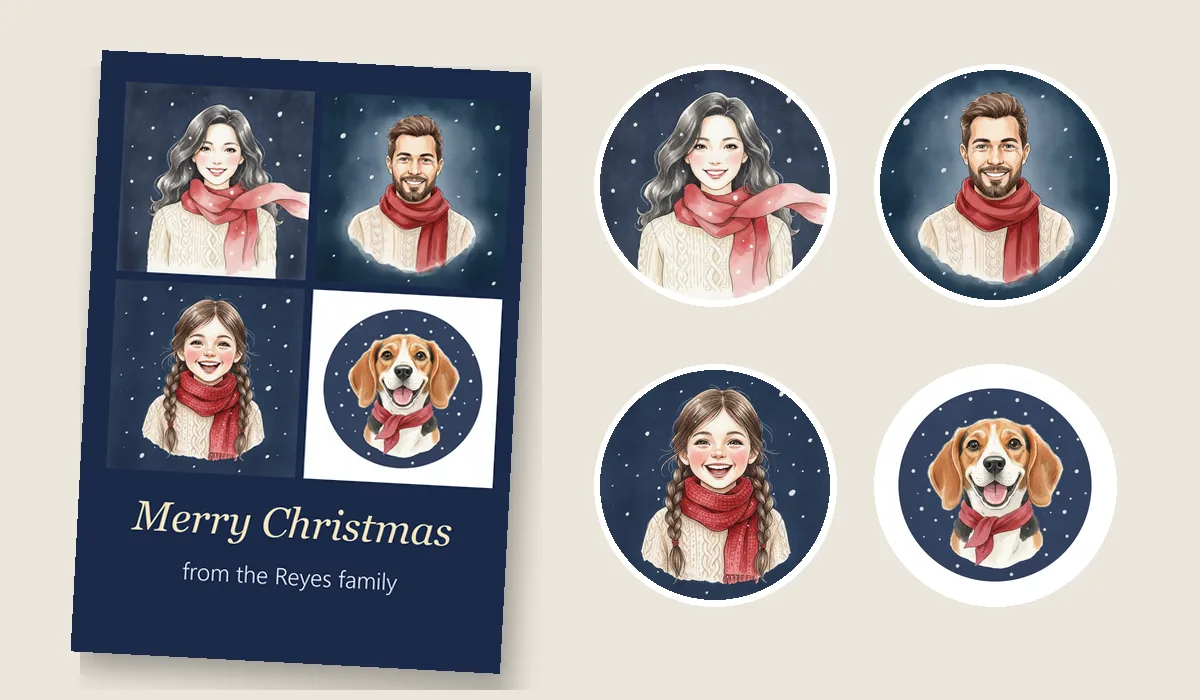
8 free matching Christmas PFPs
All eight are 1080 x 1080 pixel JPGs, made for ChristmasCard with an AI image tool and checked by hand. None of the people are real. Tap a name to download.

Family set: mom
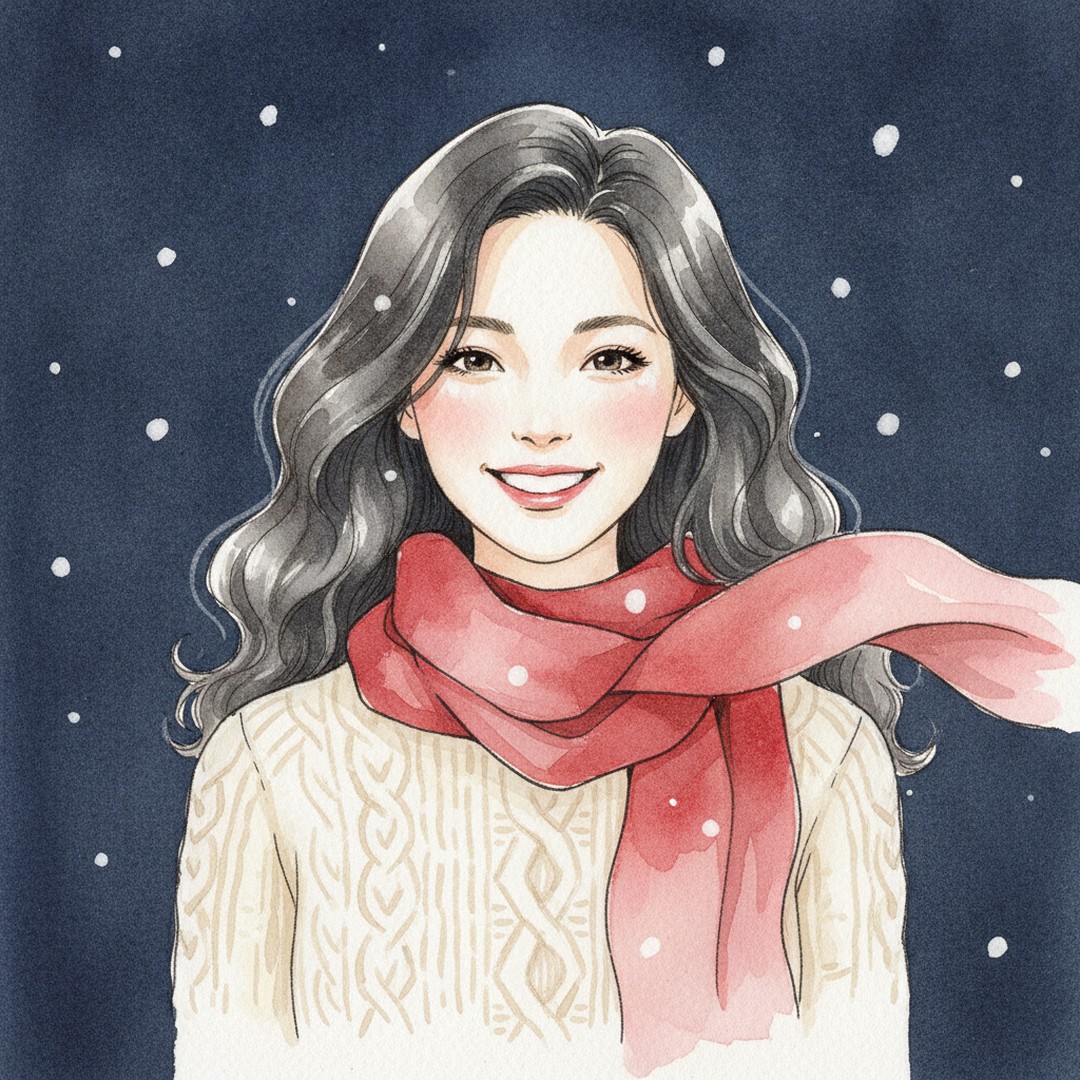
Watercolor portrait, navy sky with snow, red scarf.

Family set: dad

Same palette and scarf, so the set reads as one family.

Family set: kid
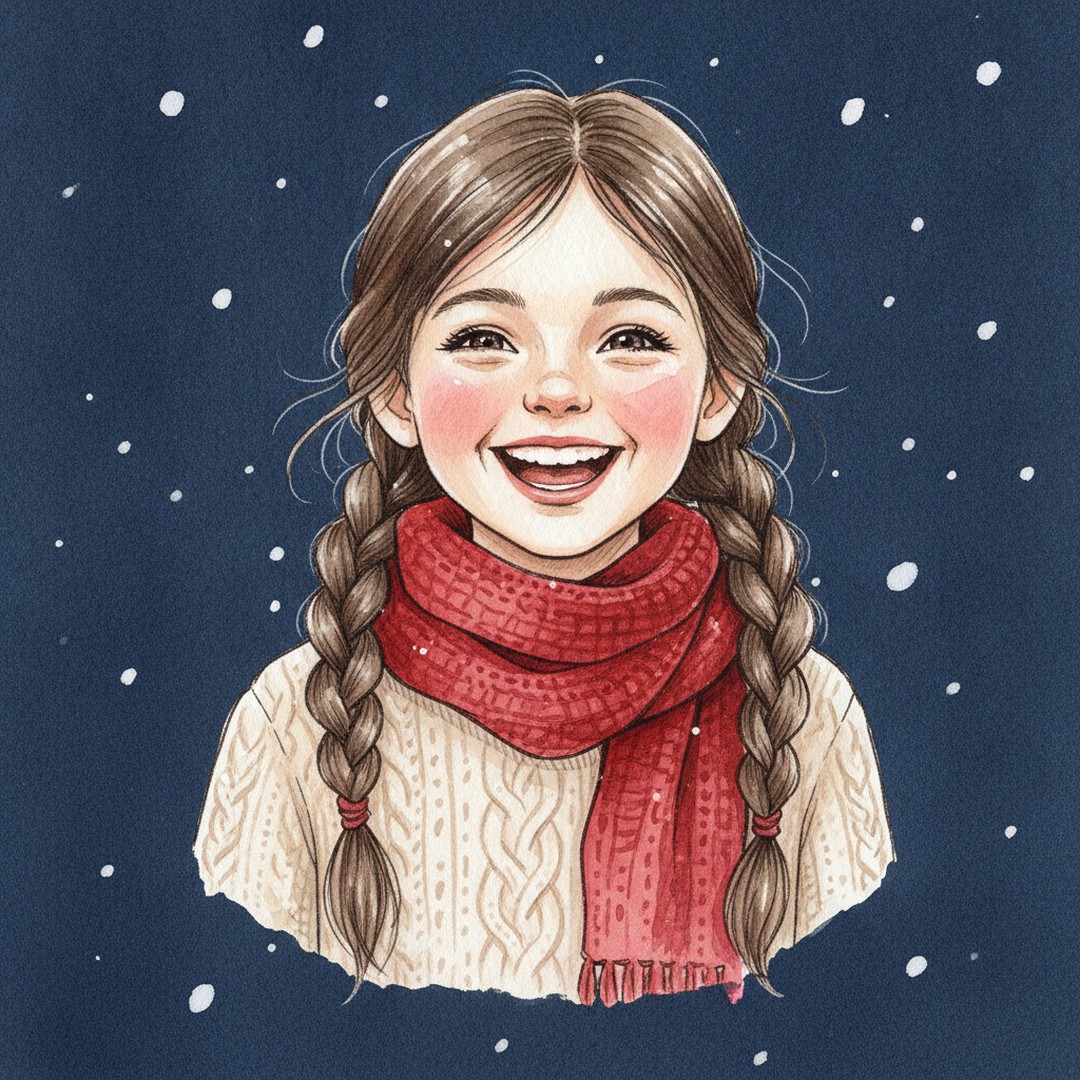
Braids, cream sweater, the same falling snow.
Family set: dog
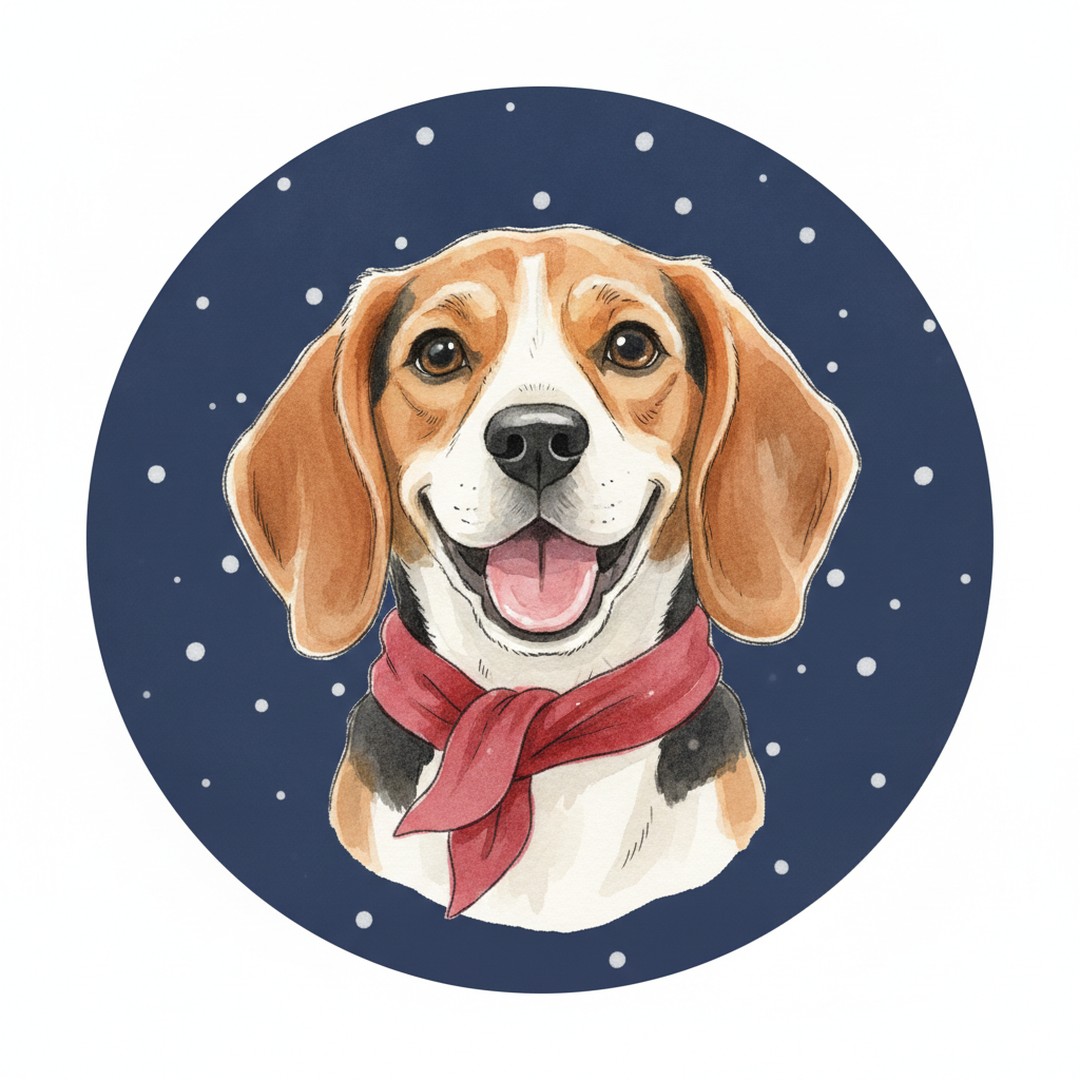
A beagle in the family scarf, already in a circle.

Couple pair: left

Flat illustration, Fair Isle sweater, half moon on the right.

Couple pair: right
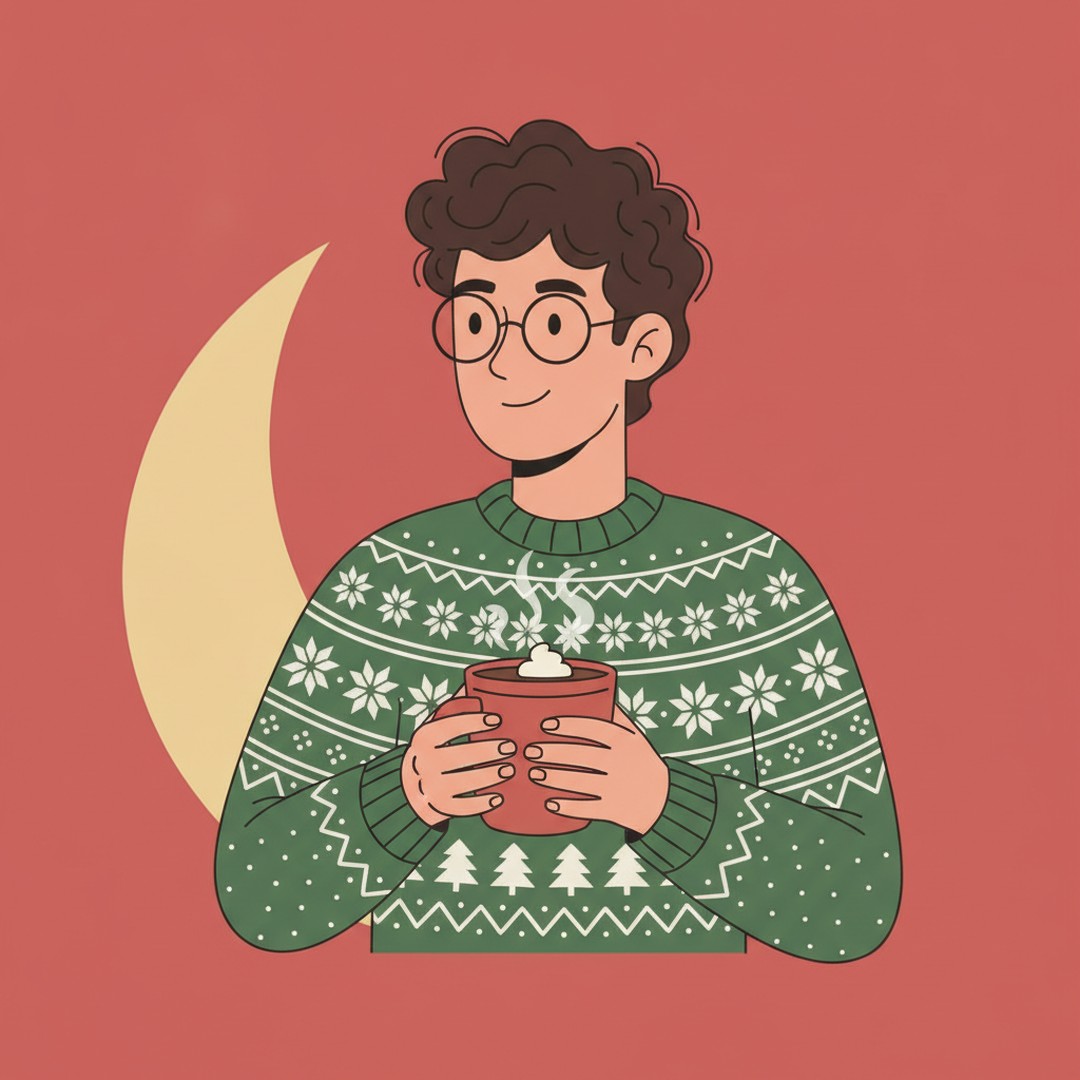
The other half: moon on the left, mugs raised toward each other.
Solo: cat in a bauble
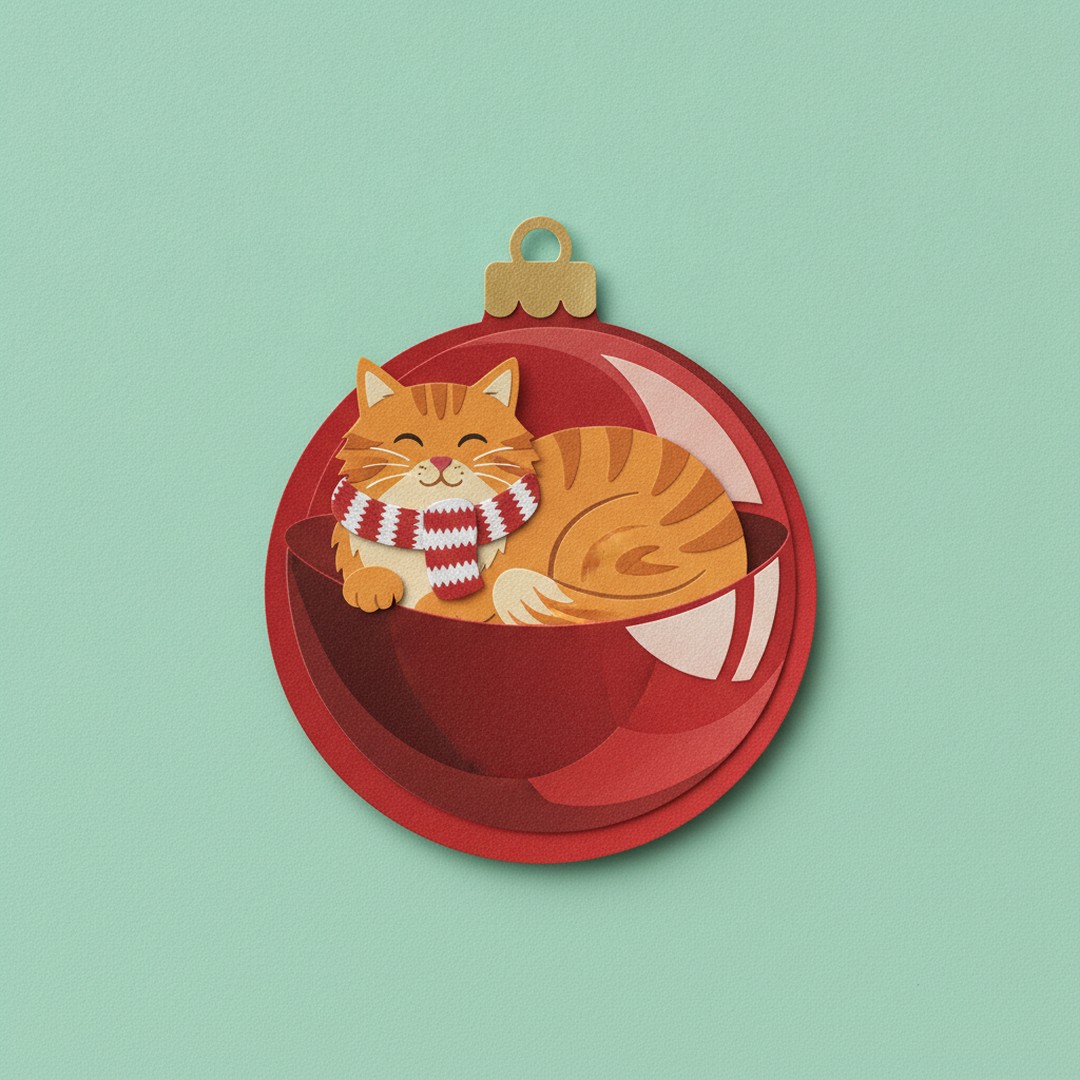
Paper-cut style, mint background.
Solo: snowy cabin
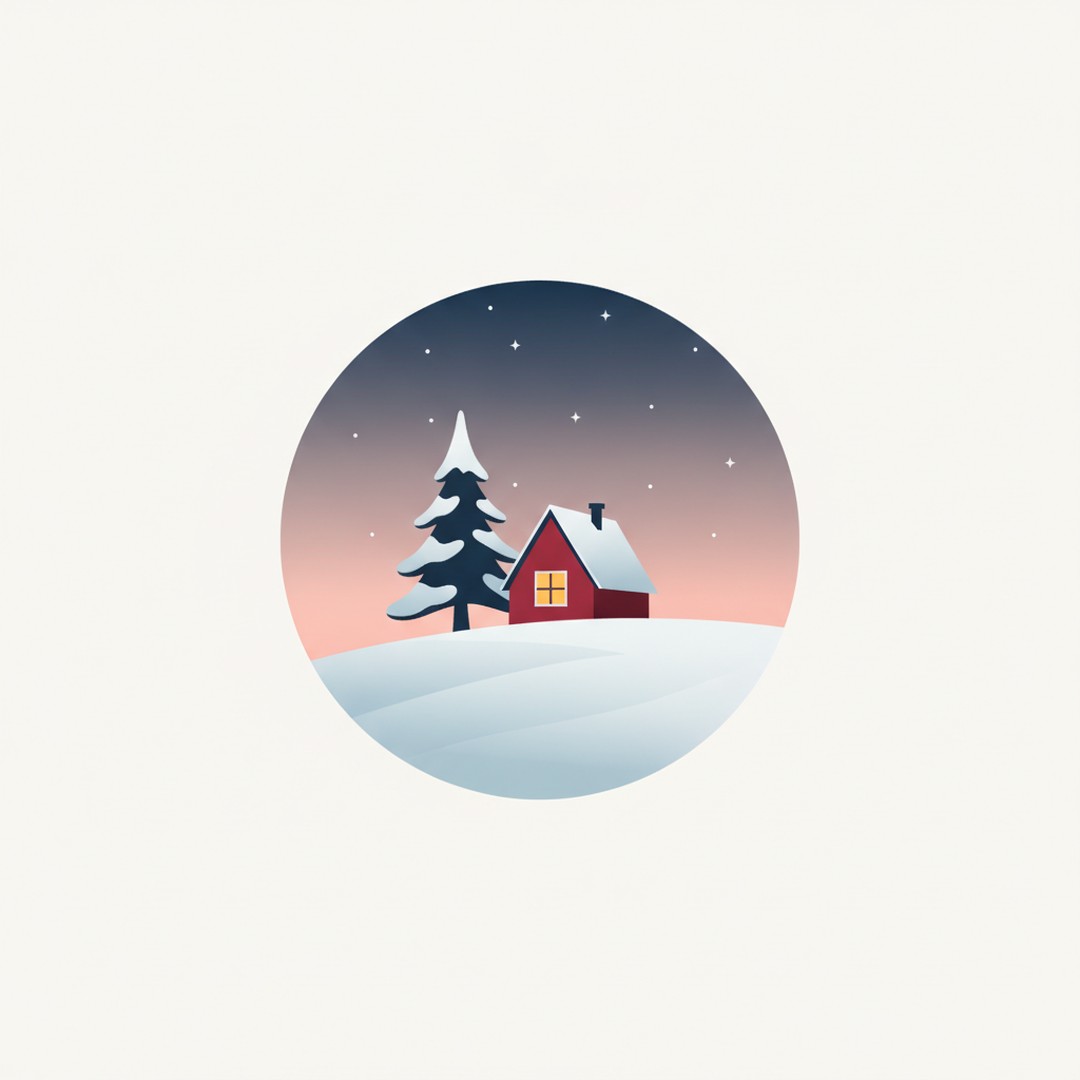
No face at all, for anyone who would rather not show one.
The family set has a mom, a dad, one child and a dog. Families come in other shapes, of course; use the parts you need, or make your own set from your card photo with the steps below.
Make your PFPs from the card you're already sending
You've already chosen the photo, the colors and the mood for this year's card. A profile picture cut from the same file costs nothing extra, and it ties the whole season together: the card arrives in the mail, and the same faces are next to your name in every chat.
- Start from the full-size file. Use the original photo or the high-resolution card export, not a phone screenshot of the card preview.
- Crop one square per person. Center the face, with the top of the head well inside the square and some shoulders showing. In the iPhone Photos app, Edit, then Crop, then the square aspect option; Google Photos has the same option in its crop tool.
- Keep the card's background. If the card has a red plaid border or a snowy navy sky, let some of it show behind each face. That shared color is what makes the set look matched.
- Add a ring if you want one. In Canva, put the square photo in a circle frame and add a circle outline in your card's accent color. Download as PNG.
- Save at 1080 x 1080 or larger, then upload to each app.
Change everyone's picture on the same day, ideally the day the cards go in the mail. If one person in the family is camera-shy, the snowy cabin or the cat works as their stand-in; matching colors still make it a set.
Ideas for matching sets
Matching doesn't have to mean identical. These are the patterns that read as a set at thumbnail size:
- Two halves of one scene for a couple, like the moon pair above. Each works alone; side by side they meet in the middle.
- Same pose, different person. Everyone holds a mug, or everyone wears the scarf from the card.
- Same background color for the whole family, with a different face in each. The fastest set to make from a card photo.
- The pet in the set. A dog or cat with its own avatar gets more comments than any of the humans.
- Siblings with numbered ornaments (1, 2, 3) on the same tree, drawn or cropped from the card.
- Grandparents in the same style as the grandkids, so the extended family chat looks like one card.
Want the matching look on the card itself too? Our page on matching family Christmas cards covers coordinated card sets for siblings and grandparents.
The circle crop: keep faces in the middle 70 percent
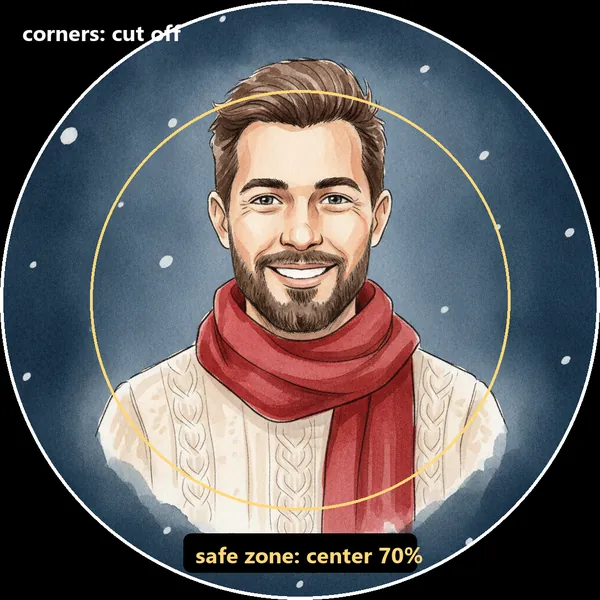
You upload a square, but almost every app shows it as a circle, and then shrinks it to the size of a fingertip next to your messages. Everything in the corners disappears. Anything near the edge of the circle gets clipped on smaller screens.
So keep the face, and anything you care about, inside the middle 70 percent. Text is a bad idea here: "Merry Christmas" lettering that's readable on a card is a smudge at profile size. Put the greeting on the card and let the PFP be a face and a color.
What each app says about profile pictures
We read the help centers in November 2026. Most apps don't publish an exact profile photo size; they crop to a circle and resize whatever you upload. A square of 1080 x 1080 pixels is big enough for all of them and small enough to upload quickly.
| App | Shape on screen | What the official help pages say | Card-season tip |
|---|---|---|---|
| X | Circle | 400 x 400 pixels recommended; JPG, GIF or PNG; 2 MB maximum | Export a compressed JPG so a 1080 square stays under 2 MB. |
| Circle | Current profile picture is always public; a temporary profile picture can switch back automatically | Use the temporary option and pick a date in early January. | |
| Circle | No profile photo pixel size published in the help center | Simple, high-contrast images read best at small size. | |
| Circle | Who sees it is set under Settings, Privacy, Profile photo | Check this before using a real family photo. | |
| TikTok, LinkedIn, Discord, Slack | Circle | We could not confirm an official size on their help pages | Use the same 1080 square; on LinkedIn keep it work-friendly. |
On Facebook, the upload screen may also offer to share your new picture to your feed. Turn that off if you'd like a quiet change; friends still see the new picture next to your name.
About frames: Facebook's Frame Studio used to be full of holiday frames, but in March 2022 Meta removed frames made by most pages and profiles. If you want a festive ring, add it to the picture before uploading, as in step 4 above.
No card photo yet? Take one for the profile first
Plenty of families shoot the card photo in early December and want a festive profile picture before then. A quick head-and-shoulders photo works if you get three things right.
Light from the side, not from above. Stand a person next to a window in daylight, or a few feet from the tree with the room lights off and a lamp on one side. Overhead kitchen light gives everyone dark eye sockets, which looks worse in a small circle than anywhere else.
Fill the frame with the face. Shoot a little wider than you need and crop later, but don't shoot a full-length picture and hope; a face that's 10 percent of the frame becomes a few blurry pixels once the app shrinks it.
Pick one Christmas detail. A red scarf, tree lights blurred behind, a mug of cocoa. One is plenty. Then, when the card photo is done, swap the picture for the card crop and the set is complete.
Kids, privacy and profile pictures
A Christmas card goes to people you chose. A profile picture often goes further: Facebook profile pictures are always public, and on other apps the audience depends on settings that are easy to forget. For young children, an illustrated portrait, the pet, or a photo taken from behind (kids looking at the tree) keeps the family feel without putting a child's face on a public profile. Our page on digital Christmas card privacy goes into who can see what.
More ways to dress up the photo
If your card photo needs a festive touch before you crop it, add a Santa hat to the photo first; a hat reads well even at profile size. For live effects on video calls with family, see our guide to Christmas filters. And if you haven't picked the card itself yet, start with photo Christmas cards.
Frequently asked questions
How do I make a Christmas profile picture from my Christmas card?
Open the card photo or design, crop a square around one face with space all around it, and save it at 1080 x 1080 pixels or larger. Keep the card's colors and background so the profile picture and the card look like a set.
What are matching Christmas profile pictures?
Matching profile pictures are two or more avatars made in the same style, colors or scene, so friends can tell the people belong together. Couples often use two halves of one picture, and families use one portrait style for every member, pets included.
Is a Facebook profile picture public?
Yes, Facebook's help center says your current profile picture is always public. If you want a Christmas photo that disappears on its own, use the temporary profile picture option when you upload it from the Facebook app, and it switches back to your old picture after the time you pick.
Can I still add a Christmas frame to my Facebook profile picture?
Facebook removed frames made by most pages and profiles from Frame Studio in March 2022, so the old holiday frames are mostly gone. Add a ring or border to the image itself before uploading it.
What size is a profile picture on X?
X's help center recommends 400 x 400 pixels for a profile photo, in JPG, GIF or PNG, with a 2 MB file limit. A 1080 x 1080 image saved as a compressed JPG works too.
When should I change my Christmas profile picture back?
Most people switch after New Year's Day or after January 6. On Facebook the temporary picture option does it for you automatically.
Can I use the ChristmasCard PFPs for my whole family?
Yes, the eight images are free for personal profiles, family group chats and school or church groups. Please do not resell them or use them as a business logo.
Should my kids have a real photo as their profile picture?
For younger kids an illustrated avatar is the safer choice, because a profile picture can be seen by people outside your contacts on several apps. The family set above includes a child portrait that is not a real child.