
How to Make AI Christmas Photos
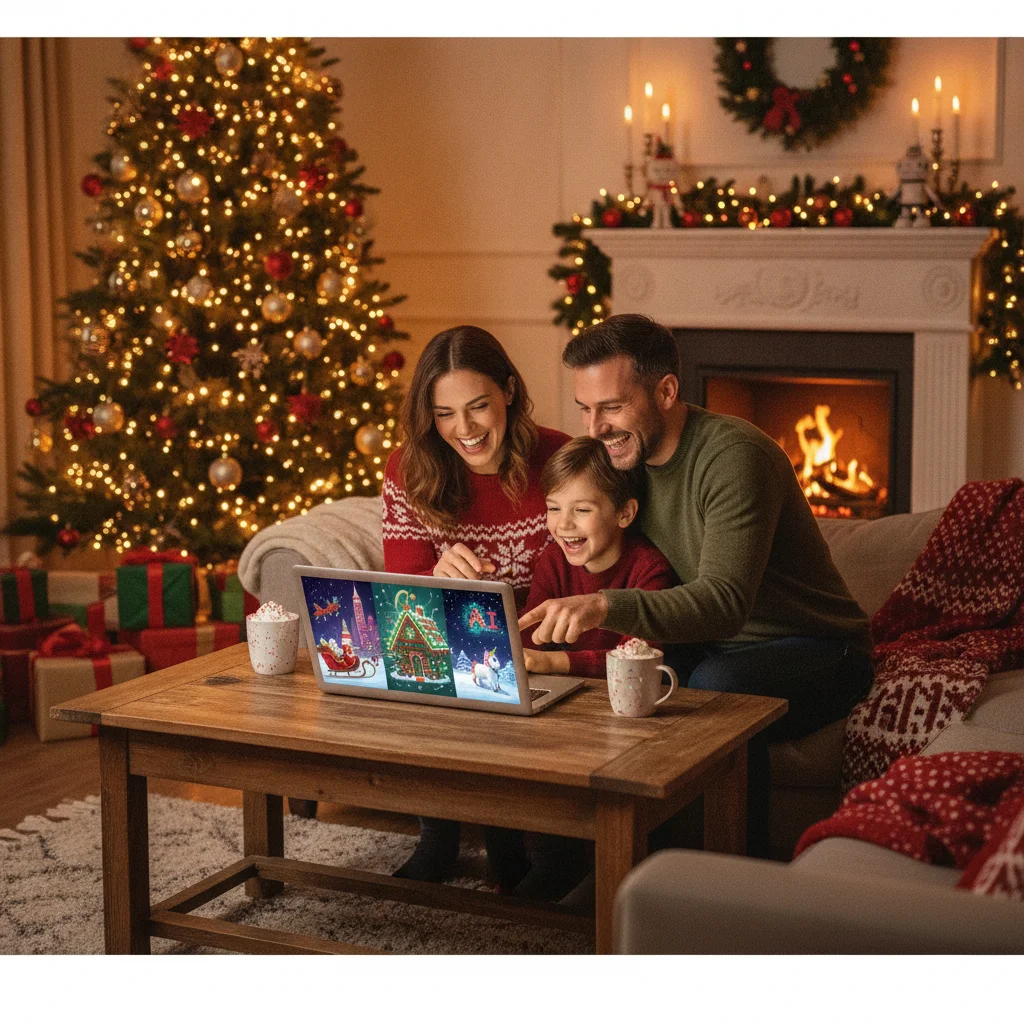
Quick answer: You can make AI Christmas photos by uploading a clear portrait or family picture to an AI image tool, then describing the setting, clothing, lighting, and style you want. Generate several versions, correct facial or hand errors, and export the strongest image at a size suitable for holiday cards, gifts, or social posts.
AI Christmas photos can range from realistic family portraits beside a decorated tree to illustrated cards featuring snowy villages, Santa suits, pets, or fantasy scenes. You do not need a professional camera or a decorated studio, but the quality of the source photo and prompt has a major effect on the result.
Most tools use one of two methods. Text-to-image generation creates a new scene from a written description. Photo transformation starts with an uploaded selfie or family picture and changes the clothing, background, lighting, or artistic style.
Photo transformation is usually the better choice when recognizable faces matter. Text-to-image generation works well for landscapes, card illustrations, background art, and fictional holiday characters.
What do you need before making an AI Christmas photo?
Start with one or more clear reference photos. A useful portrait shows the subject facing the camera, with the eyes, hairline, jaw, and facial features visible. Natural light and a simple background make it easier for an image model to interpret the person.
For a family portrait, choose a photo in which nobody is hidden behind another person. Avoid sunglasses, heavy filters, motion blur, cropped heads, and hands covering faces. If a tool accepts several references, include different angles while keeping the person’s appearance consistent.
You also need a basic creative plan. Decide whether the final image should look like a photograph, painted illustration, vintage card, children’s storybook, studio portrait, or humorous social post. Note the intended format because a vertical phone post, square profile image, and horizontal folded card require different compositions.
- Subject: One person, a couple, a family, children, pets, or a fictional character.
- Setting: Living room, Christmas tree farm, snowy street, fireplace, workshop, or winter forest.
- Clothing: Formal outfits, matching pajamas, knit sweaters, coats, or Santa costumes.
- Visual style: Realistic photography, watercolor, oil painting, cartoon, or vintage postcard.
- Output: Printed card, framed gift, invitation, profile picture, or social media post.
How do you make an AI Christmas photo step by step?
- Choose a creation method. Use text-to-image for a completely invented picture. Use an image-to-image or reference-photo feature when the result needs to resemble a real person.
- Select a suitable tool. Check whether the service supports reference images, multiple people, your desired aspect ratio, and high-resolution downloads. Review its privacy and deletion policies before uploading personal photos.
- Upload the source image. Crop out unrelated people and distracting objects, but leave enough space around the head and shoulders. Use the original file instead of a screenshot when possible.
- Write a detailed prompt. Identify the subjects, location, clothing, composition, lighting, camera look, mood, and output style. State that facial identity should remain consistent if the tool supports that instruction.
- Generate several options. Small variations can produce noticeably different faces, poses, and decorations. Compare at least four results rather than accepting the first image.
- Refine the strongest version. Adjust the prompt or use localized editing to correct faces, hands, clothing, ornaments, and background objects. Keep useful parts unchanged when the editor offers masking or inpainting.
- Add text separately. AI image models often misspell greetings. Create the picture without lettering, then add “Merry Christmas” or a family name in a conventional design editor.
- Export and inspect. Download the largest available PNG or high-quality JPEG. Zoom in before printing to check eyes, fingers, teeth, earrings, glasses, pet paws, and small decorations.
Adobe Firefly describes a similar five-part process: open an image generator, upload a reference, add a prompt, refine the output, and export it. Adobe lists classic cards, cozy self-portraits, and snowy landscapes among the possible uses.
What should an AI Christmas photo prompt include?
A useful prompt gives the model concrete visual instructions. A vague request such as “make this Christmas” leaves the setting, wardrobe, mood, and degree of realism open to interpretation.
A reliable structure is: subject, action, setting, clothing, decorations, lighting, composition, visual style, and restrictions. Put the most important details near the beginning.
Prompt formula: Create a [style] Christmas image of [subject] in [setting], wearing [clothing], surrounded by [decorations], with [lighting], framed as a [composition]. Preserve [identity details] and avoid [unwanted elements].
For a realistic family card, try: “Create a realistic Christmas family portrait using the uploaded photo as the identity reference. Place two adults and two children beside a natural pine tree in a warmly lit living room. Dress them in coordinated cream and deep green clothing. Use soft window light, natural skin texture, a 50mm portrait-camera look, and a horizontal card composition. Preserve each person’s face and age. No text, extra people, or exaggerated decorations.”
For an illustrated result, try: “Create a gentle watercolor illustration of a family walking through a snowy village on Christmas Eve. Include warm shop windows, light snowfall, pine garlands, and muted red and green accents. Use a storybook style, soft paper texture, and a vertical composition with empty space at the top for a greeting.”
Descriptions such as “photorealistic” do not guarantee accurate identity. A reference image, identity-preservation control, or face-reference feature generally provides more guidance than text alone.
Which AI tools can create Christmas photos?
The right tool depends on whether you want broad creative control, a quick festive filter, or a portrait based on several selfies. Features and pricing can change, so confirm export limits, credit requirements, and commercial-use terms inside the service.
| Tool or service | Documented approach | Useful for |
|---|---|---|
| Adobe Firefly | Reference upload, written prompt, refinement, and export | Custom cards, portraits, and snowy scenes |
| Pixlio AI | People and Scene modes with Subtle, Balanced, or Festive decoration levels | Controlling how strongly a photo is transformed |
| CapCut | Uploaded image plus prompt, editing, export, and social sharing | Quick edits and social content |
| Venngage | Text generation or festive editing of an existing photo | Simple additions such as Santa hats or snow scenes |
| Aragon AI | Festive portraits generated from six selfies | Portraits, cards, social posts, and gifts |
| CyberLink MyEdit | Detailed prompt, optional face reference, and style selection | Face-guided images in different art styles |
| Filmora | Text generation, reference photos, and style-transfer filters | Cartoon, oil-painting, anime, sketch, or abstract results |
Pixlio states that its editor accepts JPG, PNG, and WebP files up to 10MB and can export a high-quality PNG. File support matters when a phone stores images in a format that a web editor does not accept.
Christmas Pictures App: PiXmas is another app-based option for people who prefer a guided mobile workflow. Its App Store listing had a 4.41378 rating from 116 ratings in the supplied editorial data, but scores can change. ChristmasCard.io is independent and is not affiliated with PiXmas, PicsMas, or any other app.
How can you keep faces looking realistic?
Use a sharp, recent photo with even lighting and a neutral expression. The model needs visible identity cues, including eye shape, nose, mouth, face outline, hairstyle, and skin tone.
Do not ask for too many changes at once. Replacing the pose, hairstyle, age, camera angle, clothes, and background in a single generation gives the model more opportunities to alter the face. Preserve the original pose during the first edit, then change other elements in smaller steps.
Group portraits are harder because the system must maintain several identities. Generate the whole composition first, then repair one person at a time if the tool has masking, inpainting, or regional editing. Labeling subjects by position, such as “adult on the left” and “child in the center,” can reduce confusion.
Watch for subtle errors rather than checking only general resemblance. Common problems include mismatched eye color, changed face shape, duplicated glasses, uneven teeth, merged hair, and adults or children appearing the wrong age.
How should you create AI Christmas photos with children or pets?
Obtain permission from a parent or guardian before uploading a child’s image. Avoid services with unclear retention policies, and do not include names, school uniforms, addresses, location data, or other identifying details in prompts.
Pets need clear reference images too. Include the animal’s species, breed or general appearance, coat color, markings, eye color, and size. State where the pet should appear so the generator does not duplicate it or change its scale.
A practical pet prompt might specify “one medium-sized black dog with a white chest patch, sitting in front of the family, wearing a simple red collar.” Exact details make accidental breed or color changes easier to spot.
How do you prepare the finished image for a Christmas card?
Choose the card orientation before generating. A landscape image generally suits a horizontal folded card, while a portrait image works well for a flat vertical card. Ask for open space where the greeting will be placed so text does not cover faces.
For printing, use the printer’s recommended pixel dimensions, color settings, and bleed area. A 5 by 7 inch image printed at 300 pixels per inch needs about 1500 by 2100 pixels before bleed. Upscaling can help with a small generation, but it cannot fully restore missing facial detail.
Keep faces, names, and important decorations inside the safe area. Printed cards are trimmed, and content placed close to an edge can be cut off. Order a single proof when color accuracy or image sharpness is important.
Export a clean version without AI-generated lettering. Add the greeting, date, and family name afterward using a design tool with dependable fonts and alignment controls.
What mistakes make AI Christmas pictures look fake?
- Overloaded prompts: Too many characters, props, lighting effects, and styles can create visual conflicts.
- Weak source images: Blur, compression, shadows, and face filters reduce useful identity information.
- Mixed styles: Combining realistic photography, watercolor, anime, and vintage film in one request can produce an inconsistent image.
- Ignoring anatomy: Hands, teeth, limbs, glasses, jewelry, and pet paws need close inspection.
- Generating text inside the scene: Greetings and signs may contain incorrect or distorted letters.
- Excessive skin smoothing: Plastic-looking skin can make a portrait feel less convincing.
- Wrong aspect ratio: Cropping a square result into a horizontal card can remove people or decorations.
What limitations should you expect from AI Christmas photo generators?
No generator can guarantee an exact likeness, especially in crowded family scenes. Faces may drift between versions, and people can appear younger, older, or differently proportioned.
Fine details remain a common weakness. Hands may have incorrect fingers, patterned sweaters can merge, ornaments may repeat, and background people can have malformed features. High-resolution export does not automatically correct these generation errors.
Privacy practices vary. Some providers may retain uploads, use data to improve services, or process images through outside systems. Read the provider’s current policy before submitting identifiable family photos, particularly images of children.
Usage rights also differ. A tool may allow personal cards but apply separate conditions to commercial products, advertising, or resale. Check the current license if the image will be used by a business or sold on merchandise.
AI should not be used to misrepresent a real event or imply that a person participated in something they did not. For family cards and playful posts, a short disclosure can prevent confusion when the scene is substantially fabricated.
What is the simplest workflow for a strong result?
Use a clear source photo, choose one defined visual style, and write a prompt that names the subjects, setting, clothing, lighting, and composition. Generate multiple versions and select for facial accuracy before judging decorations.
Correct obvious anatomy and identity errors, add all written greetings in a separate editor, and inspect the exported file at full size. This measured workflow produces more dependable Christmas photos than repeatedly applying random festive filters.
What Can AI Change in a Christmas Photo, and What Must Be in the Original?
AI can restyle a real photo for Christmas, but the original must already contain usable identity, pose, and detail information. It can introduce seasonal scenery, coordinated colors, snow effects, festive objects, or a different photographic mood. However, it cannot reliably reconstruct features that are hidden, cropped out, heavily blurred, or compressed.
Start with a file in which each person is recognizable at normal viewing size. Eyes, hairlines, body outlines, and overlapping limbs should be distinct. Hands should not disappear behind objects unless you want them to remain concealed, and important subjects should fit fully within the frame. The source pose should also suit the intended scene; converting a tight seated portrait into a full-body outdoor composition requires the model to invent too much. There is no universal file-size or sharpness threshold that guarantees an accurate transformation, so inspect the source visually before editing.
Frequently asked questions
Can I make an AI Christmas photo for free?
Many generators offer limited free credits or trial exports, although high-resolution downloads and additional generations may require payment. Usage limits and watermark policies vary by provider.
Can AI turn a regular family photo into a Christmas picture?
An image-to-image editor can replace the background, change clothing, add decorations, and adjust lighting while using the original family photo as a reference. Clear, unobstructed faces produce the most consistent results.
How many photos should I upload for an AI Christmas portrait?
One clear reference may be enough for a basic transformation, while portrait services can request several selfies from different angles. Aragon AI, for example, describes a workflow based on six selfies.
What is the best AI prompt for a Christmas family photo?
The best prompt identifies each subject, the festive location, coordinated clothing, decorations, lighting, camera style, composition, and unwanted elements. It should also request preserved facial identity when a reference image is used.
Can I print an AI Christmas photo on a card?
AI Christmas photos can be printed when the exported image has sufficient resolution and the provider permits the intended use. Check the card printer’s dimensions, bleed, safe area, and color requirements before ordering.
Why does my AI Christmas photo change people’s faces?
Generators reconstruct images rather than simply pasting subjects into a background, so facial identity can shift during major pose, lighting, or style changes. Strong reference photos and smaller, staged edits help reduce this problem.
Is it safe to upload children’s photos to an AI generator?
Safety depends on the provider’s data retention, training, deletion, and sharing policies. A parent or guardian should review those terms and remove identifying details before uploading a child’s photo.
Can AI fix a blurry Christmas photo?
AI can reduce mild blur and improve apparent detail, but it cannot recover exact facial information that the camera never captured. If eyes, teeth, or defining features are indistinct, generated replacements may look plausible without matching the person. Use the sharpest original available before applying a Christmas style.
Does the original pose matter for an AI Christmas photo?
Yes, the original pose strongly affects how believable the finished Christmas photo looks. Choose a source with body positions, camera angle, and spacing that resemble the intended result. Major pose changes require AI to invent limbs, clothing folds, and hidden anatomy, increasing the chance of distorted hands or inconsistent proportions.