
How to Take Christmas Photos with iPhone
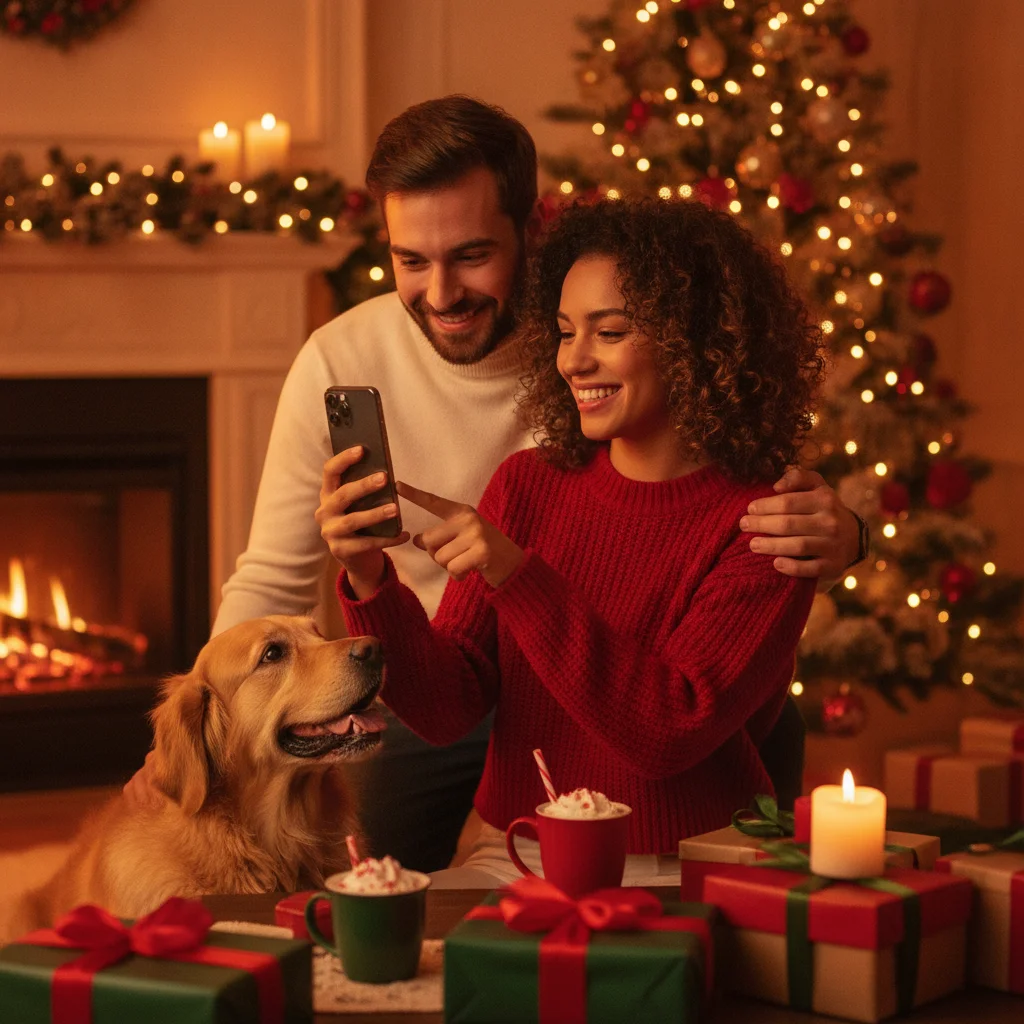
Quick answer: To take better Christmas photos with an iPhone, clean the lens, use soft window light for portraits, lower exposure around Christmas lights, and keep the phone steady in Night mode. Avoid digital zoom and direct flash when possible. Use the timer, Burst mode, or Live Photos to capture natural expressions, then make restrained edits to brightness, warmth, and color.
Christmas scenes can be challenging for an iPhone camera because they combine dim rooms, bright string lights, reflective decorations, and moving people. The best results come from controlling exposure, choosing a stable shooting position, and giving the camera enough light.
How should you prepare your iPhone camera?
Clean every lens with a soft microfiber cloth before taking photos. Fingerprints scatter light and can create haze around Christmas bulbs, candles, and windows.
Open Settings and check the Camera options available on your iPhone model. Turn on Grid to make straight compositions easier. If your phone offers Preserve Settings, use it when you want the camera to remember choices such as exposure adjustment or Night mode.
Use the standard Photo mode for most holiday pictures. High-resolution or RAW formats can preserve more detail on compatible models, but they also create larger files and require more editing.
How do you photograph Christmas lights without losing detail?
Christmas lights often look like white blobs when the camera exposes for a dark room. Tap a bright decoration on the screen, then drag the sun icon downward until individual bulbs and nearby colors become visible.
Hold the iPhone steady and avoid placing every light in the center. A doorway, tree branch, or person in the foreground can give the image depth. If the room is extremely dark, add a lamp outside the frame rather than relying on the built-in flash.
| Scene | Recommended approach | What to avoid |
|---|---|---|
| Indoor tree | Lower exposure and brace the phone | Bright overhead lighting |
| Outdoor display | Use Night mode and the 1x lens | Digital zoom |
| Family portrait | Use window light or a shaded lamp | Direct flash at close range |
| Children or pets | Use Burst mode or Live Photos | Long Night mode exposures |
How can you take sharp Christmas photos in low light?
Night mode activates automatically on supported iPhones when light is limited. Keep the phone still until the exposure finishes. Rest the iPhone on a table, railing, or small tripod if the indicated exposure lasts more than a second.
Moving subjects may blur during a long exposure. For children, pets, or gift opening, turn on more room lighting and shorten or disable Night mode. Capturing a sharp expression is usually more important than preserving a dark, atmospheric room.
Use the 1x camera when possible. Ultra-wide and telephoto cameras may produce softer or noisier results in low light, although performance varies by iPhone model.
How do you take flattering Christmas portraits?
Place the subject near a window during the day or at a slight angle to a soft lamp at night. Keep ceiling lights off if they create dark eye sockets or mixed color casts.
Move the subject several feet in front of the tree. This separation helps create softer background lights in Portrait mode. Tap the subject's face to set focus, then reduce exposure slightly if the bulbs are too bright.
Portrait mode can struggle with hair, glasses, ornaments, and dim edges. Take a standard Photo mode version as a backup. Avoid placing faces at the extreme edge when using an ultra-wide lens because facial proportions can become distorted.
How can one person take an iPhone group photo?
Mount or prop the phone at about chest or eye level. Select the rear camera for better image quality, frame the group, and use the three-second or ten-second timer.
Ask everyone to stand on roughly the same plane so all faces remain in focus. Take several versions because blinking and movement are common. An Apple Watch camera remote can provide a preview and shutter control when available.
Which shooting features help with candid moments?
Live Photos record a brief moment around each shot, making it possible to select a different key frame later. Burst mode is useful for fast action, such as children opening presents or pets moving near the tree.
Do not hold the phone at eye level throughout the event. Try low angles for ornaments and pets, overhead angles for cookies and gifts, and close details of hands, ribbons, or place settings. These supporting images help tell a fuller Christmas story.
How should you edit iPhone Christmas photos?
Start in the Photos app and make small adjustments. Raise Brilliance or Shadows if faces are dark, reduce Highlights to recover light detail, and add a modest amount of Warmth if skin looks cold.
Avoid pushing Saturation until red decorations or skin tones lose detail. Crop distracting edges and straighten trees, walls, or table lines. The Auto adjustment can provide a useful starting point, but compare the edited image with the original.
Optional themed apps can add frames, greetings, or seasonal effects after the photo is corrected. Christmas Pictures App: PiXmas is one App Store option, presented as an independent editorial suggestion. ChristmasCard.io is not affiliated with PiXmas, PicsMas, or any app.
What limitations should iPhone photographers expect?
Low light can introduce noise, blur, or reduced detail, especially with digital zoom. Night mode cannot freeze fast movement, and Portrait mode may misidentify complex edges. Lens flare can also appear when bright bulbs point directly toward the camera.
Camera controls and available lenses differ by iPhone model and iOS version. If a feature is unavailable, prioritize clean light, stable framing, the 1x camera, and multiple exposures.
The most reliable Christmas setup is simple: clean the lens, use the 1x camera, add soft light for people, lower exposure for decorations, and take several frames. Good timing and steady composition matter more than heavy filters or specialized equipment.
Which lighting and camera settings make iPhone Christmas photos print-ready?
For print-ready iPhone Christmas photos, use soft light on faces, shoot with the 1x rear camera in 4:3 Photo mode, and lower exposure slightly before taking the picture. Position people near a window during the day or add a shaded lamp from the front at night; relying only on tree lights can leave faces noisy and soft. Tap a face, hold to lock focus and exposure, then drag the exposure control down just enough to preserve bright decorations. Avoid digital zoom, screenshots, and frames exported from video because they provide fewer usable pixels. A 5-by-7-inch image prepared at 300 DPI measures 1500 by 2100 pixels (Vistaprint, 2026). Check the final crop at full size and confirm that eyes, hair, and ornament edges remain distinct.
Noon and nighttime Christmas photos fail for opposite lighting reasons
A common myth is that the same automatic exposure can handle noon and after-dark Christmas photos; noon creates hard contrast, while darkness forces slower exposures and more noise. At midday, direct sun can produce squinting faces, deep eye shadows, washed-out decorations, and bright patches that the iPhone cannot balance in one frame. Move people into open shade or turn them so sunlight comes from behind, then lower exposure slightly to protect highlights. After dark, Christmas lights may look vivid, but nearby faces receive too little light and movement becomes blurry. Add soft ambient light, keep subjects still, brace the phone, and avoid excessive digital zoom. Twilight is often easier than either extreme because the remaining sky light reduces contrast while illuminated decorations still appear bright.
Frequently asked questions
What is the best iPhone camera setting for Christmas lights?
Use Photo mode, tap a bright light to set focus, and drag the exposure control downward. Night mode can help when the scene is still and the phone is supported.
Should I use flash for indoor Christmas photos?
Direct flash often creates harsh faces and dark backgrounds. Soft window light, a shaded lamp, or brighter room lighting usually produces better results.
Why are my Christmas lights blurry on iPhone?
Blur usually comes from camera movement, subject movement, or a long Night mode exposure. Brace the phone and add more ambient light when photographing people or pets.
Is Portrait mode good for Christmas tree photos?
Portrait mode works well when the person stands several feet in front of the tree. Take a standard photo too because dim lights and detailed decorations can cause edge errors.
How do I take a family Christmas photo by myself?
Prop the iPhone securely, frame the group with the rear camera, and use the ten-second timer. An Apple Watch camera remote can also control the shutter on compatible devices.
Should I use the 1x or 0.5x iPhone camera indoors?
The 1x camera usually provides better low-light quality and more natural faces. Use 0.5x only when space is limited, keeping people away from the frame edges.
Can I add Christmas frames after taking the photo?
Seasonal editing apps can add frames, text, and effects after basic exposure and color corrections. ChristmasCard.io provides independent editorial recommendations and is not affiliated with PiXmas, PicsMas, or any app.
How many pixels does a Christmas photo need for a 5-by-7 print?
A 5-by-7 print commonly uses a 1500-by-2100-pixel image at 300 DPI. Most recent iPhone photos exceed that size when captured with the rear camera and left uncropped. Heavy cropping, digital zoom, screenshots, and images saved from messages can reduce the available resolution enough to soften the printed result.
Why do faces look grainy in printed indoor Christmas photos?
Faces look grainy when the camera must brighten a dim scene or recover shadows during editing. Add soft light in front of the subjects, keep them closer to the light source, and reduce exposure only slightly. Hold the phone steady, avoid enlarging a dark crop, and inspect facial details before ordering prints.
Why do holiday photos look washed out at noon?
Harsh overhead sunlight creates a brightness range the camera may not preserve in one exposure. Place people in open shade, avoid mixed patches of sun and shadow, and reduce exposure slightly before shooting. On an iPhone, tapping the brightest important area can help keep pale decorations and faces from losing detail.