Cute Christmas wallpaper: 16 free kawaii and pastel designs for 2027
Updated November 20, 2026
Quick answer: These 16 cute Christmas wallpapers (kawaii animals, smiling cocoa and cookies, and two pastel patterns) are free to download. Every design comes as a 1290 x 2796 phone file that fits iPhone and Android lock screens and a 1920 x 1080 desktop file, with the character kept low so the clock never covers a face.
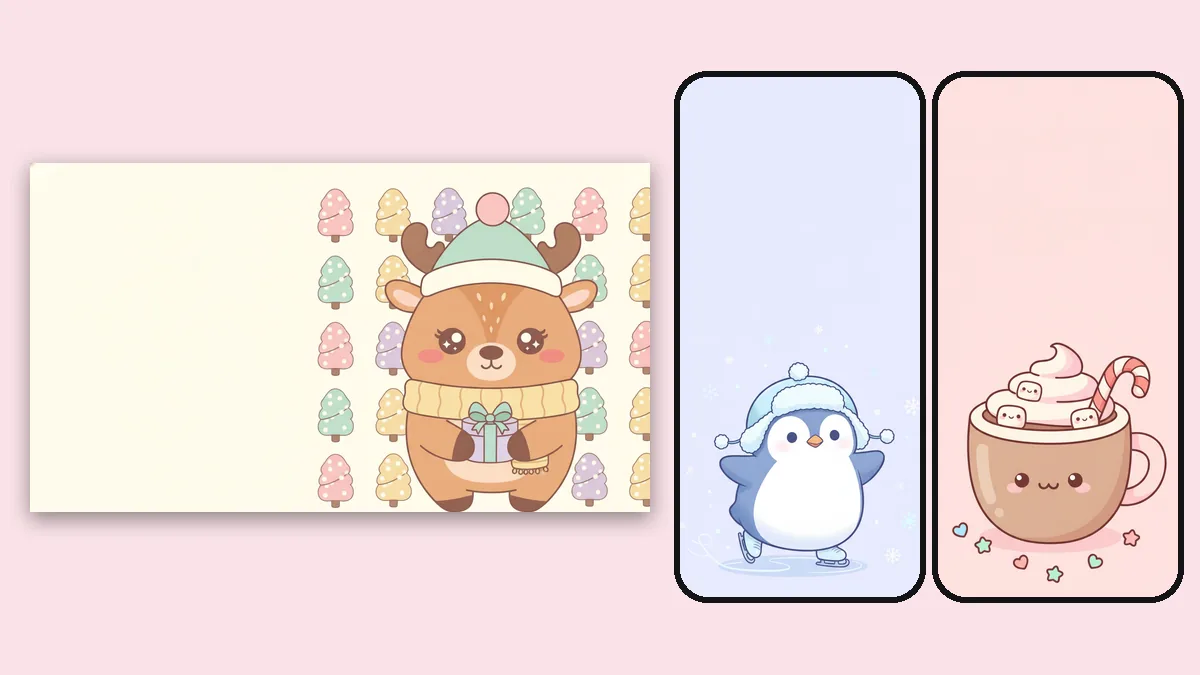
Cute is a specific look. Round bodies, tiny dot eyes, a pink blush on the cheeks, colors that look like frosting. It reads well on a small screen because there's only one thing to look at, and it tends to win over two very different groups: kids, who want the penguin, and adults who are tired of a red-and-green December. Tap a picture to see it full size; the two links under it download the file.
Pair your favorite kawaii designs with free Christmas card backgrounds featuring festive borders and printable styles. They are easy to use for sweet holiday notes, party invites, and seasonal crafts.
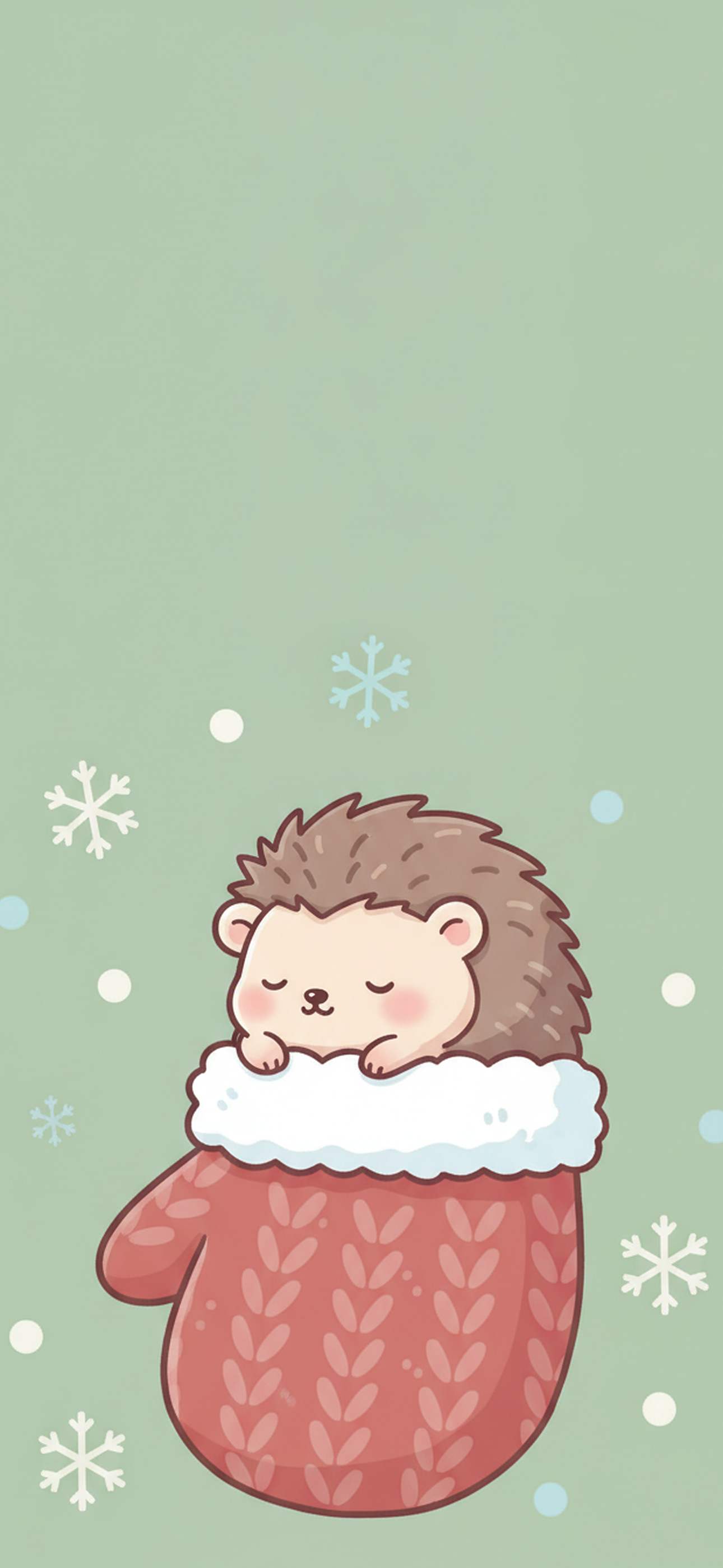
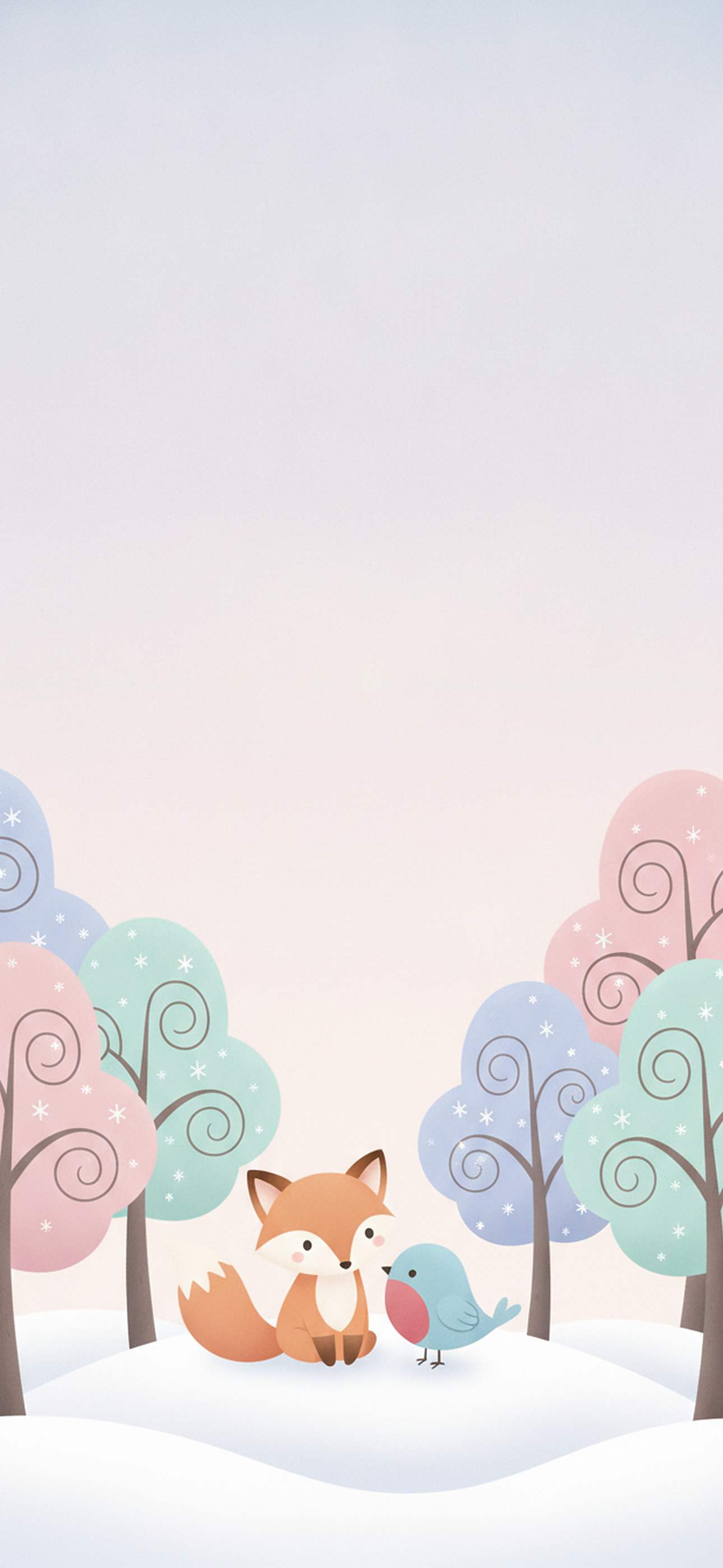
Kawaii animals
Nine round-faced animals, each placed low on the phone version so the clock floats above it.

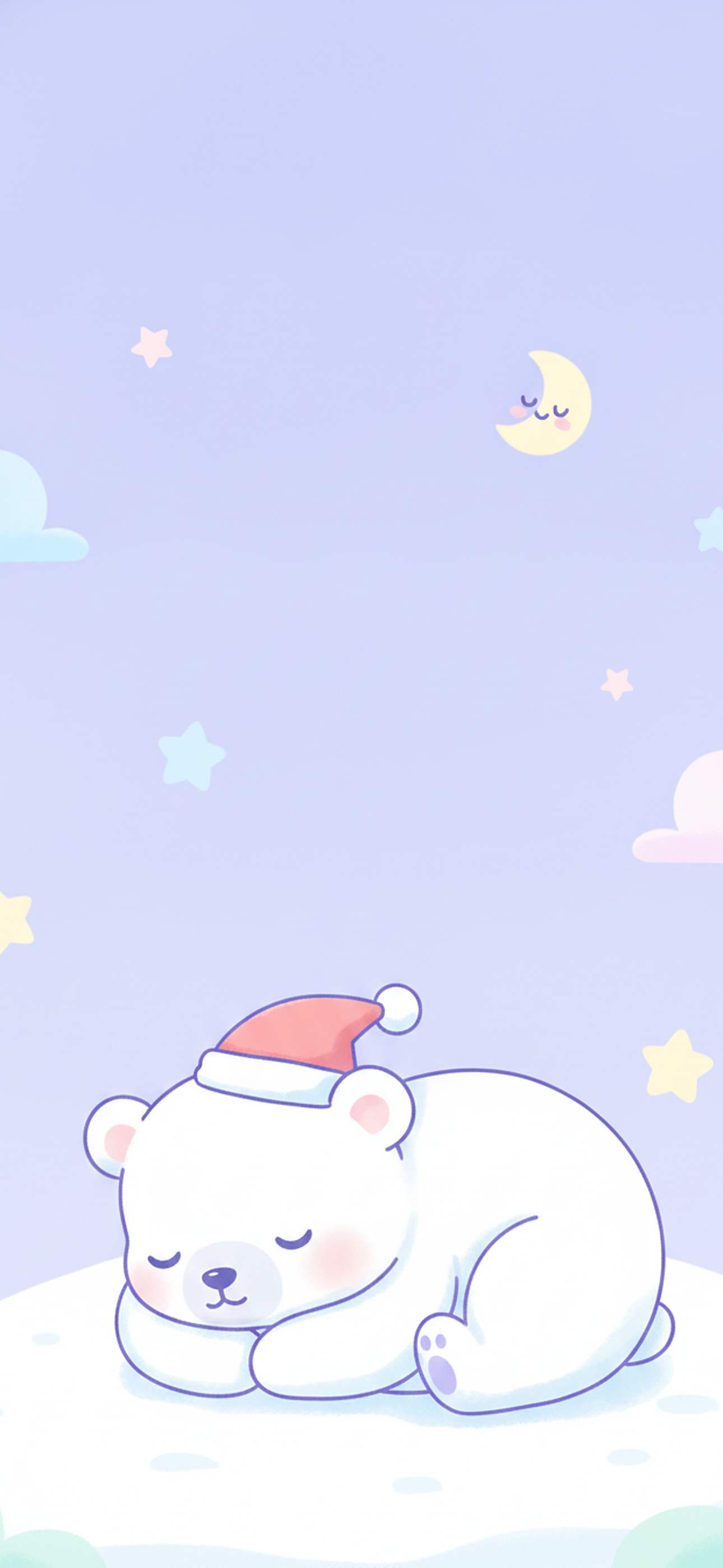
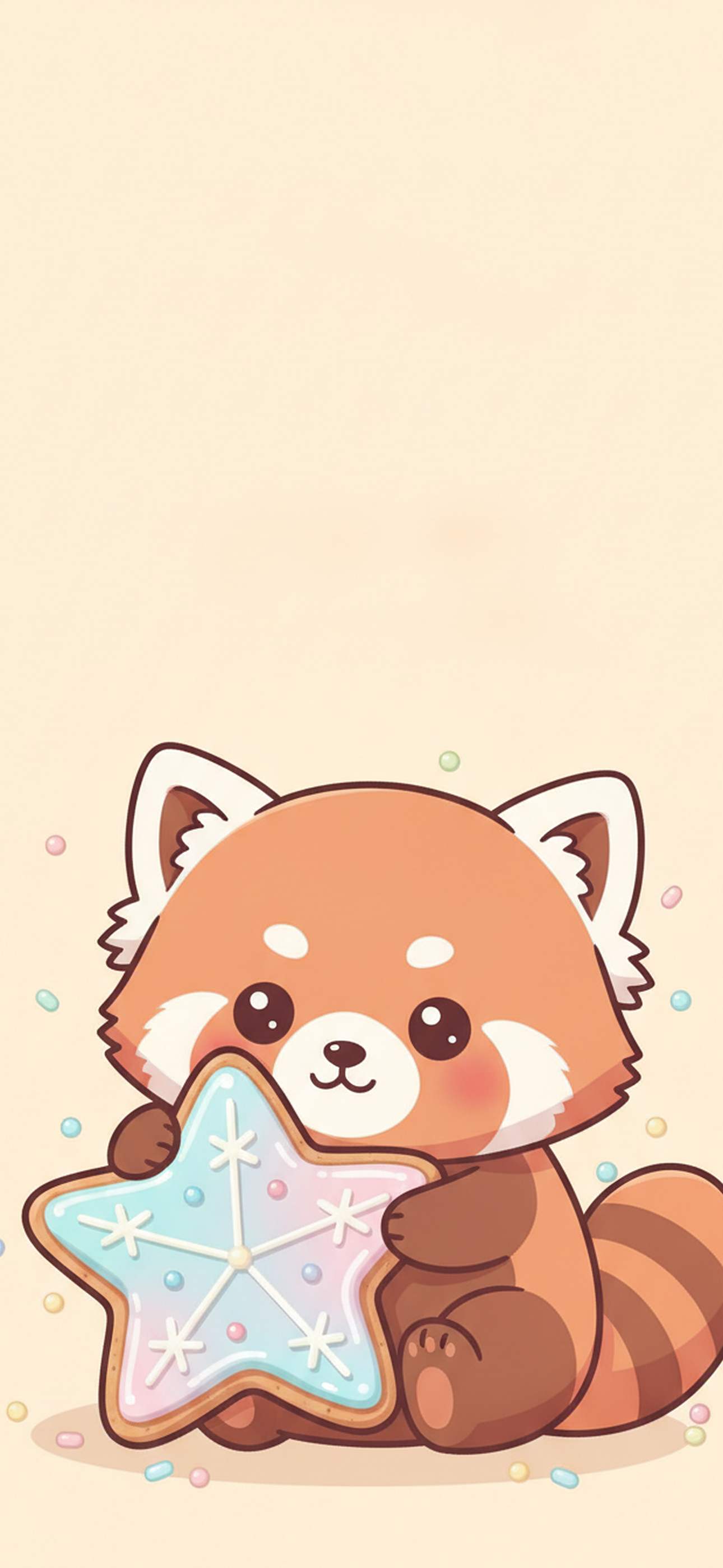
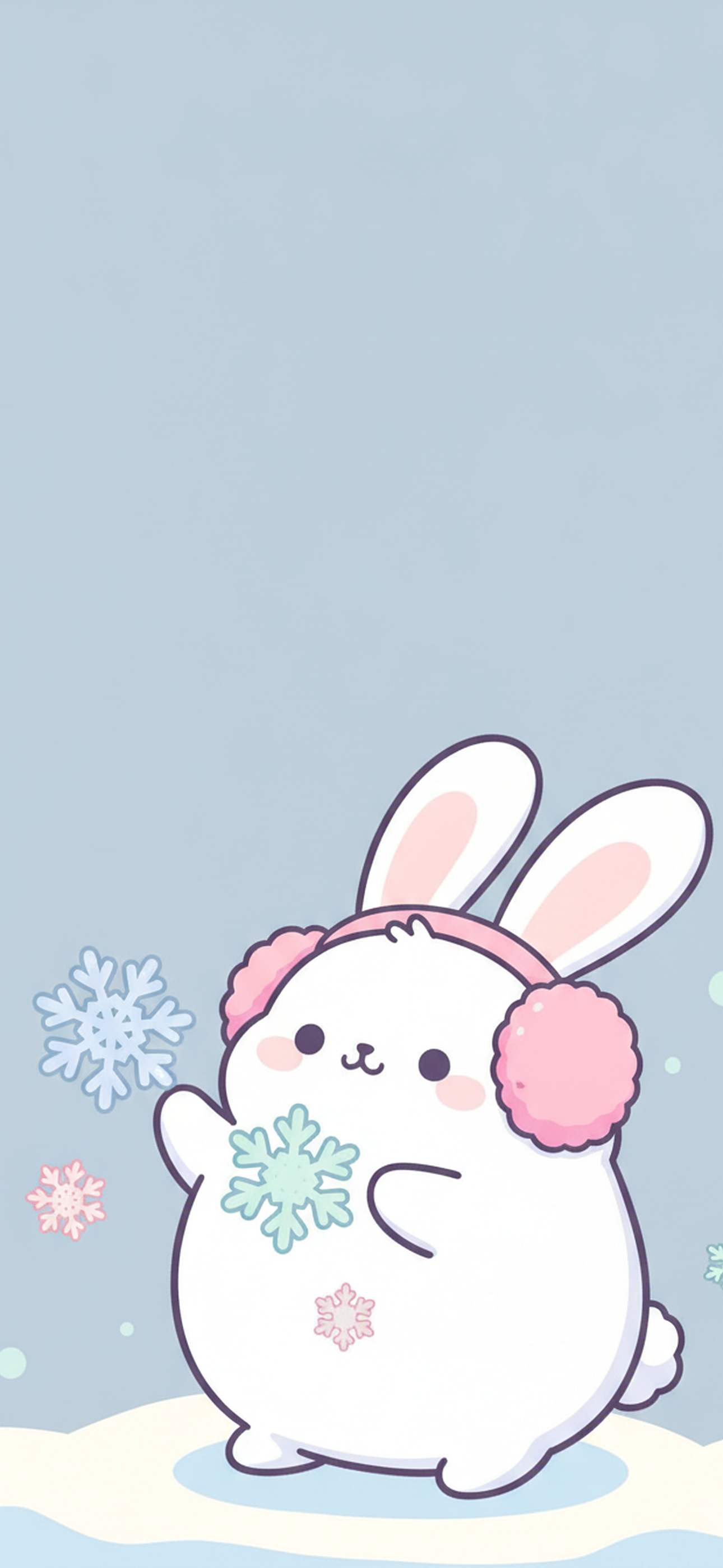
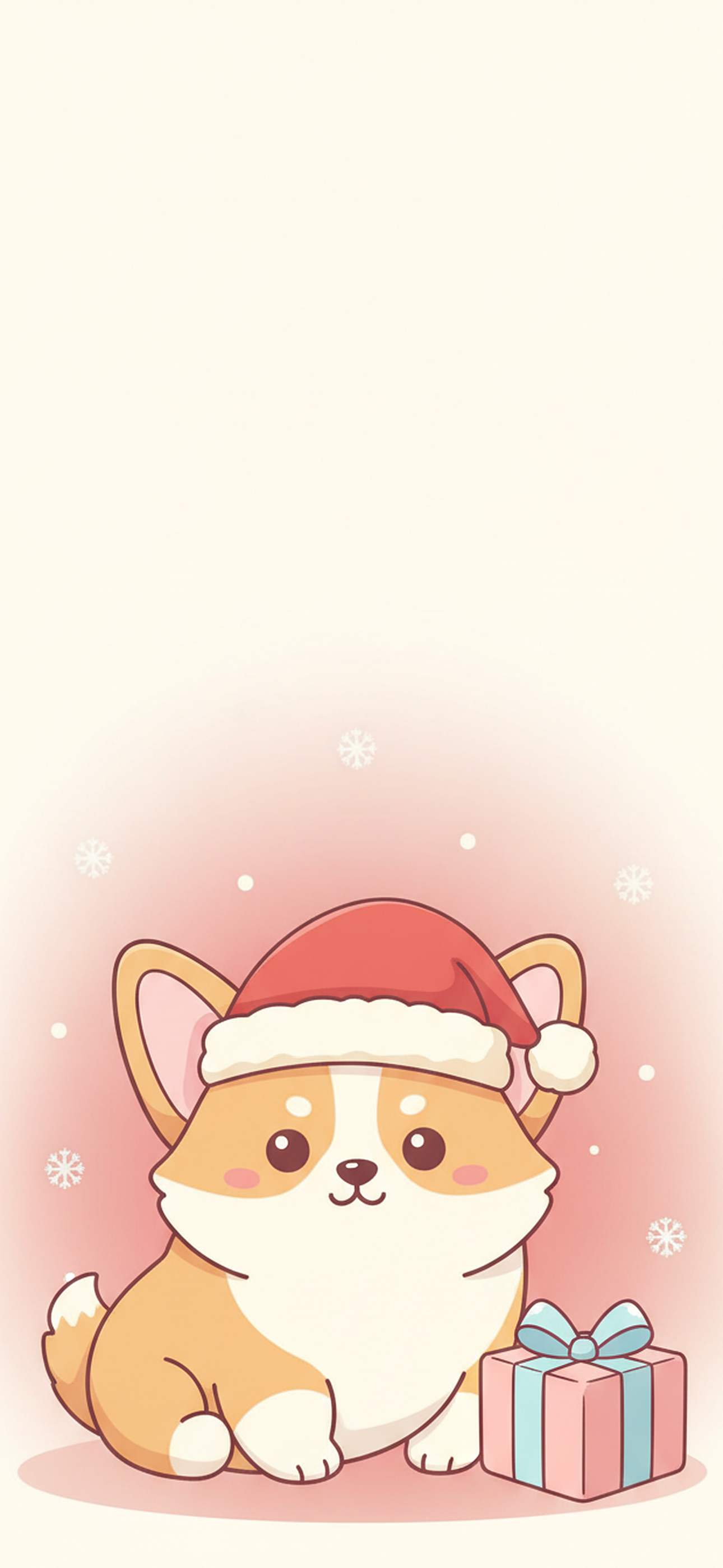
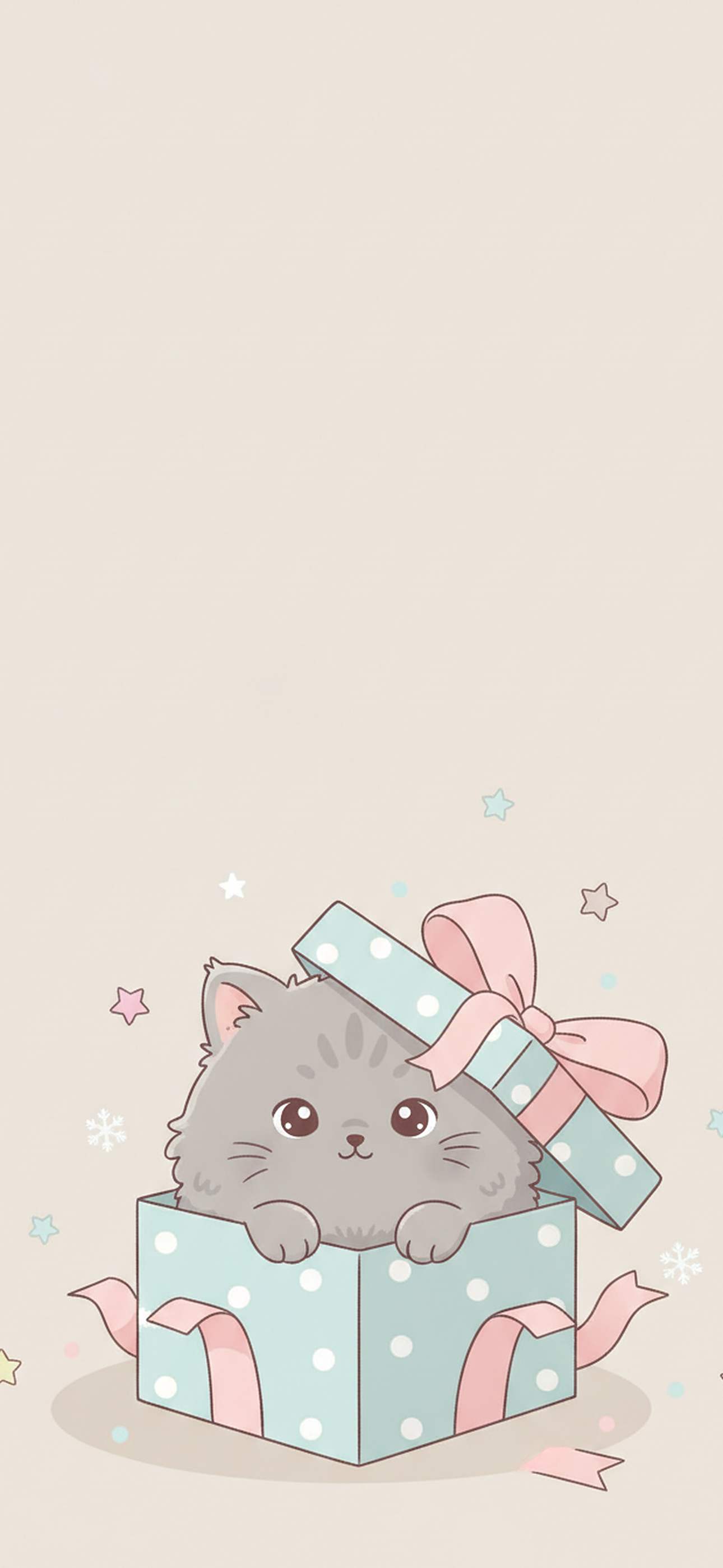
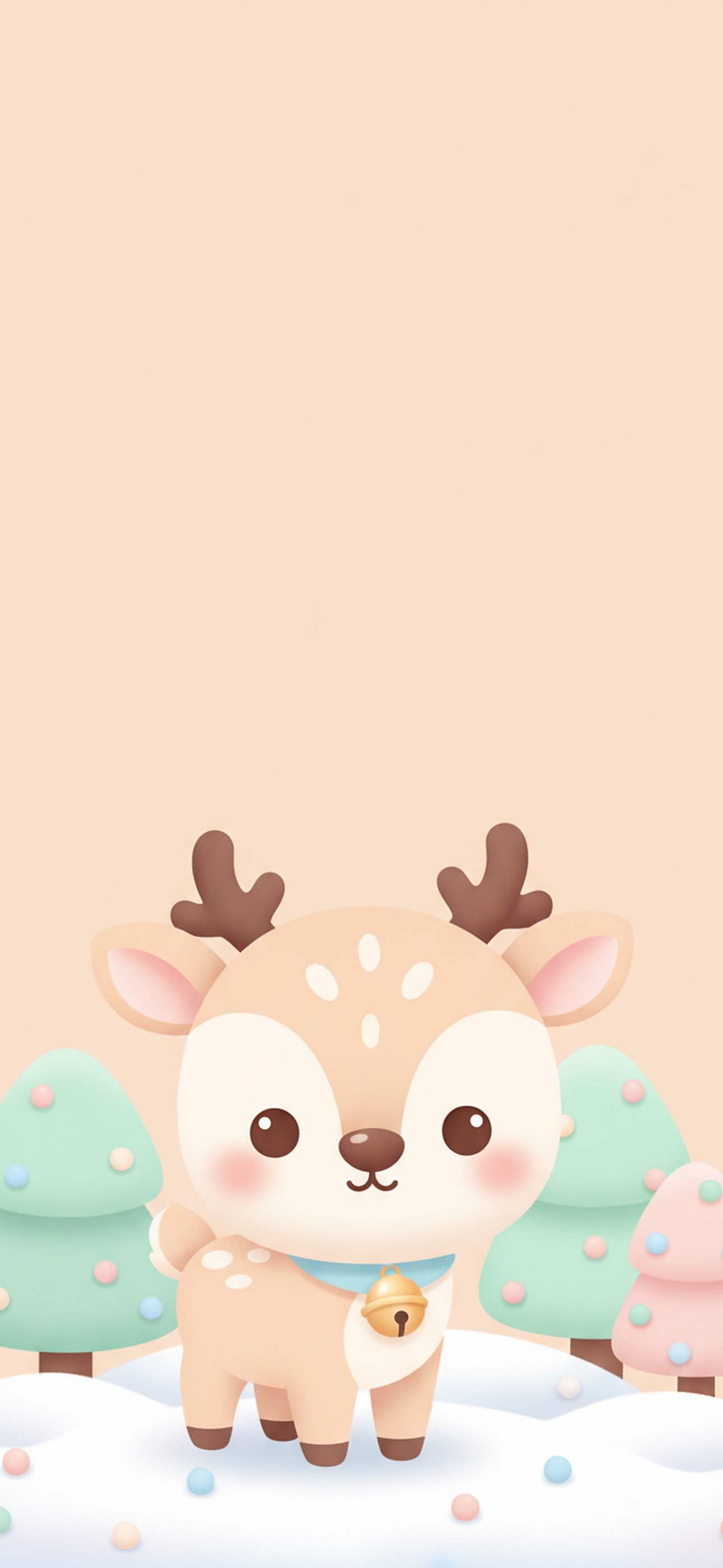
Cocoa, cookies and snow days
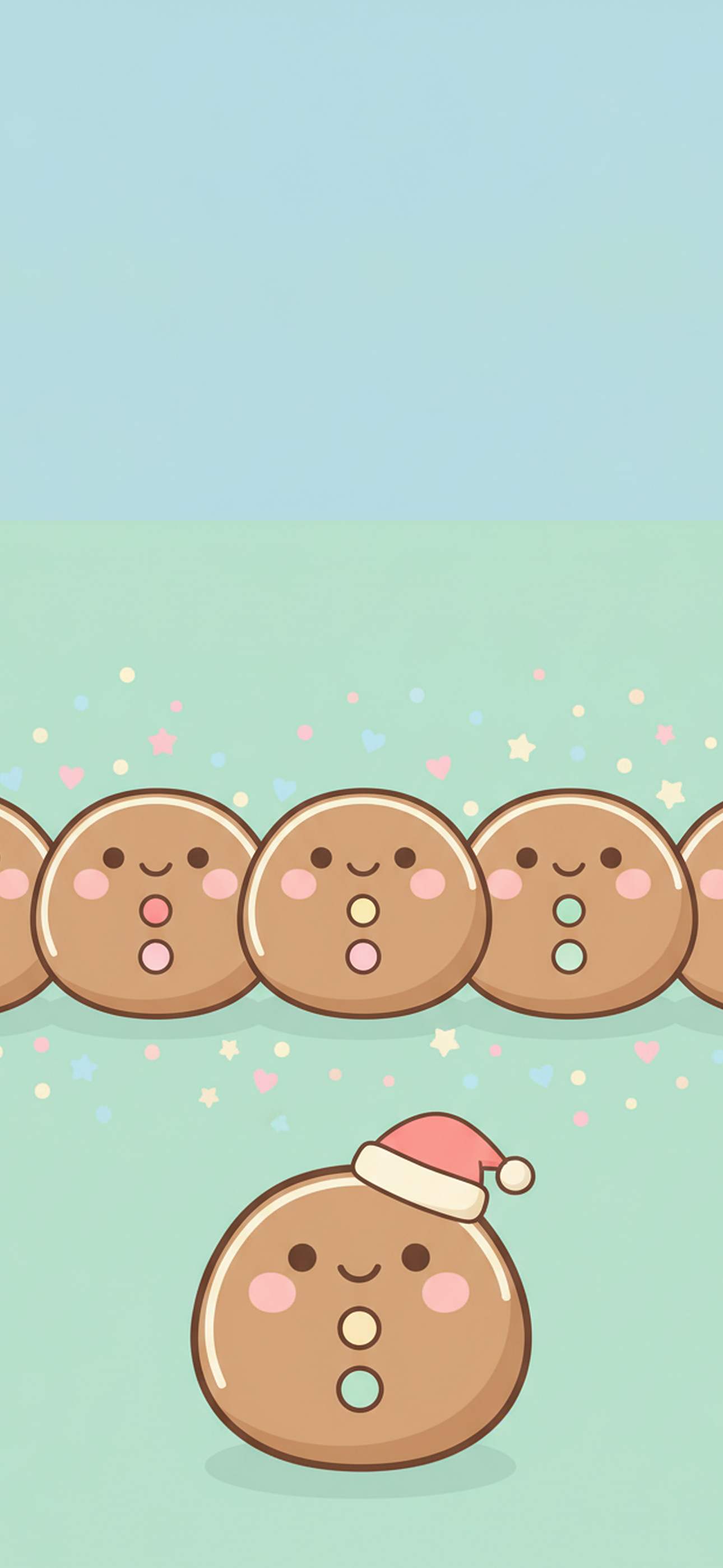
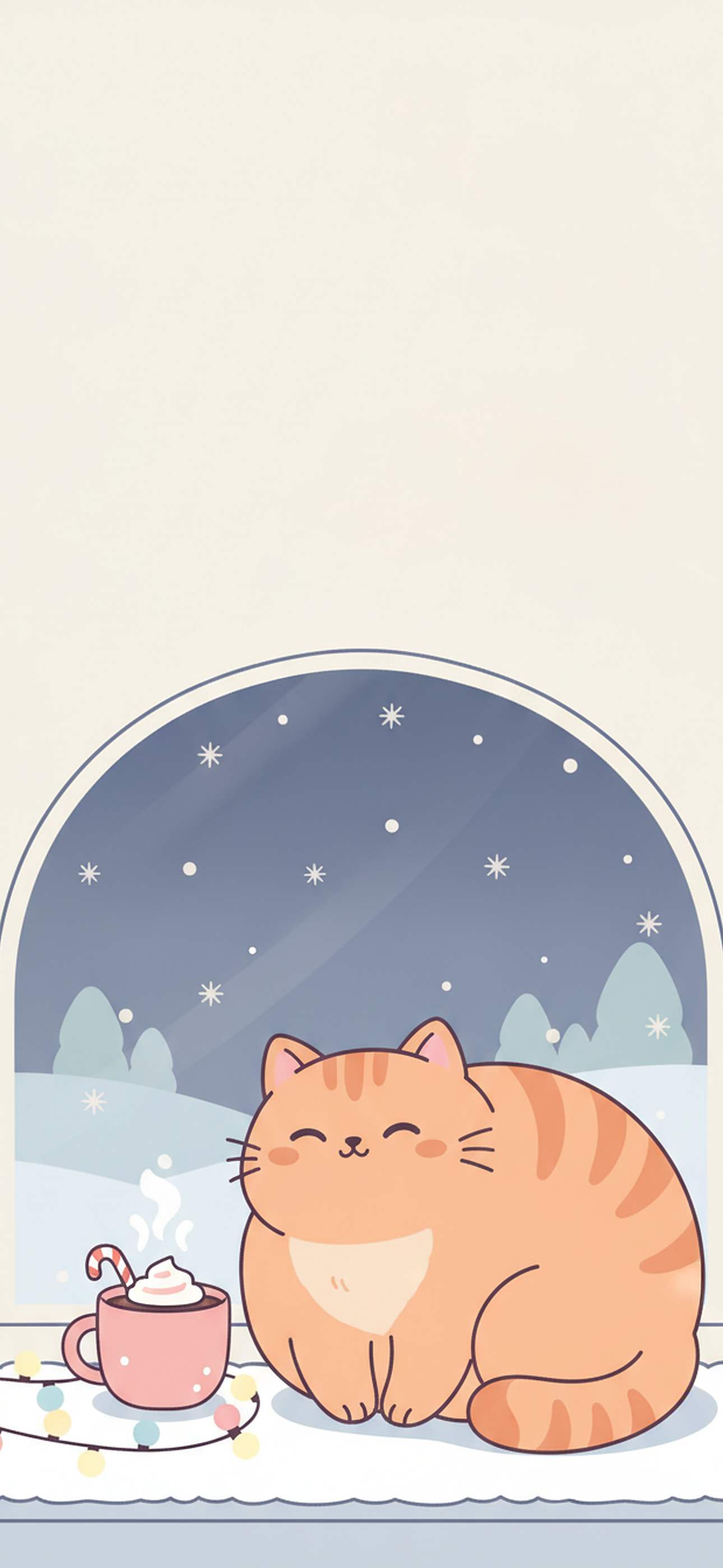
Five cozy scenes with food that smiles back. Probably the ones the kids will fight over.



Pastel patterns
Two candy-colored patterns with a small character in front. The pattern runs edge to edge, so a crop on a wider or narrower phone loses nothing important.
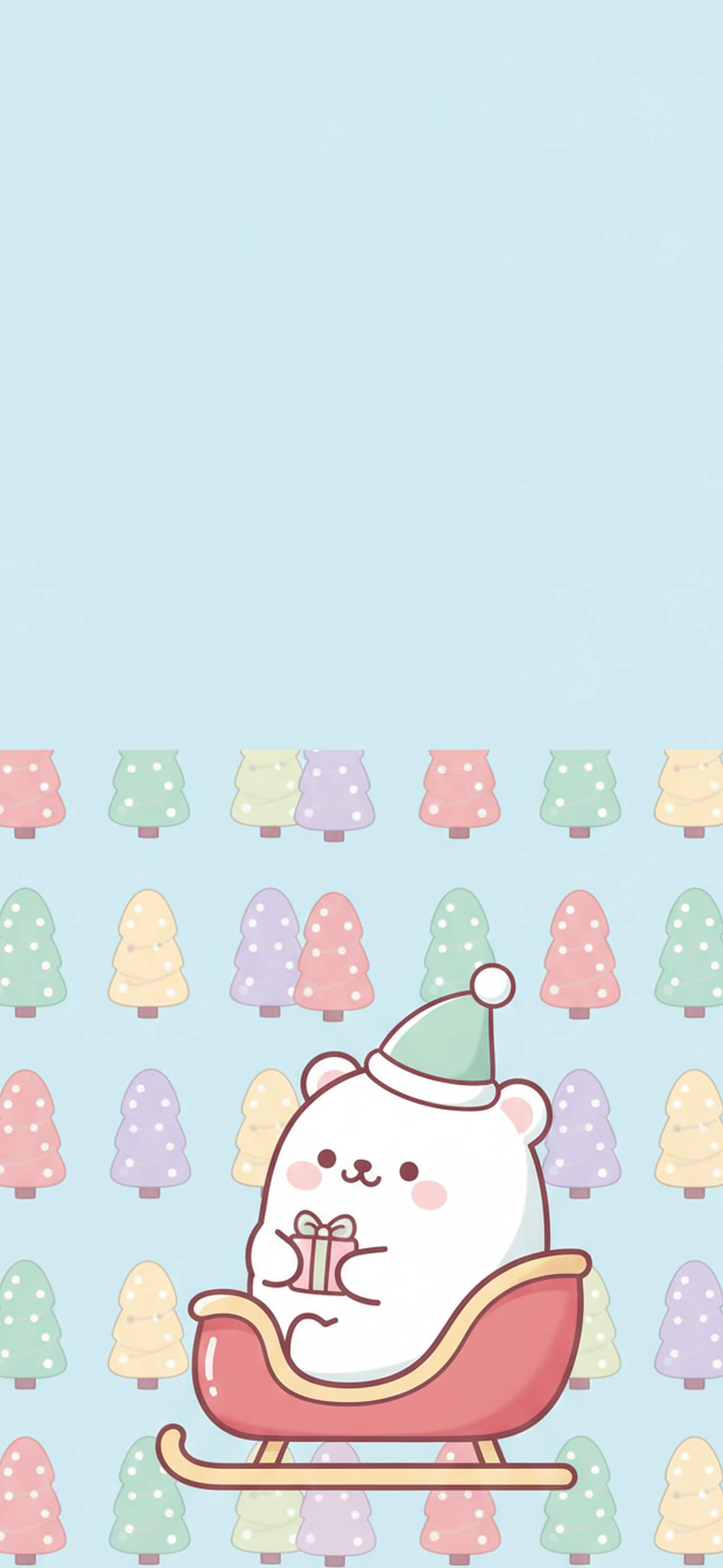
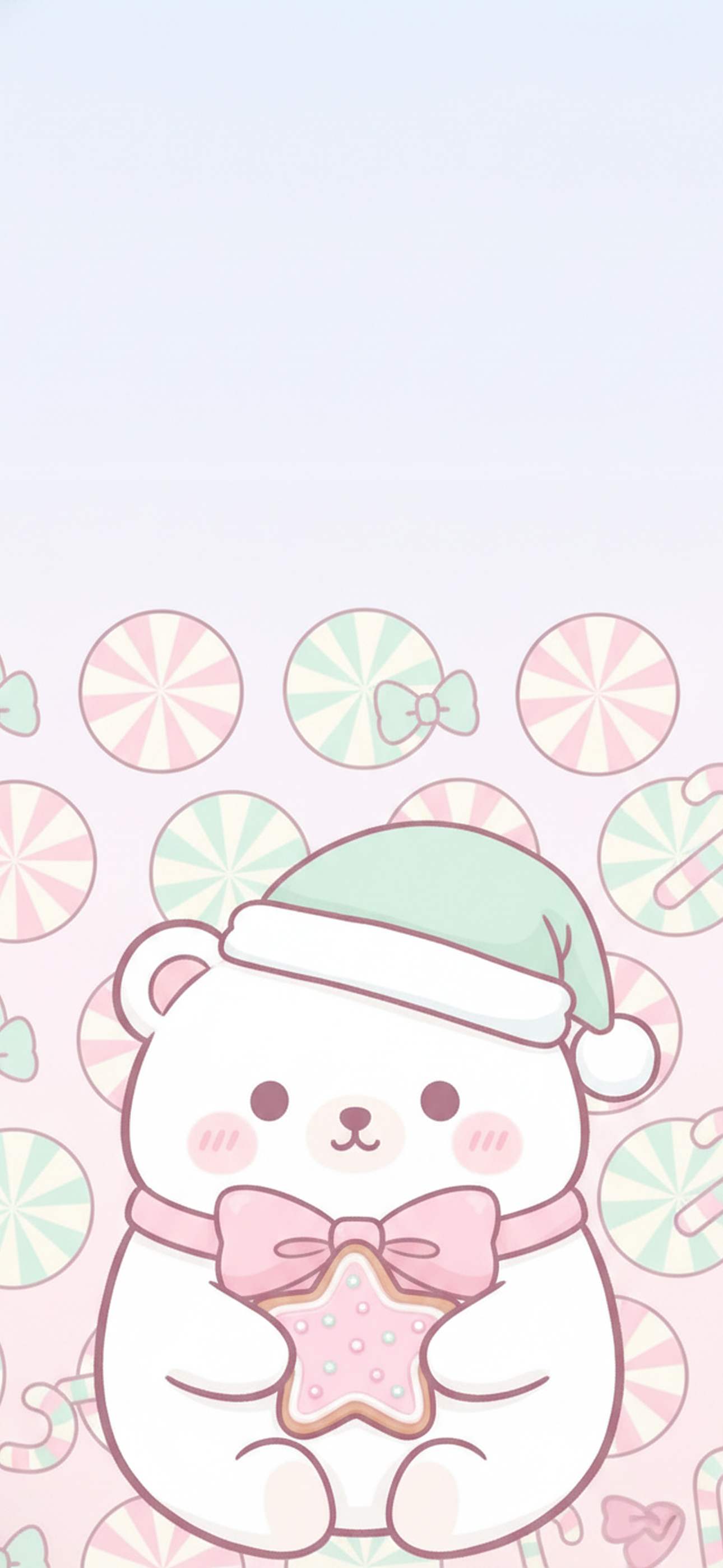
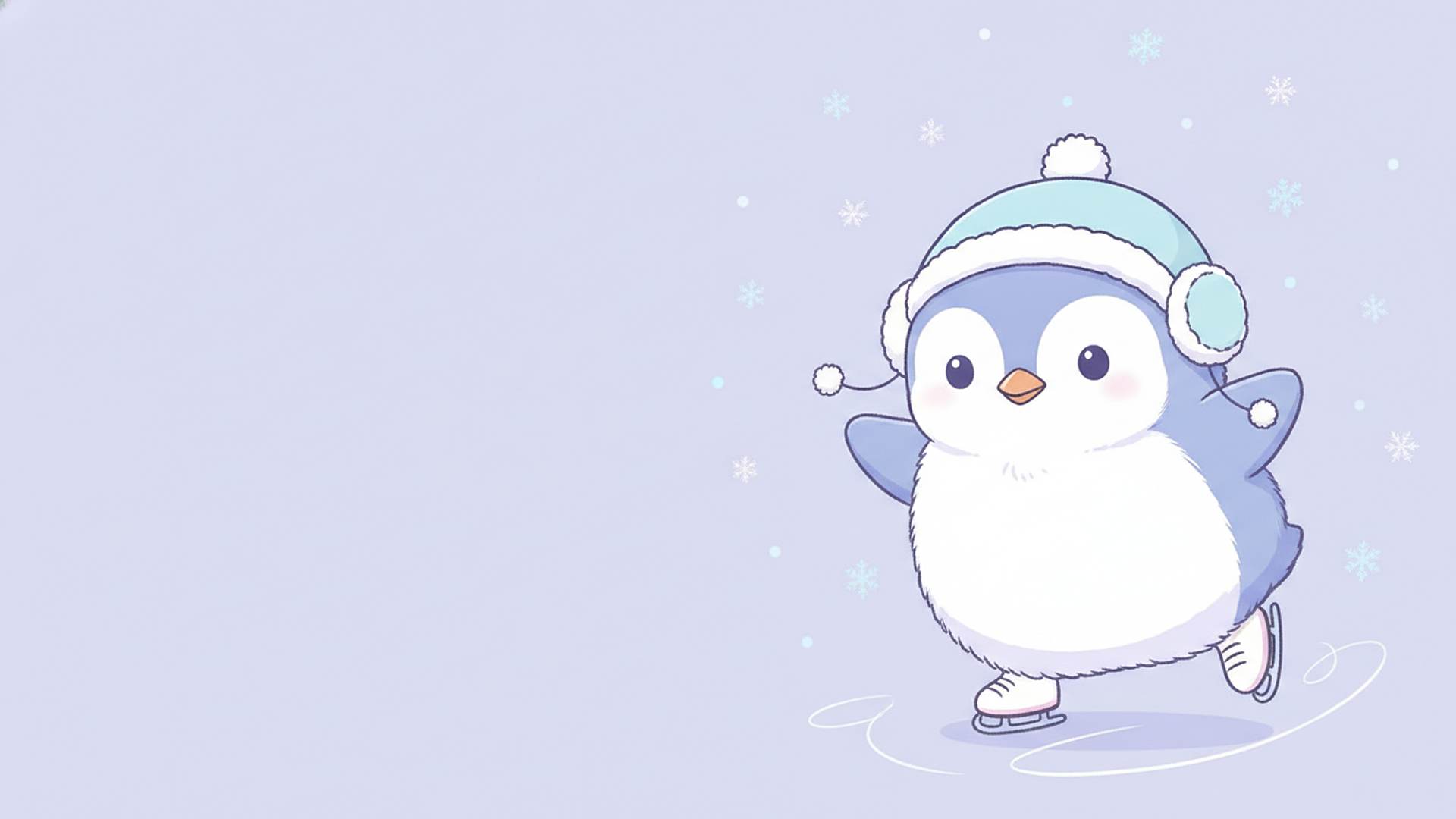

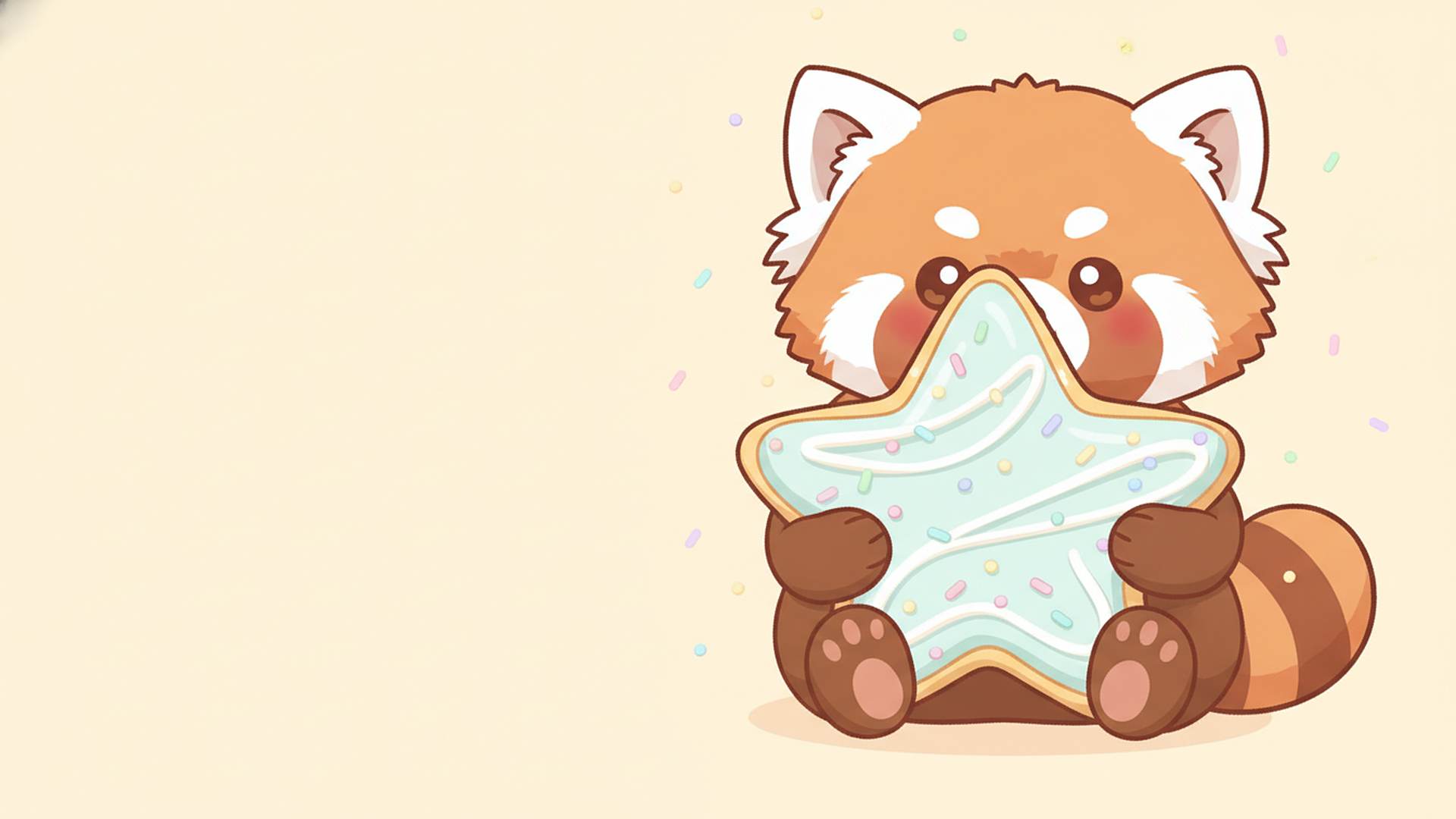


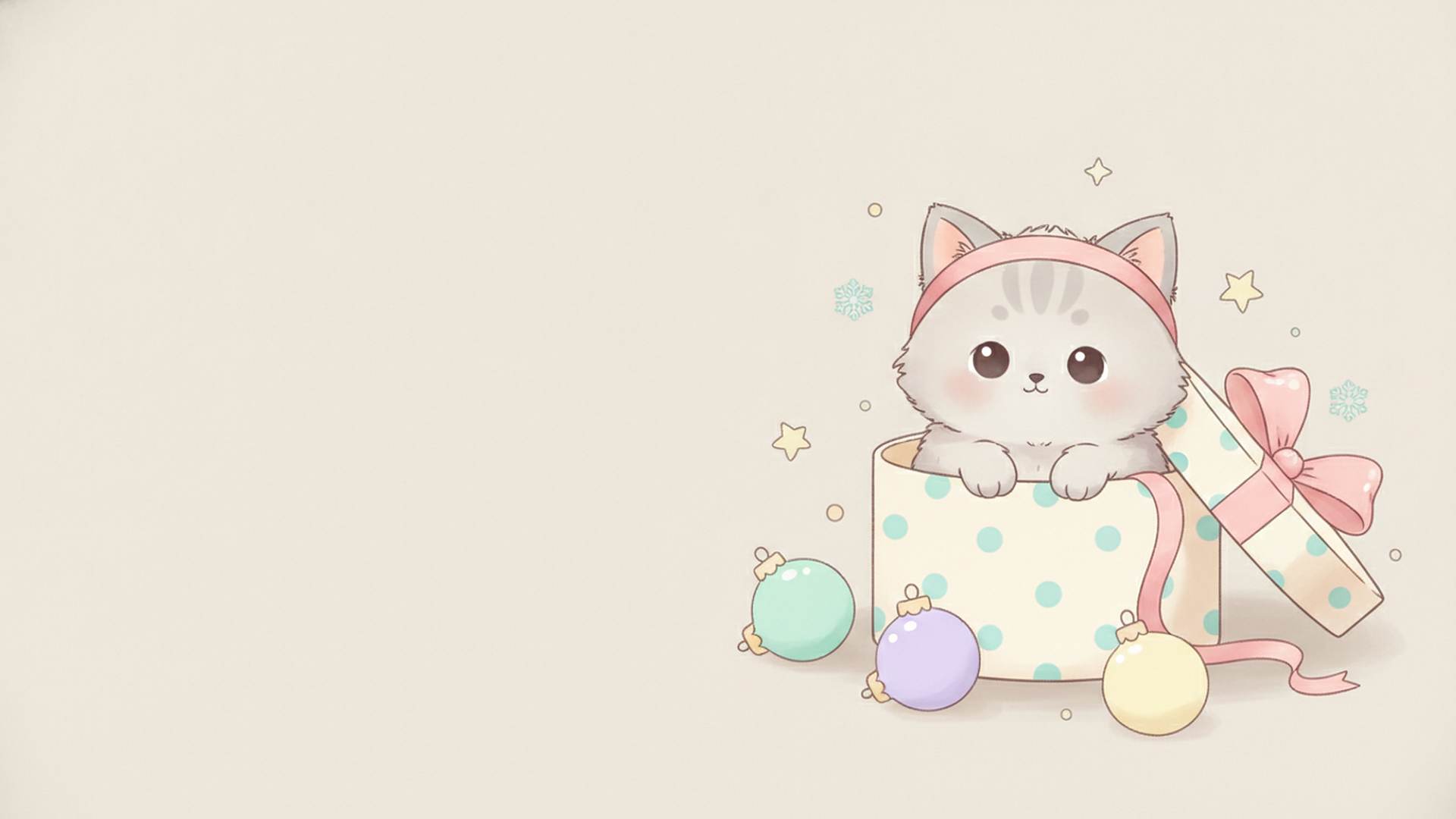
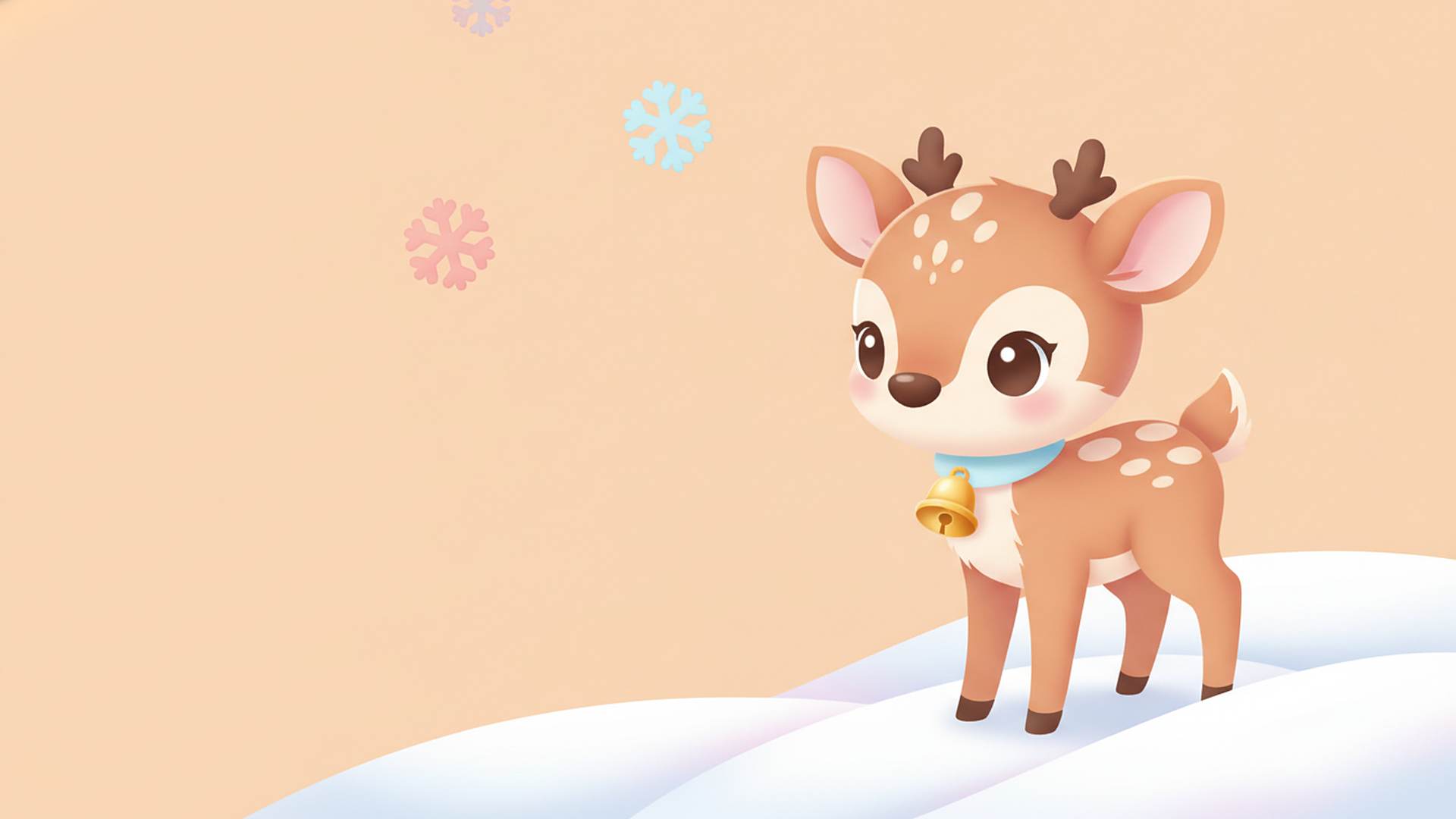
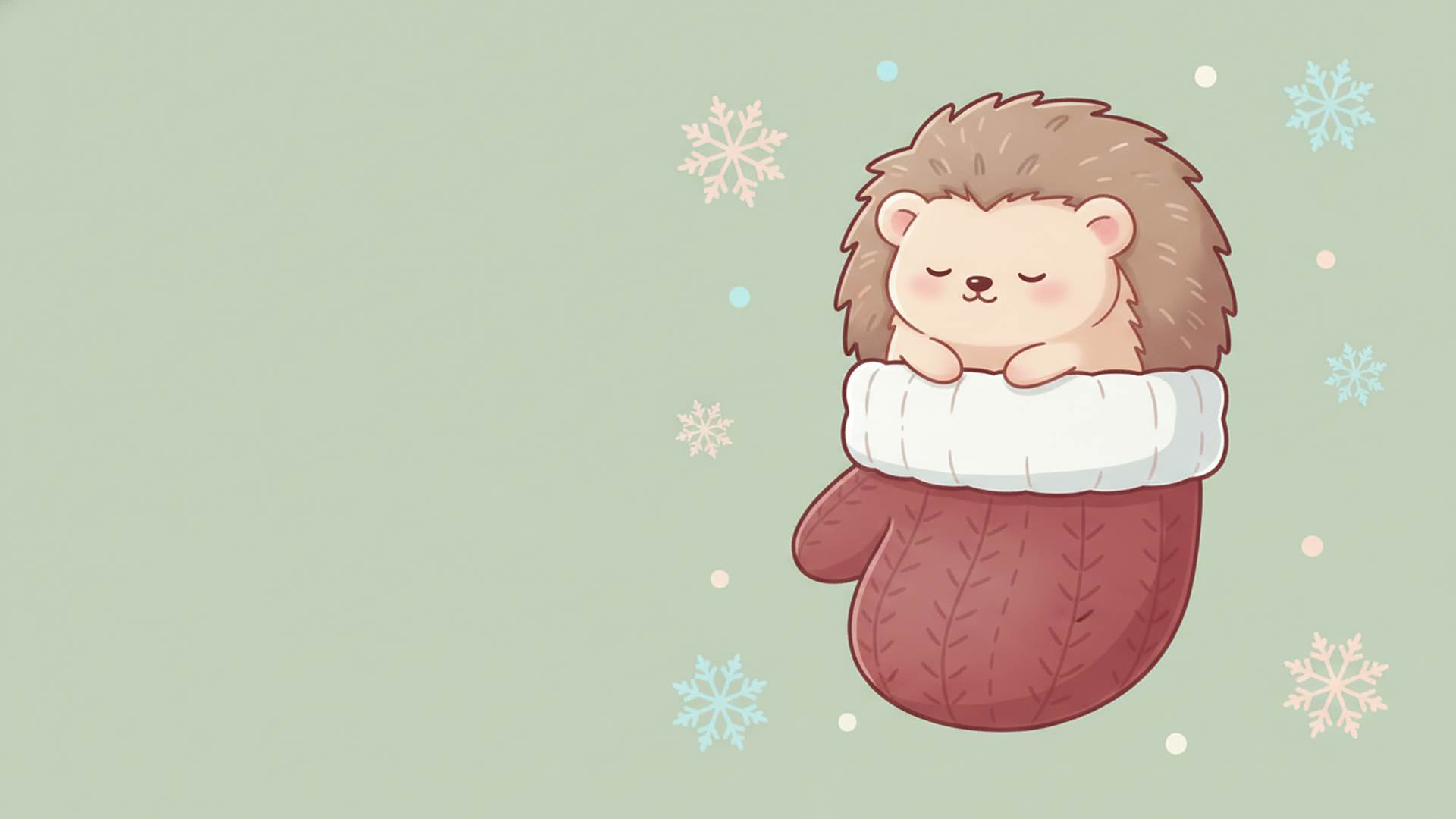

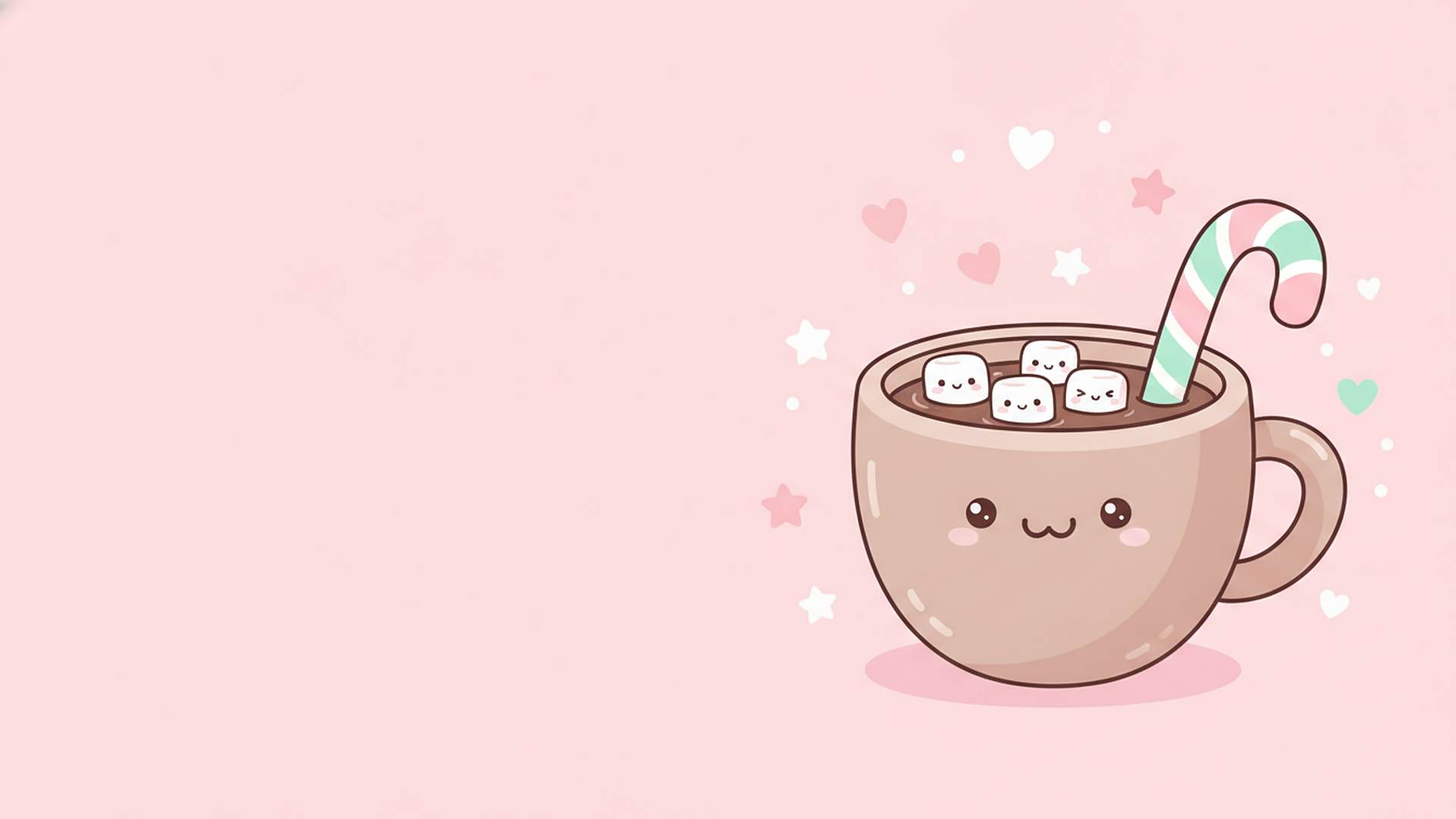
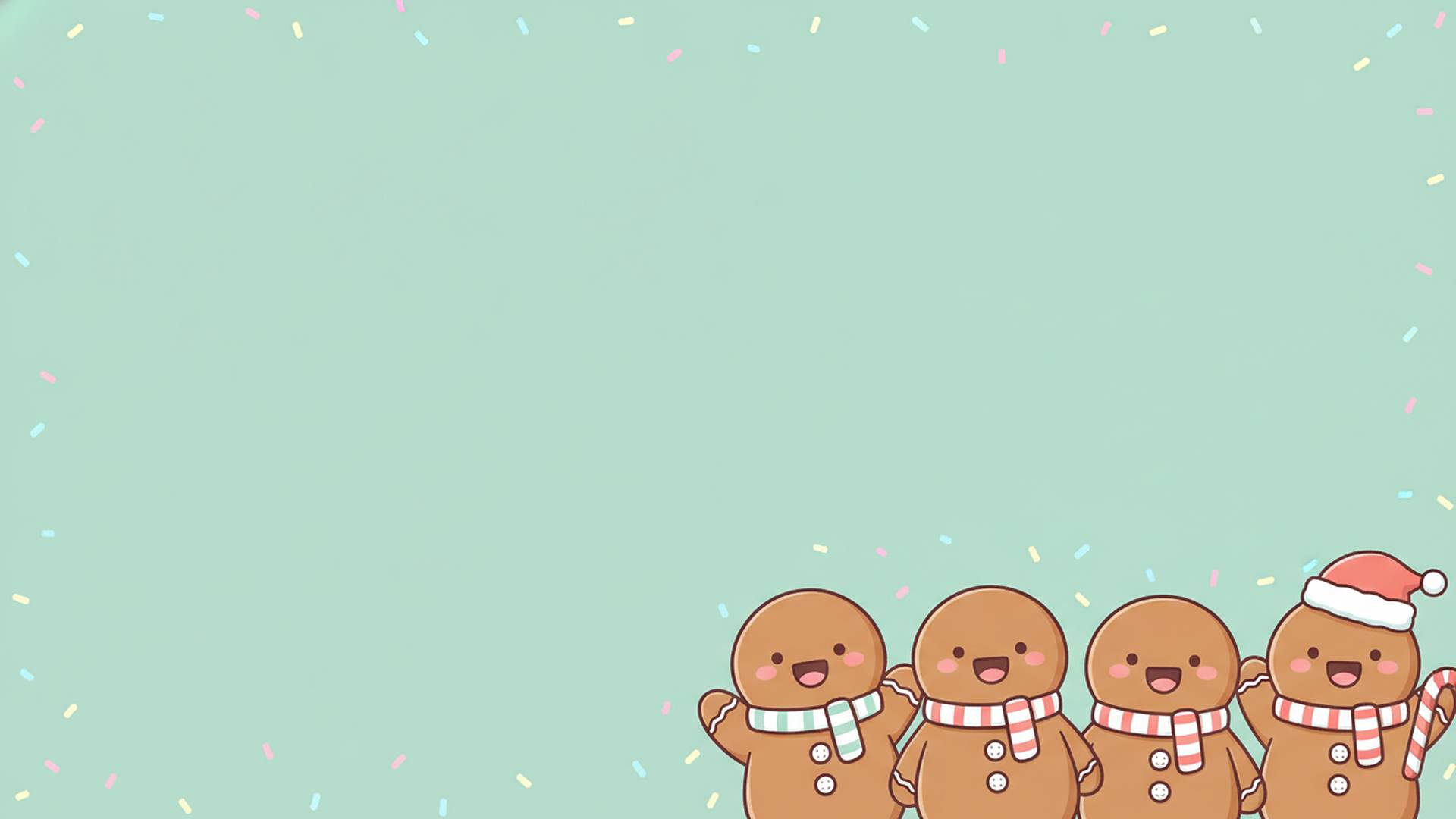
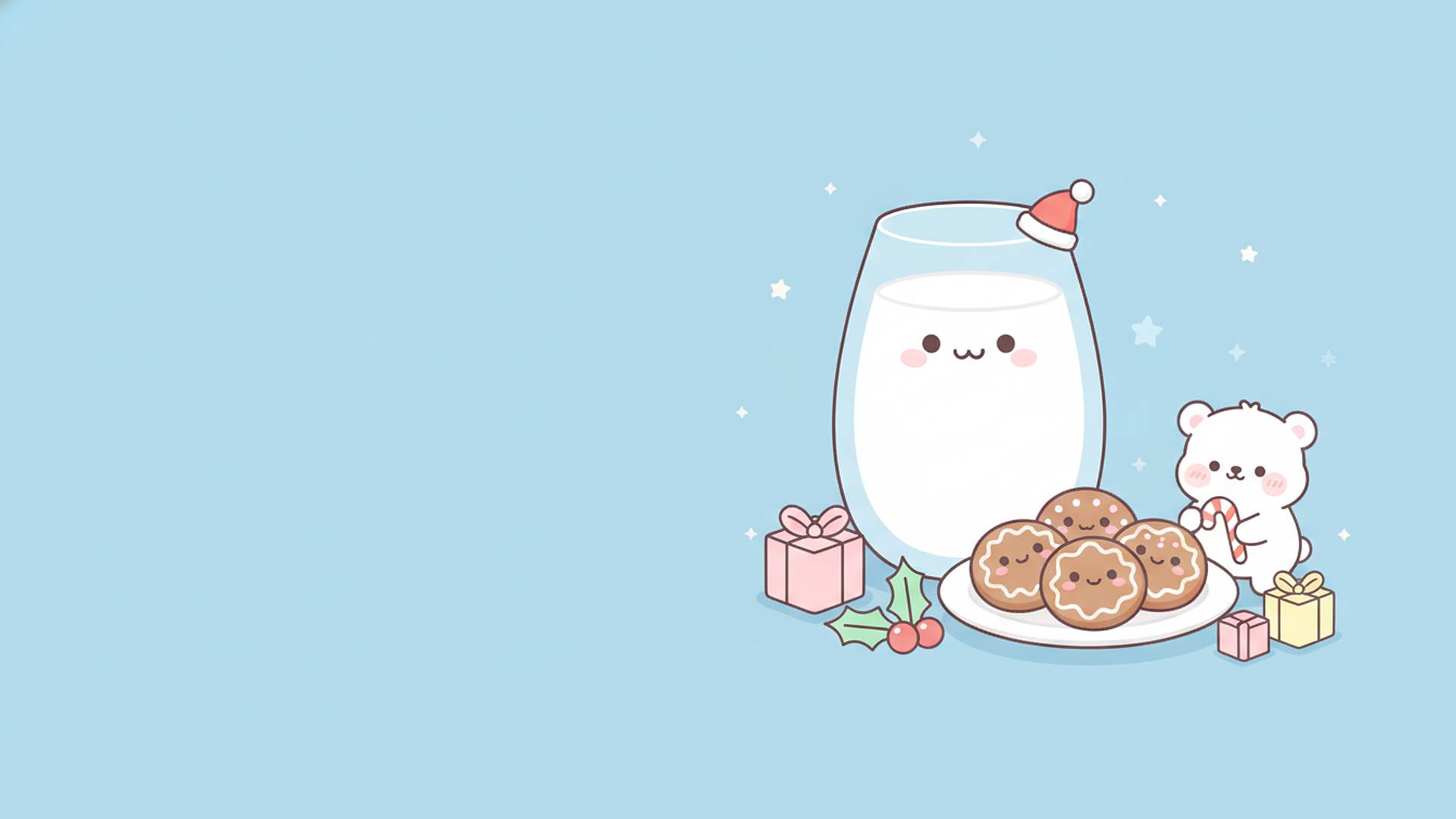
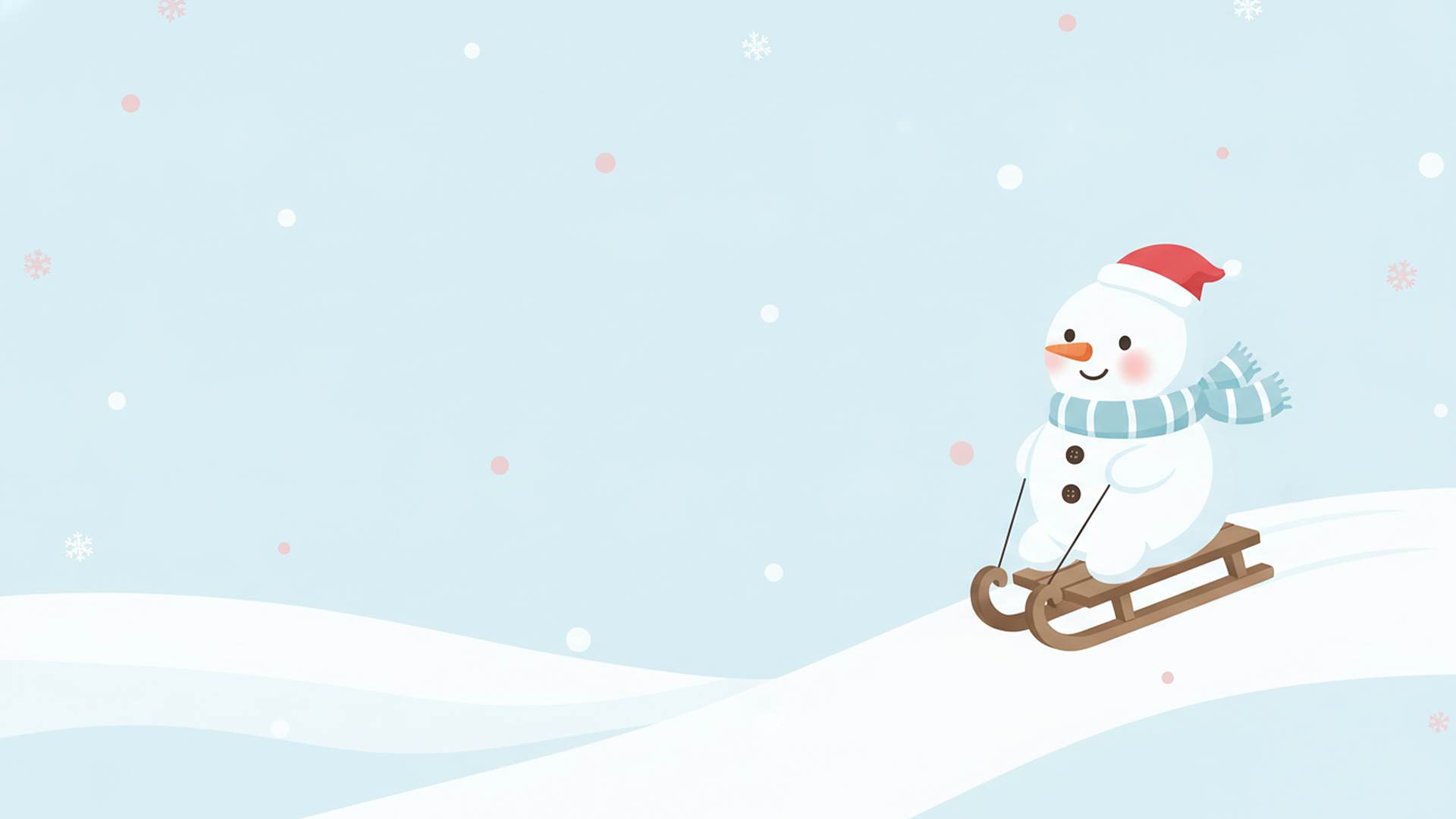
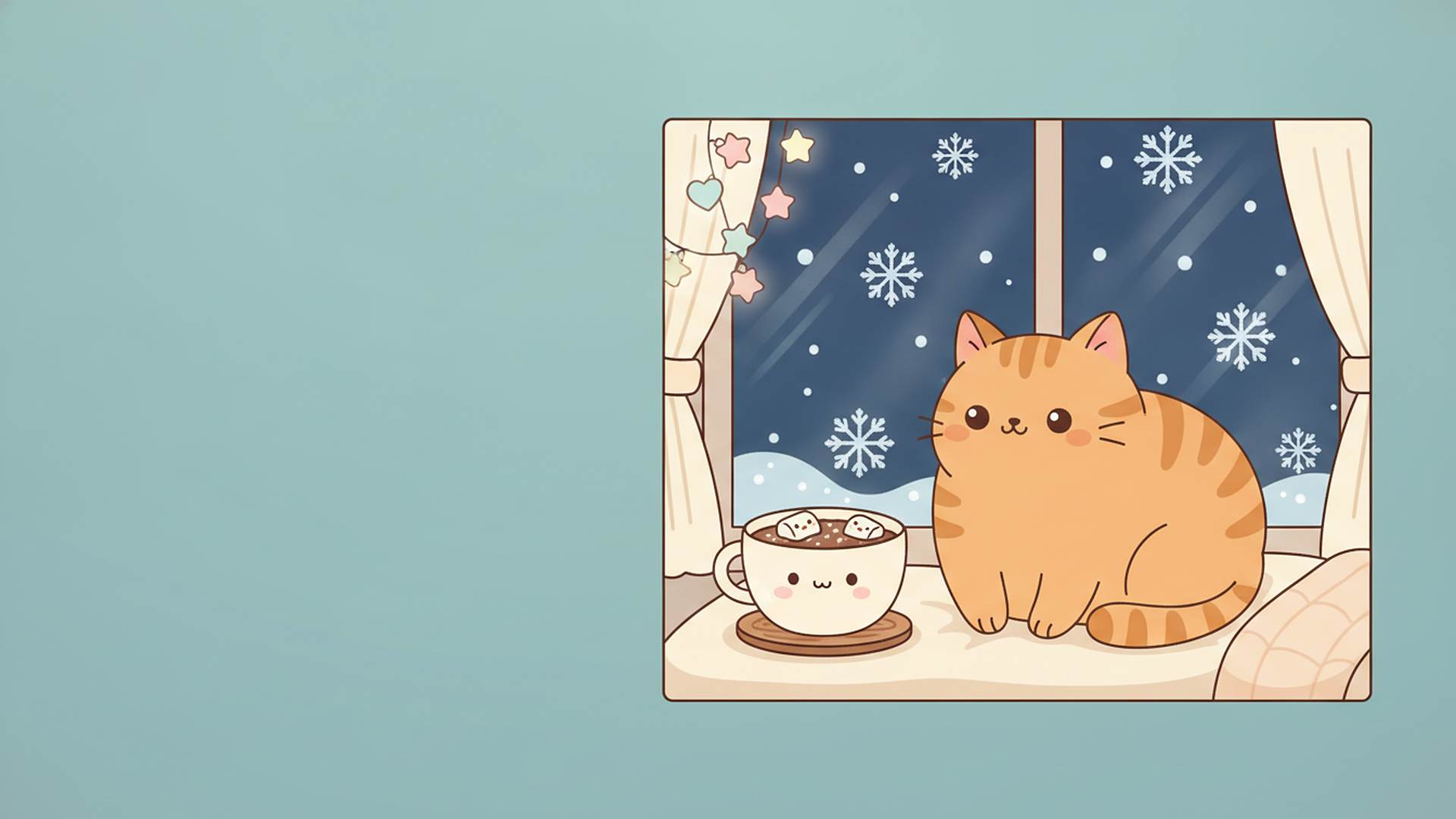
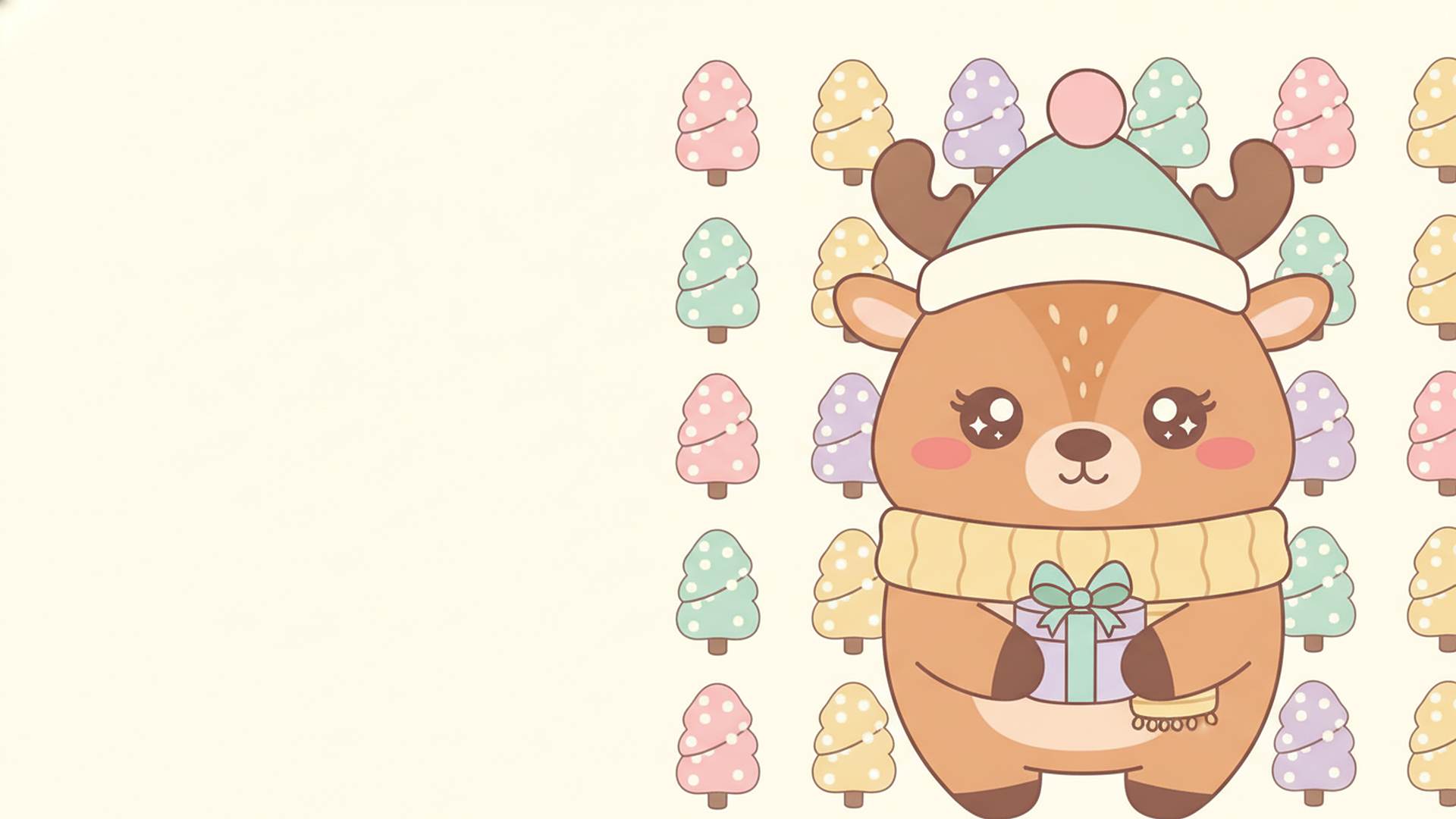
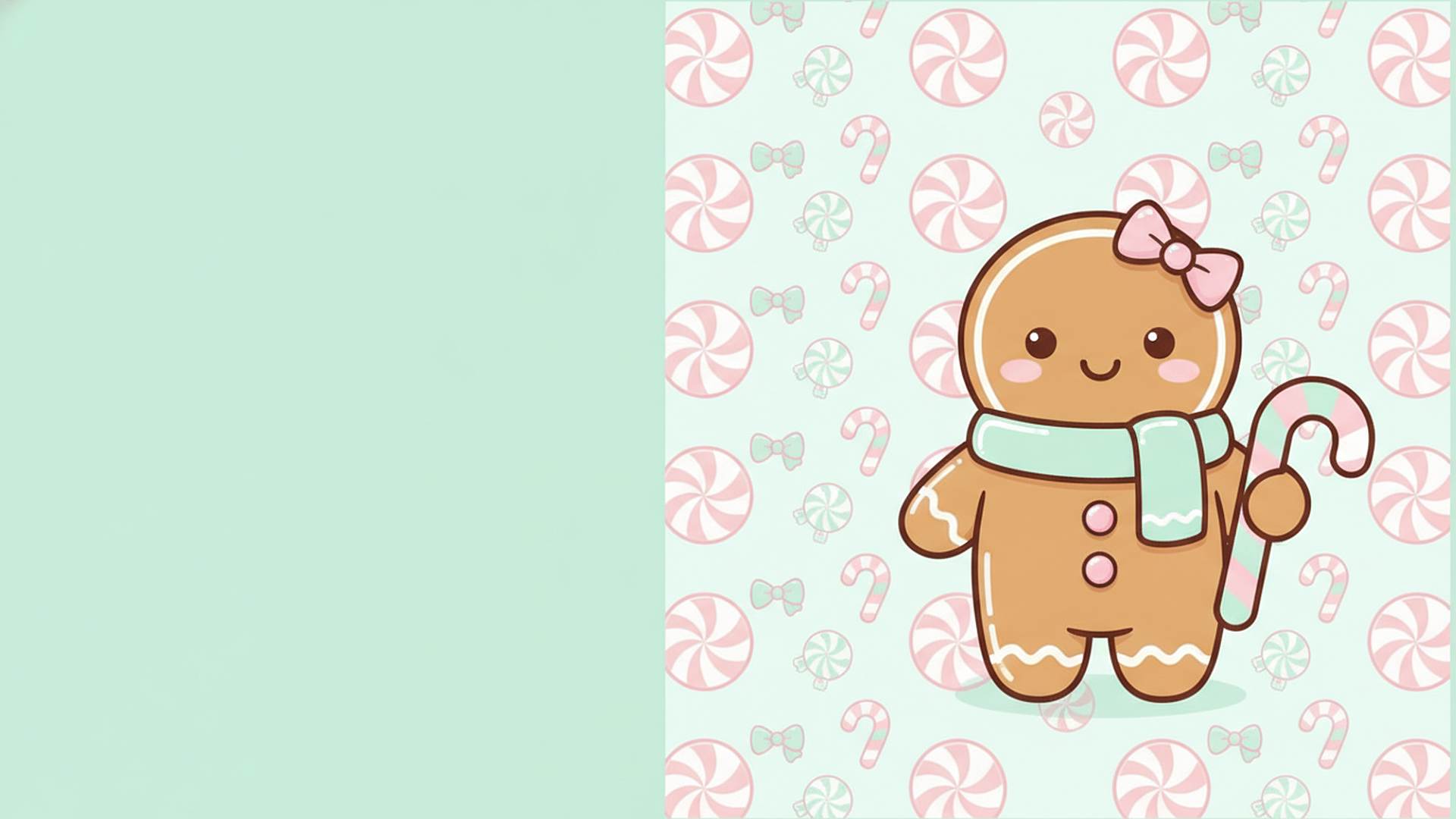
Phone files: 1290 x 2796 JPG. Desktop files: 1920 x 1080 JPG. Free for personal use and for sharing with friends and family; not for resale or reposting on wallpaper sites.
Getting the lock screen to look right
A cute wallpaper looks best when the phone's own clock and widgets match it. Some small things that make a big difference:
- Leave the top alone. Each phone design has a plain sky or background across the top third; if you zoom in while setting it, you push the character up under the clock. Set it at the default size first.
- Steal a color for the clock. On iPhone, tap the time in the lock screen editor and choose a color from the picture (the pink of the cocoa mug, the mint of the gingerbread). On a Pixel, Wallpaper and style can pull a color theme from the wallpaper automatically.
- Use a softer font. The rounder clock styles suit kawaii art far better than the thin default.
- Try a different picture for each screen. A character on the lock screen and the matching pastel pattern on the home screen keeps your apps readable. On iPhone, choose Customize Home Screen instead of Set as Wallpaper Pair, then Photos.
To set one on an iPhone: save it to Photos, open Settings, Wallpaper, Add New Wallpaper, Photos, choose it, then tap Add. On Android, hold an empty part of the home screen, tap Wallpaper and style, then pick it from your photos or Gallery. On a computer, right-click the downloaded file and set it as the desktop background (Windows) or add it under System Settings, Wallpaper (Mac). More detail, including screen sizes for every current iPhone, is on our main Christmas wallpaper page.
A cute wallpaper for the kids (and the grandparents)
Children's tablets are where these get the most use. A few notes from the parent side of things:
The designs have no words, so a pre-reader can't confuse them with an app, and they have no people or characters from films, which keeps them out of the "can I have the one with..." argument. If two kids share a tablet, give each one their own animal; the penguin and the bunny are an easy pair. On a school-managed laptop the wallpaper setting may be locked by the school, and there's nothing to do about that from home.
Grandparents like them too, for a different reason: it's a small thing you can send that looks deliberate. Text the hedgehog or the sleepy polar bear along with a photo of your Christmas card, and say which one the kids picked for them.
Turn a wallpaper into gift tags or a mini card
The phone files are 1290 pixels wide, which is plenty for printing small. At 300 dots per inch that's about 4.3 inches across, so a tag 2 inches wide is very sharp.
- Open a blank Letter page in Word, Google Docs or Canva and insert one phone wallpaper four to six times.
- Resize each copy to about 2 inches wide (it will be roughly 4.3 inches tall). Crop the plain top part away if you want a squarer tag.
- Print on 65 to 80 lb cardstock, cut them out, punch a hole near the top and add ribbon or twine.
- Write To and From on the back with a fine marker; gel pens smear on glossy paper.
The same trick makes a mini card: fold a 4 x 6 piece of cardstock in half, glue a cut-out character on the front and write inside. It's a good job for kids who want to make their own cards for classmates. For printable tags with the lines already drawn, use our printable Christmas gift tags; for more ideas on what kids can make, see Christmas card ideas for kids.
How the set was drawn
We wrote one short brief per character (the animal, one prop, one pastel background color), then drew a tall phone version and a wide desktop version of each with Google's Gemini image model. They're separate drawings, not crops, because a phone needs the character low and centered while a monitor needs it off to one side. We checked each one at full size and redrew any with odd paws, extra eyes or anything that looked like lettering. The reindeer has a plain brown nose on purpose.
For cards, a cute style also works on paper: our printable Christmas cards to color are a good rainy-afternoon follow-up.
Cute Christmas wallpaper questions
Which cute Christmas wallpapers can I download with no watermark?
All 16 on this page are free: tap the Phone link for a 1290 x 2796 iPhone or Android file, or the Desktop link for a 1920 x 1080 computer file. They are original drawings, so there are no watermarks and no sign-up.
What is a kawaii Christmas wallpaper?
Kawaii is the Japanese word for cute, and in wallpapers it means round shapes, small faces with dot eyes and blush, and soft pastel colors. The penguin, polar bear and cocoa mug designs on this page are drawn in that style.
Do cute Christmas phone wallpapers fit an iPad screen?
The phone files work on an iPad in portrait, though iPadOS crops the top and bottom because an iPad screen is wider. Held sideways, the desktop file is the better fit; the pastel tree and peppermint patterns crop most gracefully on either.
How do I make my iPhone lock screen look cute for Christmas?
Set a pastel wallpaper with the subject in the lower half, pick a rounded clock font in the lock screen editor, and match the clock color to one color in the picture. Add a small widget such as a countdown or weather so the space above the animal doesn't look empty.
Can kids use these Christmas wallpapers on a tablet or school laptop?
Yes, they contain no text, people or brands, so they are fine for a child's tablet or laptop. School-managed devices sometimes block wallpaper changes, which is a device setting and not something the file can get around.
Can I print a cute Christmas wallpaper as a gift tag?
Yes. The phone file is sharp enough for a tag about 2 x 4 inches, so you can print several on one sheet of cardstock, cut them out and write To and From on the back.
Can I use the ChristmasCard cute wallpapers in my kids' Christmas cards?
For cards your family sends, yes: print one as a small insert or glue a cut-out on the front of a handmade card. Please don't sell printed cards made from them.