
Is Home Printing or Costco Cheaper for Christmas Cards?
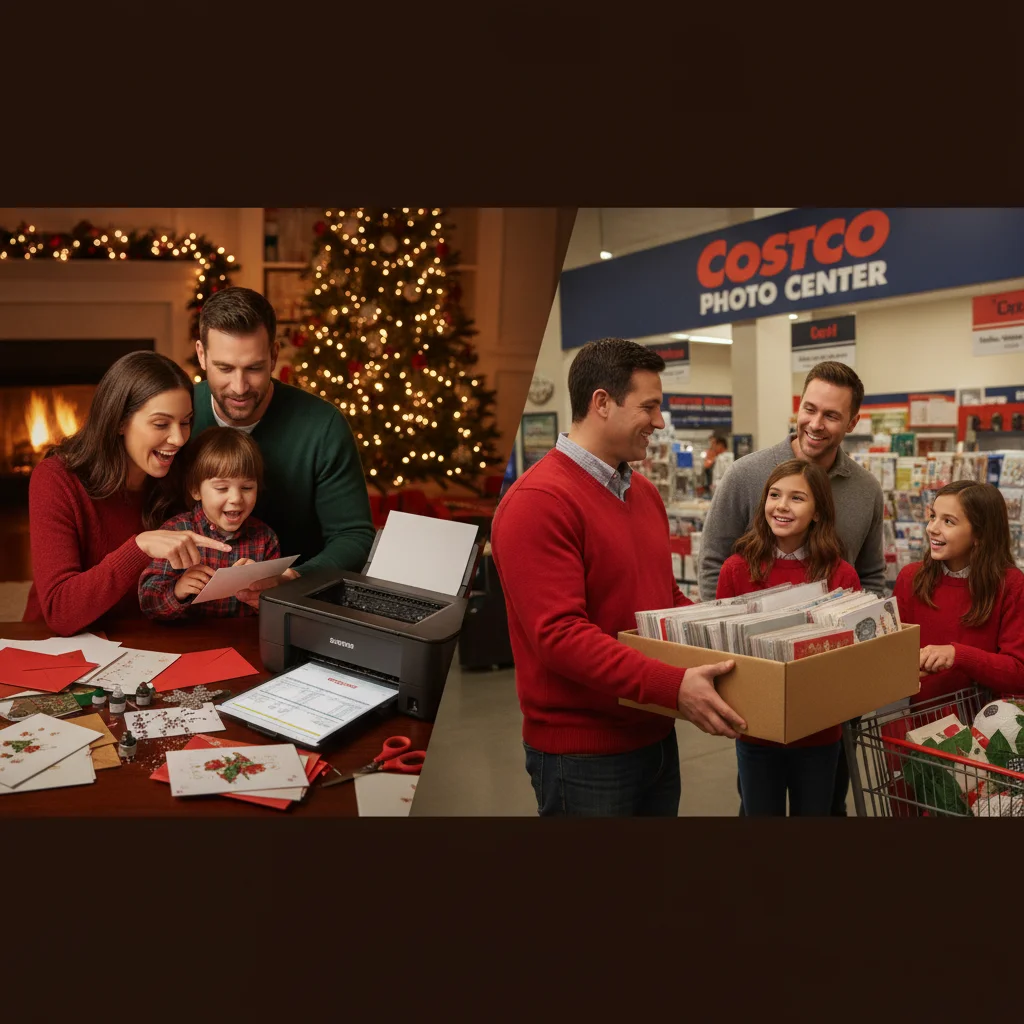
Quick answer: Home printing can cost about $0.50 to $1.50 per card before postage when you already own a suitable printer. Costco no longer operates its own photo-printing service, but members may receive Shutterfly discounts. That option often costs more per card, although promotions, included envelopes, and free shipping can make it competitive for small or premium orders.
Comparing home printing with “Costco Christmas cards” is less direct than it once was. Costco closed its photo centers and transferred its photo customers to Shutterfly. Costco members may receive special Shutterfly pricing or benefits, but Costco does not currently print the cards itself.
The cheaper choice depends on card size, paper quality, ink coverage, order quantity, shipping, envelopes, and current promotions. Postage is normally the same for both choices, so it should be calculated separately unless one design requires extra postage.
What does a home-printed Christmas card really cost?
A home-printing calculation should include paper, ink, envelopes, test prints, and failed sheets. Looking only at card stock understates the total.
Basic matte or glossy card stock commonly works out to about $0.15 to $0.40 per finished card. Ink can add approximately $0.20 to $0.80 per card, depending on the printer, cartridge price, design, and coverage. A photo-heavy design with a dark background uses considerably more ink than a white card with a small photograph.
Envelopes may add $0.08 to $0.25 each. Allowing another 5% to 15% for trimming errors, color tests, streaks, or paper-feed problems produces a realistic home-printing range of roughly $0.50 to $1.50 per usable card before postage.
How much do Costco member Christmas card orders cost?
Costco members generally order photo products through Shutterfly rather than through a Costco photo department. The effective price depends on the current member offer, product type, quantity, and whether shipping is included. Offers can change, so shoppers should confirm the final cart total rather than relying on an advertised starting price.
A useful comparison divides the complete checkout total by the number of usable cards. Include upgraded paper, rounded corners, envelopes, address printing, taxes, and shipping. If 40 cards cost $48 after all discounts and shipping, the effective cost is $1.20 per card before postage.
Costco membership should not normally be added when a household already maintains a membership for groceries or other services. If someone is joining only to obtain a card discount, the membership fee belongs in the calculation and will usually eliminate any savings.
How do the costs compare for a typical order?
| Cost category | Home printer | Costco member photo-card option |
|---|---|---|
| Printing and paper | About $0.35 to $1.20 per card | Based on current product price and promotion |
| Envelope | Usually purchased separately | Often included, but verify the listing |
| Waste | Allow 5% to 15% | Usually minimal |
| Shipping | None for supplies already at home | May apply unless an offer covers it |
| Labor | Printing, drying, cutting, and folding | Usually limited to design and ordering |
| Typical advantage | Low-cost simple designs and urgent reprints | Consistent photo quality and finished cards |
For example, 50 home-printed cards might use $15 of card stock, $22 of ink, $8 of envelopes, and $5 of extra materials or spoiled prints. The total would be $50, or $1 per usable card. An online order totaling $60 after discounts, shipping, and tax would cost $1.20 per card.
That 20-cent difference equals only $10 across 50 cards. A professional order may be worth the additional cost when it avoids cutting, color adjustment, drying time, and printer maintenance.
When is printing Christmas cards at home cheaper?
You already own a reliable color printer and do not need to recover its purchase cost.
The design has substantial white space and modest ink coverage.
You can buy card stock and envelopes in economical packs.
You need a small batch or a few last-minute replacement cards.
You value immediate production more than premium photo consistency.
Tank printers tend to have lower ink costs than cartridge printers. A nearly empty cartridge set purchased specifically for one card order can make home printing unexpectedly expensive.
When is the Costco member option a better value?
A strong promotion applies to the chosen card style.
Envelopes and shipping are included in the checkout total.
The design uses full-bleed photographs or dark ink coverage.
You want consistent trimming, coating, and color across a larger batch.
Your personal time would be better spent addressing and mailing cards.
Verdict: Home printing usually wins on direct cost for simple designs when the printer and supplies are already available. A Costco member photo-card offer can provide better overall value for photo-heavy cards, larger quantities, or households that prefer a finished product with fewer production tasks.
What limitations affect this cost comparison?
Retail prices, Costco member benefits, Shutterfly promotions, and shipping thresholds can change. Printer ink usage also varies widely, so no single per-card figure applies to every household.
The estimates above exclude standard letter postage because both methods generally require it. They also exclude the purchase price of a home printer. If a new printer is needed mainly for Christmas cards, allocate part or all of that cost to the project before declaring home printing cheaper.
The print specification people skip when comparing home printer and Costco Christmas card costs
The skipped print specification is whether both prices produce the same finished card size with edge-to-edge printing. A common Christmas card format is 5 by 7 inches (VistaPrint, 2026), but a home printer’s supported paper sizes, card-stock limits, and borderless modes determine whether it can reproduce that format as designed. If it cannot, include the cost of larger sheets, trimming, failed borderless attempts, or accepting a white margin. For the Costco member option, price the currently offered product rather than assuming its dimensions, paper finish, or printing on both sides match the home version. Build the comparison from one fixed specification: finished dimensions, flat or folded format, one-sided or two-sided printing, edge-to-edge artwork, paper type, quantity, and envelope inclusion. Paper and borderless limits vary by printer model and vendor product, so there is no universal adjustment.
Bleed, Finish, and DPI Can Change the Home Printer vs. Costco Cost Comparison
Bleed, finish, and resolution can change whether a home printer or a Costco member photo-card offer is cheaper for Christmas cards. Use these three checks before comparing per-card prices.
- Check the bleed in the home printer versus Costco comparison: if artwork reaches the edge, confirm that the file extends past the trim line and that the home printer supports borderless cardstock; otherwise, include white borders or likely waste.
- Check the finish in the home printer versus Costco comparison: match glossy, matte, or uncoated stock rather than pricing plain cardstock against a finished photo card.
- Check the DPI in the home printer versus Costco comparison: inspect the placed image at final size. A 5-by-7-inch card needs 1500-by-2100 pixels for a 300-DPI target (Snaptosize, 2026); lower resolution can make the cheaper test misleading.
Frequently asked questions
Does Costco still print Christmas cards?
Costco no longer operates its own photo-printing service. Members may have access to special Shutterfly offers, subject to current program terms.
How much does it cost to print Christmas cards at home?
A realistic estimate is about $0.50 to $1.50 per usable card before postage. The total depends mainly on ink coverage, paper, envelopes, and wasted prints.
Should postage be included in the comparison?
Standard postage can be excluded when both options produce cards with the same mailing requirements. Include it if one card is oversized, unusually thick, or otherwise requires extra postage.
Are envelopes included with online photo Christmas cards?
Envelopes are often included with photo-card orders, but inclusion varies by product and promotion. Confirm the product details before comparing the per-card cost.
Is a home inkjet printer good enough for Christmas cards?
A maintained photo-capable inkjet can produce good cards on compatible paper. Results depend on print resolution, color accuracy, ink condition, and the printer's ability to handle thick stock.
How should printer ink cost be calculated per card?
Track the cartridges or ink used for a test batch, then divide the estimated ink expense by the number of usable cards. Add a waste allowance for test prints and printing errors.
Does borderless printing change the cost of homemade Christmas cards?
Yes. Borderless printing can raise the home-printing cost if your printer requires larger sheets, consumes more ink, rejects heavy stock in borderless mode, or creates extra test prints. If the comparison product includes full-bleed printing, count those added materials and waste; otherwise, compare both options with the same white margin.
What card specifications should I match before comparing printing prices?
Match finished dimensions, flat or folded format, number of printed sides, edge-to-edge coverage, paper finish and weight, quantity, and envelope inclusion. For a Costco-related comparison, verify the current member offer’s actual product specifications rather than treating every photo card as equivalent. Apply those same specifications when estimating home ink, paper, trimming, and waste.
Does full-bleed Christmas card printing cost more at home?
Full-bleed printing can raise the usable cost per card because it may consume more ink, print more slowly, and produce edge defects that require reprints. If your printer cannot handle the chosen cardstock borderlessly, compare a design with a deliberate white margin instead of treating full-bleed output as equivalent.
Should I compare matte or glossy Christmas cards when calculating cost?
Match the finish before comparing prices because glossy photo stock, matte coated stock, and uncoated cardstock do not produce the same color, texture, or writing surface. If the mailed card needs signatures, compare the printable or writable side as well as the photographed front.