
How Do You Create an AI Christmas Dog Picture?
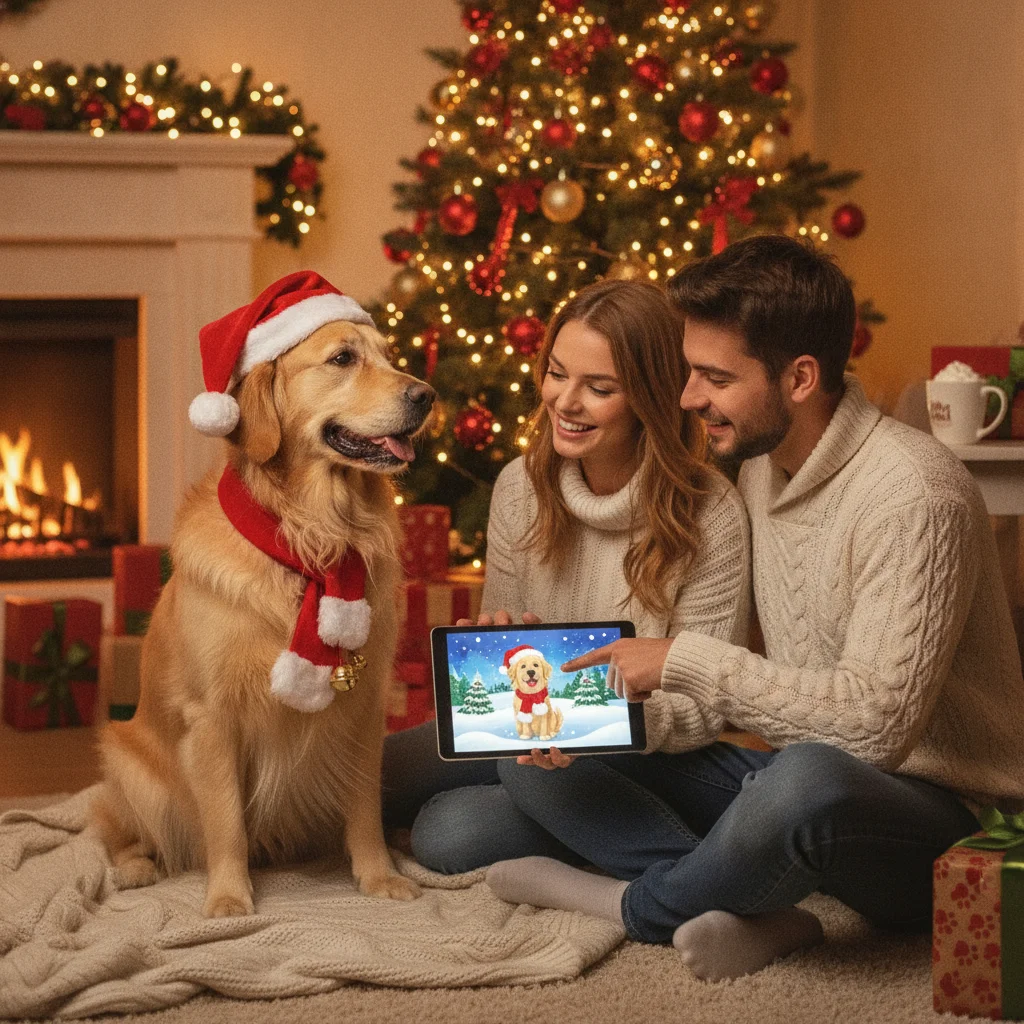
Quick answer: Create an AI Christmas dog picture by uploading a clear photo of your dog or describing the dog’s breed, markings, pose, and expression in a text prompt. Add specific Christmas details such as a decorated tree, warm lights, snow, or a Santa hat. Review the result carefully for facial accuracy, paws, fur patterns, and collar details.
An AI Christmas dog picture turns a pet photo or written description into a seasonal portrait. The finished image might show a dog beside a Christmas tree, wearing a holiday bandana, sitting in snow, or appearing in an illustrated greeting-card scene. Strong results depend on a clear reference photo, a precise prompt, and careful review of details that image generators often misinterpret.
What is an AI Christmas dog picture?
An AI Christmas dog picture is an image created or edited with generative artificial intelligence. A text-to-image tool builds the picture from a written description, while an image-to-image tool uses an uploaded dog photo as a visual reference.
Photo-based generation is usually the better option when the portrait needs to resemble a specific pet. Text alone can produce a convincing golden retriever or French bulldog, but it cannot reliably reproduce an individual dog’s exact face, patches, scars, ear shape, or eye color.
How can you make a Christmas portrait from a dog photo?
Choose a sharp photo taken near the dog’s eye level. The face, ears, chest, and markings should be visible. Photos with natural light and a simple background give the generator clearer information than dark, blurry, or heavily filtered images.
- Upload the clearest available dog photo.
- Select a realistic, painted, cartoon, or storybook style.
- Describe the Christmas setting and accessories.
- Generate several versions rather than accepting the first result.
- Compare the face and markings with the original photo.
Use a full-body reference if paws, tail length, or body proportions matter. A close portrait is enough for a head-and-shoulders Christmas card design.
What should an AI Christmas dog prompt include?
A useful prompt names the dog, visual style, composition, lighting, background, and mood. Specific descriptions reduce random additions and make revisions easier.
For example: “Photorealistic portrait of a small black-and-white border collie with a white blaze down the nose, sitting beside a decorated Christmas tree, warm golden fairy lights, red tartan bandana, eye-level camera, soft indoor lighting, natural fur detail, centered composition, no text.”
Add instructions such as “one dog,” “four natural paws,” or “keep the original facial markings” when the tool supports detailed editing. Requesting no text can prevent unreadable letters from appearing on ornaments or signs.
Which visual style works best for a Christmas dog picture?
| Style | Best use | What to request |
|---|---|---|
| Photorealistic | Framed portraits and photo cards | Natural fur, realistic eyes, soft studio lighting |
| Watercolor | Traditional greeting cards | Paper texture, gentle edges, muted seasonal colors |
| Storybook | Playful family cards | Cozy illustration, expressive face, detailed background |
| Cartoon | Social posts and stickers | Clean outlines, simple shapes, recognizable markings |
The best style depends on how closely the picture must match the real dog. Photorealistic images reveal errors more easily, while illustration styles can make small differences feel intentional.
How do you keep the dog’s appearance accurate?
Describe permanent traits before Christmas decorations. State the breed or size, coat color, facial patches, ear position, eye color, and collar. If the generator changes an important feature, revise only that feature rather than replacing the full prompt.
Check both eyes, the nose, teeth, paws, and the boundary between fur colors. AI tools sometimes create extra toes, duplicate tags, merge a hat with an ear, or move markings from one side of the face to the other.
Which tools can create festive dog portraits?
General AI image generators, photo-editing services, and seasonal portrait apps can all create this type of image. Compare tools based on reference-photo support, editing controls, export resolution, watermark policies, privacy terms, and whether generated images may be used commercially.
One optional mobile choice is Christmas Pictures App: PiXmas, which offers Christmas-focused picture creation. ChristmasCard.io is an independent editorial site and is not affiliated with PiXmas or its developer. Users should compare the app with broader image generators before choosing a service.
How should you prepare the picture for a card or print?
Generate the image in the intended shape, such as portrait, landscape, or square. Leave open space if a card editor will add a greeting later. Export the largest available file and inspect it at full size before printing.
Order a small proof when possible. Dark fur, red decorations, artificial snow, and warm lighting may print differently from how they appear on a bright phone screen.
What are the limitations of AI Christmas dog pictures?
An AI portrait may look polished without being an exact record of the pet. Generators can alter markings, body proportions, collars, tags, and background objects. Text inside the image is often misspelled or distorted.
Uploading a pet photo also involves privacy and usage considerations. Review whether the service stores uploads, uses them for model training, or grants itself broad rights over generated content. Commercial cards, merchandise, and business promotions may require different licensing permissions than personal greetings.
AI should not be used to misrepresent a lost, rescued, or adoptable dog. In those situations, an unaltered photograph provides more reliable identification.
A clear reference photo and a specific prompt are the strongest starting points. Generate several versions, verify the dog’s identifying features, and add final wording in a dedicated card editor for cleaner text.
What an AI Christmas Dog Picture Can Change—and What the Original Photo Must Show
An AI Christmas dog picture can change the background, lighting, seasonal props, clothing, color treatment, and overall art style, but the original photo must clearly establish the dog’s identity. Preserve visible features that distinguish your dog, including muzzle shape, ear position, eye color, coat pattern, tail type, and body proportions. A generator can invent a snowy room, fireplace, ornaments, scarf, or Santa outfit; it cannot reliably reconstruct markings hidden by shadows, motion blur, another animal, or a turned head.
Use a photo in which the dog is fully in focus and important features are not cropped. If a characteristic is absent from the file, describe it in the prompt or provide another reference image. There is no universal image-quality threshold that guarantees an accurate likeness, so compare every generated result with the source before keeping it.
Who should use an AI Christmas dog picture workflow—and who should skip it?
This page helps dog owners who can review and edit a dog-only portrait; it should be ignored by anyone expecting AI to reliably repair hands, teeth, extra animals, or lettering in one pass. Renters making pet cards, teachers creating a personal classroom greeting, and interfaith families choosing neutral winter imagery may find the workflow useful if they inspect every detail. New parents combining a baby and dog should be especially cautious: malformed fingers, merged paws, and invented teeth can survive repeated generations. Clients who need exact product text, a specific number of pets, or approval-ready brand assets should skip a generator-only process and use manual compositing or professional retouching. Before printing, count every animal and limb, zoom in on the mouth and paws, and add all readable wording in a separate layout tool.
Frequently asked questions
Can AI make a Christmas picture of my dog from one photo?
Yes, many image-to-image generators can create a seasonal portrait from one clear photo. Multiple reference photos may improve accuracy when the tool supports them.
What photo is best for an AI dog portrait?
A sharp, well-lit photo taken near eye level works best. The dog’s face, ears, coat markings, and eyes should be unobstructed.
Can an AI Christmas dog picture look realistic?
Yes, but realism does not guarantee an exact likeness. Check facial markings, paws, eyes, teeth, collar tags, and fur boundaries before using the picture.
How do I add a Santa hat without changing my dog’s face?
Use an editing or inpainting feature that changes only the area above the dog’s head. Include instructions to preserve the original face, ears, eyes, and coat markings.
Can I put text directly into the generated image?
AI-generated lettering is often distorted or misspelled. Adding the greeting afterward in a card editor usually produces cleaner, more readable text.
Can I print an AI Christmas dog picture?
Yes, if the exported image has sufficient resolution and the service permits the intended use. A printed proof helps identify color, cropping, and detail problems.
Is it safe to upload a dog photo to an AI app?
Safety depends on the service’s privacy and retention policies. Review how uploads are stored, shared, deleted, and used for model training before submitting a photo.
Can AI change my dog’s pose in a Christmas picture?
Yes, AI can change a dog’s pose, but larger changes may reduce the likeness. Moving from sitting to running requires the generator to invent legs, paws, body proportions, and fur that the original photo does not show. For better consistency, begin with a source photo that is reasonably close to the pose you want.
Why does AI keep changing my dog’s coat markings?
AI may change coat markings because it interprets them as texture rather than fixed identity details. Use a photo with even lighting and unobstructed fur, then specify the location, shape, and color of important patches in the prompt. If the tool permits reference images, add views that clearly show markings on both sides of the dog.
Why does AI add an extra dog to a Christmas picture?
AI may invent another dog when decorations, reflections, shadows, or overlapping bodies resemble animal features. Regenerate with a simpler background and specify the exact number of dogs, but inspect the result closely. If the unwanted pet remains, masking or manual removal is usually more dependable than adding more prompt instructions.