
How to Edit Christmas Photos Online
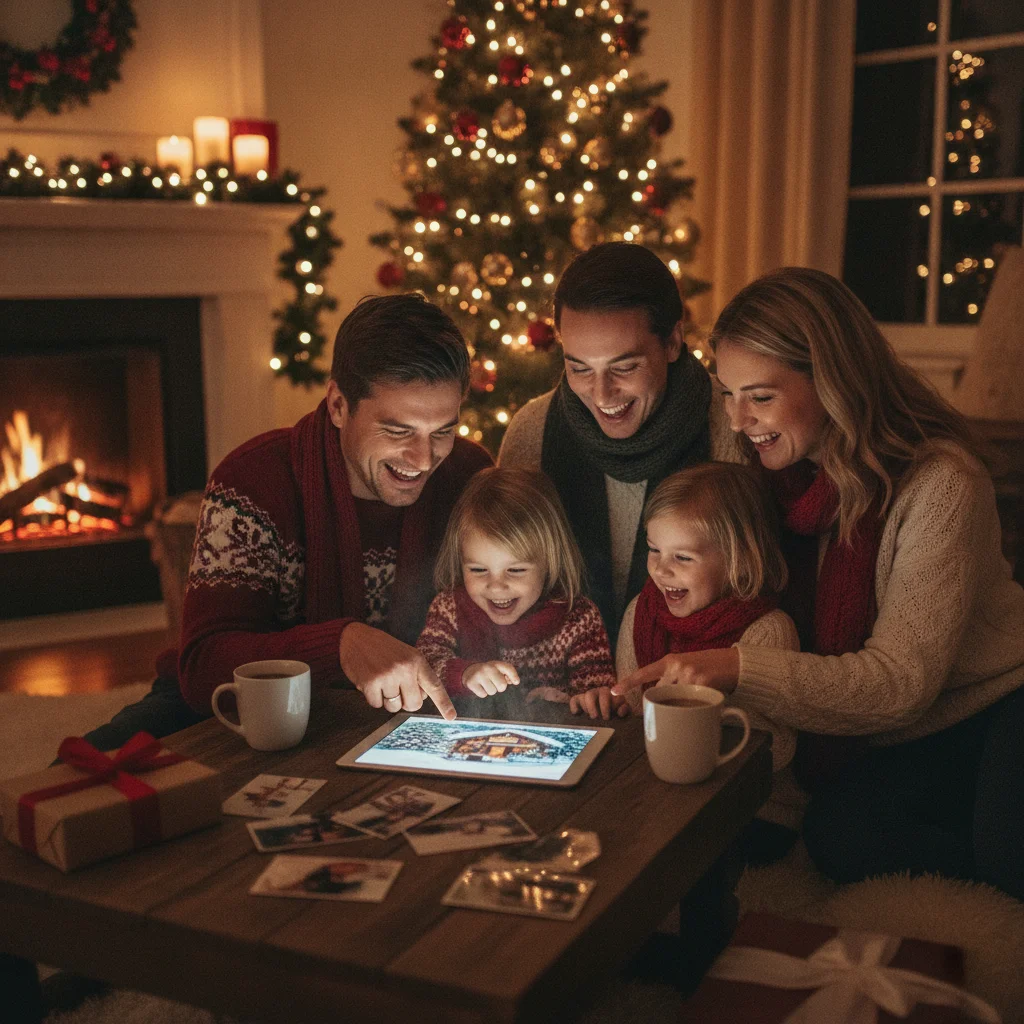
Quick answer: An online Christmas photo editor lets you add festive frames, text, filters, stickers, backgrounds and photo corrections in a web browser. Choose a tool with the right balance of templates, manual controls, export quality and privacy settings. For best results, correct lighting and crop the image before applying Christmas decorations or greeting text.
Online Christmas photo editors turn everyday portraits, family pictures and pet photos into seasonal images without requiring desktop software. Most work in a phone or computer browser and provide Christmas templates, frames, stickers, text tools and basic image adjustments.
The best choice depends on the intended result. A greeting card needs readable text and a suitable print resolution, while a social post may benefit from a preset canvas size and animated effects. Reviewing export limits before editing helps avoid unwanted watermarks or low-resolution downloads.
What can an online Christmas photo editor do?
A typical editor can crop, rotate and resize an uploaded image. Correction tools may adjust brightness, contrast, saturation, warmth and sharpness. These changes are useful when indoor Christmas photos have dim lighting or strong color casts from decorative lights.
Seasonal design tools add the recognizable Christmas details. Common options include snow overlays, Santa hats, ornaments, holly, gift graphics, decorative borders and greeting text. Some editors also remove backgrounds or replace them with snowy landscapes and decorated interiors.
- Photo correction: Improve exposure, color and clarity.
- Christmas frames: Place a photo inside a themed border or card layout.
- Text tools: Add names, greetings and event details.
- Stickers and overlays: Apply snow, lights, hats and seasonal graphics.
- Background tools: Remove distracting settings or insert festive scenes.
- Export controls: Download an image for printing, messaging or social media.
Which features matter most when choosing an editor?
Template variety matters when speed is the priority, but customization is more important for an original design. Look for controls that let you move, resize, recolor or delete individual elements instead of locking the entire layout.
Export quality is critical for physical cards. A high-resolution JPG is practical for photo printing, while PNG is helpful for graphics with crisp text or transparent areas. Check whether the free version adds a watermark, restricts dimensions or requires an account.
| Feature | Best for | What to check |
|---|---|---|
| Christmas templates | Fast card creation | Editable text, colors and layout |
| Background removal | Portraits and product photos | Hair and edge accuracy |
| Manual adjustments | Dark indoor images | Exposure, warmth and shadows |
| Preset dimensions | Social posts | Correct aspect ratio for the platform |
| High-resolution export | Printed cards | Pixel dimensions, format and watermark rules |
How do you make a Christmas photo look polished?
- Start with the strongest image. Choose a sharp photo with visible faces and enough open space for text.
- Crop for the final format. Set the card or social-media dimensions before adding decorations.
- Correct the photo first. Adjust exposure, white balance and contrast before applying a filter.
- Add one focal effect. Use a frame, background or snow overlay without combining too many competing decorations.
- Keep text readable. Place the greeting over a quiet area and use strong contrast between the letters and background.
- Export and inspect. Open the downloaded file at full size to check faces, edges, spelling and resolution.
Restrained editing usually looks more convincing than covering the image with effects. Repeating two or three colors from the original photo can also make the decorations feel connected to the scene.
Are free online Christmas photo editors good enough?
Free editors are often sufficient for digital greetings, profile pictures and simple social posts. They commonly include cropping, filters, basic text and a limited collection of holiday graphics.
Paid plans tend to offer larger template libraries, premium fonts, background removal, cloud storage and higher-resolution exports. A subscription may be worthwhile for a large batch of cards, but a single design rarely requires every premium feature.
Review the payment screen carefully. Some services describe a tool as free even though particular templates or download sizes require payment.
Should you use a browser editor or a Christmas photo app?
A browser editor is convenient when working with photos stored on a computer or when precise mouse and keyboard controls are helpful. It also avoids installing another app and can make it easier to compare several designs.
A mobile app is practical for photos already stored on a phone. Christmas Pictures App: PiXmas is one editorial option for iPhone and iPad users seeking a Christmas-focused app. Its US App Store listing shows a rating of about 4.4 from 116 ratings at the time of review. ChristmasCard.io is independent and is not affiliated with PiXmas, PicsMas or any app.
Store ratings can change, and a rating alone does not establish whether an app has the specific export, privacy or editing features you need. Check the current listing and in-app purchase details before installing.
What are the limitations of online Christmas photo editors?
Uploading personal family photos creates a privacy consideration. Read the editor’s retention and data-use policies, especially when images include children. Avoid uploading sensitive photos when the service does not clearly explain storage and deletion practices.
Automatic background removal may produce rough edges around hair, glasses, pets and tree branches. Generative backgrounds can also alter facial details or create unrealistic decorations, so inspect the finished image closely.
Browser performance depends on the device and internet connection. Large files, layered designs and animation can run slowly on older phones. Free exports may also be compressed, watermarked or too small for printing.
Verdict: Choose an online Christmas photo editor based on final output rather than the number of effects. Templates and stickers are useful, but readable text, accurate corrections, clear privacy terms and adequate export resolution have a greater effect on the finished Christmas image.
What commonly goes wrong with an online Christmas photo editor for cards?
Online Christmas photo editing for cards usually fails when the design begins at the wrong aspect ratio, automatic cutouts damage fine details, or the final download is compressed. Before decorating, set the canvas to the card shape and place the uncropped original rather than a screenshot or social-media copy. Check background removal around hair, glasses, hats, and shoulders at full zoom; restore edges manually if needed. Keep snow, frames, and light effects away from faces, and use one consistent color treatment across every photo. Put names and greetings well inside the canvas instead of against an edge. Export a test file, reopen it outside the editor, and confirm that text, transparency, and crop survived. There is no single export setting that works for every card service, so verify its accepted format and dimensions before finishing.
How does an online Christmas photo editor compare with a print shop for avoiding visual mistakes?
An online Christmas photo editor makes it easy to coordinate outfits, swap a backdrop, and crop for a card, while a print shop is better positioned to catch trim and production problems. In the online editor, avoid matching clothing and background colors too closely, because people can blend into the scene. Background replacement also exposes flyaway hair, translucent fabric, and shadows, often creating halos or a pasted-on look. Crop only after choosing the card orientation; keep faces, hair, Santa hats, and held props away from the edges and leave room for any greeting. A print shop may show bleed and trim guides or flag low-resolution output, but it cannot reliably undo a poor outfit choice or an artificial backdrop. Review both the editor preview and the shop’s final proof at full-card size.
Frequently asked questions
Can I edit Christmas photos online for free?
Many browser-based editors offer free cropping, text, filters, frames and seasonal graphics. Premium templates, background removal or high-resolution downloads may require payment.
What file format is best for a Christmas photo card?
JPG is generally suitable for photo printing, while PNG can preserve crisp text and graphic elements. The printer’s accepted formats and recommended dimensions should guide the final choice.
How large should a Christmas photo be for printing?
For sharp printing, target about 300 pixels per printed inch. A 5-by-7-inch card would ideally use an image near 1500 by 2100 pixels.
Can an online editor add snow to a photo?
Many editors include static snow overlays, stickers or animated snowfall. Adjusting the opacity and scale helps the effect blend with the original scene.
Can I replace the background of a Christmas photo?
Editors with background removal can isolate a person or pet and place the subject in a festive scene. Fine details around hair, glasses and fur may need manual correction.
Are online Christmas photo editors safe for family pictures?
Safety depends on the service’s privacy, storage and deletion policies. Review those terms before uploading family photos, particularly images of children.
Can I use an edited Christmas photo on social media?
An edited photo can usually be exported for social posting if you own the image and have permission to use included design assets. Select the platform’s current aspect ratio before arranging text and decorations.
Why does my Christmas card photo look blurry after online editing?
Blurriness usually occurs because the editor received a small, compressed copy or reduced the image during export. Start with the original camera file, avoid enlarging a cropped image, and do not repeatedly download and reupload the photo. Compare the exported file with the editor preview at full size before placing it in the card layout.
How do I stop text from being cut off on a Christmas photo card?
Keep all text comfortably away from the canvas edges and check the completed design in the card service’s preview. Avoid placing names over faces, borders, or areas likely to be cropped when the card shape changes. If the editor offers guides, use them for alignment, but treat the card service’s final preview as the decisive check.
How do I crop a family Christmas photo for a card?
Choose the card’s orientation and layout before cropping the family photo. Keep faces near the visual center, leave space around heads and seasonal props, and avoid placing anyone directly against an edge. If text will overlap the image, reserve a simple area of the background rather than covering faces or detailed clothing.