
What Are the Best Free Printable Christmas Cards in PDF Format?
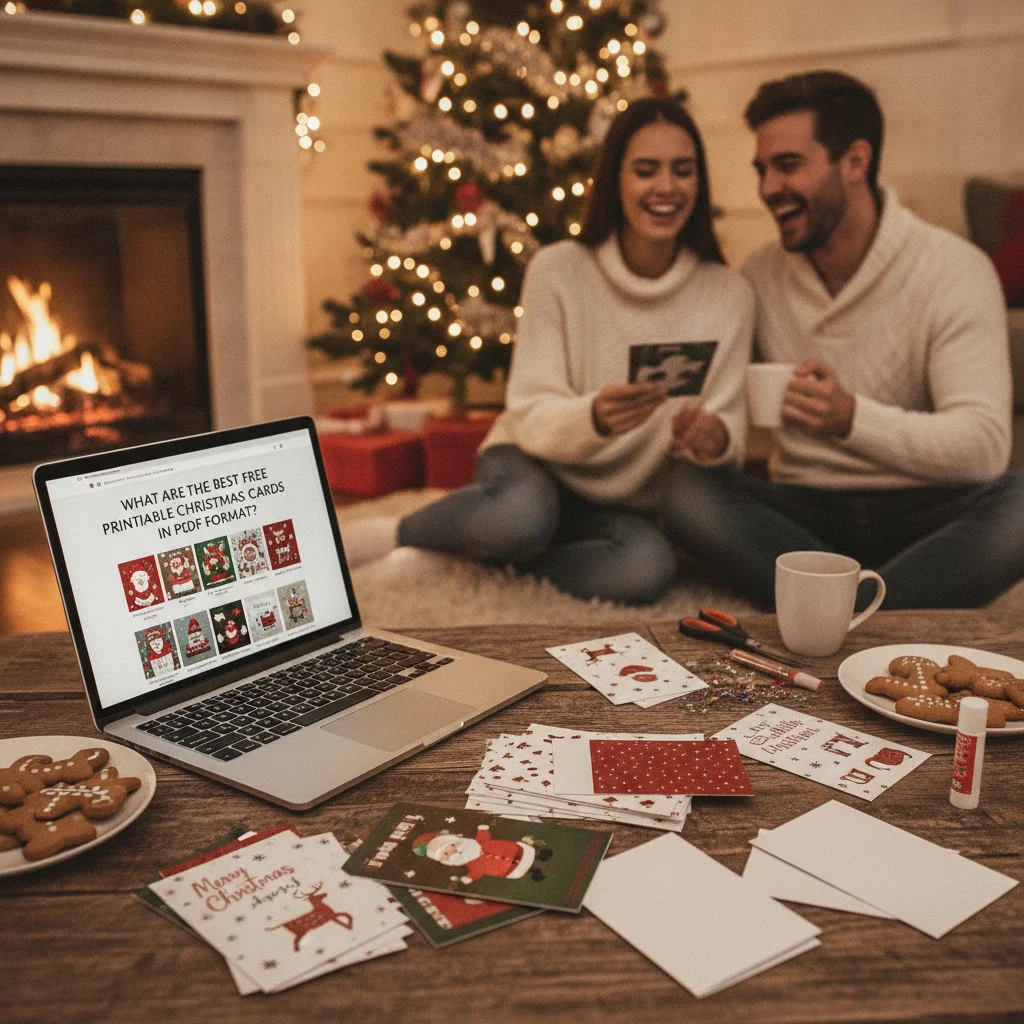
Quick answer: The best free printable Christmas cards in PDF format come from Greetings Island, Canva, Adobe Express, and Brother Creative Center. Greetings Island is convenient for ready-made folded cards, while Canva and Adobe Express offer stronger customization. Brother Creative Center suits traditional printer-ready designs. Check for premium elements, account requirements, and small branding before downloading.
Free printable Christmas card PDFs are useful when you need a card immediately, want to avoid shipping costs, or prefer to add a handwritten message. The strongest options provide a genuine PDF download, clear folding guides, high-resolution artwork, and a design that can be printed without purchasing premium graphics.
Greetings Island, Canva, Adobe Express, and Brother Creative Center are practical starting points. Each serves a different purpose, from quick folded cards to extensively customized designs.
Which websites offer the best free Christmas card PDFs?
| Source | Best for | PDF option | Main consideration |
|---|---|---|---|
| Greetings Island | Quick folded cards | Printable PDF on eligible designs | Some designs are premium or include small branding |
| Canva | Custom photos and text | PDF Print download | Free templates can contain paid elements |
| Adobe Express | Editable modern designs | PDF download for supported projects | An account may be required |
| Brother Creative Center | Traditional printer-ready cards | PDF or print-ready templates | Selection and format vary by design |
Greetings Island is often the easiest choice for a conventional greeting card. Many templates already have the correct panel arrangement for folding, so there is less risk of printing the front or inside message upside down. Before downloading, confirm that the selected template is marked free.
Canva is better when the card needs a family photograph, custom greeting, color changes, or multiple text boxes. Select only assets labeled free, then choose PDF Print when the option is available. A free template can become paid if a premium photograph, illustration, font, or background is added.
Adobe Express provides similar editing tools and works well for photo cards, postcards, and contemporary layouts. Free account limits can change, so review the download screen before investing time in detailed edits.
Brother Creative Center is worth checking for illustrated cards designed around home printing. Its templates are generally less flexible than a full online editor, but that can make printing faster and reduce layout mistakes.
How should you choose a free printable Christmas card?
Start by deciding whether you want a folded card, flat postcard, or single-page holiday letter. A folded card needs correctly positioned front, back, and interior panels. A postcard requires less paper and is easier to trim, but postal services may apply specific size and thickness rules.
- Choose a PDF with high-resolution graphics and sharp text.
- Confirm whether the file is sized for US Letter or A4 paper.
- Look for crop marks or a clearly stated finished size.
- Check whether the design includes a watermark or publisher credit.
- Verify that personal use is permitted before printing multiple copies.
- Use a template with editable text if names or photographs must be added.
For the least complicated result, select a template made for the paper size already loaded in your printer. Rescaling between A4 and US Letter can shift fold lines or create uneven margins.
What paper and print settings produce the best result?
Matte cardstock between roughly 176 and 216 gsm works for many home printers. Lighter cardstock folds more easily, while heavier stock feels substantial but may jam in printers with curved paper paths. Check the printer manual before using thick media.
Set the print quality to high or best, choose the correct paper type, and print at actual size unless the PDF specifically instructs you to fit the page. Automatic fit settings can alter the card dimensions. Use borderless printing only when the artwork is designed to reach the edge.
- Print one test copy on ordinary paper.
- Confirm the front, interior, and fold orientation.
- Print the final version on cardstock.
- Score the fold lightly with a ruler and blunt tool.
- Trim with a paper cutter for straighter edges.
- Allow ink to dry before folding or writing inside.
Can printable PDFs be personalized before printing?
An editable online template is the simplest option for adding names, family photos, or a custom message. Canva and Adobe Express are designed for this type of editing. A standard downloaded PDF may not be editable unless it contains fillable fields or is opened in compatible PDF software.
If a PDF is locked or flattened, avoid covering artwork with improvised text boxes unless the license permits modification. Printing the card first and adding a handwritten greeting is often cleaner and more personal.
What are the limitations of free Christmas card PDFs?
Free does not always mean unrestricted. A website may require account registration, reserve certain designs for subscribers, place a small logo on the back, or restrict files to personal use. Template availability and download rules can also change.
Home printers may leave white borders, reproduce colors differently from the screen, or struggle with thick cardstock. Ink costs can make a large batch more expensive than expected. For dozens of cards, compare the cost of paper and ink with a local print service before committing.
Greetings Island is the strongest option for a fast, ready-to-fold card. Canva is the better choice for detailed personalization, while Adobe Express suits modern editable layouts. Brother Creative Center is useful when you want a straightforward printer-oriented template with minimal design work.
The overlooked print specification for the best free printable Christmas card PDFs
The print specification most often skipped is the PDF’s finished folded size, including whether that size is measured before or after folding. A widely offered finished card size is 5 by 7 inches (VistaPrint, 2026), but the PDF page itself may be larger because it contains two panels, margins, or crop marks.
Before choosing a free file, confirm the sheet size, finished dimensions, fold direction, and panel arrangement. A portrait cover may be placed sideways on the sheet so it becomes upright only after folding. Check that your intended envelope fits the finished card rather than the unfolded page. Print one copy on plain paper, trim it if instructed, and fold it along the indicated line. This test reveals undersized cards, reversed inside messages, and templates intended for a different paper standard before cardstock is used.
Frequently asked questions
Are printable Christmas card PDFs really free?
Many are free for personal use, but some templates include premium graphics, account requirements, or small publisher branding. The download and license details should be checked before printing.
What is the best paper for printable Christmas cards?
Matte cardstock around 176 to 216 gsm works well for many home printers. The printer manual should be checked before using heavier paper.
Should a Christmas card PDF be printed at actual size?
Actual size is usually the correct setting when the PDF already matches US Letter or A4 paper. Fit-to-page should only be used when the template instructions recommend it.
Can a free Christmas card PDF be edited?
A PDF can be edited if it has fillable fields or is provided through an online design editor. Flattened or password-protected files may not support changes.
Can printable Christmas cards be used commercially?
Most free templates are licensed only for personal use. Commercial printing, resale, or redistribution requires explicit permission from the copyright holder.
How can white borders be avoided when printing cards?
Use a borderless printer setting only when the printer and template support it. Otherwise, select a design with intentional margins or trim the printed card after printing.
How can I tell whether a printable Christmas card PDF uses US Letter or A4 paper?
Check the document properties or the dimensions stated on the download page. US Letter measures 8.5 by 11 inches, while A4 measures 210 by 297 millimeters. If no size is listed, open the print dialog and inspect the detected page size without printing. Avoid automatically scaling between formats because the fold and trim positions may shift.
How do I print a folded Christmas card PDF on both sides?
Print a plain-paper test first and mark the sheet’s top edge before reinserting it. For automatic duplex printing, the correct flip setting depends on whether the PDF panels are arranged in portrait or landscape orientation. Compare the preview with the fold direction, then confirm that the inside message is upright and appears on the intended panel.