
AI Pet Christmas Portrait Generator
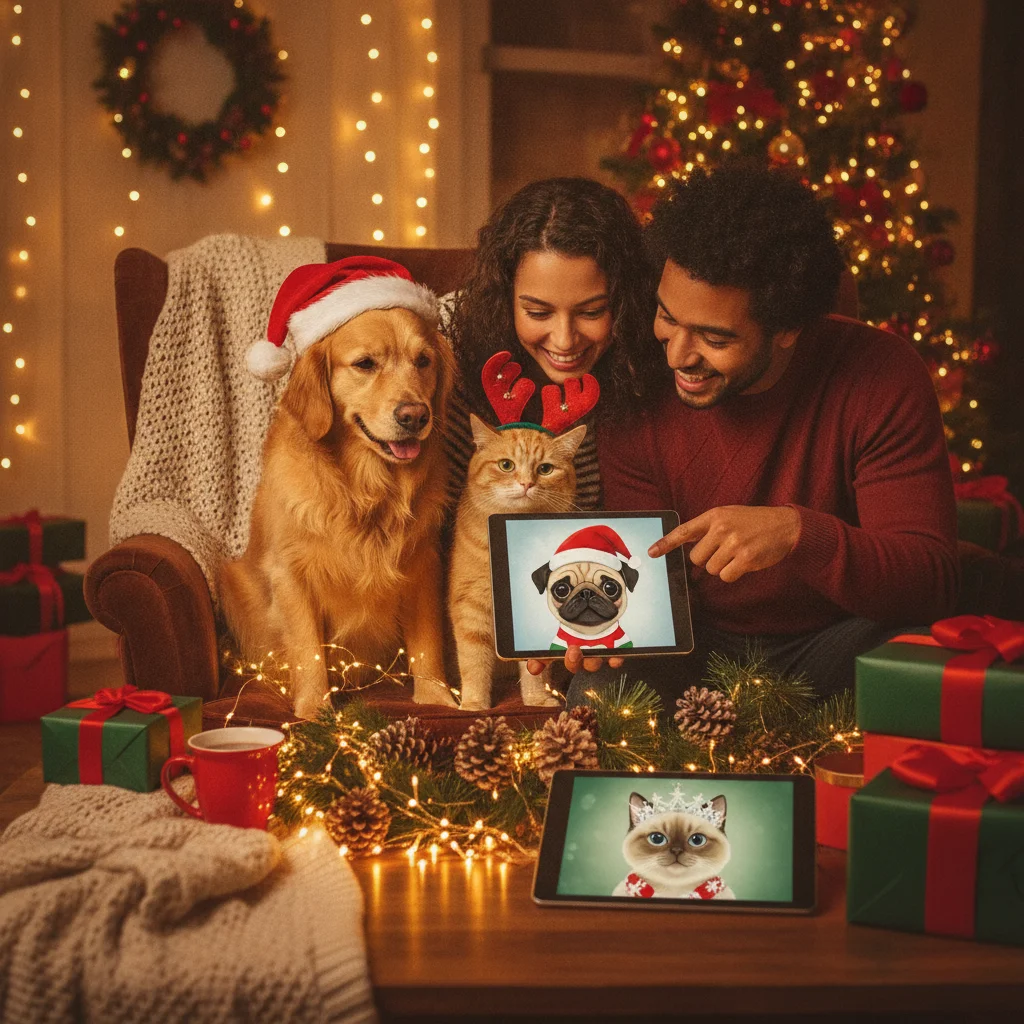
Quick answer: An AI pet Christmas portrait generator turns a clear photo of a dog, cat, or other animal into a festive image. For the best result, use a sharp front-facing photo, specify the Christmas setting and art style, and avoid requesting major changes to the pet’s markings, face, or body shape.
An AI pet Christmas portrait generator can place a dog, cat, rabbit, bird, or other companion animal in a seasonal scene without requiring a professional photo shoot. Depending on the generator, the final portrait might resemble a studio photograph, painted Christmas card, storybook illustration, or humorous holiday costume.
How does an AI pet Christmas portrait generator work?
The generator analyzes an uploaded pet photo and creates a new image based on a written prompt or selected template. The artificial intelligence attempts to preserve recognizable features such as fur color, facial markings, ear shape, and eye color while replacing the background or adding seasonal clothing.
Some generators edit a single photo. Others request several images to learn the pet’s appearance before creating portraits. A multi-photo process can improve consistency, but processing usually takes longer.
Which Christmas portrait style should you choose?
The right style depends on whether the portrait will be printed, shared online, or used as a joke. Realistic styles suit framed gifts, while illustrated styles are often more forgiving when the source photo has imperfect lighting.
| Portrait style | Best use | Common concern |
|---|---|---|
| Realistic studio photo | Cards and framed prints | Small facial errors are noticeable |
| Watercolor painting | Traditional Christmas cards | Fine markings may become softer |
| Storybook illustration | Family-friendly gifts | The result may look less like the pet |
| Funny costume portrait | Social posts and novelty cards | Clothing can distort paws or ears |
What prompt creates a better pet Christmas portrait?
A useful prompt identifies the animal, setting, style, lighting, and details that must remain unchanged. Avoid packing several unrelated scenes into one request.
- Identify the animal clearly, such as “small black Labrador” or “long-haired orange cat.”
- Describe one setting, such as a fireplace, snowy porch, or decorated studio.
- Request specific lighting, including warm indoor light or soft winter daylight.
- State that the pet’s natural face, coat pattern, and eye color should be preserved.
- Specify the image shape, especially portrait orientation for a greeting card.
For example: “Create a realistic Christmas studio portrait of this golden retriever sitting beside a decorated tree, with warm lights and a red plaid bow. Preserve the dog’s exact face, golden coat, brown eyes, and natural proportions.”
What photo should you upload?
Choose a sharp image taken near the pet’s eye level. The full face, ears, and markings should be visible. Natural window light is generally easier for a generator to interpret than dim indoor lighting or a bright camera flash.
Avoid photos with filters, motion blur, covered faces, or another animal overlapping the subject. If the service accepts several images, include front and side views from the same stage of the pet’s life.
How can you create a printable result?
- Upload the clearest available pet photograph.
- Select a simple seasonal style and card-friendly orientation.
- Generate several versions rather than accepting the first image.
- Inspect the eyes, ears, paws, tail, collar, and background decorations.
- Download the highest-resolution file offered by the generator.
- Make a small test print before ordering cards or a large frame.
Add names and holiday messages after generating the portrait when possible. Dedicated design software usually produces cleaner, more accurate text than an image generator.
Is PiXmas a suitable option to consider?
Christmas Pictures App: PiXmas is one mobile option that shoppers may inspect for Christmas picture creation. The supplied US App Store listing shows a rating of about 4.4 from 116 ratings, but ratings can change. The listing information provided does not establish how well the app handles pets, so confirm current pet templates, export quality, pricing, and privacy terms before uploading an image.
ChristmasCard.io is an independent editorial site and is not affiliated with PiXmas, PicsMas, or any other app. An App Store rating is a useful signal, but it does not replace testing a portrait with your own pet photo.
What are the limitations of AI pet Christmas portraits?
AI generators can alter the features that make an animal recognizable. Frequent errors include mismatched eyes, changed coat markings, duplicated paws, uneven ears, floating accessories, and collars that merge into fur. Images containing two or more pets are harder because the generator may combine their traits.
- Generated text on signs and ornaments may be misspelled.
- Very dark or very light fur can lose detail.
- Unusual species may receive less accurate anatomy.
- Free downloads may be too small for quality printing.
- Uploaded photos may be retained under the provider’s privacy policy.
Review every image at full size and read the service’s terms before purchasing or sharing. Do not upload a photo that reveals private addresses, identification tags, or personal documents.
Verdict: The best AI pet Christmas portrait comes from a clear source photo, a focused prompt, and careful inspection. Choose a generator that explains pricing, image rights, privacy, and download resolution before payment.
What an AI pet Christmas portrait generator can change—and what the original photo must show
An AI pet Christmas portrait generator can replace the background, add seasonal clothing or props, adjust lighting, and restyle a real photo, but the original must still show the pet’s identity-defining features clearly. Keep the eyes, muzzle, ears, coat pattern, and body outline visible and in focus. A front or three-quarter view with even light gives the model usable evidence for markings and proportions. The tool may plausibly invent a snowy room, Santa hat, scarf, ornaments, or painterly texture; it cannot reliably recover an eye hidden by fur, a cropped tail, or markings lost in shadow. Avoid motion blur, heavy filters, blocked faces, and tiny subjects. There is no universal minimum file specification that guarantees likeness across generators, so judge the source by visible detail rather than filename or format alone.
Higher resolution cannot fix extra pets or distorted details in an AI pet Christmas portrait
A 5×7 pet Christmas portrait prepared at 300 DPI is 1500 × 2100 pixels, but that measurement cannot correct invented paws, human hands, distorted teeth, duplicate animals, or unreadable lettering (Vistaprint, 2026). For this topic, the number means a properly sized file can preserve the details the generator produced when printed; it does not show that those details are anatomically or visually correct. Regenerating may remove one flaw while changing a pet’s face, markings, collar, or companion. Inspect every paw, eye, ear, tooth, tag, and background animal at full size before downloading. If the portrait includes a person, check fingers and the hand-to-fur boundary. Add names or holiday greetings later in a standard text editor, because image generators can turn letters into decorative shapes. When identity errors persist, use a simpler composition with one pet and no embedded words.
Frequently asked questions
Can AI create a Christmas portrait from one pet photo?
Yes, many generators can work from one clear photo. Several photos may produce more consistent facial markings and proportions.
What is the best prompt for a pet Christmas portrait?
Describe the animal, one Christmas setting, the desired art style, lighting, and features that must remain unchanged. A focused prompt usually performs better than a long list of competing ideas.
Can an AI generator include two pets in one portrait?
Yes, but multi-pet portraits are more likely to mix markings or create incorrect anatomy. Separate reference photos and clear descriptions of each animal can help.
Can I print an AI pet Christmas portrait on cards?
Printing is possible when the service provides sufficient resolution and commercial or personal printing rights. Check the image dimensions and license before ordering cards.
Why does my generated pet have extra paws?
AI image systems sometimes misinterpret overlapping limbs, costumes, or complex poses. A simpler pose and a clearer source photograph can reduce anatomy errors.
Are pet photos safe to upload to an AI generator?
Safety depends on the provider’s privacy and retention policies. Remove visible addresses or identification details and review how uploaded images may be stored or reused.
Can AI remove a collar from a pet Christmas portrait?
Yes, AI can often remove or replace a visible collar, especially when the surrounding neck and fur are clear. Results may look uneven if the collar covers distinctive markings or long fur. Check the edited area for repeated hair, broken coat patterns, or an unnatural neck shape before using the portrait.
Does the original background matter for an AI pet Christmas portrait?
The original background matters mainly when it overlaps the pet or has similar colors to the coat. A plain, contrasting setting makes the outline easier to separate. Busy furniture, blankets, hands, or other animals touching the body can cause missing fur, merged shapes, or unwanted objects in the Christmas scene.
Why does AI change my pet’s markings in a Christmas portrait?
AI may reinterpret markings because it generates a new image rather than copying the reference photo exactly. Uneven lighting, hidden fur, costumes, and busy backgrounds can increase changes. Use a clear front-facing photo, describe distinctive patches or colors precisely, and compare each result with the original before choosing a portrait.
Can AI spell a holiday greeting correctly in a pet portrait?
AI can attempt a holiday greeting, but letters may be misspelled, repeated, or shaped like decorations. Generate the pet portrait without embedded wording, then add the exact message in a text editor. This approach also gives you control over font choice, spacing, placement, and contrast.