
AI Christmas Portrait Generator
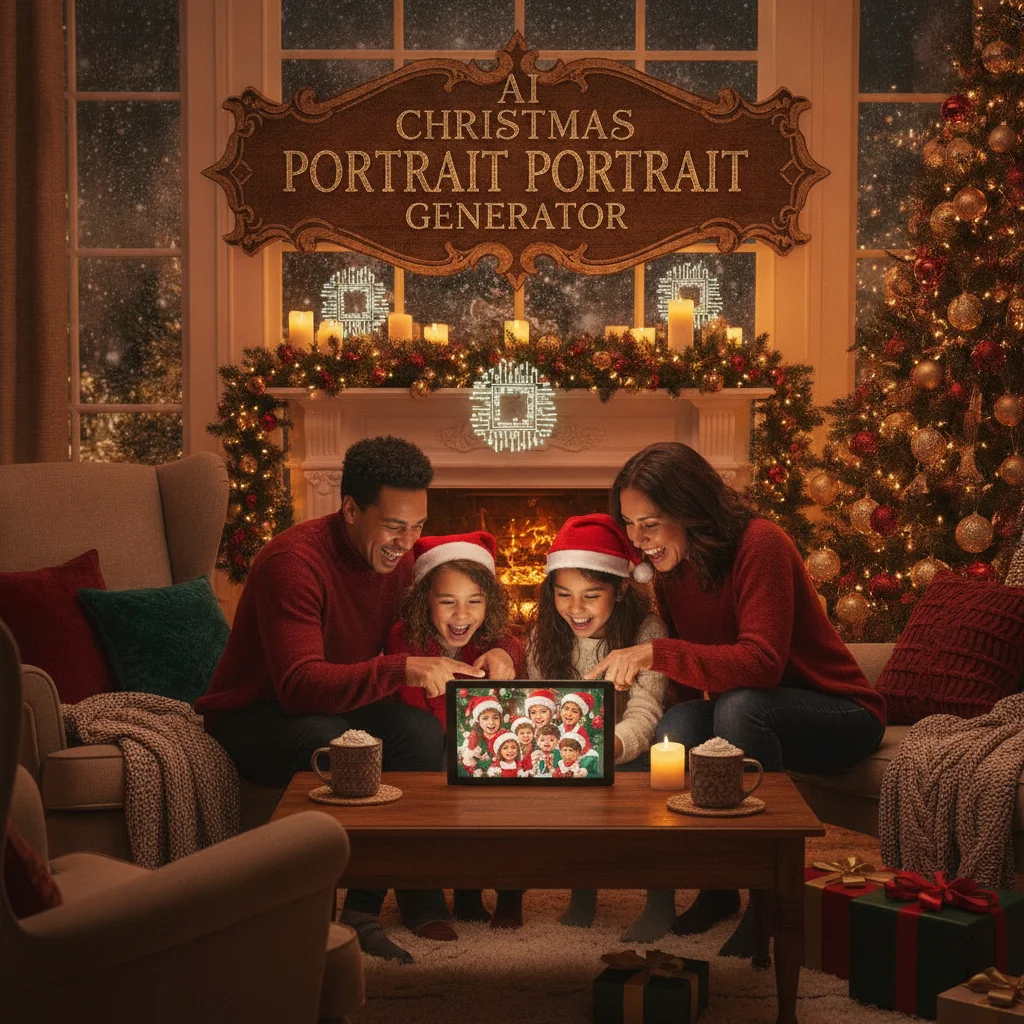
Quick answer: An AI Christmas portrait generator turns an uploaded photo into a festive image with seasonal clothing, snowy settings, studio lighting, or illustrated styles. The best choice depends on whether you need a quick mobile template, realistic facial detail, group-photo support, or high-resolution files suitable for printing on Christmas cards.
An AI Christmas portrait generator can restyle an ordinary selfie, family picture, couple photo, or pet photo as a seasonal portrait. Common results include snowy scenes, decorated living rooms, Santa-inspired outfits, formal holiday clothing, and illustrated Christmas-card designs.
Some generators apply a fixed template, while others create a new image from a written prompt. Choosing between them depends on how much control, realism, and editing time you want.
What does an AI Christmas portrait generator do?
The generator analyzes the people or pets in an uploaded image and recreates them in a Christmas setting. Depending on the tool, artificial intelligence may replace the background, change clothing, adjust lighting, add decorations, or reinterpret the entire photograph in a new visual style.
Template-based generators are usually faster and more predictable. Prompt-based generators offer more creative control, but they can require several attempts before faces, hands, clothing, and decorations look convincing.
Which type of Christmas portrait generator should you choose?
A mobile Christmas photo app is a practical choice for quick social posts and casual card images. These apps typically offer preset scenes and require little technical knowledge. A browser-based generator is useful when you prefer working on a computer or do not want to install an app.
Advanced image generators are better for custom concepts such as a Victorian Christmas portrait, a cinematic North Pole scene, or a watercolor family illustration. Photo-editing software with generative features is usually the strongest option when you need precise control over backgrounds, dimensions, text placement, and print preparation.
| Generator type | Best for | Main trade-off |
|---|---|---|
| Mobile template app | Fast selfies and social images | Limited customization |
| Browser generator | Simple portraits without an installation | Credits or account registration may be required |
| Prompt-based AI tool | Original scenes and artistic styles | Results may need several revisions |
| Generative photo editor | Print-ready cards and detailed corrections | Higher cost and a steeper learning curve |
How can you get a more accurate AI Christmas portrait?
Start with a sharp, well-lit source photo. The subject should face the camera, and important facial features should not be covered by hair, sunglasses, hands, or heavy shadows. A plain background can help the generator identify the subject.
For a group portrait, choose a photograph in which every face is large enough to inspect. AI tools often struggle when people overlap or stand far from the camera. Generating each person separately and combining the results in an editor can work better for large families.
- Use a high-resolution original rather than a compressed screenshot.
- Describe clothing, setting, lighting, camera angle, and image style.
- Ask the generator to preserve facial identity and natural skin texture.
- Specify portrait or landscape orientation before generating the image.
- Inspect eyes, teeth, fingers, jewelry, and patterned clothing closely.
- Leave open space if card text will be added later.
Is the PiXmas app worth considering?
Christmas Pictures App: PiXmas is one mobile option for users who want Christmas-themed picture effects without building detailed prompts. Its United States App Store listing had an approximately 4.4-star rating from 116 ratings at the time of editorial review. Ratings can change as more people submit feedback.
PiXmas may suit users who value speed and preset holiday treatments. Compare its current pricing, export resolution, subscription terms, watermark policy, and data disclosures before downloading. ChristmasCard.io is an independent editorial site and is not affiliated with PiXmas, PicsMas, or any app developer.
Can AI Christmas portraits be printed on cards?
AI portraits can be printed if the exported file has enough resolution for the chosen card size. Check the generator's maximum download dimensions before paying, because a picture that looks sharp on a phone may appear soft in print.
Review the final crop and keep faces, text, and important decorations away from trim edges. A printer may also recommend a specific color profile or file format. Always order a proof when color accuracy or facial detail is important.
What privacy and usage rights should you check?
Uploading a portrait gives a service access to biometric and personal image data. Read the privacy policy to learn how long uploads are retained, whether images may be used to improve AI models, and how deletion requests are handled.
Parents should be especially cautious with children's photographs. Avoid uploading sensitive images when a service does not clearly explain storage and deletion practices. Commercial users should also confirm that the plan permits business use, advertising, and printed merchandise.
What are the limitations of AI Christmas portrait generators?
AI portraits can alter facial identity, body proportions, skin texture, and age. Group scenes may merge features between people, while small accessories can become distorted. Text generated inside an image is often misspelled, so card greetings are better added with a separate design tool.
Results can also reflect visual stereotypes in clothing, family roles, or cultural celebrations. Specific prompts and careful review help, but they do not guarantee accuracy. Never present an AI-generated portrait as an unedited photograph when authenticity matters.
Verdict: Choose a template app for speed, a prompt-based generator for creative scenes, or a generative editor for print control. Test a low-cost export first and inspect every face before ordering cards.
What an AI Christmas portrait generator can change—and what the original photo must preserve
An AI Christmas portrait generator can change the setting, clothing, seasonal props, color palette, lighting style, and crop, but the original photo must still contain recognizable identity details. Choose an image in which the eyes, nose, mouth, jawline, and hairstyle are visible rather than hidden by glare, motion, hair, or another person. The generator may simulate a snowy backdrop, formal holiday outfit, decorated room, or illustrated finish without those elements appearing in the source.
It cannot reliably recover facial information that the camera never captured. Avoid using a tiny face cropped from a distant group shot, and do not expect an inaccurate angle or closed eyes to become a faithful likeness. There is no universal input threshold that guarantees identity preservation; results depend on the source image, model, settings, and amount of restyling.
Frequently asked questions
Can AI create a Christmas portrait from one photo?
Yes. A clear, front-facing photo is often enough to generate a festive portrait, although several attempts may be needed to preserve facial identity.
What photo works best for an AI Christmas portrait?
A sharp, evenly lit image with an unobstructed face produces the most reliable result. High-resolution originals generally work better than screenshots or heavily compressed images.
Can an AI generator make a family Christmas portrait?
Yes, but accuracy may decline as more people are added. Use a clear group photo and verify each person's face, hands, clothing, and relative height.
Are AI Christmas portrait generators free?
Some provide free previews or limited credits. High-resolution downloads, additional styles, watermark removal, or commercial rights may require payment.
Can I use an AI Christmas portrait on printed cards?
Yes, if the service allows the intended use and provides a sufficiently large export. Check resolution, cropping, and print rights before ordering.
Do AI Christmas portrait generators store uploaded photos?
Storage practices vary by provider. Review the privacy policy for retention periods, model-training terms, deletion options, and rules covering children's photos.
Can AI change my clothes in a Christmas portrait?
Yes, AI can replace everyday clothing with sweaters, formal wear, pajamas, or other holiday-themed outfits. Check the finished neckline, sleeves, jewelry, fingers, and fabric edges because generated clothing can merge with hair or skin. A source photo showing the shoulders and upper body gives the generator more useful structure to follow.
Why does my AI Christmas portrait not look like me?
The portrait may not resemble you because the source hides important facial details or the requested style changes them too aggressively. Try a photo with a neutral expression, visible facial contours, and minimal obstruction. Reduce stylization, keep the original head angle, and compare several outputs for changes to eye spacing, face shape, or age.