
How Do You Choose an AI Christmas Portrait Style Transfer Tool?
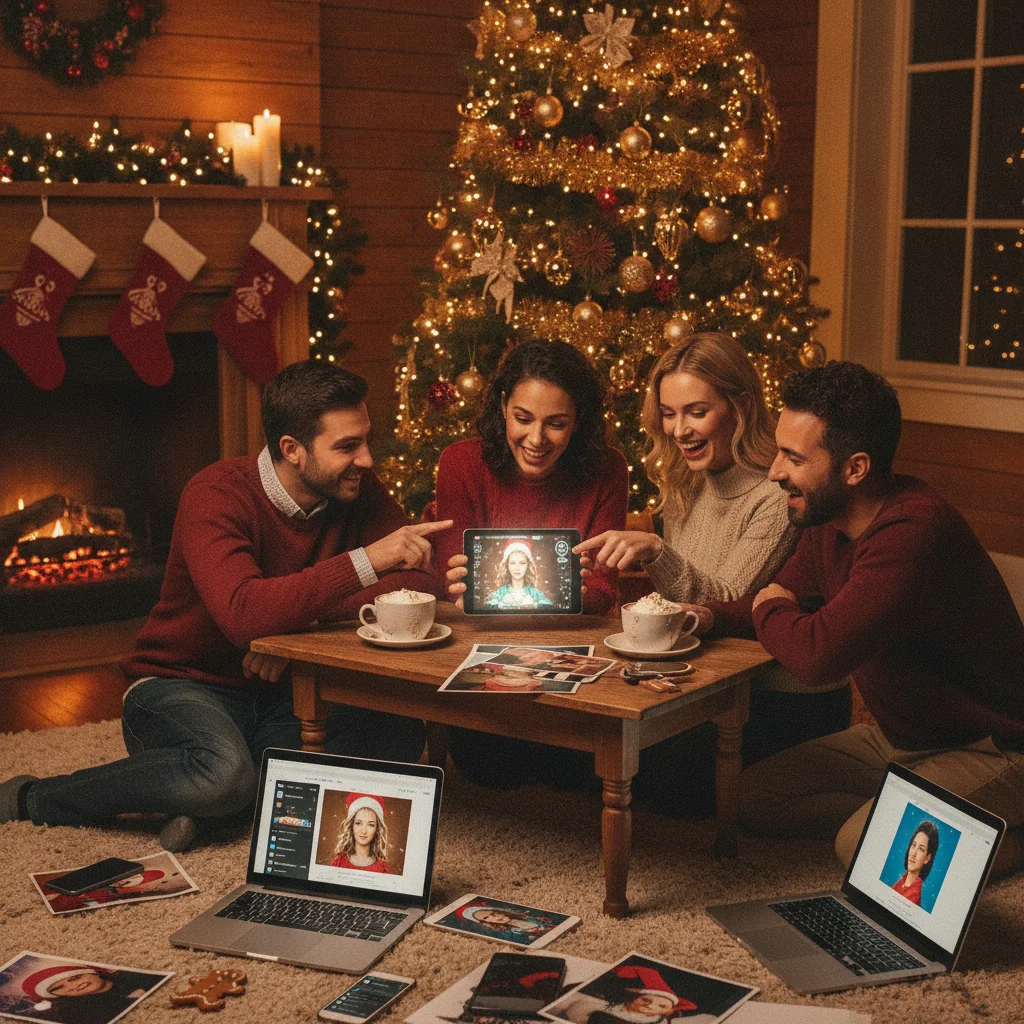
Quick answer: Choose an AI Christmas portrait style transfer tool that preserves recognizable faces, supports the festive look you want, and exports a high-resolution image without an unwanted watermark. Start with a sharp, evenly lit portrait, select a restrained style, and review hands, facial details, clothing, and background objects before downloading or printing the result.
AI Christmas portrait style transfer converts an ordinary photo into an image with a festive visual treatment. Depending on the tool and preset, the result might resemble a classic holiday painting, a snowy studio portrait, a storybook illustration, or a cinematic Christmas scene. The best option is not simply the one with the most effects. It should keep the subject recognizable and produce a file suitable for sharing or printing.
What does AI Christmas portrait style transfer change?
Style transfer changes the visual treatment of a portrait while attempting to preserve the person, pose, and composition. A tool may alter colors, lighting, clothing textures, background scenery, brushwork, or the apparent art medium. Some tools apply a preset to the existing image, while generative tools may reconstruct much of the portrait.
Reconstruction can create a more dramatic result, but it can also change facial structure, eye color, jewelry, hairstyles, or body proportions. People who need an accurate family likeness should favor subtle styles and tools that offer identity-preservation controls.
Which Christmas portrait style should you choose?
The right style depends on how the finished image will be used. Printed cards generally benefit from clear faces and moderate detail, while social posts can support stronger lighting effects or imaginative backgrounds.
| Style | Best use | Main concern |
|---|---|---|
| Classic painted portrait | Formal cards and framed prints | Faces may look overly smooth |
| Snowy photo scene | Family cards and social posts | Artificial snow can cover details |
| Storybook illustration | Children, pets, and playful greetings | Likeness may be less exact |
| Vintage holiday card | Retro designs and postcards | Muted colors may print too dark |
| Cinematic Christmas scene | Digital greetings and profile images | Backgrounds can distract from faces |
When uncertain, generate one realistic version and one illustrated version. Compare both at full size rather than judging only from a small preview.
How should you prepare a photo for style transfer?
- Use a sharp original. Select the full-resolution photo from the camera or phone instead of a compressed screenshot.
- Check the lighting. Faces should be evenly exposed, with visible eyes and limited shadow across important features.
- Avoid blocked faces. Hats, hands, hair, or other people can cause distorted facial details during reconstruction.
- Leave framing space. Extra room around heads and shoulders allows the tool to add decorations or change the image ratio.
- Test one effect first. A controlled comparison makes it easier to identify whether a new preset improves the portrait.
For group portraits, inspect every person separately after processing. AI tools may handle the central face well while changing smaller faces near the edge of the frame.
Is the Christmas Pictures App: PiXmas worth considering?
The Christmas Pictures App: PiXmas is one mobile option that shoppers can compare when looking for Christmas photo effects. The supplied US App Store listing shows a rating of about 4.4 from 116 ratings, although store scores and counts can change. Prospective users should check the current listing for supported effects, export resolution, device compatibility, subscriptions, and in-app purchases before downloading.
ChristmasCard.io is an independent editorial site and is not affiliated with PiXmas, PicsMas, or any application developer. Mention of the app is an editorial recommendation, not a claim that it is the only or best choice for every portrait.
How can you get a print-ready result?
Choose the highest available export quality and confirm that the aspect ratio matches the intended card layout. A landscape card, square social image, and vertical portrait require different crops. Avoid enlarging a small output because upscaling may sharpen edges without restoring genuine facial detail.
Review the image on a larger screen before ordering prints. Check teeth, fingers, earrings, glasses, text, ornaments, and patterned clothing. Keep the unedited source file so another style can be generated if the first version prints poorly.
What are the limitations of AI Christmas portrait tools?
AI style transfer can produce inconsistent identity, especially with side profiles, infants, pets, and crowded group photos. Fine objects may merge together, hands can be malformed, and decorative text may contain meaningless letters. Strong effects can also change skin tone or make family members appear to have different lighting.
Privacy policies vary between services. Before uploading a child’s portrait or a sensitive family photo, check whether the provider stores uploads, uses images for model training, or offers deletion controls. Free versions may restrict resolution, add watermarks, or require payment before export.
Verdict: Choose a tool based on facial accuracy, export quality, privacy terms, and the intended card format. A restrained festive preset applied to a strong original photo usually produces the most dependable Christmas portrait.
What can AI Christmas portrait style transfer change, and what must the original photo provide?
AI Christmas portrait style transfer can restyle color, lighting, texture, background, and apparent clothing details in a real photo, but the original must still provide a clear, recognizable face, usable focus, and the basic pose or composition you want retained. It may turn an ordinary room into a snowy setting, simulate painted brushwork, or add festive fabrics and accessories. It cannot reliably recover facial information hidden by hair, hands, deep shadow, blur, or a tight crop; instead, it may guess and change the person’s identity. Start with the uncropped original rather than a screenshot, and choose a frame where the eyes and defining features are visible. If the desired pose is absent, use another photo rather than expecting style transfer to construct it accurately. There is no universal source-file threshold that guarantees faithful results across tools.
Which flaws can AI Christmas portrait style transfer not reliably fix?
AI Christmas portrait style transfer cannot reliably repair malformed anatomy, recover true facial details, or distinguish decorations from subjects.
- Hands: It may preserve fused fingers, invent extra digits, or turn gloves and ornaments into parts of a hand. If hands are small, crossed, or hidden, crop them out or choose another source photo.
- Teeth: A broad smile can become a repeated white pattern, with uneven tooth counts or distorted lips. Style transfer cannot reconstruct a person’s exact teeth from blur or shadow.
- Extra pets or limbs: Fur, blankets, and holiday props can be misread as another animal, tail, paw, or ear. Regenerating may move the error rather than remove it while preserving every real pet.
- Text: Sweater lettering, gift tags, signs, and ornaments often emerge as plausible-looking gibberish. Add names and greetings afterward in a layout editor instead of asking the portrait model to render them.
Frequently asked questions
What is AI Christmas portrait style transfer?
AI Christmas portrait style transfer applies a festive artistic treatment to a photo while attempting to retain the subject’s identity and pose. Effects can include painted, snowy, vintage, storybook, or cinematic styles.
Can AI style transfer change a person’s face?
AI style transfer can alter facial shape, eyes, hair, skin texture, or expression, particularly when a tool reconstructs the image. Subtle presets usually preserve identity better than heavily generative effects.
What photo quality works best for an AI Christmas portrait?
A sharp, full-resolution photo with even lighting and unobstructed faces works best. Compressed screenshots, motion blur, and dark shadows increase the risk of distorted details.
Can an AI Christmas portrait be printed on a card?
An AI portrait can be printed if the export has enough resolution for the card dimensions and crop. The final file should be checked for facial errors, malformed hands, and dark colors before printing.
Should I use a realistic or illustrated Christmas style?
A realistic style is usually better for formal family cards where likeness matters. An illustrated style can suit children, pets, casual greetings, and imaginative holiday scenes.
Are uploaded Christmas portraits private?
Privacy depends on the tool’s data policy, storage period, deletion options, and model-training terms. Users should review those terms before uploading portraits of children or sensitive family images.
Why does an AI portrait look good in preview but poor in print?
Small previews can hide soft faces, malformed details, compression, and insufficient resolution. Printed output also exposes dark shadows and color shifts that may not be obvious on a bright phone screen.
Can AI Christmas portrait style transfer add holiday clothes to a photo?
Yes, it can visually replace or embellish clothing with sweaters, velvet outfits, scarves, or other festive details. However, the result is generated rather than a precise wardrobe edit. Check necklines, hands, jewelry, fabric edges, and overlapping hair because these areas can merge or acquire inconsistent shapes.
Does AI Christmas portrait style transfer work with group photos?
It can work with group photos when every face is visible, reasonably large, and separated from nearby people. Crowded poses, crossed arms, matching hairstyles, and partially hidden faces increase the chance of blended features or altered identities. Test the effect on the full group and inspect each person before keeping the result.
Why does an AI Christmas portrait add extra fingers or pets?
AI portrait tools can misinterpret overlapping shapes, partially hidden hands, fur, blankets, and holiday decorations. The model generates a likely-looking image rather than identifying every object with certainty. Try a source photo with separated hands, visible pet outlines, and less visual clutter; otherwise, crop the problem area or edit it afterward.